
AI Object Replacer: Swap Anything in a Photo
Use the AI Object Replacer to exchange furniture, products, vehicles, plants, décor, and everyday objects while keeping the original scene beautifully intact.
Tell the AI Object Replacer which object should change, then add the color, material, or style you want.
See What the AI Object Replacer Can Transform
Explore five high-impact ways the AI Object Replacer helps people refresh interiors, visualize purchases, update product scenes, and reinvent everyday photos.
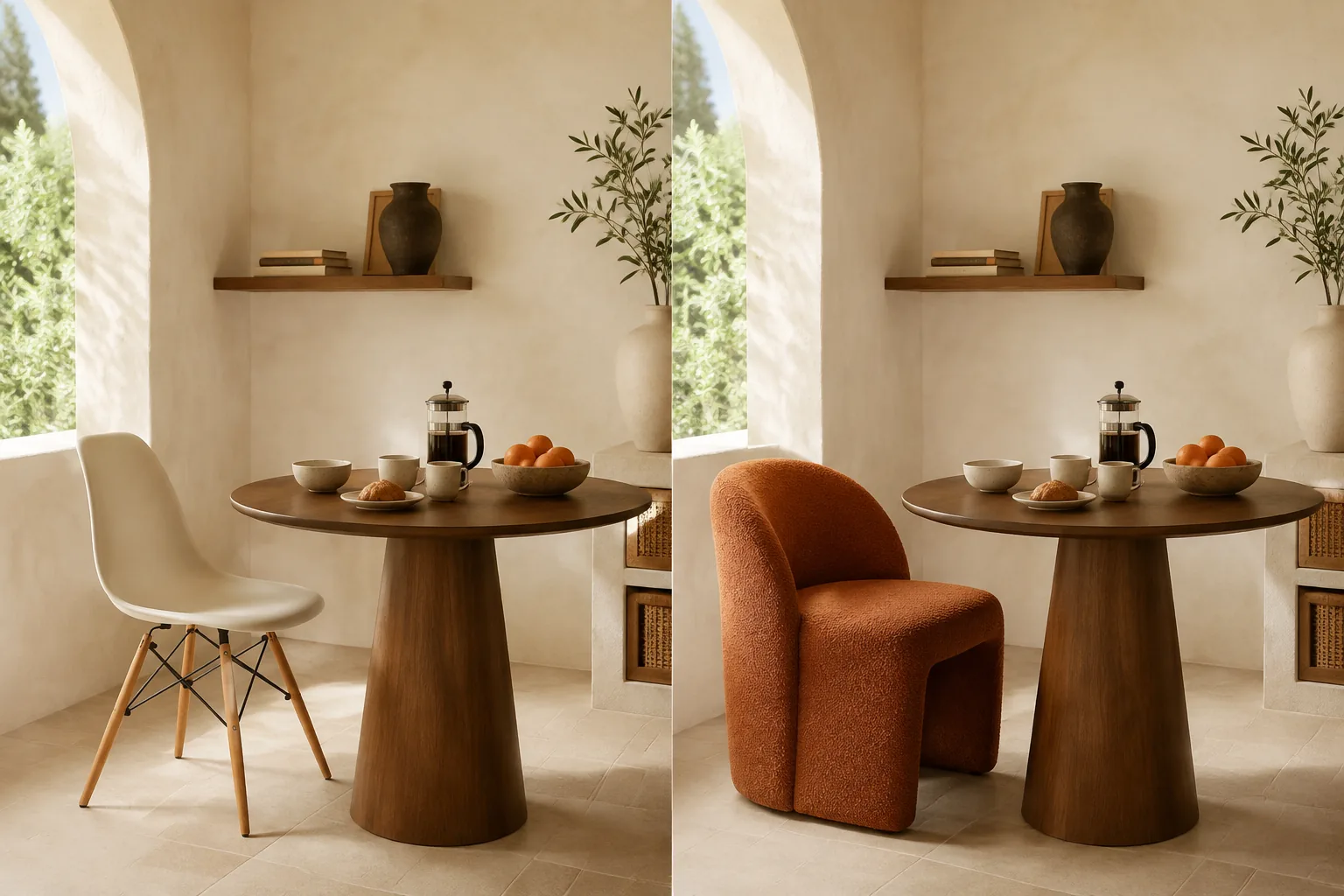
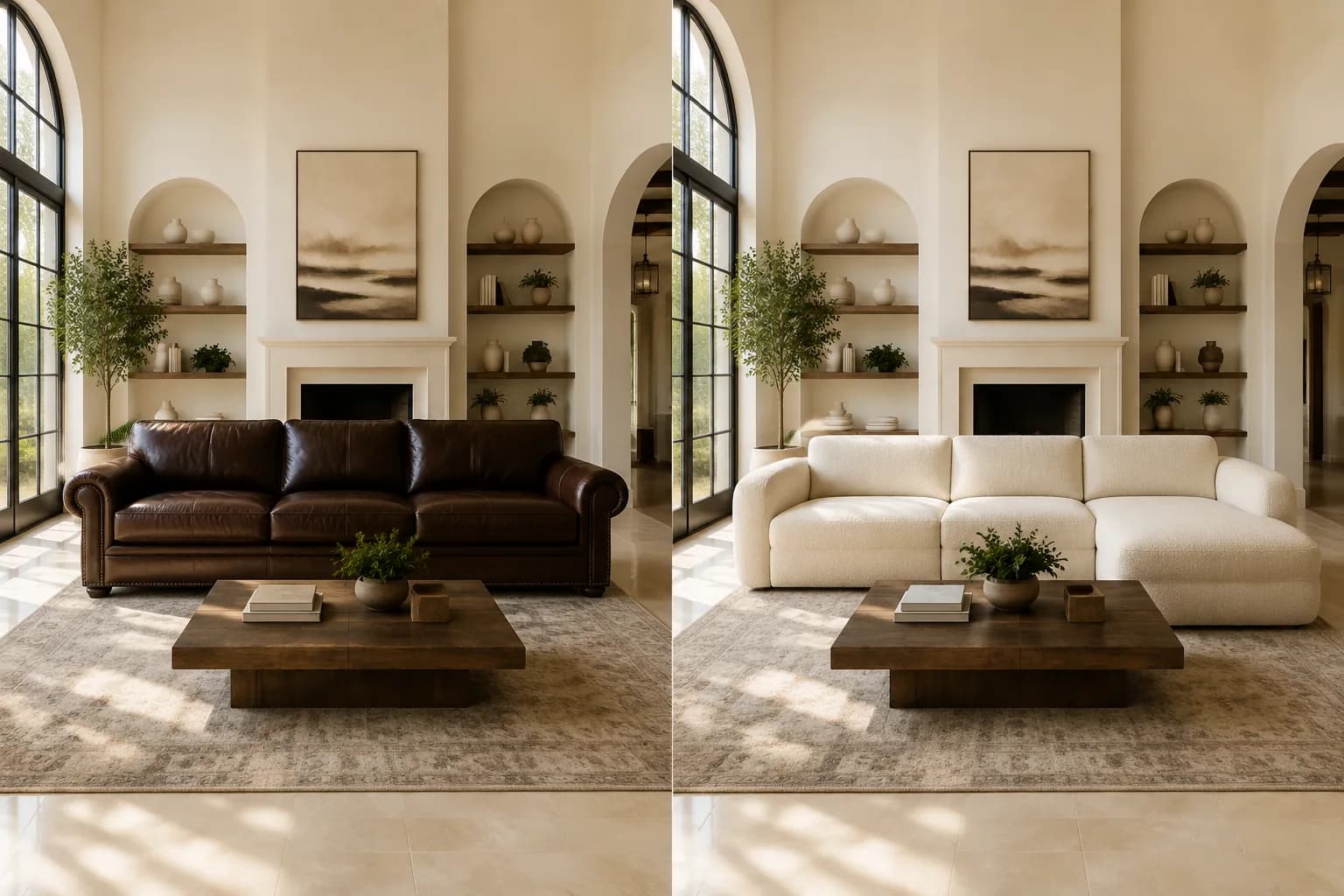
Replace Furniture and Reimagine a Room
Use the AI Object Replacer to exchange an outdated sofa, chair, table, or cabinet for a new design while the architecture and room layout stay familiar. It is a fast way to preview a fresh interior direction before creating a mood board, sharing a design concept, or planning a purchase.
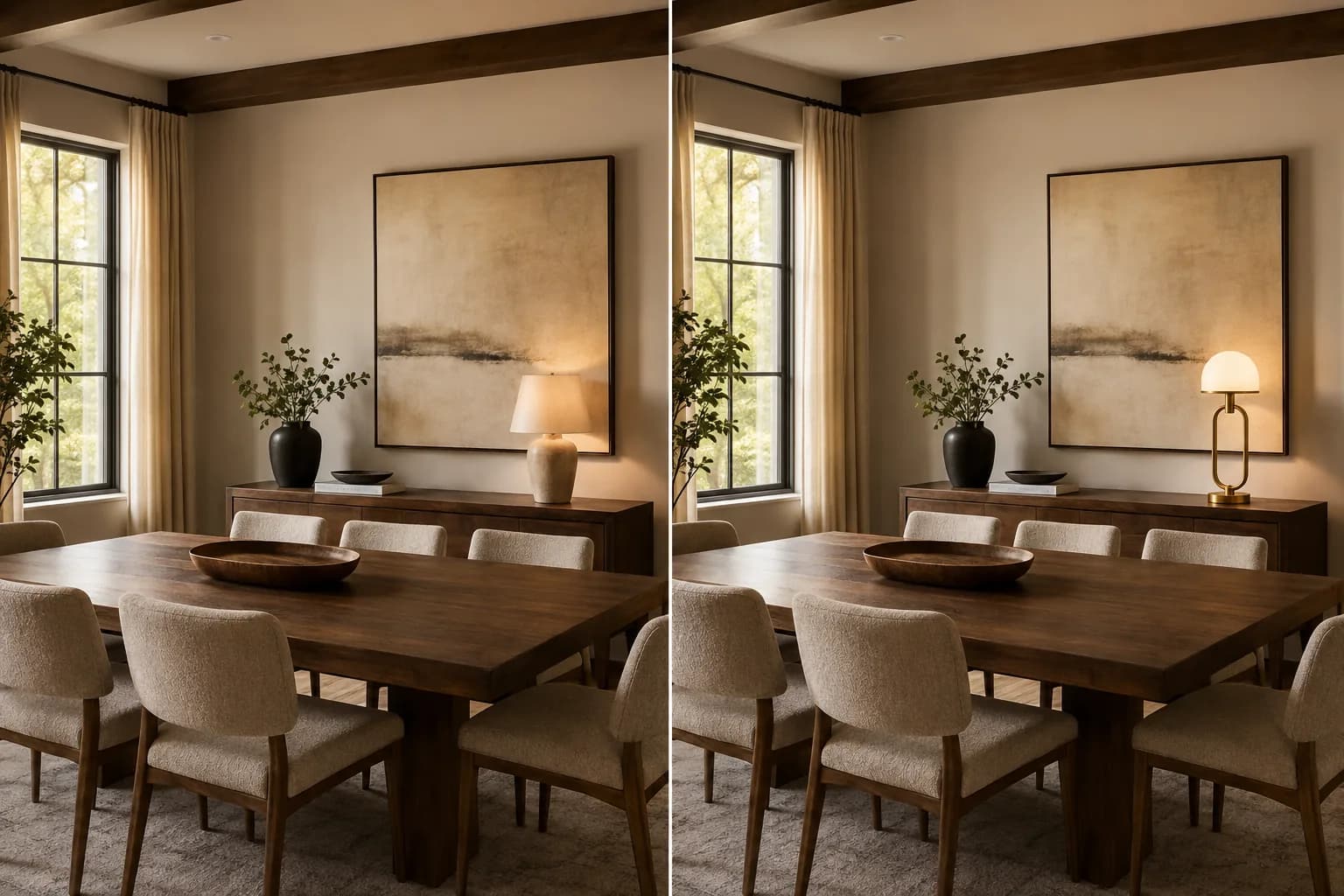
Swap Lamps and Décor for a New Style
A single décor change can redefine the mood of a photo. The AI Object Replacer can swap lamps, wall art, mirrors, vases, cushions, and accent pieces so creators and interior lovers can compare visual directions without arranging another photo shoot.
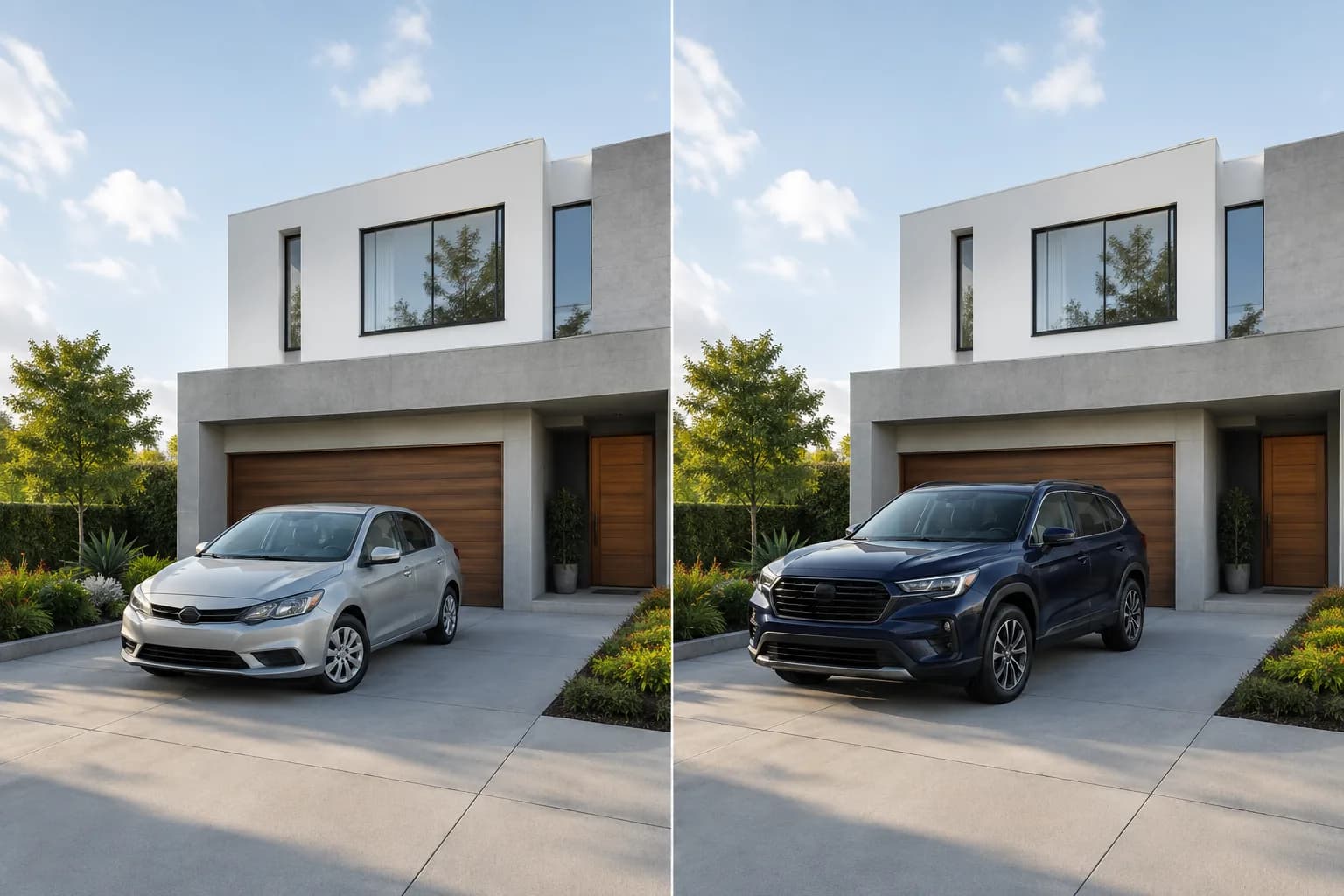
Change a Vehicle Without Changing the Location
Turn one driveway, street, or travel photograph into a new visual concept by exchanging the vehicle alone. The AI Object Replacer places the new car in the existing composition and carries the road perspective, outdoor light, reflections, and contact shadow into the finished image.
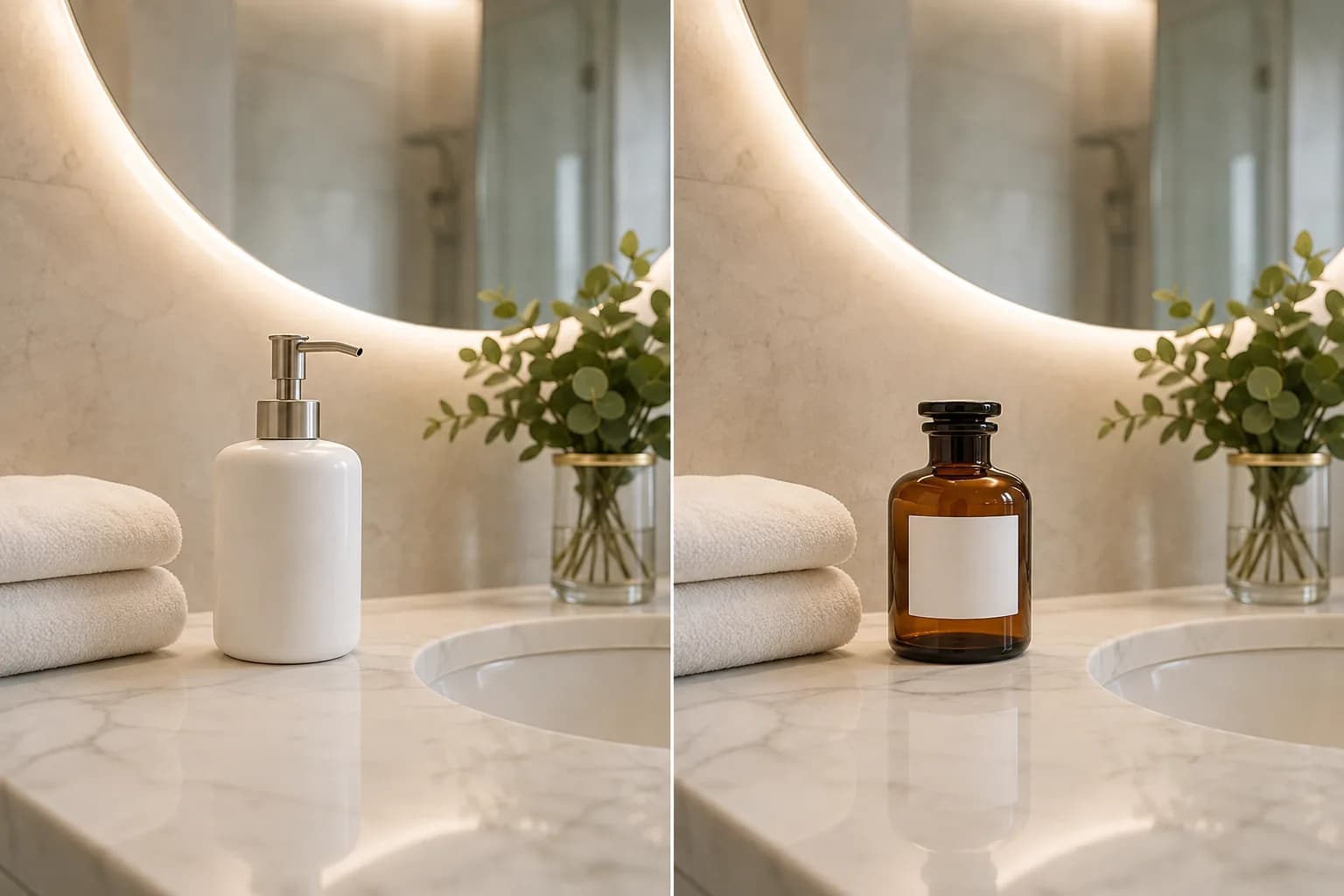
Refresh Product and Lifestyle Scenes
Replace a prop, container, accessory, or display item while keeping the styled setting ready for a new creative direction. The AI Object Replacer helps sellers and marketers develop fresh lifestyle concepts from an existing composition, surface, lighting setup, and visual mood.
Preview Plants and Statement Pieces
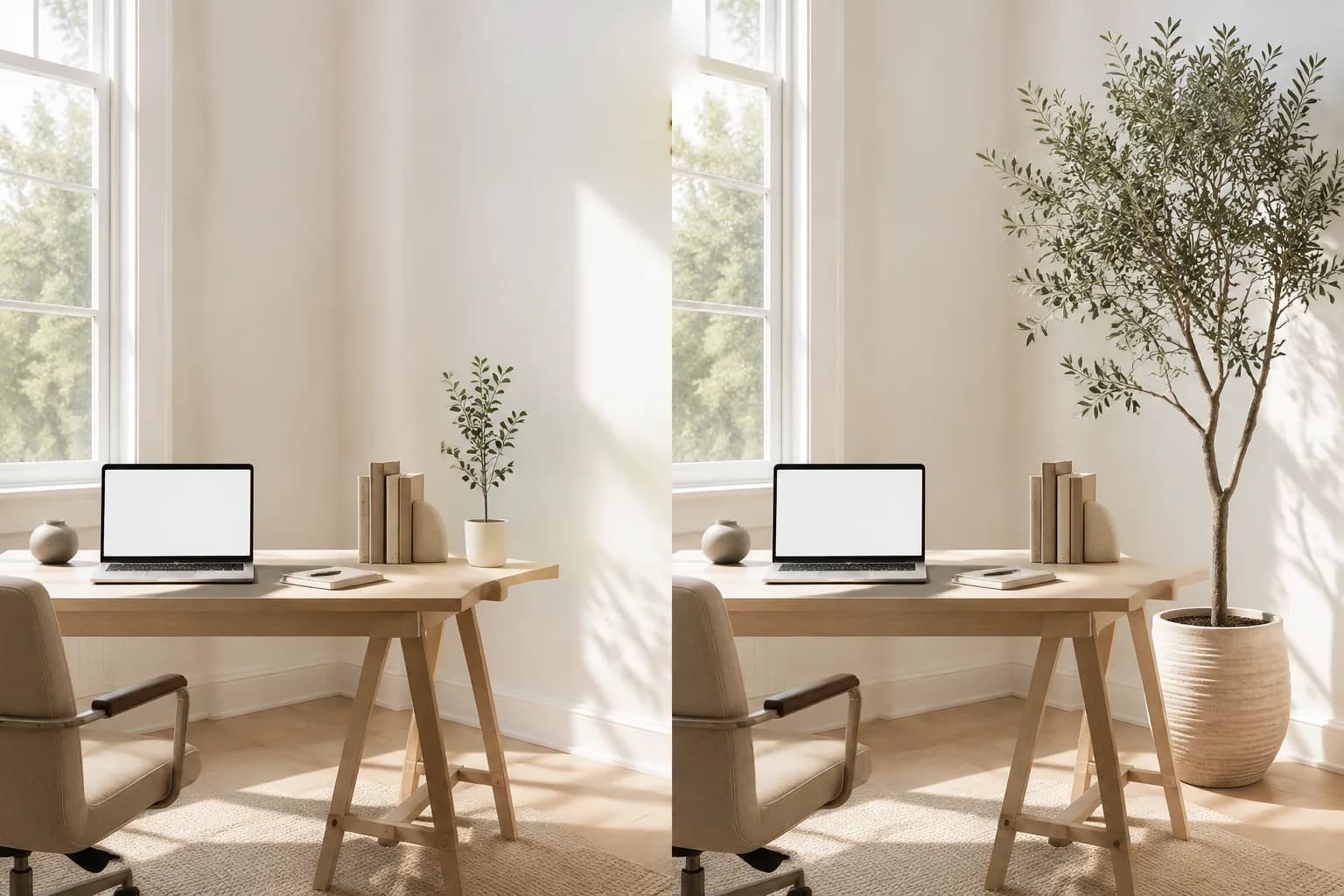
See how the AI Object Replacer uses a taller plant, sculptural object, or statement decoration to change an office, living room, event space, or property photo. One focused object swap can add scale, warmth, color, and personality while the rest of the image keeps its original rhythm.
How to Use the AI Object Replacer
The AI Object Replacer turns one uploaded photo and one clear instruction into a new visual direction in three simple steps.
1. Upload Your Photo
Give the AI Object Replacer an image containing the furniture, product, vehicle, plant, prop, or decoration you want to exchange.
2. Describe the Swap
Tell the AI Object Replacer what should change and describe the replacement with useful details such as color, shape, material, size, and style.
3. Create Your New Scene
Let the AI Object Replacer generate the edit, then enjoy the refreshed composition and continue refining the visual direction whenever inspiration strikes.
Who Creates with an AI Object Replacer?
An AI Object Replacer gives designers, sellers, creators, and everyday photo editors a flexible way to explore a new object inside an existing scene.
Interior Design
Use the AI Object Replacer to compare furniture and décor directions inside the same photographed room.
Ecommerce Concepts
Use the AI Object Replacer to refresh props, containers, accessories, and product presentation ideas.
Marketing Visuals
Let the AI Object Replacer create new campaign concepts from an approved scene and composition.
Property and Travel Photos
Use the AI Object Replacer to exchange vehicles, plants, signs, and scene details for a stronger image.
Creative Experiments
Let the AI Object Replacer turn spontaneous ideas into believable visual variations worth sharing.
Why Choose This AI Object Replacer?
This AI Object Replacer combines a focused workflow with natural-language control and scene-aware visual blending.
Simple Creative Direction
Tell the AI Object Replacer which object you see and which object you want, then shape the style with color and material details.
Scene-Preserving Focus
The AI Object Replacer keeps attention on one replacement while supporting the original people, setting, framing, and visual story.
Naturally Blended Results
The AI Object Replacer coordinates scale, perspective, lighting, reflections, and shadows so the new object feels at home in the scene.
AI Object Replacer FAQ
What is an AI Object Replacer?
What objects can I replace in a photo?
Can I replace furniture in a room photo?
Can I use it for product and marketing images?
How do I make the replacement look natural?
Is an object replacer different from an object remover?
Can I use the AI Object Replacer on my phone?
Can I try the AI Object Replacer online?
Try the AI Object Replacer on Your Photo
Upload one scene, describe the object swap you imagine, and let the AI Object Replacer turn that idea into a naturally integrated image.