
Free AI Background Remover Online
Drop an image to remove its background
What This AI Background Remover Can Do
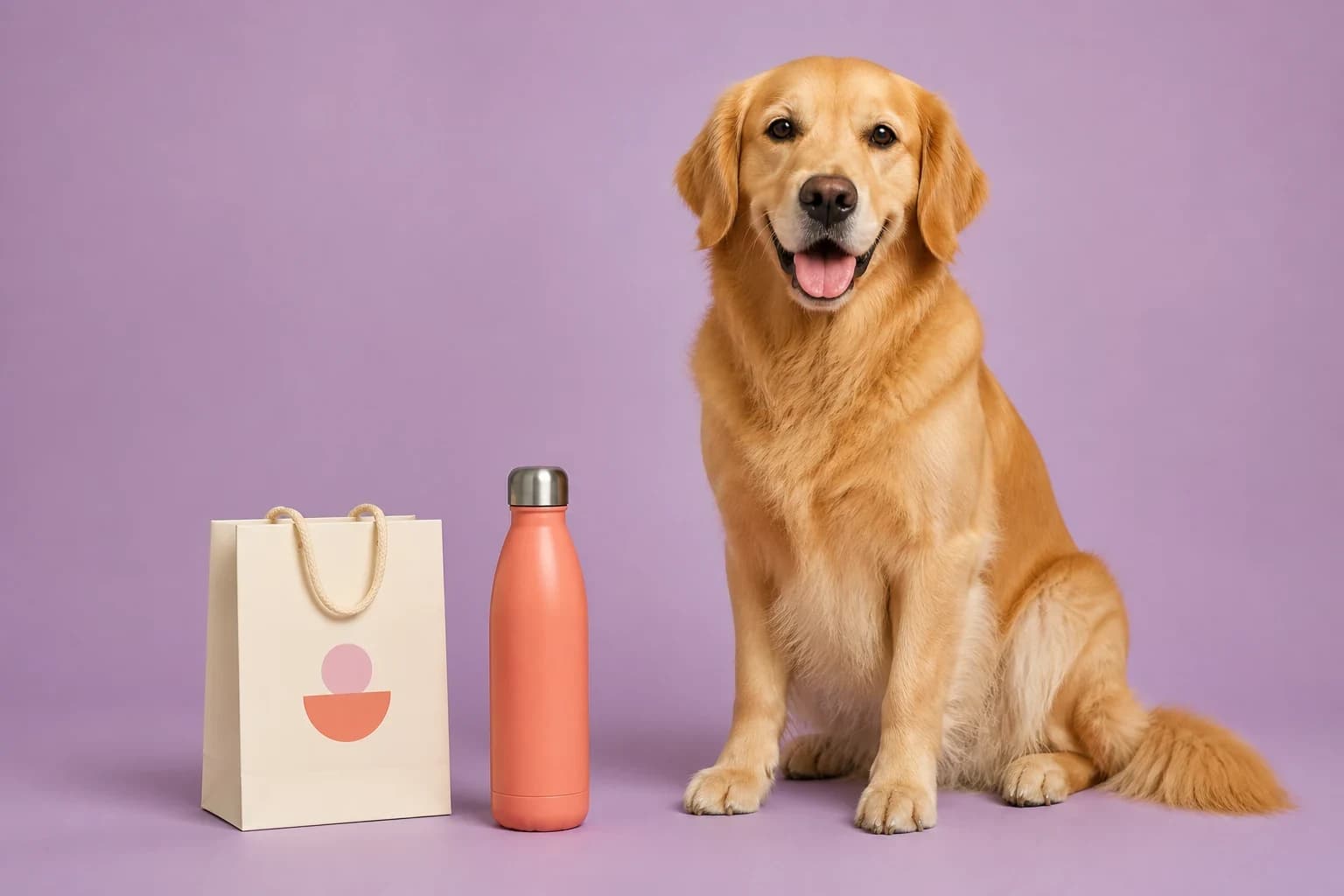
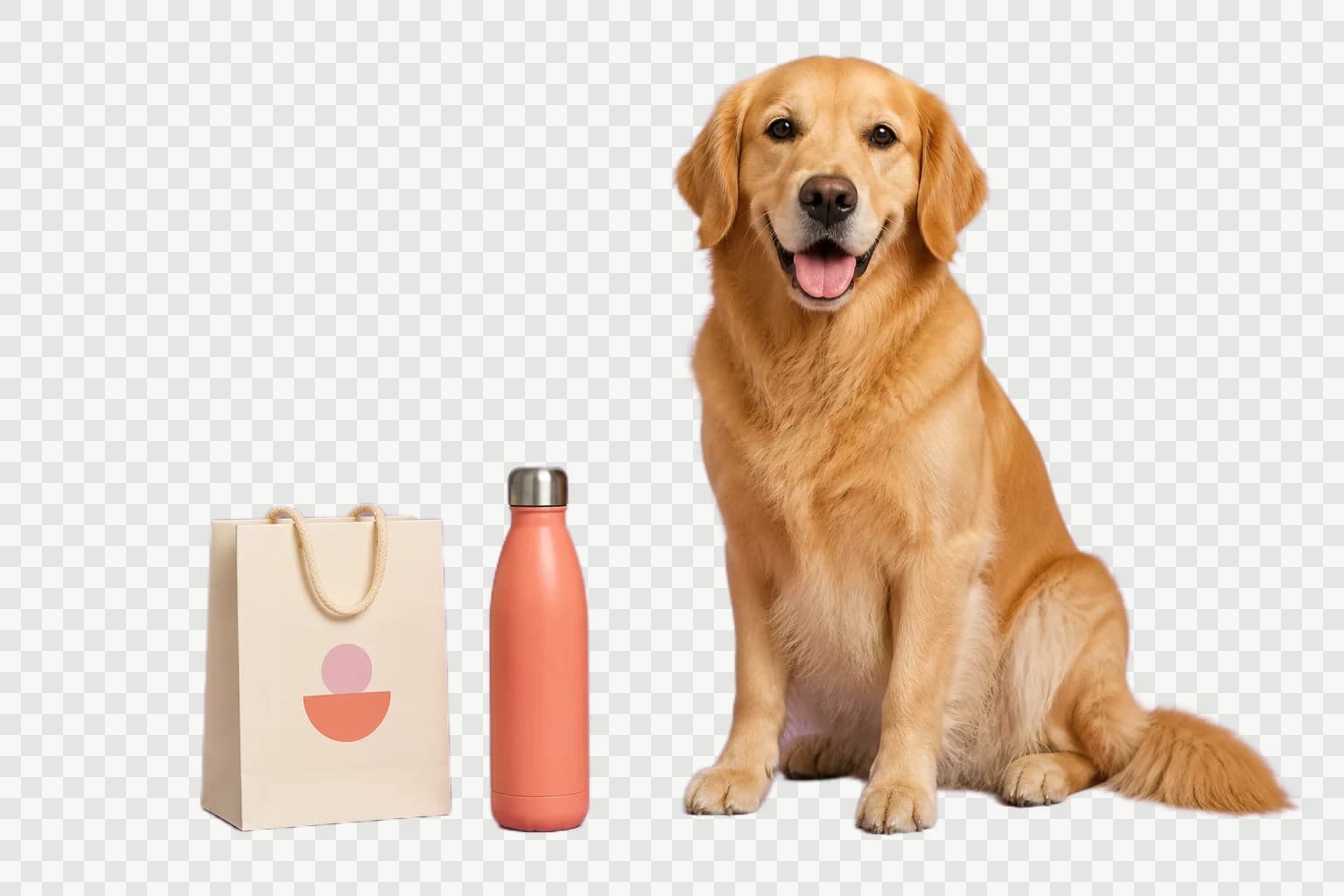
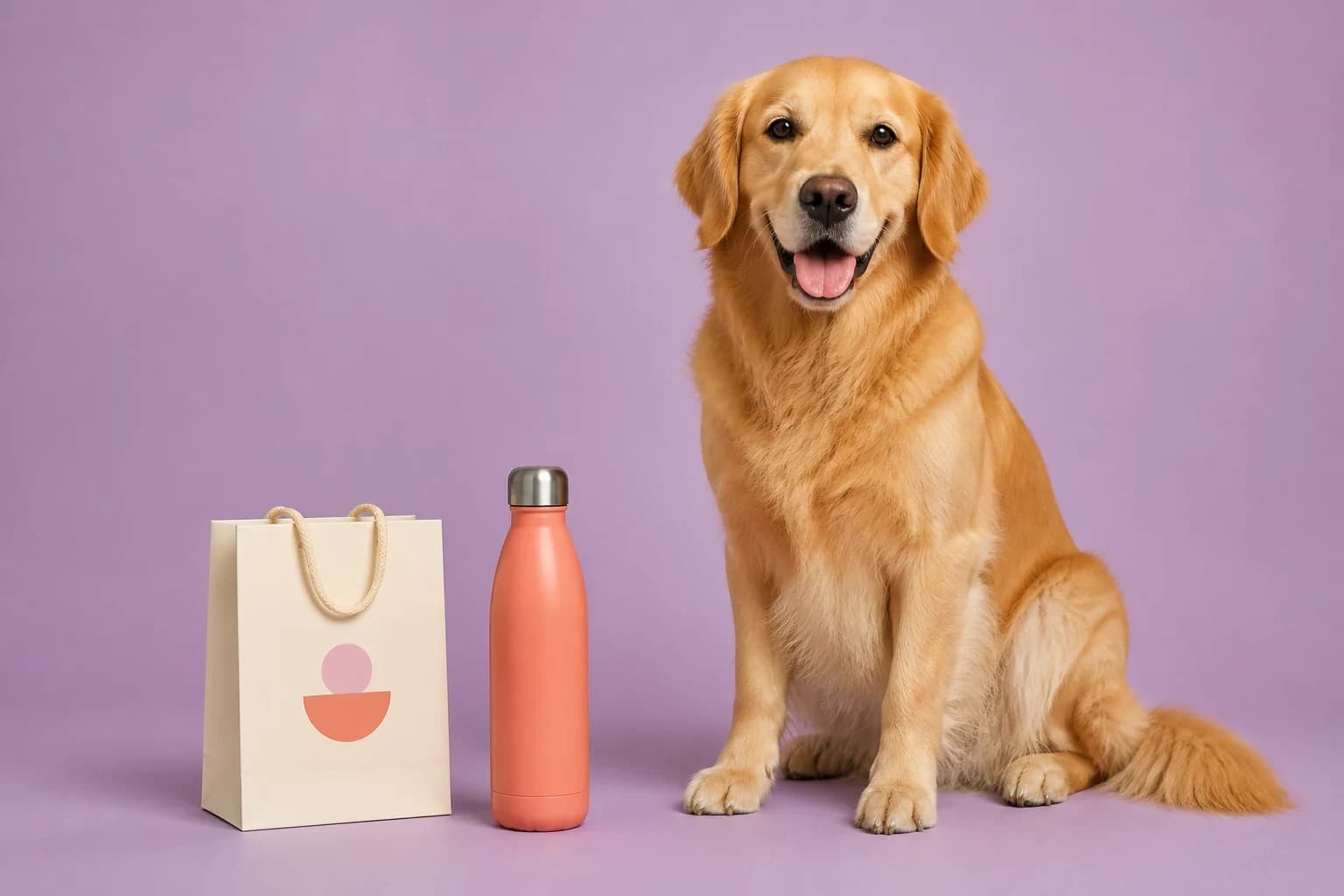
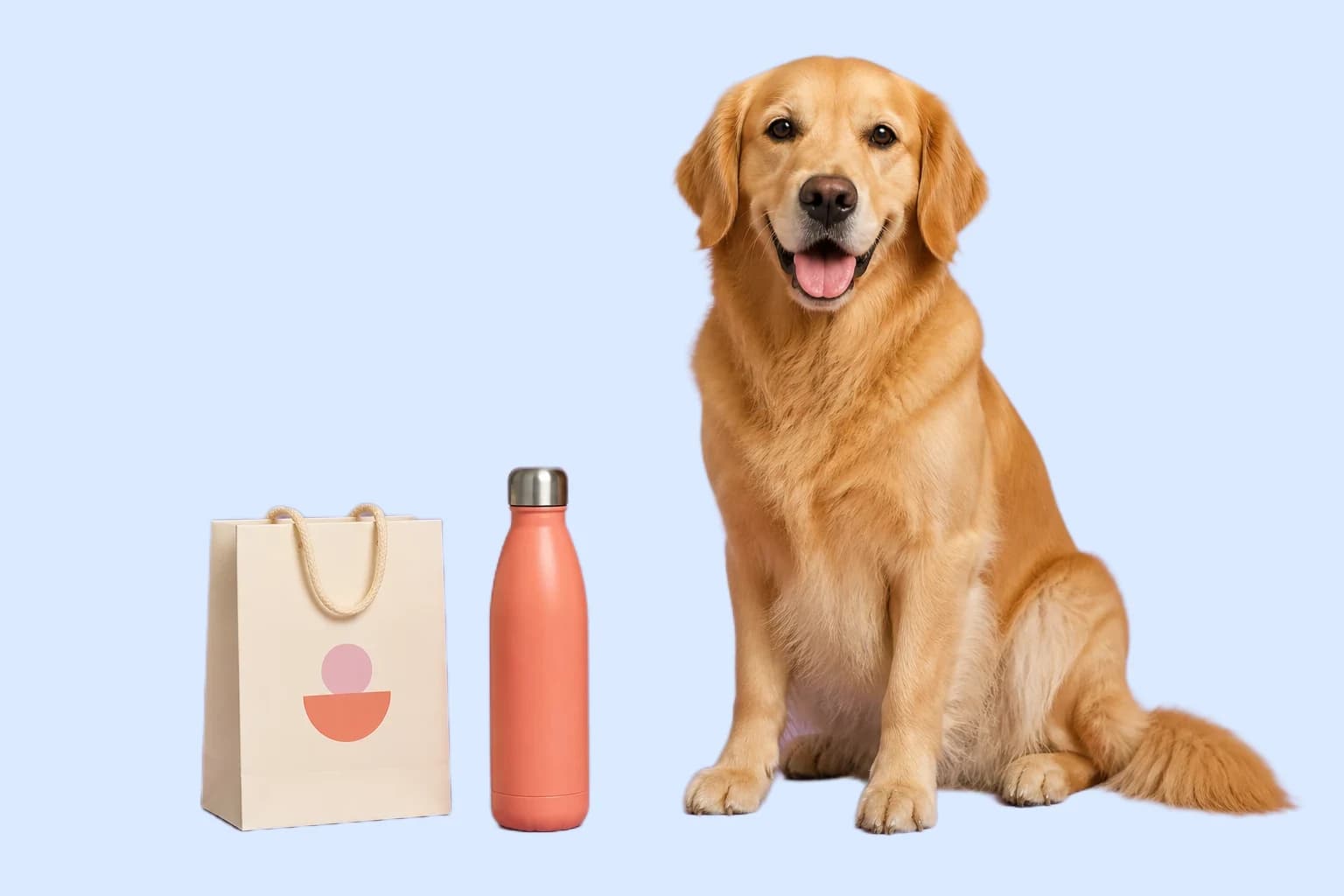
These are the background removal capabilities users search for most often. Drag each comparison to inspect the subject edge and resulting background.
Remove a Photo Background Automatically
Upload a portrait, product shot, pet photo, or mixed studio image and let the AI Background Remover identify the main foreground automatically. There is no removal-mode decision and no manual outline. The tool returns the subject at the original pixel dimensions, so the cutout stays useful for design, publishing, and later editing instead of being reduced to a small preview.
- Automatic foreground detection with no manual outline
- Original width and height retained in the PNG result
- Useful for portraits, pets, products, and mixed subjects
Remove Background from Product Photos
A product background remover is commonly used to prepare marketplace listings, catalog images, social ads, and new lifestyle compositions. A clear product boundary and good source lighting help the automatic cutout. The Background Remover gives you a transparent PNG or a color-filled result that can move into a product background, shadow, or relighting workflow without repeating the basic cutout step.
- Clean product cutouts for stores and catalogs
- Custom fill colors for consistent listing backgrounds
- Continue to product shadows, relighting, or AI scenes


Make a Logo Background Transparent
When a raster logo arrives as JPG or WebP with background pixels baked around it, automatic removal can create transparency when the mark is clearly separated from its background. Review fine lettering and low-contrast edges before download. The Background Remover exports PNG so the alpha channel remains available when the logo is placed over a website color, slide, video, document, thumbnail, or packaging layout.
- Remove white backgrounds from raster logos and graphics
- Preserve transparent pixels in PNG output
- Use the result over colors, photos, and presentations


Create High-quality Pet and Portrait Cutouts
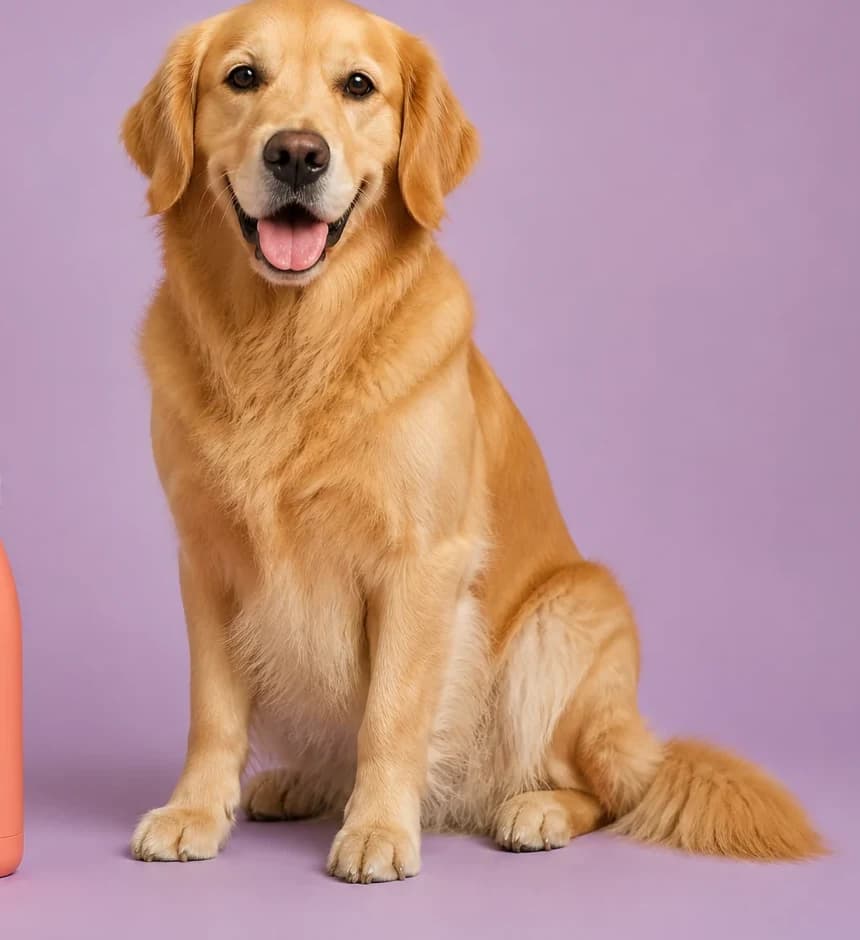
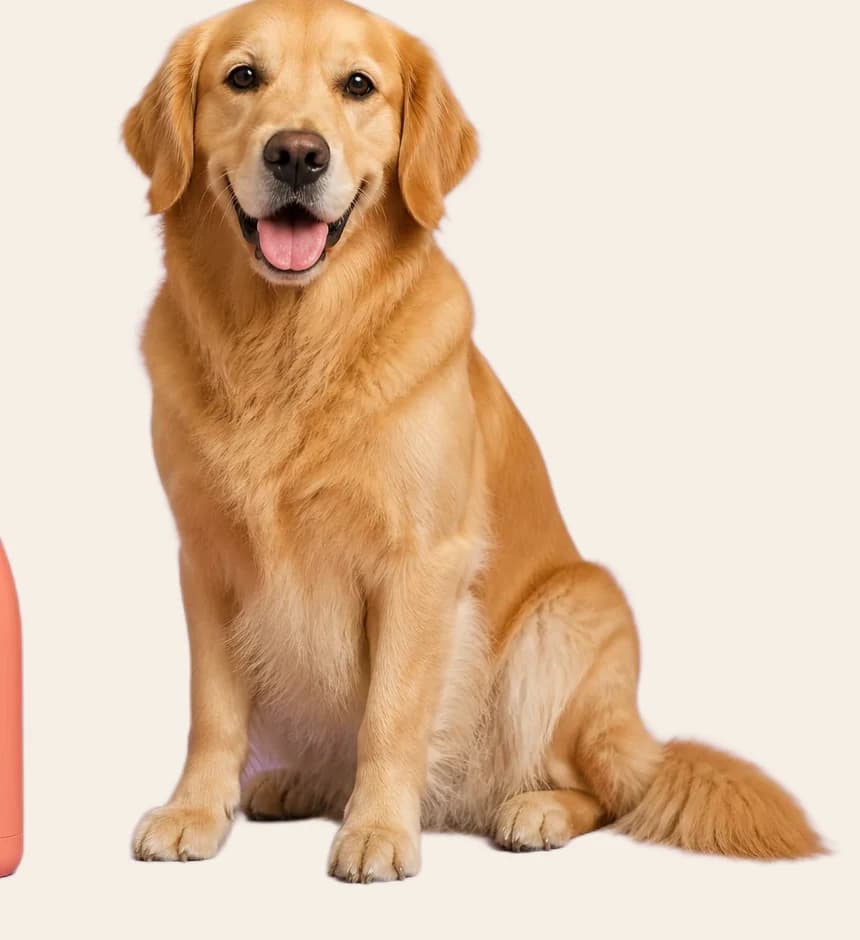
Pet owners and portrait editors care most about hair, fur, ears, clothing, and the natural silhouette around a face or body. The automatic model evaluates the detailed subject rather than removing only one sampled color. A clear, well-lit source helps the AI Background Remover produce a higher-quality boundary. Review whiskers, long fur, loose hair, glasses, and translucent fabric at full size before publishing.
- Designed for soft hair, fur, and irregular silhouettes
- Works best with a clear subject and visible boundaries
- Full-size preview makes difficult edges easier to review
Make a Background Transparent or Add Any Color
Transparent PNG is the flexible choice for design work because the cutout can be reused over any future scene. When the final layout needs a solid background, open the color picker and select white, a brand color, or any custom shade. The preview changes immediately, and the selected color is included in the downloaded or transferred image. Continue into the main AI Image Editor when you need a generated background, realistic product shadow, object removal, relighting, or a more complex prompt-based change.
- Checkerboard preview for true transparency
- Custom background color picker with live preview
- Direct path into advanced AI image editing
A Background Remover Built Around the Result You Need
Most visitors want a clean subject, a transparent file, and a fast path to the next edit. This Background Remover keeps those decisions visible without adding a complicated editor.
Automatic subject detection
Upload the image and start the AI Background Remover. It examines the foreground and separates the subject without asking you to choose a technical mode or trace an outline manually.
Transparent or custom color
Keep the removed area transparent for flexible reuse, or choose any fill color after removal. The preview updates immediately so you can check the subject against the final background.
Private with no usage quota
Process as many images as you want without an account, credits, or a daily limit. Each image stays on your device.
How to Use the Background Remover
The essential background removal workflow takes three short steps.
Choose one image
Drop a JPG, PNG, or WebP into the centered upload box. The full workspace opens only after the browser reads the image.
Remove the background
Start the automatic Background Remover and compare the original with the transparent result.
Process and download
Keep transparency or choose a fill color, then download the PNG or send the finished result into the AI Image Editor.
Popular Background Remover Uses
One page covers the most useful background removal tasks without creating separate URLs for every subject.
E-commerce
Prepare products for white listings, transparent catalogs, new backgrounds, and consistent storefront presentation.
Logos and design
Remove white from raster marks, icons, signatures, labels, stickers, slide graphics, and thumbnails.
Portraits and pets
Create reusable cutouts for profile pictures, family designs, pet memorials, invitations, and social content.
AI background editing
Start with a clean cutout, then add a product scene, change lighting, remove objects, or generate a new environment.
Background Remover FAQ
Is this AI Background Remover free?
Does the Background Remover upload my image?
Can I remove backgrounds from products, logos, and pets?
How do I remove a white background?
How do I make an image background transparent?
Why are glass, smoke, or shadows harder to remove?
Can I add a new background after removal?
Remove the Background, Then Build the Image
Start with the free Background Remover. When the cutout is ready, download it or continue into the AI Image Editor for a new environment, realistic shadow, relighting, and advanced edits.