
AI Outfit Generator: See Your Next Look on You
Outfit ideas
Image 1 is your portrait. Any extra images guide the clothing only.
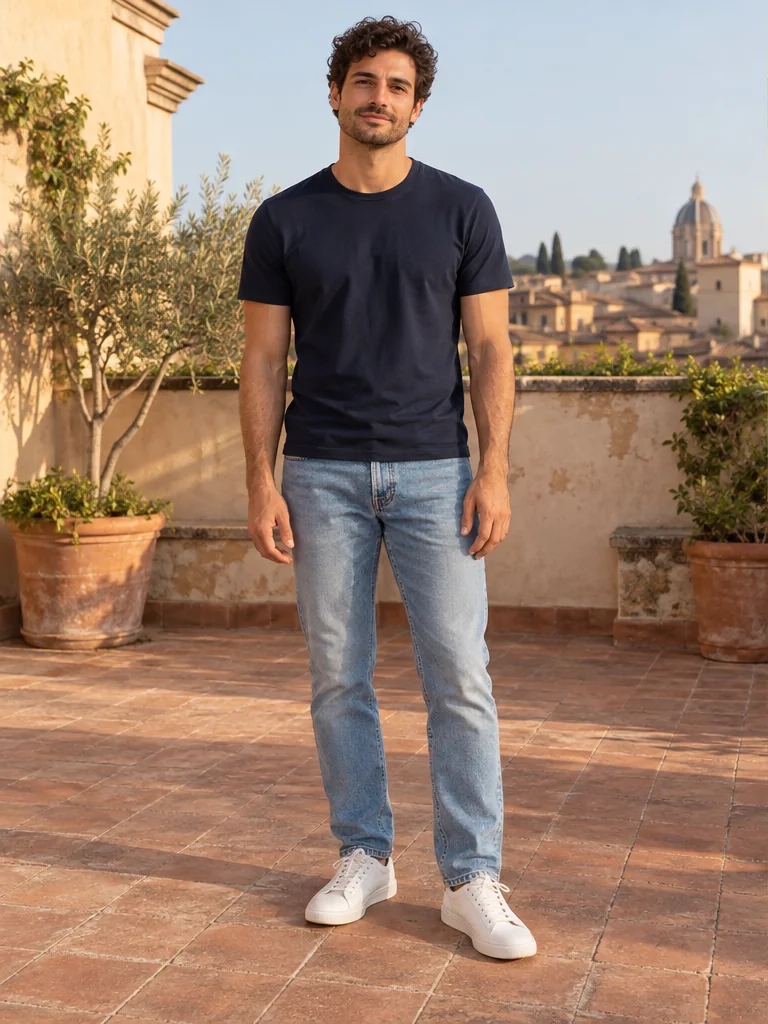
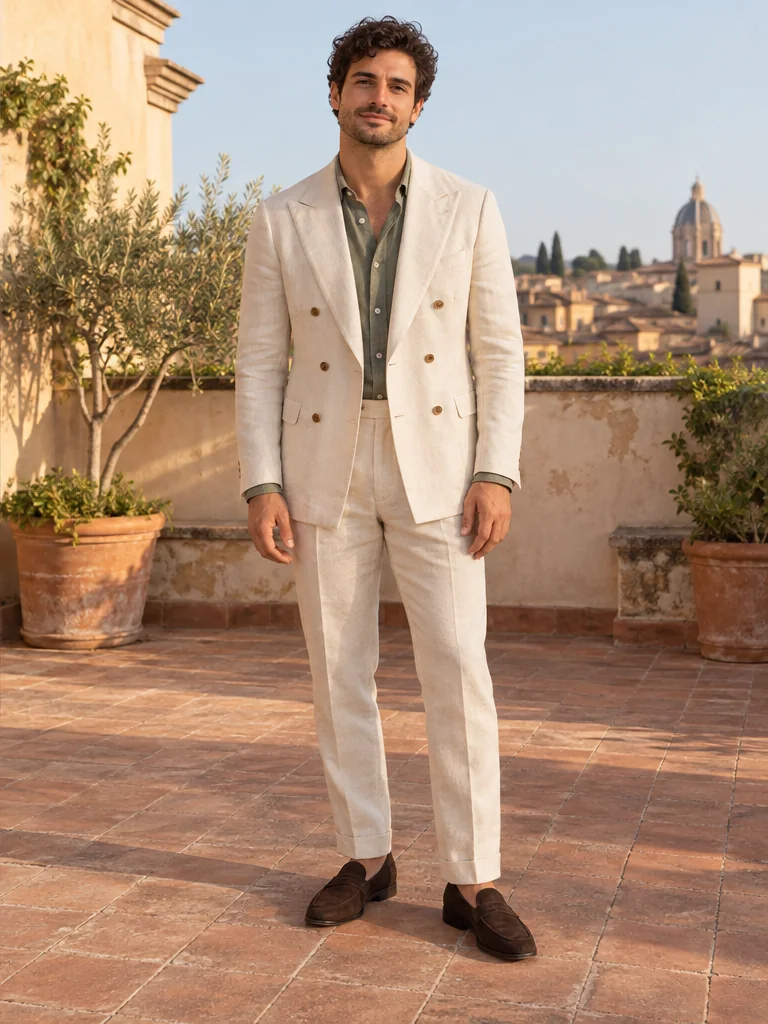
Meet your AI Outfit Generator
Explore what the AI Outfit Generator can bring to your photos, from everyday changes to a completely different style.
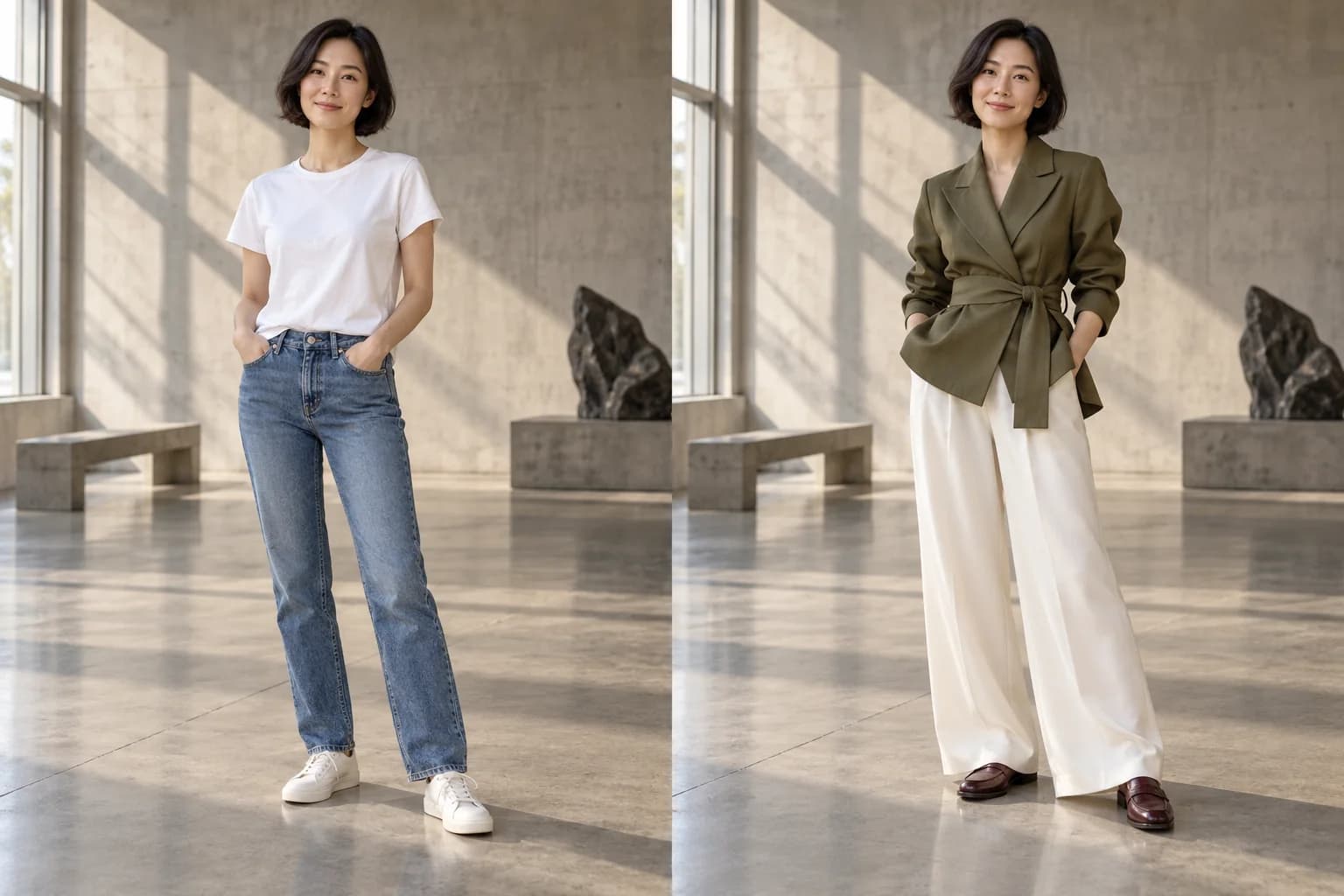
AI Outfit Generator for a Look That Feels Like You
Love an outfit but wonder how it would look on you? The AI Outfit Generator brings the idea to your own photo. Turn everyday basics into confident tailoring, relaxed weekend layers, or a new silhouette. See the whole look together, compare it with your original, and discover combinations that feel more personal than a saved inspiration photo.
Try it on your photo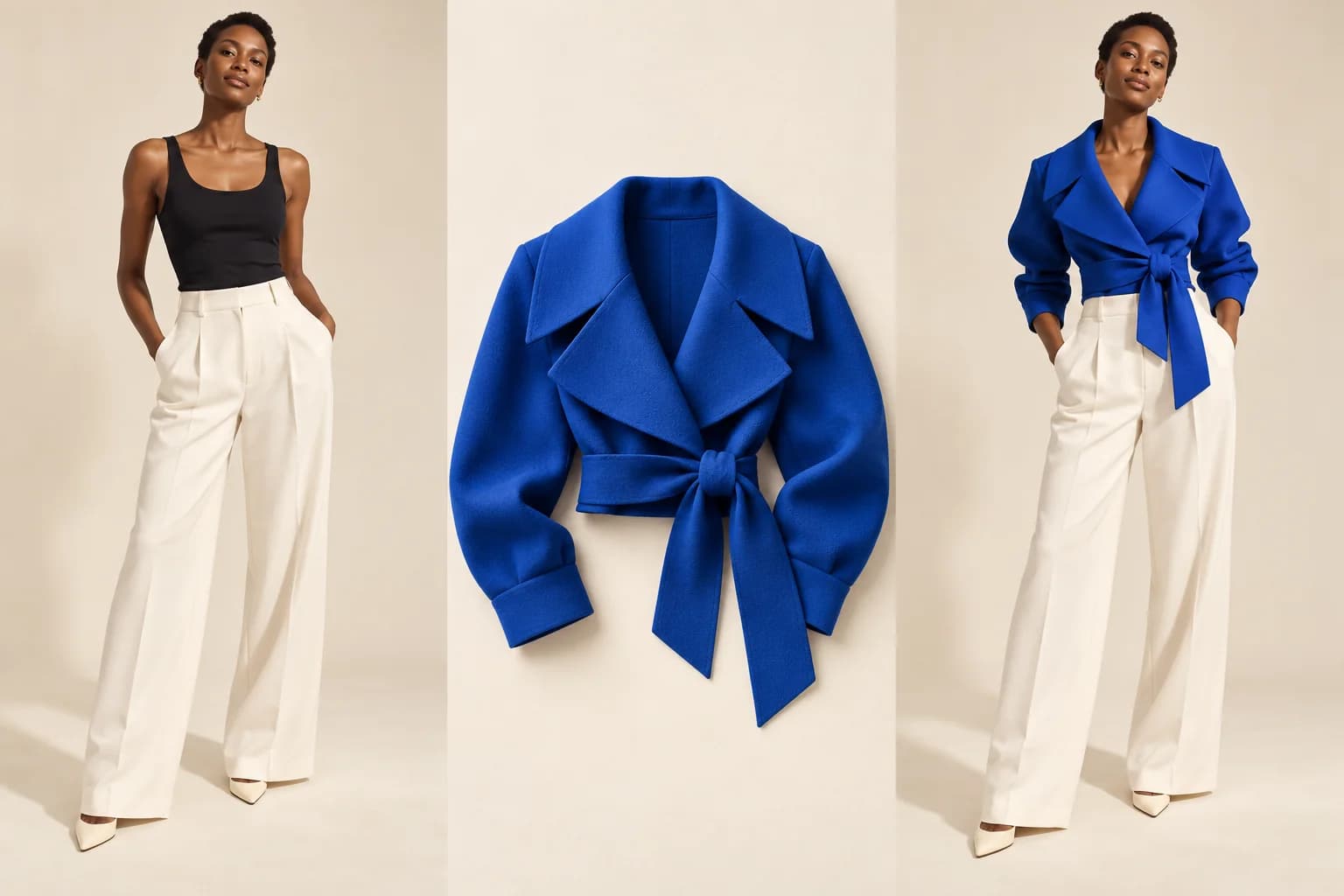
AI Outfit Generator with Pictures of Your Clothes
Give a favorite jacket a fresh direction. Add a clothing photo alongside your portrait and let the AI Outfit Generator turn separate pieces into an outfit preview. A product shot, flat lay, or wardrobe find can guide the styling. Explore what to pair with that statement piece before spending time assembling the whole outfit. See how a statement jacket works with simple basics, or build a complete color palette around a piece you have been meaning to wear.
Try it on your photo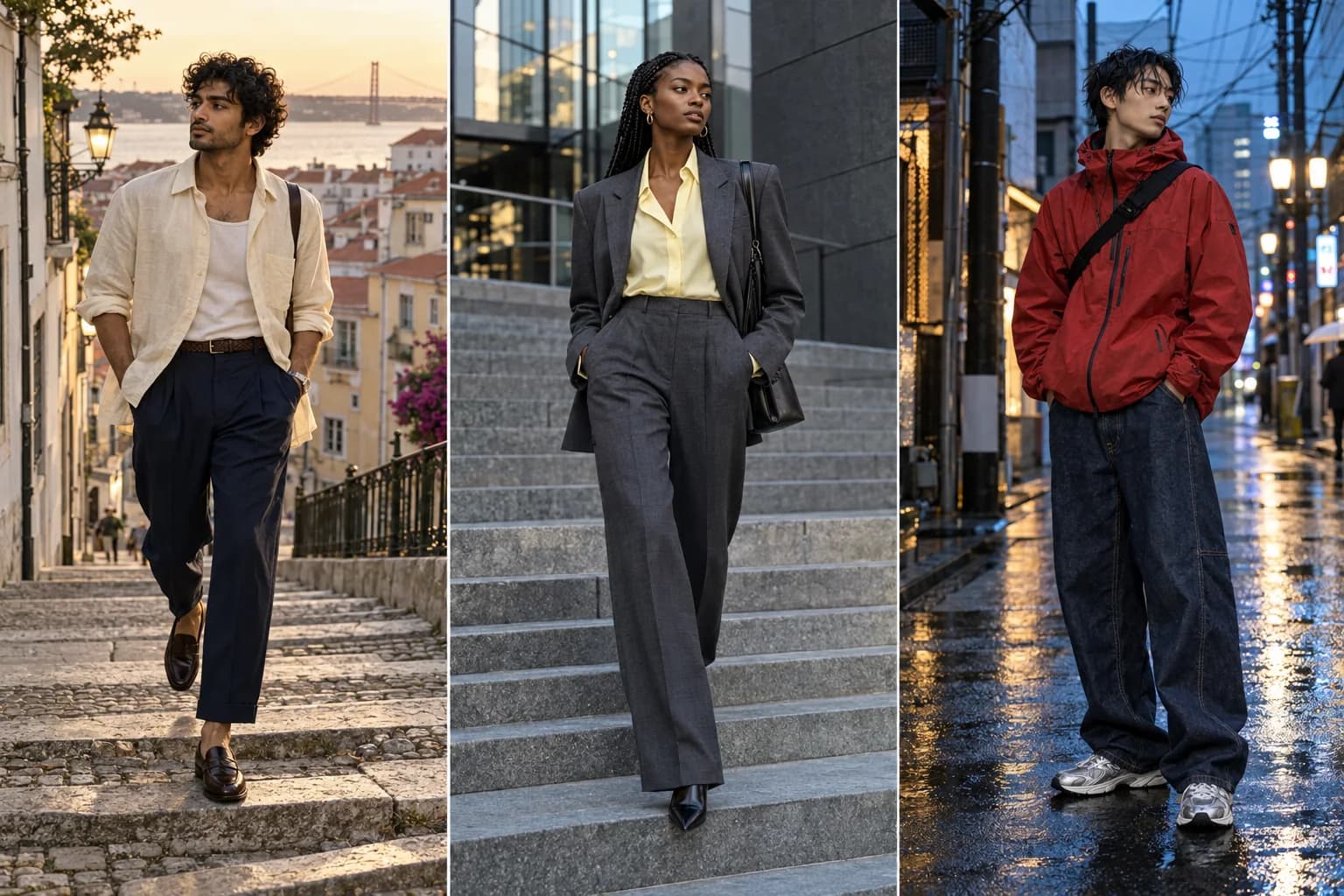
AI Outfit Generator for Your Next Style Discovery
Stuck wearing the same combinations? Explore relaxed linen, sharp menswear, expressive streetwear, or elegant womenswear with the AI Outfit Generator. Choose a starting style and add your own twist. Turn “maybe I could wear that” into a picture, then compare colors and silhouettes to find a direction you are excited to try.
Try it on your photo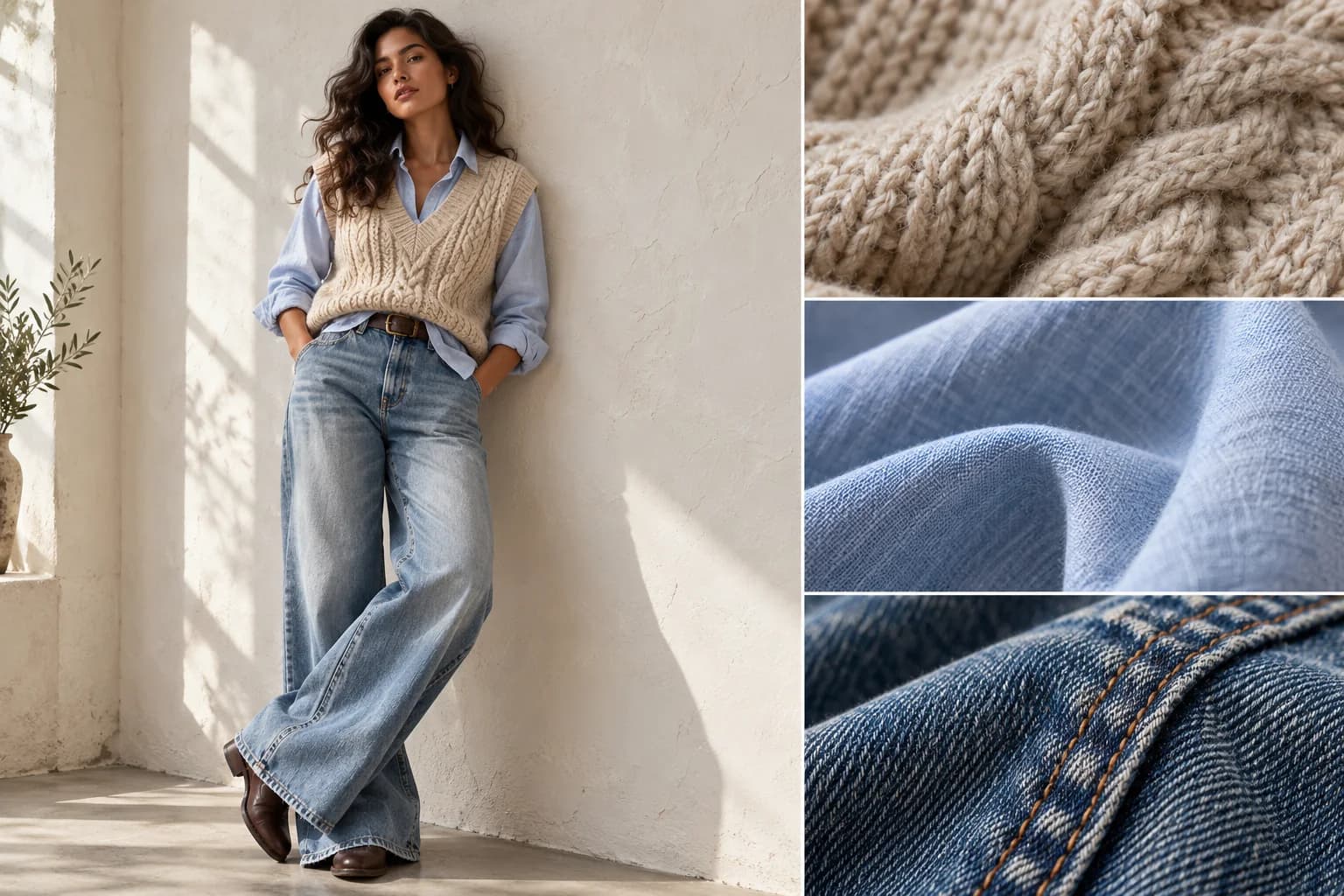
AI Outfit Generator for Better Colors and Layers
A different shirt color or a softer knit can change the entire mood. Use the AI Outfit Generator to explore fabric textures, jacket lengths, and layered combinations with a simple description. Picture blue linen beneath an oatmeal knit or a bolder accent against denim. Refine the details until the styling matches the idea in your head.
Try it on your photo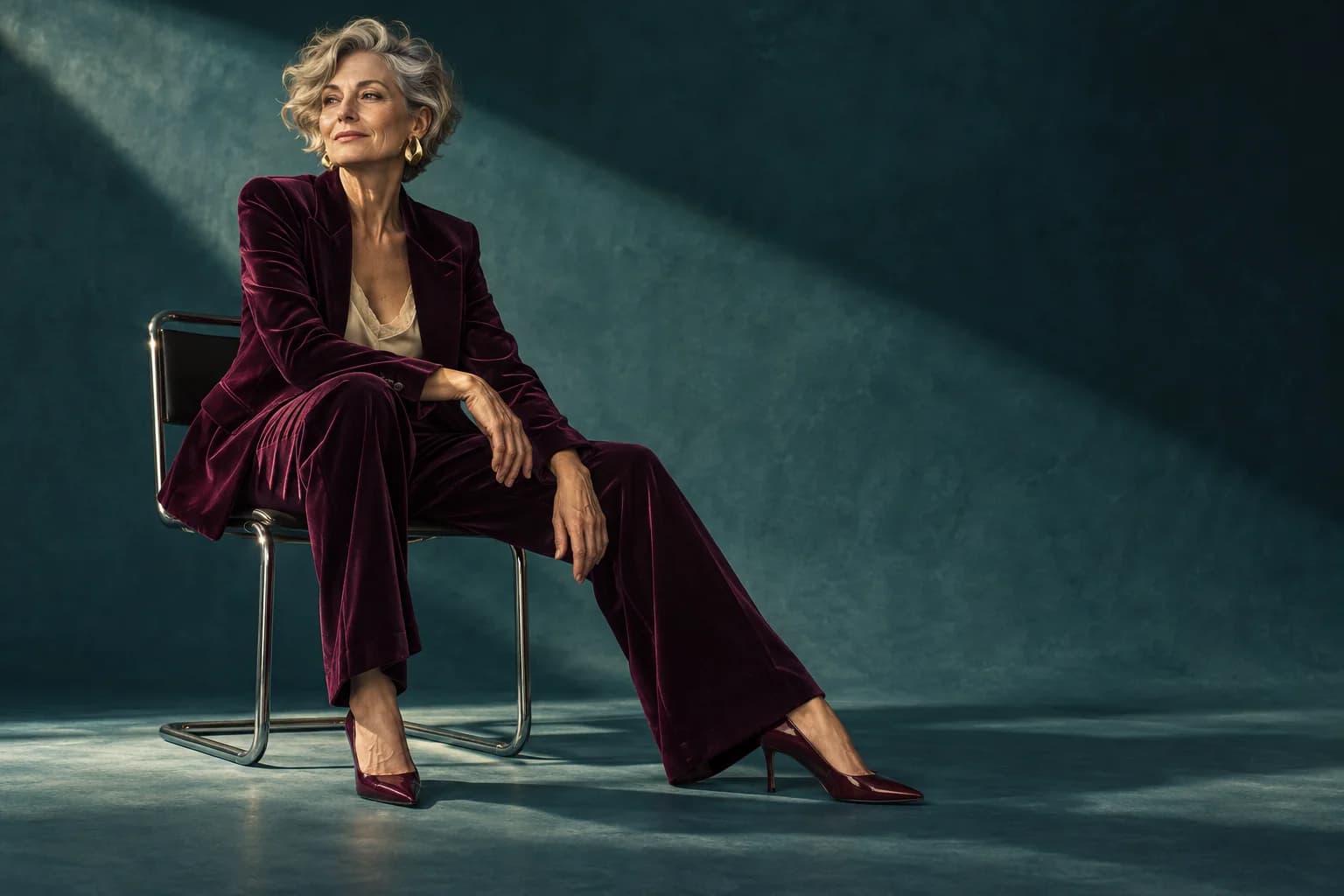
AI Outfit Generator for Photos Worth Sharing
Your next creative portrait can start with a photo you already love. Use the AI Outfit Generator to explore velvet tailoring, unexpected color pairings, or a statement outfit for a personal lookbook. Develop a visual direction for social posts, profile styling, and creative projects without organizing a new wardrobe for every idea.
Try it on your photoHow to use the AI Outfit Generator
- 01
Upload your photo
Start the AI Outfit Generator with a clear portrait. A full-body photo is ideal for exploring a complete look.
- 02
Choose your direction
Give the AI Outfit Generator a description or choose a style idea. Add clothing pictures for inspiration from specific pieces.
- 03
Create your new look
Generate a preview, explore another variation, and save your favorite outfit image.
An AI Outfit Generator for Every Plan
Work & interviews
Use the AI Outfit Generator to explore polished tailoring for a professional profile or an upcoming meeting.
Dates & celebrations
Plan a memorable dinner or wedding-guest look with the AI Outfit Generator before putting the outfit together.
Travel & weekends
Build a sunny city-break mood board or discover relaxed weekend combinations with the AI Outfit Generator.
Social & creative projects
Give a personal lookbook or your next post a fresh styling direction with the AI Outfit Generator.
Why choose this AI Outfit Generator?
Start with a photo you love
The AI Outfit Generator works in your browser, so inspiration can become a preview without installing an app.
Make inspiration more personal
Bring words, clothing pictures, or both. The AI Outfit Generator connects your ideas to your own portrait.
Keep exploring in one place
Upload, describe, preview, and download through one AI Outfit Generator workflow, with style ideas ready to get you started.
AI Outfit Generator FAQ
How does the AI Outfit Generator work?
The AI Outfit Generator uses your photo, a clothing description, and optional reference images to create a new outfit preview. Upload a portrait, describe your look, and generate. Start with a style idea when you want inspiration.
Can the AI Outfit Generator use my own clothes?
Yes. Add up to two clothing pictures after your portrait. The AI Outfit Generator uses those references to guide the look, making it easy to explore combinations around a favorite jacket, a wardrobe staple, or a new find.
Which photos work best with the AI Outfit Generator?
A clear, well-lit portrait gives the AI Outfit Generator a useful starting point. Choose a full-body photo to explore trousers and shoes, or a waist-up image for tops and jackets. JPG, PNG, and WebP uploads are supported.
Can I try the AI Outfit Generator for free?
Eligible visitors can try the AI Outfit Generator with available guest credits. The Generate button shows the credit cost for your selected settings. Sign in to download your favorite result and continue exploring with your account credits.
Can the AI Outfit Generator keep my face and setting?
You can direct the AI Outfit Generator to keep your face, pose, and background while changing the outfit. The style ideas include preservation instructions, helping you focus on the clothes. Your original remains available for comparison with the new look.
Can I plan an outfit with the AI Outfit Generator before shopping?
Yes. Use the AI Outfit Generator to compare colors, silhouettes, and styling ideas before building your shopping shortlist. It provides visual inspiration; use the retailer’s size guide when choosing a physical garment. A clothing reference helps communicate the piece you have in mind.
What should I describe in the AI Outfit Generator?
Tell the AI Outfit Generator the pieces, colors, and mood you want: “cream linen suit, sage shirt, brown loafers.” Try Casual, Work, Date Night, or Streetwear as a starting point, then adjust the description to make the look your own.
How do I save an AI Outfit Generator result?
Choose PNG, JPEG, or WebP in the AI Outfit Generator, create your image, then sign in and use the download control. To explore another direction, change your description and generate a new version for your lookbook or mood board.
Find Your Next Look with the AI Outfit Generator
Bring a photo and an idea. Let the AI Outfit Generator help you see the possibility.