
AI Product Ad Generator for Static Ad Creatives
Turn a product photo into a polished static ad for ecommerce, paid social, launches, and promotions.
Describe the audience, placement, scene, palette, composition, and product details to preserve.
The selected resolution controls the configured credit cost.
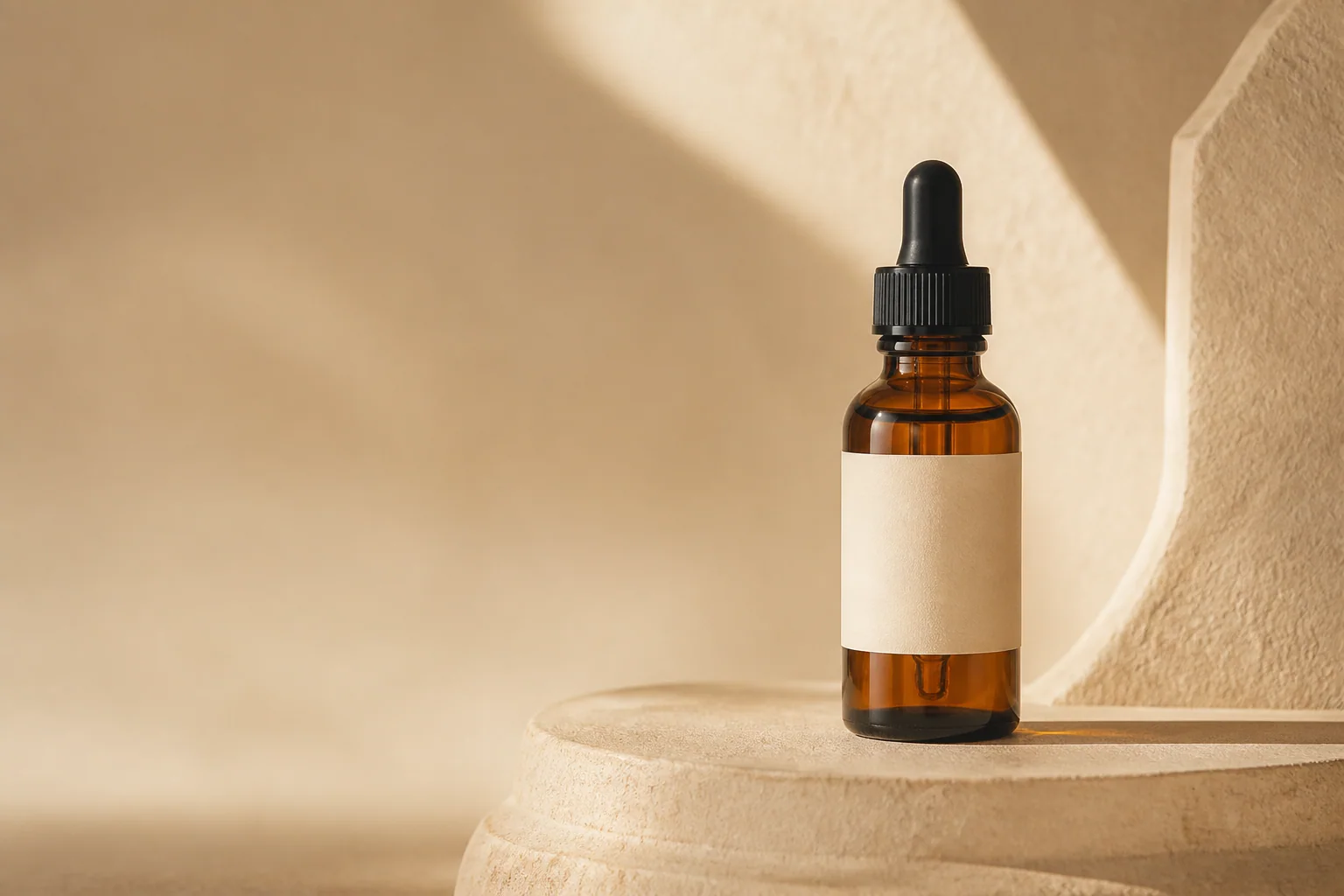
AI Product Ad Generator Features for Static Campaigns
Create product-first static ads for ecommerce and campaign channels.
Turn a Product Photo into a Static Ad Creative
Turn a packshot, supplier photo, or ecommerce image into a polished advertising composition.
- Start with one sharp product image and a clear silhouette.
- Name the channel and leave clean space for approved copy.
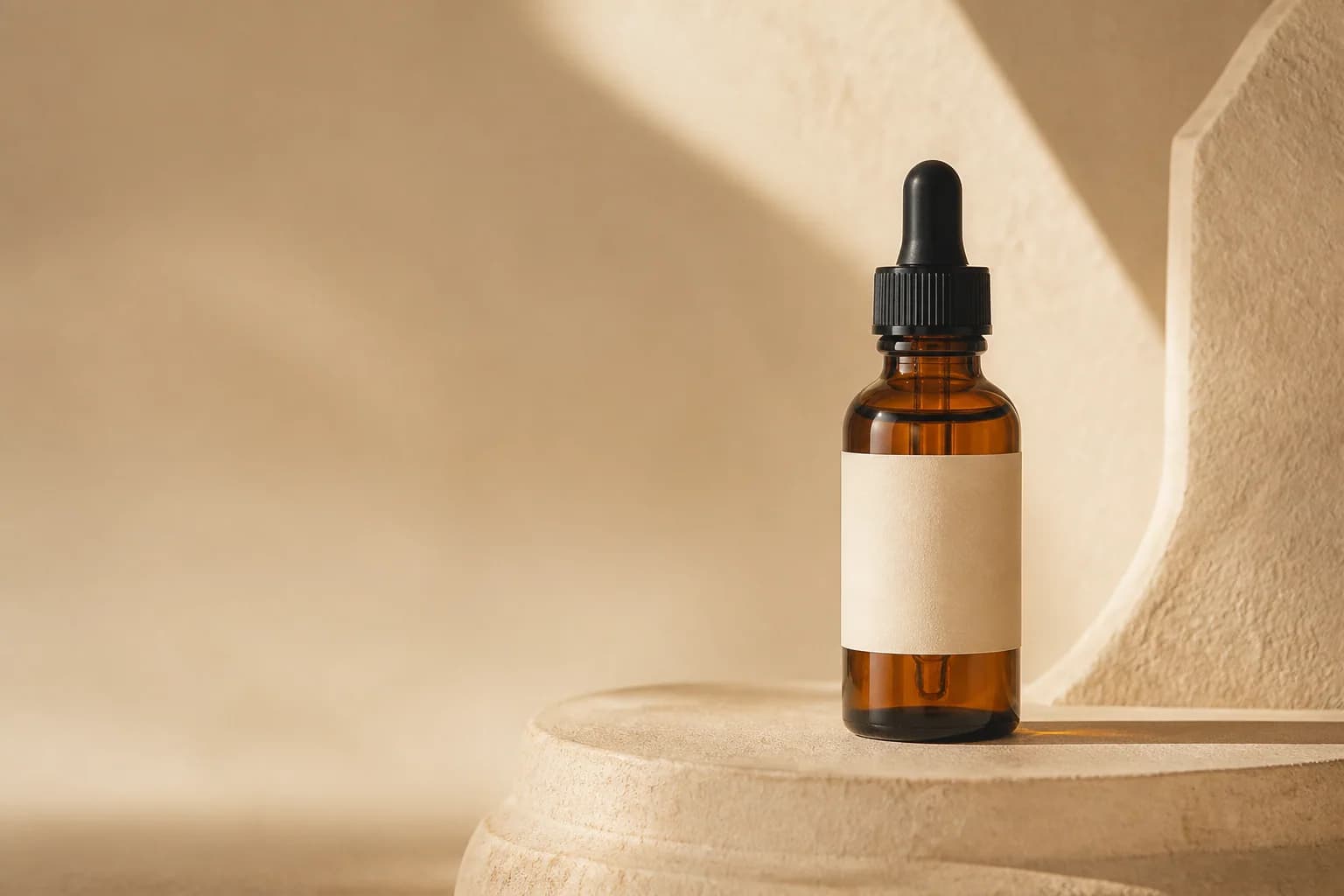
Keep the Product—Not an Invented Lookalike
Keep the real product central by preserving its shape, color, materials, packaging, logo, and label layout.
- Add another product angle or packaging close-up when small details matter.
- Check readable text and regulatory label details against the approved source.
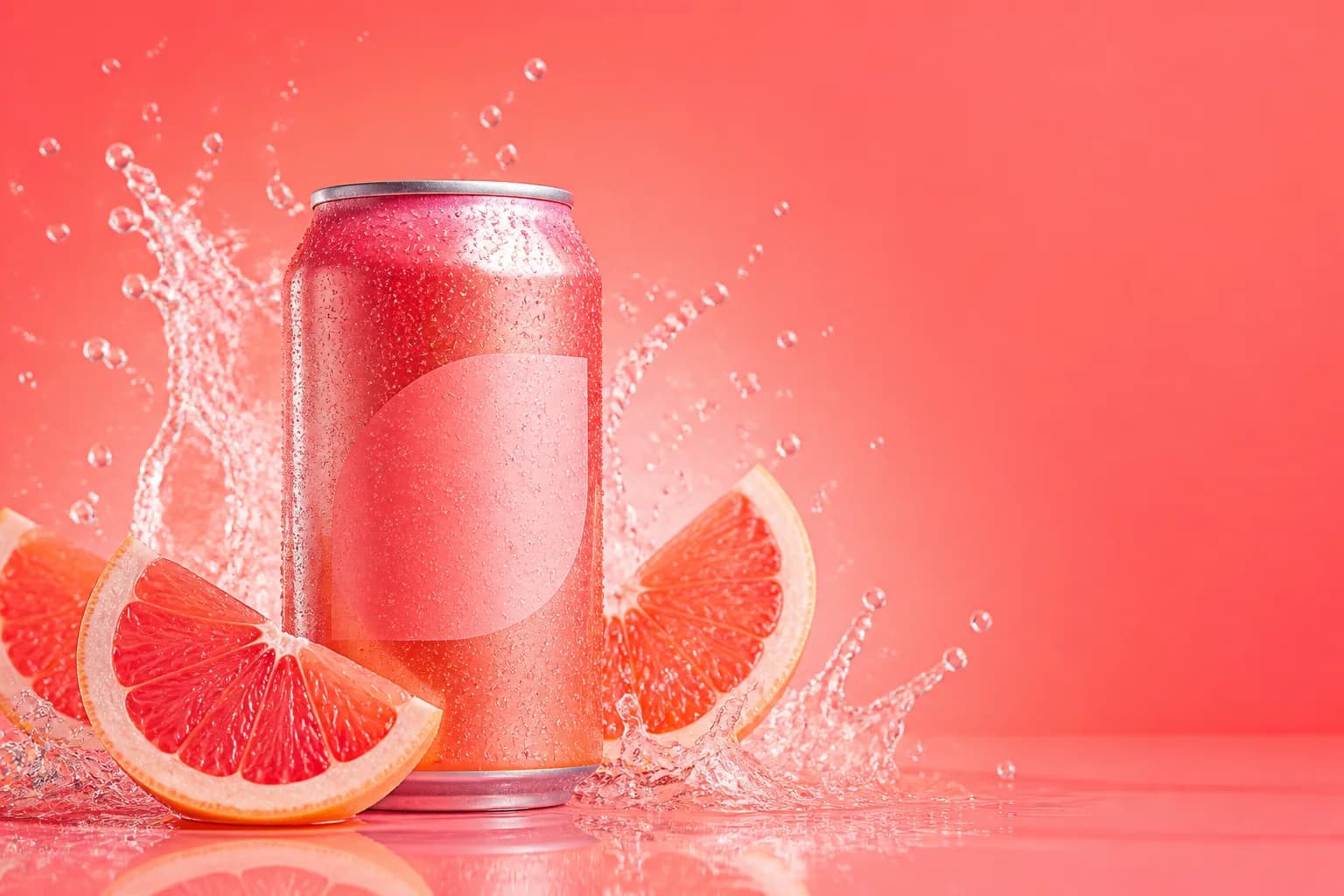
Compose Product Ads for Feeds, Stories, and Display
Set the placement, product position, focal point, and copy-safe area for square, portrait, or landscape ads.
- Request negative space for a headline, price, logo, or CTA.
- Finalize exact platform dimensions and safe zones before publishing.
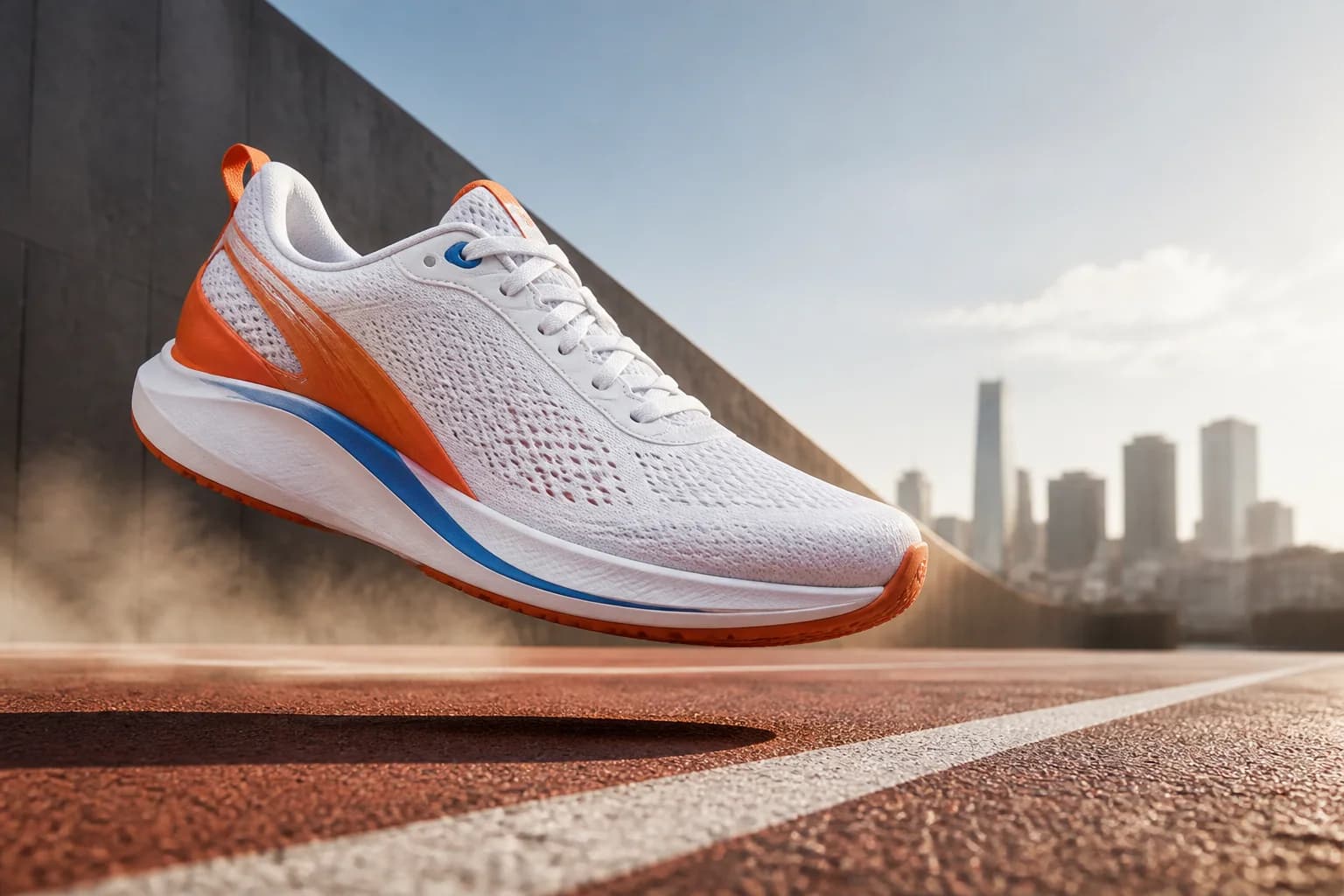
Guide Brand Direction with Visual References
Use an authorized logo, palette, packaging detail, or campaign image to guide the visual direction.
- Name the product image and brand reference roles in the prompt.
- Use the text editor later when exact wording or logo placement matters.
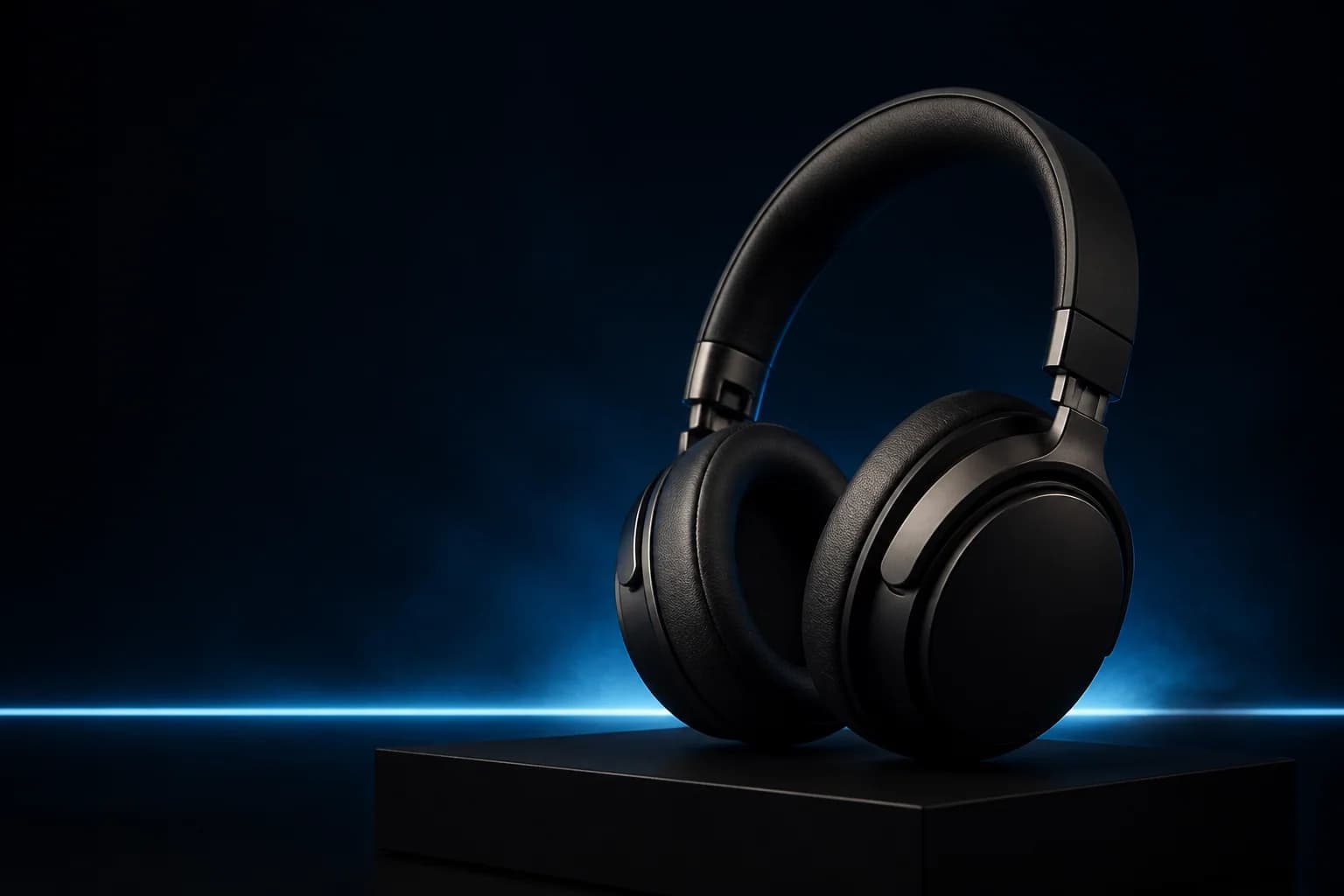
Create Studio, Lifestyle, and Promotional Ad Scenes
Create clean studio visuals, lifestyle settings, seasonal scenes, and product-launch images.
- Match perspective, surface contact, reflections, and light direction.
- Choose props that explain the product instead of competing with it.

Explore Distinct Visual A/B Directions
Explore separate ad directions by changing the scene, palette, framing, negative space, or visual hook.
- Change one creative variable at a time when comparing directions.
- Treat generated images as creative candidates, then test them in the real campaign.
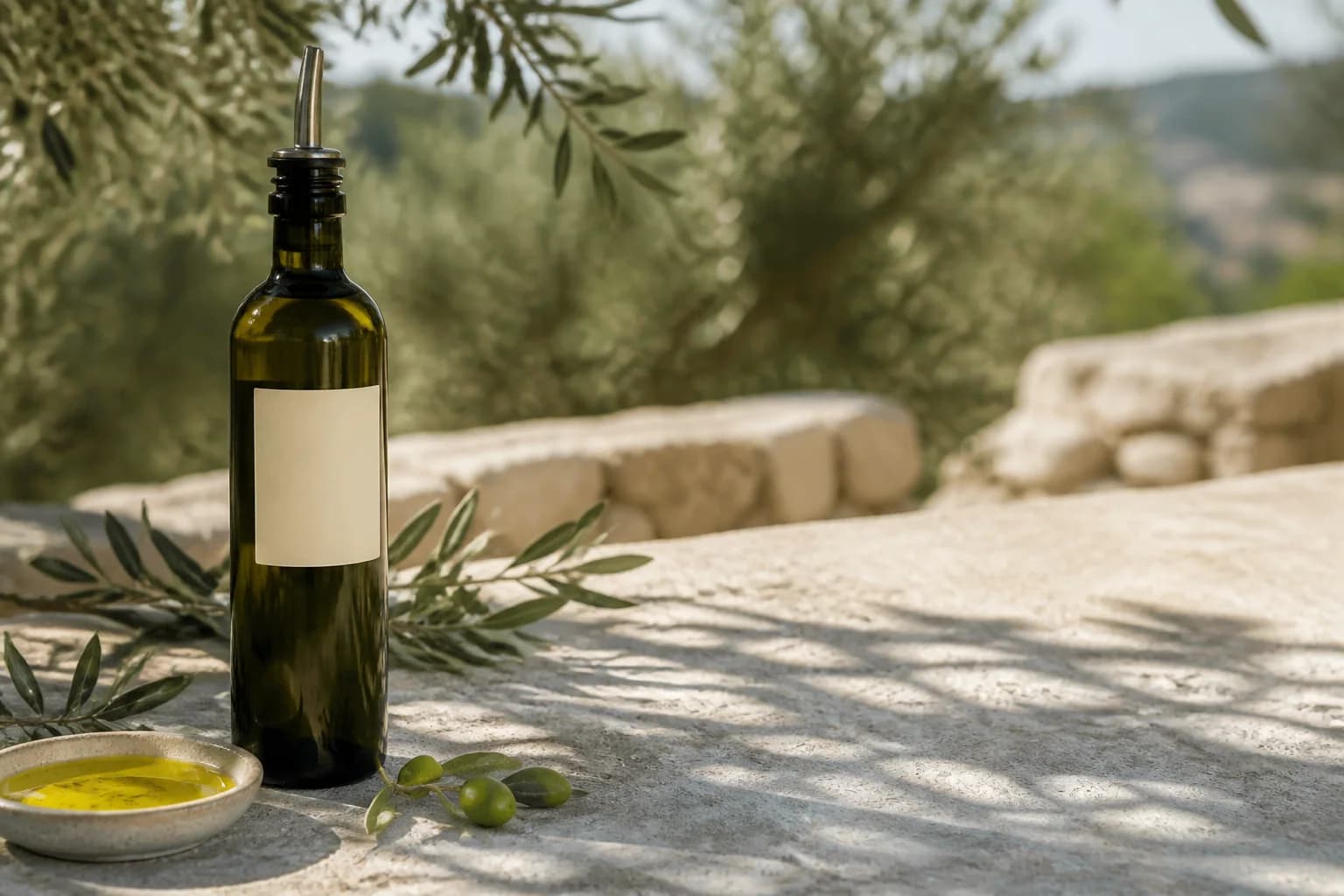
Who Uses an AI Product Ad Generator?
The AI Product Ad Generator helps teams that already have product imagery but need more static advertising directions for selling, testing, launching, and client review.
Shopify and DTC Brands
Create product-first visuals for launches, collections, seasonal offers, landing pages, email, and storefront promotions.
Performance Marketers
Explore static paid-social and display concepts with different hooks, scenes, crops, palettes, and copy-safe compositions.
Agencies and Freelancers
Turn rough client assets into differentiated visual directions for feedback before final campaign production and traffic testing.
Small Product Teams
Build ad graphics for beauty, food, beverages, electronics, footwear, furniture, accessories, and packaged goods from existing photos.
How to Use the AI Product Ad Generator
The AI Product Ad Generator works best when a clear product source, one defined placement, and a focused creative brief all point to the same static advertisement.
1. Upload the Product First
Choose a sharp JPG, PNG, or WebP with the complete product visible. Add up to two supporting product-angle, packaging-detail, logo, palette, or brand-reference images when needed.
2. Describe the Ad Direction
Name the audience, platform, campaign objective, scene, palette, product position, lighting, props, visual hierarchy, and copy-safe area. List every SKU detail that must remain recognizable.
3. Generate, Inspect, and Finish
Review product shape, packaging, text, logo, material, props, shadows, and claims. Use the text editor for exact words and the image extender for a final canvas before publishing.
Why Choose This AI Product Ad Generator?
Create product-first static ads with references, practical guidance, and focused finishing tools.
Static-Ad Focus
Build static image ads from product photos for ecommerce and campaign use.
Product-Preservation Guidance
Protect the shape, packaging, label, logo, material, and other recognizable details.
Connected Finishing Tools
Finish text, canvas size, lighting, backgrounds, and shadows with focused editors.
Create a Static Ad with the AI Product Ad Generator
Upload the approved product, describe one audience and placement, and let the AI Product Ad Generator create a campaign visual you can inspect and finish before use.