
AI Ghost Mannequin Generator for Clothing Product Photos
Turn flat lay, hanger, mannequin, or model photos into dimensional garment-only images while preserving shape, fabric, prints, logos, and seams.
Hidden construction is inferred when no reference shows it. Compare the generated garment with the real SKU before publishing.
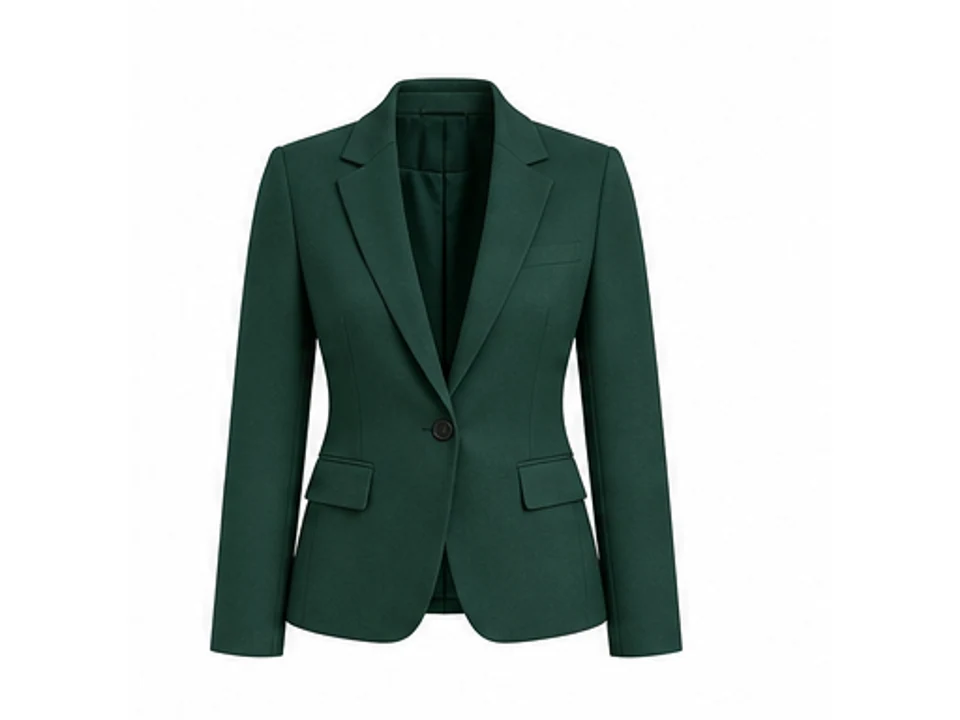
AI Ghost Mannequin Generator Features for Clothing Sellers
Six focused features cover the real apparel workflow: remove visible supports, keep garment volume, rebuild hidden openings, and protect the details shoppers use to judge the SKU.
Remove a Mannequin Without Flattening the Garment
Remove the torso form, neck cap, stand, and clips while retaining shoulder width, torso depth, sleeve openings, waist shape, hem, and worn drape.
- Keeps dimensional garment volume
- Removes stands, clips, and hardware
- Produces a clean garment-only view
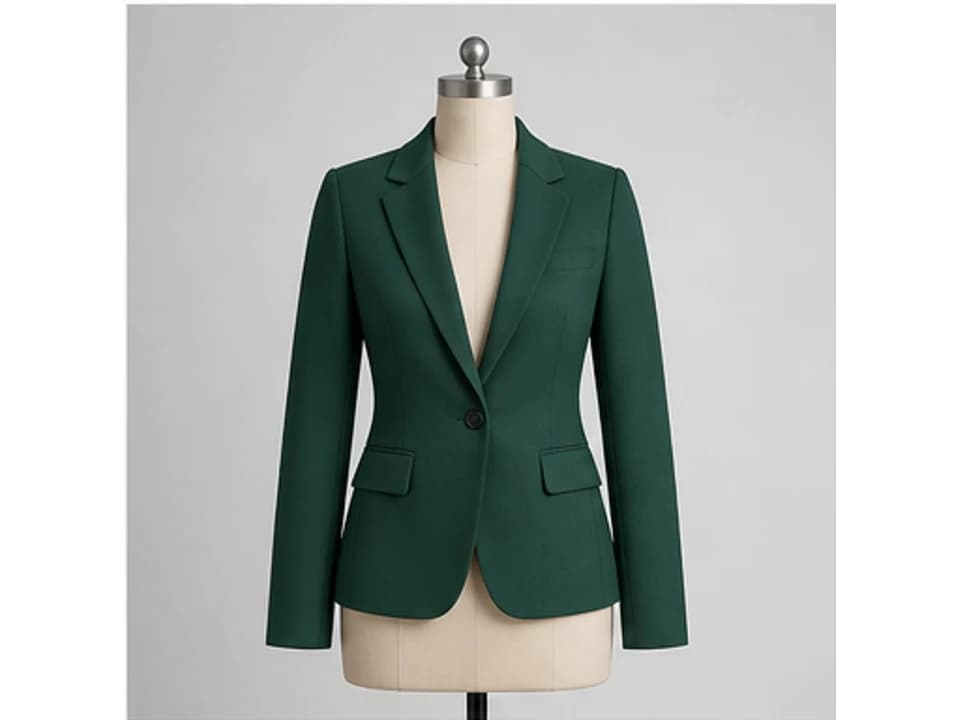
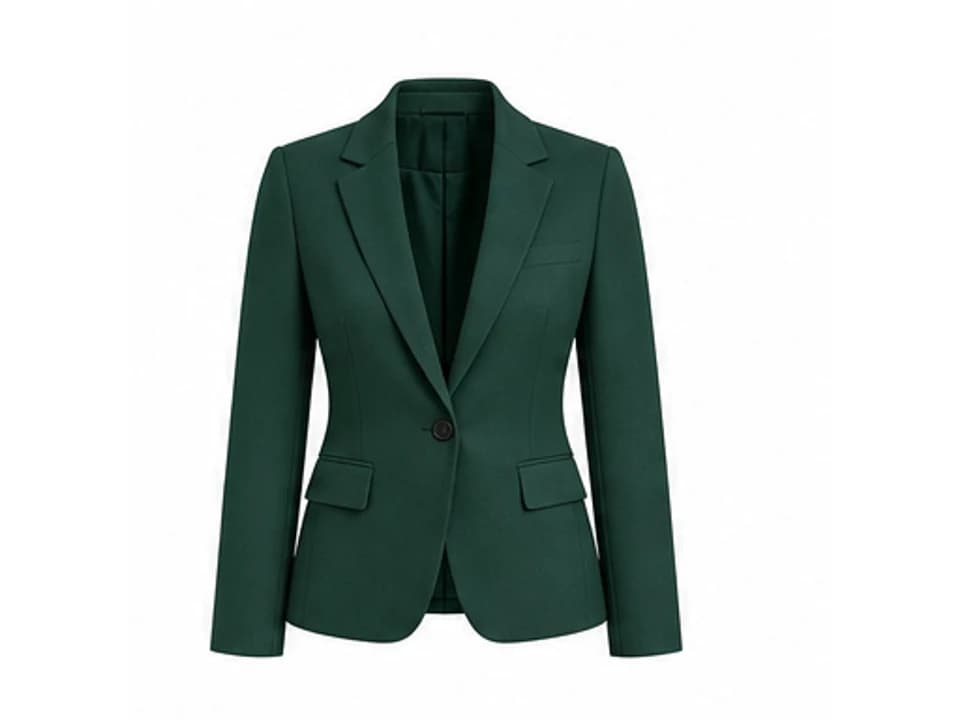
Turn a Hanger Photo into an Invisible Mannequin View
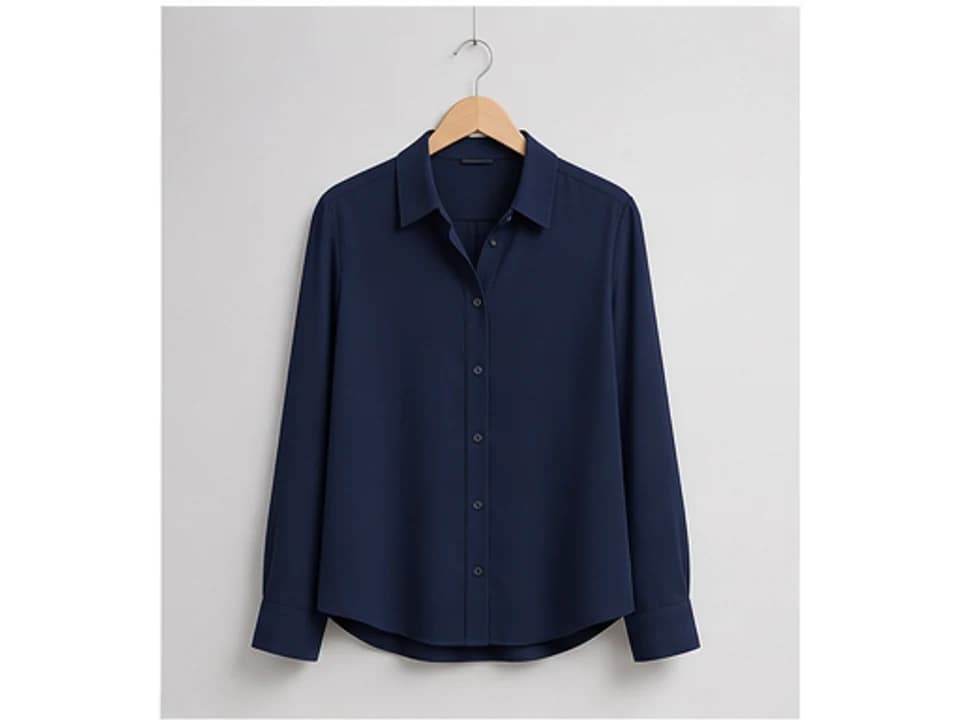
Turn a supplier, phone, or hanger photo into a centered apparel image by removing the hanger and rebuilding the shoulders, neckline, and hollow interior.
- Useful for supplier and phone photos
- Rebuilds the collar and shoulders
- Keeps closures, pockets, and hardware
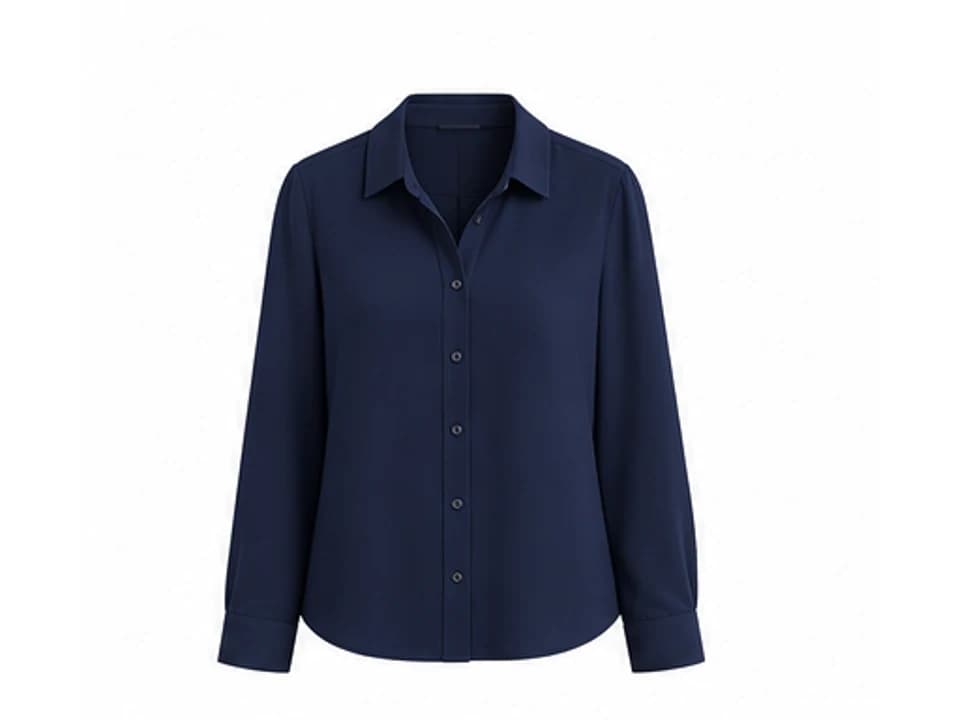
Remove a Model and Keep the Clothing Product
Use a model photo as the source for silhouette and fabric behavior, then remove the person and rebuild the garment as a standalone ecommerce image.
- Keeps silhouette and worn drape
- Removes skin, hair, hands, and body
- Uses references for covered areas
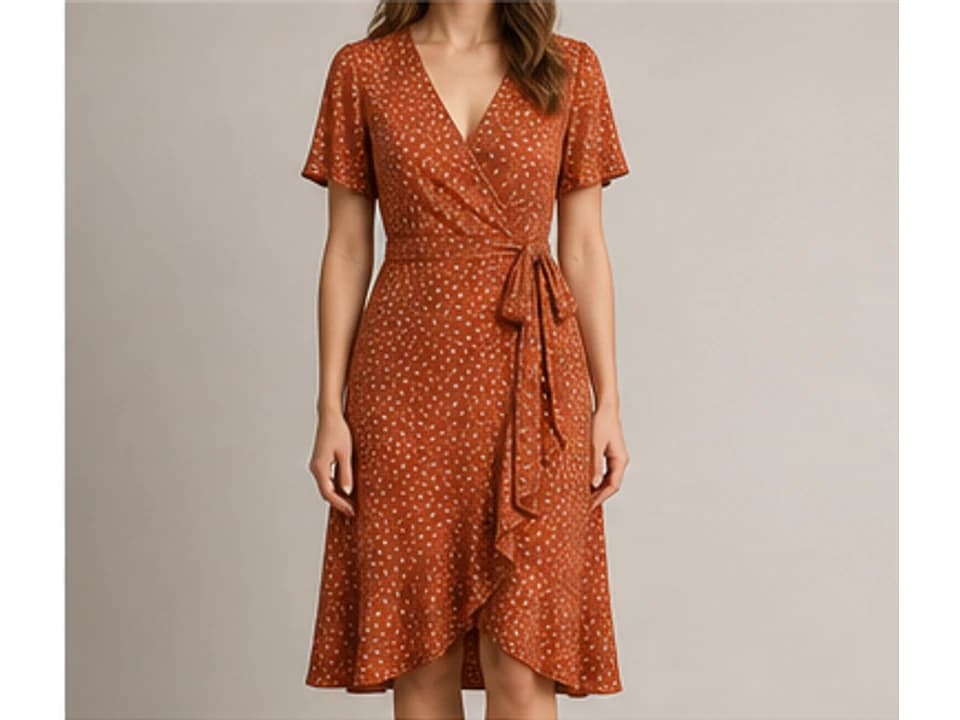
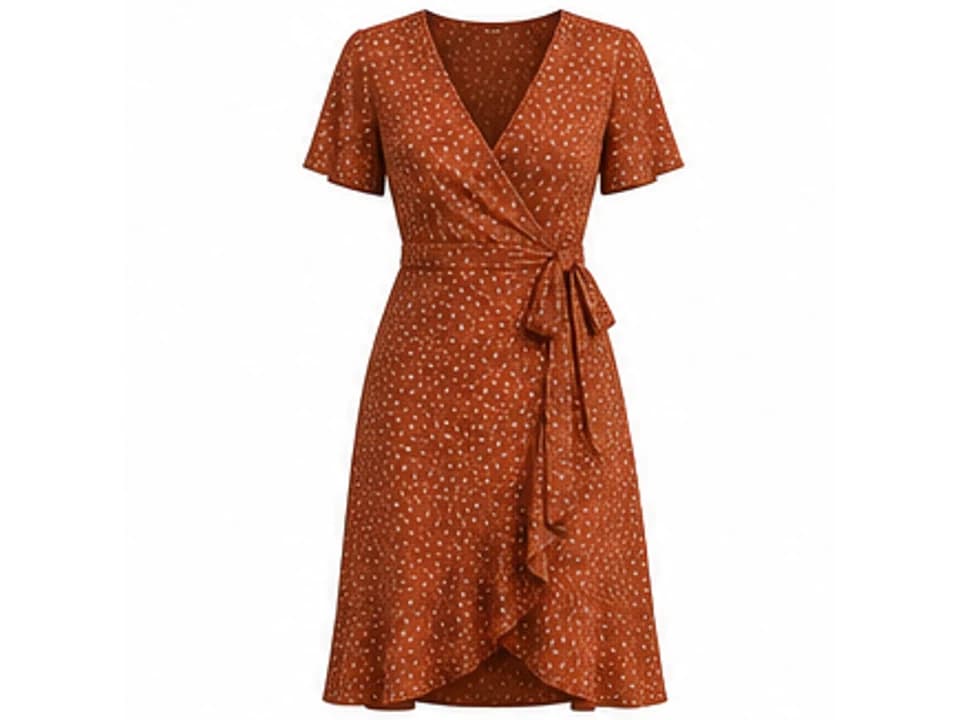
Rebuild Neck Joints, Collars, and Sleeve Openings
Create the inside collar, back neck, lining edge, sleeve interior, and label area required for a believable hollow-man effect.
- Supports collars, lapels, hoods, and crew necks
- Uses detail references for hidden construction
- Keeps inferred areas easy to review
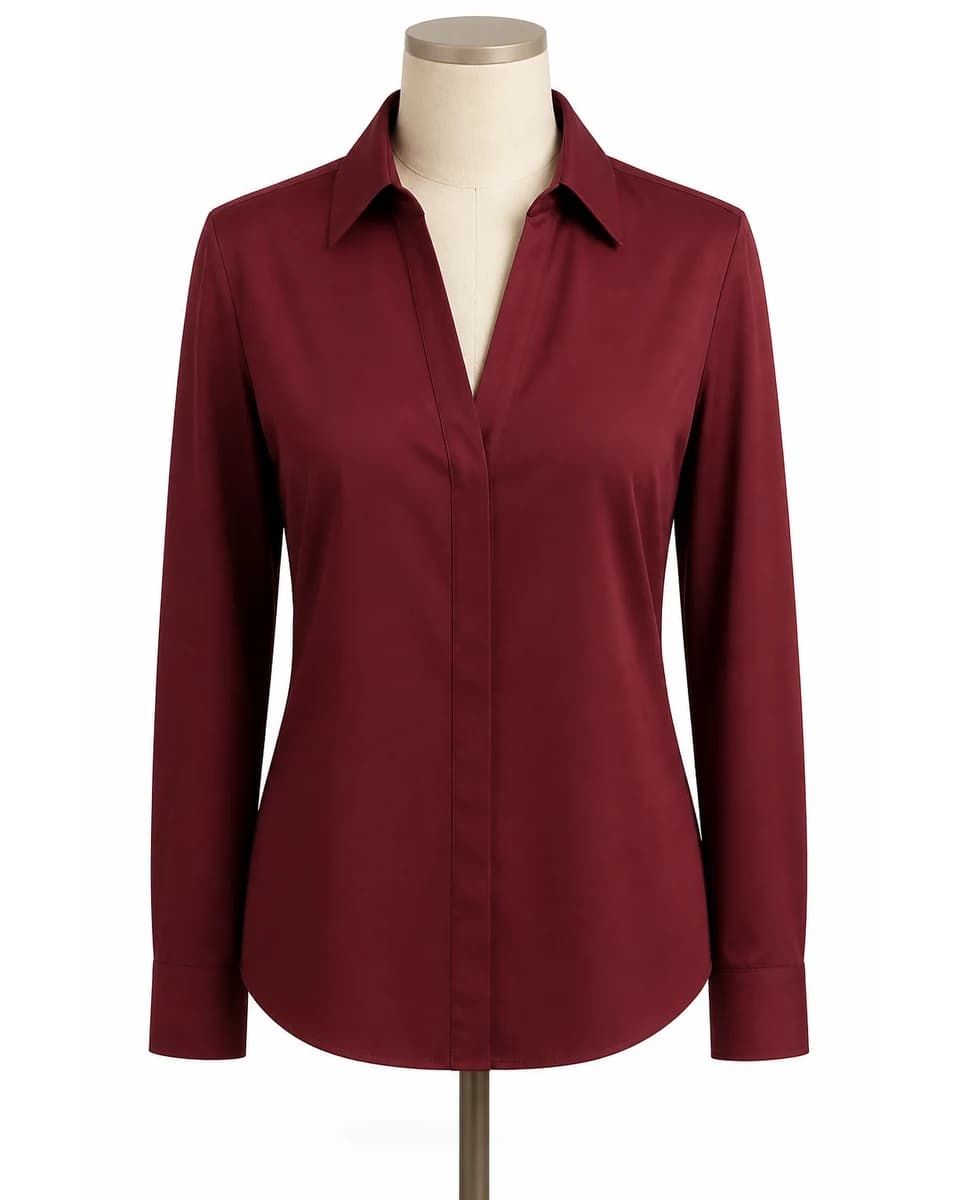
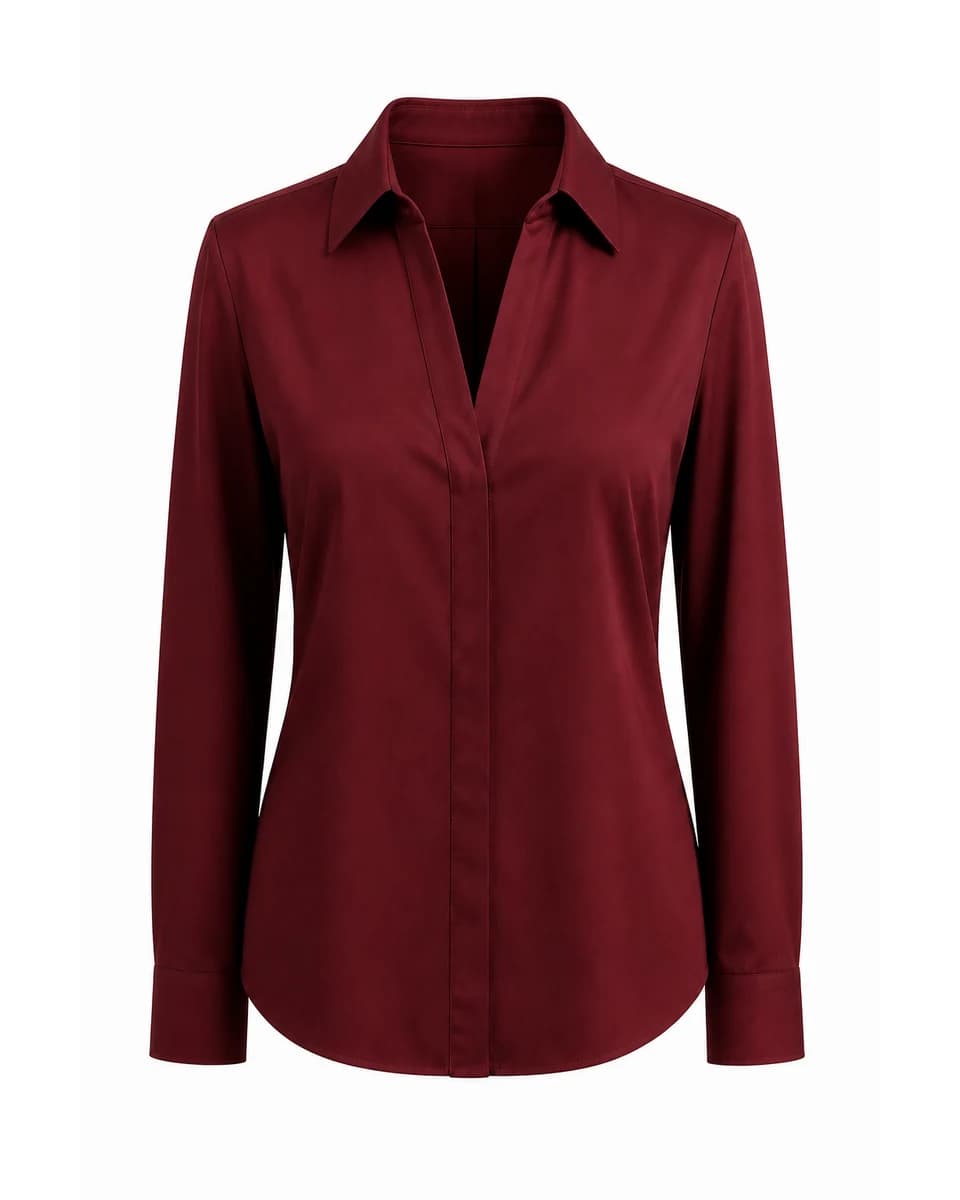
Preserve Logos, Prints, Fabric, Seams, and Hardware
Protect product color, logos, print scale, embroidery, seams, stitching, pockets, closures, buttons, zippers, fabric weave, and material texture.
- Add close-up references for small branding
- Check print repeats and readable text at full size
- Regenerate if any sellable detail changes
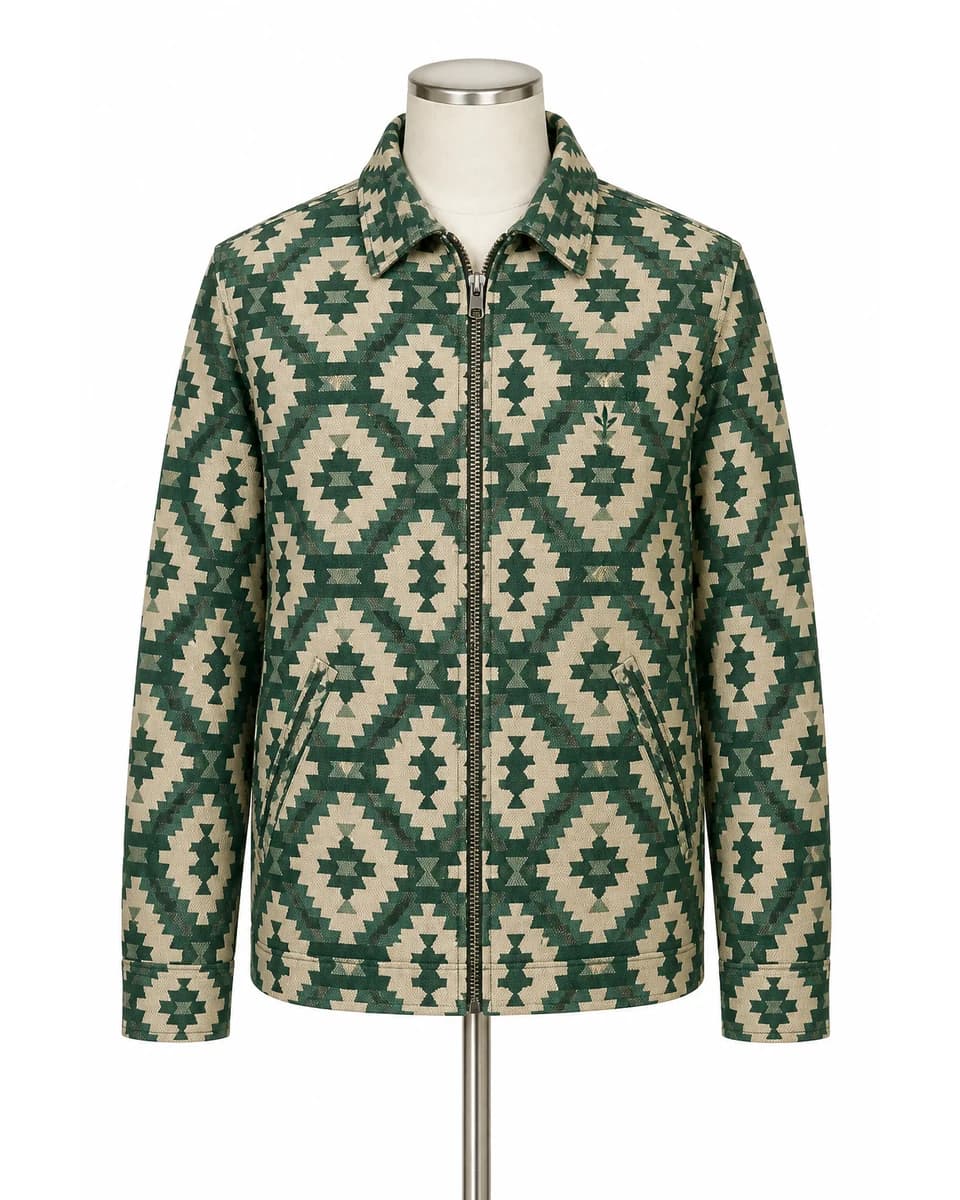
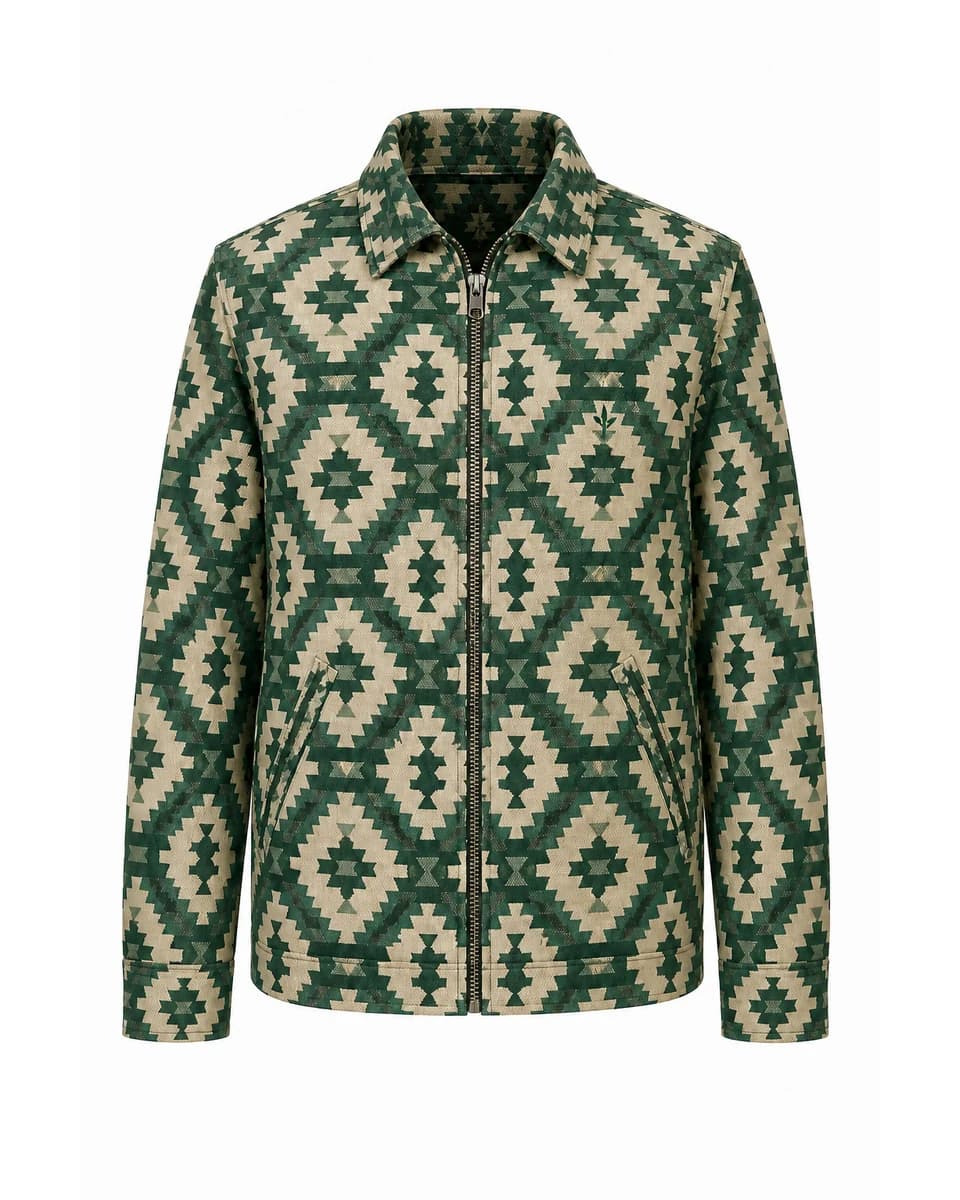
Choose the Right View, Background, and Gallery Role
Create front, back, side, or 3/4 garment views on pure white or transparent PNG. Combine ghost mannequin, flat lay, and on-model images when shoppers need both construction and fit context.
- White background or true transparent PNG
- Front, back, side, and 3/4 output goals
- Ghost, flat lay, and on-model views serve different needs
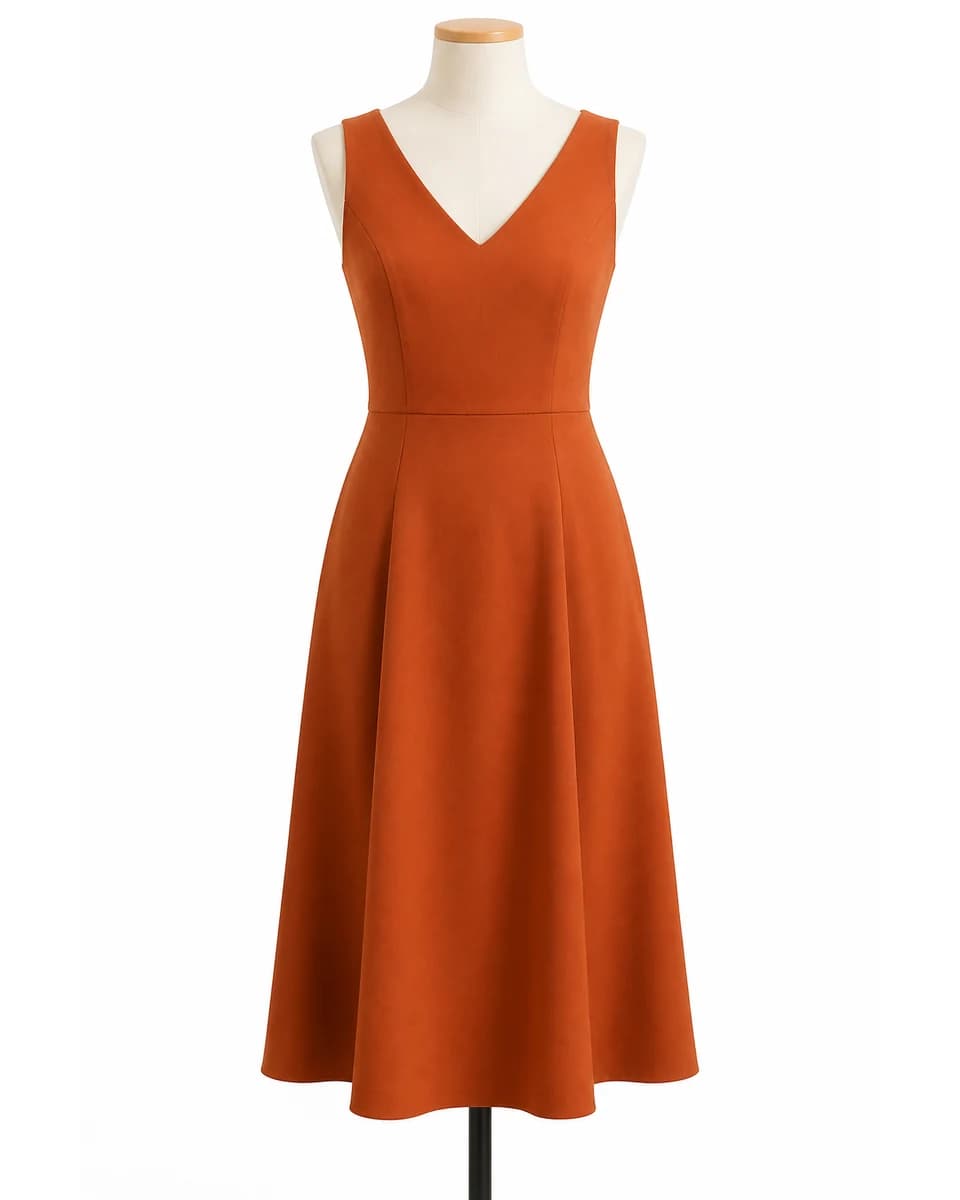
Who Uses an AI Ghost Mannequin Generator?
This clothing workflow is designed for teams that need dimensional product photos without repeating a full mannequin shoot and manual neck-joint editing process.
Fashion and Shopify Brands
Standardize apparel grids and add garment-only views that fit a clean direct-to-consumer store design.
Marketplace Sellers
Prepare white-background clothing images for marketplace listings after checking the current site and category rules.
Resale Clothing Sellers
Turn practical hanger or mannequin photos into clearer dimensional item presentations for secondhand inventory.
Clothing Photographers
Reduce repetitive support cleanup and neck-joint work while keeping human quality control over garment accuracy.
Ecommerce Agencies
Create consistent apparel outputs from mixed client sources and deliver white or transparent catalog assets.
How to Use the AI Ghost Mannequin Generator
Create a ghost mannequin clothing photo in three focused steps, then compare every product detail before publishing.
Upload the Best Same-SKU Photos
Upload a flat lay, hanger, mannequin, or model photo. Add a back, collar, lining, label, logo, or detail reference when the main image hides important construction.
Choose View and Background
Tell the AI ghost mannequin generator the input type, front, back, side, or 3/4 output goal, and pure white or transparent PNG background.
Generate, Compare, and Download
Check shape, color, collar, sleeves, hem, logo, print, seams, stitching, pockets, closures, hardware, and material before using the result in a listing.
What Is an AI Ghost Mannequin Generator and Why Use It?
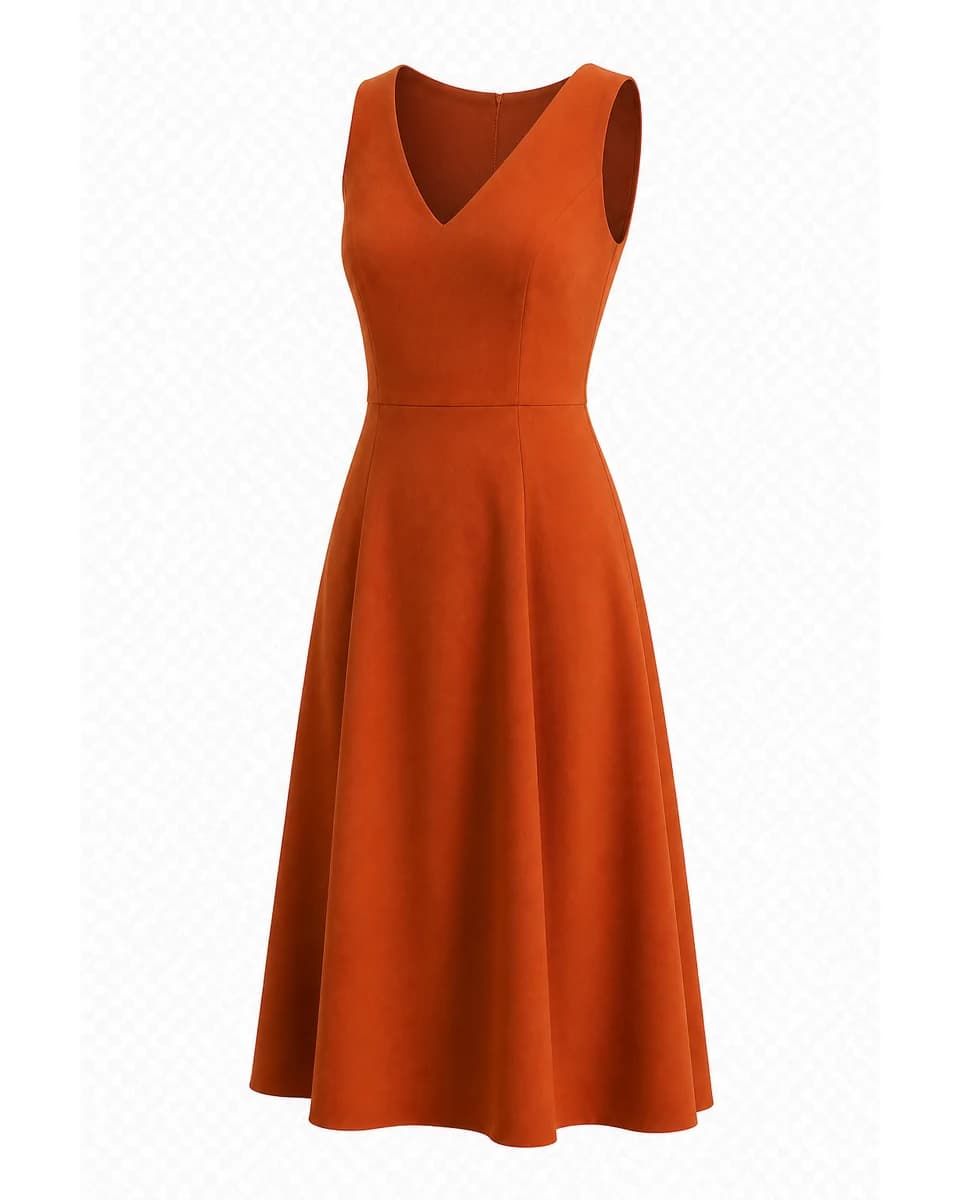
An AI ghost mannequin generator creates a garment-only product photo with worn volume, rebuilt inner structure, and a clean catalog background. This workflow is designed for apparel accuracy, not ordinary subject cutout.
Dimensional Garment Shape
Unlike a flat lay, this workflow keeps shoulder structure, torso volume, sleeves, waist shape, drape, and the natural depth of a worn garment.
Reconstructed Inner Areas
It rebuilds visible neck joints, collar interiors, sleeve openings, lining, and label areas using the main image and optional same-SKU references.
Catalog-Ready Presentation
Create a centered white-background product photo or a true transparent PNG for ecommerce catalogs, store themes, lookbooks, ads, and resale listings.
Clothing-Specific Controls
Choose flat lay, hanger, mannequin, or model input plus the target view and background, while preservation rules protect the garment.
Same-SKU Reference Support
Add collar, lining, label, print, or back-view references so hidden construction does not depend on one incomplete product photo.
Real Transparent Output
Choose a white catalog image or download an alpha-channel PNG for store themes, campaign layouts, and marketplace templates.
AI Ghost Mannequin Generator FAQ
What is an AI ghost mannequin generator?
How is an AI ghost mannequin generator different from background removal?
Can the AI ghost mannequin generator use flat lay, hanger, mannequin, and model photos?
Can it create the inside collar and neck-joint effect?
Will logos, prints, seams, and fabric texture remain exact?
Can I download a transparent ghost mannequin PNG?
Can the AI ghost mannequin generator create front, back, side, and 3/4 views?
Is a ghost mannequin image the same as a flat lay?
Can I use ghost mannequin images on Shopify?
Are ghost mannequin images automatically accepted by Amazon and other marketplaces?
What garments are hardest for an AI ghost mannequin generator?
Do I need professional clothing photography?
Create a Dimensional Clothing Catalog Image
Use the AI ghost mannequin generator to remove the visible support, rebuild garment openings, and create a white or transparent ecommerce image.