
Apparel and e-commerce workflows
AI Product Photo Editing Tools
Use the all-in-one AI Product Photo Editor for complete ecommerce transformations, create static ad creatives, put garments on fashion models, or choose a focused workflow for text, flat lays, ghost mannequin photos, apparel color, garment preparation, and product shadows.
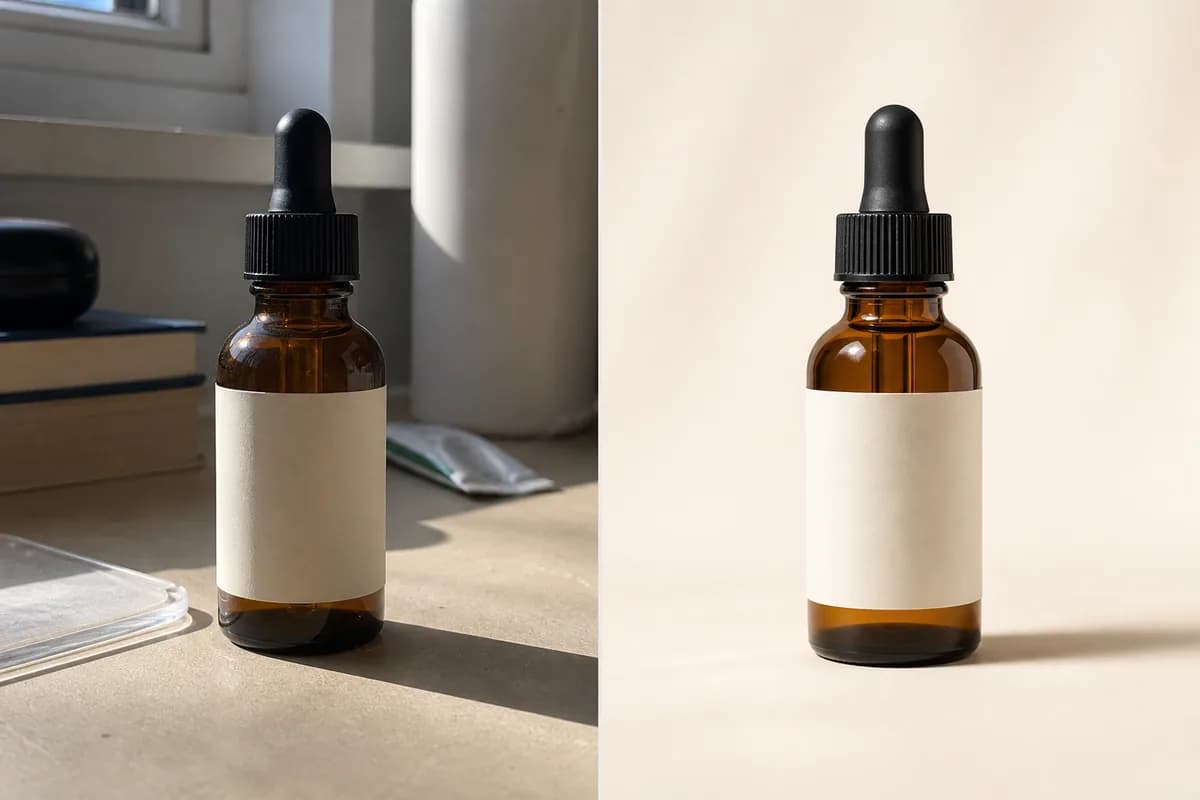
All-in-one editor
AI Product Photo Editor
Turn one ordinary product photo into a clean packshot, lifestyle image, or studio-lit listing photo from one usable prompt-based editor.
Open tool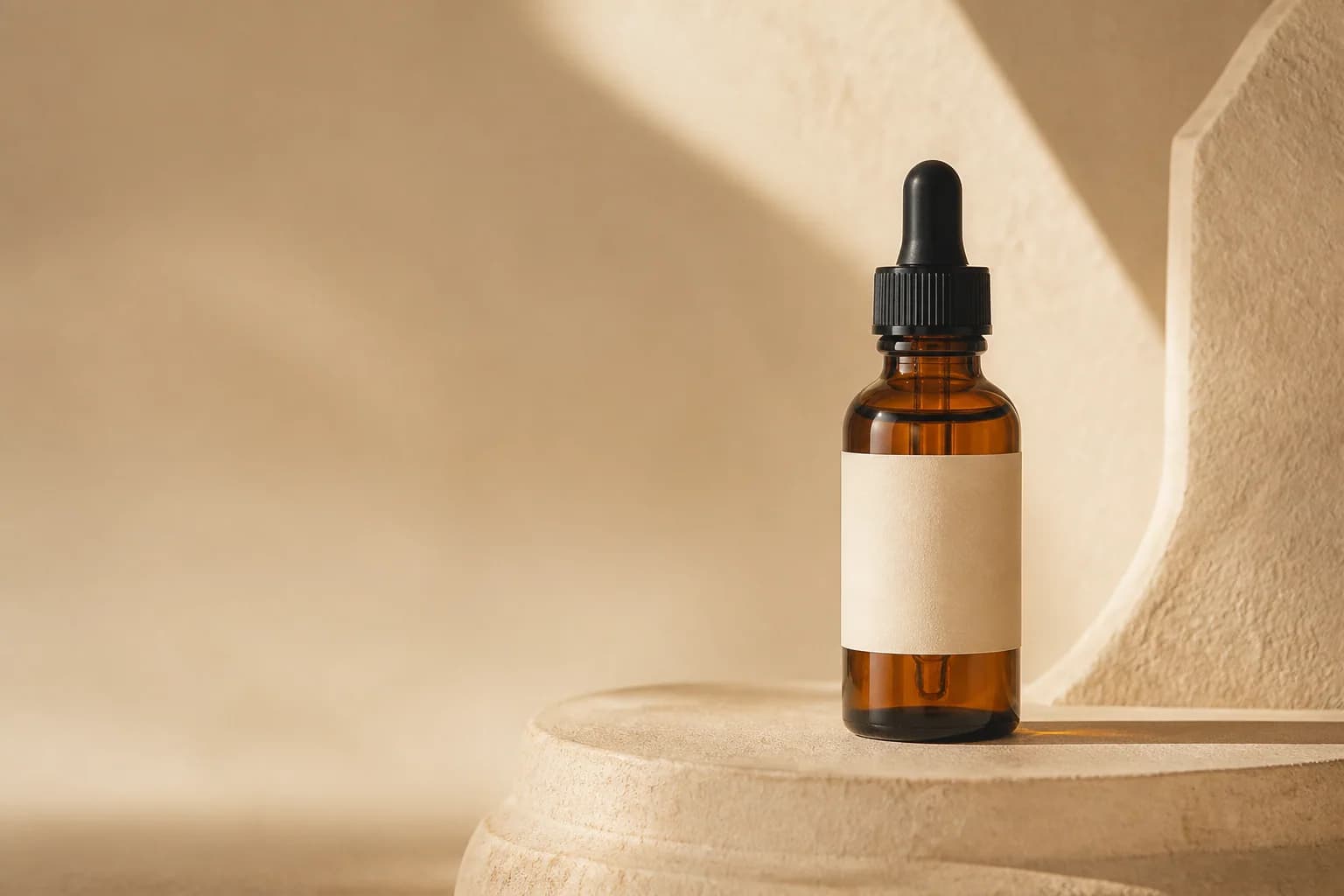
Static ad creative
AI Product Ad Generator
Turn a product photo into a static advertising creative with a campaign scene, product-first composition, brand direction, and useful space for final copy.
Open tool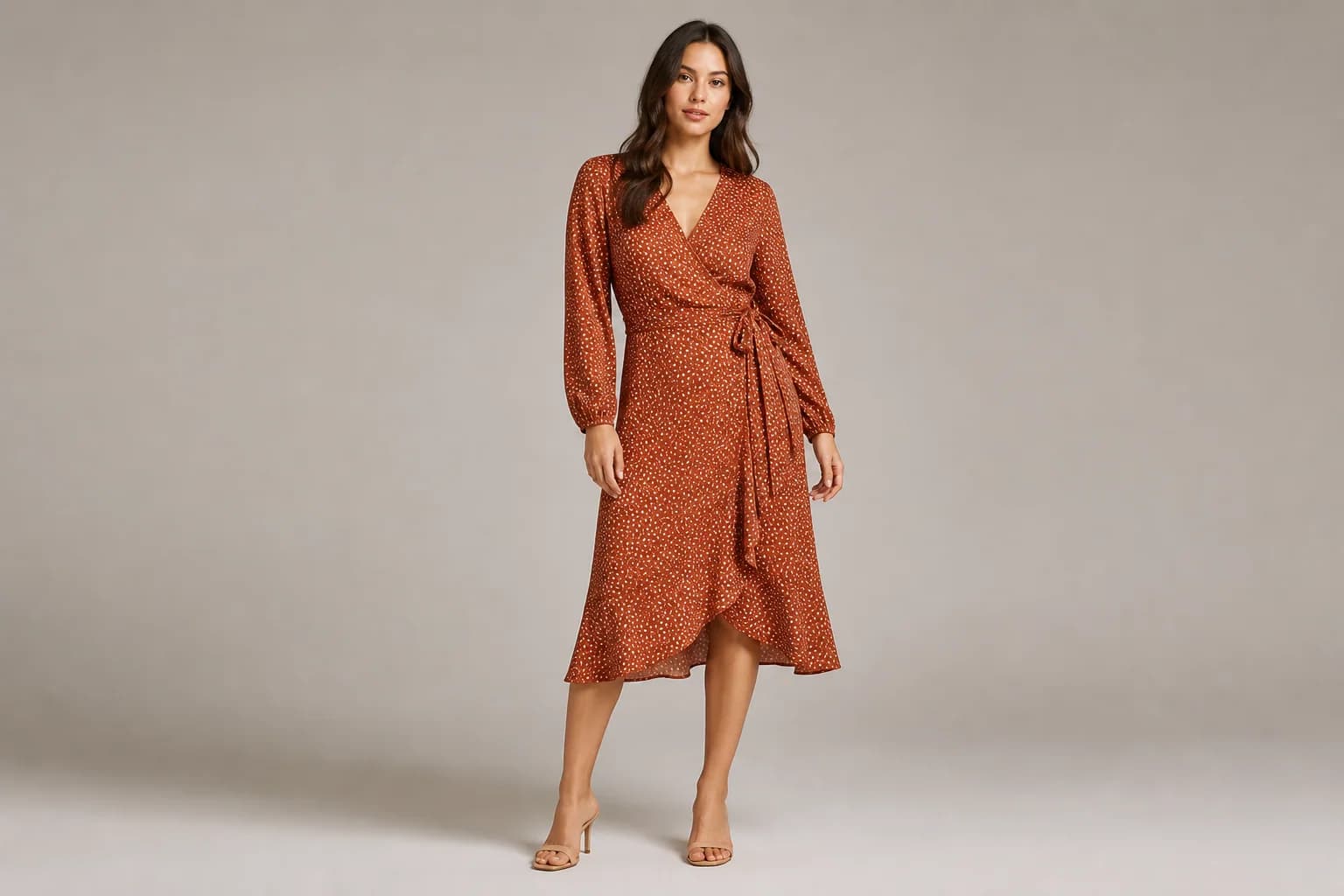
On-model fashion
AI Fashion Model Generator
Put a garment from a flat lay, hanger, or mannequin photo onto a realistic fashion model for catalog, lookbook, and lifestyle images.
Open tool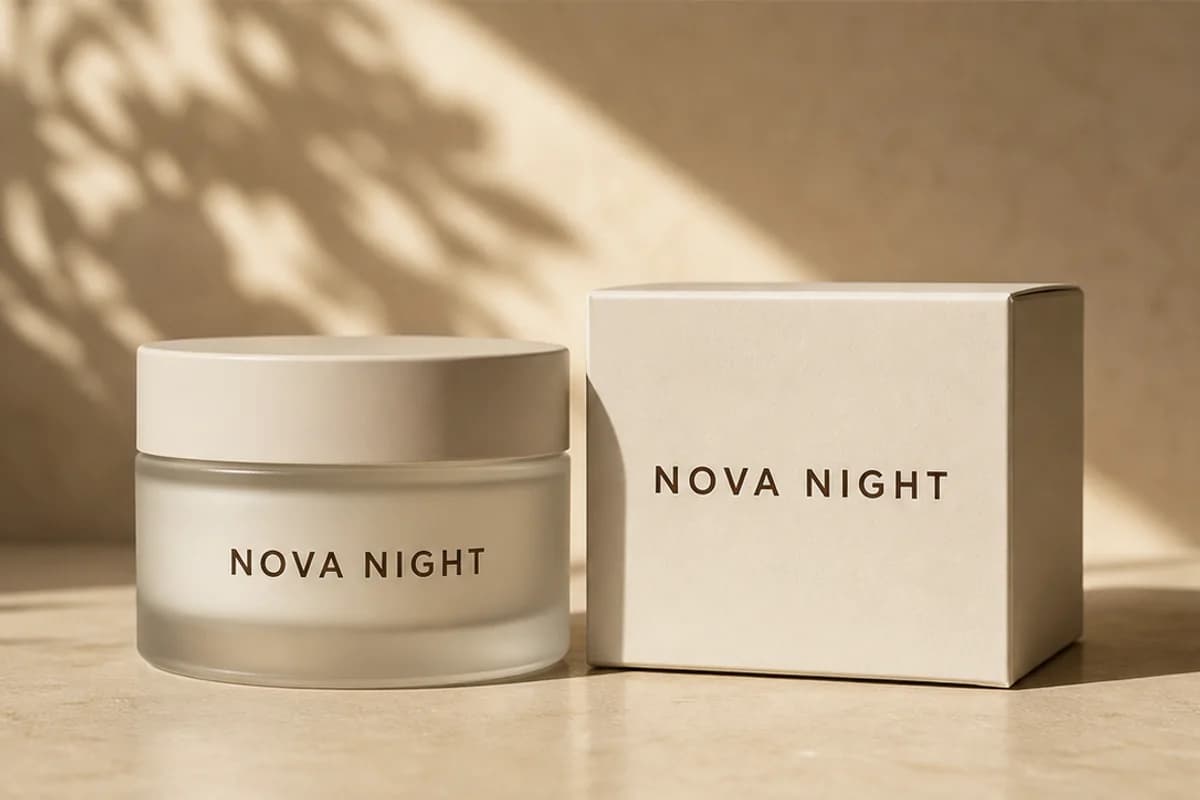
Packaging text
AI Image Text Editor
Replace, correct, translate, add, or remove visible words on product photos and packaging while retaining the surrounding design and studio scene.
Open tool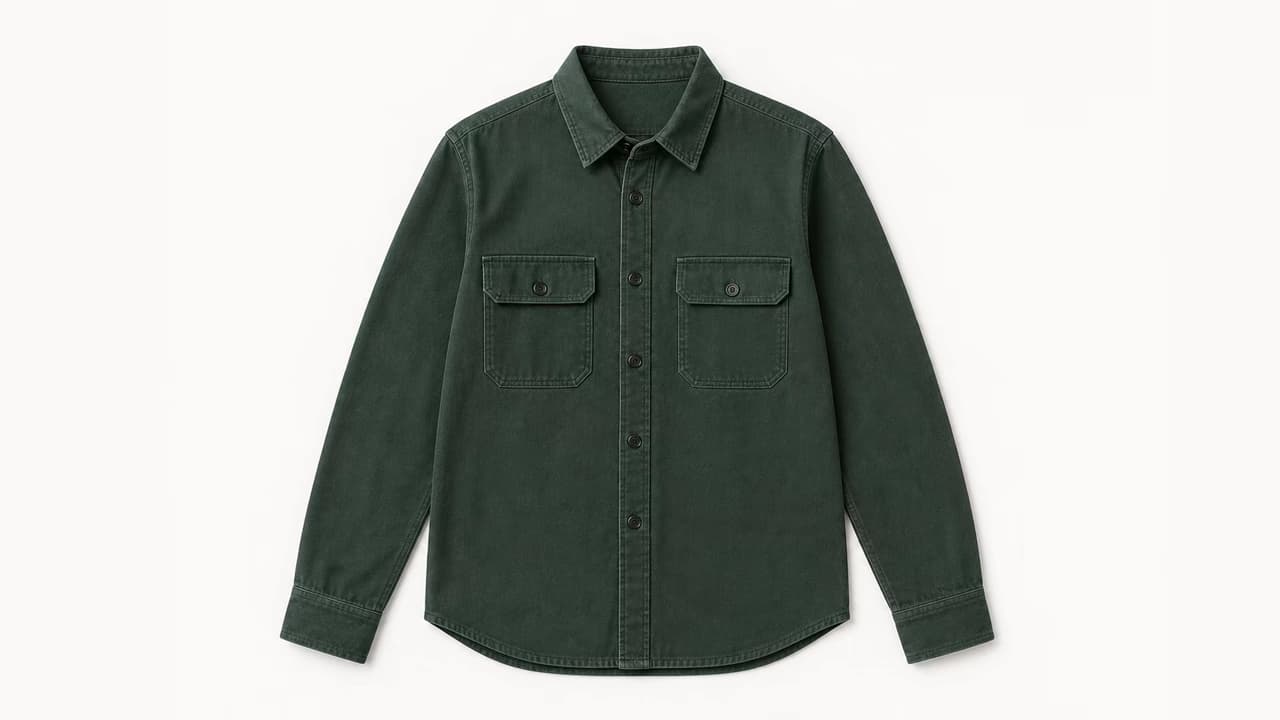
Clothing flat lay
AI Flat Lay Clothing Generator
Convert a model, hanger, mannequin, or garment photo into a clean top-down flat lay while protecting product color, construction, print, and texture.
Open tool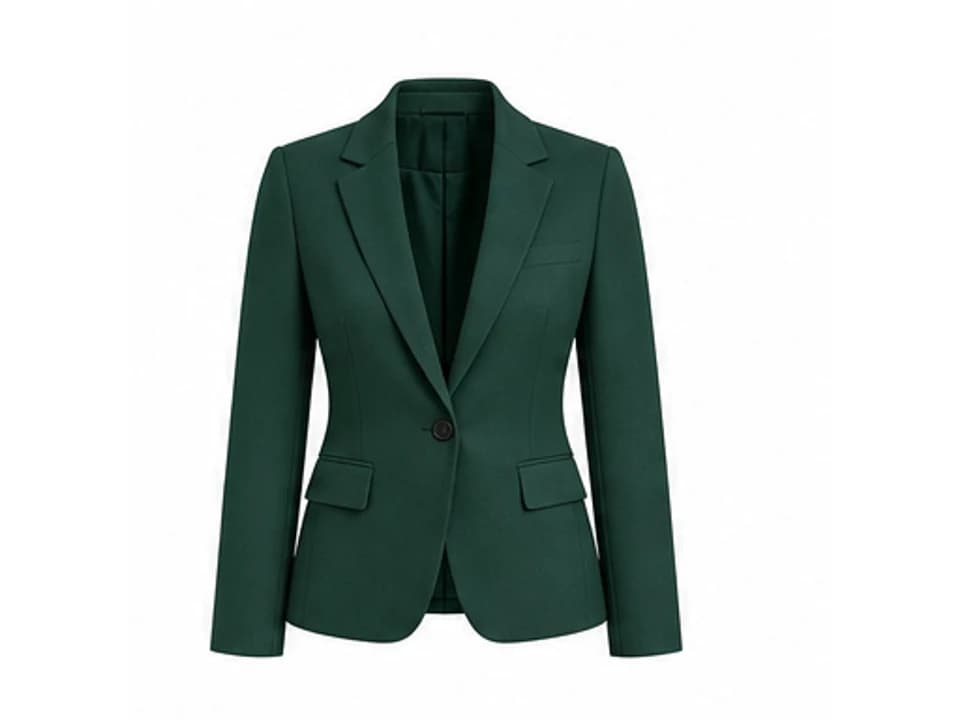
Invisible mannequin
AI Ghost Mannequin Generator
Remove a visible model, hanger, or mannequin while keeping clothing volume and rebuilding the inside collar, sleeves, and hidden garment structure.
Open tool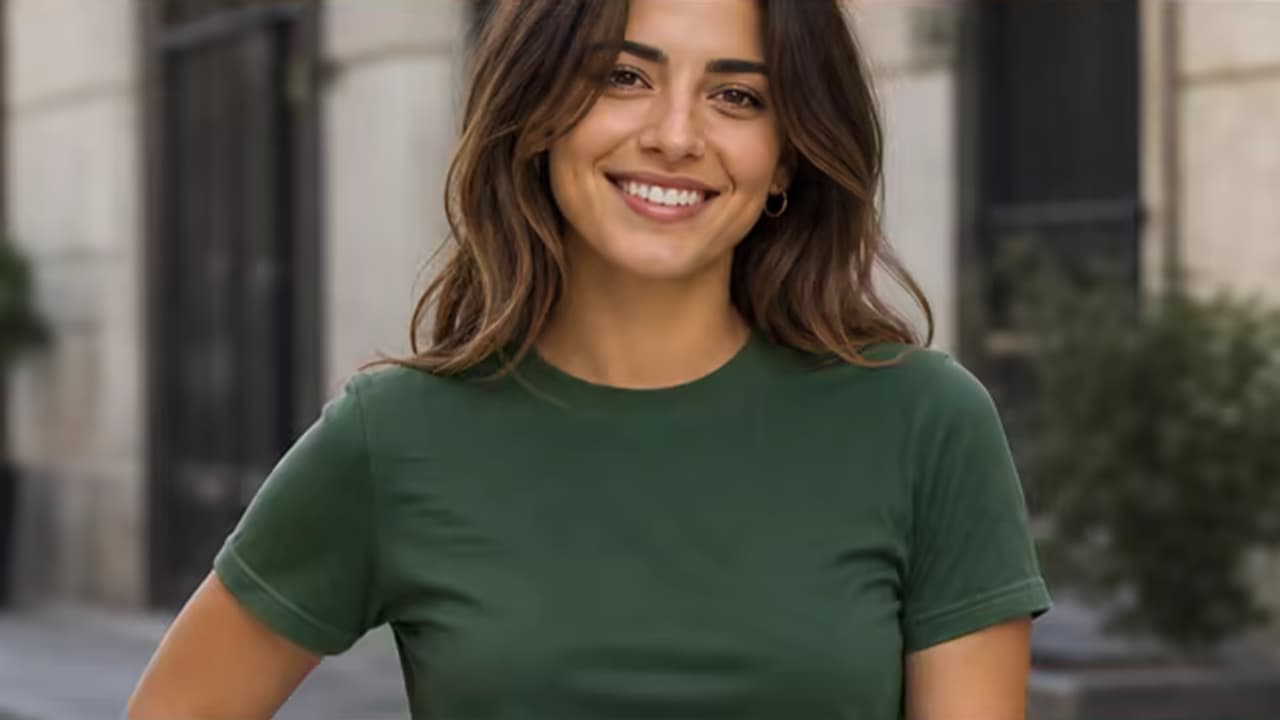
Apparel recolor
Change Shirt Color in a Photo
Recolor one shirt while preserving its design, fabric texture, seams, folds, print, lighting, wearer, and background.
Open tool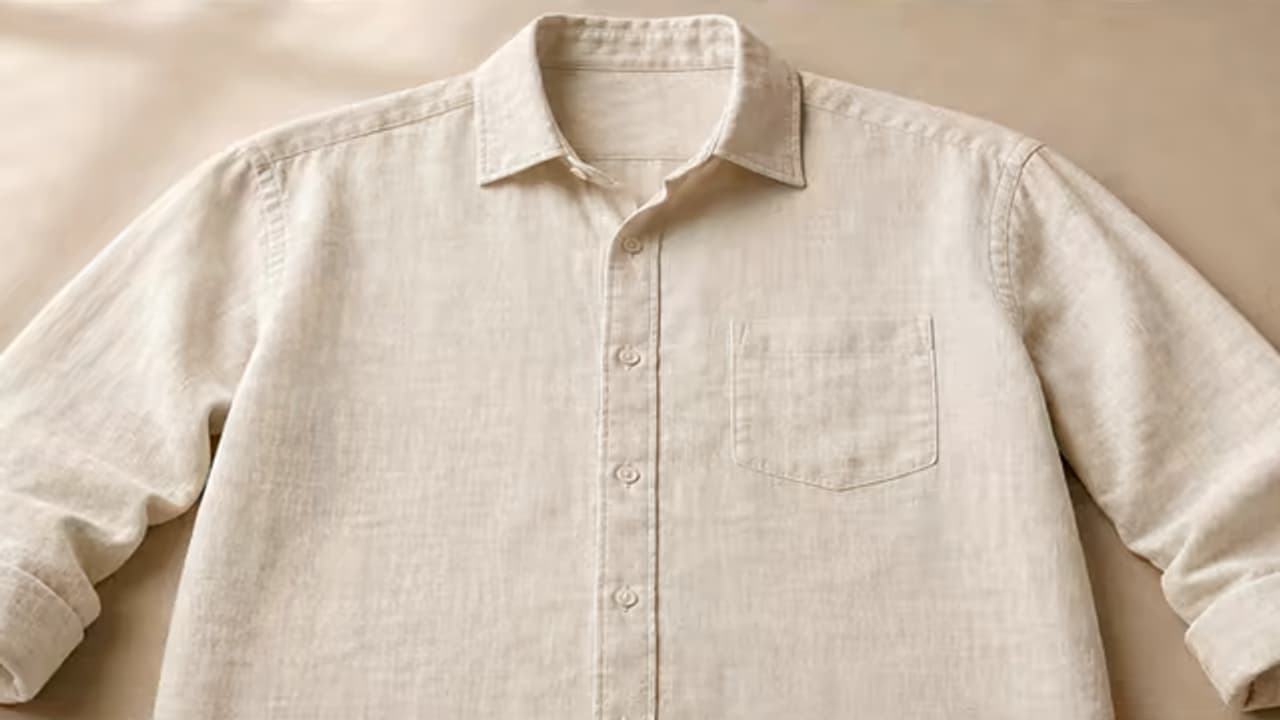
Garment preparation
Remove Wrinkles from Clothes
Smooth accidental garment creases while retaining fabric weave, seams, pleats, natural folds, print, and product shape.
Open tool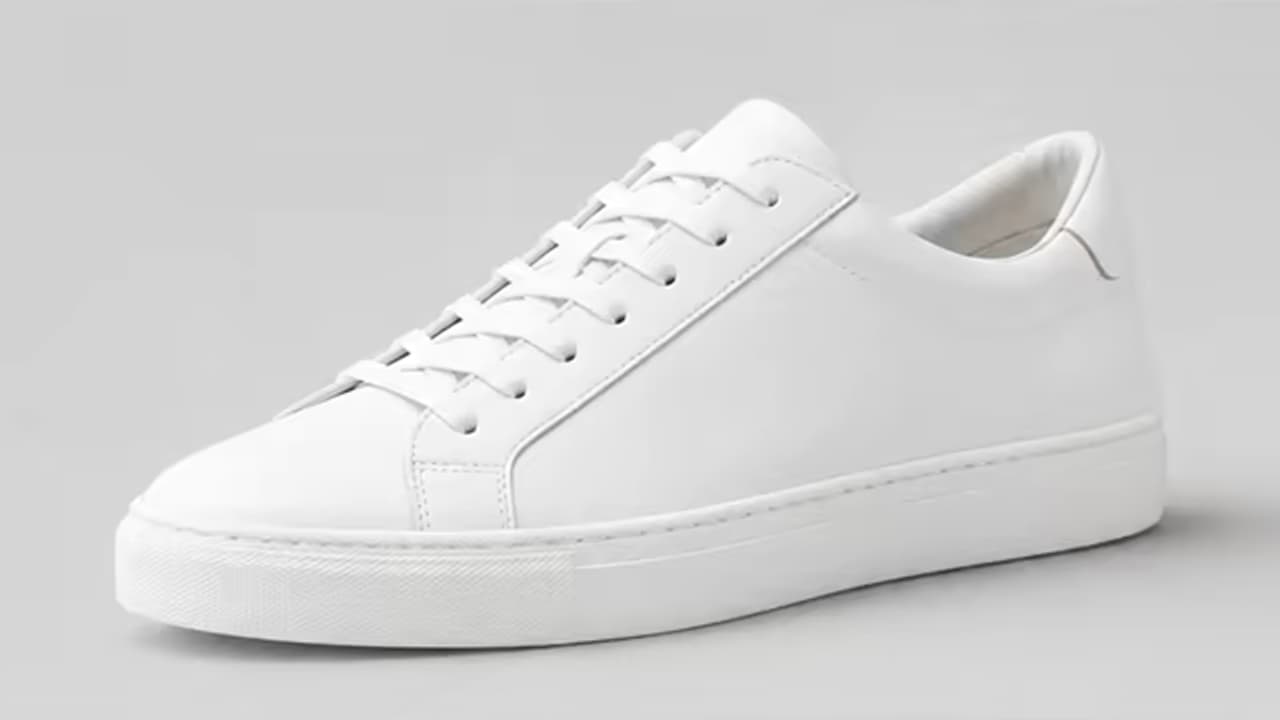
Product depth
AI Product Shadow Generator
Add a natural contact, drop, hard, soft, or floating shadow while preserving the product and background.
Open toolWhich AI product photo editing tools should I use?
Use AI Product Photo Editor when one product image needs an end-to-end packshot, lifestyle scene, lighting, or background treatment. Choose AI Product Ad Generator for static campaign compositions and AI Fashion Model Generator for realistic on-model apparel images. Use a narrower tool for visible words, flat lays, ghost mannequin views, apparel color, creases, or product shadows. For canvas extension or relighting, continue to Image Enhancement; for glare removal, use Photo Cleanup.