
AI Product Photo Editor for Ecommerce Photos
Use an AI Product Photo Editor to turn one ordinary product picture into a clean white-background packshot, a lifestyle product photo, or a polished campaign image from a single upload.
Use the prompt guidance to keep product shape, proportions, colors, materials, logos, label layout, packaging text, and camera angle at the center of every creative direction.
Name the target background, scene, light, shadow, crop, or campaign mood. Add the product details that must remain unchanged.
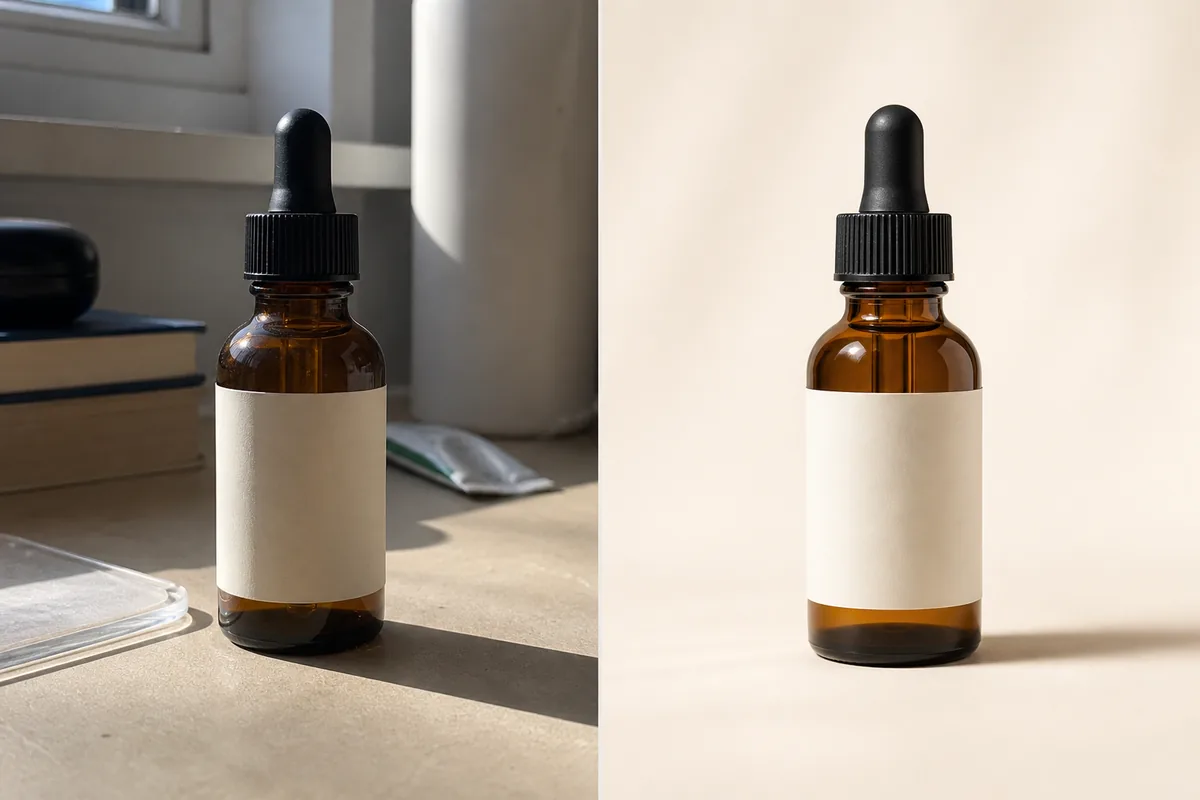
AI Product Photo Editor Results for Real Selling Tasks
The AI Product Photo Editor combines background generation, product photo enhancement, relighting, shadow creation, glare cleanup, and campaign styling in one prompt-based workflow.
Create a Clean White-Background Product Photo
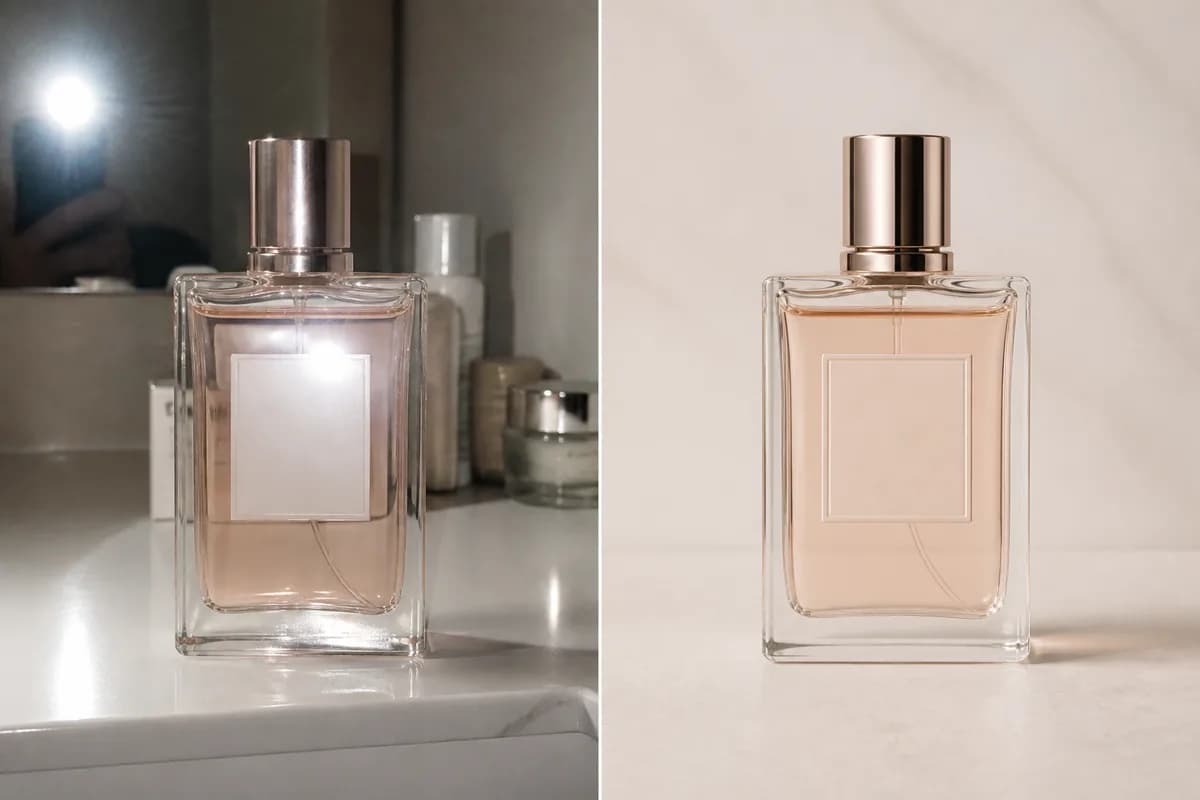
Convert a casual phone shot into a marketplace-ready packshot on white or warm white. The AI Product Photo Editor can simplify the setting, balance exposure, clean the silhouette, and ground the item with a believable contact shadow.
- Useful for ecommerce product photos, catalog grids, and clean PDP galleries.
- Preserve exact bottle shape, cap, color, label placement, proportions, and viewing angle.
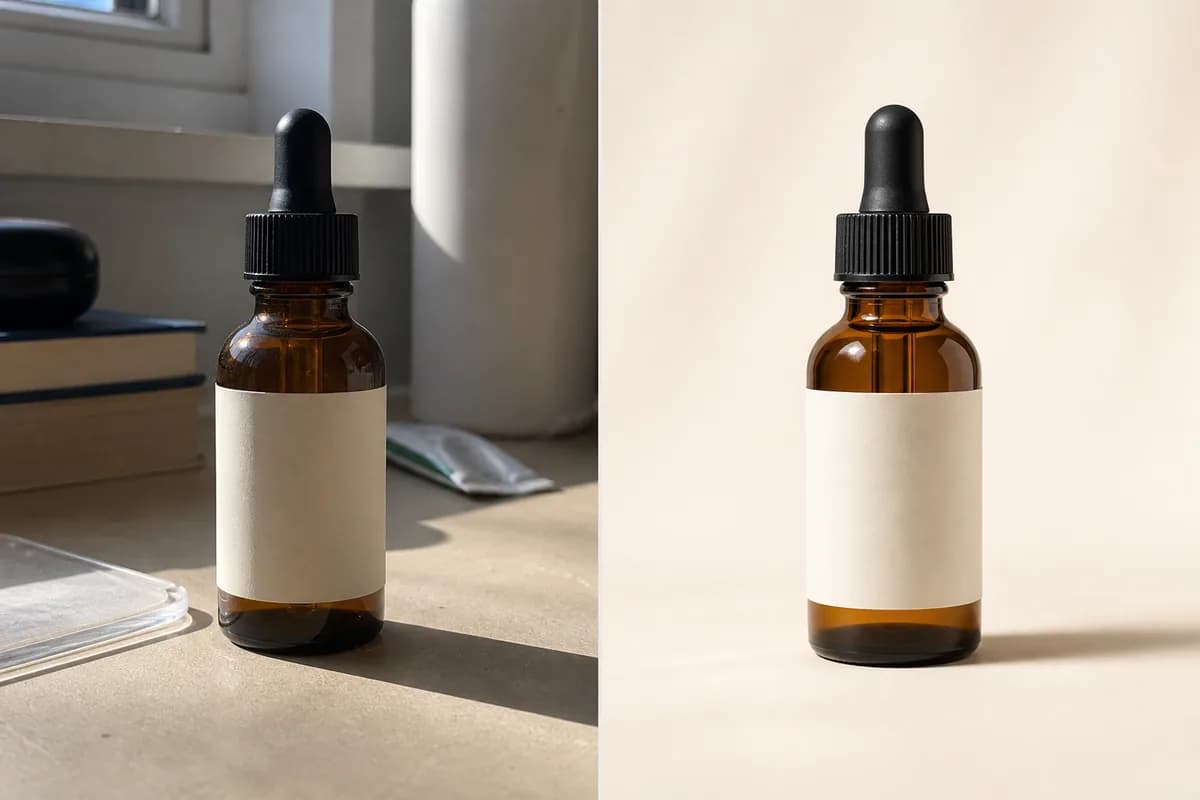
Generate Lifestyle Product Photography from One Image
Place a product in a kitchen, bathroom, desk, outdoor, or editorial scene from one source image. Describe the audience and context to create a styled environment that keeps the product clear, central, and ready to sell.
- Create lifestyle product photos for storefronts, landing pages, email, and social content.
- Match perspective, surface contact, reflections, and light direction for a credible composite.
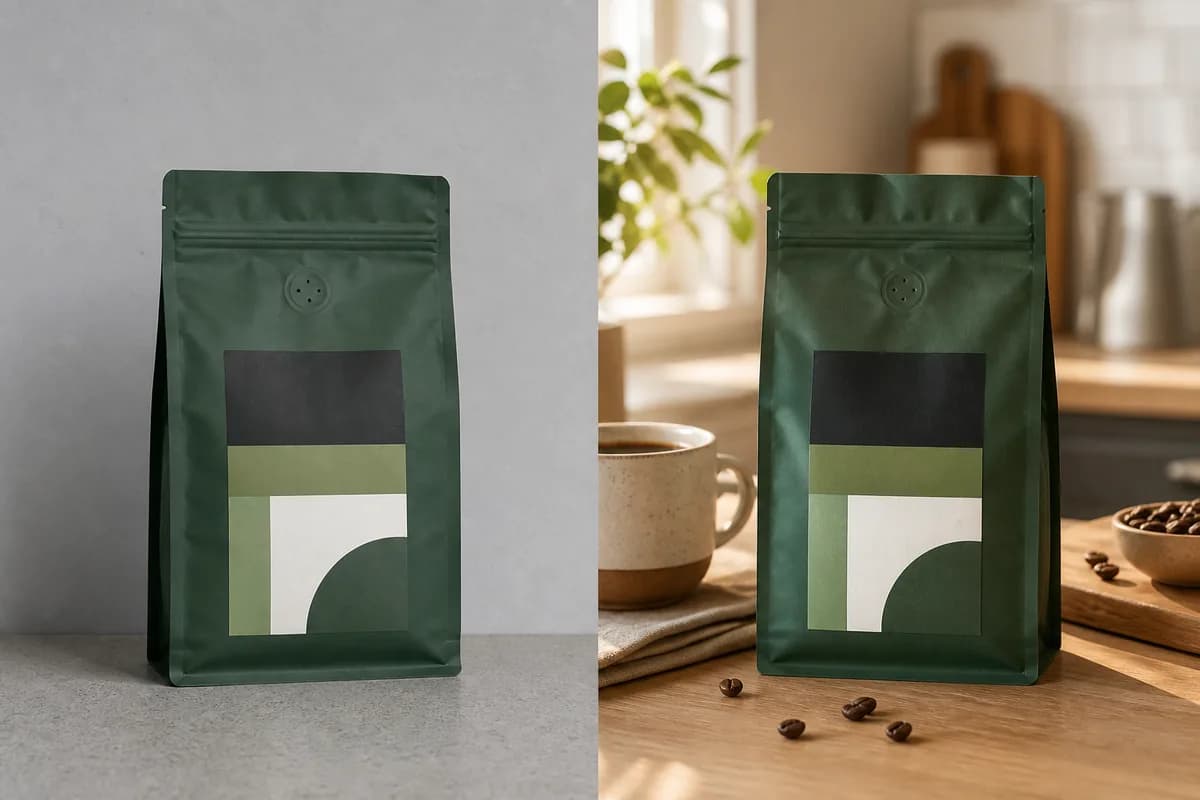
Relight the Product and Add a Realistic Shadow
Rescue a flat product image with a soft key light, controlled fill, rim light, or warmer studio mood. Add a contact, drop, directional, or floating shadow that follows the surface and makes the product feel physically present.
- Keep highlights consistent with glass, metal, fabric, leather, plastic, or matte packaging.
- Use a focused relighting or shadow tool when you want only that single adjustment.
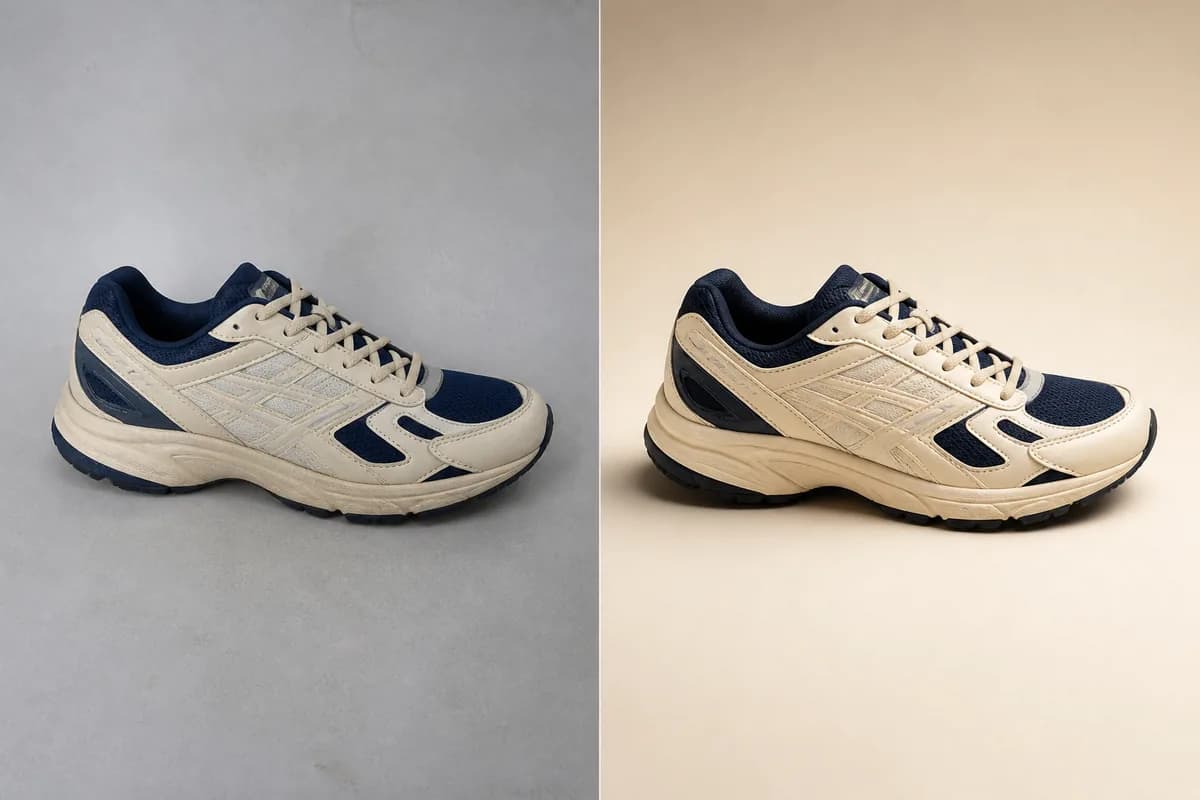
Clean Glare, Clutter, and Distracting Reflections
Polish glossy packaging, glass bottles, screens, and reflective materials by reducing harsh flash hotspots or background clutter. Controlled highlights keep glass, metal, and polished surfaces dimensional and premium.
- Reveal product color, finish, and label areas while retaining natural glass and metal cues.
- Guide logos, label layout, lettering, and mirrored details with the product-preservation prompt.
Turn a Listing Photo into Campaign Creative
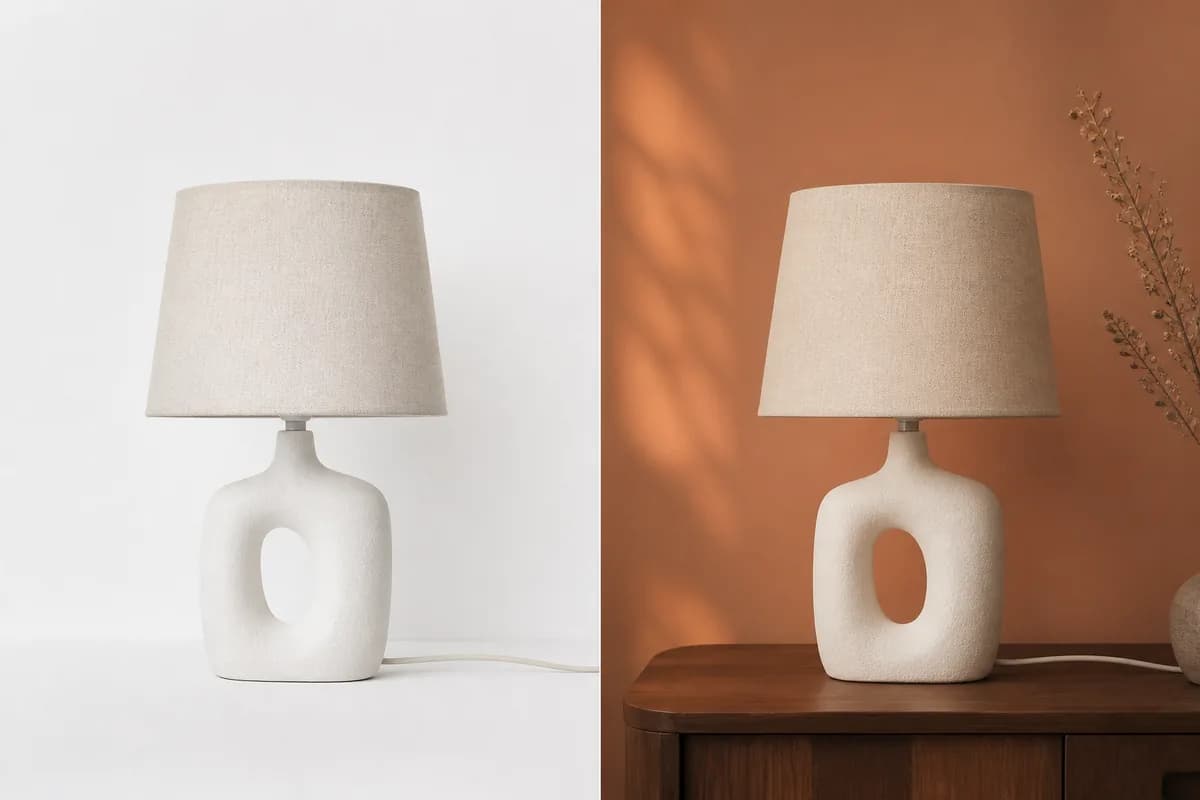
Reuse the same product for seasonal launches, paid ads, marketplace banners, and social posts. Ask for a campaign palette, supporting props, negative space, and a specific aspect ratio while keeping the item unobstructed.
- Build visual variants for Shopify, Amazon, Etsy, Instagram, email, and landing pages.
- Add final headlines and prices with a dedicated text editor after the visual is approved.
How to Use the AI Product Photo Editor
A strong source and a specific brief help this AI product image editor create a useful first result.
1. Upload One Clear Product Image
Choose a sharp image with the whole product visible and as little obstruction as possible. Front, three-quarter, and side views each produce a different final angle, so start with the angle you want to retain.
2. Describe the Selling Image
Specify packshot or lifestyle, background, surface, props, light direction, shadow, palette, crop, and channel. Add a preservation sentence for any exact material or packaging details.
3. Generate, Preview, and Refine
Preview the result at full size, fine-tune the background or styling with a focused follow-up prompt, and choose the version that best fits your storefront or campaign.
Who Uses an AI Product Photo Editor?
The workflow helps teams turn existing assets into more storefront, advertising, social, and launch-ready product-photo variations.
Marketplace Sellers
Prepare cleaner Amazon, Etsy, eBay, and marketplace listing images while adapting backgrounds and framing to each channel.
Shopify and DTC Brands
Build consistent packshots, PDP galleries, category thumbnails, and lifestyle scenes across a growing storefront.
Performance Marketers
Create new ad scenes, seasonal palettes, and negative-space layouts for faster creative testing.
Freelancers and Agencies
Turn rough client assets into visual directions, campaign mockups, and approved ecommerce images.
Small Product Teams
Create polished variations for food, beauty, fashion, furniture, electronics, and packaged goods from existing assets.
Why Choose This AI Product Photo Editor?
A complete product photo editor online that combines creative direction, product-preservation prompting, fast previews, and polished ecommerce outputs.
One End-to-End Workflow
Upload, direct the full edit, preview the generated product image, refine the brief, and download from the same page.
Preservation-First Prompting
The empty prompt field includes guidance for naming the product attributes most ecommerce teams need to protect, and you can adapt the instruction to your SKU.
Brand-Ready Detail Guidance
Focused prompt guidance keeps logos, label layout, materials, colors, reflections, and product-defining details central to the edit.
AI Product Photo Editor FAQ
What is an AI Product Photo Editor?
Is this a real product photo editor or a tools directory?
How do I edit product photos online with AI?
Can it make a white-background product photo?
Can I create lifestyle product photos from one image?
How does the editor preserve logos and packaging details?
What products work with this ecommerce product photo editor?
Can it change a product background and keep the item?
Can the AI Product Photo Editor make Amazon or Shopify images?
Can I try the AI product photo editor free?
What source image gives the best result?
How does AI product photography speed up content creation?
Create Your Next Product Photo from One Upload
Use the AI Product Photo Editor for a packshot, lifestyle scene, relit listing image, or campaign variation with your product details at the center.