
Lens Flare Effect for Cinematic, Sunlit Photos
Add a Lens Flare Effect with warm sunlight, soft glow, or cinematic blue streaks. Upload a photo and describe the light.
Upload image
or drag and drop
Choose a starting point
Choose a starting look, then describe the color, direction, and strength you want.
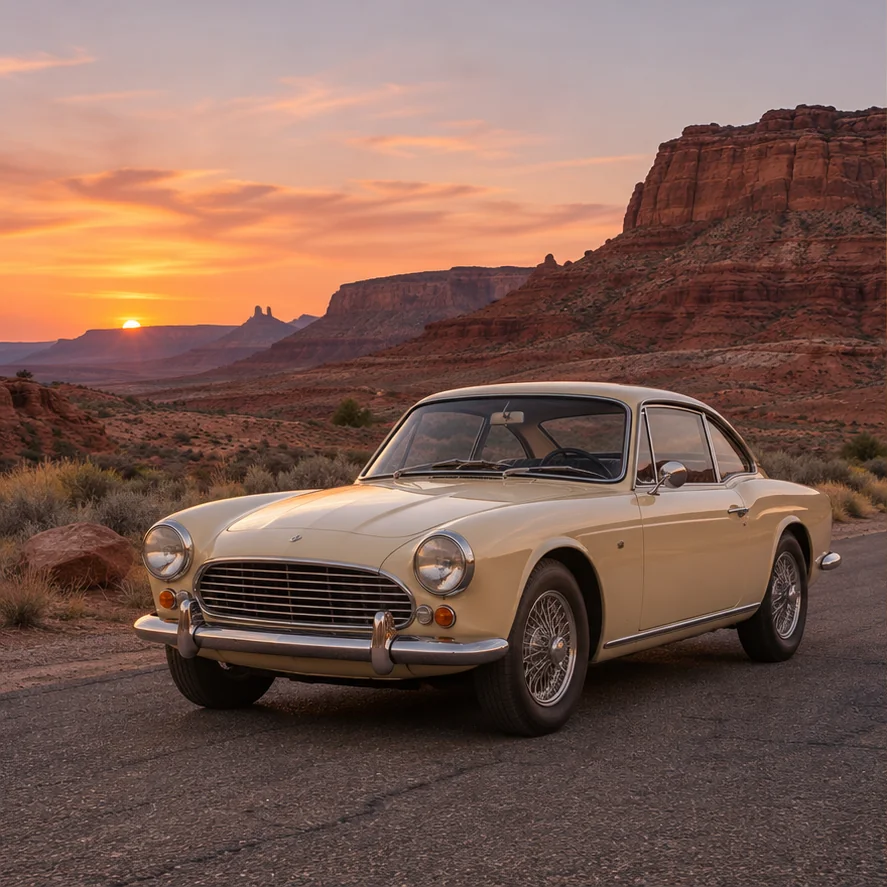
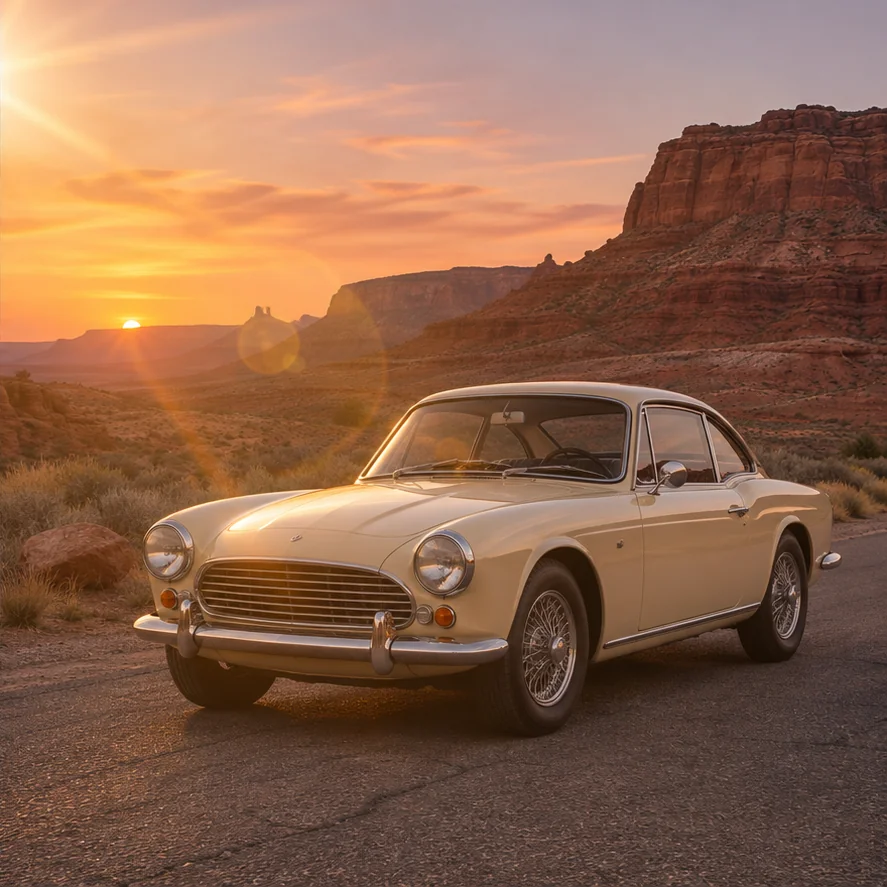
Find the Lens Flare Effect that fits your photo
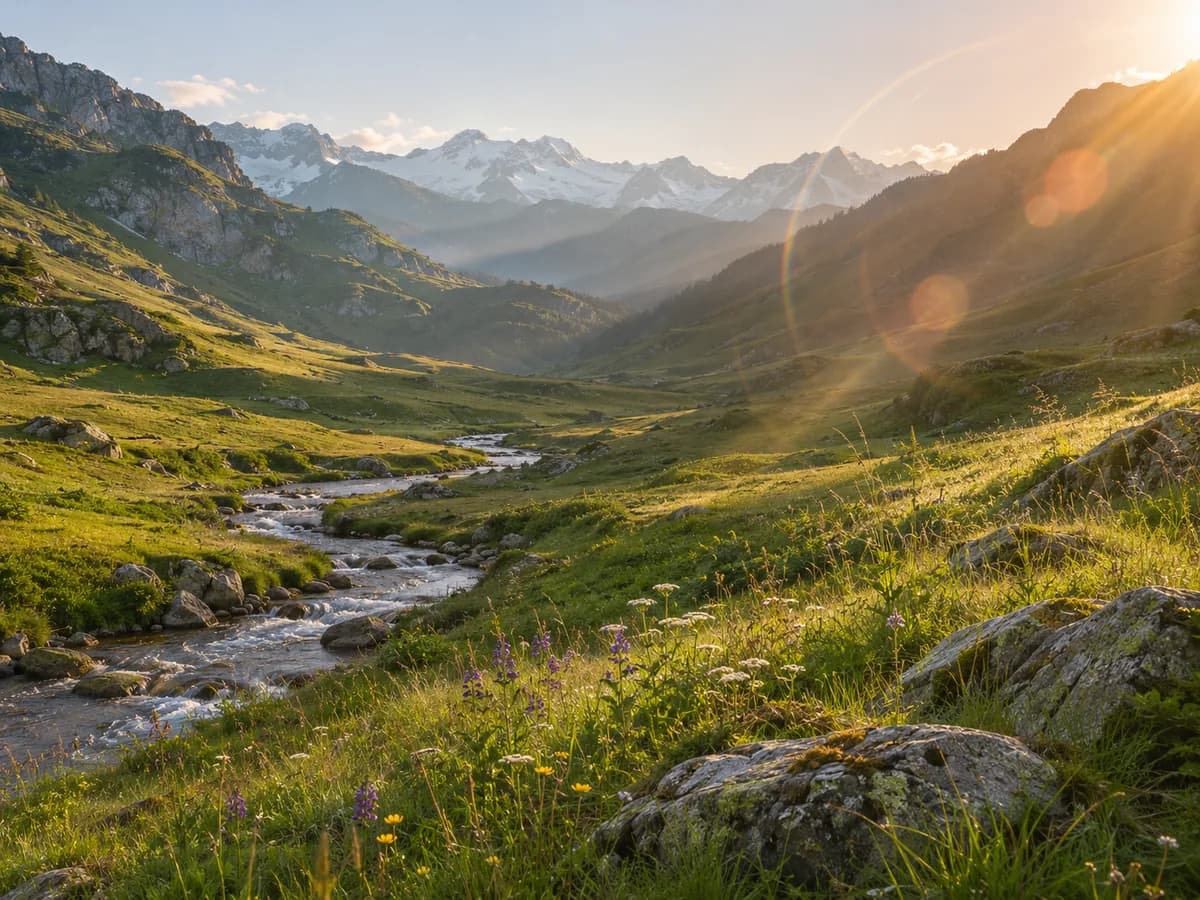
Bring golden-hour warmth to everyday scenes
A warm Lens Flare Effect adds warmth to outdoor scenes. Describe a golden sun flare, gentle rays, or delicate amber rings to shape the mood of your photo. Meadows, coastal views, and travel memories gain a stronger sense of time and place. Start with a restrained Lens Flare Effect so the scenery stays readable, then explore a warmer version if the picture calls for it.
Try it on your image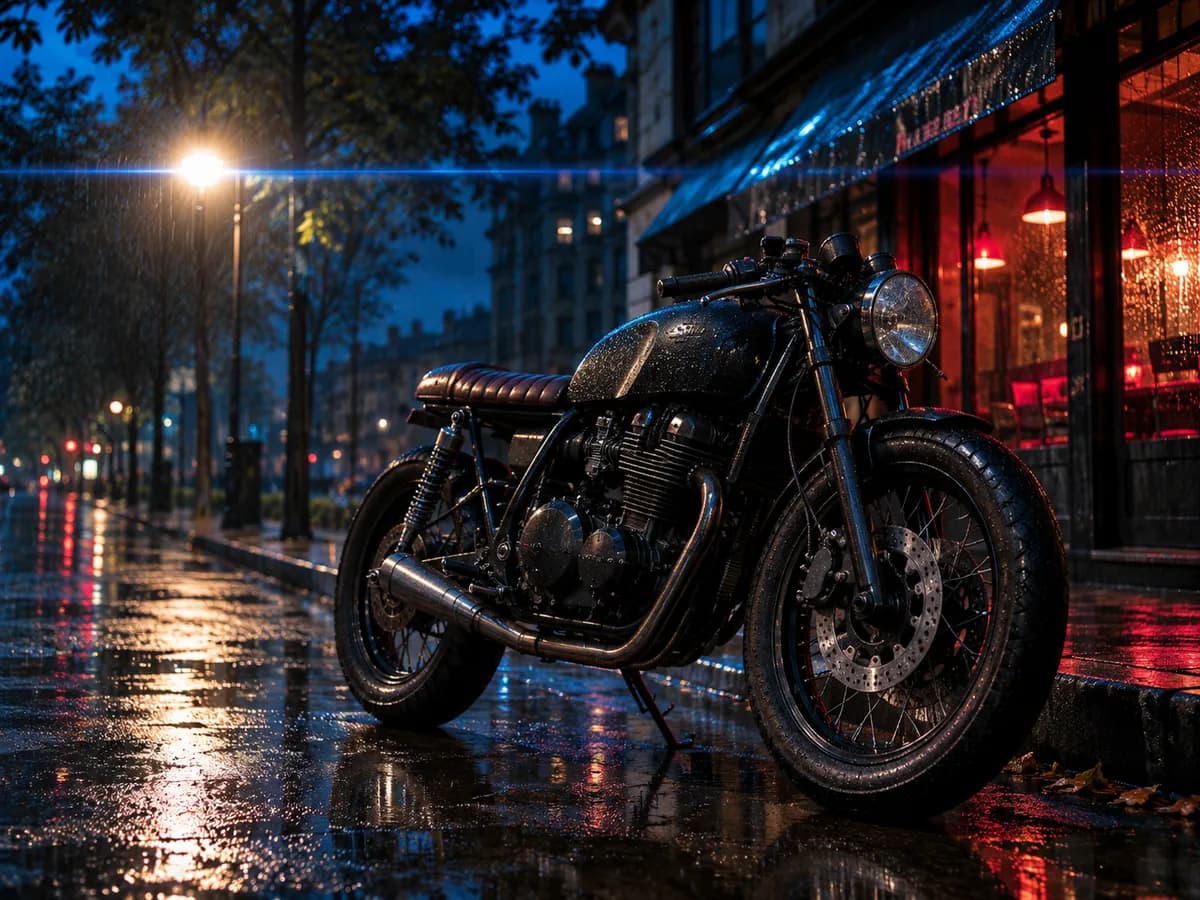
Give night photography a cinematic edge
Turn streetlights into a more dramatic story. Ask for a cinematic Lens Flare Effect with a thin blue light streak, cooler highlights, or a restrained anamorphic look. Night streets, vehicles, and urban portraits offer strong starting points. Describe where the Lens Flare Effect should originate and which details should stay sharp to guide the generated result toward the atmosphere you have in mind.
Try it on your image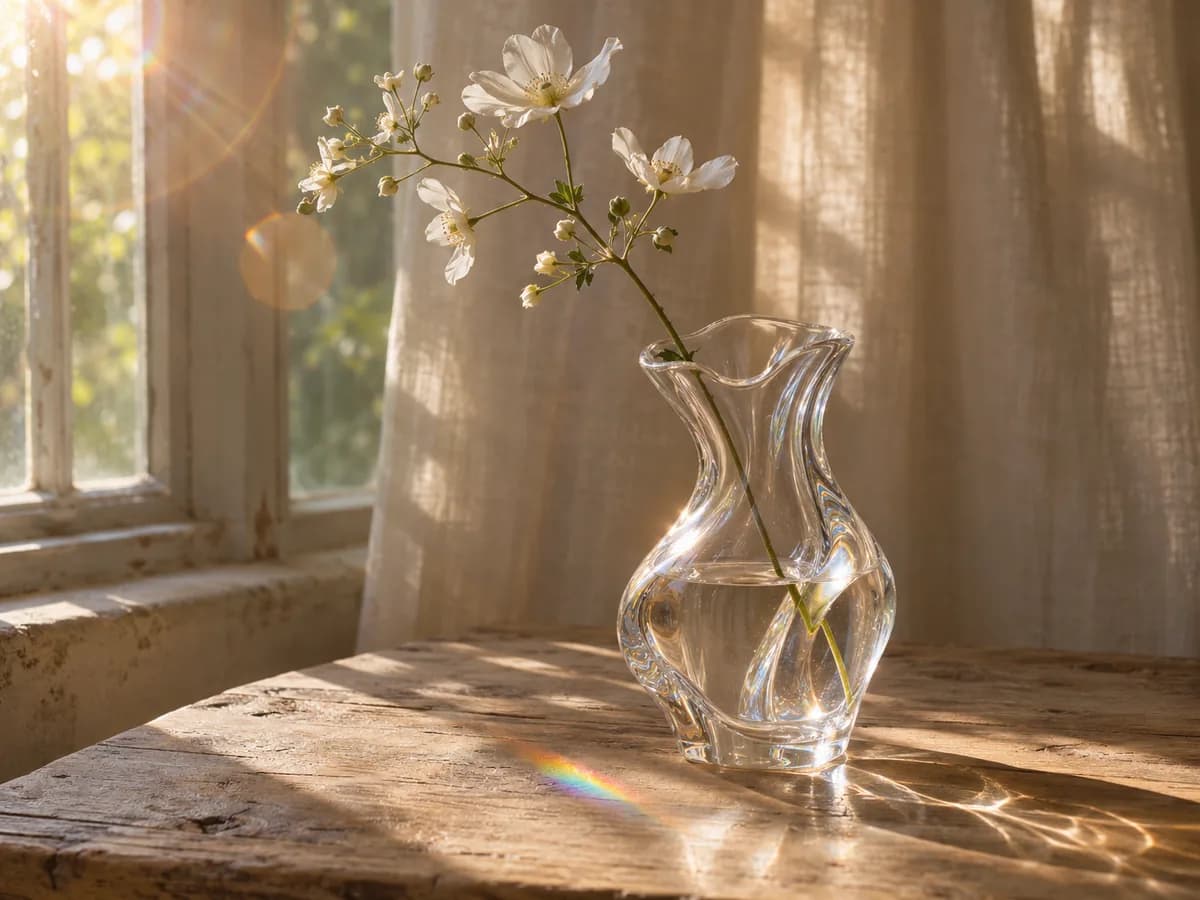
A softer Lens Flare Effect for delicate details
Glass, flowers, and sunlit interiors often need only a hint of optical glow. Describe a subtle Lens Flare Effect with soft highlights and a gentle halo to give still-life photos atmosphere. You can ask to keep petals, transparent edges, and surface textures visible while adding light around them. This approach suits editorial imagery and product mood shots where the object should remain the center of attention.
Try it on your image
Let the existing light lead the composition
A believable Lens Flare Effect follows the light already in your picture. Mention the window, sun, or lamp when describing the edit, and ask to preserve faces and important textures. Backlit portraits can gain warmth around the hair and background while the eyes remain the focal point. Review the Lens Flare Effect for lighting consistency and refine your description if the glow feels too strong.
Try it on your image
Describe the color, direction, and mood you want
Your Lens Flare Effect can be a blue accent, warm sunlight, or a small burst near a stage light. Use everyday words to explain the strength and general position, then generate a version to inspect. This makes it easy to explore lighting ideas for an image without preparing separate overlay files. Each Lens Flare Effect is generated, so placement and details can vary.
Try it on your imageHow to add a Lens Flare Effect
Upload your photo
Choose a clear image with a subject and lighting that suit your Lens Flare Effect.
Describe the light
Pick a Lens Flare Effect preset and adjust its description to suit your photo.
Generate and review
Check the model's credit cost, generate your Lens Flare Effect, then review the result and download options.
Light for the images you create
Travel memories
Bring a warm Lens Flare Effect to landscapes and road-trip memories.
Social posts
Give portraits and everyday moments a soft Lens Flare Effect.
Music and posters
Explore cinematic light for covers and promotional imagery.
Product stories
Add atmosphere to lifestyle shots and campaign concepts.
A practical way to explore photo lighting
Work in your browser
Create a Lens Flare Effect directly in your browser without installing desktop software.
Use familiar words
Explain the light and details you want preserved.
See the cost first
Check the credit cost before starting a generation.
Frequently asked questions
What is a Lens Flare Effect?
A Lens Flare Effect recreates streaks, rings, or haze from bright light entering a camera lens. It adds atmosphere. Glare removal addresses unwanted reflections.
Can I add sun flare online without Photoshop?
Yes. Upload a photo and describe your Lens Flare Effect. The warm sun flare preset provides an editable starting point.
Can I change the color, strength, or direction?
Describe the color, strength, and direction in your prompt. AI generates a new image, so exact placement and unchanged details are not guaranteed.
Does this create transparent lens flare PNG overlays?
The result is an edited photo with the effect included. Separate transparent PNG overlays for layering are not provided.
Can I add the effect to a video?
This tool edits still images. Upload a photo or extracted video frame to create an edited image.
Which image formats and output sizes are supported?
Supported upload formats, image limits, output dimensions, and download formats depend on the selected model. Check its controls and file requirements before generating.
Is it free, and how do downloads work?
Generation costs appear in the tool. Sign in to download. Without a credit purchase, downloads are watermarked PNGs up to 640 pixels on the longest side. Purchasing credits unlocks original-size downloads.
Try a Lens Flare Effect on your photo
Upload your image and create a Lens Flare Effect that complements the scene.
Add light to my photo