
Qwen Image Edit Online with Qwen Image 3
Edit text, objects, backgrounds, products, and complex layouts with Qwen Image 3 and natural-language instructions.
Start with a prompt. Reference images are optional; add them to edit an existing image or guide the result.
Describe the subject, scene, style, and lighting. When editing a reference, state what to change and what to preserve.
Checking access
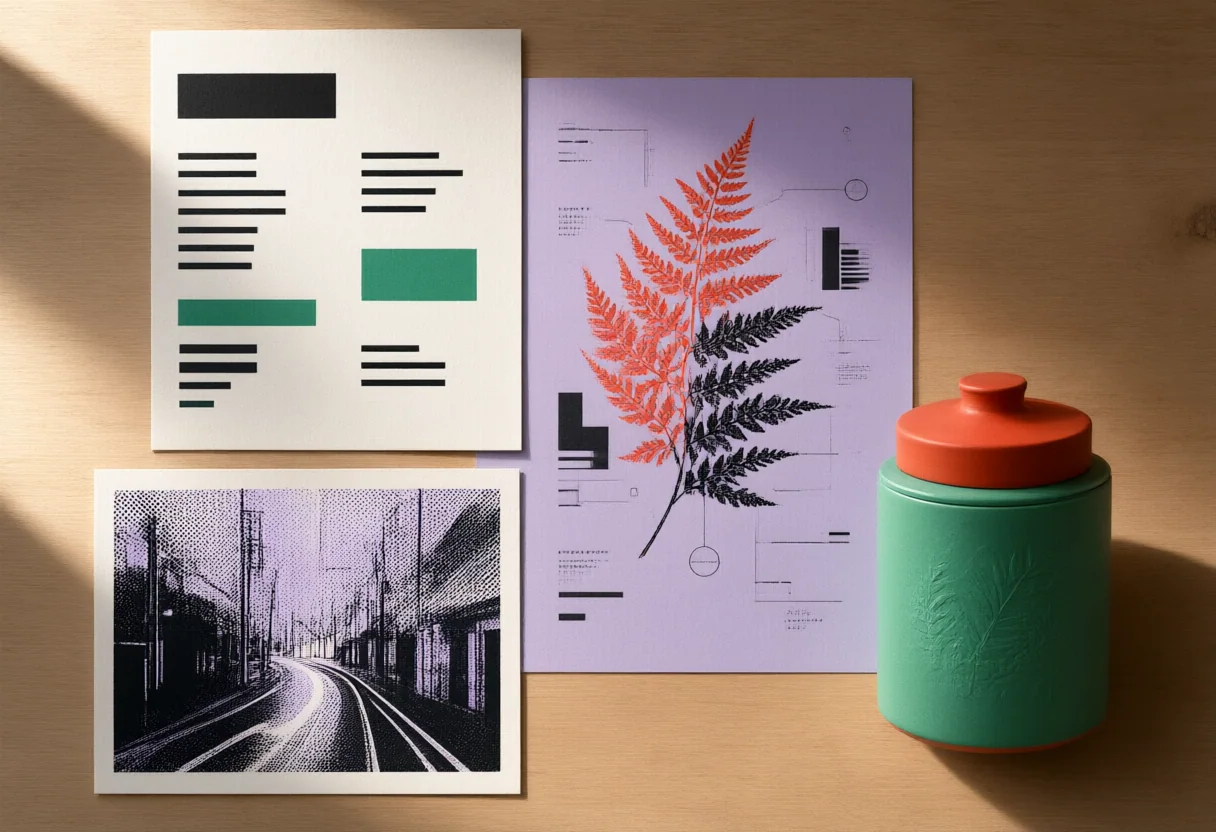
What You Can Edit with Qwen Image 3
Create multilingual designs, product visuals, clean photos, and distinctive new styles.
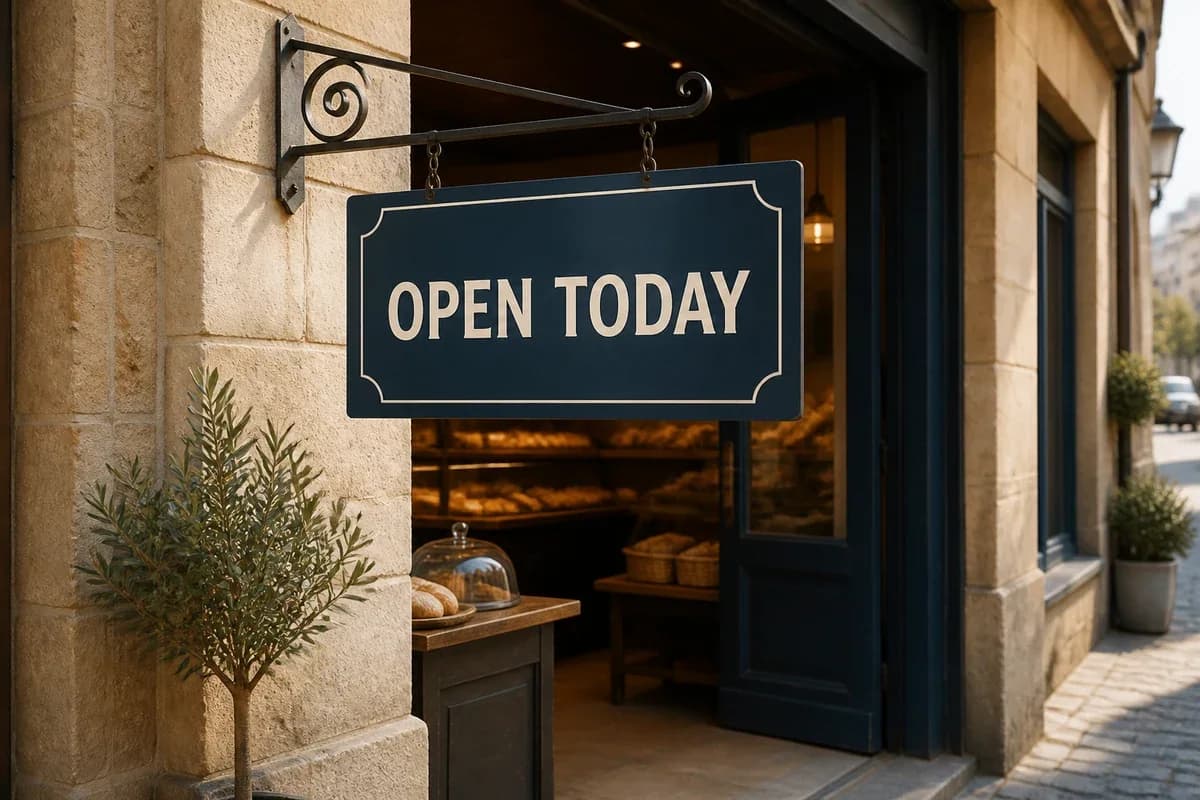
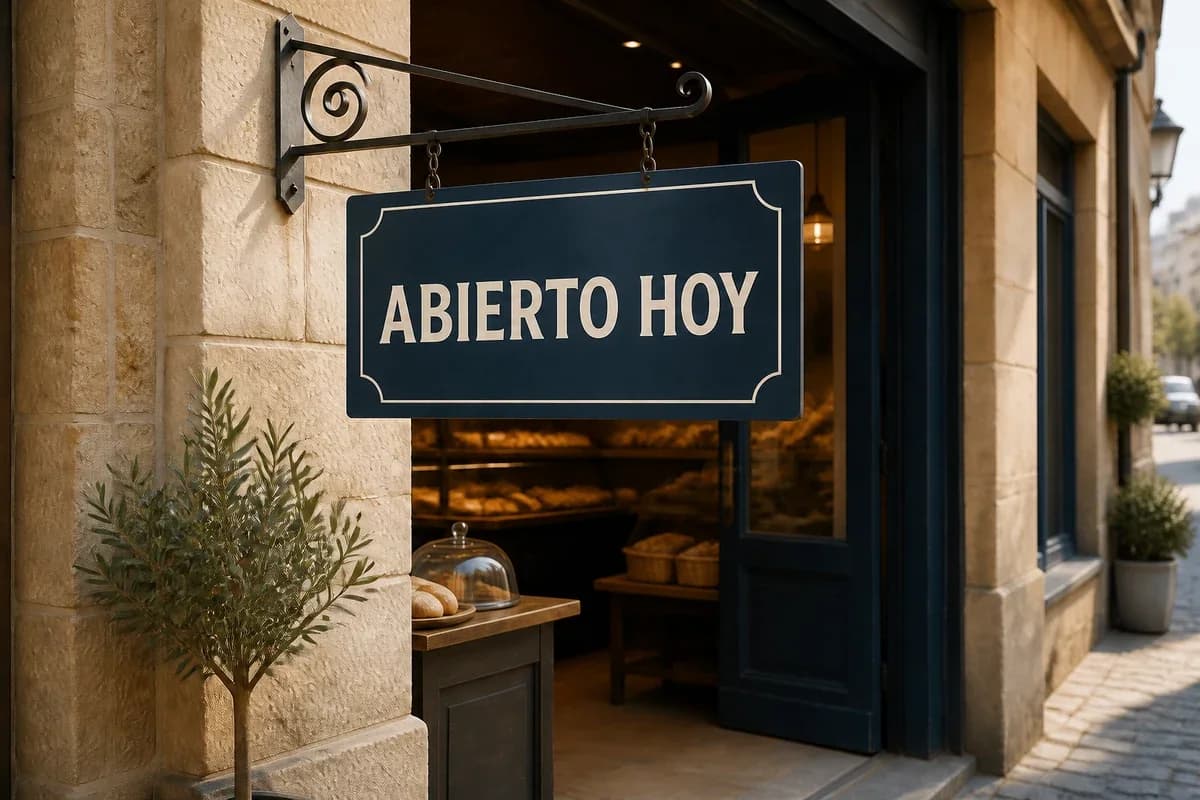
Edit Text in Posters, Menus, and Labels
Replace or localize text in posters, menus, signs, and packaging while maintaining the surrounding typography and visual hierarchy.
Replace Backgrounds Without Rebuilding the Product
Move products into studio, lifestyle, or natural-light scenes while keeping the original packshot as the clear visual anchor.
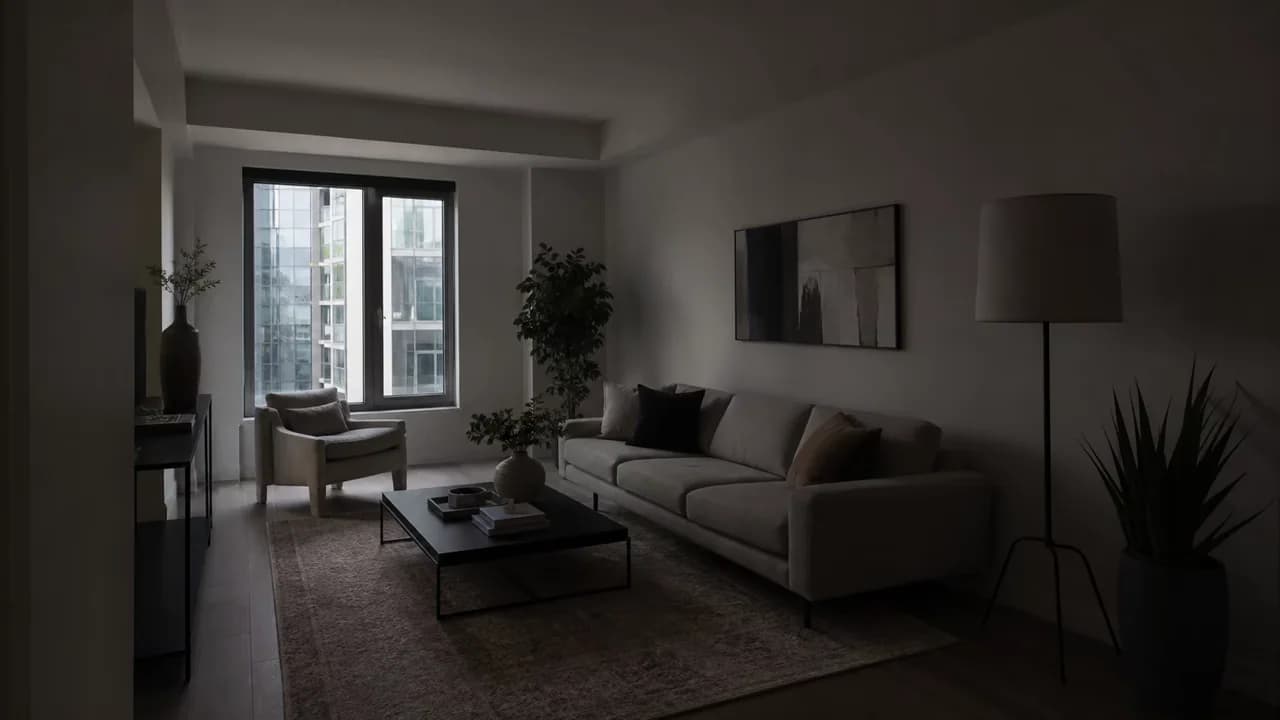

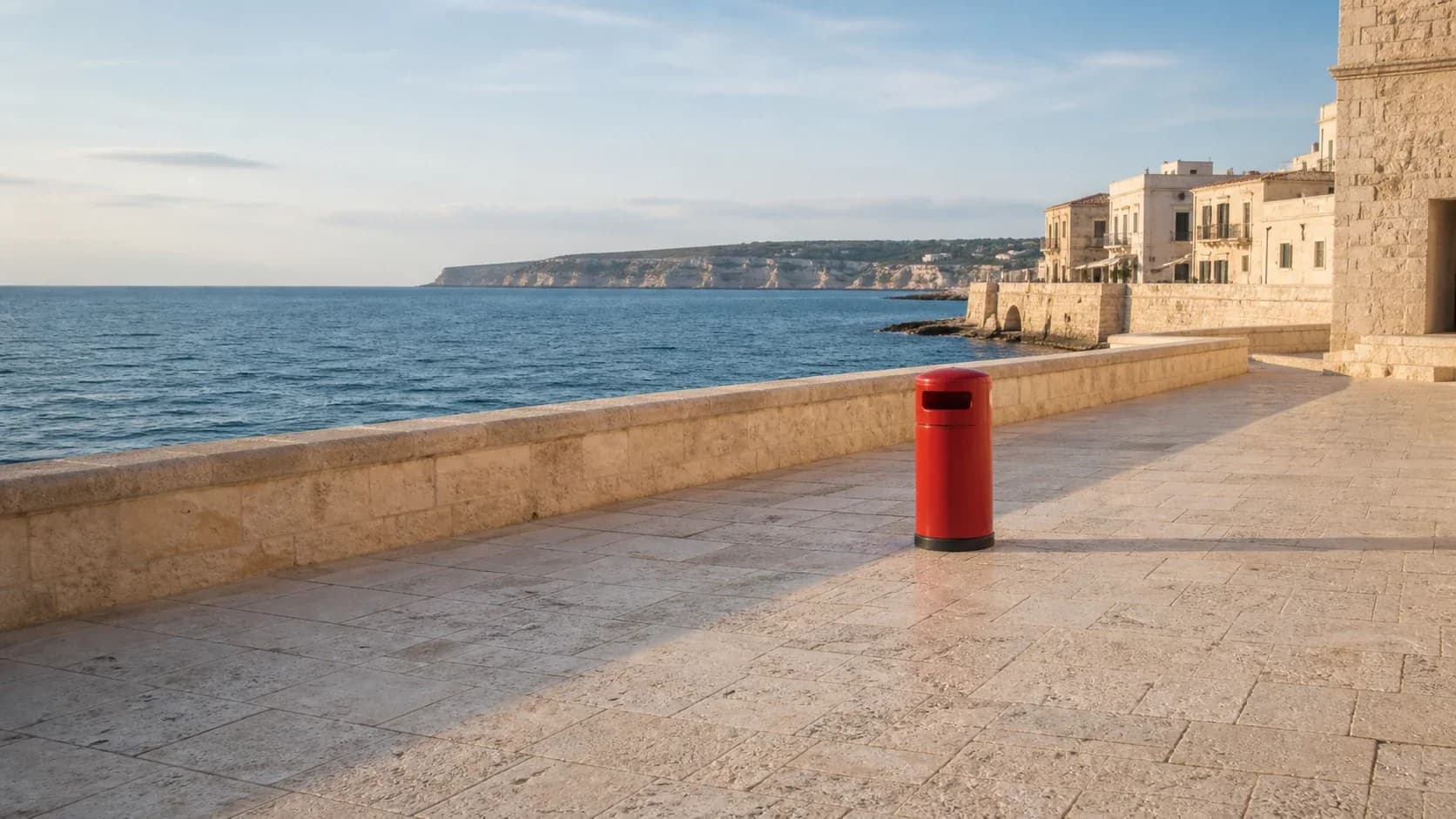
Add, Remove, or Replace a Specific Object
Clean up travel photos, swap props, or add a useful detail with natural reconstruction of the surrounding scene.

Guide Character and Product Consistency with References
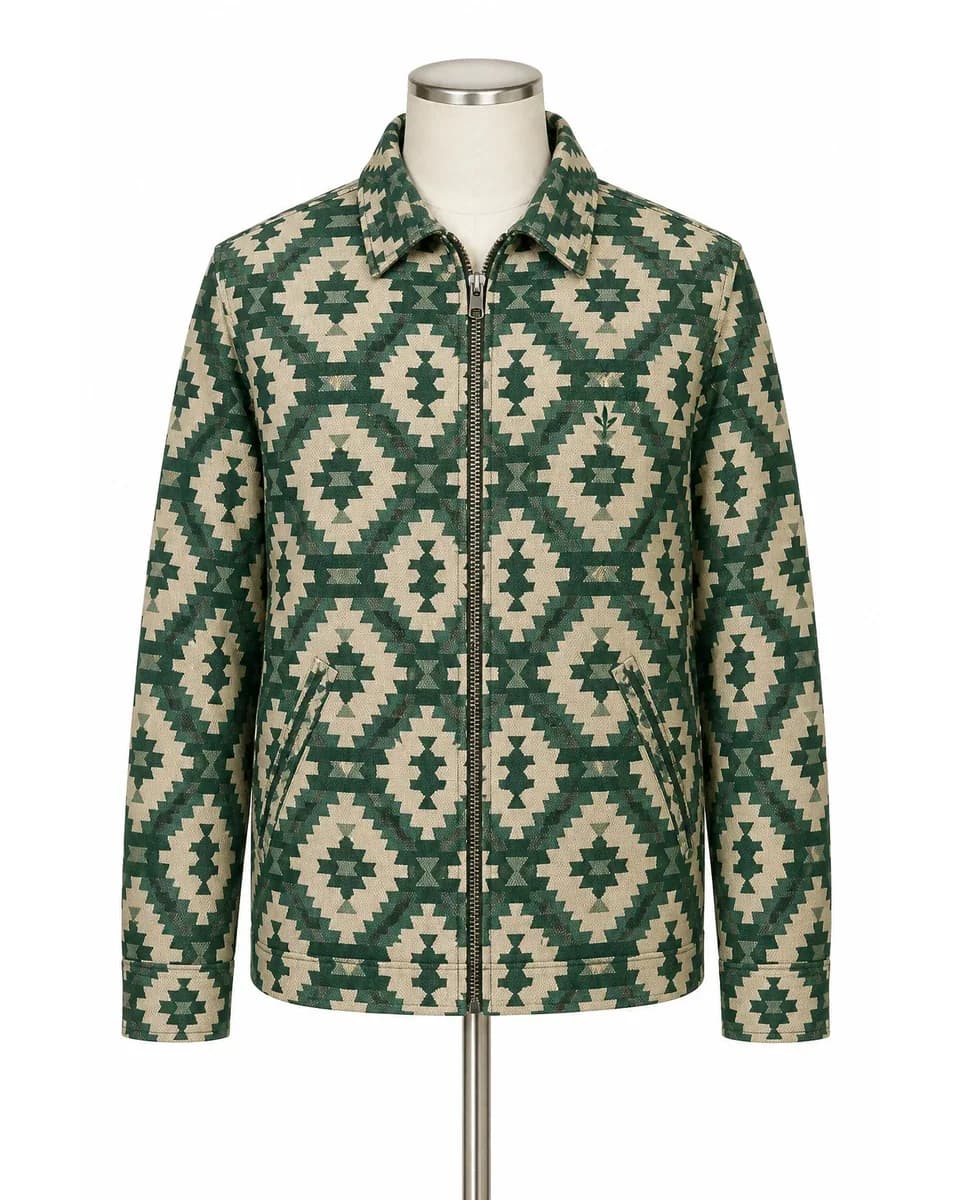
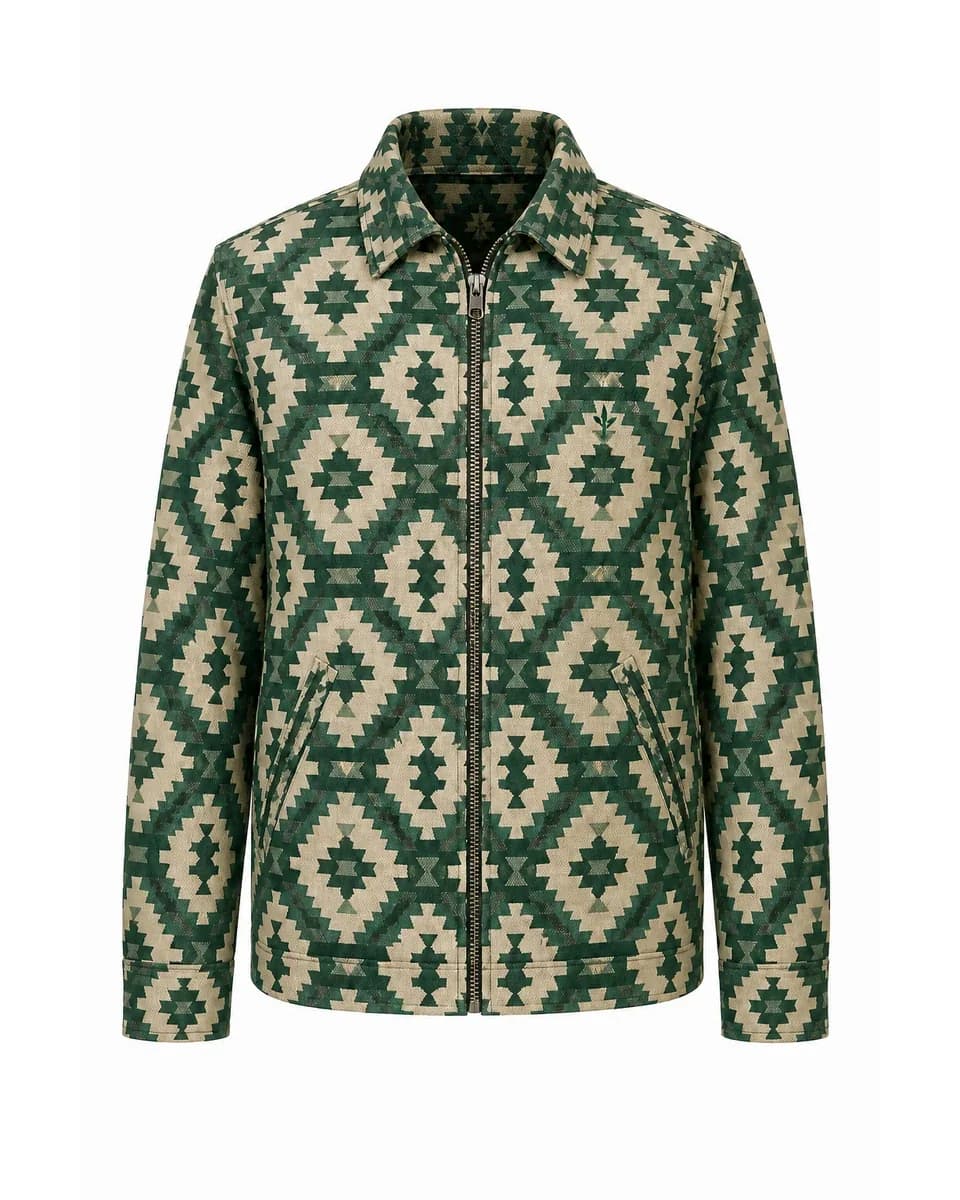
Combine a base image with product, character, garment, scene, or style references to guide consistent creative variations.
Restyle Photography as Print, Paint, or Illustration
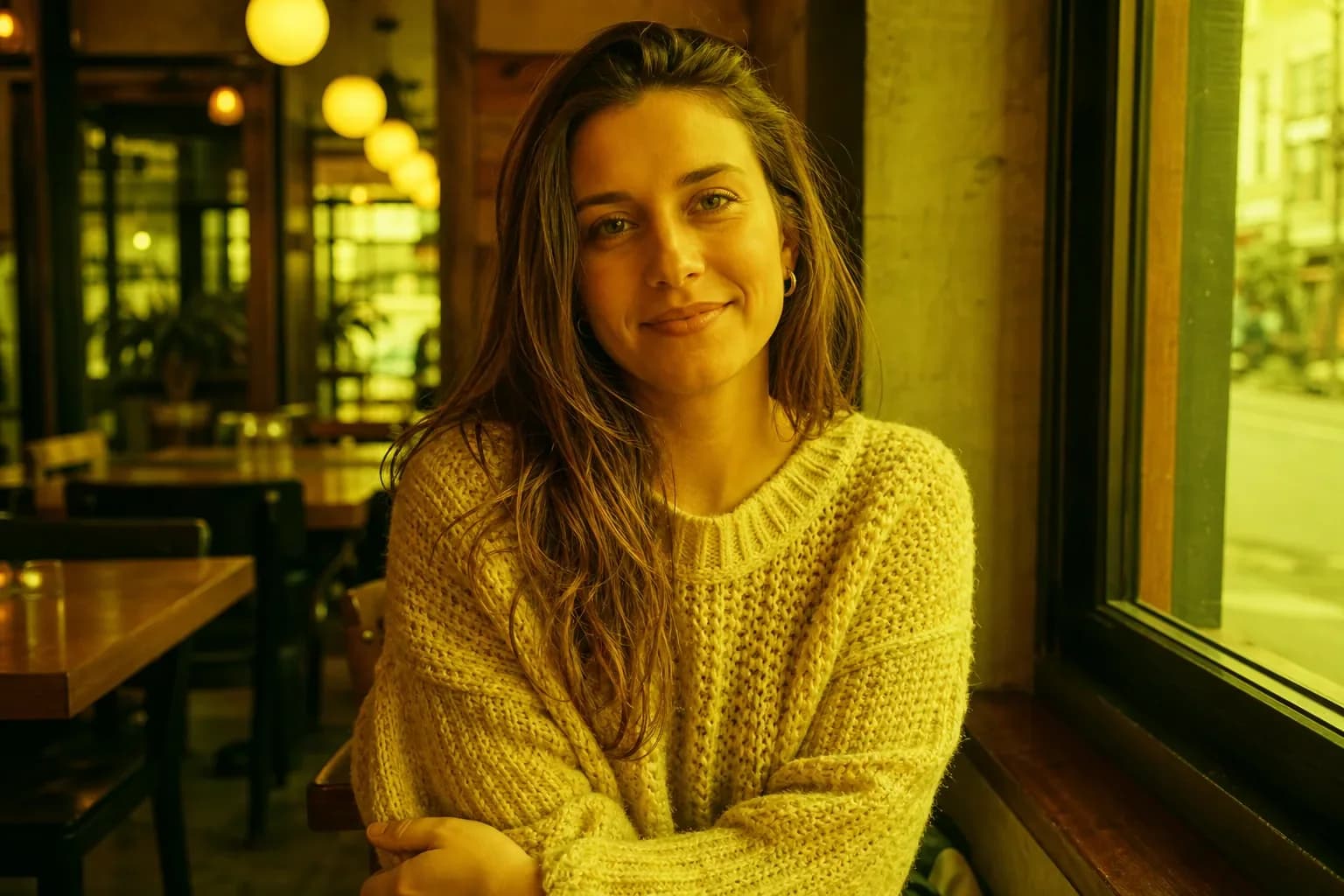
Turn photography into print, paint, or illustration styles while retaining the source composition and recognizable visual structure.
Build Infographics and Complex Layouts
Reorganize dense source material into clear infographics, explainers, and structured layouts with stronger hierarchy and spacing.


Why Qwen Image 3 Works Well for Qwen Image Edit
Qwen Image Edit pairs Qwen Image 3 with a form that exposes the current model’s inputs and output controls. The selector stays available for comparison without changing the Qwen-focused content of this page.
Text and Multilingual Layouts
Qwen Image 3 is oriented toward text, multilingual visuals, small labels, and complex layouts, making it useful for menu, poster, package, ad, and infographic drafts that still receive human proofreading.
Semantic and Appearance Changes
A Qwen Image Edit can change what an object is or how it looks: object, background, pose, color, material, lighting, or style. One focused change is easier to evaluate than a complete rewrite.
Multiple Visual References
Upload a base image plus up to two additional Qwen Image 3 references for a person, product, garment, setting, or style. State each role explicitly and check recognizable details afterward.
Who Uses Qwen Image Edit and What For?
Qwen Image Edit serves creative and information-heavy work where the result must be visually useful and still easy to proofread against an approved source.
Designers and Marketing Teams
Draft posters, ads, menus, flyers, multilingual localizations, and text-layout changes, then proofread all copy and check the original hierarchy.
E-commerce and Brand Teams
Explore product colors, background replacements, lifestyle scenes, label treatments, and multi-reference compositions while checking approved product details.
Creators and Social Managers
Restyle photography, change clothing or props, build covers, and adapt compositions for different ratios without repeating one portrait formula.
Educators and Information Designers
Develop teaching graphics, annotated diagrams, explainers, visual workflows, and knowledge content while independently verifying every fact and label.
How to Use Qwen Image Edit Online
Qwen Image Edit works best when you separate input roles, one desired change, and the details that must survive.
Describe the Image to Create or Edit
Start with the subject, scene, style, and lighting for a new image. For an edit, describe the requested change and what should stay unchanged. Choose the available output settings for your project.
Add Reference Images (Optional)
Skip uploads to generate from text alone. To edit an image or guide the result, add references. With Qwen Image 3 selected, place the main image first and add up to two useful references. If you switch models, follow the image limit shown by the live form.
Generate, Review, and Refine
Inspect faces, products, multilingual text, facts, edges, and spacing. Correct one issue at a time in the next Qwen Image Edit prompt.
Why Use Our Qwen Image Editor?
A focused workspace for multilingual text, detailed layouts, and versatile image transformations.
Qwen Image 3 Selected by Default
Open the editor with Qwen Image 3 ready and switch models whenever your project needs it.
Three-Image Reference Workflow
Use one base image and up to two additional references for products, characters, scenes, and styles.
Useful Output Controls
Choose flexible square, portrait, landscape, or ultrawide ratios with 1K and 2K output.
Qwen Image Edit FAQ
Can I generate an image without uploading a photo?
What is Qwen Image Edit?
Can Qwen edit an existing image?
Which Qwen model is selected by default?
Is Qwen Image Edit free to try?
How many reference images can I upload?
Can Qwen edit text inside an image?
Can Qwen change a background or remove an object?
How do I keep a face, character, or product consistent?
What formats, file sizes, ratios, and resolutions are supported?
How should I write a Qwen Image Edit prompt?
Can I run Qwen Image Edit locally?
Why did the model change more than I requested?
Can I use Qwen-edited images commercially?
Start Your Qwen Image Edit
Upload the base image, describe one change and the preservation list, then generate a version you can inspect and refine.