
Text to Image AI Generator
Create original photos, illustrations, product concepts, and art from a written prompt with text to image AI.
Start with a prompt. Add optional reference images to guide the result or edit an existing image with a model that supports images.
Quick starts
Describe the subject, scene, style, composition, and lighting.
The selected resolution controls the configured credit cost.
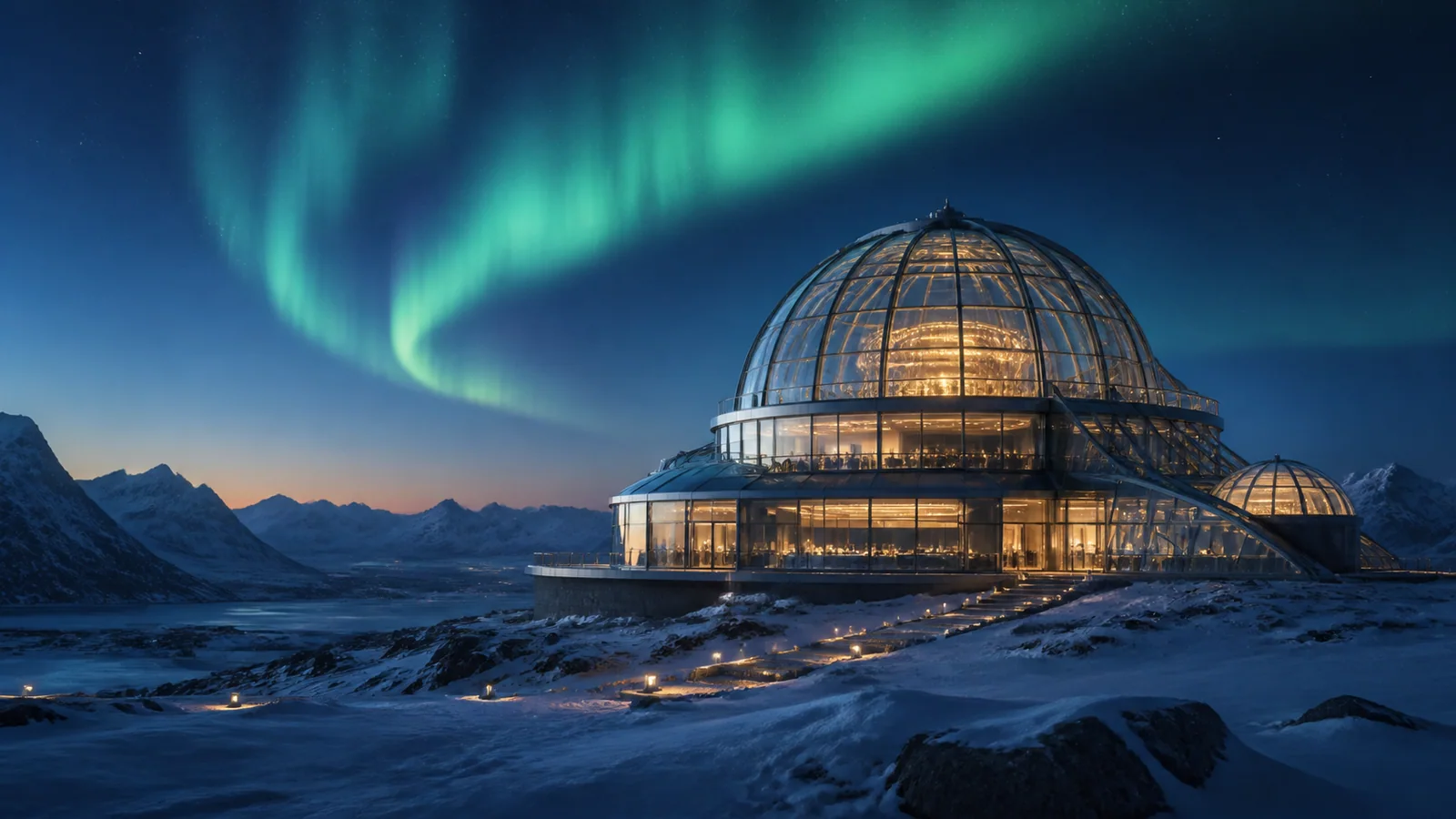
Explore More Visual Styles
Explore varied subjects, formats, and visual styles created from text.
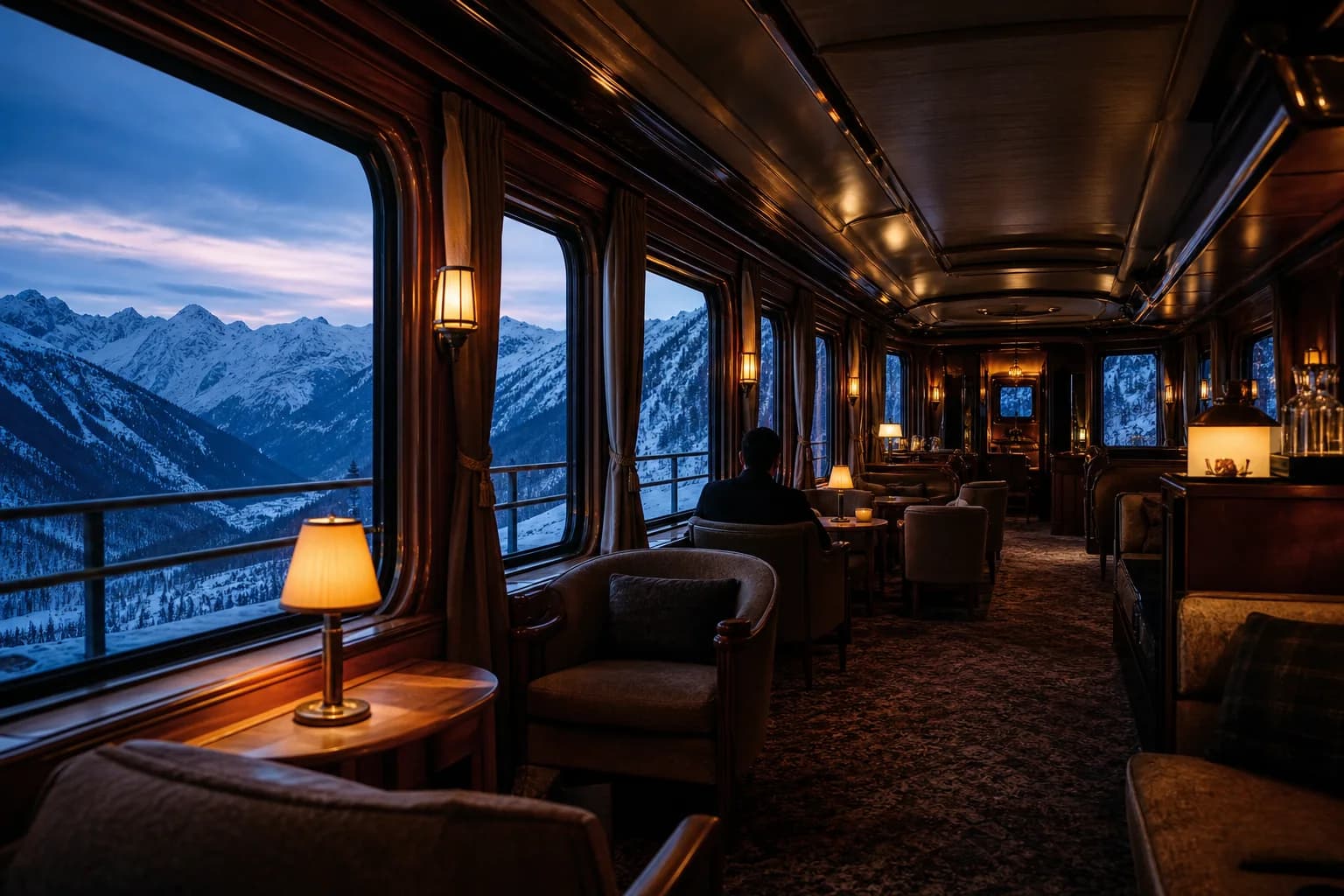
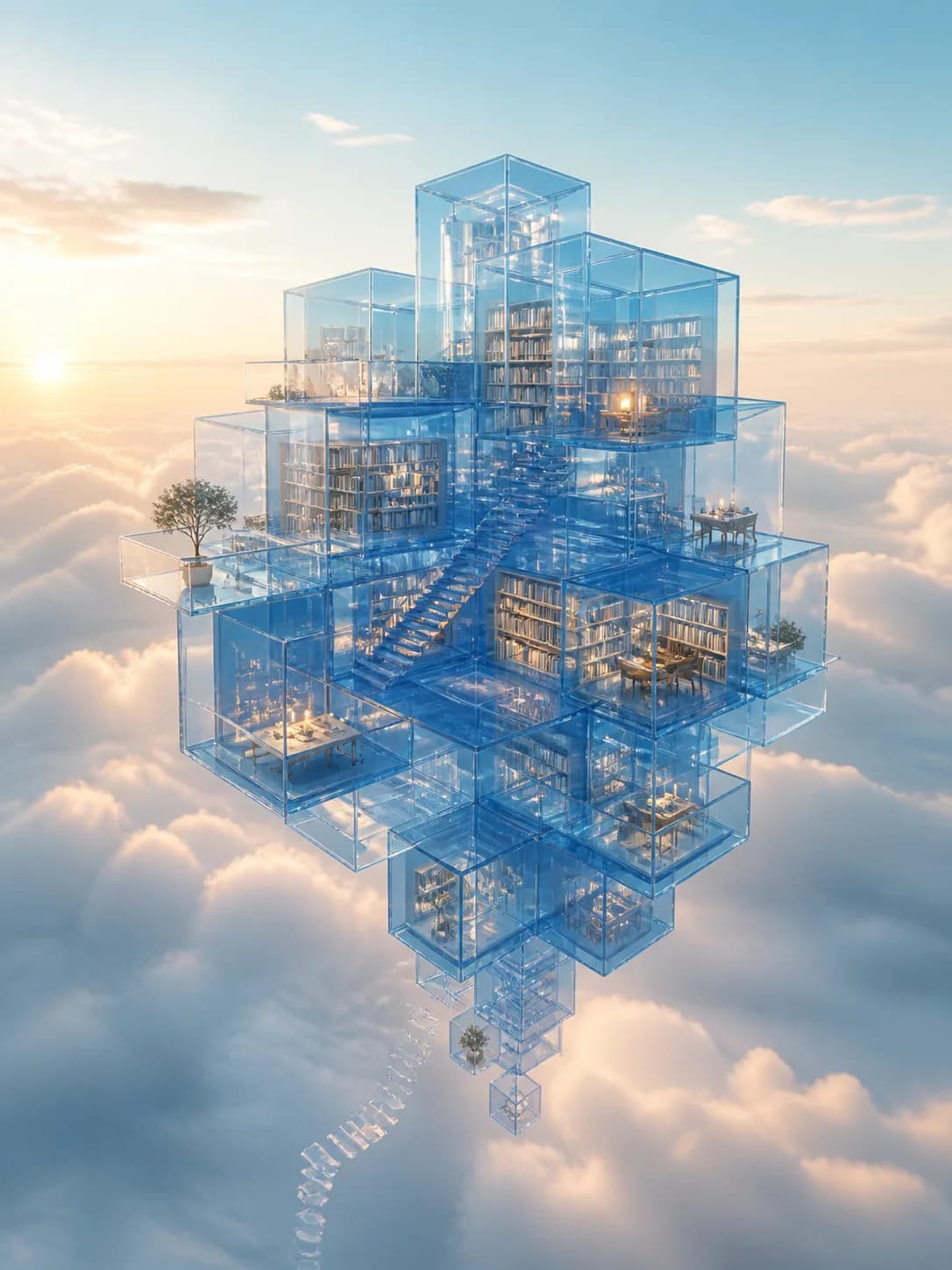
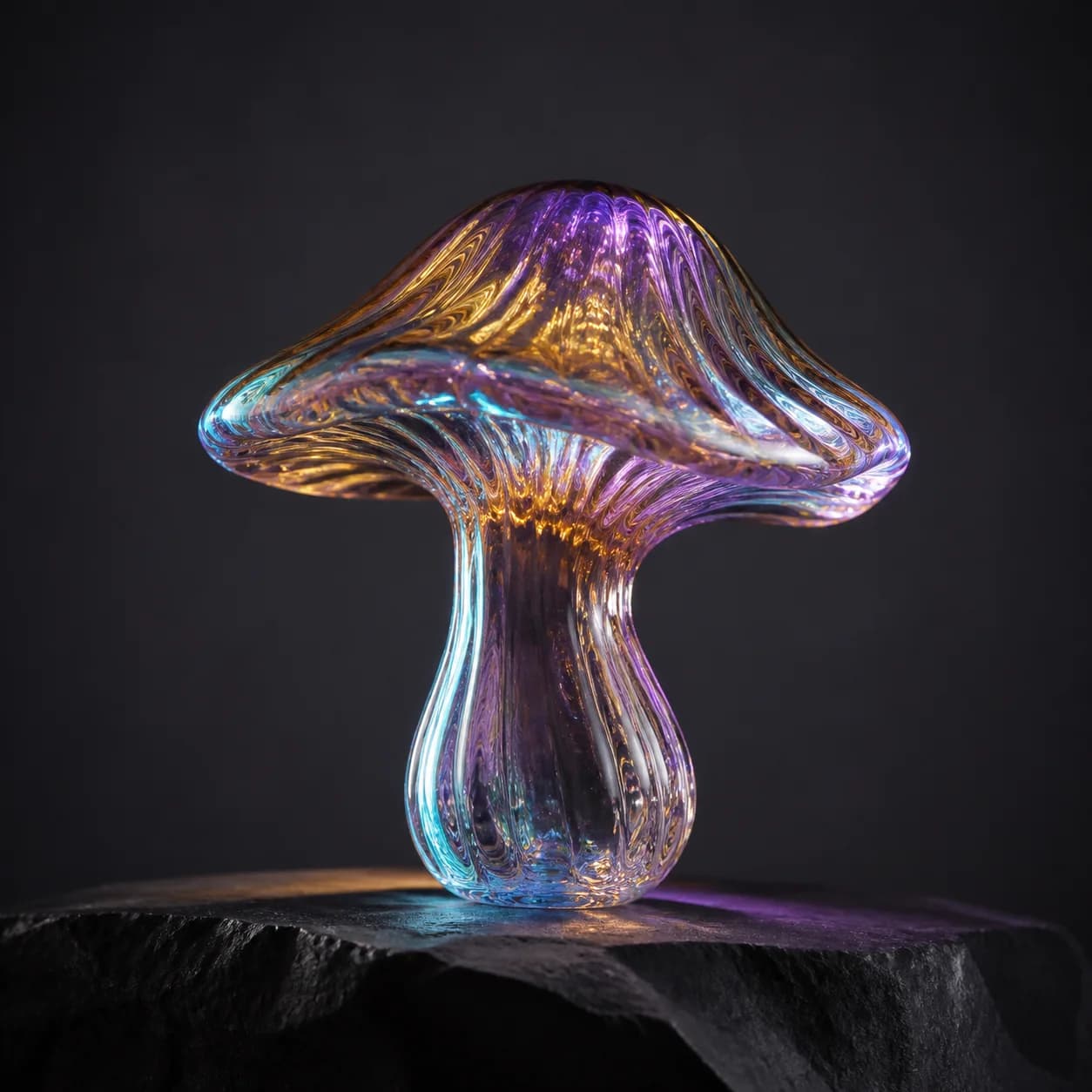
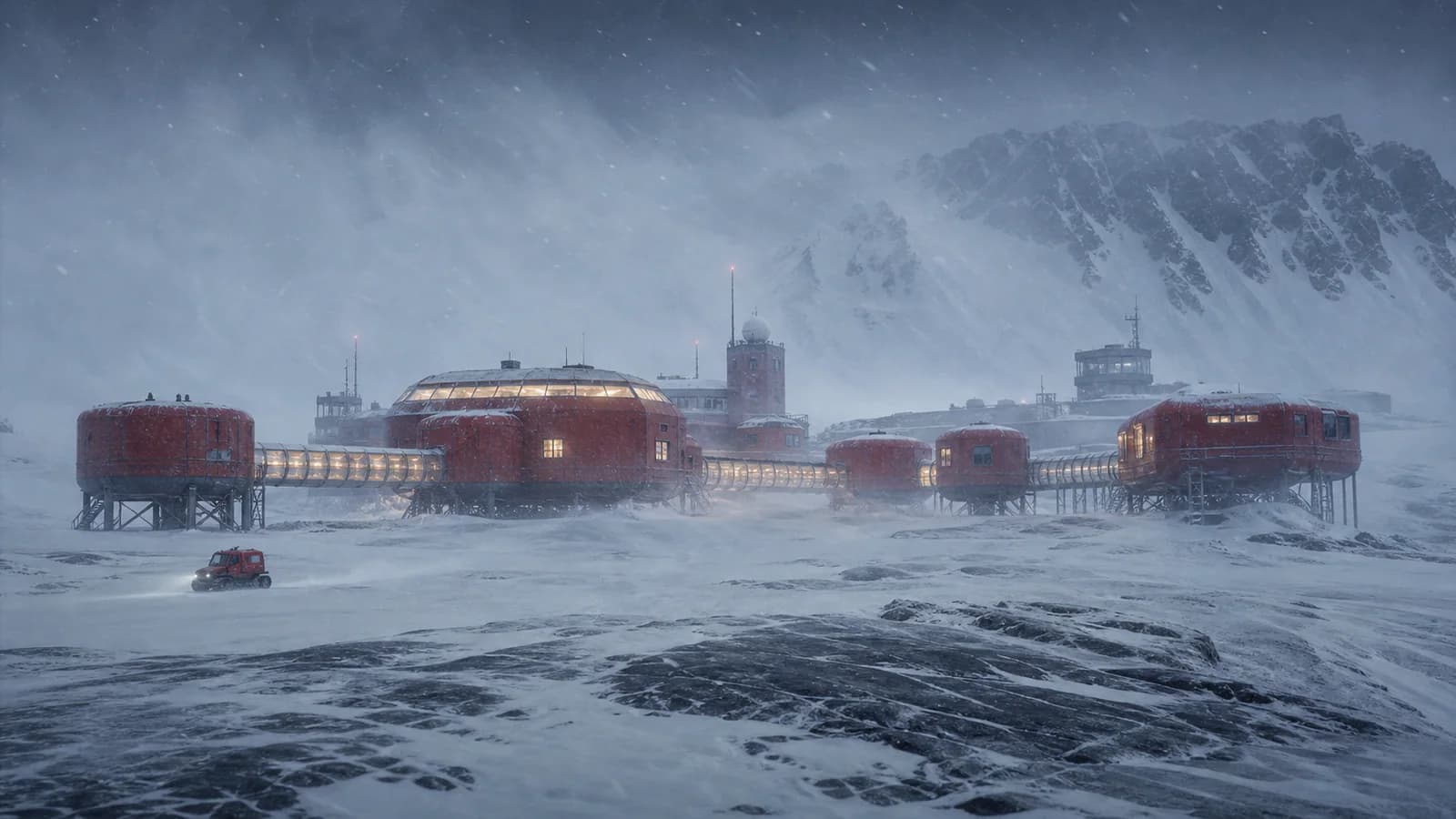
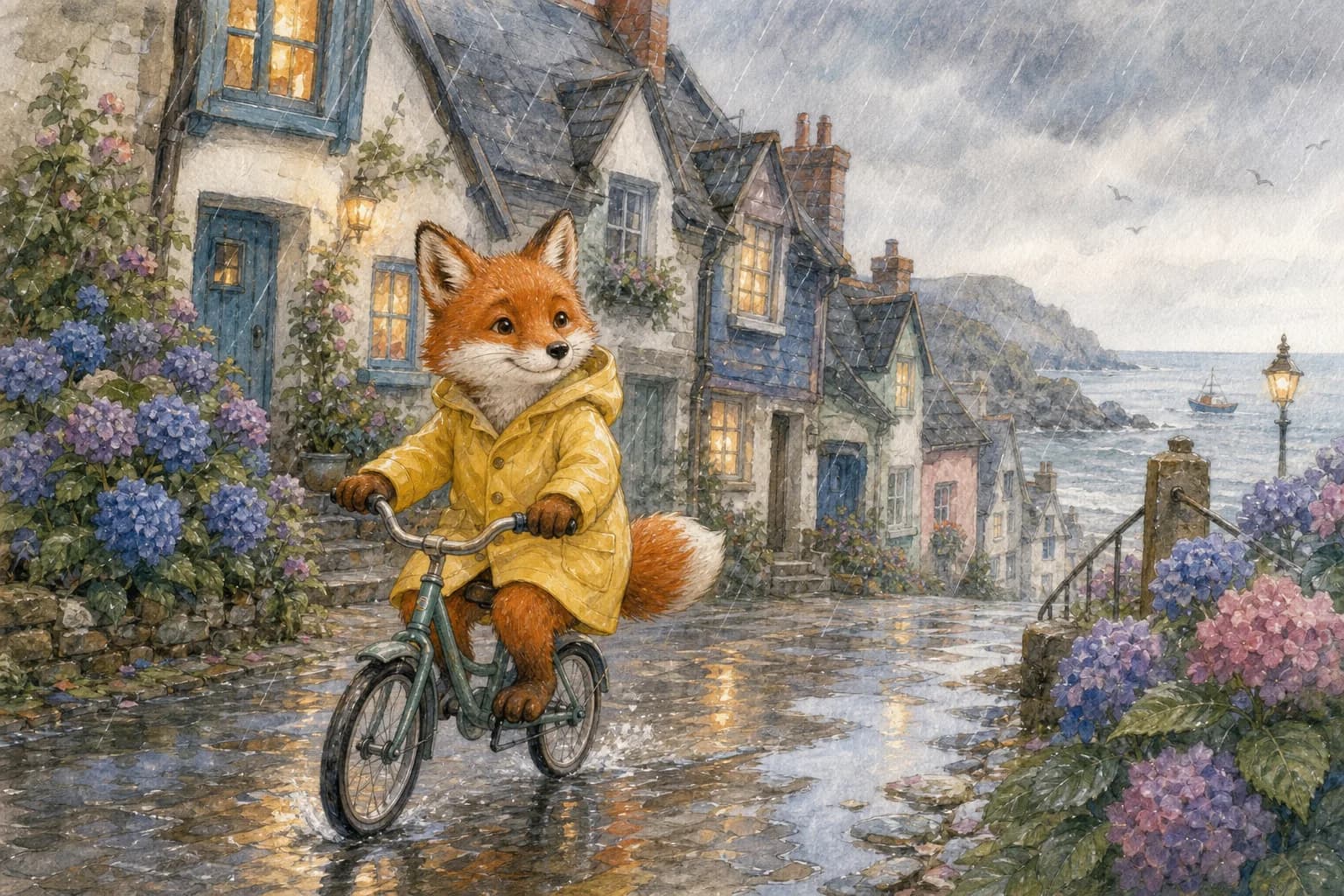
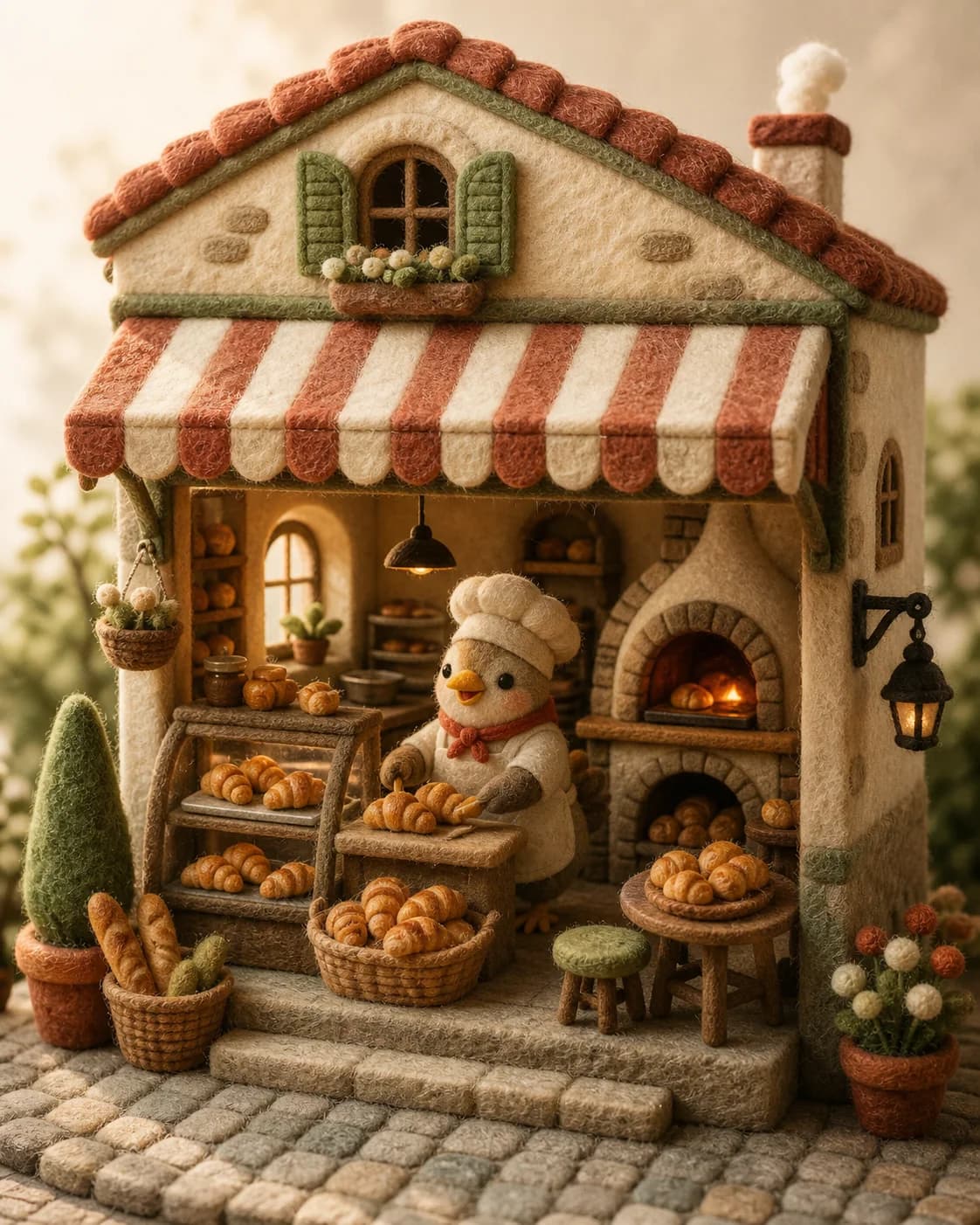
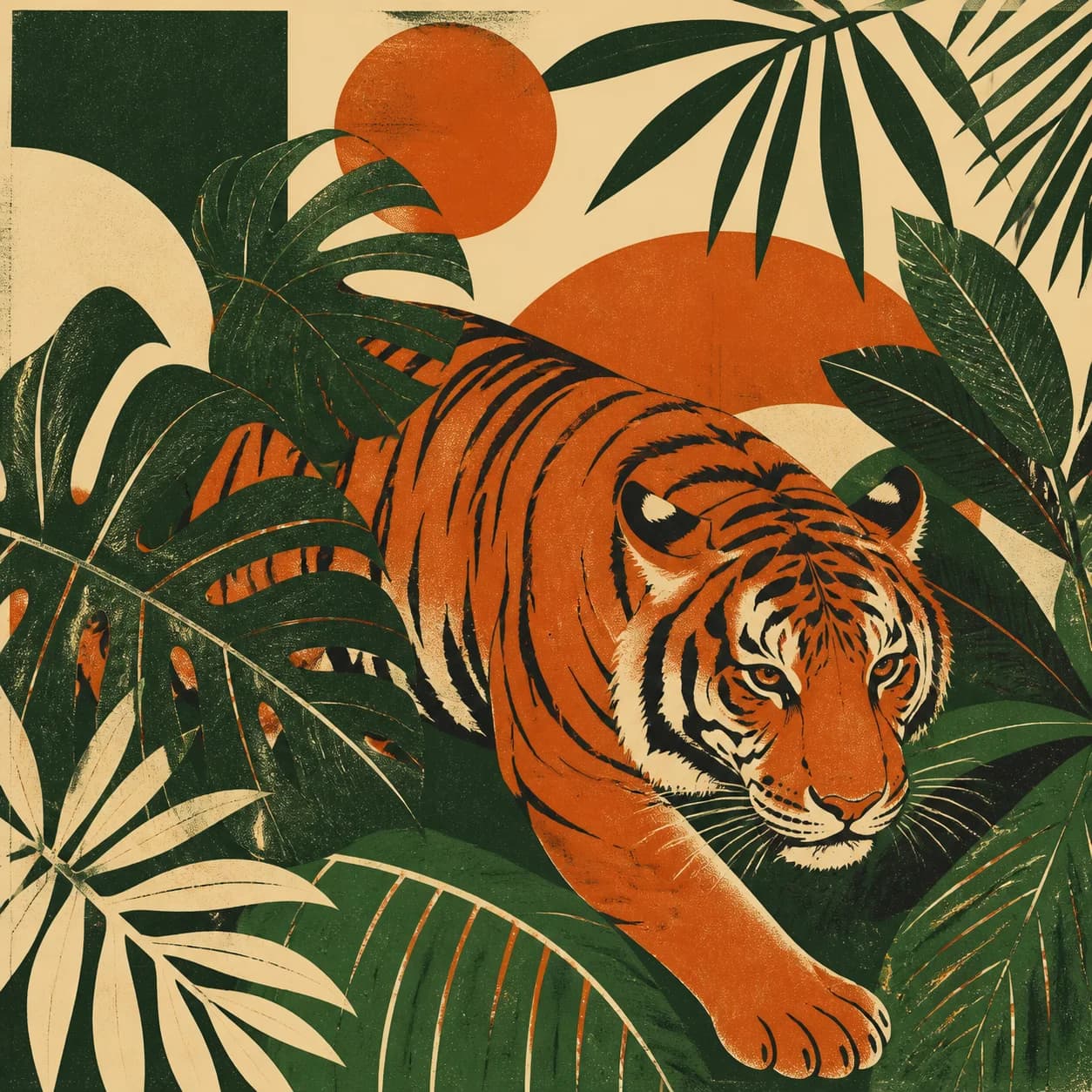
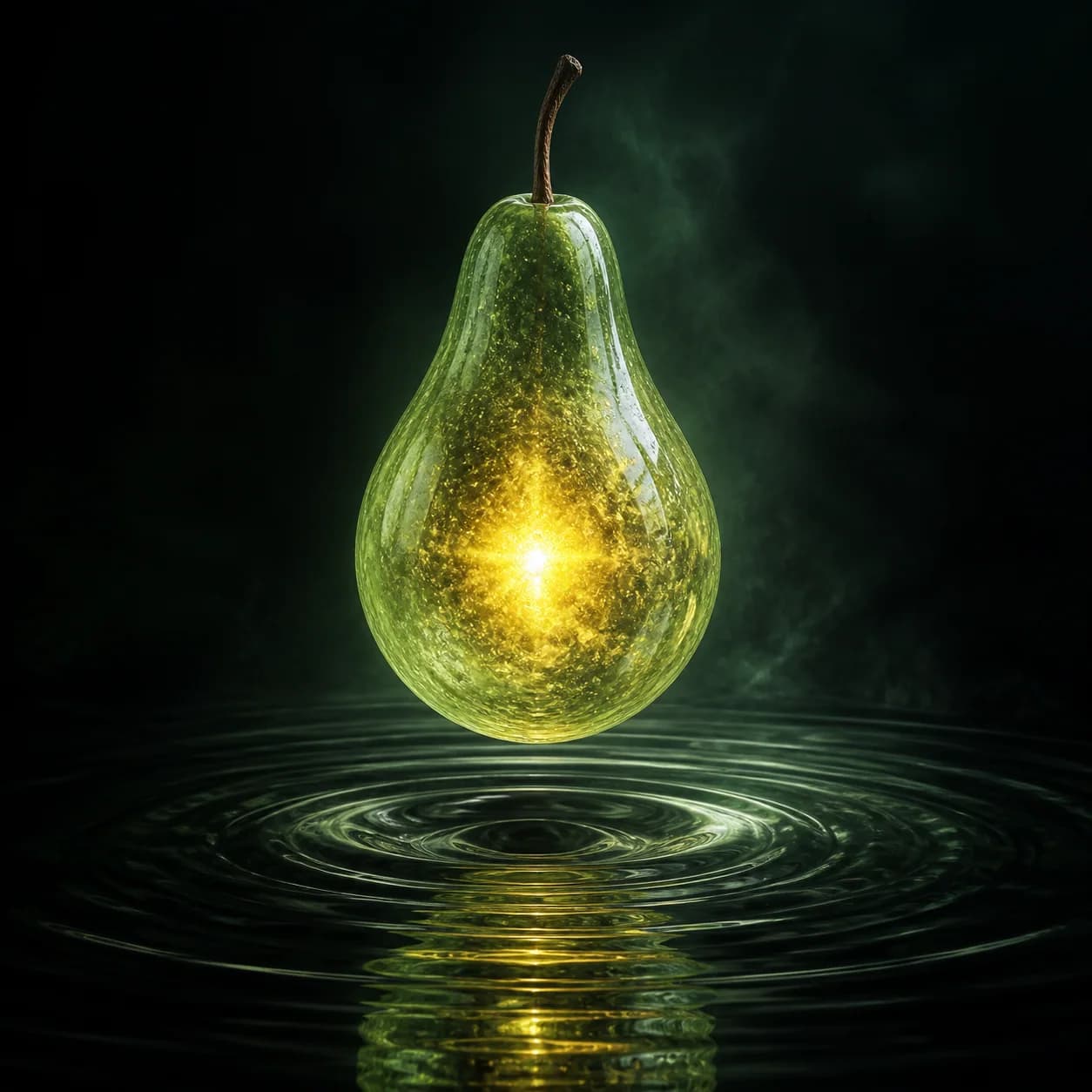
See What Text to Image AI Can Create
Six focused capabilities, each shown with a different subject and visual style.
Photorealistic Editorial Portraits
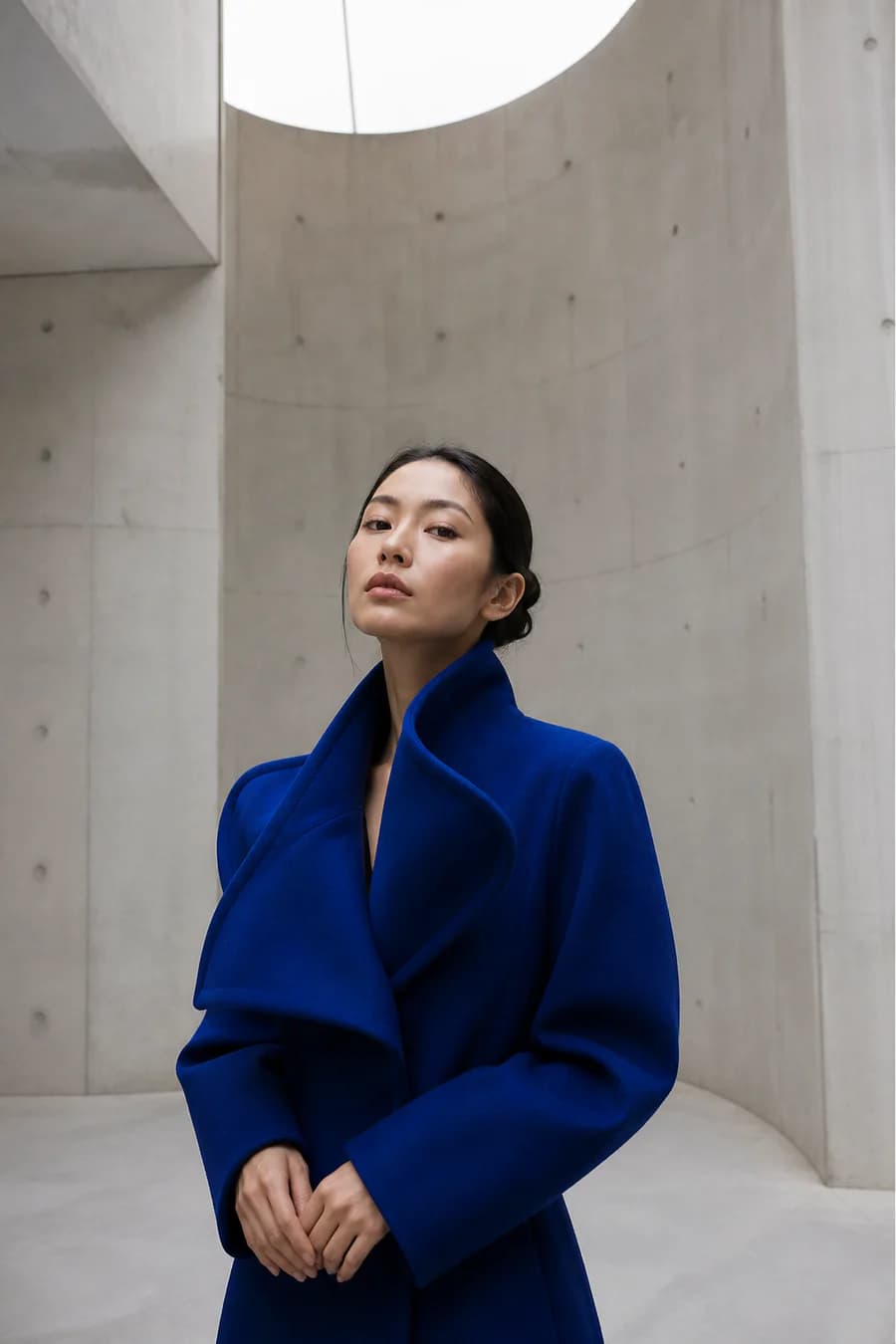
Use the AI portrait generator to explore editorial headshots, creator portraits, fashion campaign directions, and profile images before a photoshoot. Define wardrobe, framing, camera distance, architecture, and natural light so the portrait feels intentional rather than like a generic beauty image.
- Good for creator portraits, editorial concepts, and campaign moodboards.
- Review faces, hands, wardrobe seams, and identity-sensitive details before use.
Clean Product and Ecommerce Concepts
Create ecommerce product photo concepts, advertising mockups, and seasonal campaign directions from a written brief. This AI product image generator can explore materials, camera angles, surfaces, reflections, shadows, and studio lighting while you keep labels and final product details reserved for review.
- Useful for creative exploration, mockups, ad concepts, and shot lists.
- Do not treat a generated label, logo, package shape, or compliance detail as final artwork.

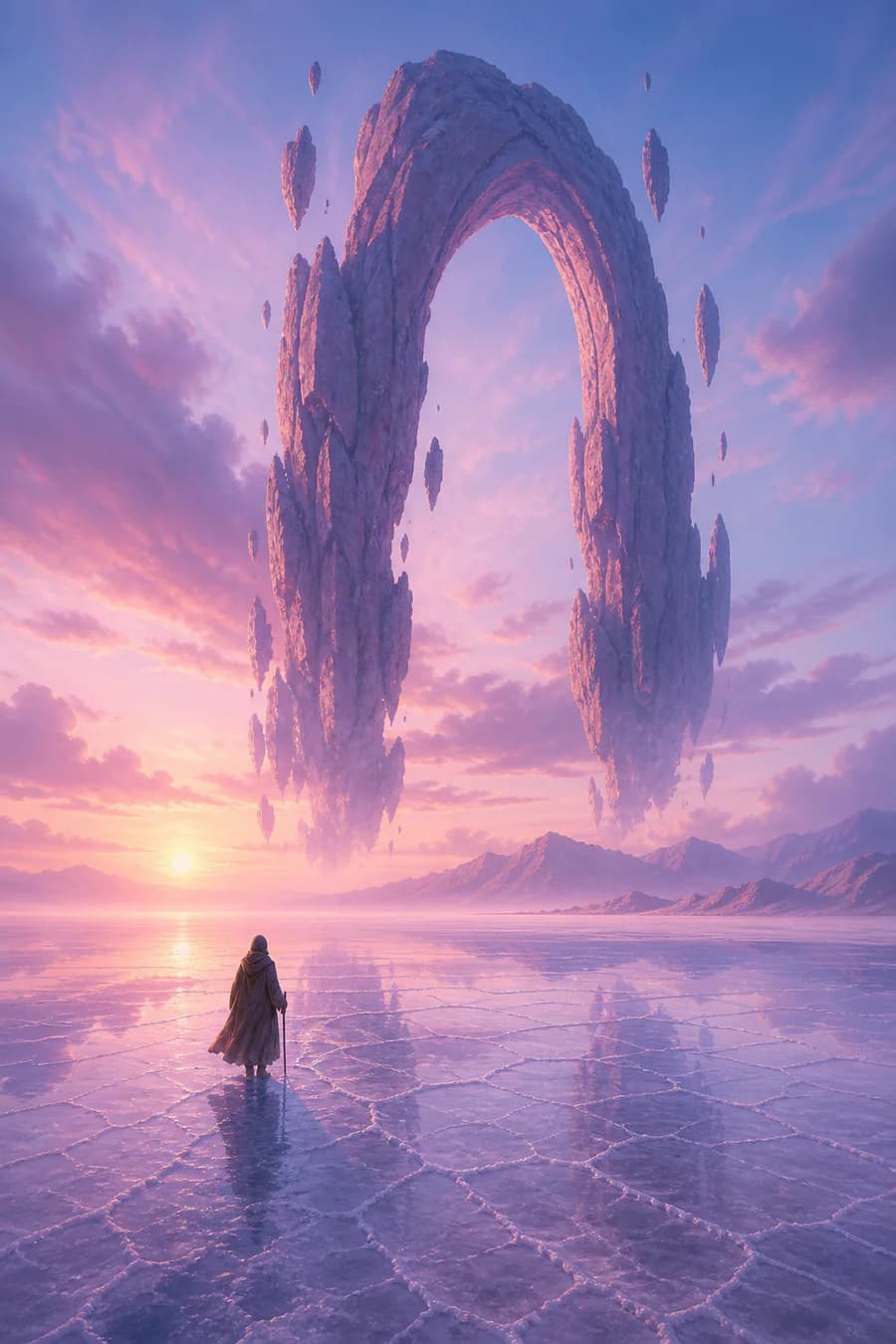
Large-Scale Fantasy and Story Worlds
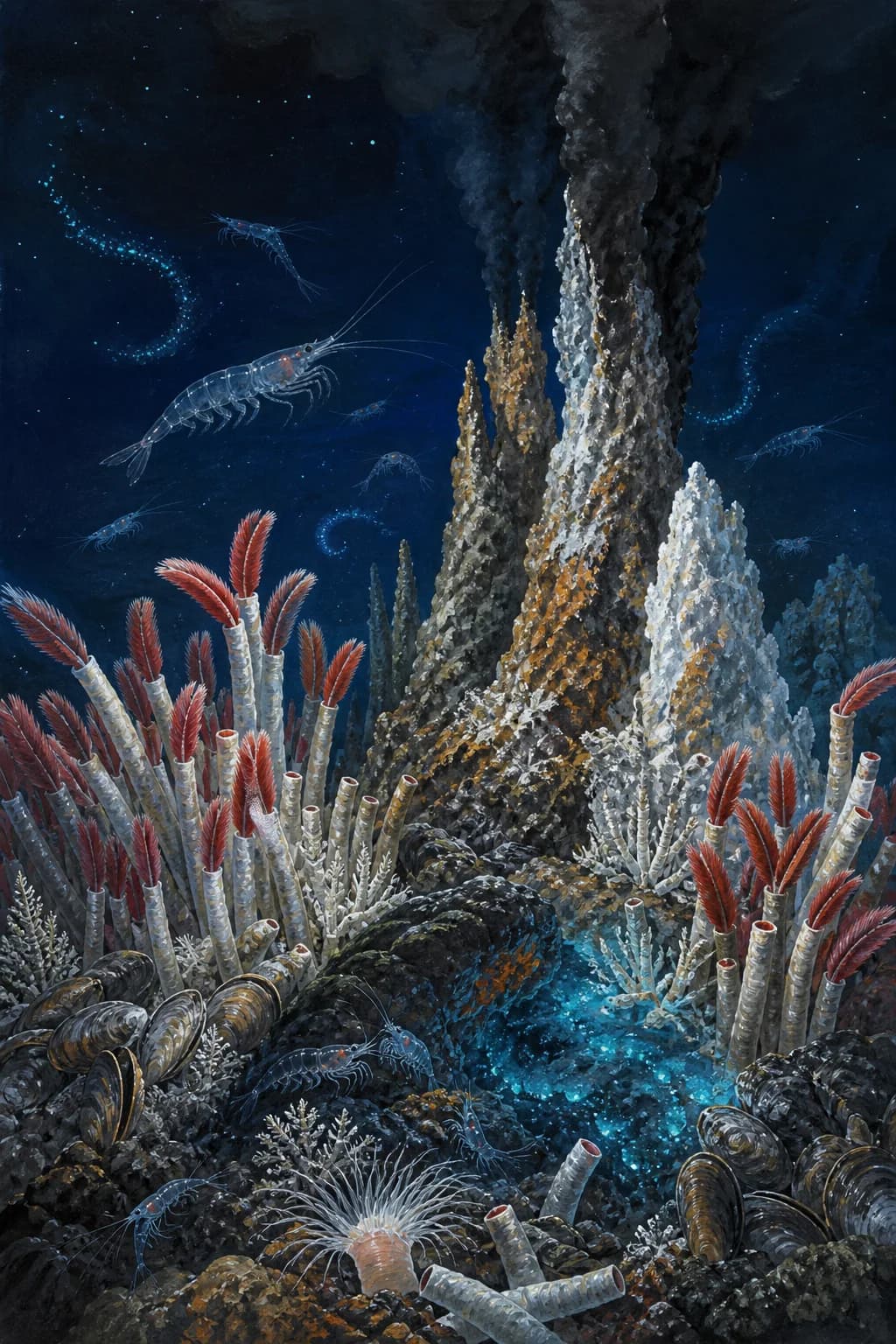
Develop cinematic environments, game locations, book-cover worlds, storyboard frames, and science-fiction landscapes with an AI concept art generator. Clear foreground, middle distance, atmosphere, scale references, and one dominant landmark help a large scene read immediately.
- Useful for games, storyboards, book concepts, and cinematic visual development.
- Iterate on composition before adding small props or character details.
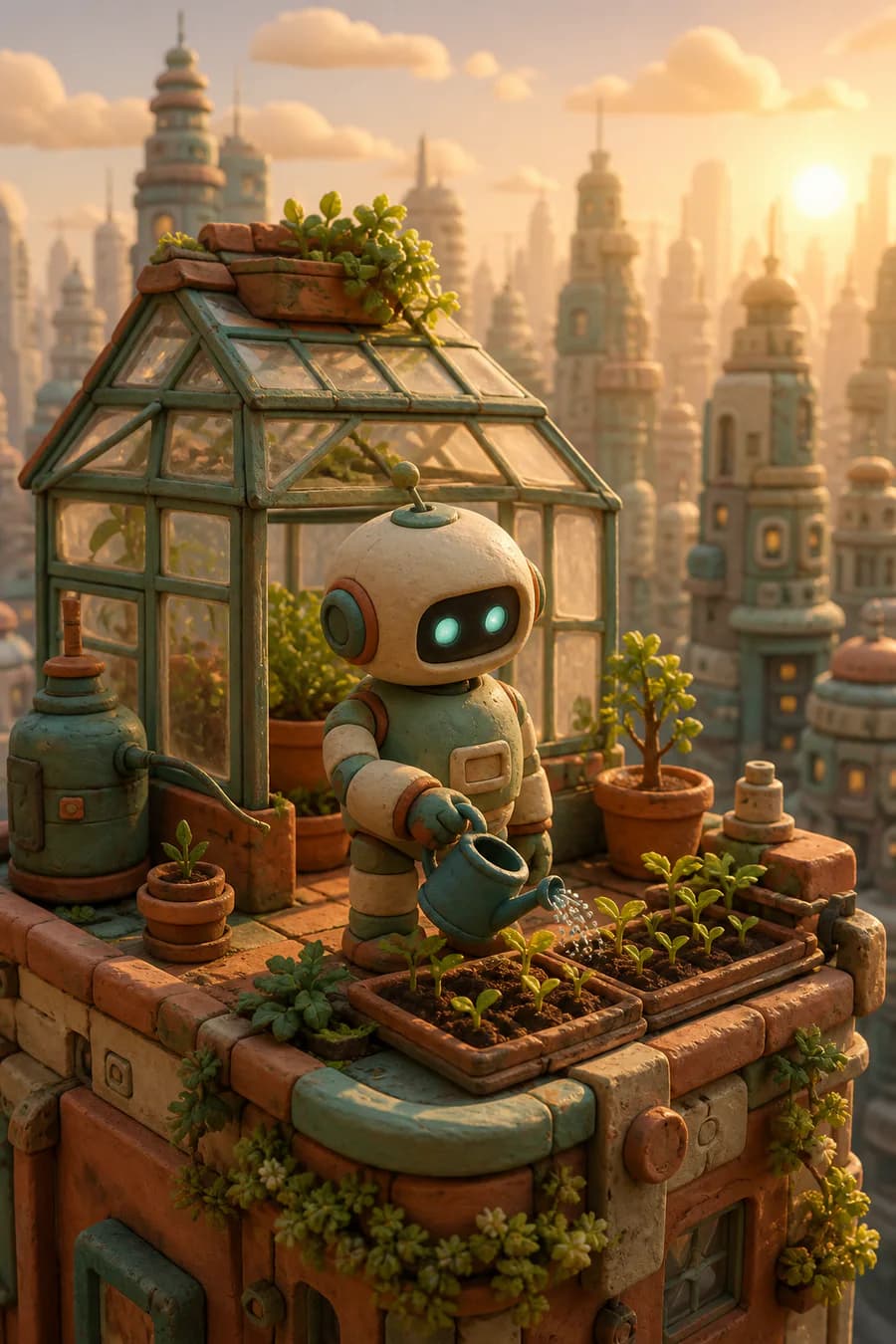
Distinct 3D and Handcrafted Styles
Use a 3D AI image generator for clay characters, felt miniatures, toy-like scenes, stop-motion concepts, and tactile social graphics. A coherent material system, visible imperfections, controlled scale, and matching light make handcrafted results feel connected instead of mixing unrelated styles.
- Useful for friendly explainers, brand concepts, children’s content, and social visuals.
- A clear material system is more useful than listing many unrelated style adjectives.
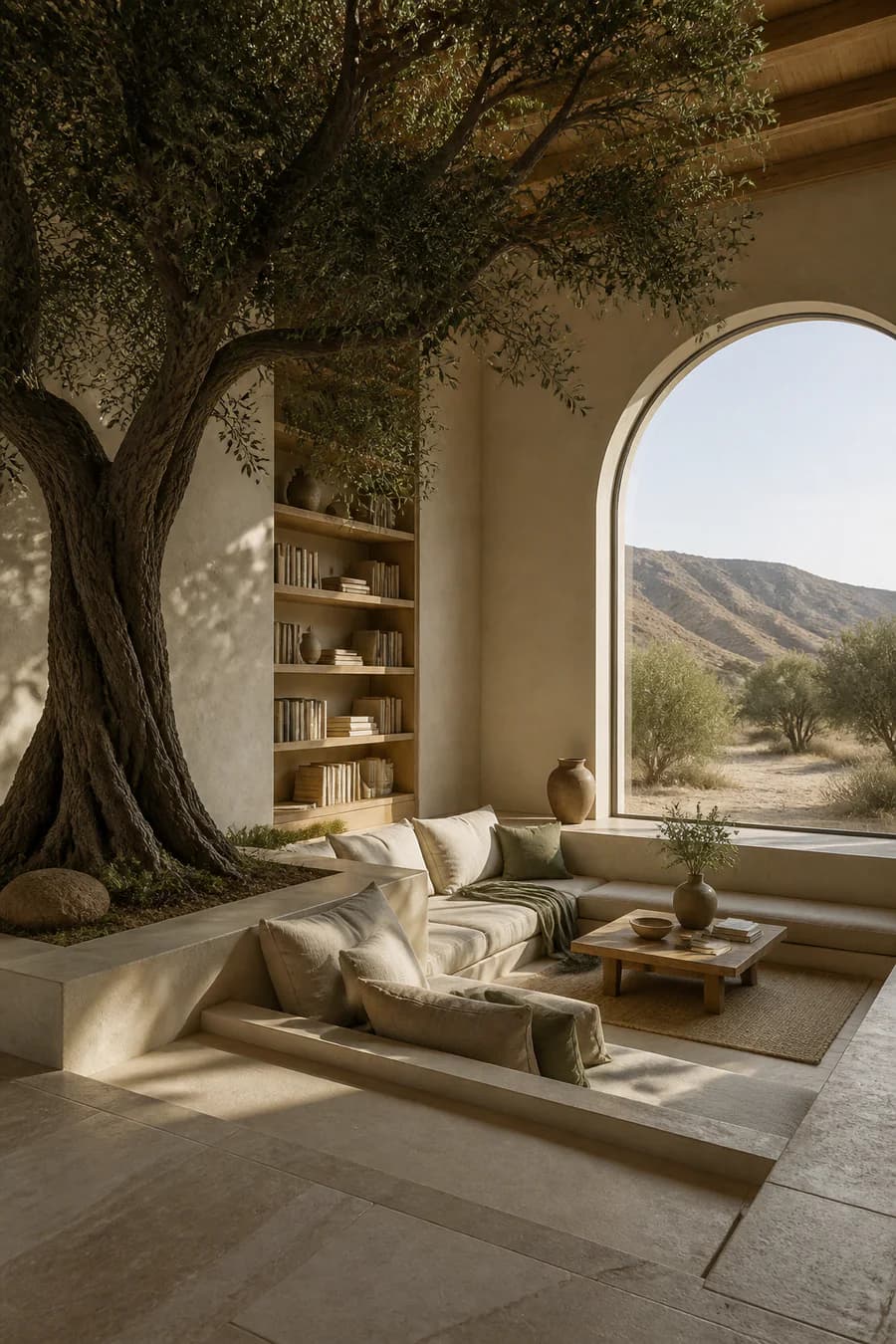
Interior and Architecture Visualization
Turn room ideas and spatial briefs into AI interior design concepts, architecture moodboards, and early visualization directions. Describe the room type, focal structure, materials, camera position, furniture scale, surrounding landscape, and time of day, then review geometry before using the result in a real project.
- Useful for moodboards and early concept discussion, not construction documents.
- Check structure, circulation, furniture scale, windows, and material joins carefully.
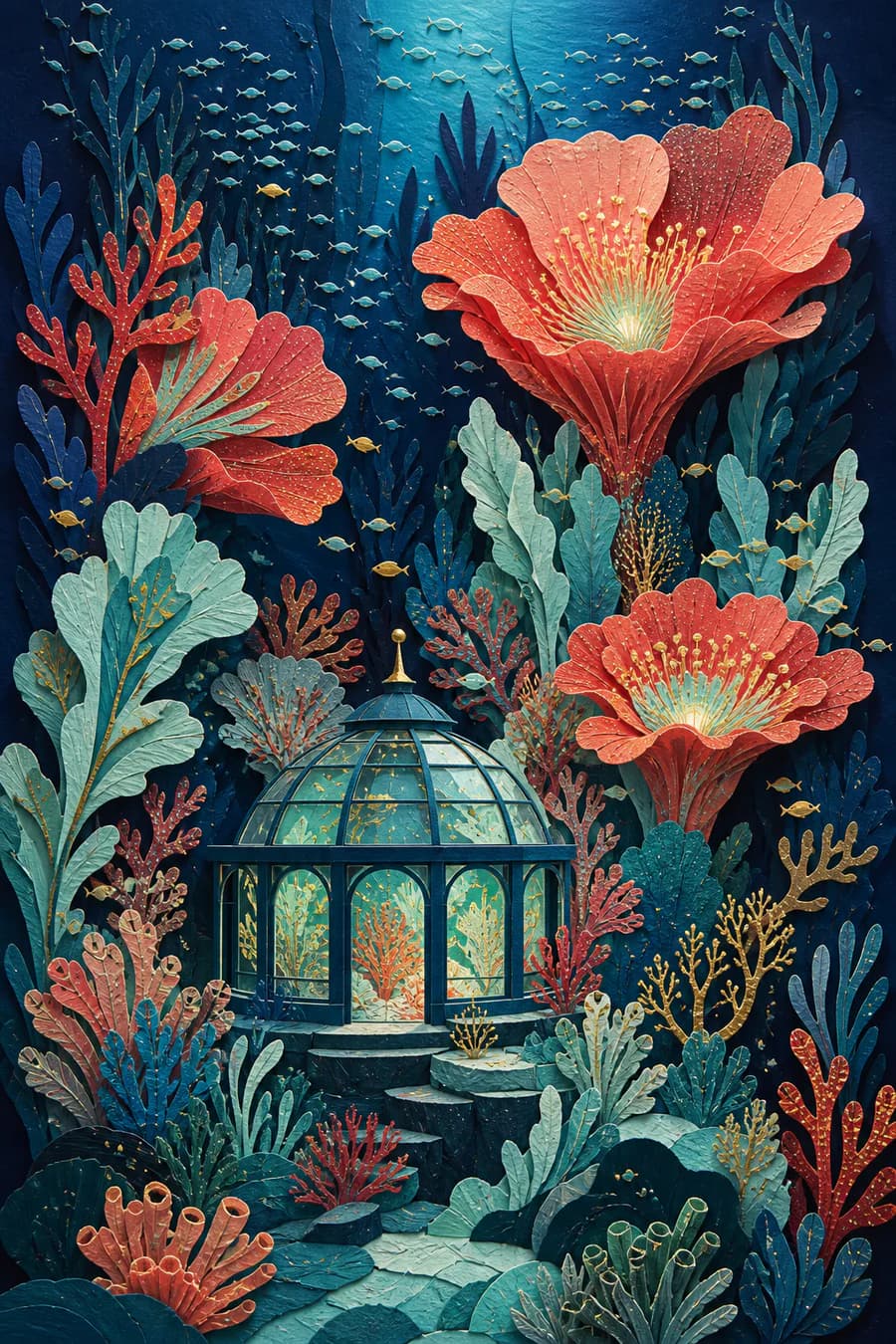
Graphic Illustration Without a Photo Look
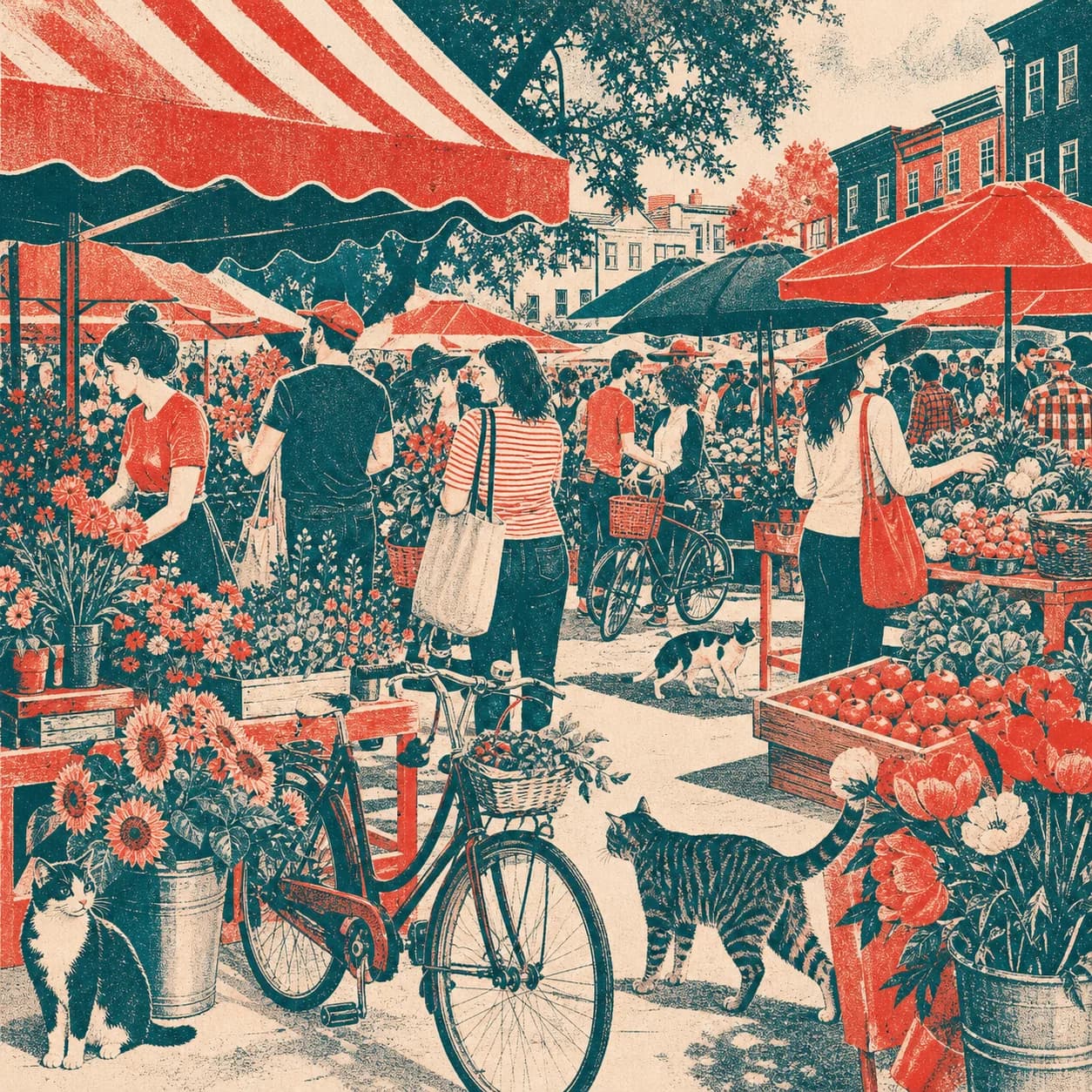
Create editorial artwork, poster directions, covers, educational scenes, and social graphics with an AI illustration generator. Naming a concrete medium—such as cut paper, screen print, gouache, risograph, or layered cardstock—produces a clearer visual system than broad requests to make an image artistic.
- Useful for covers, editorial illustration, posters, and educational storytelling.
- Keep visible words out of the image unless the selected model and final use can tolerate text review.
What Is Text to Image AI?
This technology interprets a written description and creates a new image. A useful prompt names both the visible content and the creative decisions that matter to the final use.
Start from Words, Not an Upload
Write the subject and scene in plain English. The generator builds a fresh visual rather than requiring an existing photo as the starting canvas.
Choose a Model for the Task
Switch between supported models for realistic photography, stylized concepts, visible text, fast drafts, or higher-resolution output. Controls update with the model you select.
Refine One Decision at a Time
Keep a strong prompt, change one detail, and generate another direction. The workflow works best as a short creative loop rather than a one-click quality guarantee.
How the Generator Works
The prompt-first workflow stays simple while still exposing the model-specific controls that change the output.
Describe the Subject and Scene
Write the main subject first, then add the setting, viewpoint, composition, style, lighting, material, and intended use. Put exact visible words in quotation marks when they matter.
Choose a Model and Format
Select a model for the task, then choose an available portrait, square, landscape, or wide ratio and supported resolution. Options change because models do not share one universal capability set.
Generate, Review, and Refine
Inspect the result at full size. Keep the useful parts of the prompt, change one missed decision, regenerate, or continue into the image editor for a focused adjustment.
Who Is This Generator For?
This workflow is most useful when a fresh visual direction is needed before a photo, illustration, campaign, or design asset exists.
Marketing and Social Teams
Explore campaign art, social graphics, thumbnail directions, and platform-specific portrait or landscape compositions from a written brief.
Ecommerce and Small Businesses
Prototype product scenes, seasonal concepts, background ideas, and ad directions before committing to a full production shoot.
Designers and Creative Teams
Compare models, materials, color systems, compositions, and style directions in one workspace while building a moodboard.
Game and Story Creators
Visualize characters, environments, props, atmosphere, and key frames from a narrative or concept description.
Presentation and Content Authors
Create blog headers, slide visuals, cover directions, and explanatory scenes with a ratio chosen for the publishing channel.
Everyday Creators
Turn an idea into a wallpaper, gift concept, personal illustration, room moodboard, or playful visual without installing design software.
A More Flexible Image Workflow
Compare multiple models, explore a varied gallery, and continue editing in one browser-based workflow.
Multiple Models in One Studio
Use multiple text-to-image models without opening a separate site for every visual direction.
Controls Match the Model
Ratios, resolution, reference capability, and advanced fields update from the selected model instead of presenting imaginary universal controls.
Real Examples and Clear Limits
Explore clearly different visual categories while keeping model limits, output details, and review needs visible.
Create a New Visual from One Prompt
Open the text to image AI generator, choose a model and portrait or landscape format, then turn your next written idea into a visual direction.