LogoAI Picture Editor
  • AI Picture Editor
  • AI Image Generator
  • AI Image Agent
    • Background Remover
      Remove backgrounds locally with no sign-up or usage quota, then download a transparent or color-filled PNG.
    • Image Upscaler
      Enlarge images by 2× or 4× privately with no sign-up or usage quota.
  • Pricing
LogoAI Picture Editor
AI Picture Editor/Image to Image AI

Qwen Image 2.1 AI Image Editor

Edit photos with Qwen Image 2.1 using optional references, or start from text with no upload. Preserve important subjects while changing light, style, details, or surroundings.

Create a dreamlike paper-cut garden at moonrise, with layered teal leaves and warm coral flowers.
Type @ to reference an uploaded image

Start from text alone with Qwen Image 2.1, or describe what should change and stay recognizable when you add references.
Turn on to apply this option
Public
Private
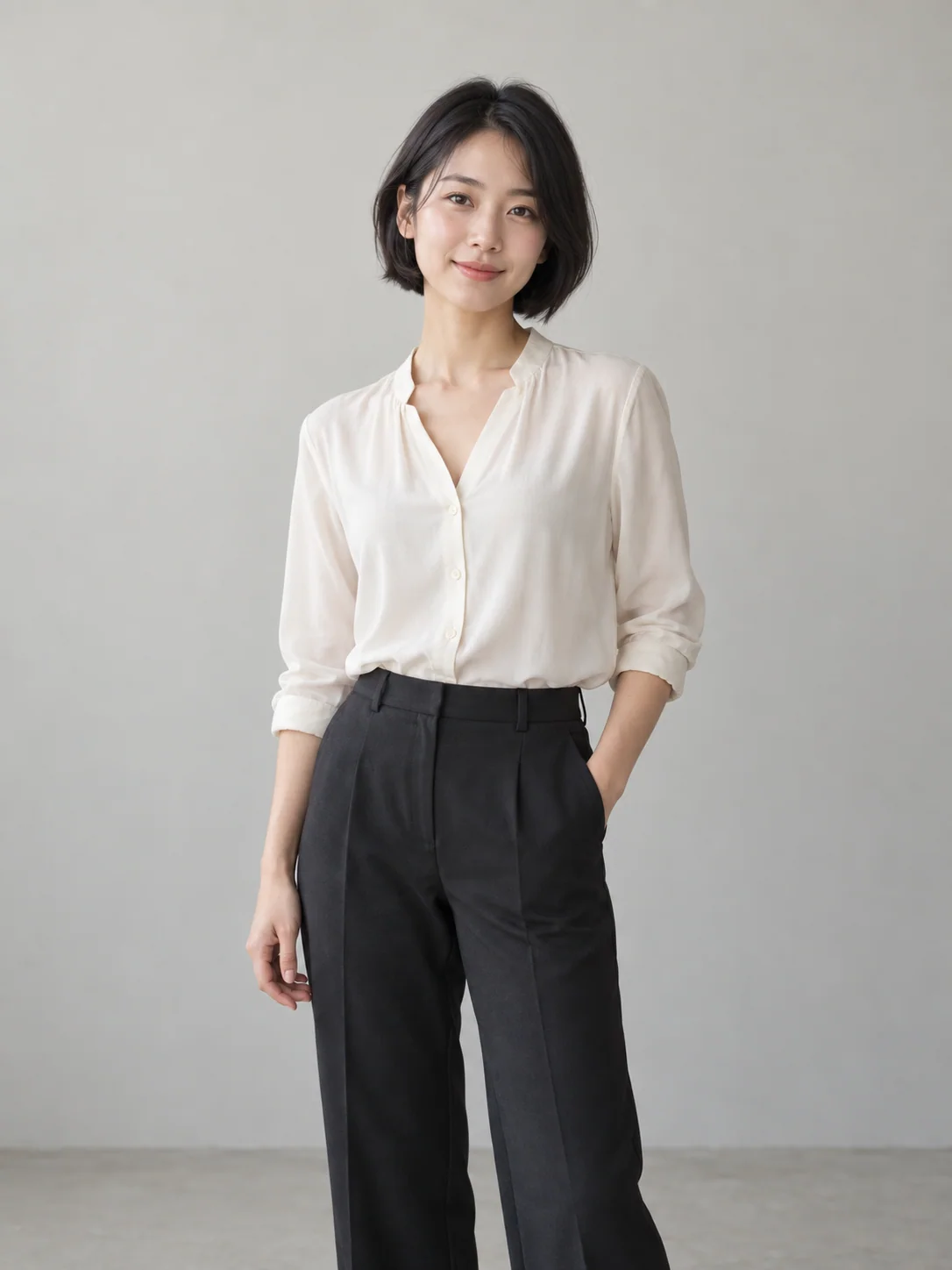
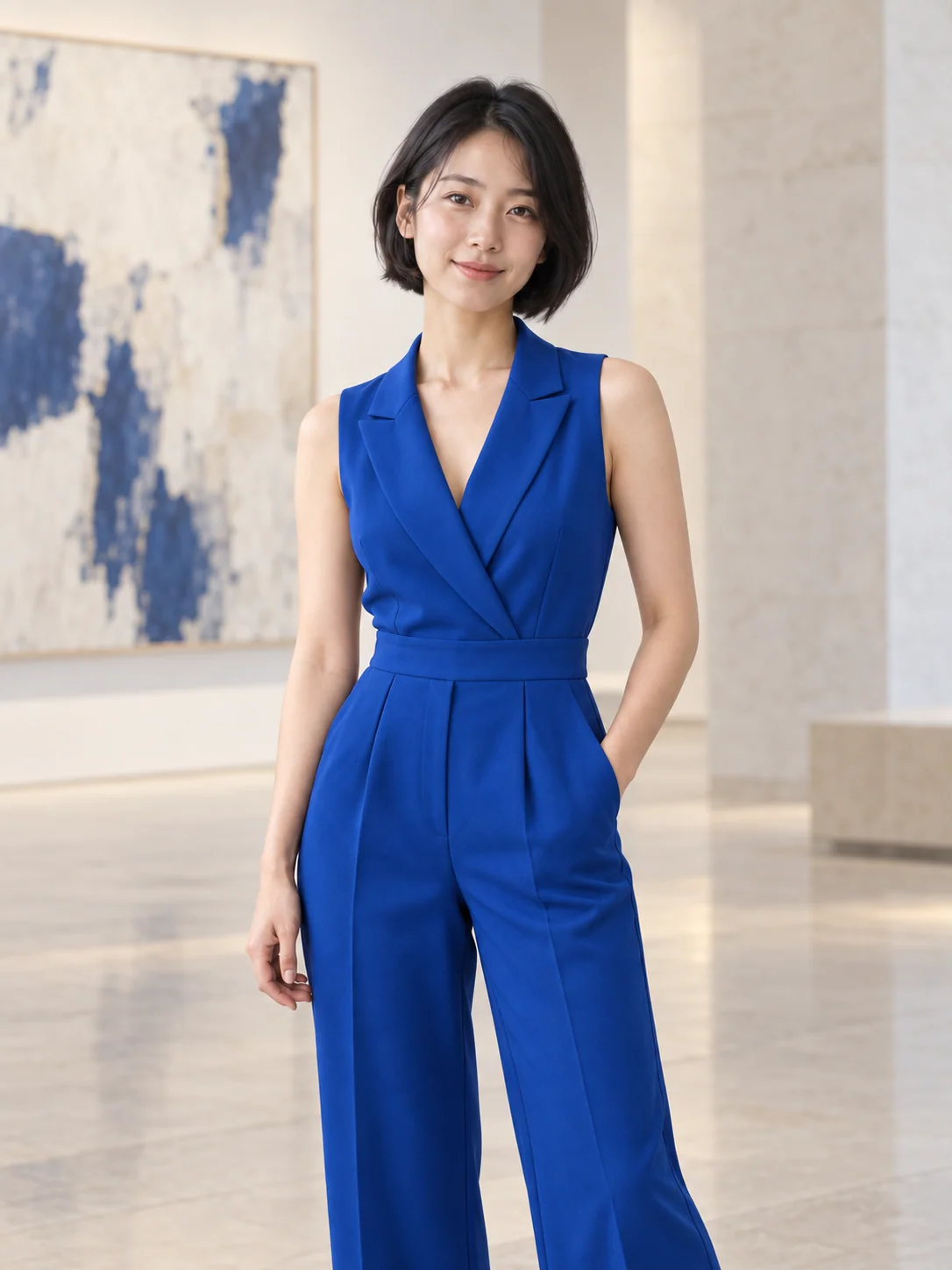
Woman in an ivory blouse against a neutral studio wallSame woman in blue in a pale art gallery
Preparing generatorControls will be ready in a moment.

Creative Inspiration for Qwen Image 2.1

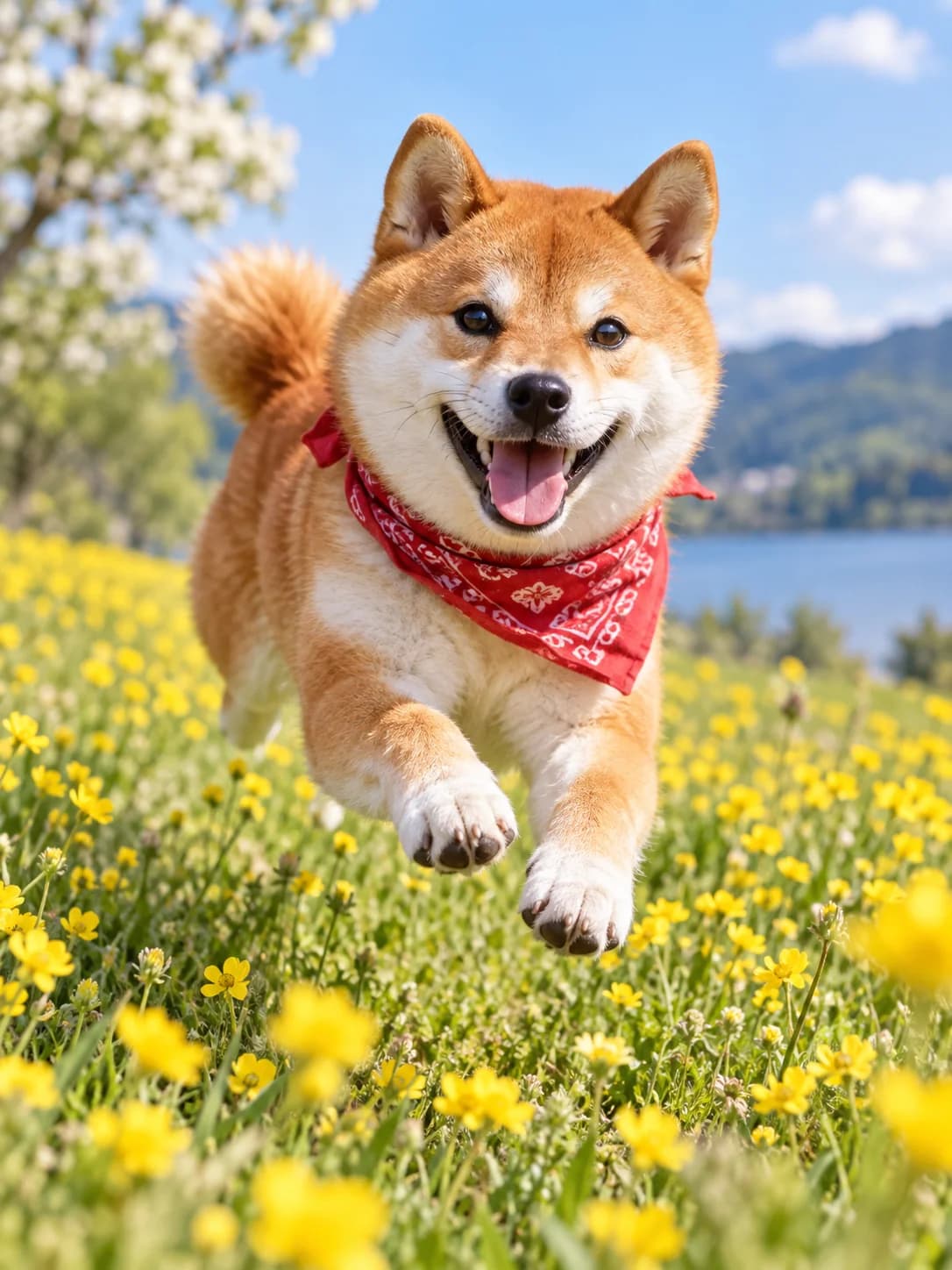
Explore what Qwen Image 2.1 can make across photography, anime, cyberpunk, sculpture, abstract art, pets, wildlife, products, and landscapes.
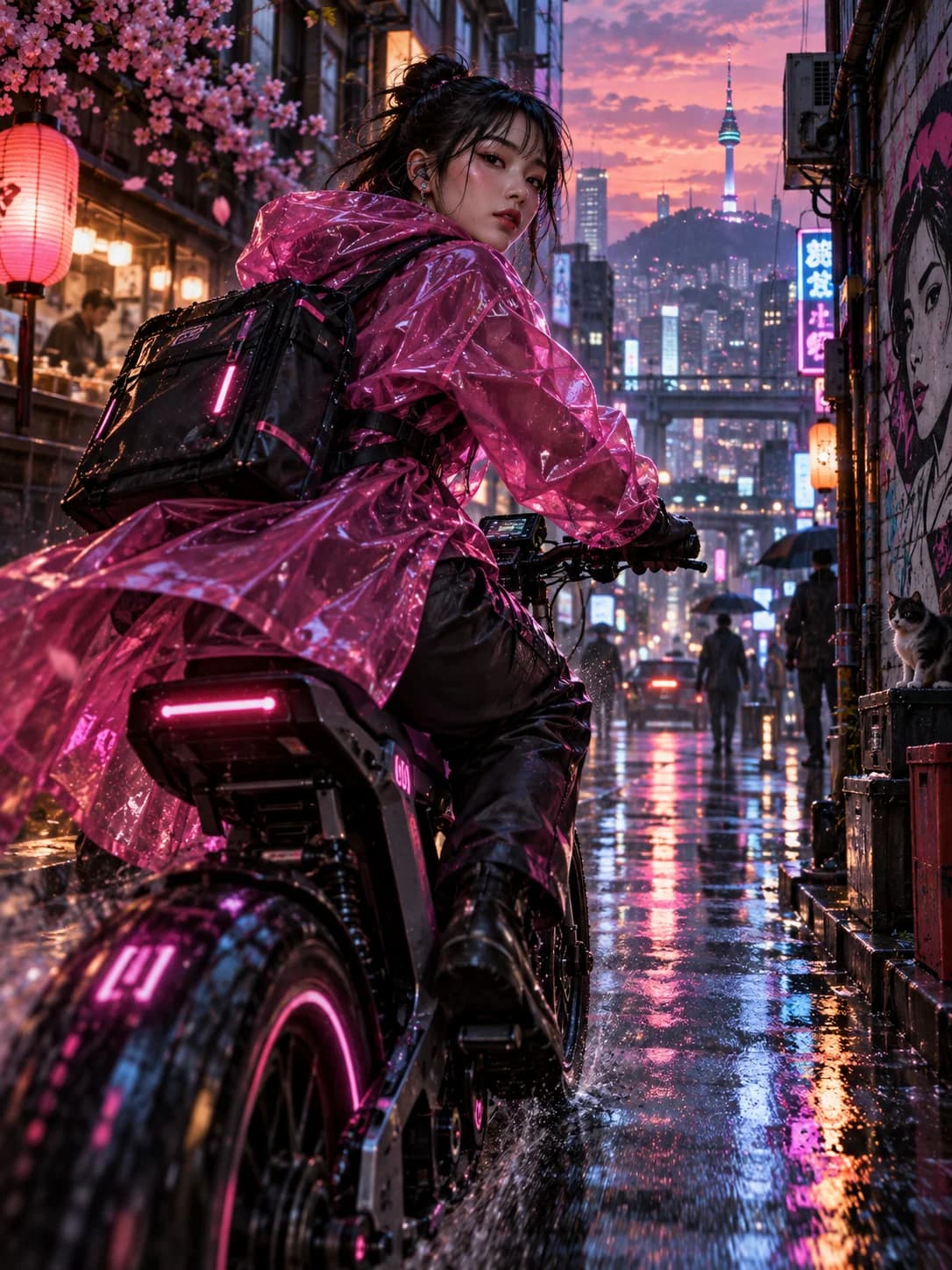
Cyberpunk courier in a magenta coat on a neon city street
Shiba inu running through a field of yellow flowers
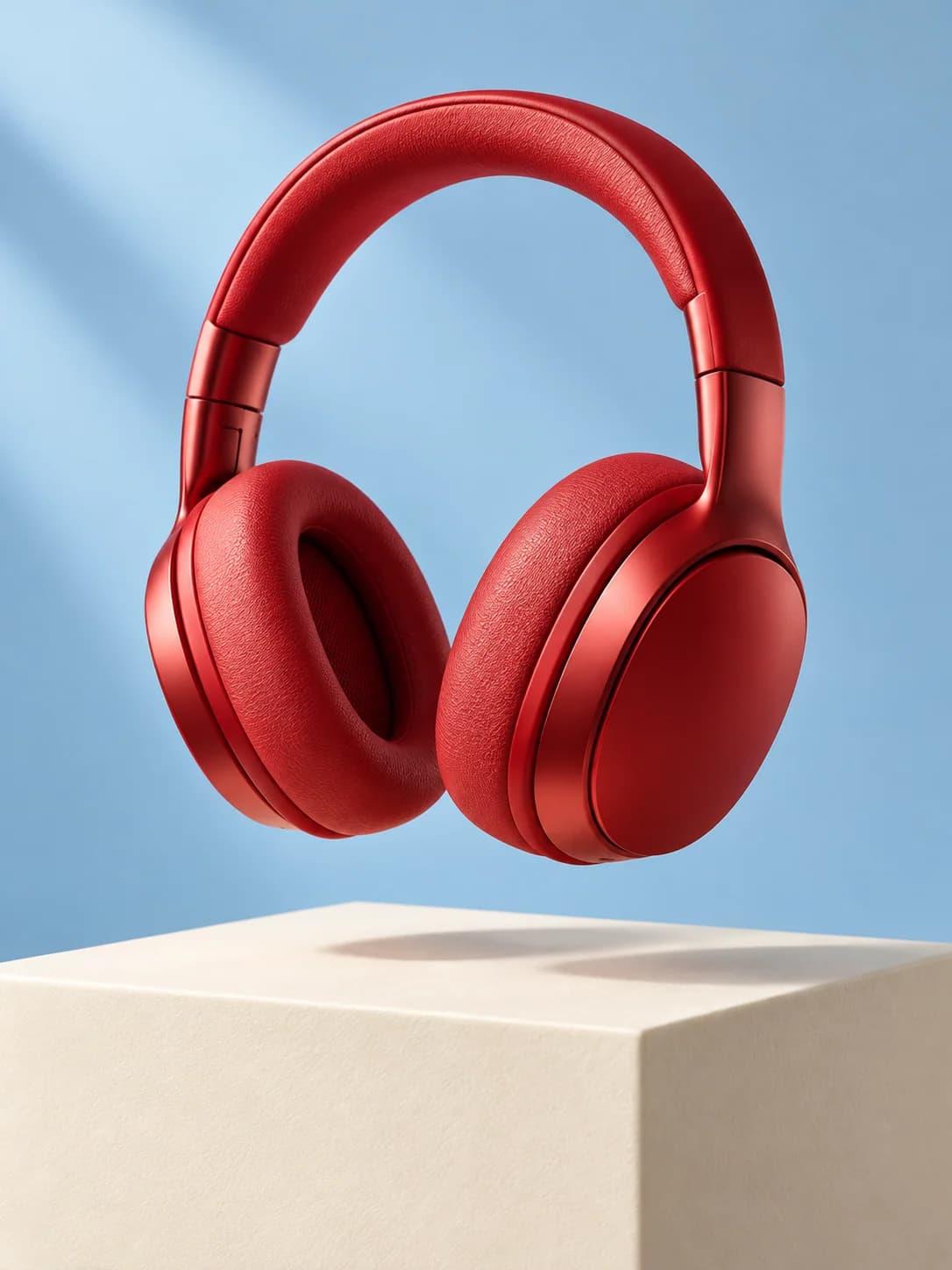
Cherry-red headphones in a contemporary product still life
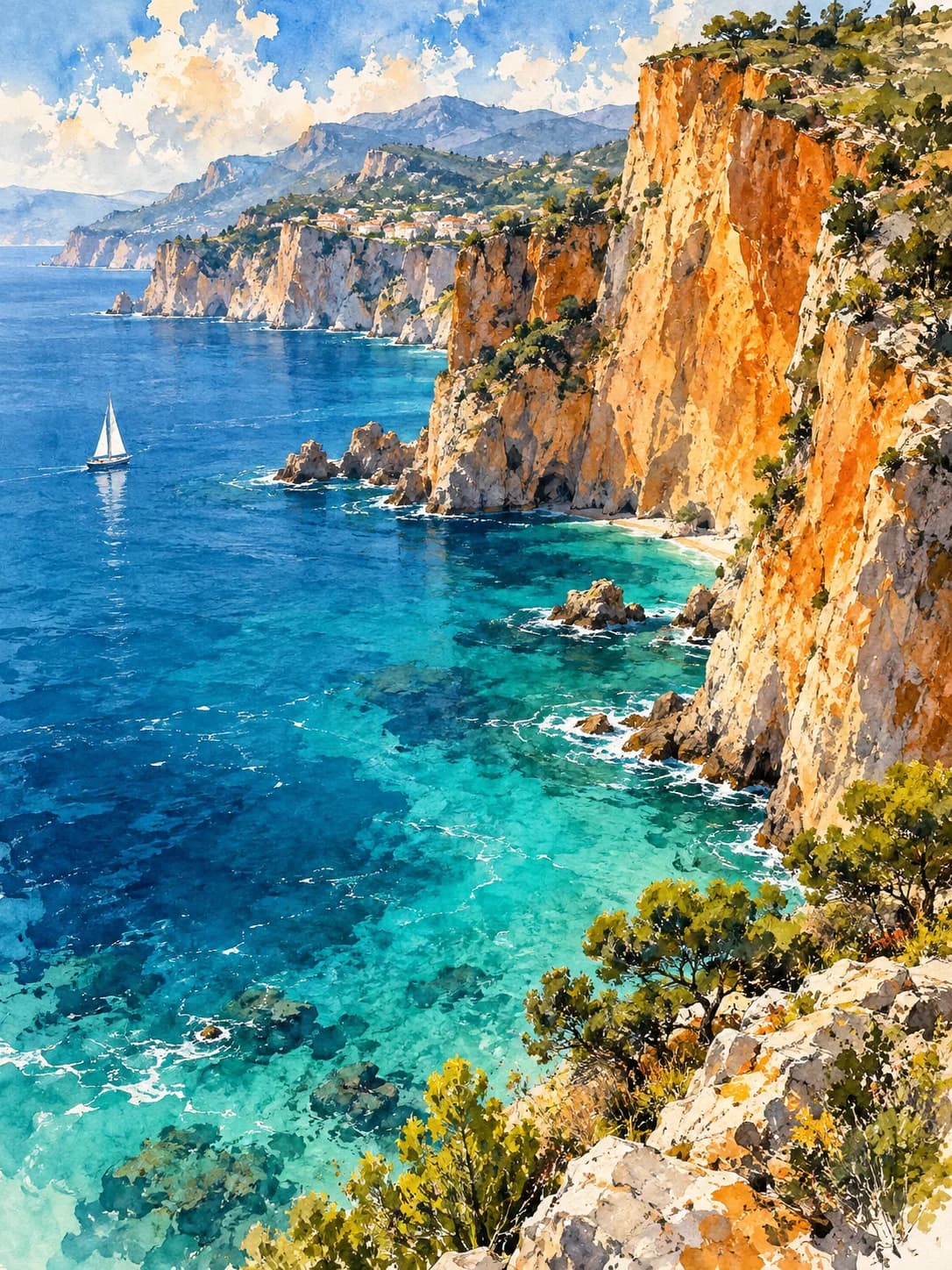
Watercolor sea and orange coastal cliffs
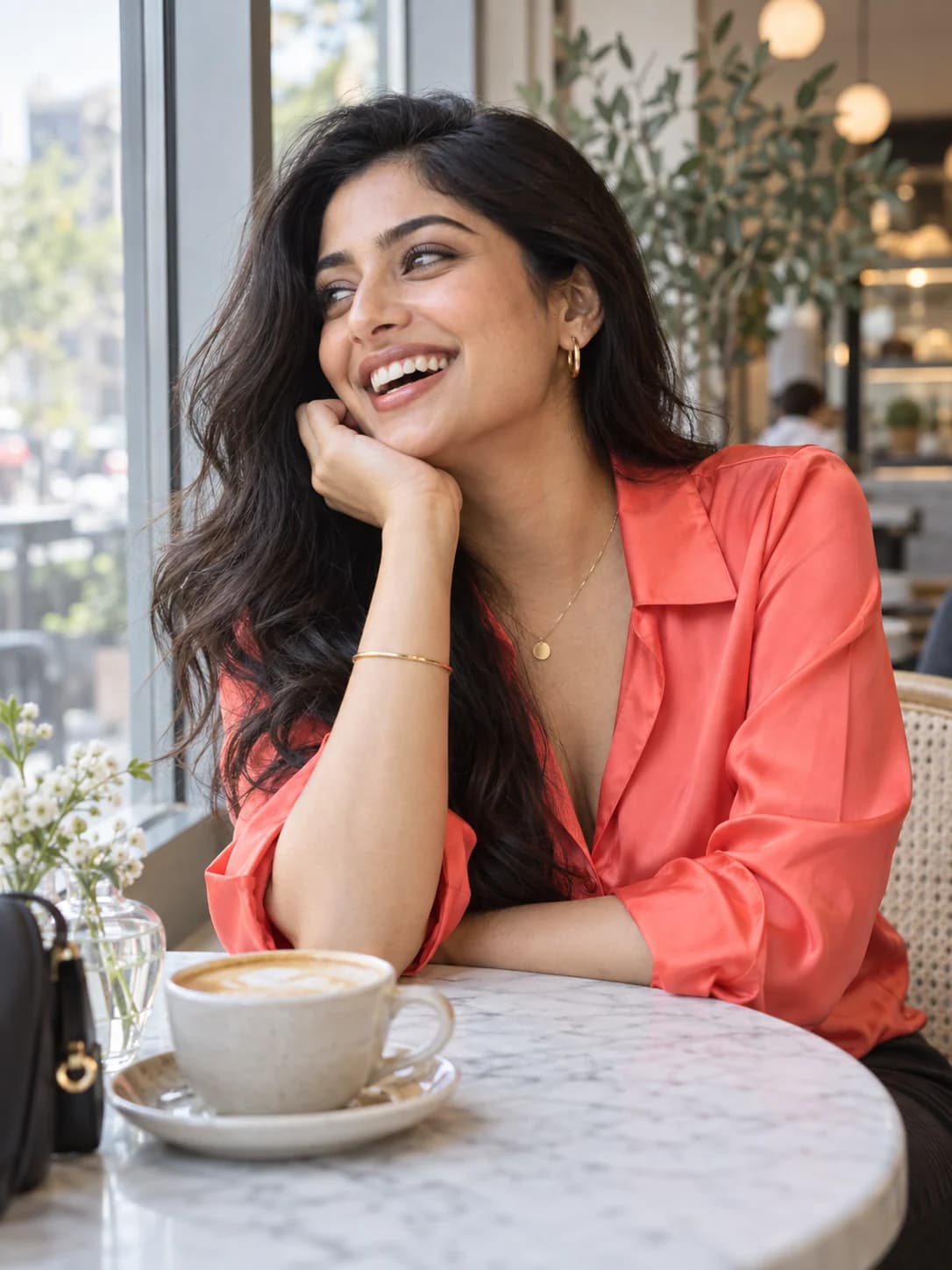
Woman in a coral blouse laughing by a cafe window
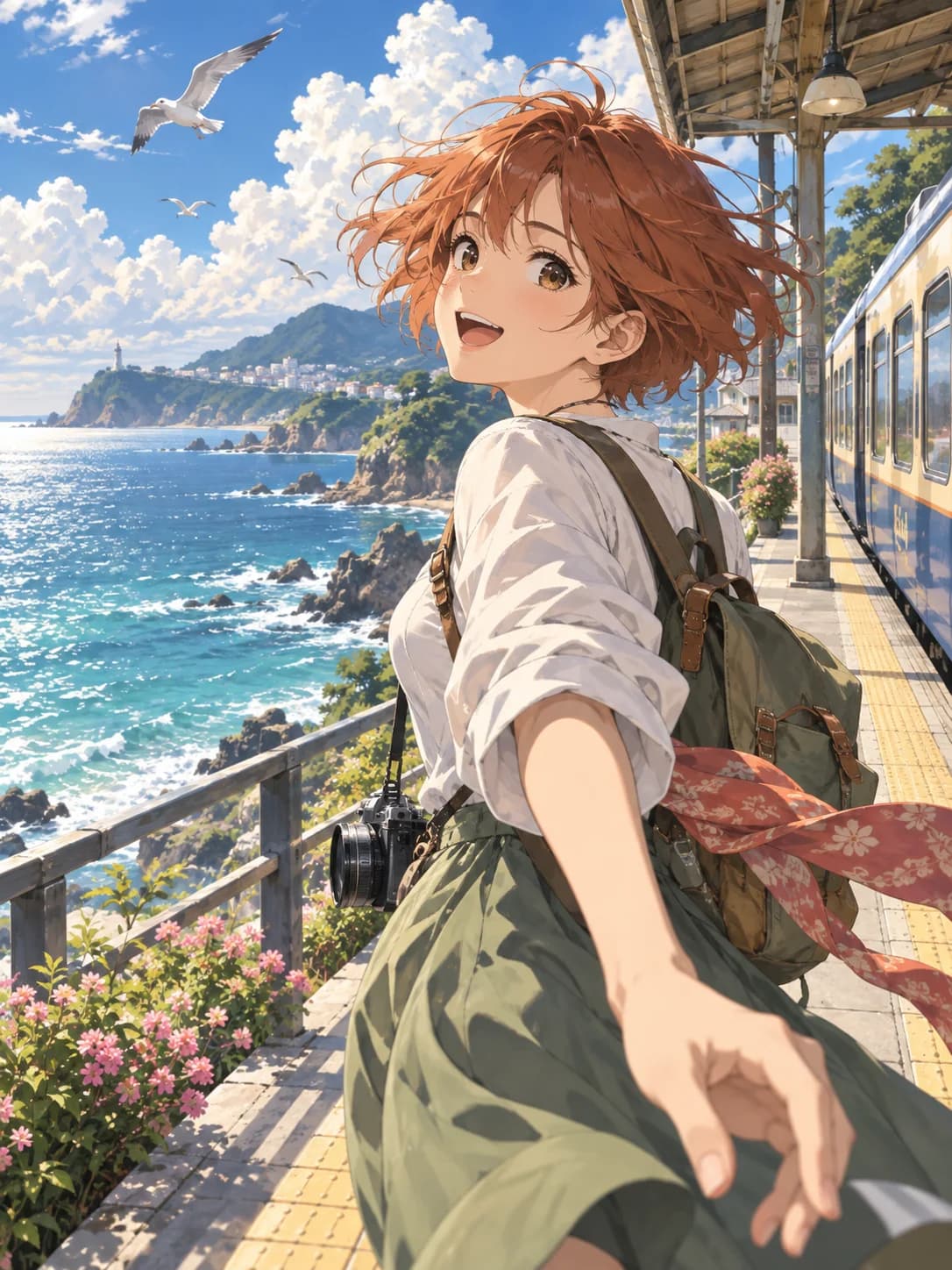
Anime traveler at a sunny coastal train platform
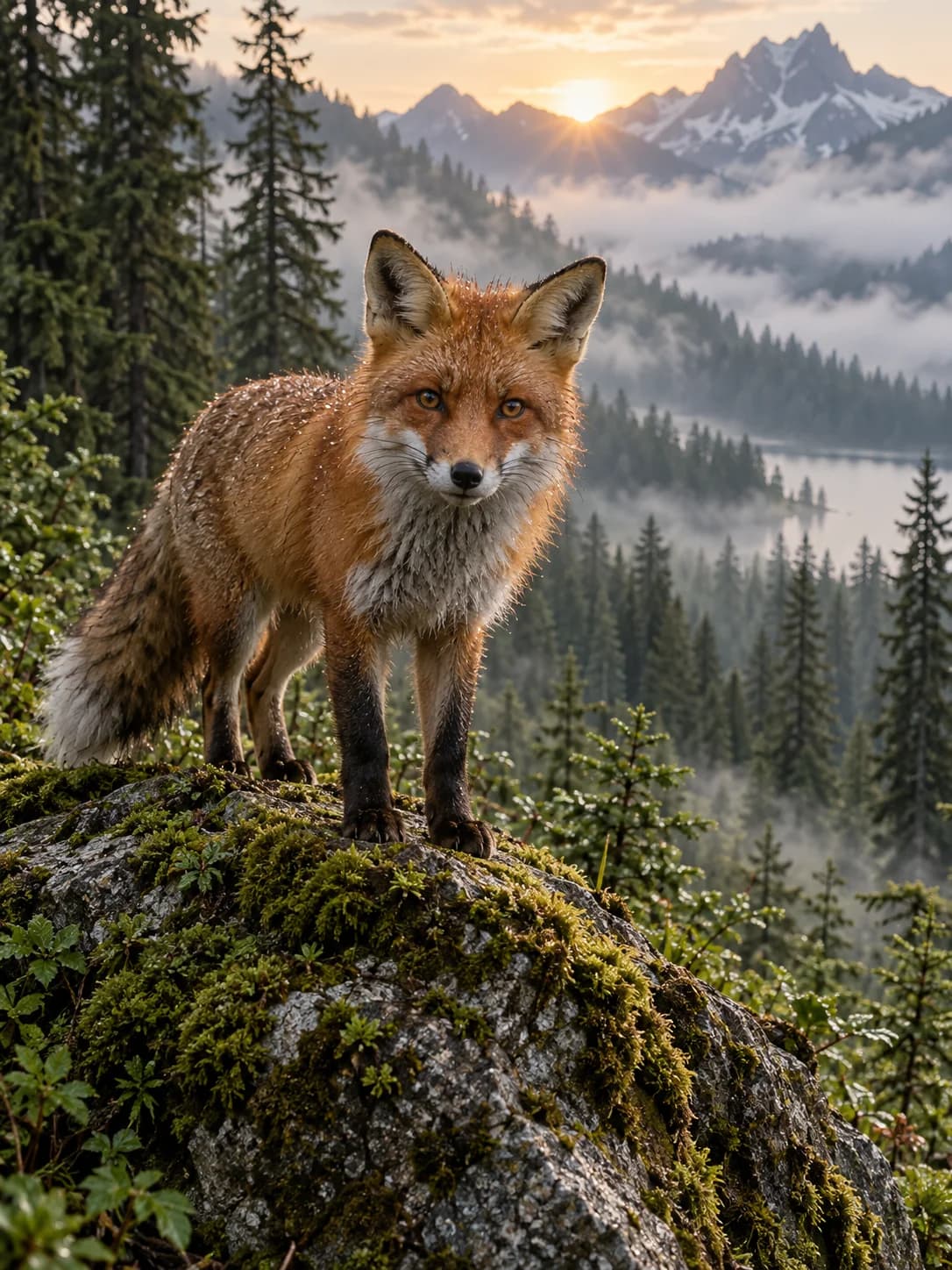
Red fox in a misty alpine forest
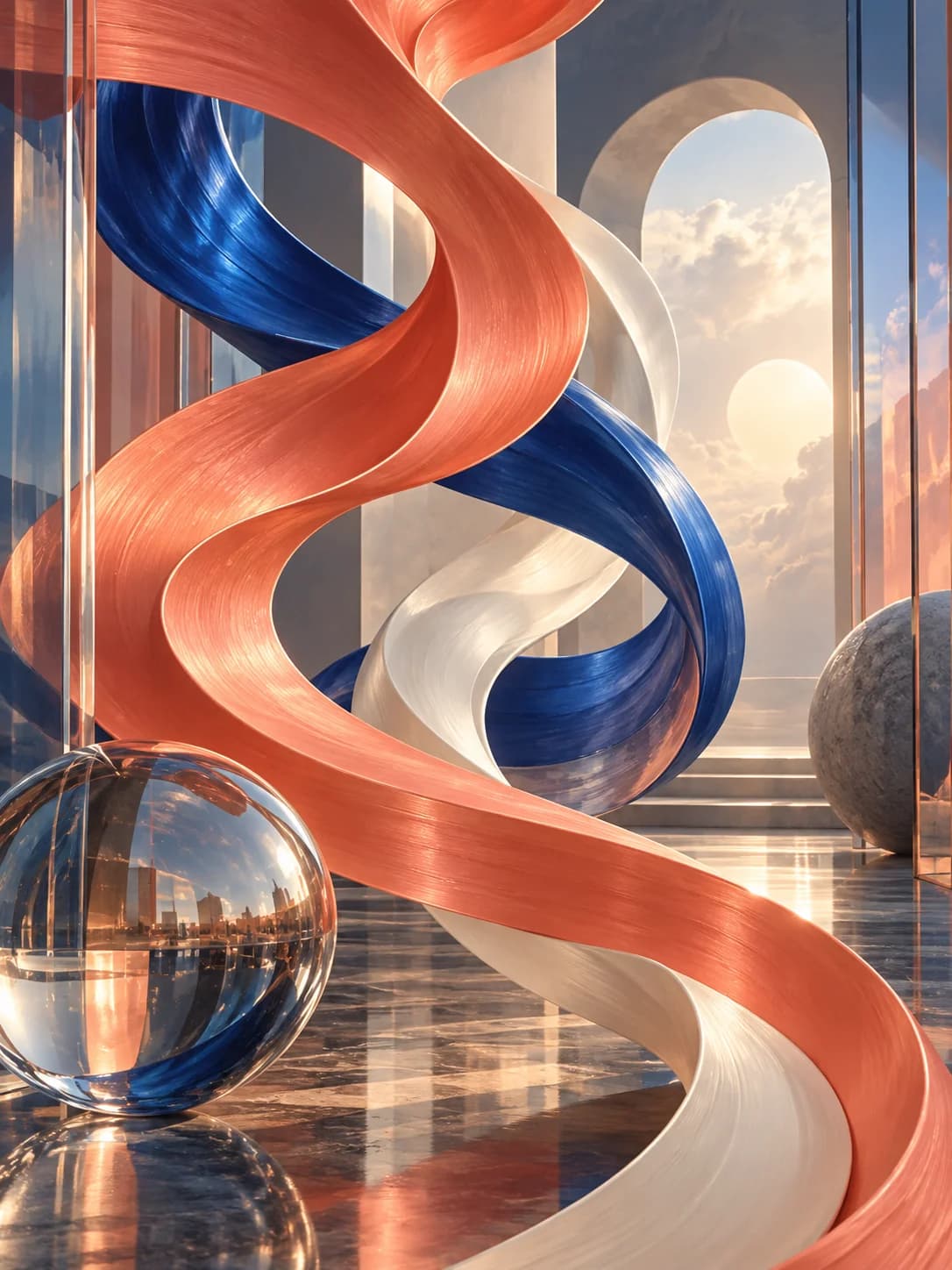
Coral and cobalt abstract sculptural ribbons
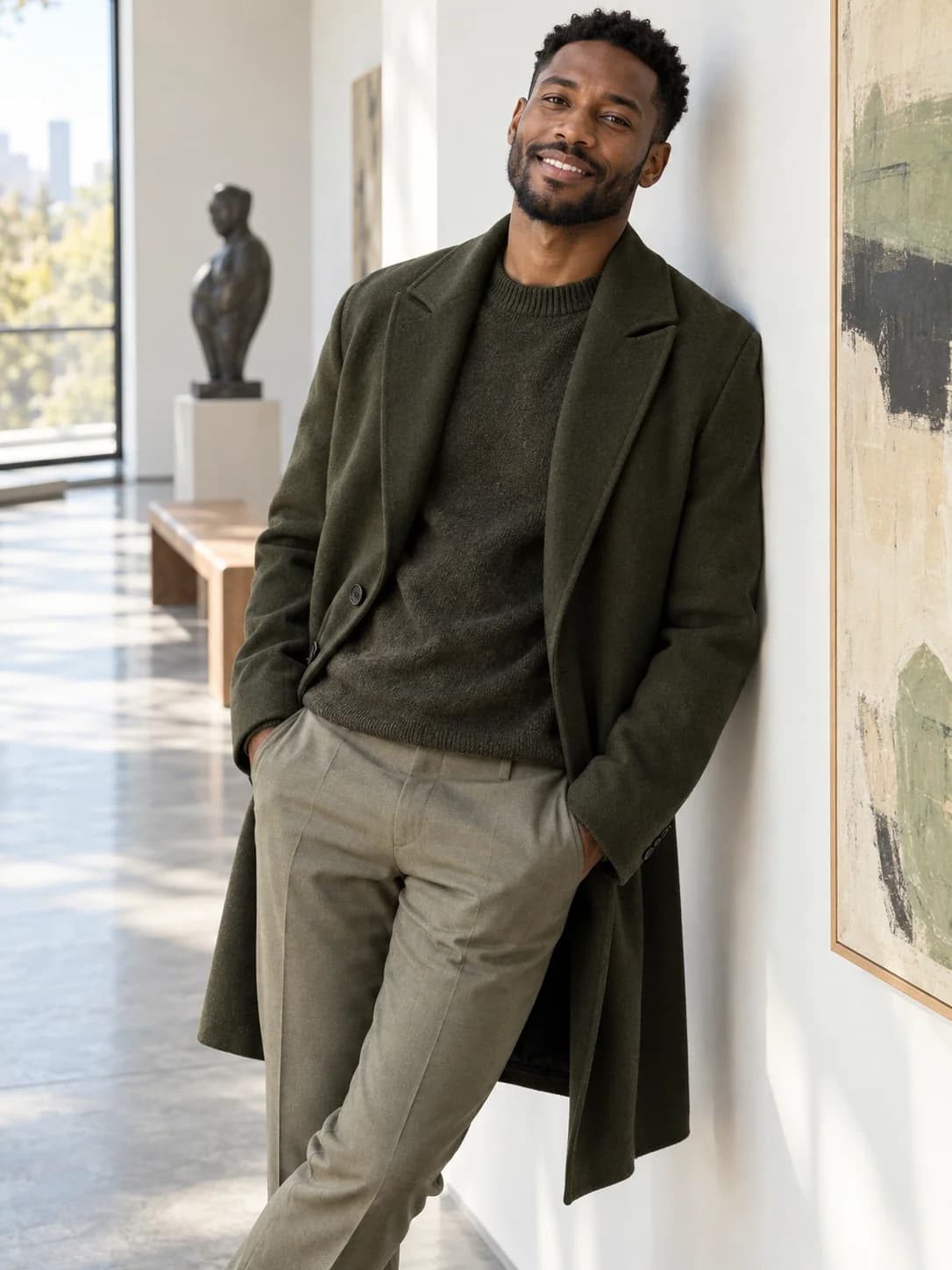
Man in an olive coat in a sunlit modern gallery
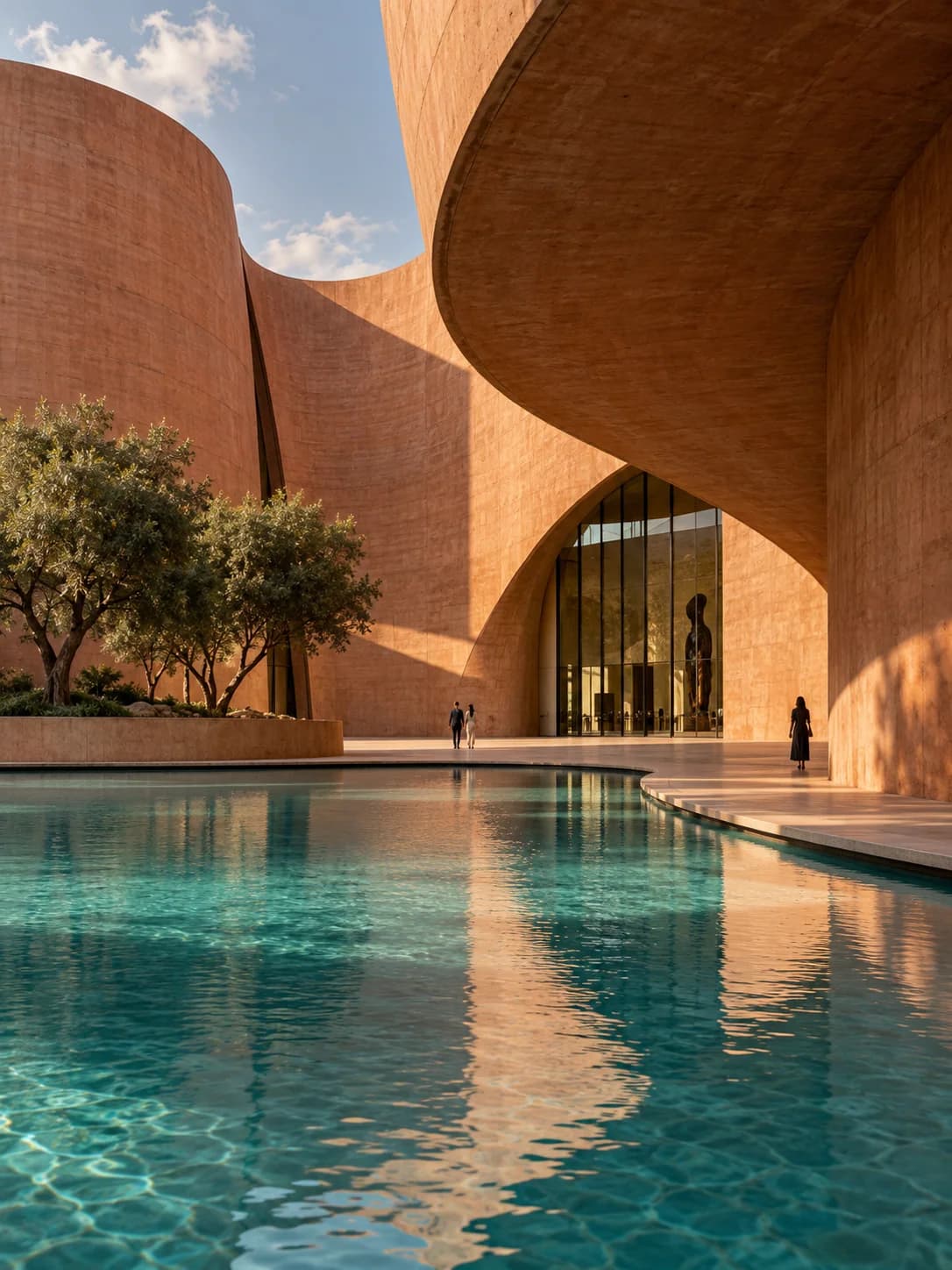
Terracotta museum architecture and turquoise reflecting pool
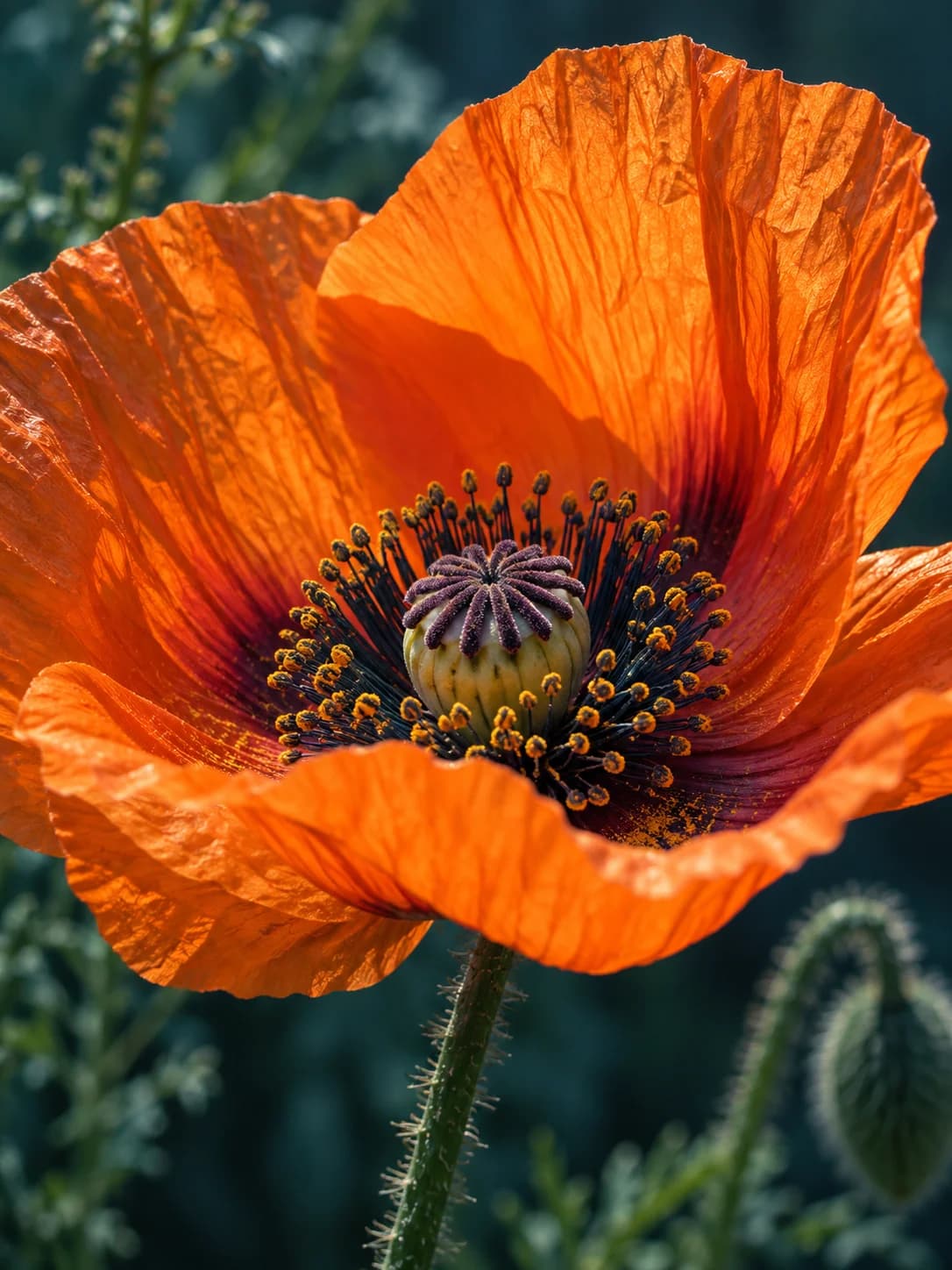
Orange poppy photographed close against a deep teal background
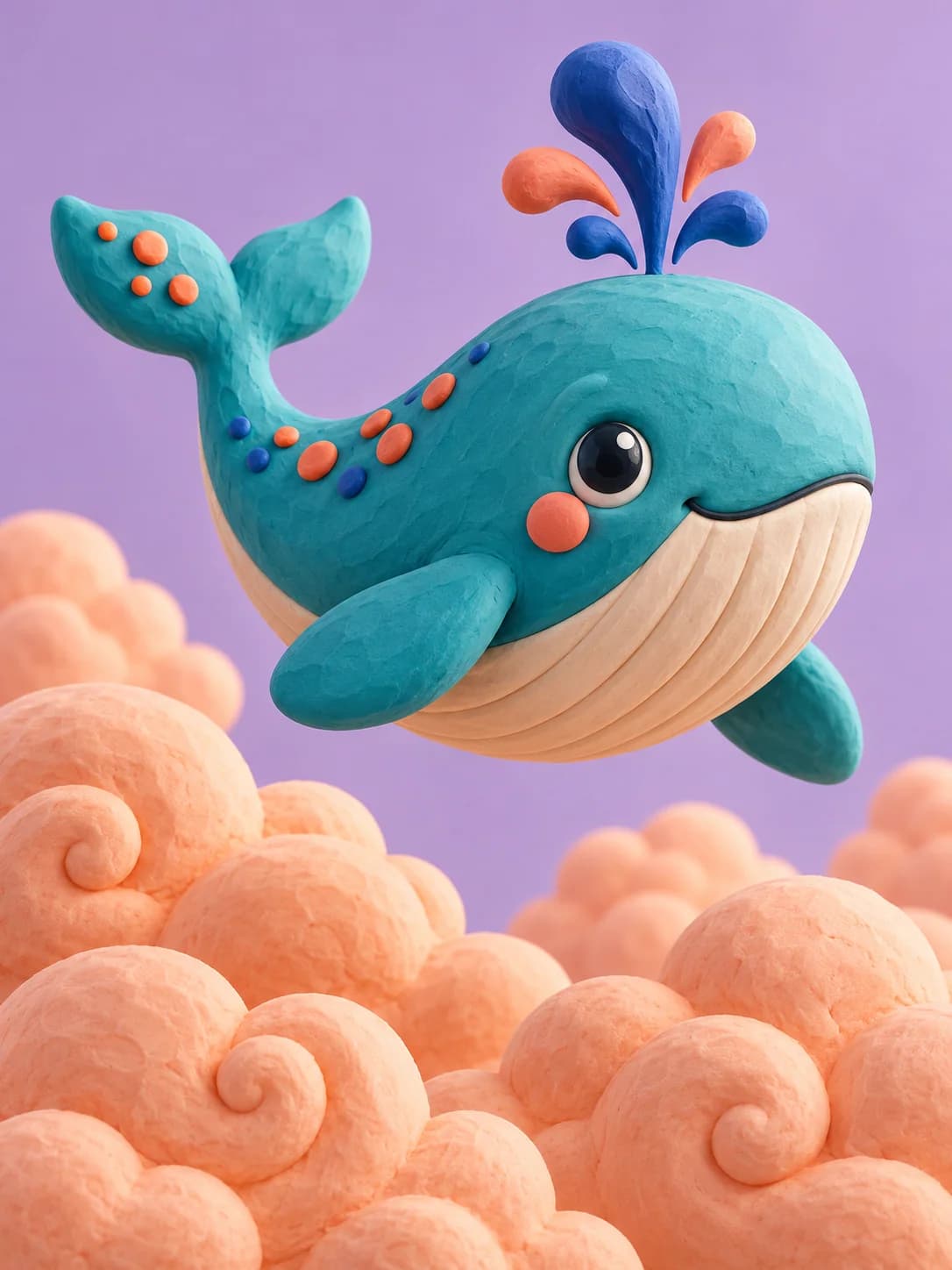
Playful turquoise clay whale above peach-colored clouds

Create More with Qwen Image 2.1

These visual examples show ways to use Qwen Image 2.1, from transparent assets and reference-guided scenes to focused edits, typography, and portrait detail.

Create Transparent Assets, Then Keep Editing

Qwen Image 2.1 adds native transparent generation and transparent-image editing to the same model. Build paper-cut elements, stickers, characters, or design pieces that can sit cleanly over another composition. Alpha-capable PNG and WebP output makes those assets easier to carry into layered creative work.
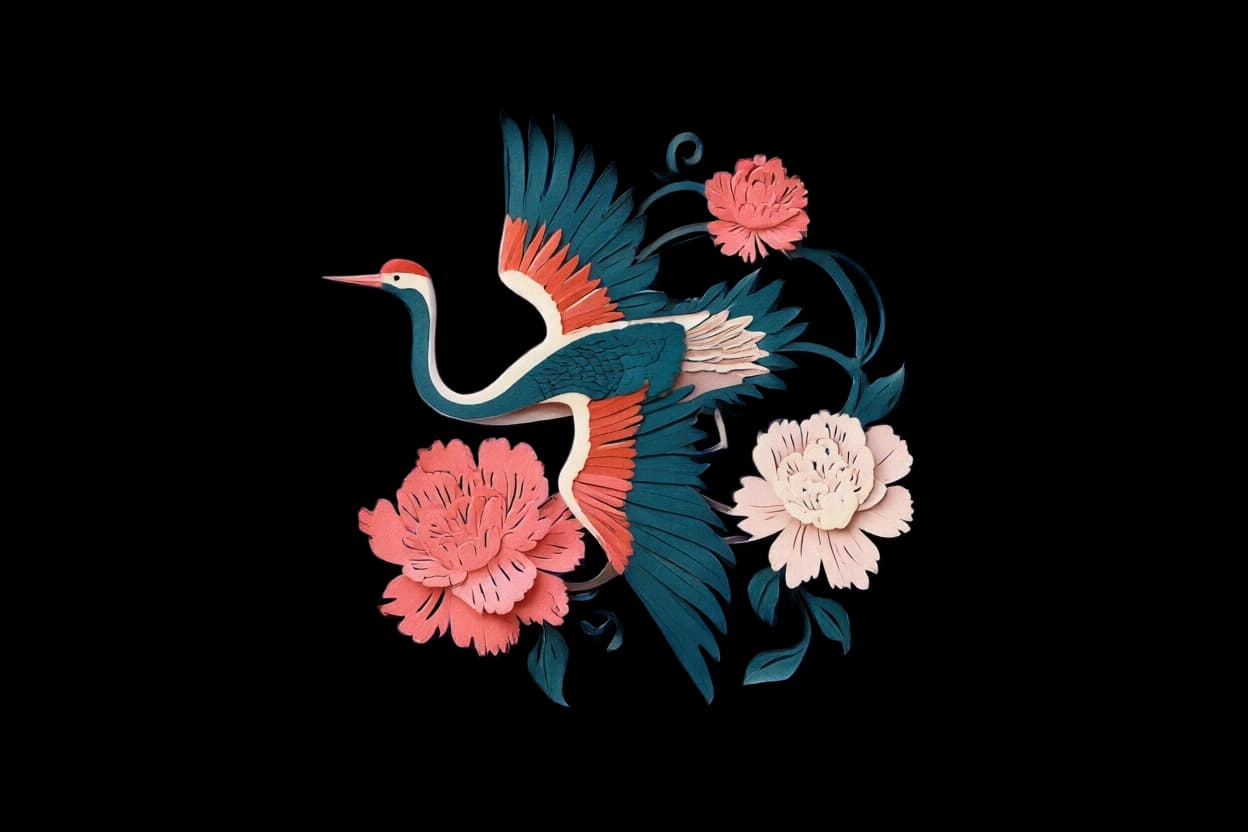
Transparent paper-cut crane and peony asset generated with Qwen Image 2.1

Bring Several References into One Coherent Scene

Give Qwen Image 2.1 up to ten references for a subject, garment, product, palette, or setting. The updated multi-reference workflow helps combine those visual signals into one cohesive image instead of a pasted collage, opening richer directions for fashion concepts, product scenes, character studies, and art direction.
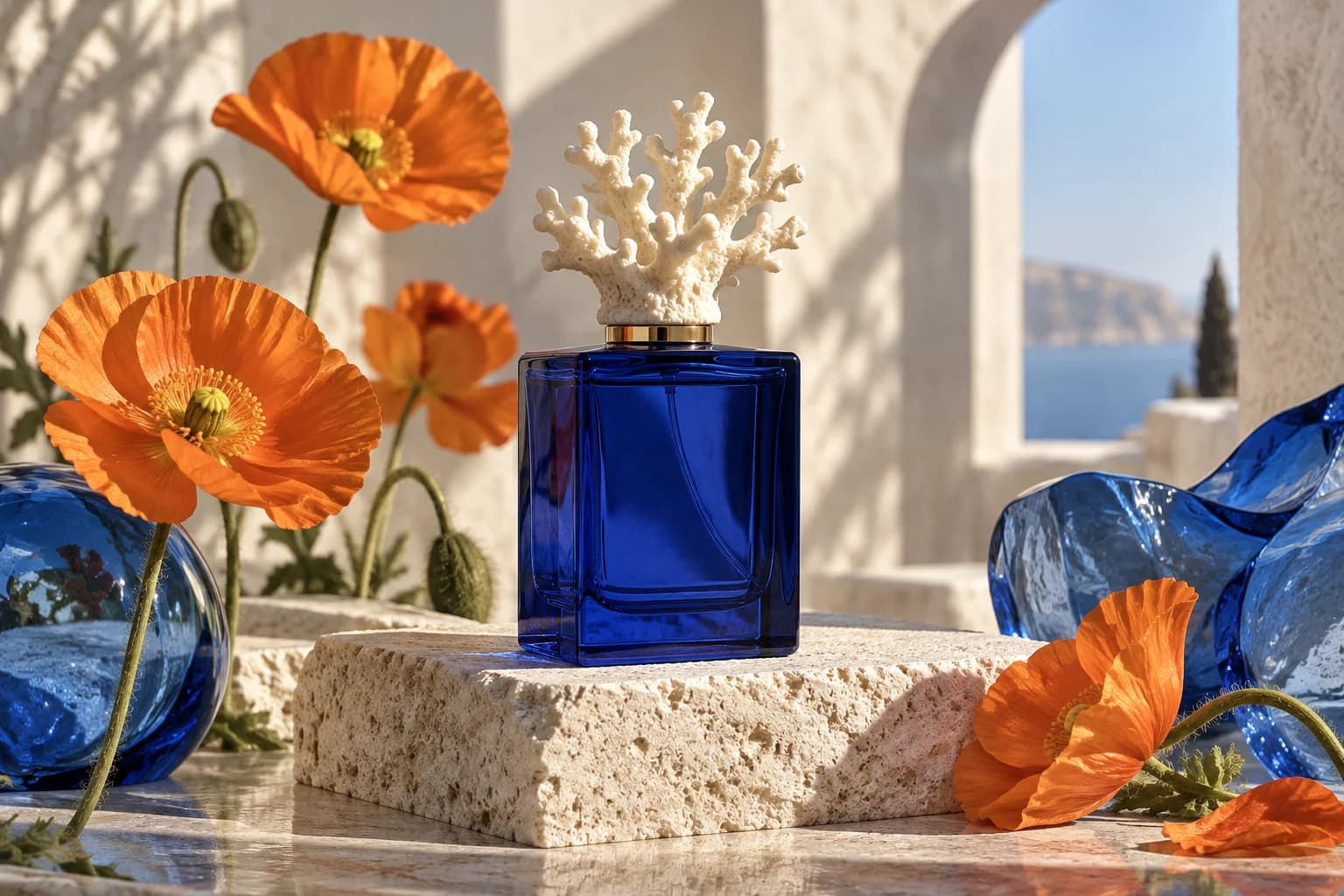
Perfume product scene combining botanical colors and glass forms

Change a Detail While Keeping the Subject Familiar

Use Qwen Image 2.1 to change clothing, objects, color, or surroundings while preserving familiar traits. In this visual example, the woman’s face, pose, and framing stay familiar as the outfit and setting change. The two views form one balanced image for easy comparison.
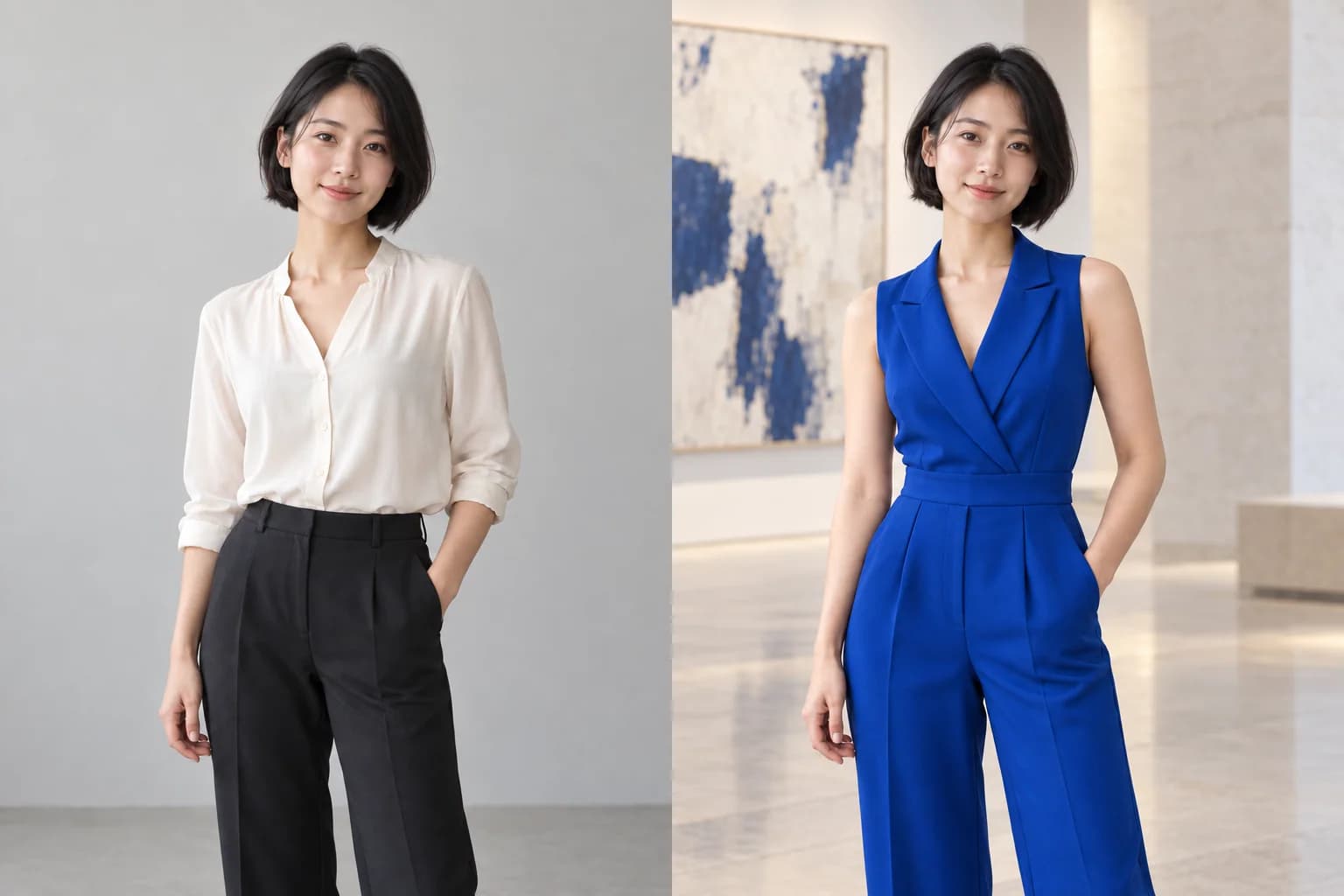
Side-by-side edit of the same woman in an ivory blouse and a blue outfit

Make Type and Image Feel Designed Together

Qwen Image 2.1 improves the relationship between letterforms, layout, and the surrounding artwork. Use it for exhibition posters, covers, menus, and graphic compositions where words need visual weight as well as legibility. The result feels more like one designed piece, though final copy still deserves a spelling check.
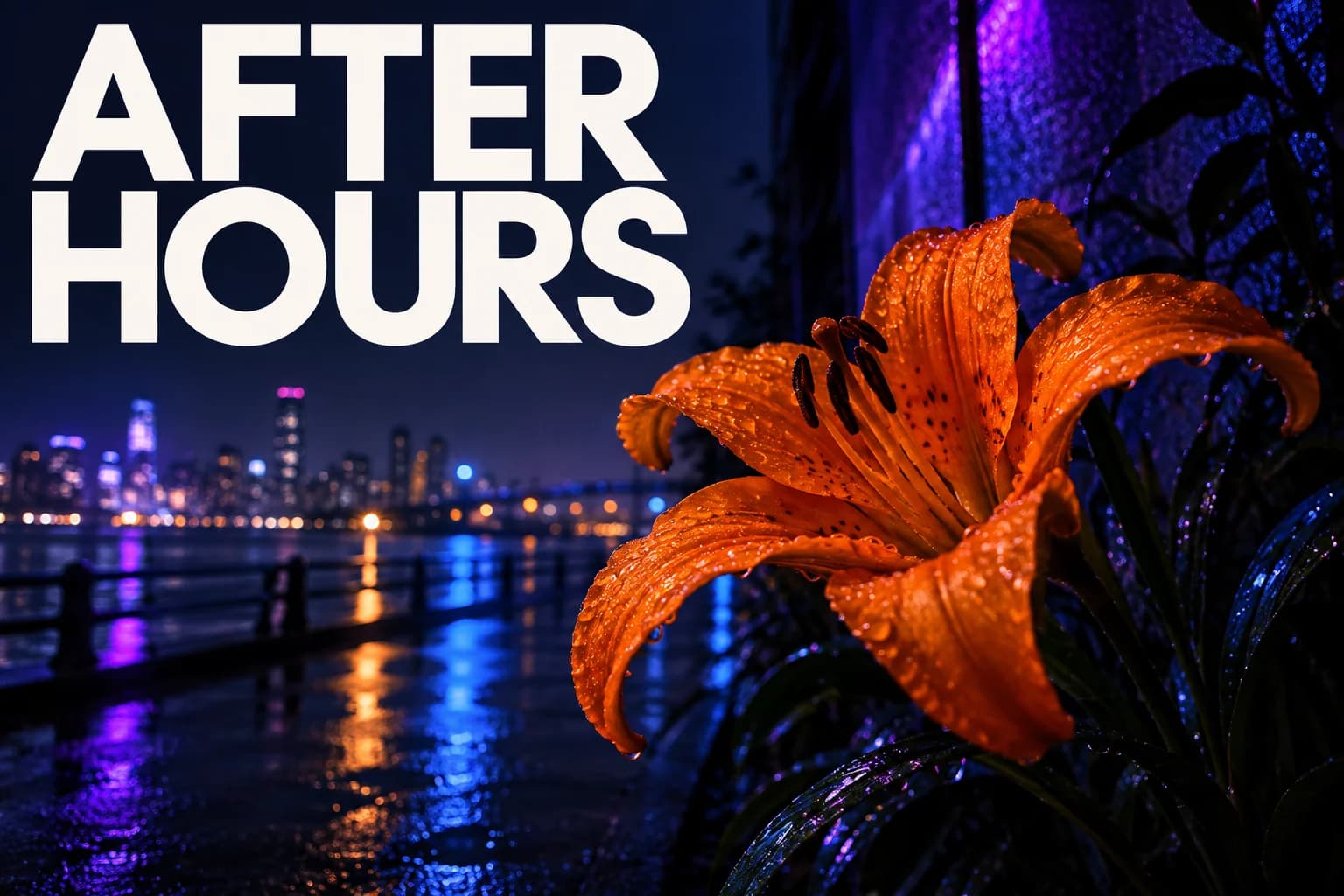
After Hours poster demonstrating integrated text and image composition

Shape Portraits with Natural Light and Fine Texture

Create portraits with softer light transitions, believable skin, fine hair, and tactile fabric or material detail. Qwen Image 2.1 places more attention on portrait finish without forcing every result into a glossy studio look. That range supports candid editorial images, character studies, fashion stories, and detailed 2K artwork.
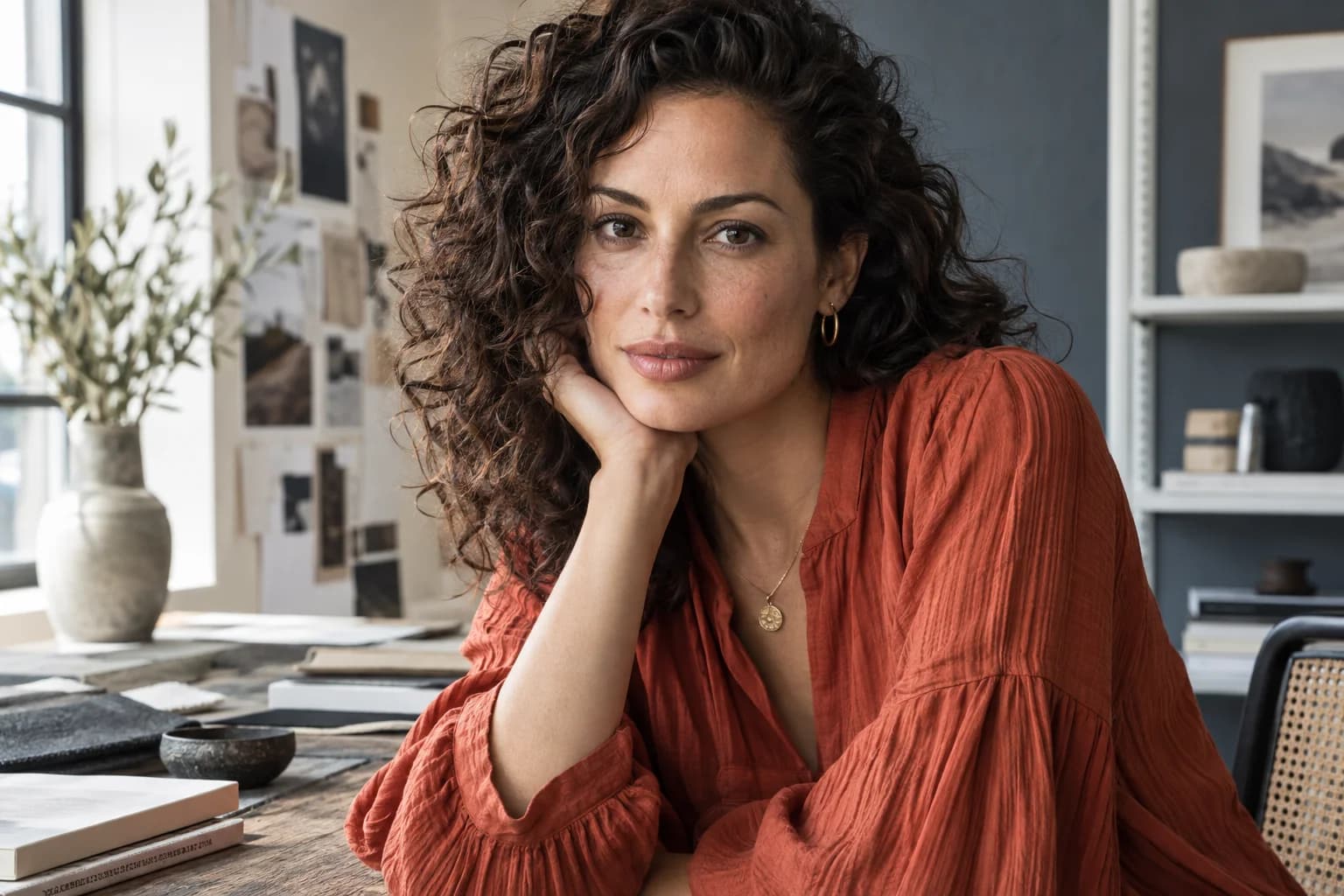
Natural daylight portrait showing skin, hair, and fabric texture

How to Use Qwen Image 2.1 Online

Turn a written idea into a downloadable image with Qwen Image 2.1 in three focused steps.

1

Describe the Result

Tell Qwen Image 2.1 the subject, setting, medium, composition, light, and any exact short text you want to see.

2

Add References if Helpful

Use Qwen Image 2.1 without an upload for text-to-image, or add references and choose ratio, resolution, background, and format.

3

Generate and Review

Generate with Qwen Image 2.1, inspect faces, lettering, edges, and details, then download the result you want to keep.

Where Qwen Image 2.1 Fits

Use Qwen Image 2.1 for visual ideas that move between generation and editing.

Posters and Covers

Use Qwen Image 2.1 to explore bold type, illustration, color, and layout for events, stories, and social campaigns.

Characters and Portraits

Develop expressive people, consistent subjects, wardrobe ideas, and naturally lit portraits with Qwen Image 2.1.

Reference-Guided Edits

With Qwen Image 2.1, change selected details or combine visual references while explaining what should remain recognizable.

Transparent Design Assets

Create isolated stickers, decorative elements, and illustrations for layered creative projects with Qwen Image 2.1.

Why Edit Images Here?

See Qwen Image 2.1 settings and the credit cost before you generate.

No Subscription Required

Sign in and use available credits for Qwen Image 2.1. A 1K image costs 3 credits and a 2K image costs 5 credits.

Generate and Edit Together

Qwen Image 2.1 lets you start from text or attach optional images without moving to a separate editor or installation.

Controls Before You Create

Check the resolution, ratio, background, output format, and credit cost for Qwen Image 2.1, or switch to another available model.

Qwen Image 2.1 FAQ

What is Qwen Image 2.1?+
Qwen Image 2.1 is an AI image model for creating images from text and editing with optional visual references. This page connects directly to Qwen Image 2.1 and exposes its supported generation, editing, resolution, background, and format controls.
Can I use the model online without installing it?+
Yes. Use Qwen Image 2.1 in your browser without downloading model weights, setting up a GPU, or building a local workflow. You need to sign in before starting a paid-credit generation.
Do I have to upload an image?+
No. Qwen Image 2.1 can create from text when you leave the reference area empty. Upload one or more images only when you want to guide a new composition or edit an existing image.
Can I use it without buying a plan?+
Yes. No subscription purchase is required to use Qwen Image 2.1. Sign in and use credits already on your account; an image costs 3 credits at 1K and 5 credits at 2K.
How many reference images can I add?+
Qwen Image 2.1 accepts up to ten reference images in this integration. State what each reference contributes and which subject, product, or design details should remain recognizable.
Does it support 2K images and transparent backgrounds?+
Yes. Qwen Image 2.1 offers 1K or 2K output. For transparent work, select a transparent background and an alpha-capable PNG or WebP format; transparent JPEG is not available.
What changed in Qwen Image 2.1?+
The Qwen Image 2.1 release integrates native transparent image generation and editing into the unified model. Qwen Image 2.1 also refines multi-reference and focused edits, subject preservation, typographic composition, portrait lighting, texture, and inference efficiency. Unified generation and editing plus native 2K output already appeared in the preceding generation, so this page does not present them as first-time additions.
Can I use the generated images commercially?+
Commercial use of Qwen Image 2.1 results depends on the model provider, API service, source references, prompt content, and your jurisdiction. Review the applicable terms and confirm you have permission for uploaded people, brands, artwork, and other protected material before commercial use.

Edit Your Next Image with Qwen Image 2.1

Write a prompt for Qwen Image 2.1, add references only when they help, and choose the output controls that fit your idea.

Start Editing

Qwen Image 2.1 AI Image Editor Online

Qwen Image 2.1 puts optional reference-guided editing and text-to-image creation in one browser workspace. Edit photos, portraits, posters, transparent assets, multi-reference compositions, and focused visual details. This Qwen Image 2.1 integration supports up to ten references, 1K or 2K resolution, opaque or transparent backgrounds, PNG, WebP, or JPEG where compatible, optional prompt enhancement, and reusable seeds. No subscription purchase is required, but you must sign in and have enough credits before generating.

LogoAI Picture Editor

AI image editing tools for cleaner, publish-ready visuals.

Email
Tools
  • Image to Image AI
  • AI Object Remover
  • AI Object Replacer
  • AI Image Extender
  • AI Product Photo Editor
  • AI Product Ad Generator
  • AI Fashion Model Generator
  • AI Ghost Mannequin Generator
  • AI Background Changer
  • Photo Colorizer
  • Old Photo Restoration
  • AI Image Text Editor
  • Remove Glasses AI
  • Family Picture Editor
  • AI Action Figure Generator
  • AI Hairstyle Changer
  • AI Image Text Remover
  • AI Furniture Remover
  • Photo Remove Filter
  • All Tools
Models
  • GPT Image 2.5
  • ChatGPT Image Editor
  • Qwen Image Edit
  • Grok AI Image Editor
  • Nano Banana Photo Editor
  • Nano Banana 2 Lite
Company
  • About
  • Contact
  • Changelog
Legal
  • Cookie Policy
  • Privacy Policy
  • Acceptable Use Policy
  • Terms of Service
© 2026 AI Picture Editor All Rights Reserved.[email protected]We are not affiliated with the model providers. All trademarks belong to their respective owners.