
AI blemish remover for natural-looking photos
Remove pimples and soften acne marks with our AI blemish remover. Give your favorite portraits a fresh, natural-looking finish in just a few clicks.
Upload a clear portrait or try a sample below.
A lighter touch. A photo that still feels like you.
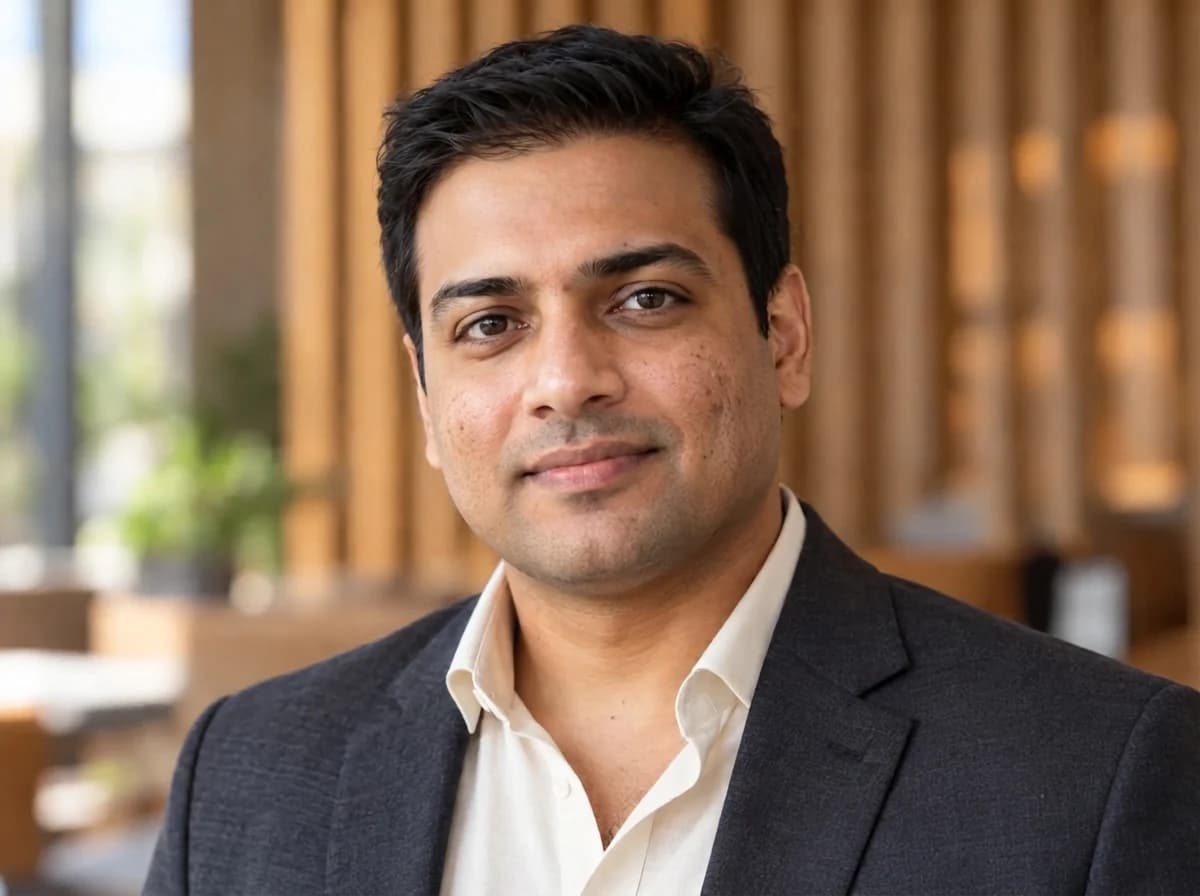
Discover how a blemish remover brings the focus back to you. See the original portrait on the left and its AI touch-up on the right.
Remove pimples from your favorite photos
A spontaneous smile, a favorite outfit, the perfect afternoon light—keep the photo you love. Use the blemish remover to touch up distracting pimples on your forehead, cheeks or chin. This pimple remover helps make a temporary breakout less noticeable, so your expression takes center stage.
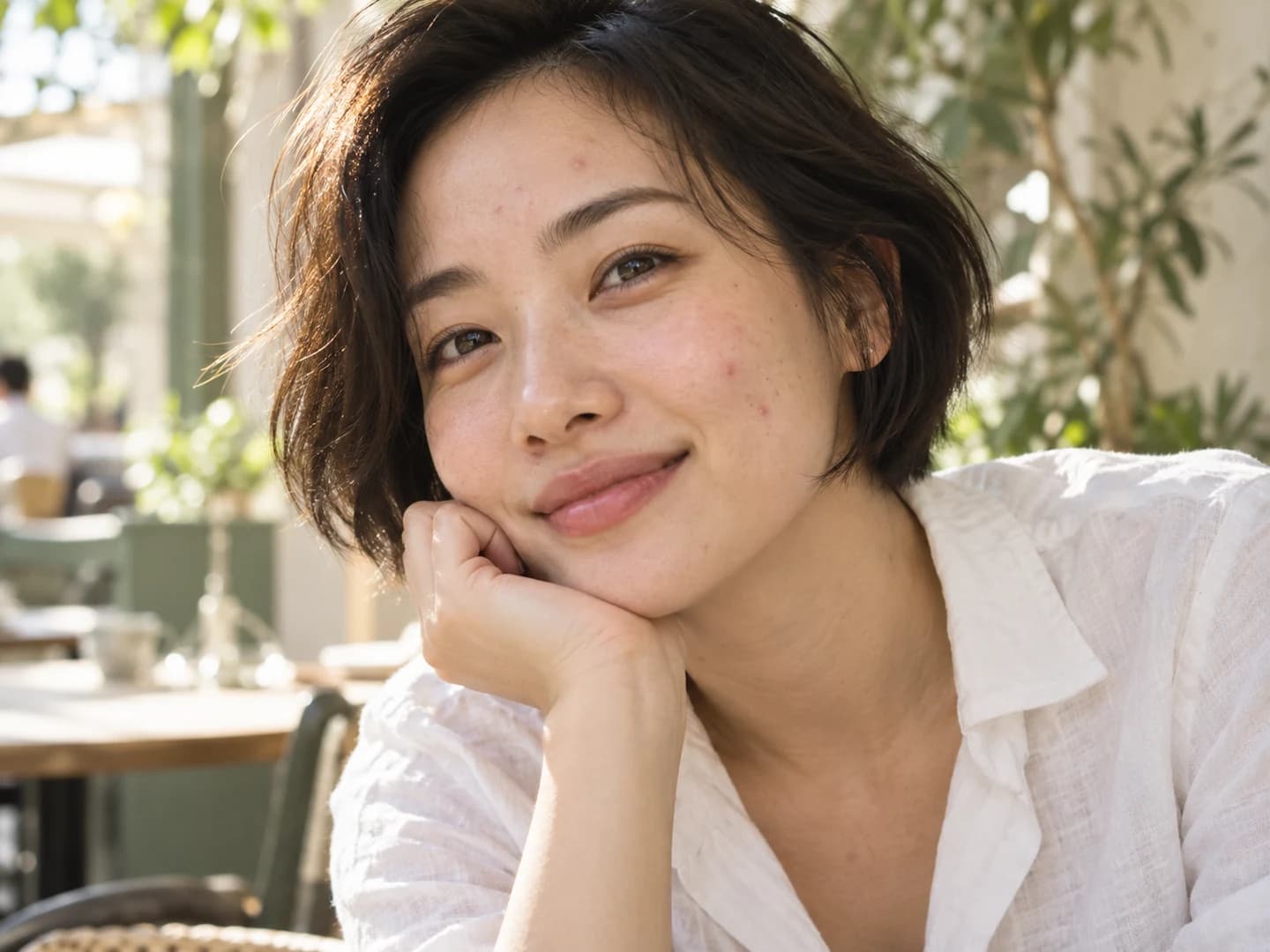

Soften acne marks and visible dark spots
Give uneven-looking skin a more balanced finish. The AI blemish remover can soften visible post-acne marks and small dark spots, drawing on the surrounding complexion for a natural-looking touch-up. Bring attention back to your eyes and expression in selfies, close-ups and profile photos.
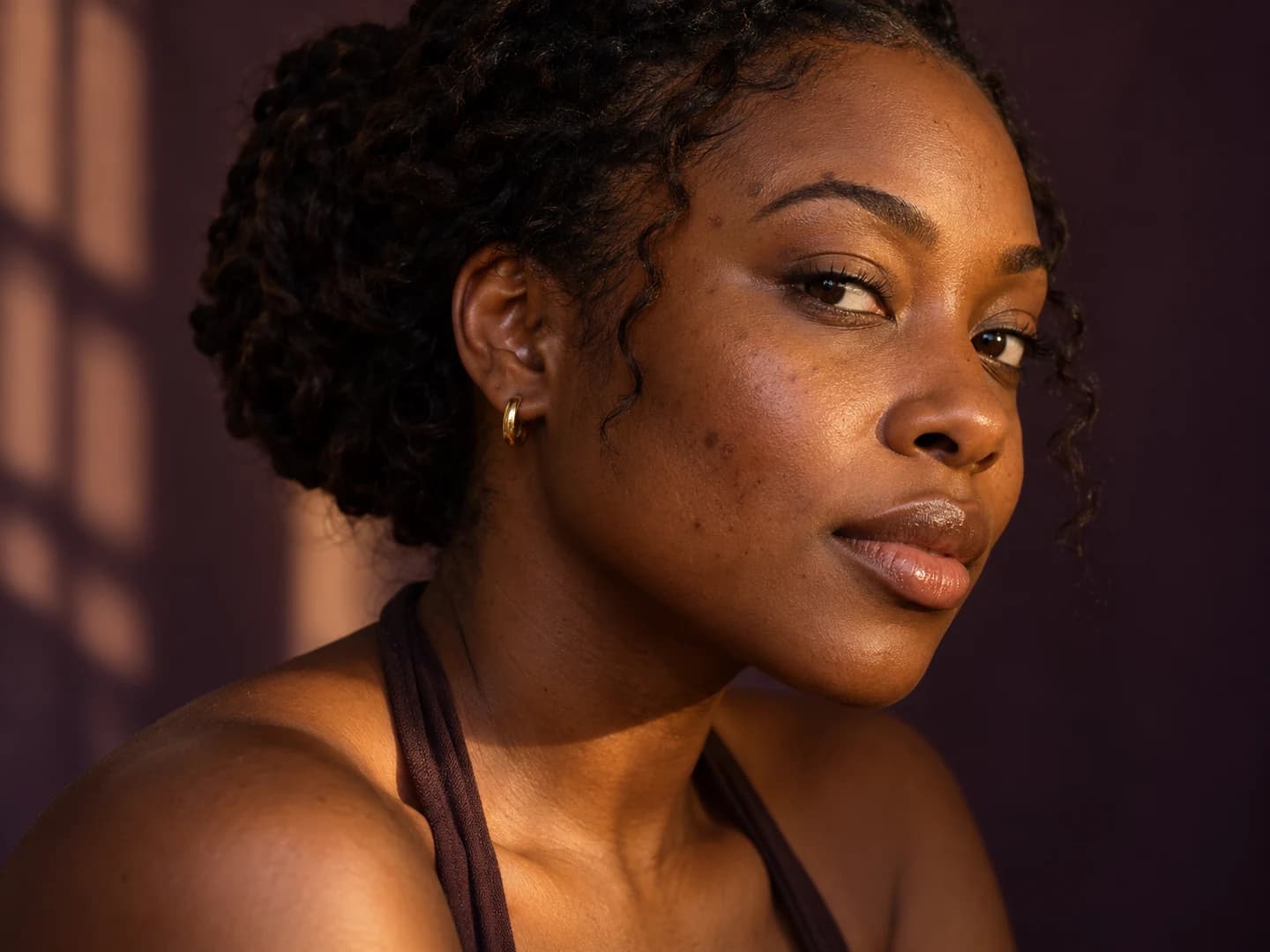
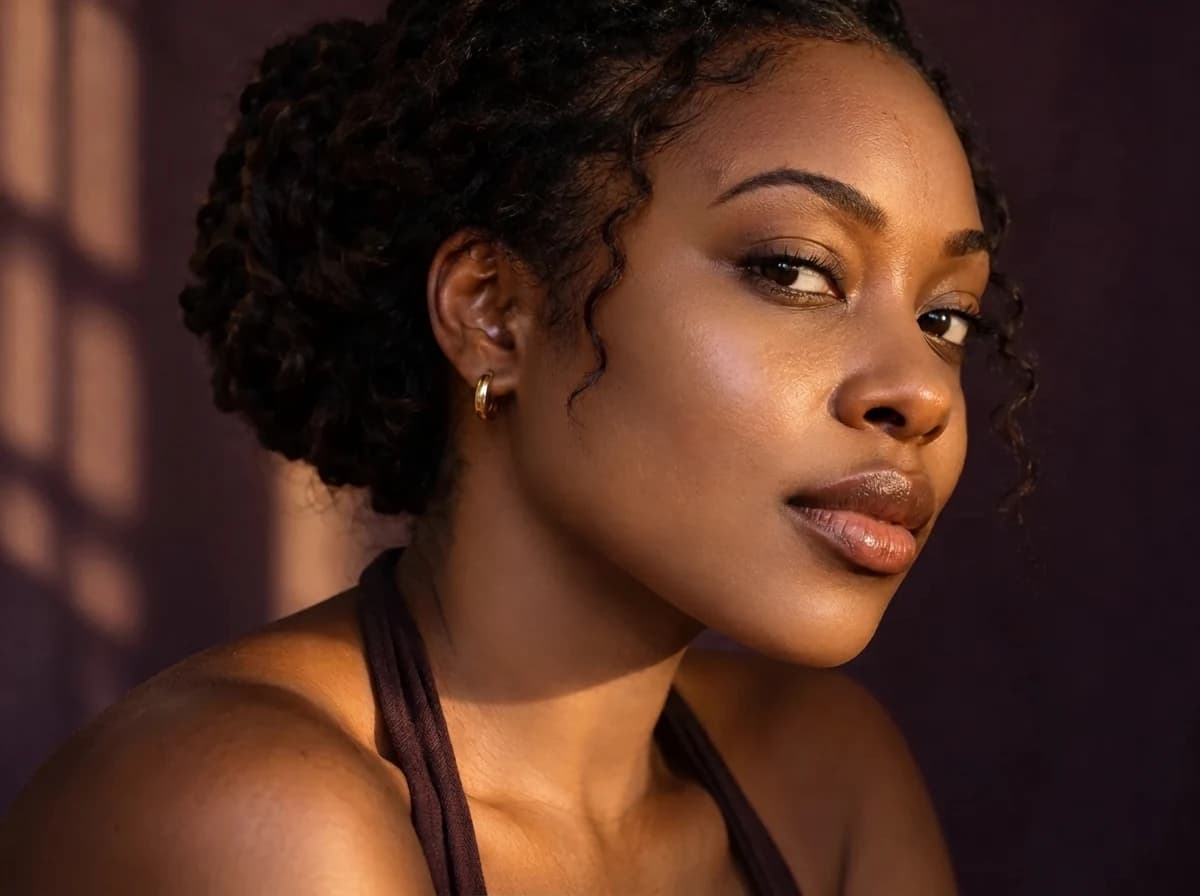
Keep skin looking like skin
Great retouching still feels like a real photograph. This blemish remover is designed for focused corrections that respect natural skin texture, fine lines and facial hair. Give your portrait a cleaner finish while keeping the character and detail that make the picture feel personal.
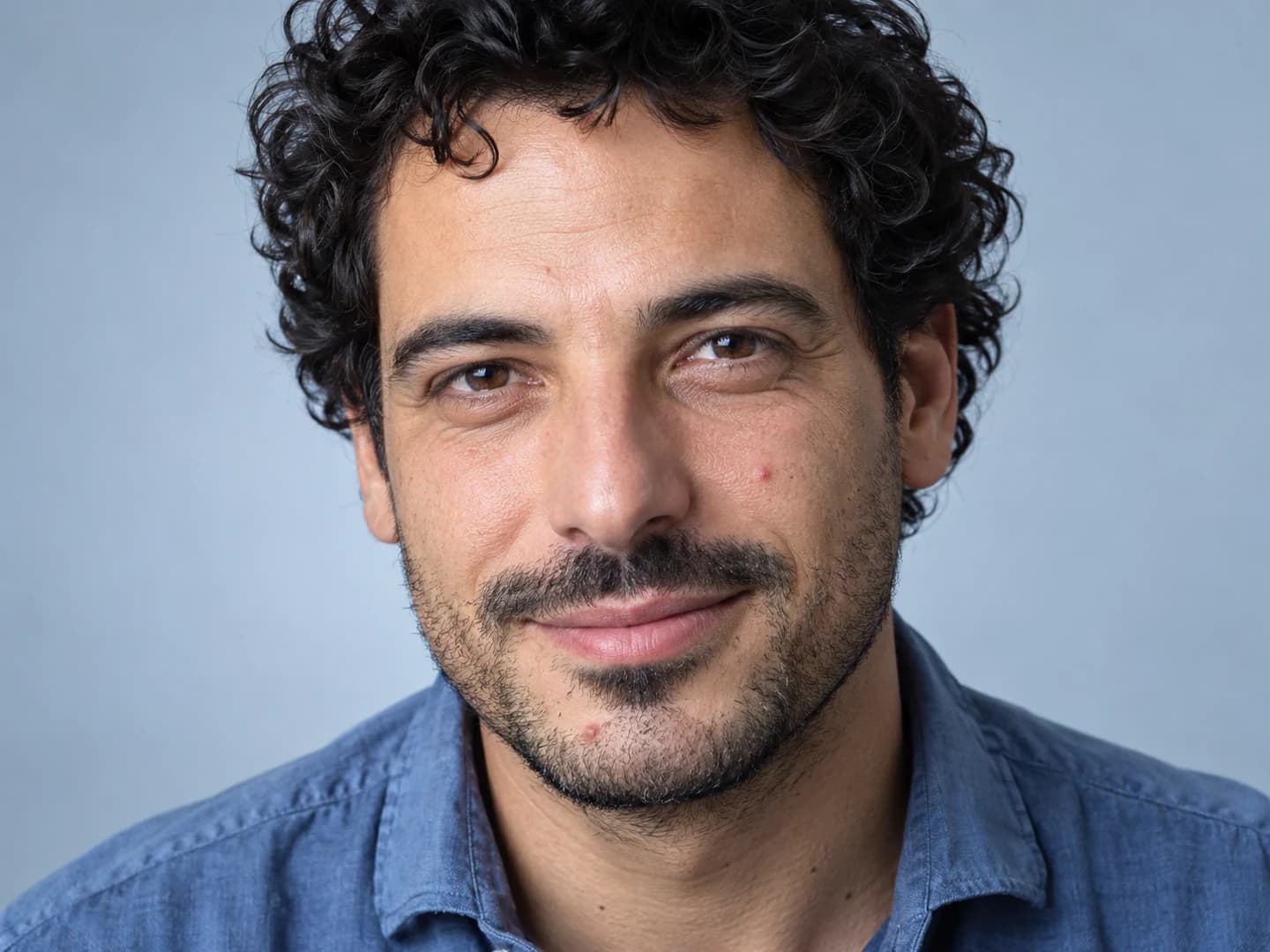
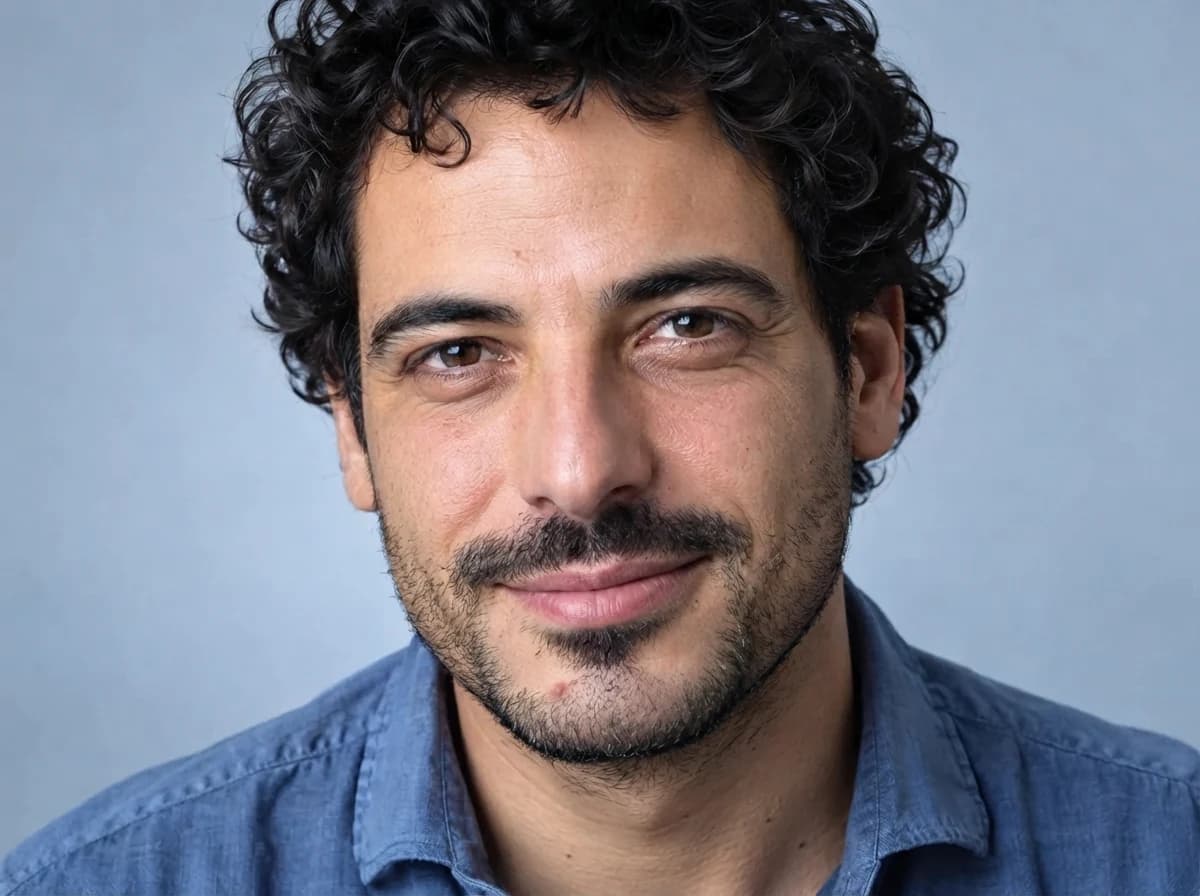
Keep the details that make you, you
Your freckles and beauty marks are part of your look. The blemish remover is designed to distinguish those personal details from temporary breakouts. Add a short request to highlight the features you love, and create a touch-up that feels true to your own style.
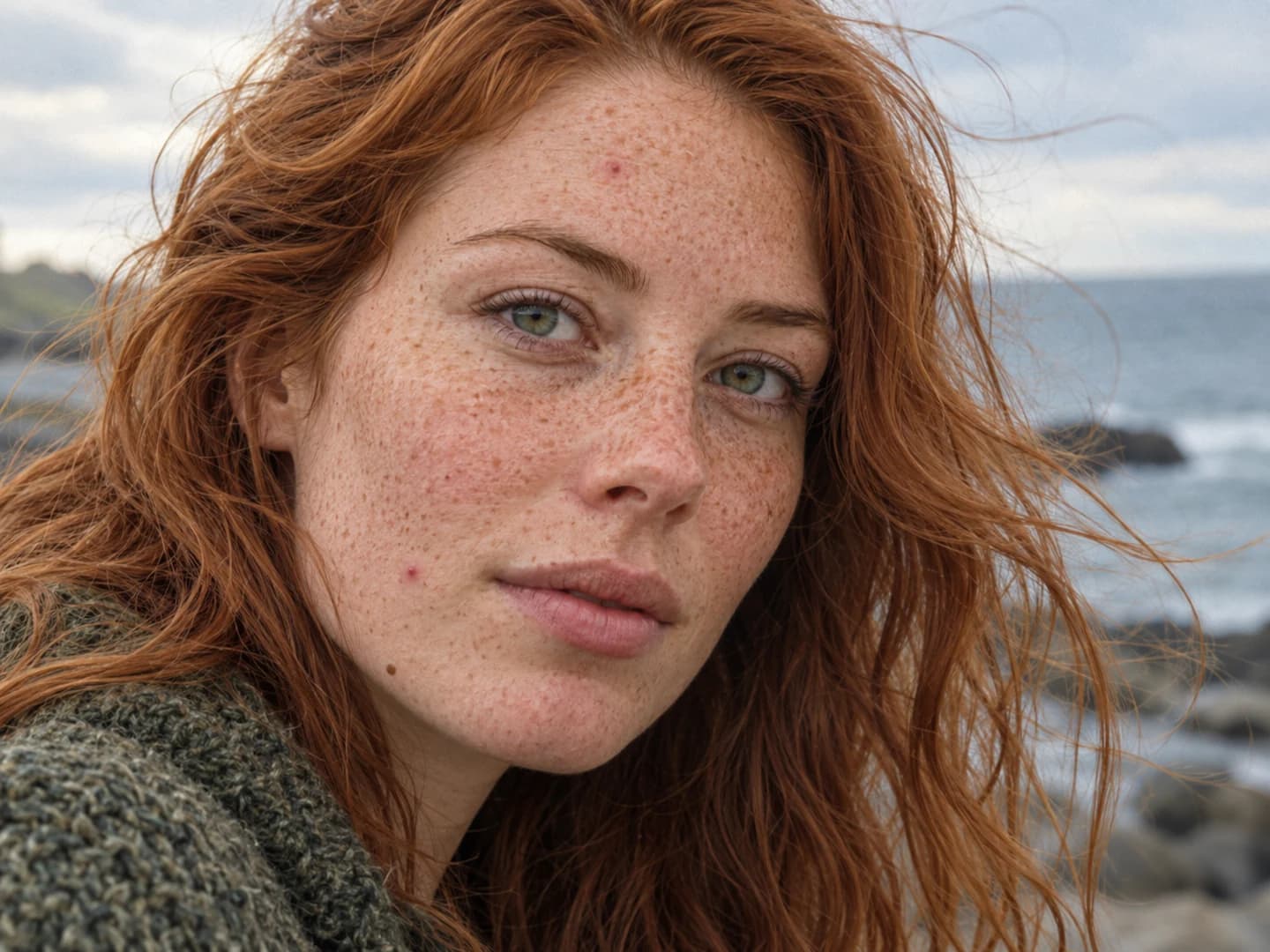
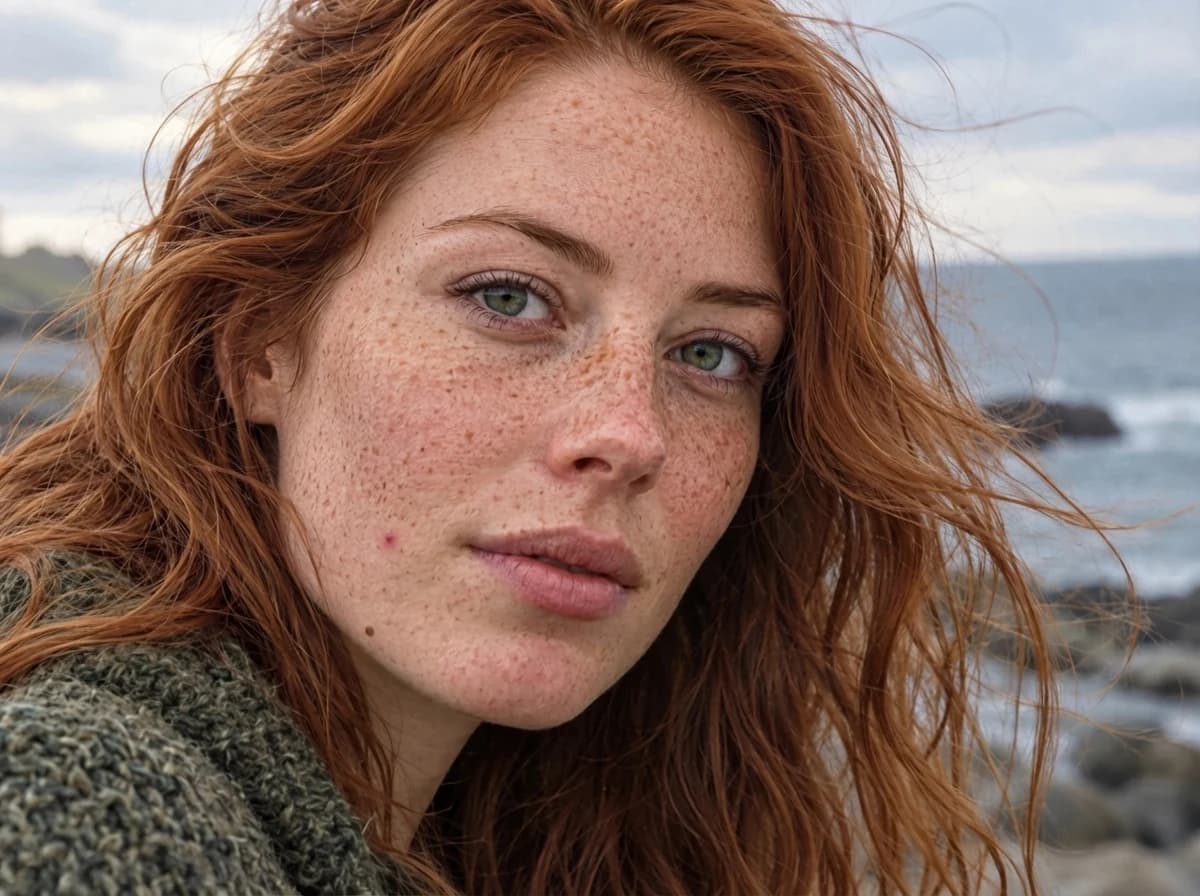
Refine the touch-up in your own words
Make the touch-up your own. Guide the blemish remover toward a particular area or a lighter finish with a simple text request. Each adjustment starts from your original photo, giving you a fresh version to compare. Shape the result around the portrait you want to share.
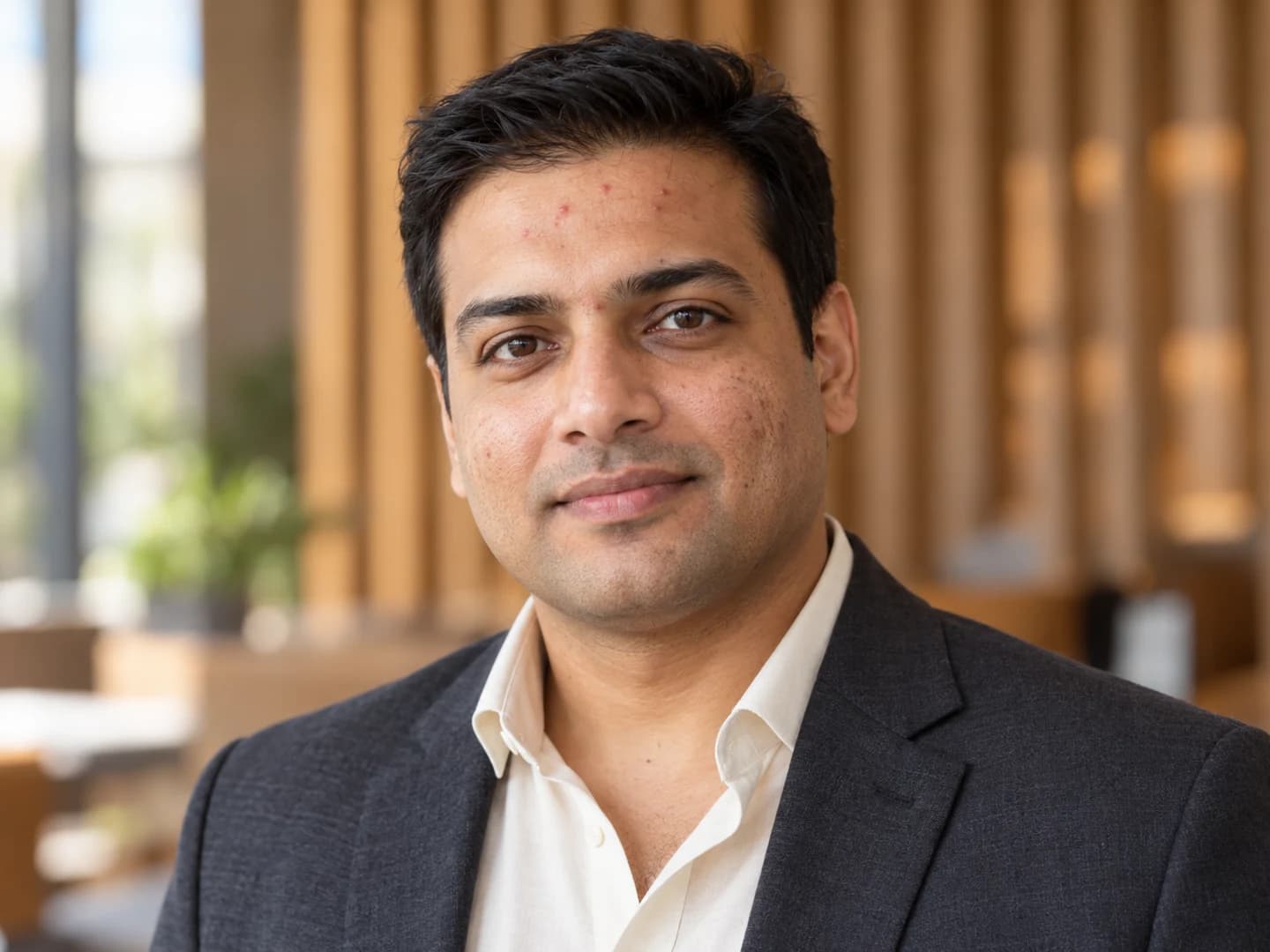
How to use the blemish remover
One photo. Three simple steps.
Upload a portrait
Choose your portrait or try a sample in the blemish remover to get started.
Let AI touch it up
The blemish remover starts the focused touch-up automatically after upload. Follow the sign-in prompt when it appears.
Save your favorite
Compare the result, add a finishing touch if you like, and download your portrait.
Your photo, ready for its next moment
A blemish remover for portraits you already love.
Selfies and social profiles
Touch up a temporary breakout before sharing a favorite selfie or updating your profile picture.
Professional headshots
Use a light correction on a team bio, portfolio or LinkedIn portrait while keeping a recognizable face.
Milestones and memories
Keep the expression from a graduation, celebration or travel portrait without arranging another photograph.
Why choose this blemish remover?
A simple path from your favorite photo to a polished portrait.
Open it in your browser
Use the online blemish remover on desktop or mobile without installing an app.
Start without a long prompt
The blemish remover has a built-in task. Add your own instructions only when you need them.
Keep refining your look
Compare your blemish remover result with the original and fine-tune the finish in your own words.
Blemish remover FAQ
How do I remove pimples with the blemish remover?
How can I try the blemish remover?
Can the blemish remover soften acne marks and dark spots?
Can I keep my freckles and natural skin texture?
Can I use the blemish remover on just one area?
Does the blemish remover work on phones? What can I upload?
How do I save my edited portrait?
How does the blemish remover handle my photos?
Keep the moment. Give it a lighter touch.
Try the blemish remover on your photo and see what a small change can do.