LogoAi Picture Editor
  • AI Photo Editor
  • AI Image Generator
  • AI Image Agent
    • Background Remover
      Remove backgrounds locally with no sign-up or usage quota, then download a transparent or color-filled PNG.
    • Image Upscaler
      Enlarge images by 2× or 4× privately with no sign-up or usage quota.
  • Pricing
LogoAi Picture Editor
AI Picture Editor

AI Image Agent for Creation and Editing

Tell the AI Image Agent what you want to create or change, then refine the same visual in one conversation.
Add images after opening Agent · Enter to continue
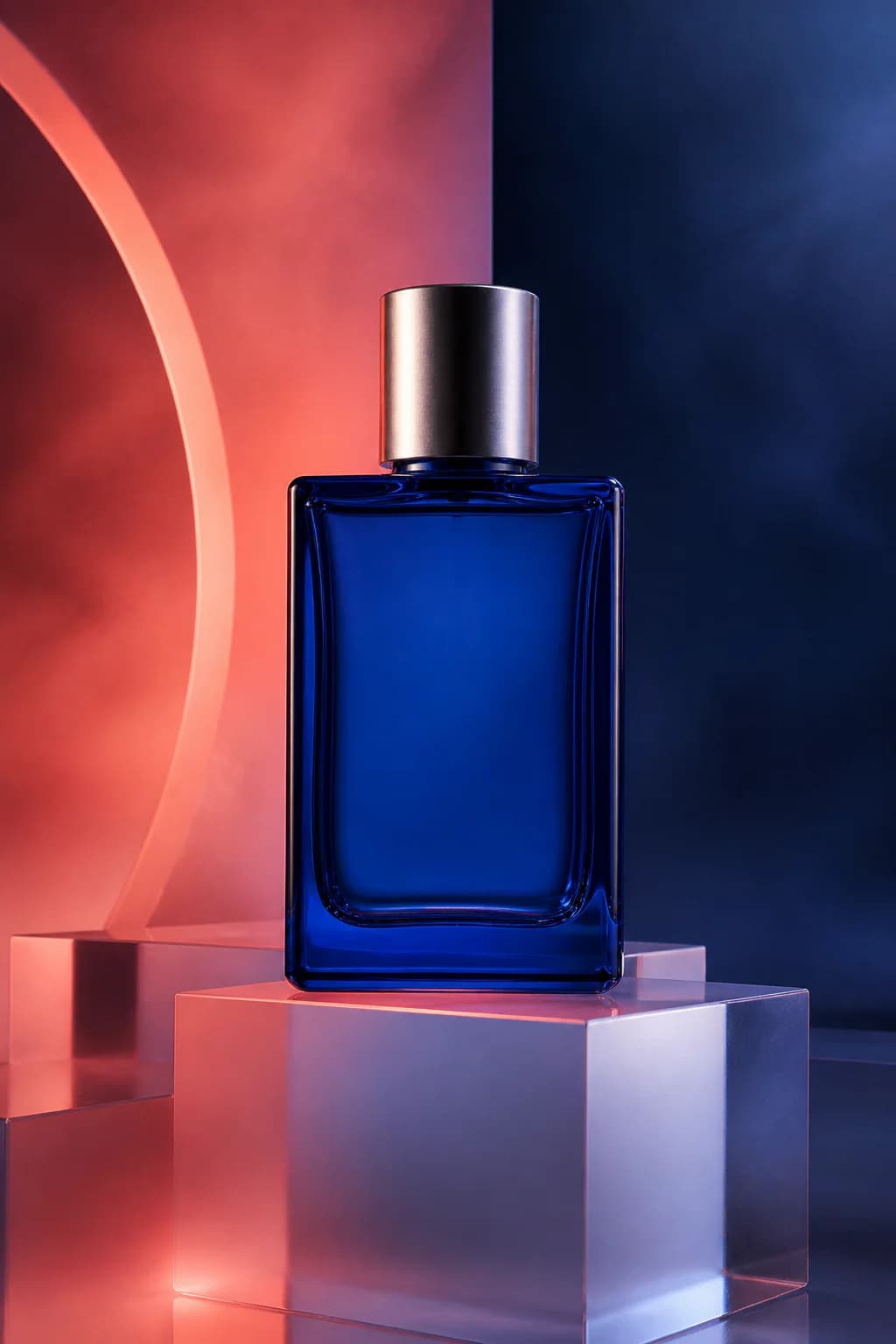
Vertical luxury product photograph created as an AI Image Agent example
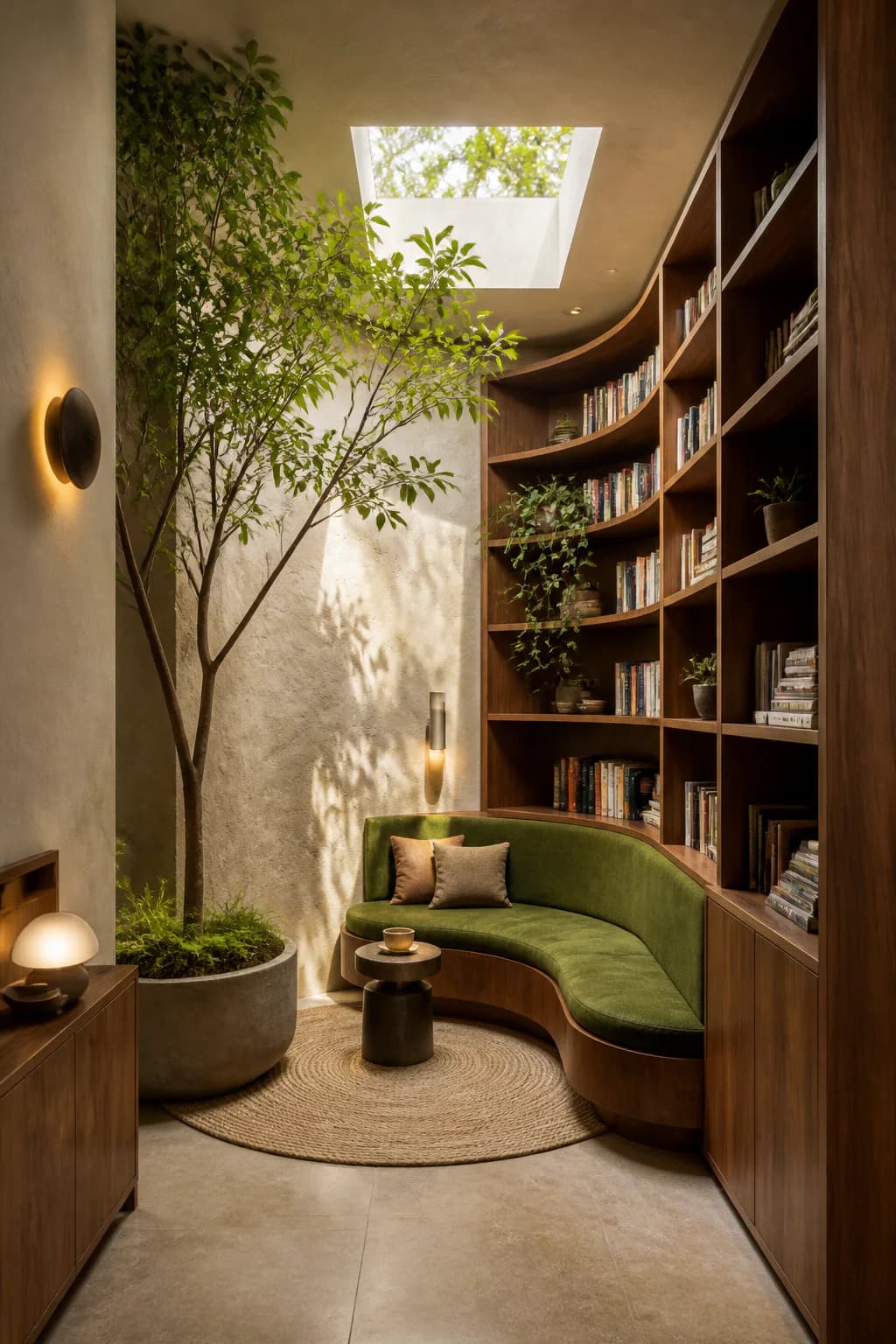
Vertical biophilic reading nook visual created as an AI Image Agent example
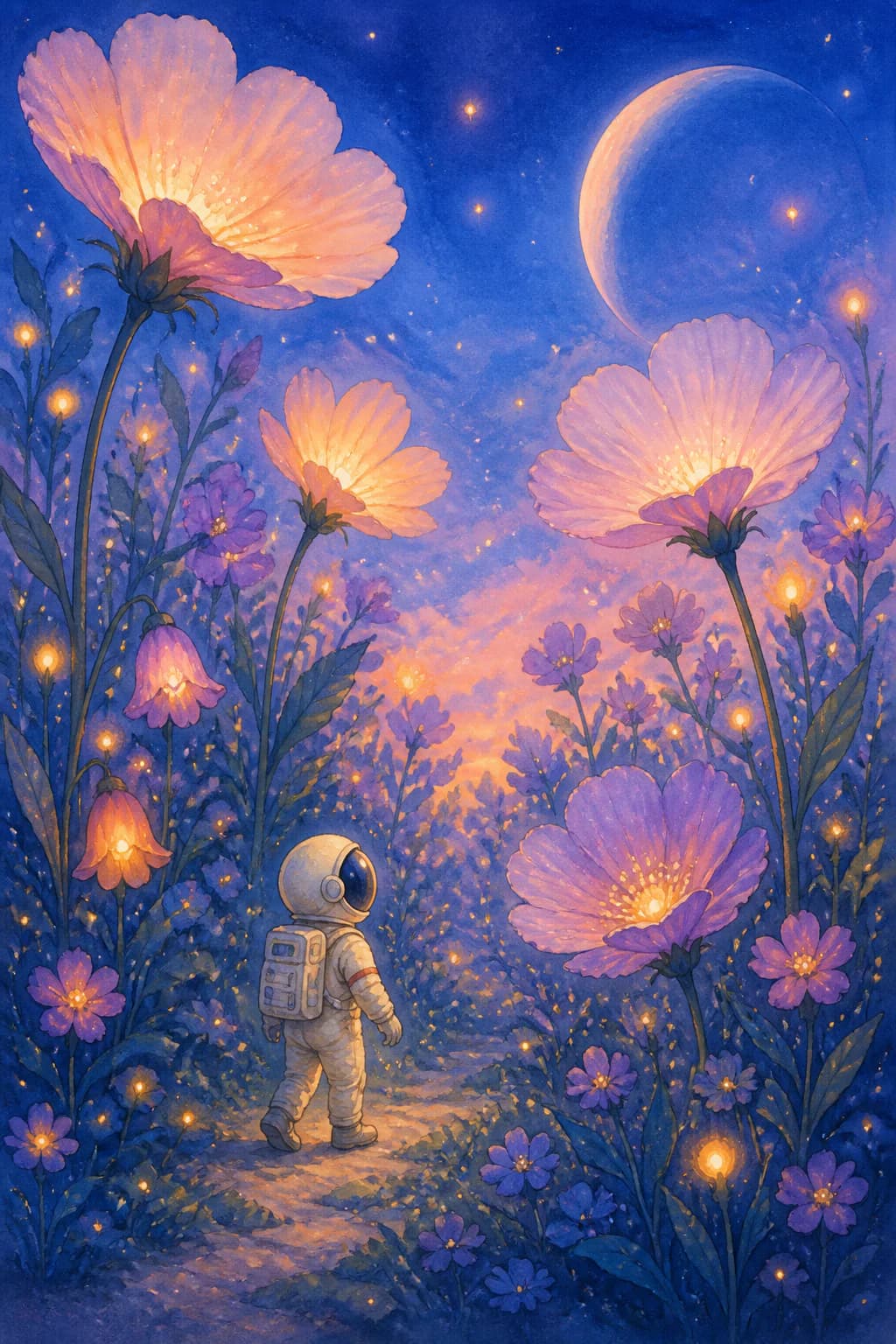
Vertical watercolor astronaut illustration created as an AI Image Agent example
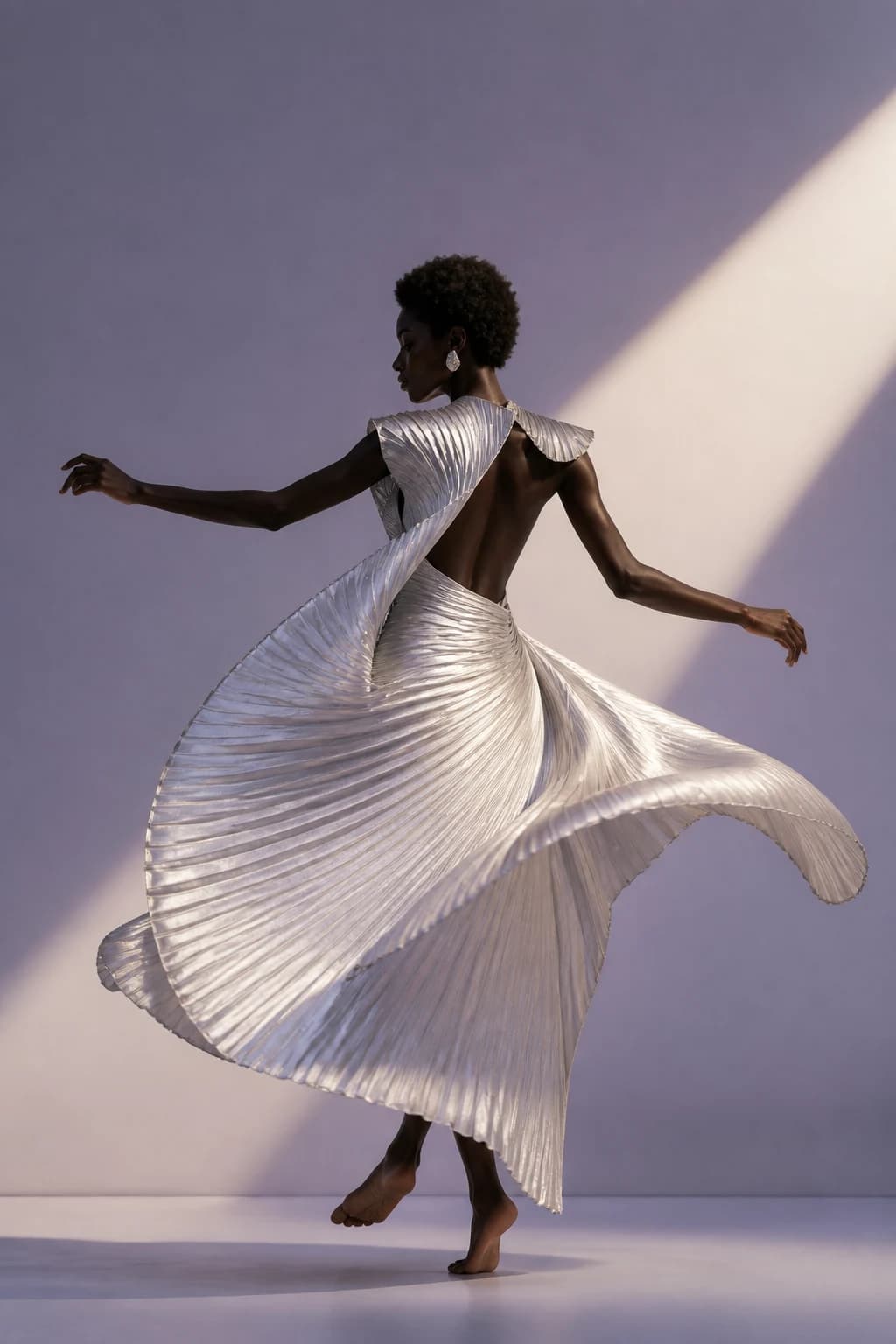
Vertical fashion editorial with a dancer in a sculptural pleated garment
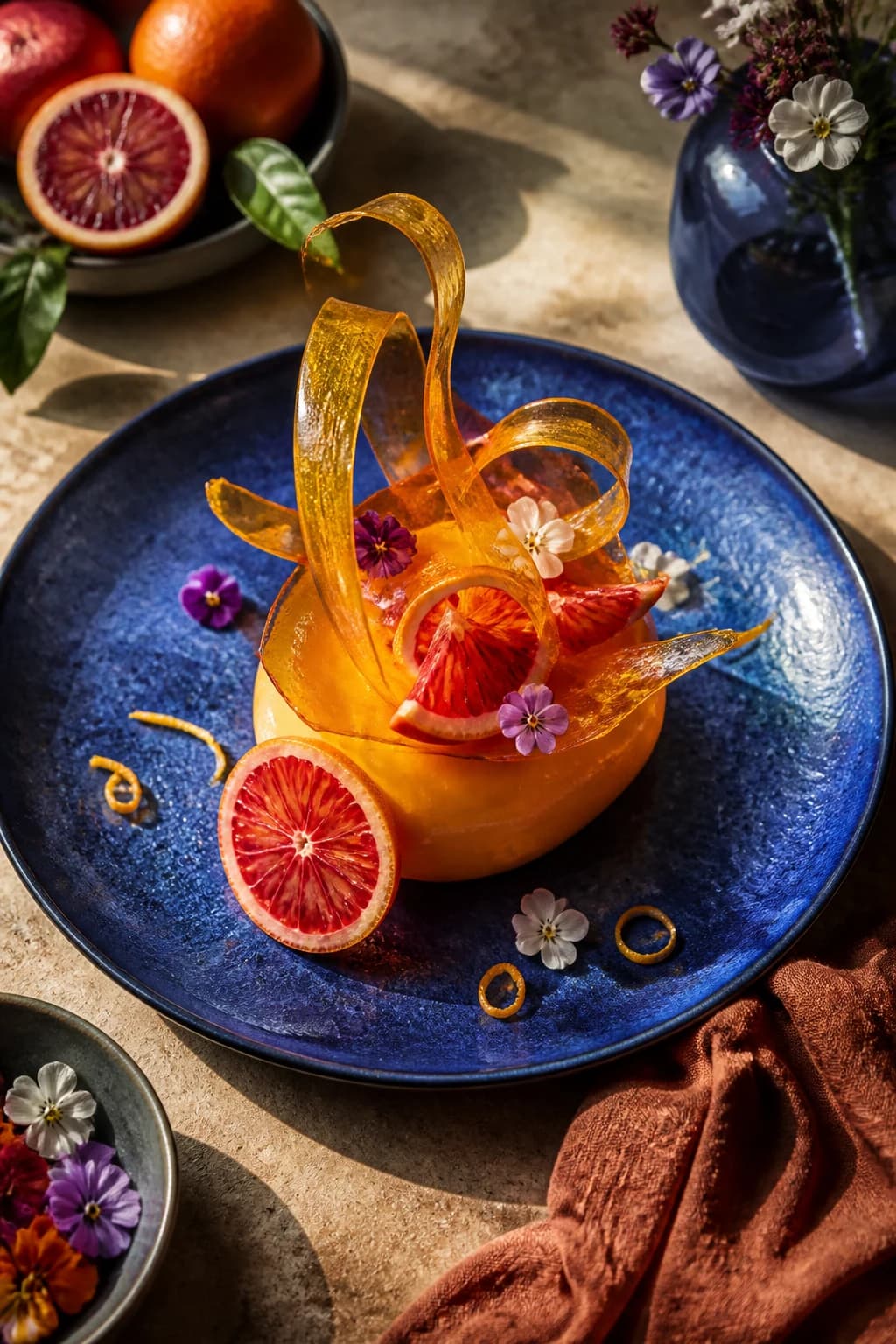
Vertical editorial food photograph of a sculptural citrus dessert
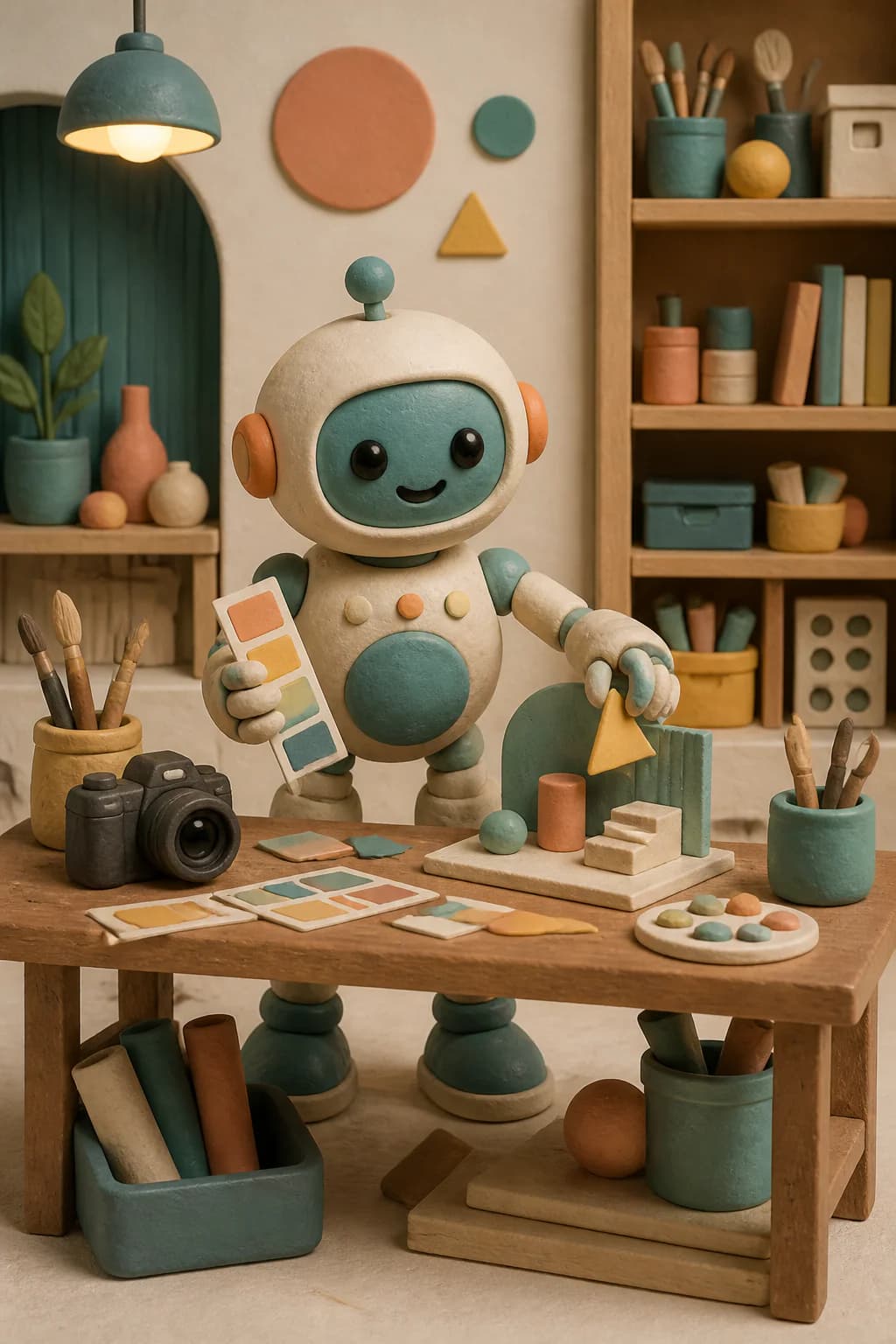
Vertical clay robot artwork created as an AI Image Agent example
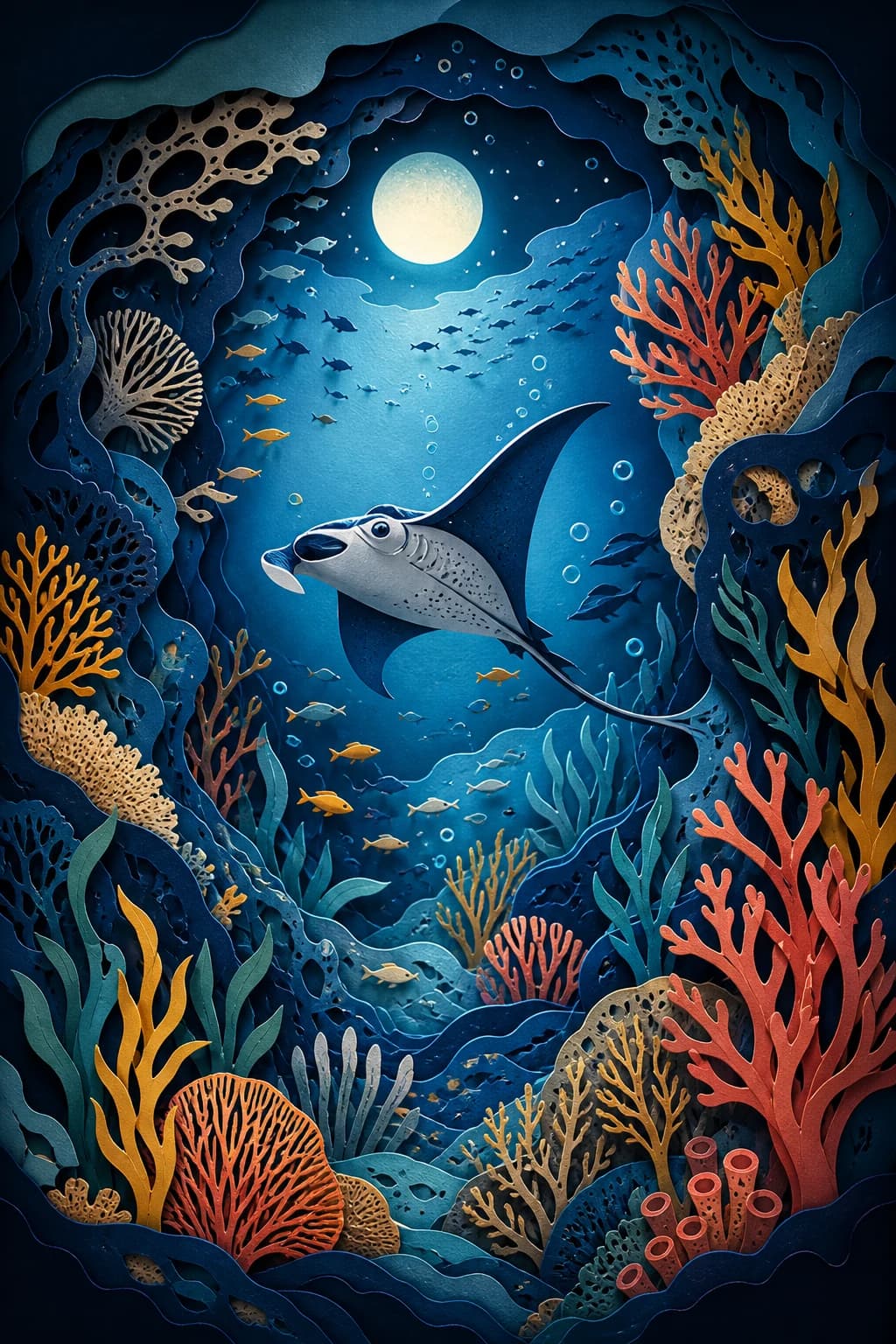
Vertical paper cut ocean illustration with a manta ray and coral
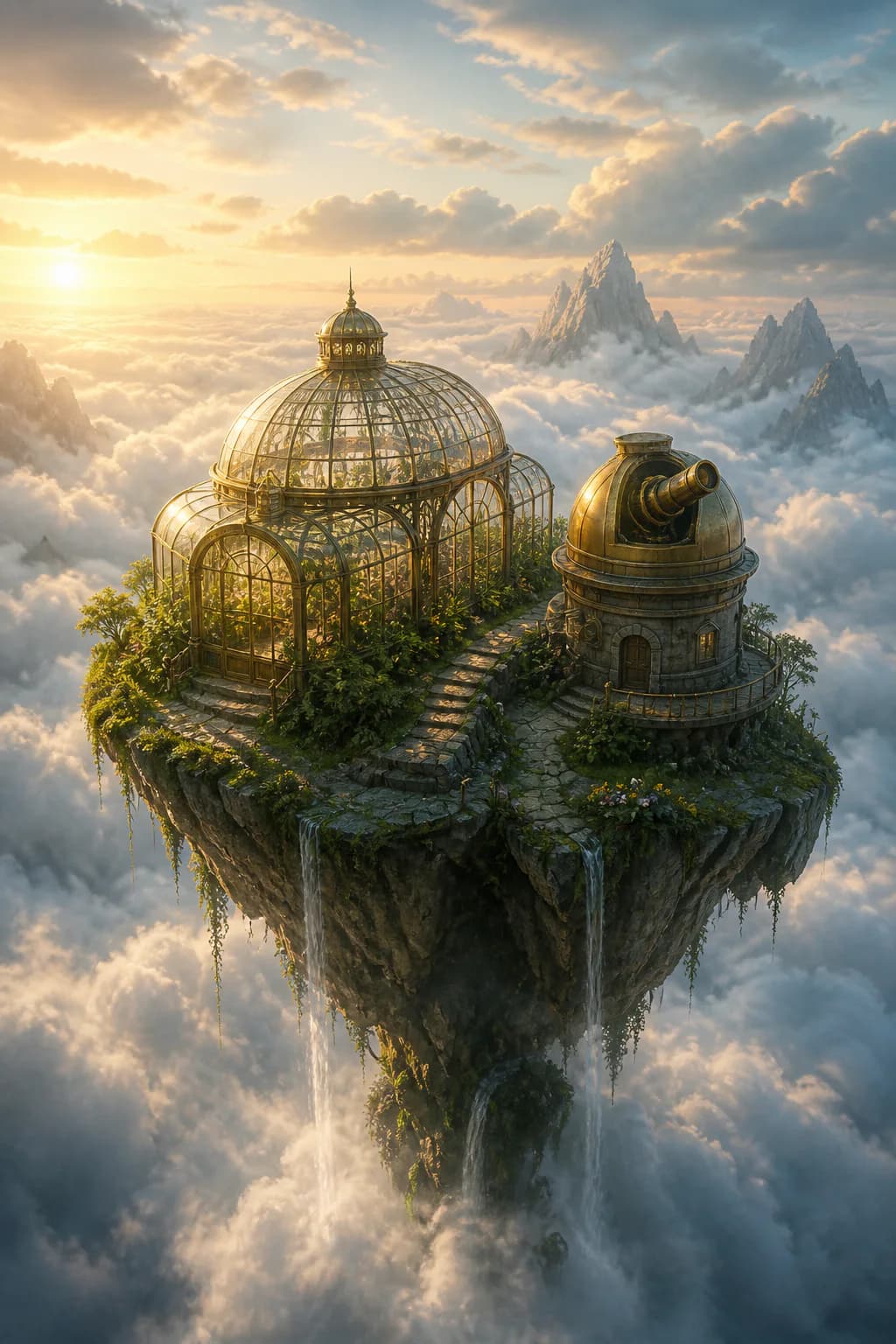
Vertical cinematic floating greenhouse created as an AI Image Agent example
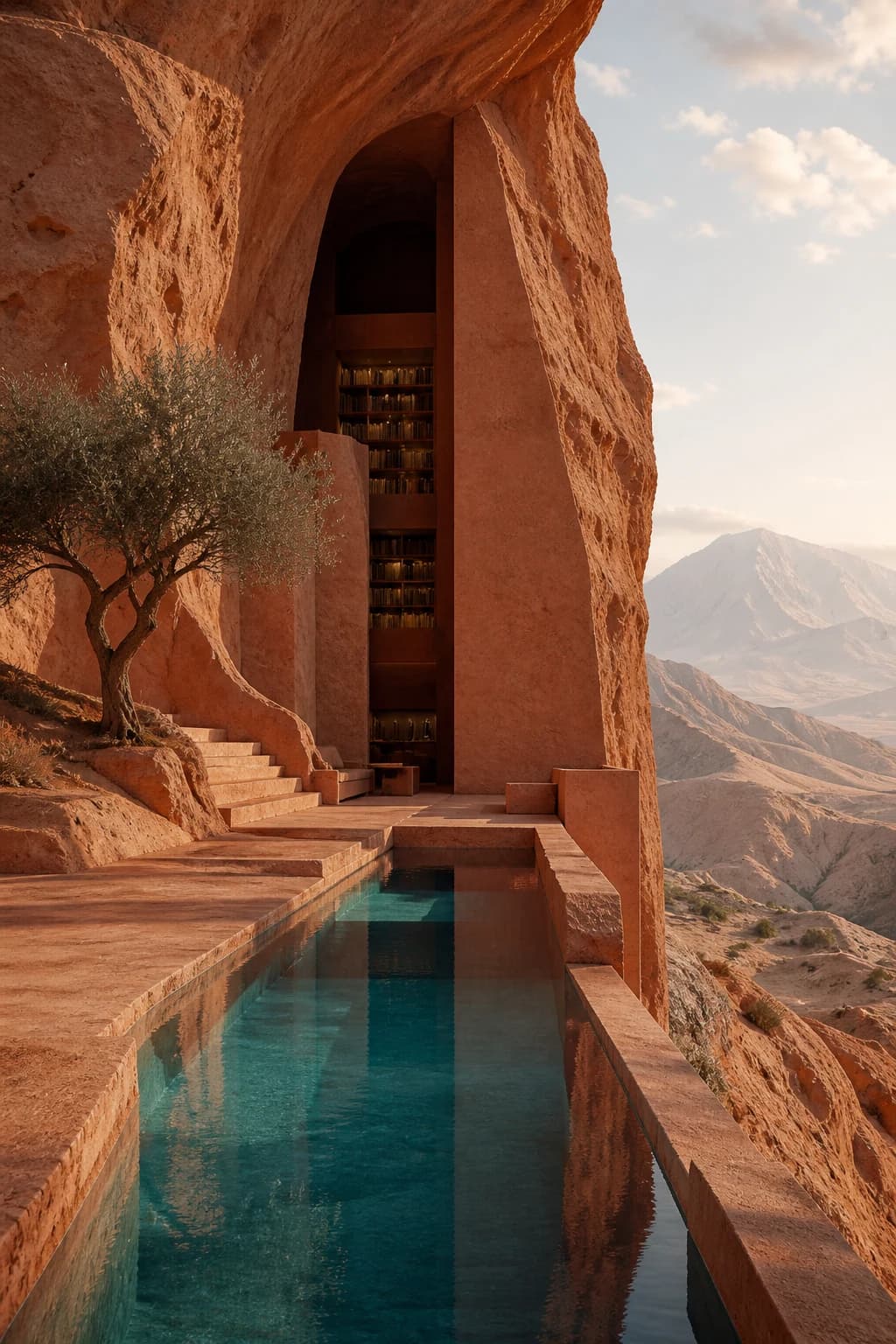
Vertical architectural concept of a library carved into a desert cliff

AI Image Agent Examples Across Visual Styles

The AI Image Agent can support photography, illustration, 3D character work, interior concepts, product visuals, and cinematic scenes. These varied examples show why the workflow is broader than changing one portrait background.

Turn a Rough Idea into a Complete Visual

Share an unfinished concept such as “a tiny astronaut exploring giant glowing flowers.” The AI Image Agent organizes subject, setting, mood, composition, and medium into one coherent direction without requiring prompt-engineering vocabulary.

  • Useful for story illustrations, concept art, campaign exploration, and visual brainstorming.
  • The AI Image Agent can infer optional creative details while keeping the central idea intact.
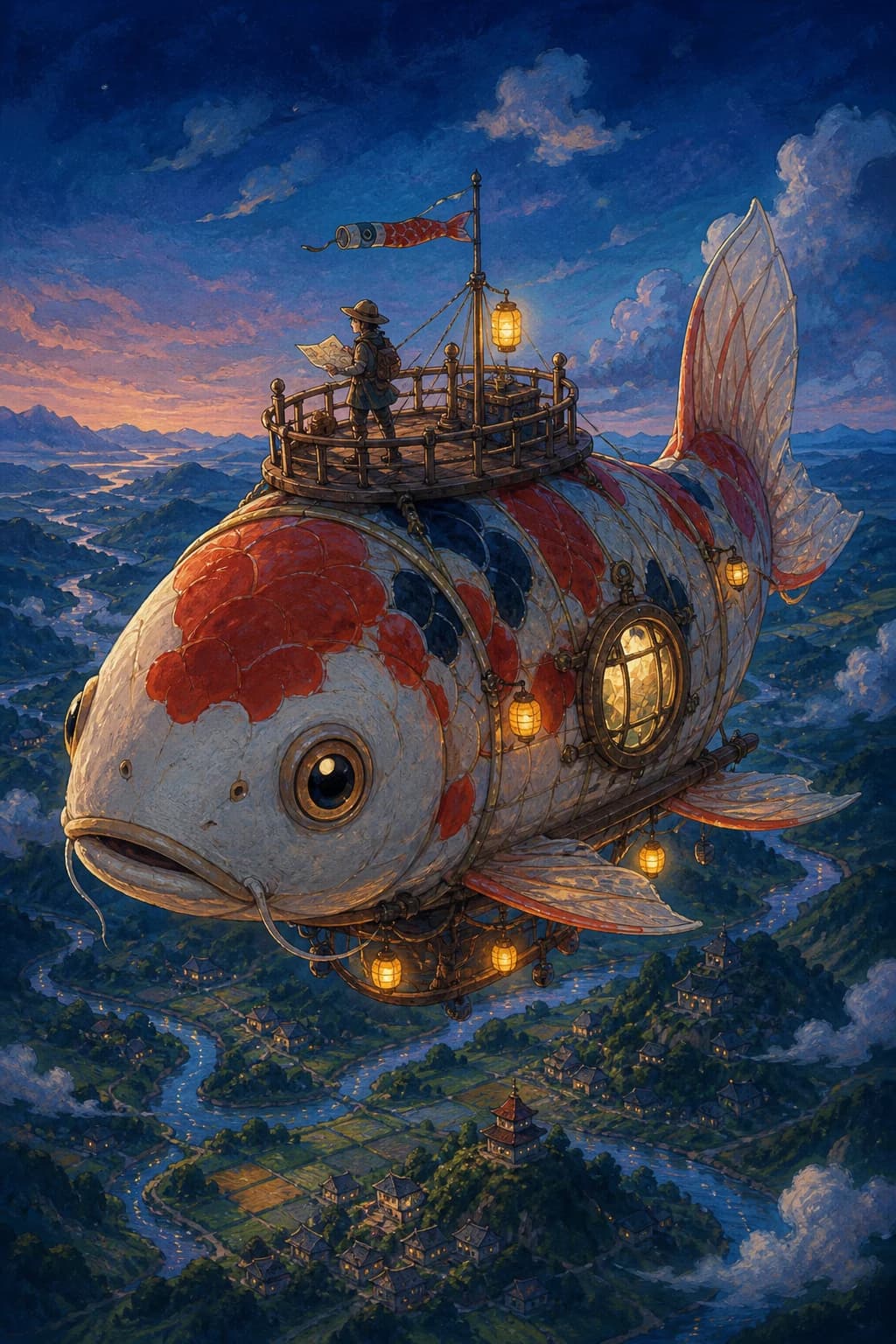
Turn a Rough Idea into a Complete Visual

Create Product and Marketing Images

Use a product image as the visual anchor, then describe a cleaner packshot, lifestyle setting, or campaign mood. The AI Image Agent is designed to keep product shape, color, material, label layout, and camera direction central to the edit.

  • Explore product pages, social posts, ads, email visuals, and launch concepts.
  • Review logos, packaging text, claims, and exact SKU details before publishing generative results.
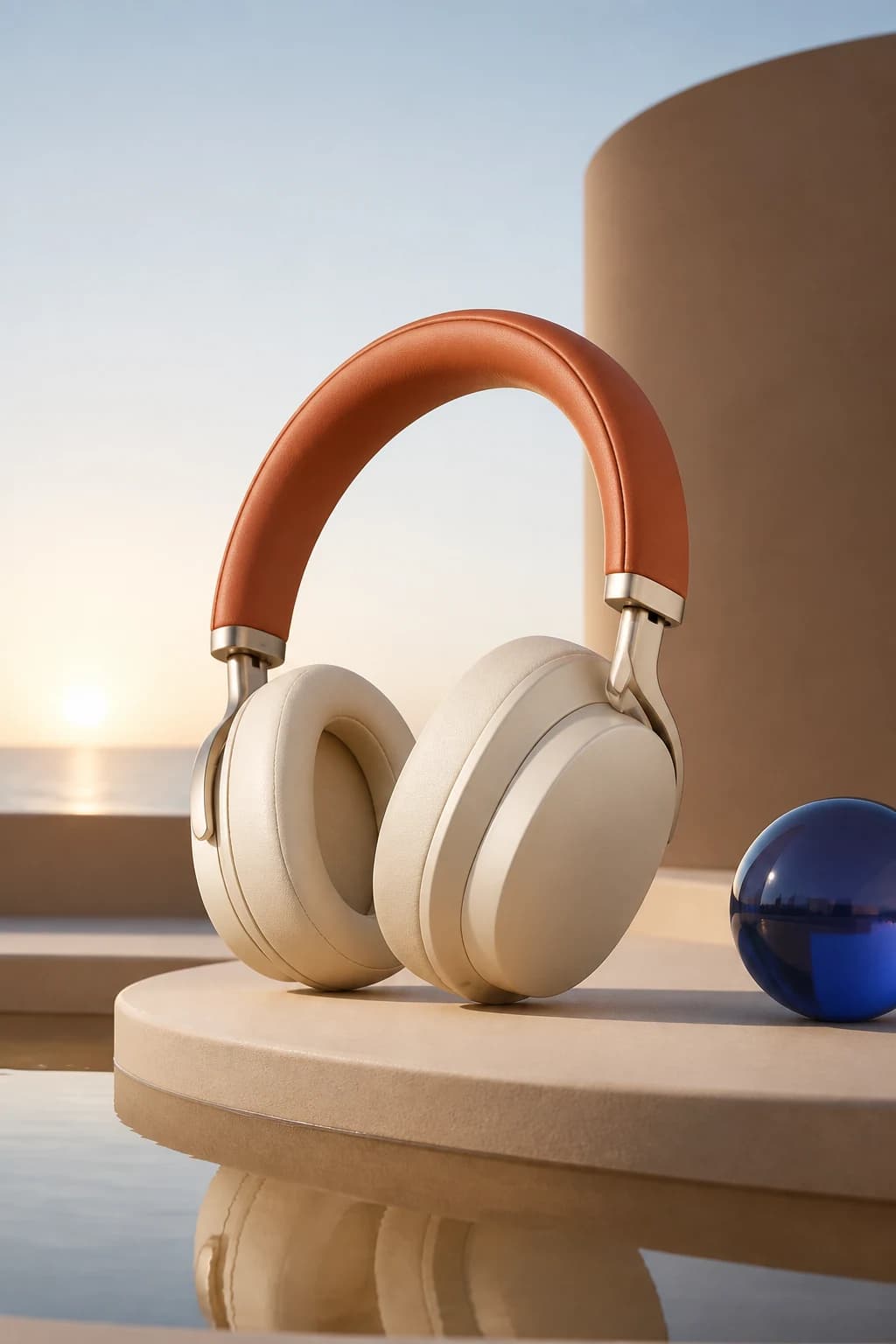
Create Product and Marketing Images

Build an Original Character or Brand Mascot

Describe personality, materials, proportions, palette, and intended use to establish a recognizable character direction. Continue the AI Image Agent conversation when the expression, pose, styling, or surrounding scene needs refinement.

  • Useful for mascot exploration, creator assets, educational visuals, and playful brand concepts.
  • Reuse approved references in the AI Image Agent project to give later requests stronger visual context.
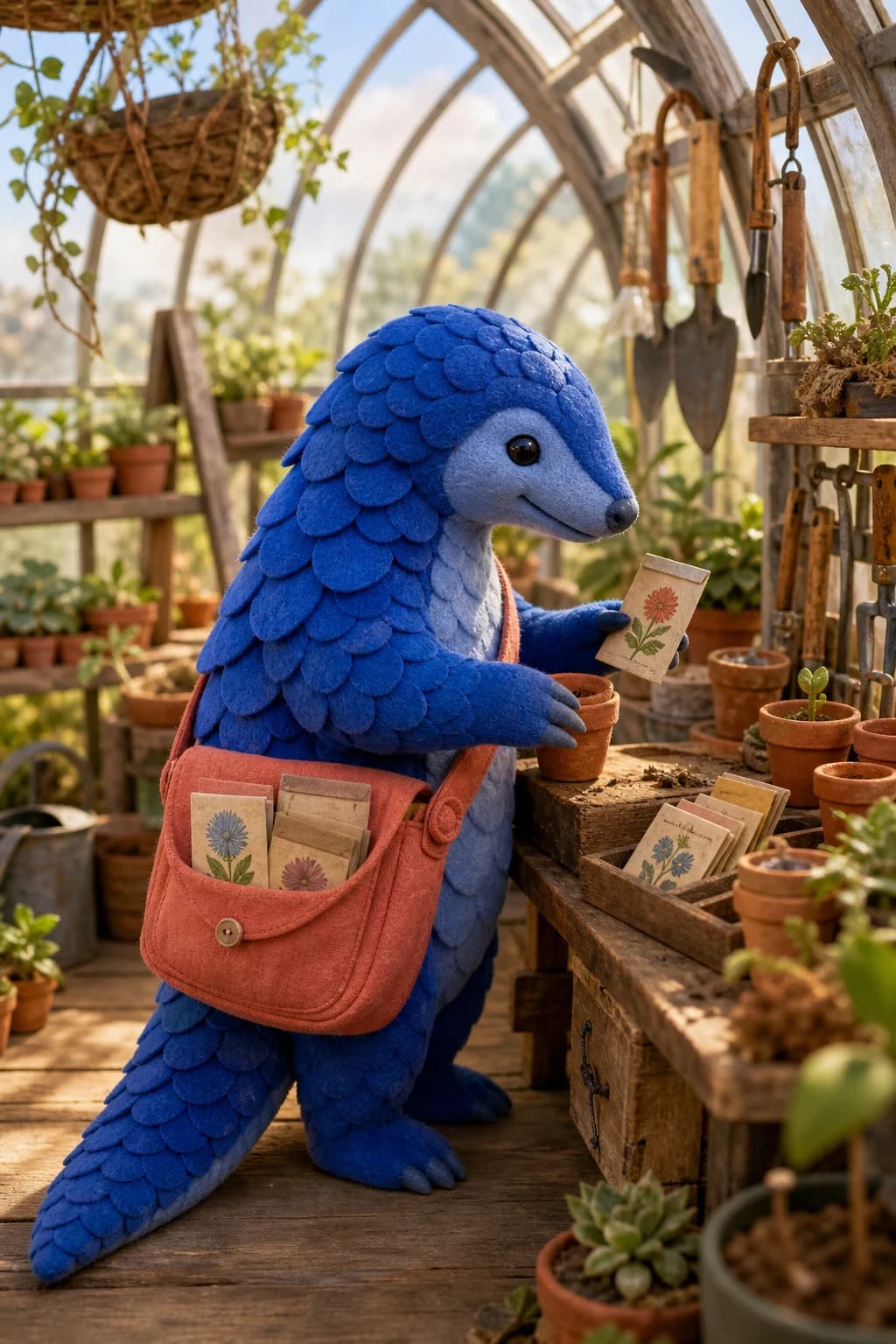
Build an Original Character or Brand Mascot

Visualize an Interior or Designed Space

Start from a room photo or describe a new space from scratch. The AI Image Agent can help explore materials, furniture, light, color, and atmosphere while keeping the requested architectural direction coherent.

  • Useful for mood boards, renovation discussion, staging concepts, and editorial interior imagery.
  • Treat structural or property-specific results as visualization, not verified construction documentation.
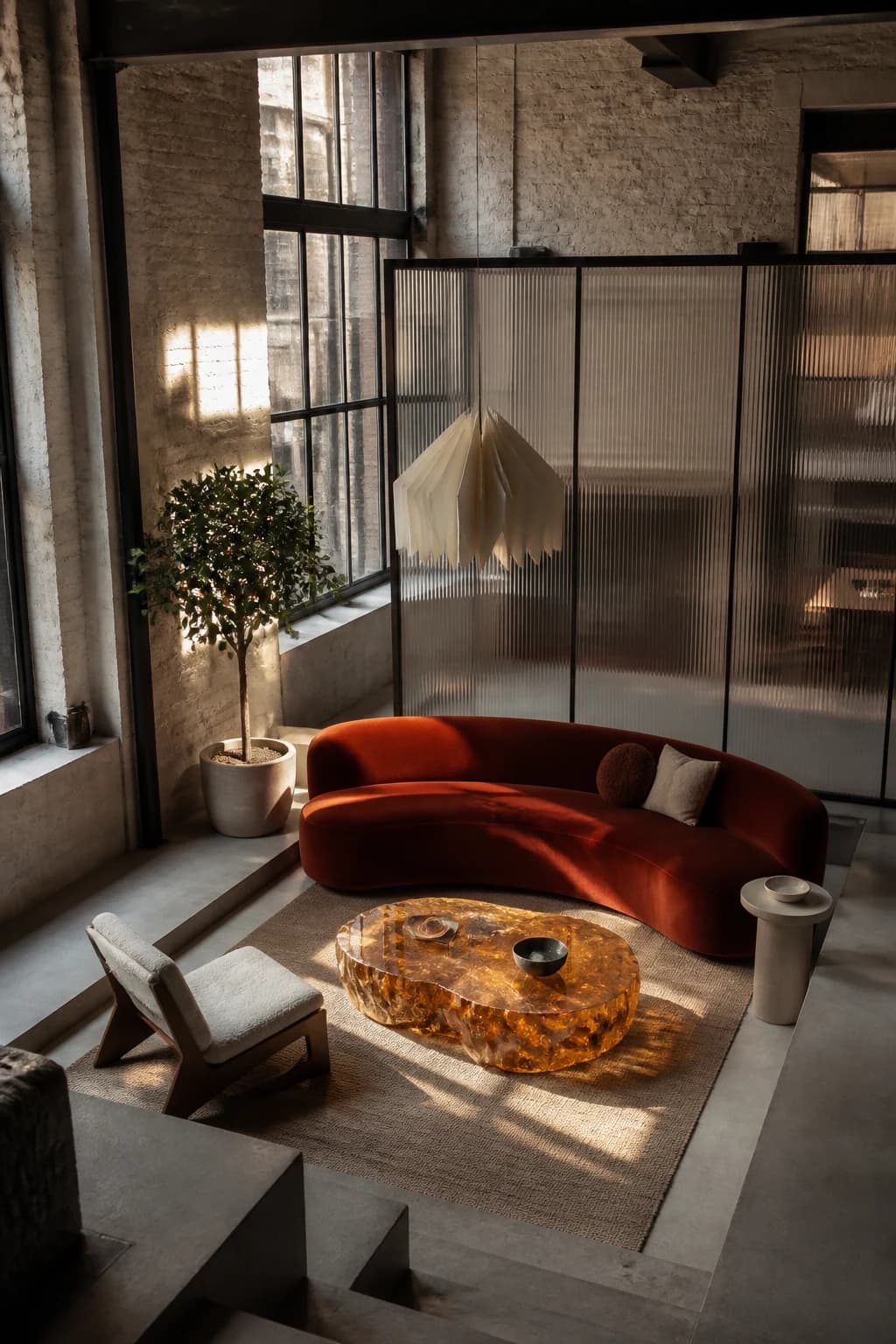
Visualize an Interior or Designed Space

Develop Cinematic Worlds and Creative Directions

Move from a broad visual premise to a polished environment with clear scale, atmosphere, lighting, and focal hierarchy. The AI Image Agent keeps the conversation available when you want to alter one creative choice without rewriting the entire brief.

  • Useful for posters, pitch visuals, game concepts, fiction, mood exploration, and social artwork.
  • Ask the AI Image Agent for one focused change at a time when a specific detail matters most.
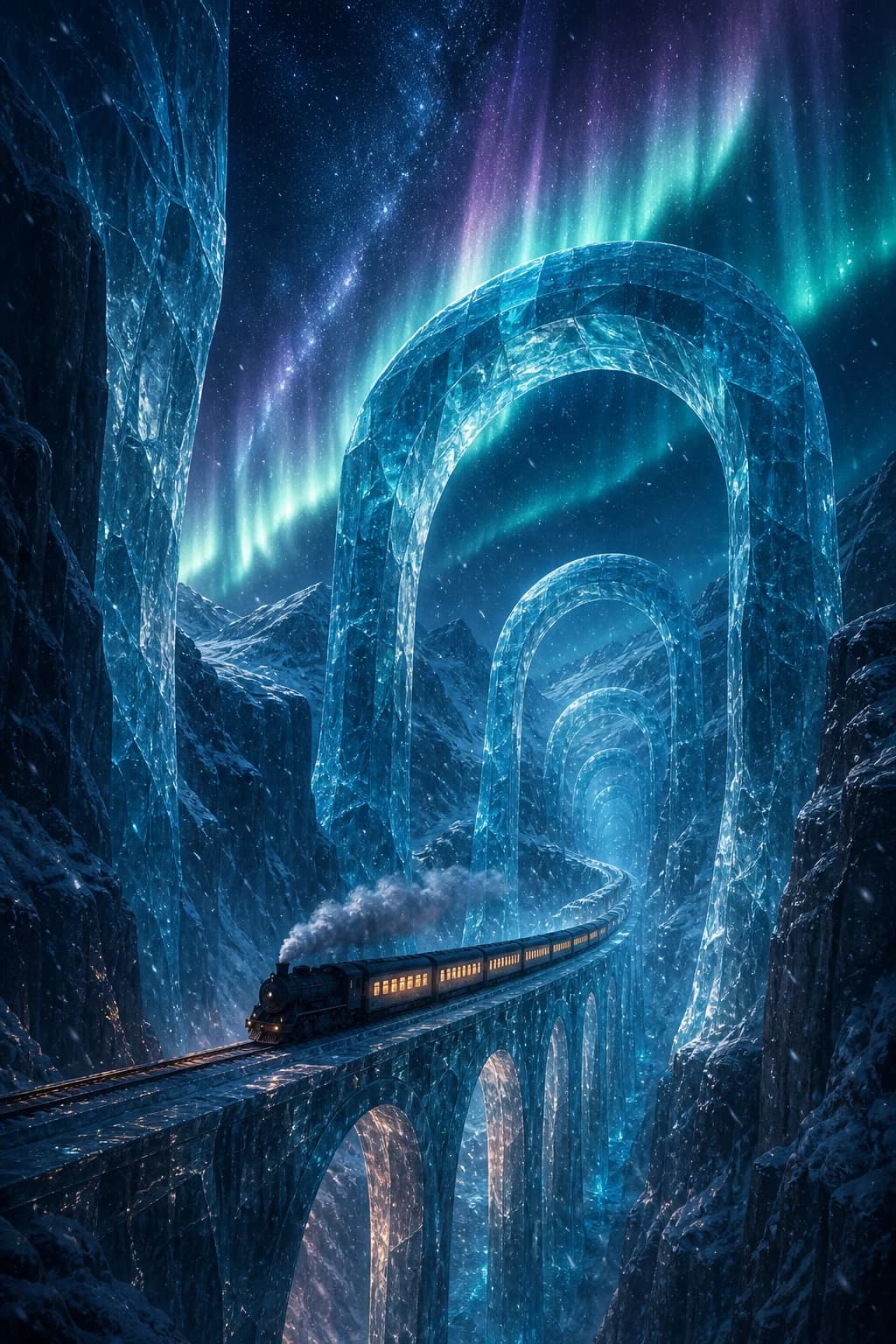
Develop Cinematic Worlds and Creative Directions

What Makes an AI Image Agent Different?

An AI Image Agent connects conversation, project images, generation, and editing in one workflow. Instead of restarting with a production-ready prompt, you can state the goal, review the result, and keep directing the same visual project.

Understands the Goal Behind the Prompt

The AI Image Agent accepts complete instructions, scattered thoughts, or an early idea. It fills in safe non-critical details and asks a focused question only when missing information would materially change the result.

Creates and Edits in One Conversation

Generate a new visual or upload an existing image for an edit. The AI Image Agent chooses the relevant image capability without making you learn separate interfaces for every step.

Preserves What Matters

For editing requests, the AI Image Agent is instructed to preserve identity, product geometry, proportions, composition, crop, lighting, visible text, logos, and unrelated details unless your brief calls for a change.

How to Use the AI Image Agent

The AI Image Agent keeps the path from idea to result conversational: describe the goal, add visual context, and review each paid image operation before continuing.

1

1. Describe the Outcome

Write the image you want to create or the change you want to make. A short sentence is enough to begin; the AI Image Agent can organize rough or fragmented requirements into a useful direction.

2

2. Add Images When the Task Needs Them

Upload the photo to edit and any authorized visual references. Tell the AI Image Agent which image is the main canvas and which images guide identity, product, object, outfit, or style.

3

3. Review and Continue the Conversation

Inspect the result, download a useful version, or ask for one focused refinement. The AI Image Agent retains the project conversation and images so you do not need to rebuild the brief from zero.

Who Uses an AI Image Agent?

An AI Image Agent helps people who need visual output without turning every request into a manual editing session or a prompt-engineering project.

Marketers and Content Teams

Use the AI Image Agent to explore ads, social graphics, campaign scenes, email visuals, and landing-page directions from a written brief or existing asset.

Ecommerce Sellers

Use the AI Image Agent to create product-scene ideas, listing variations, backgrounds, and promotional concepts while keeping the real item as the visual reference.

Creators and Designers

Use the AI Image Agent for mood exploration, illustration directions, characters, environments, and fast visual drafts before detailed finishing work.

Founders and Small Teams

Use the AI Image Agent to turn scattered product, brand, pitch, or campaign thoughts into coherent visual options without switching among several specialized tools.

Everyday Photo Editors

Ask the AI Image Agent to clean a photo, remove a distraction, change a setting, restore an old image, or create a personal visual in ordinary language.

Why Choose This AI Image Agent?

This AI Image Agent is built around practical conversation, preservation-aware editing, project context, and clear control over when another paid image operation begins.

Rough Ideas Are Welcome

The AI Image Agent does not require a finished prompt. It acts when the goal is clear enough and asks one concise question only when a missing choice would materially affect the result.

Preservation-Aware Editing

The AI Image Agent is instructed to change requested details and preserve unrelated identity, product, composition, lighting, text, logo, and material cues whenever the task allows.

You Stay in Control of Credits

The AI Image Agent performs at most one paid media operation for each message. If another operation is needed, it explains the next step and waits for a new confirmation.

AI Image Agent FAQ

What is an AI Image Agent?+
An AI Image Agent is a conversational image creation and editing workflow. You describe a visual goal, optionally add project images, and the AI Image Agent organizes the instruction, decides whether the request needs generation or editing, produces one result, and remains available for follow-up changes.
How is an AI Image Agent different from an image generator?+
A standard generator usually expects a prompt and produces a new image. An AI Image Agent also works with existing images, project references, follow-up conversation, and preservation requirements, so the workflow can continue beyond a single isolated generation.
Can the AI Image Agent edit an existing image?+
Yes. Upload the image you want to change and describe the edit. The AI Image Agent requires an existing project image for image-dependent edits and will not pretend to edit a source that has not been provided.
Can it change one part and keep everything else?+
The AI Image Agent is instructed to change only what the request requires and preserve unrelated subjects, identity, products, proportions, composition, crop, lighting, background, visible text, logos, and materials. Because the output is generative, inspect the result instead of treating preservation as a pixel-perfect guarantee.
Can I use multiple reference images?+
Yes. Add multiple project images and identify the role of each one. The AI Image Agent can treat the first selected image as the primary composition while using additional images as references for identity, product details, objects, clothing, or style.
Do I need to know prompt engineering?+
No. Tell the AI Image Agent what you are trying to make, even if the idea is incomplete. Add details that truly matter, such as the subject to preserve, intended use, mood, scene, or aspect ratio; optional production choices can be inferred when they do not change the core request.
Are AI Image Agent and AI Agent Image the same thing?+
On this page, AI Image Agent is the product category: an agent for creating and editing images. The reversed search phrase AI Agent Image can also mean an image or stock illustration of an AI agent. When we use AI Agent Image here, it refers only to the conversational image workflow, not a picture of a digital assistant.
How many credits does the AI Image Agent use?+
The current credit cost is shown in the product before generation. The AI Image Agent performs at most one paid image operation per message and asks for explicit confirmation in a new message before starting an additional paid operation.
What image formats can I upload?+
The AI Image Agent workspace accepts common JPG, PNG, and WebP project images. Use a clear, high-quality source when identity, product lettering, fine material, or small visual details matter.
Can I use the results commercially?+
Commercial suitability depends on the current service terms, the source images, reference rights, trademarks, people, claims, and intended market. Review the latest terms and verify logos, packaging copy, likeness, factual details, and required disclosures before publishing an AI Image Agent result.
Does the AI Image Agent remember the project?+
The workspace keeps conversation history and project images so you can reopen a project and continue from its existing context. Use clear references to the relevant image when several generated or uploaded assets are present.

Related AI Image Editing Pages

Use the AI Image Agent for a broad conversational project, or open a focused page when one model or one controlled task is the main goal.

Image to Image AI

Upload a source and create a controlled variation when one prompt-guided transformation is the main task.

Open tool →

Text to Image AI

Create a completely new visual from words when the project does not need an existing source image.

Open tool →

AI Product Photo Editor

Use a dedicated product workflow for packshots, lifestyle scenes, backgrounds, lighting, shadows, and campaign-ready ecommerce images.

Open tool →

ChatGPT Image Editor

Edit with GPT Image 2, multiple visual references, detailed prompt guidance, and model-specific resolution controls.

Open tool →

All Image Editing Tools

Browse model pages, photo cleanup, portrait editing, product tools, free browser utilities, and other focused workflows.

Open tool →

Start a Project with the AI Image Agent

Describe a rough idea or an image edit, continue to the AI Image Agent workspace, add references if needed, and send only when the brief is ready.

Open AI Image Agent

About This AI Image Agent

AI Image Agent is a conversational online workflow for image generation and image editing. The AI Image Agent helps marketers, ecommerce sellers, creators, designers, founders, small teams, and everyday photo editors turn rough ideas or existing images into useful visual drafts. Start with plain-language instructions, add JPG, PNG, or WebP project images, identify the main canvas and reference roles, and describe the people, products, composition, crop, lighting, background, text, logos, colors, or materials that should remain recognizable. The AI Image Agent can support product photography, campaign concepts, social content, characters, illustrations, interiors, restoration, cleanup, posters, and cinematic environments without requiring a production-ready prompt. Continue the same conversation when you want a focused refinement, and review every generative result for identity, packaging, words, factual detail, rights, and publication requirements. Some users search for AI Agent Image; on this page, AI Agent Image means an agent that creates and edits images through conversation rather than a stock image of an AI agent.

LogoAi Picture Editor

AI image editing tools for cleaner, publish-ready visuals.

Email
Tools
  • Image to Image AI
  • AI Object Remover
  • AI Image Extender
  • AI Product Photo Editor
  • AI Product Ad Generator
  • AI Fashion Model Generator
  • AI Ghost Mannequin Generator
  • Old Photo Restoration
  • AI Image Text Editor
  • Remove Glasses AI
  • Family Picture Editor
  • AI Action Figure Generator
  • AI Furniture Remover
  • Photo Remove Filter
  • AI Flat Lay Clothing Generator
  • AI Photo Relighting
  • All Tools
Models
  • ChatGPT Image Editor
  • Qwen Image Edit
  • Grok AI Image Editor
  • Nano Banana Photo Editor
  • Nano Banana 2 Lite
Company
  • About
  • Contact
  • Changelog
Legal
  • Cookie Policy
  • Privacy Policy
  • Acceptable Use Policy
  • Terms of Service
© 2026 Ai Picture Editor All Rights Reserved.[email protected]We are not affiliated with the model providers. All trademarks belong to their respective owners.