
AI Makeup Generator:
See Your Next Look on Your Own Photo
Upload your photo, pick a makeup mood, and make it yours.
Compare the preview with your original before trying a new look.
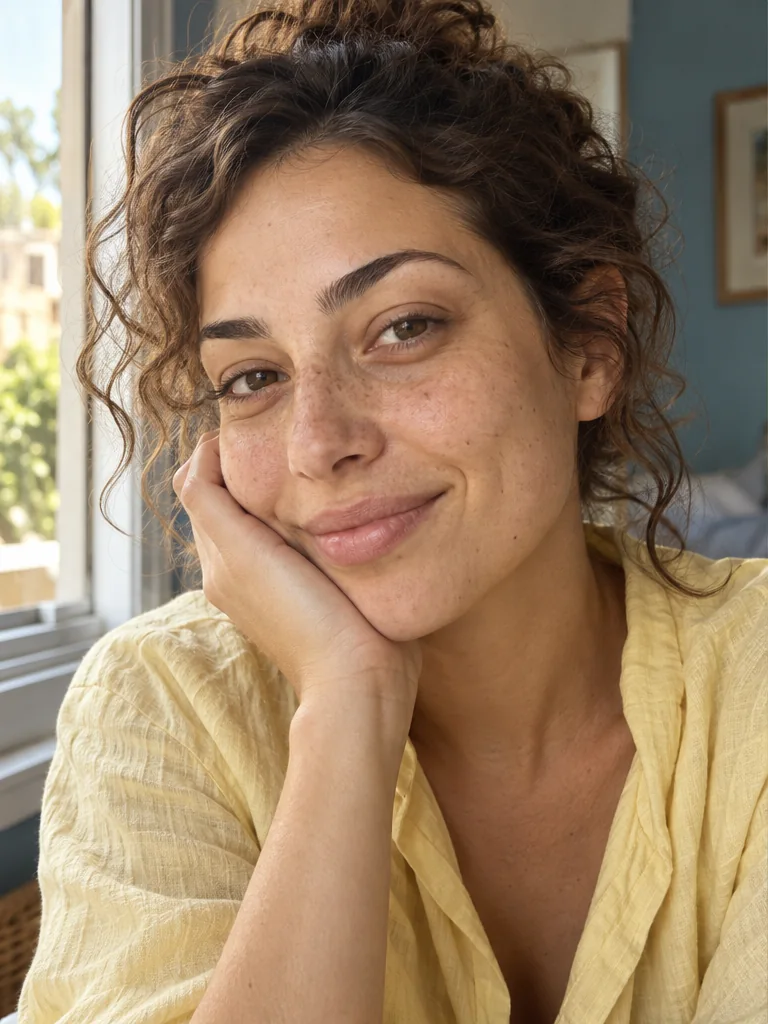
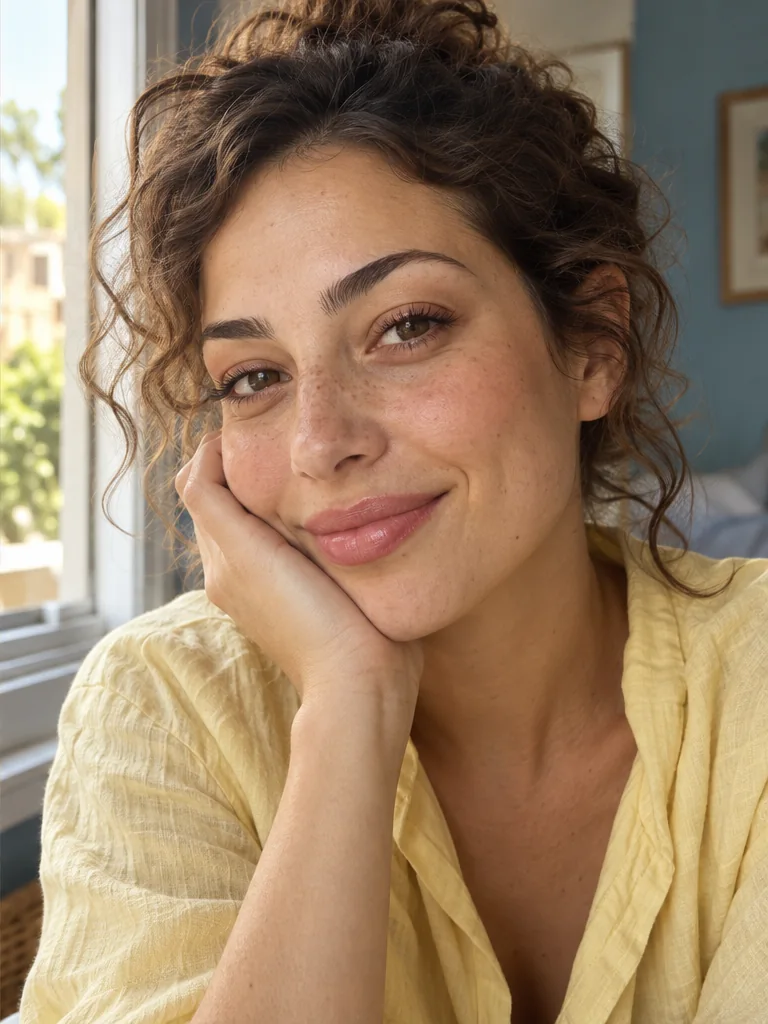
A new mood, on a familiar face
A little softer.
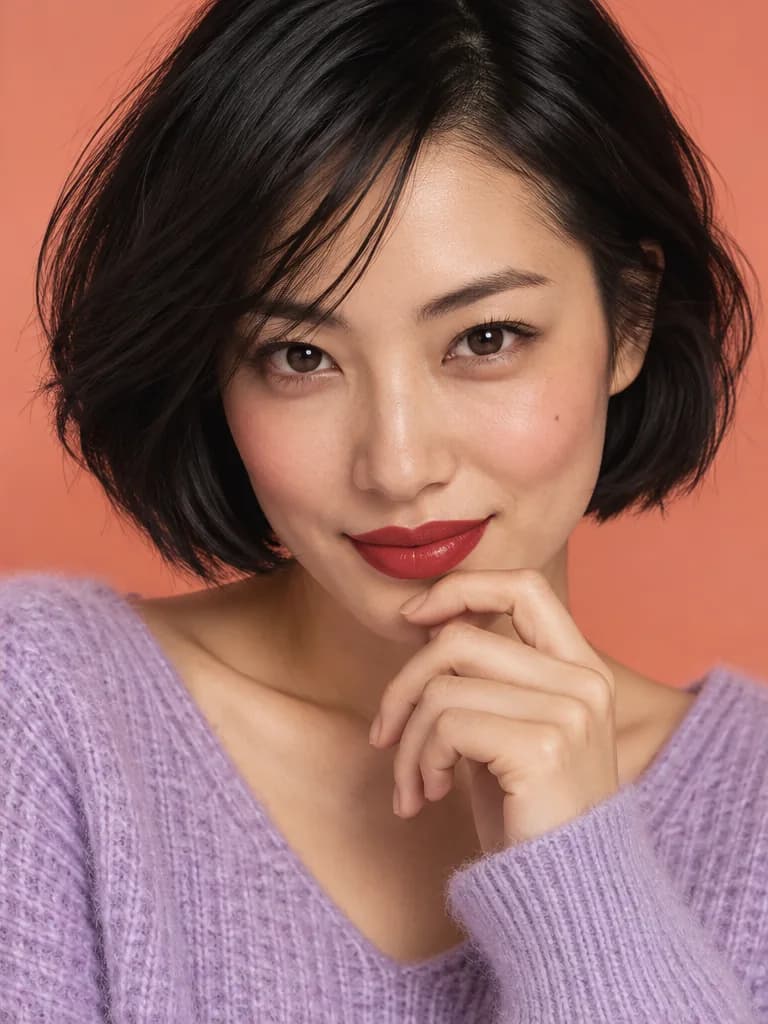
A little bolder. All you.
Explore virtual makeup try on through a natural finish, a statement lip, or an unexpected flash of color. These AI illustrations show possible style directions; your result will vary.
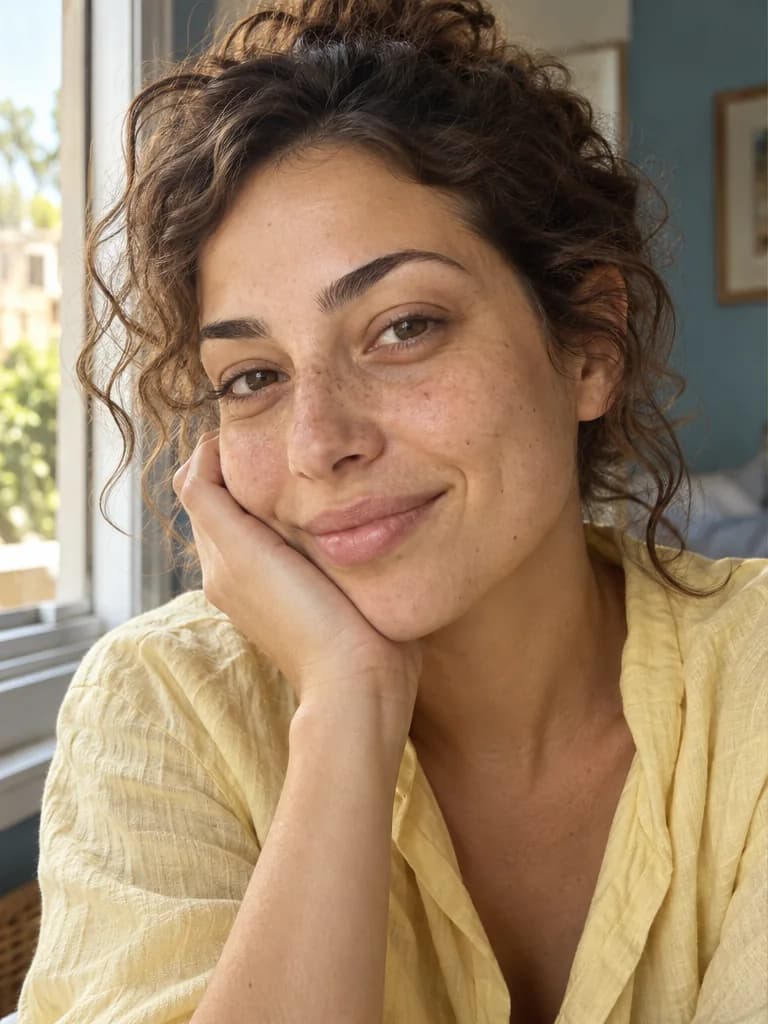
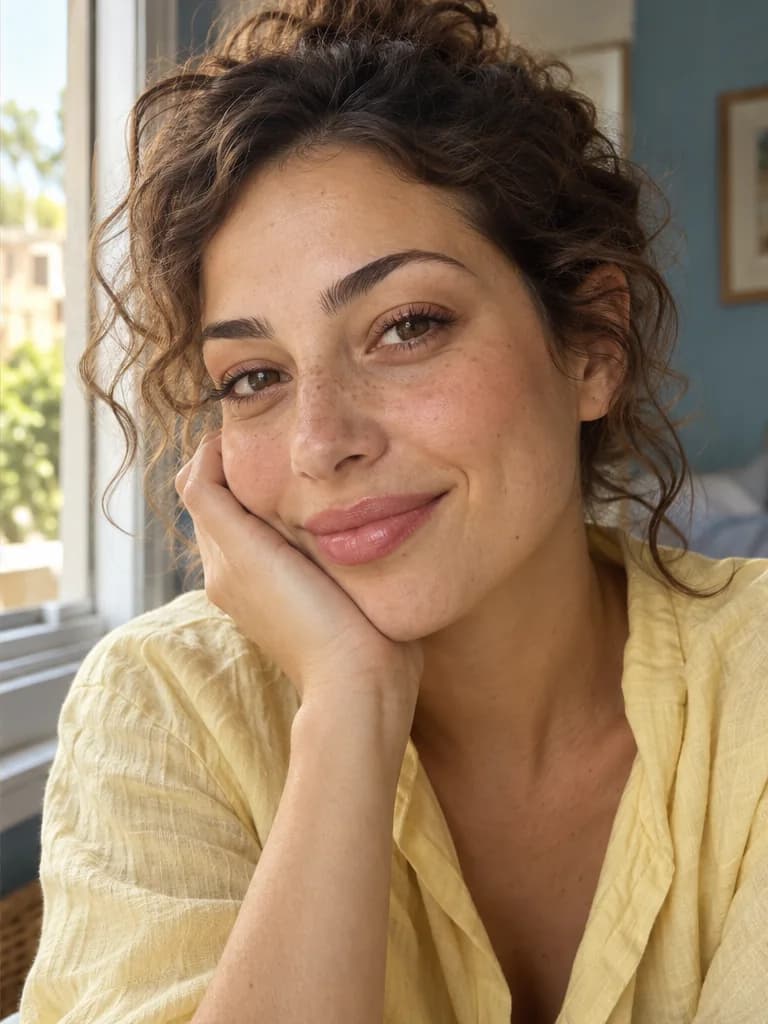
A little color. A familiar face.
Your everyday look, a little more you
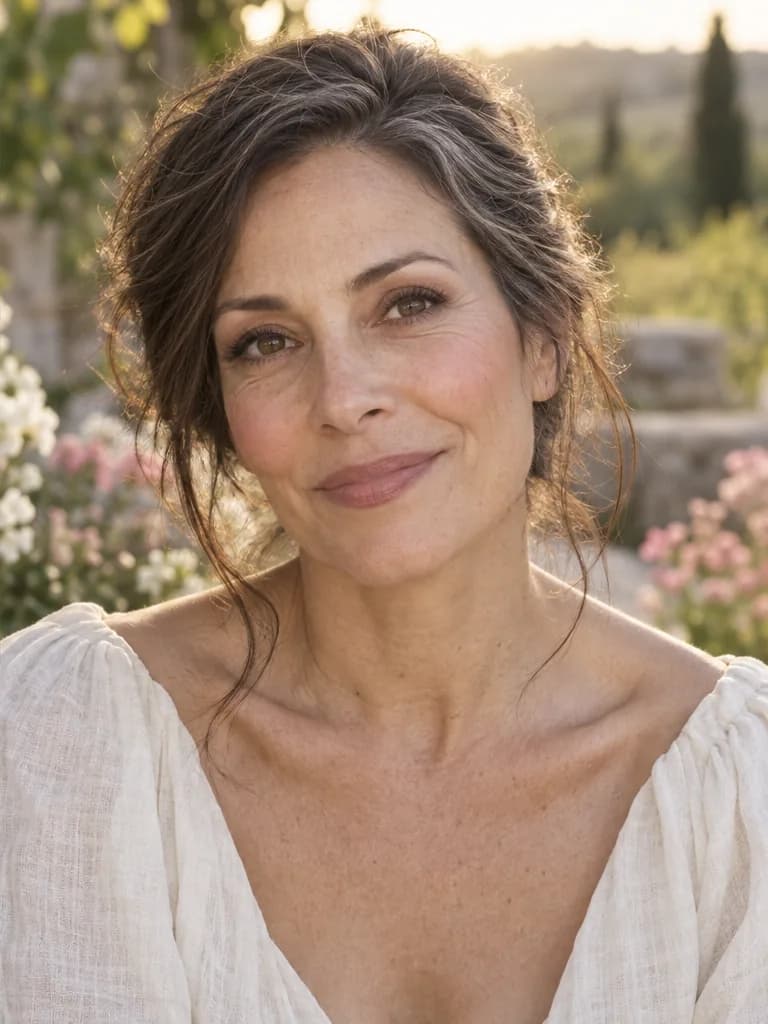
Start with a makeup look you could actually wear. Our AI makeup generator lets you explore peach blush, softly defined lashes, and a sheer lip on your own portrait. Ask for a light touch so freckles and skin texture remain part of the picture. Compare the preview with your original to see whether the change feels right before reaching for your makeup bag.
Explore no-makeup makeup on your own photo.
Try this mood on your photo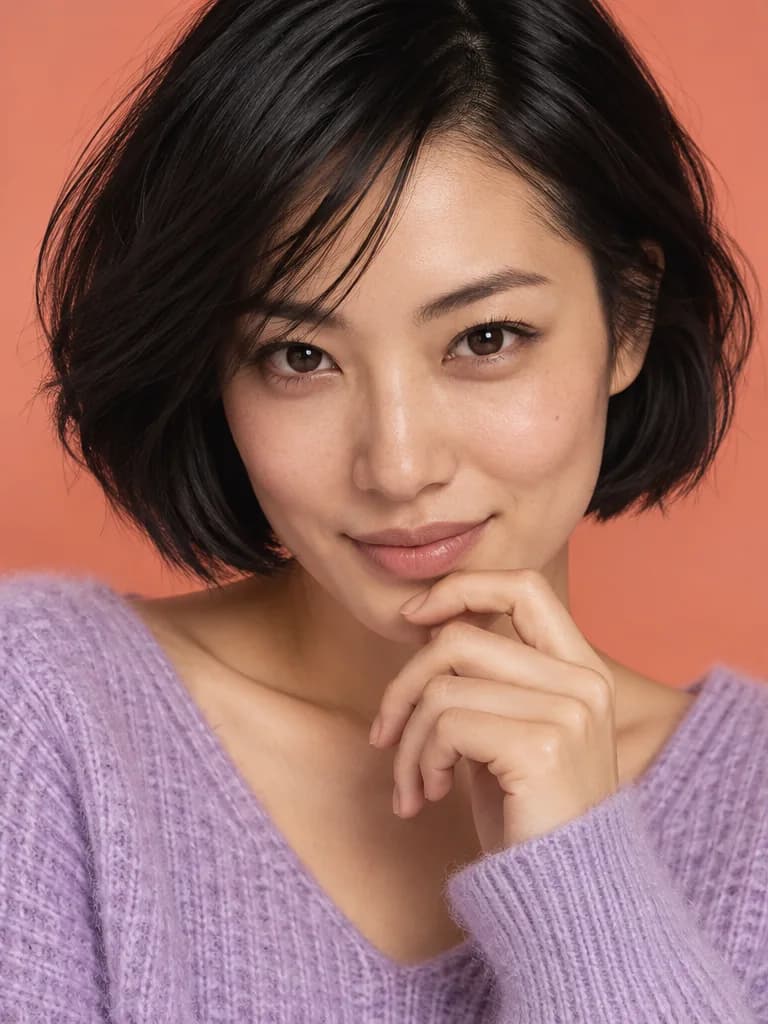
Follow a different feeling
Find a lip color that changes the mood
A cherry-red lip, a muted rose, or something glossy and barely there: small color choices can shift a whole portrait. Use virtual lipstick try on to picture a shade beside your own complexion, rather than judging a swatch alone. Start with Red Lip and describe a different color or finish. The AI makeup generator creates an interpretation, not an exact match to a branded lipstick.
Describe the color and finish you have in mind.
Try this mood on your photo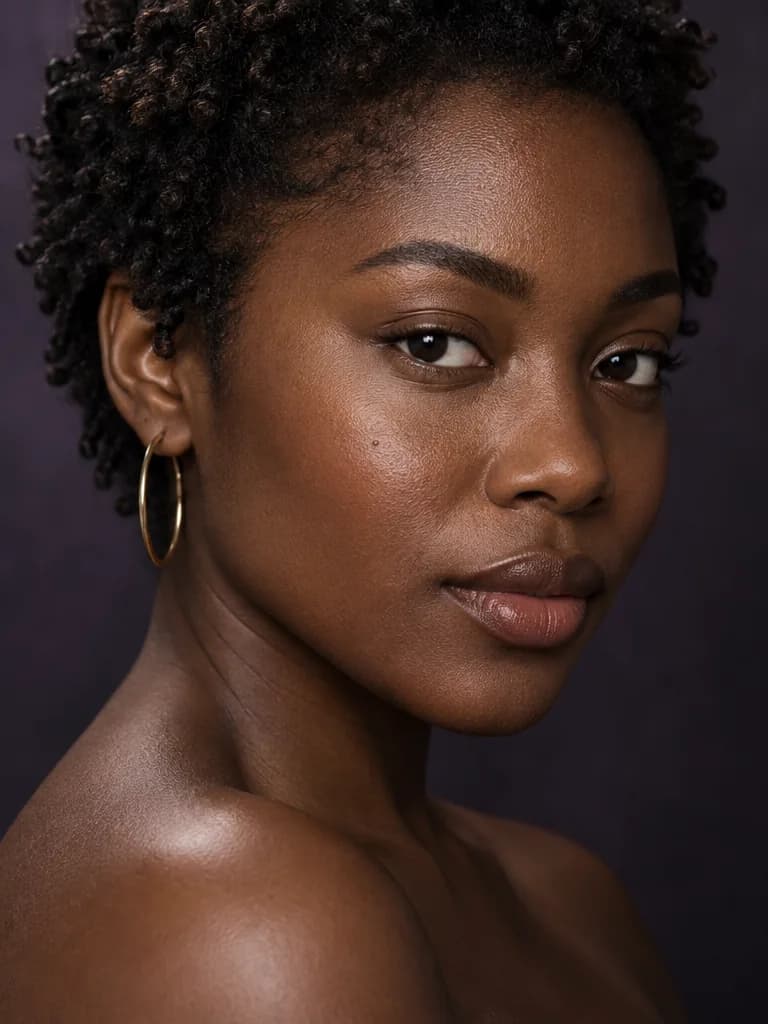
Let your eyes tell the story
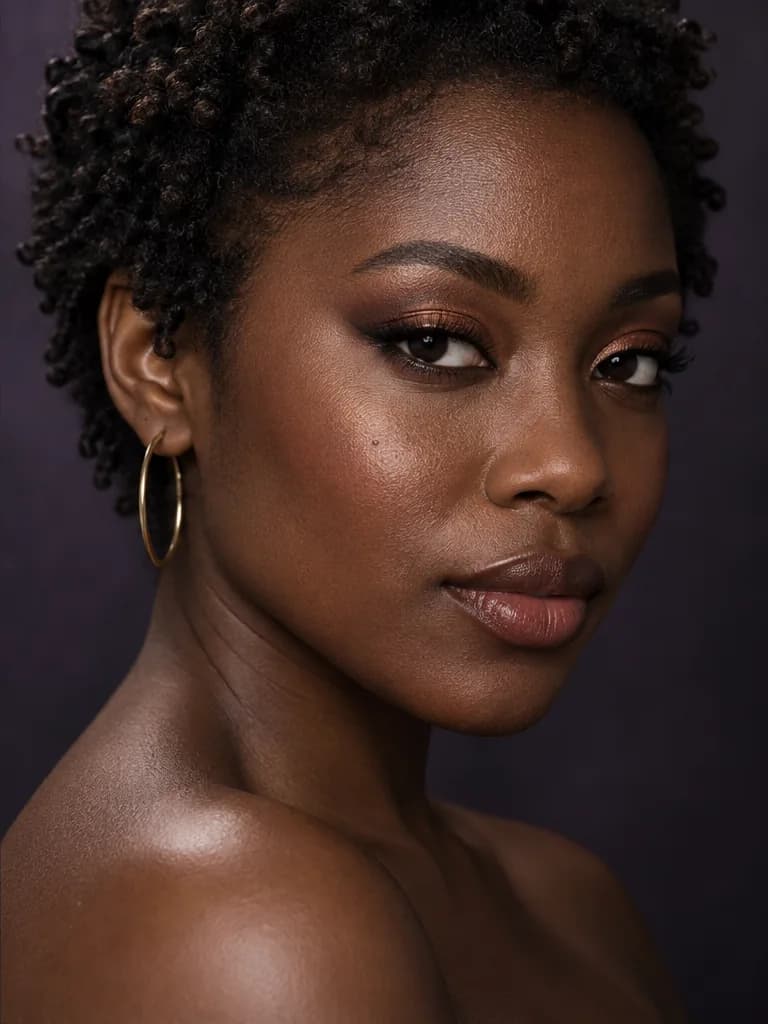
Try eye makeup with a little more depth
Curious about a smoky eye but unsure how dramatic to go? Preview warm copper shadow, a softer wing, or more defined lashes without painting each detail by hand. This AI eye makeup editor takes a style and your short description as a starting point. Keep the original photo for each new attempt so the eye makeup is easier to judge. Fine eyeliner and lash details may need another generation.
Explore the effect before practicing the technique.
Try this mood on your photo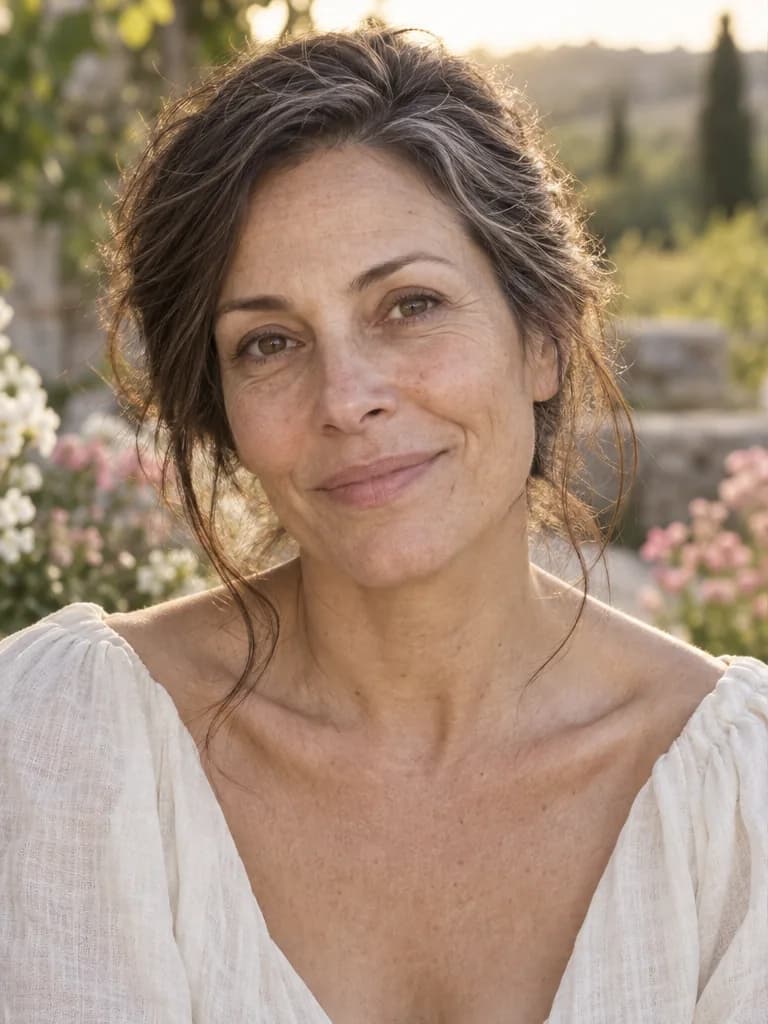
For a day that feels like you
Bring a clearer idea to your makeup trial
Make your inspiration more personal with bridal makeup try on. Picture romantic rose blush, a softly defined eye, and a muted mauve lip on your own face, or choose Soft Glam for a quieter evening direction. Save a favorite to discuss with your makeup artist. An AI makeup generator can help communicate a mood; a real trial is still the place to check products, wear, and how the finish looks in person.
A visual starting point for a real conversation.
Try this mood on your photo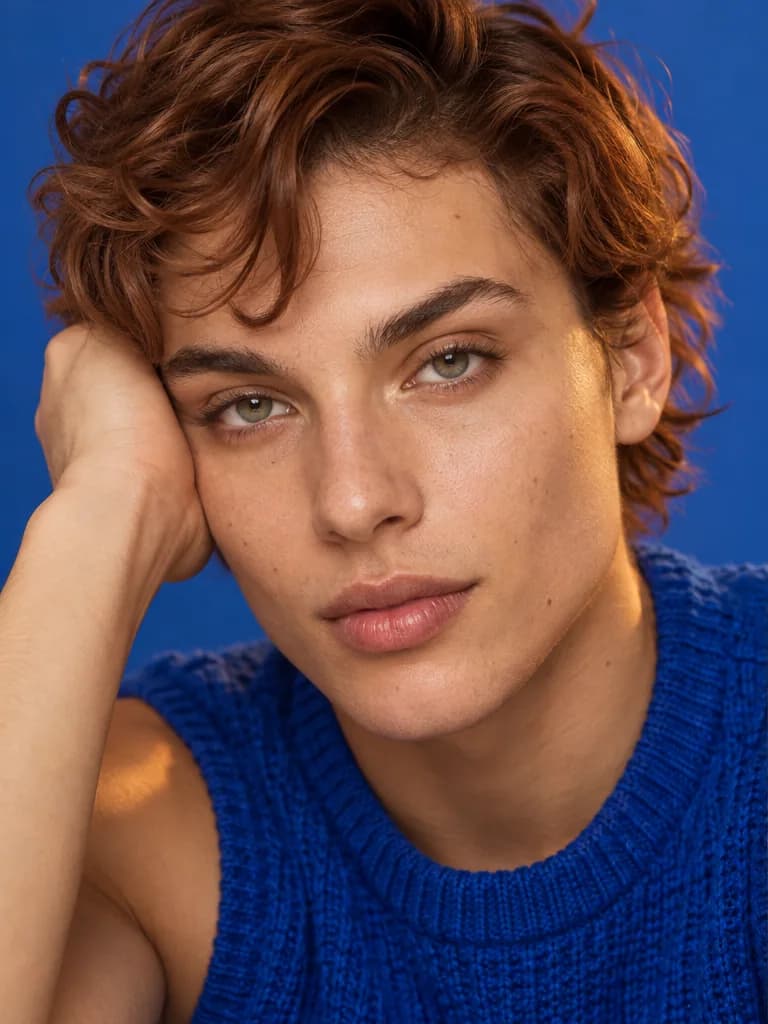
Make room for the unexpected
Turn a bold idea into a beauty direction
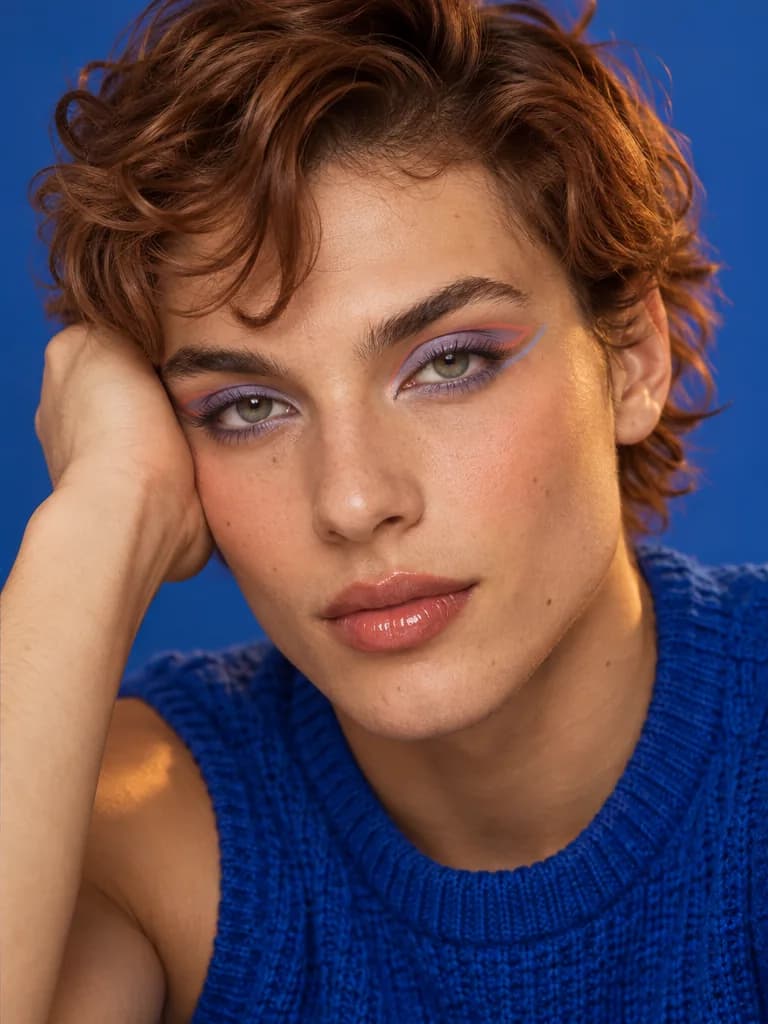
Some looks are about expression. Explore periwinkle shadow, coral accents, or a graphic eyeliner shape for your next creative portrait. The AI makeup generator gives a written idea a visual starting point, without limiting you to a fixed filter. Change the description and generate again from the original. Use the result to plan a shoot, build a moodboard, or decide which experiment to try for yourself.
Your idea can go beyond the preset.
Try this mood on your photoThree small steps
How to use the AI makeup generator
- 01
Upload one clear portrait
Choose a sharp photo with even light and your face visible. Keep heavy filters and obstructions out of the picture.
- 02
Choose a look, add your touch
Pick a makeup mood, then optionally describe a softer eye, a different lip color, or another small change.
- 03
Generate, compare, save
Review the result beside your original. Try another look from the same source, then sign in to save your favorite.
Before the brush meets your skin
For the moments you have in mind
Everyday curiosity
See whether a different lip or a lighter makeup style feels right before trying it in your morning routine.
Your wedding trial
Bring a personal visual reference to your makeup artist, then discuss products, finish, and what works in real life.
A night to remember
Picture a look for a date, a celebration, or an evening out before planning the rest of your outfit.
A creative shoot
Explore a beauty direction for portraits, moodboards, or social content before organizing a full makeup session.
Why explore your next look here?
Open your browser. Bring your idea.
Use the AI makeup generator on desktop or mobile without installing another app. A single portrait is enough to start.
A starting point, with room to play
Six looks keep the first choice simple. An optional description gives you room to explore colors and details beyond a preset.
Know the conditions before you save
The tool shows available credits or generation cost. Guest limits, login requirements, and download options are explained before you commit.
A few things before you try
AI makeup generator FAQ
Is the AI makeup generator free, and do I need an account?
Eligible visitors can try the AI makeup generator within the available guest allowance. Free attempts depend on remaining credits and capacity. Downloads require sign-in, and further generations depend on your account balance and access.
Can AI tell me what makeup looks good on me?
You can compare makeup ideas on your own photo and decide what you like. This tool does not diagnose undertones, rank your best colors, or recommend exact products. Lighting and screens can change how shades appear.
Will the makeup change my face shape or skin tone?
The AI makeup generator is instructed to change cosmetics while preserving identity, expression, age, and skin tone. Generative edits can still shift details. Compare the result with your original, especially around eyes, lips, and facial contours.
Can the AI makeup generator change just lipstick or eye makeup?
Yes. Choose Red Lip or Smoky Eye and describe the area you want to change, keeping the rest understated. These are generated edits rather than brush controls, so precise boundaries and tiny details may need refinement.
What photo formats and sizes can I use?
Upload one JPG, PNG, or WebP up to 10 MB. A sharp, evenly lit portrait with one clearly visible face works best. Avoid heavy filters, deep shadows, and hair or glasses covering the eye area.
Can I use bridal makeup try on to plan my wedding look?
Yes. The AI makeup generator can create a visual direction to share with your makeup artist. It cannot predict exact product shades, real skin finish, or makeup wear. Use the image as inspiration before an in-person trial.
What can I download, and will it have a watermark?
Sign in to download a 640px watermarked PNG preview. Paid access unlocks original-resolution downloads. The available resolution also depends on the generated image; an original download does not add detail beyond the result.
How are my photos handled, and are results private?
Results are public by default; private mode requires paid access. Photos are processed through the service and its providers under our Privacy Policy. We do not sell uploads. Check the visibility setting before generating a personal portrait.
Your photo. Your next possibility.
What mood will you try next?
Give an idea a little room with our AI makeup generator. See it on your own face.
Try Your Next Makeup Look