
Grok AI Image Editor Online with Grok Imagine Image 2
Create bold photo, product, poster, social, and concept variations with Grok Imagine Image 2 and visual references.
Start with a prompt. Reference images are optional; add them to edit an existing image or guide the result.
Describe the subject, scene, style, and lighting. When editing a reference, state what to change and what to preserve.
Checking access
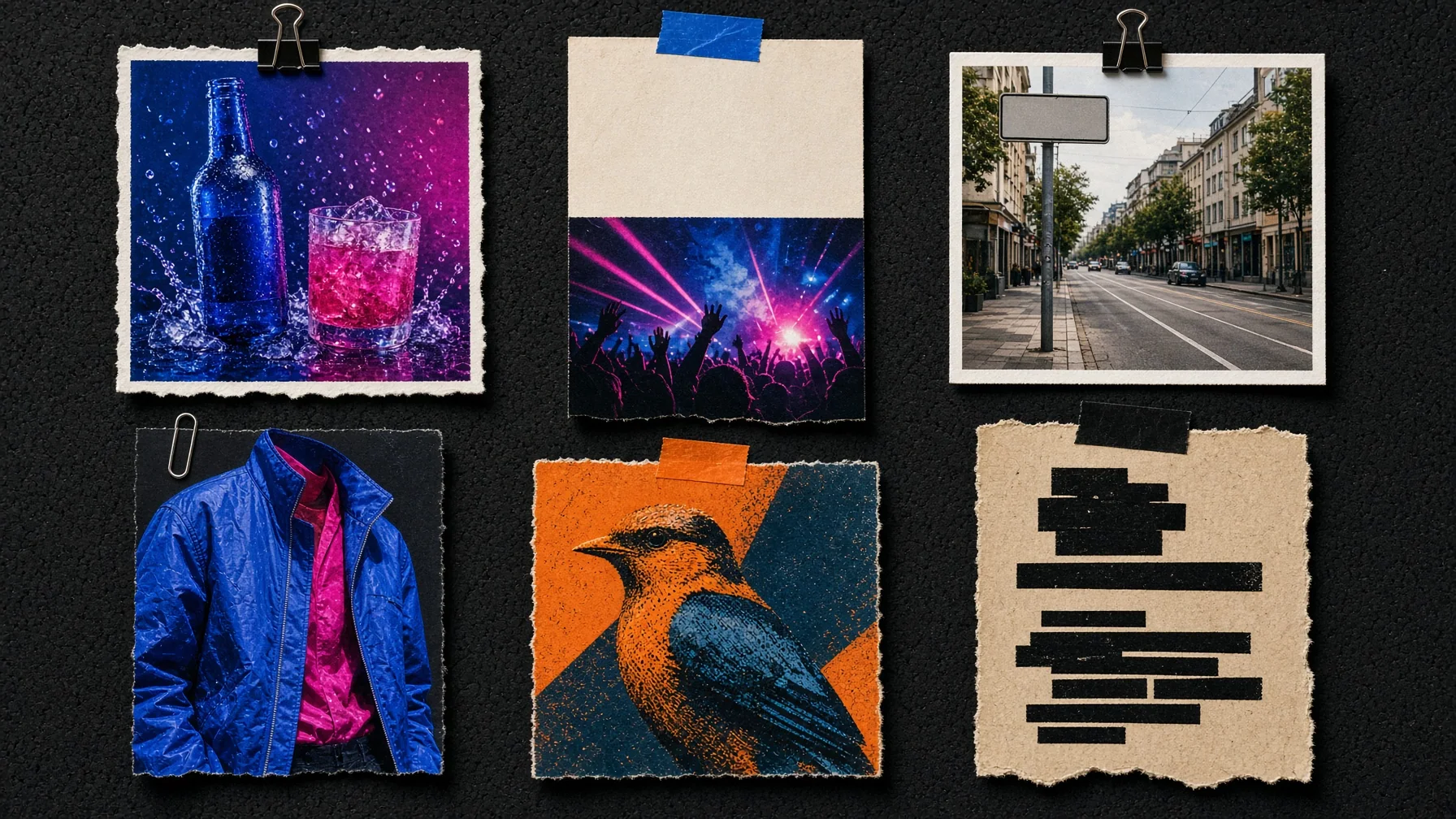
What You Can Edit with Grok Imagine Image 2
Explore fast, creative edits for photos, campaigns, products, and social content.
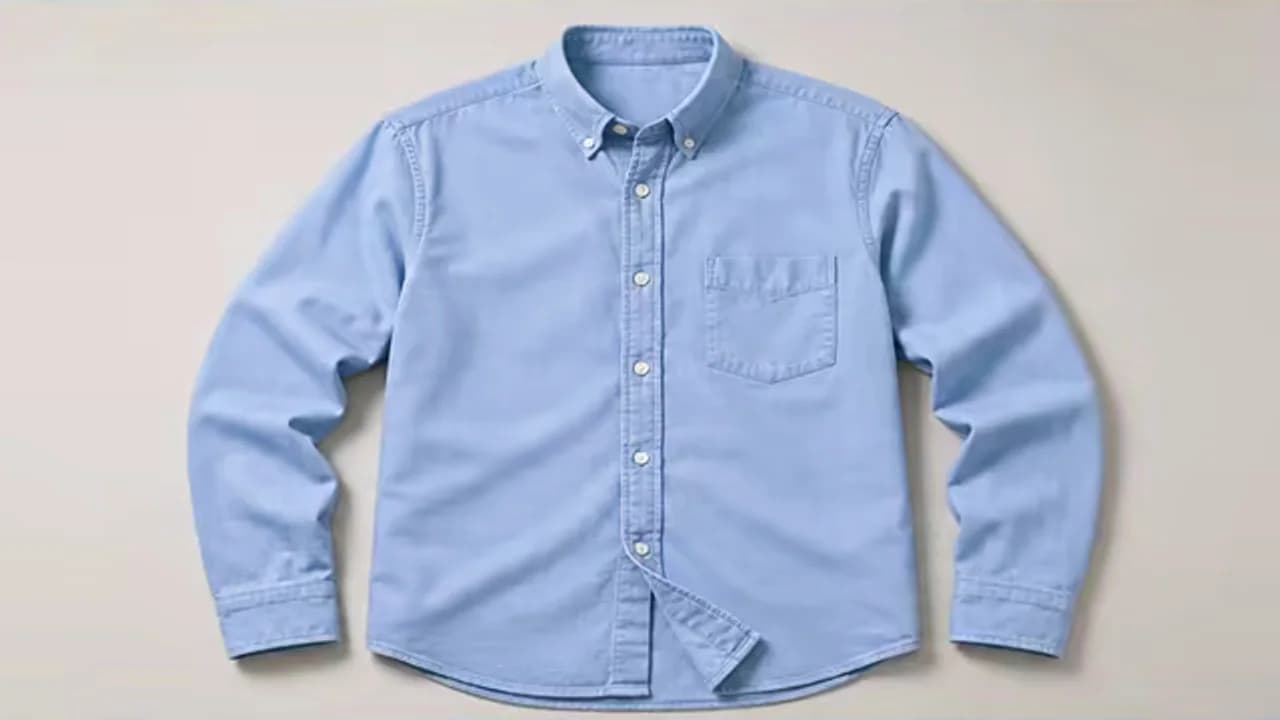
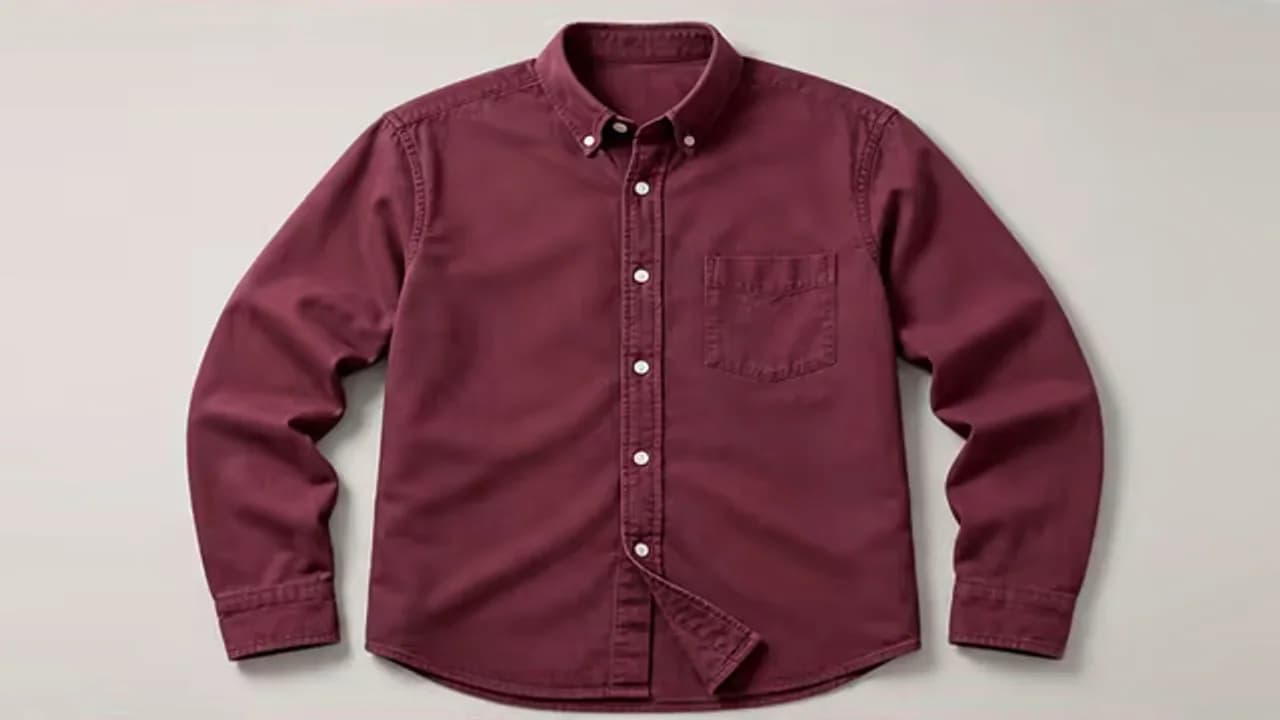
Make a Precise Subject or Object Change
Change clothing, materials, colors, or individual objects while keeping the wider scene visually coherent.
Remove or Replace a Background
Move a subject into vibrant studios, lifestyle settings, or campaign environments with matching light and atmosphere.
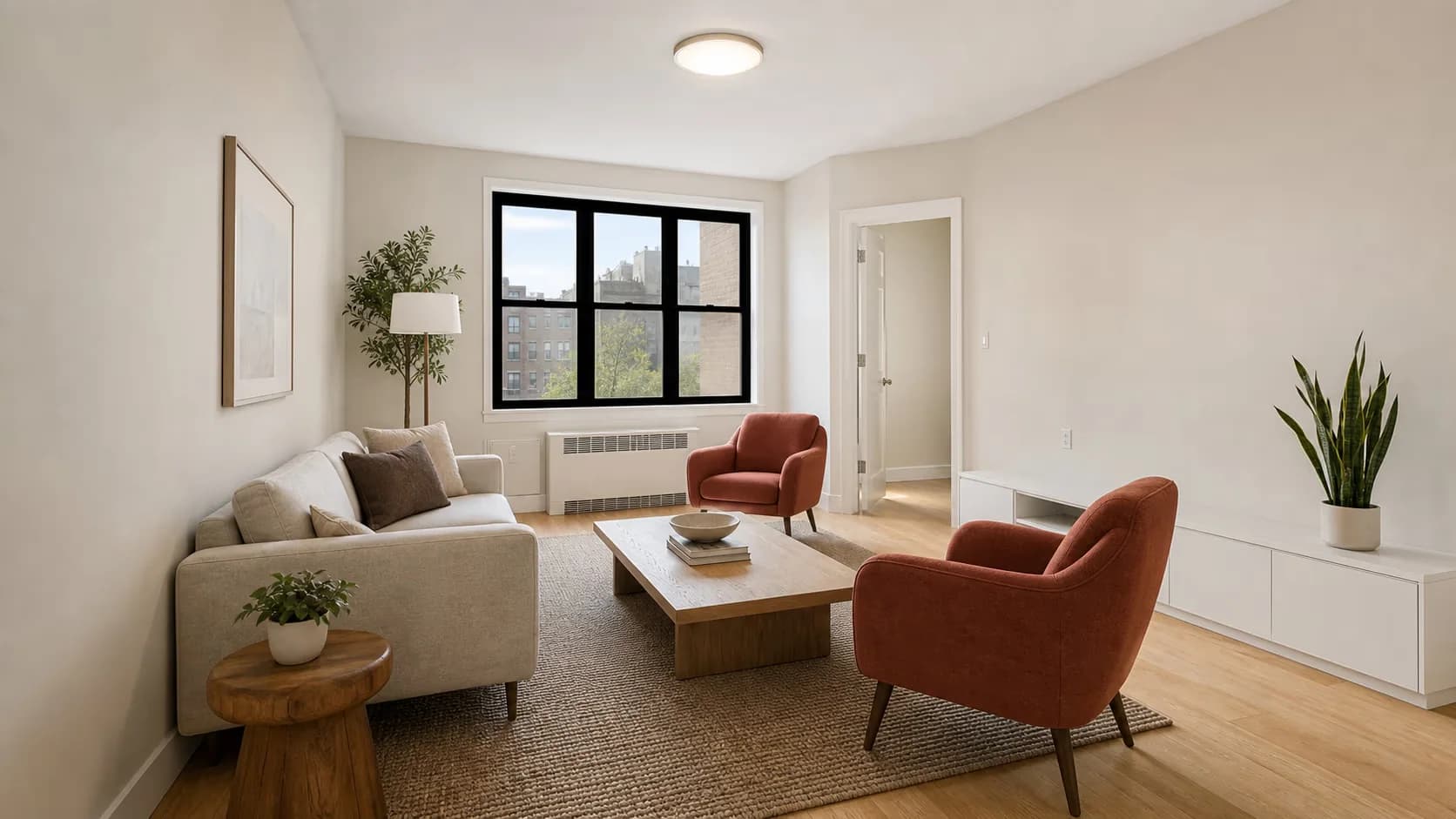
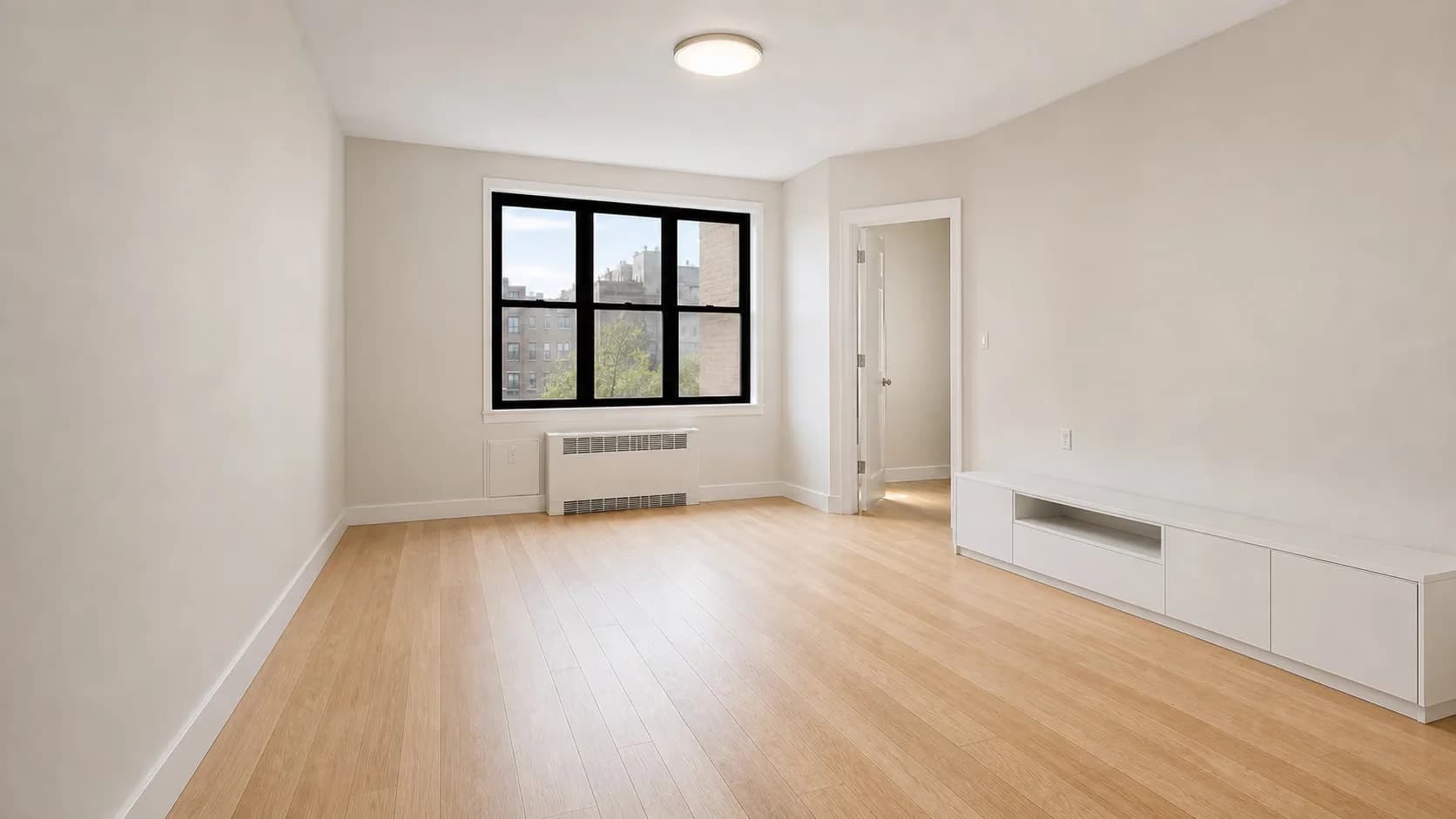
Create Product Colors and Lifestyle Variations
Explore new colorways, product scenes, and UGC-style visuals from a base packshot and a few useful references.
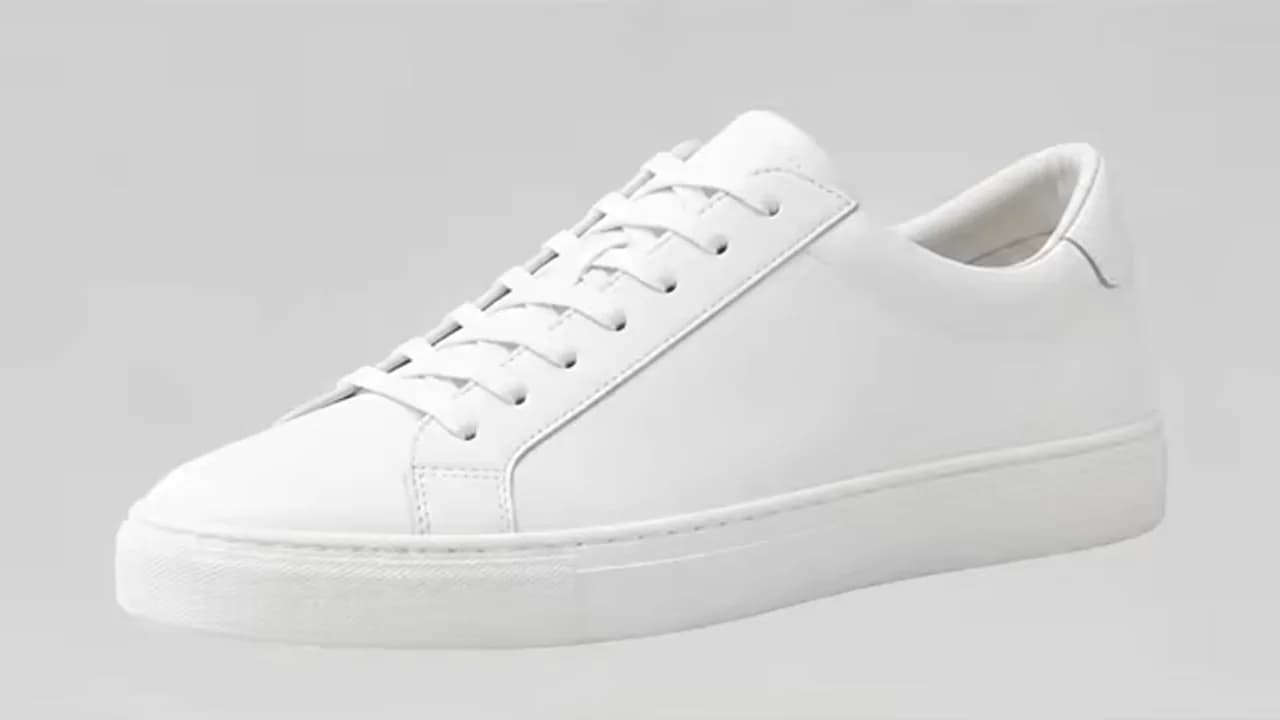
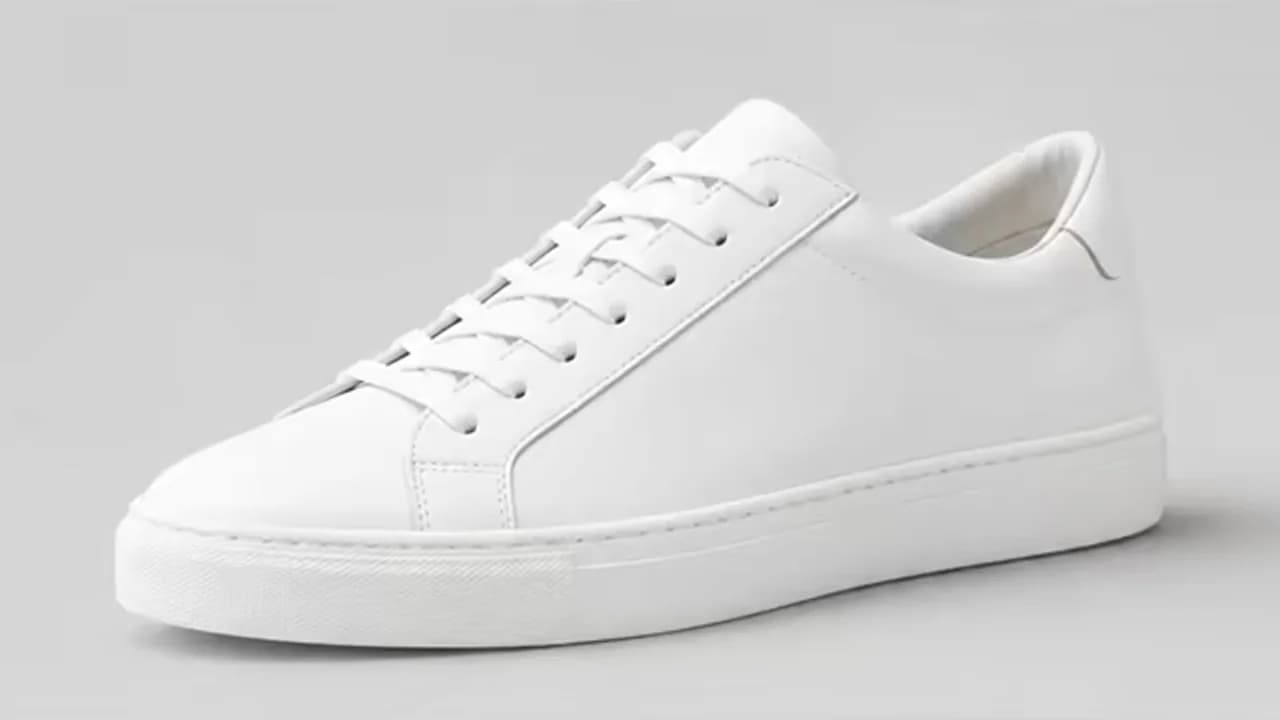
Edit Posters, Headlines, and Campaign Layouts
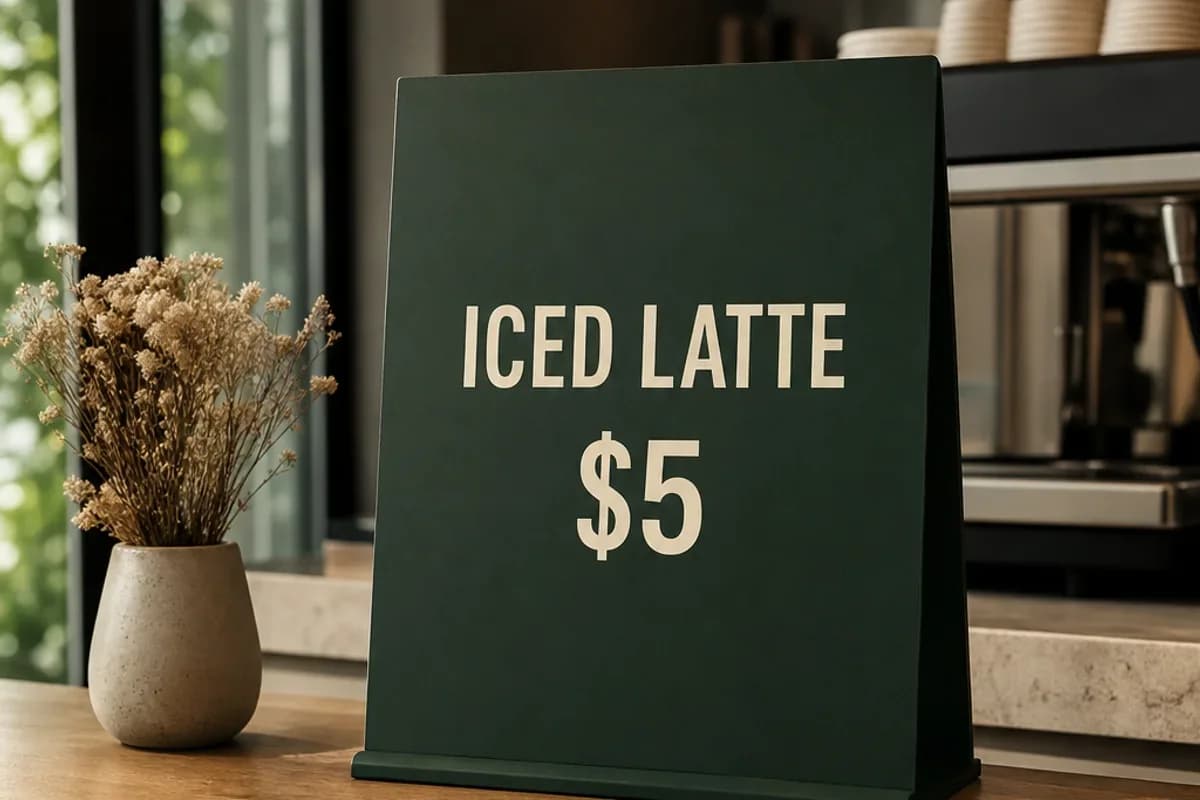
Revise headlines, reposition visual elements, and create stronger poster or campaign layouts from an existing design.
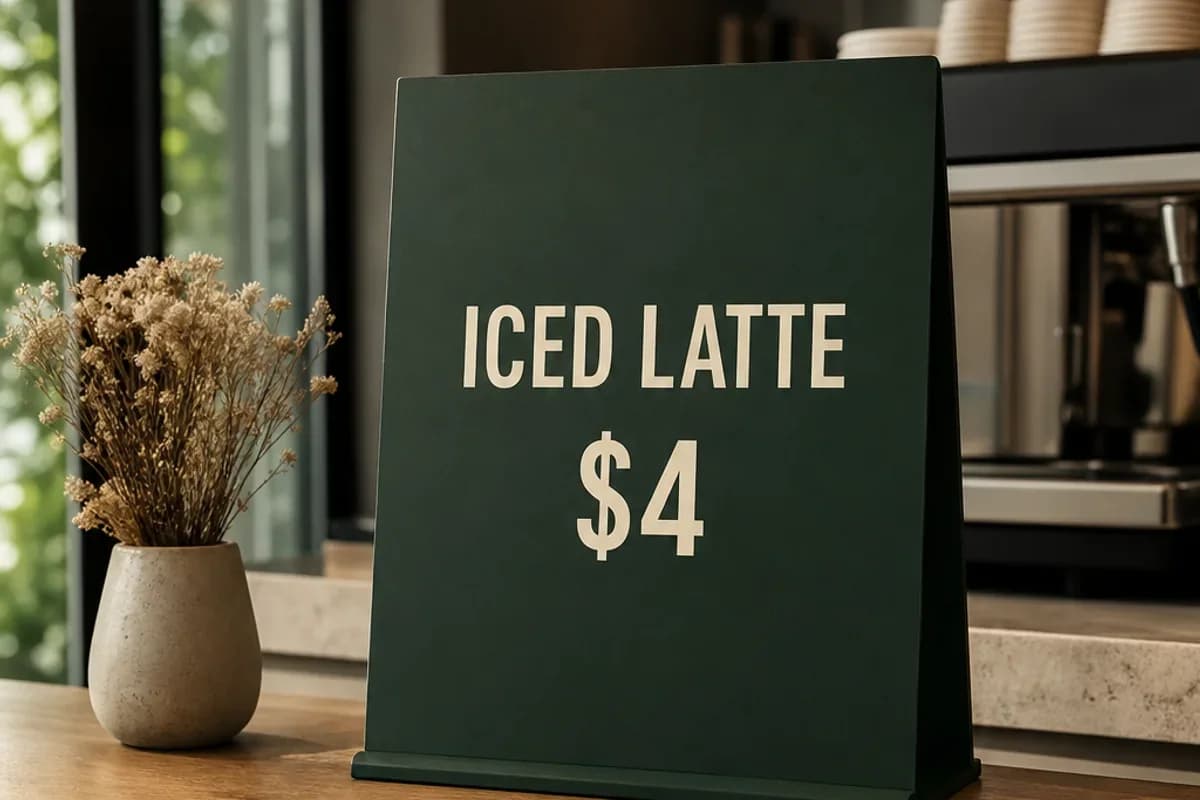
Reframe Images for Social Formats
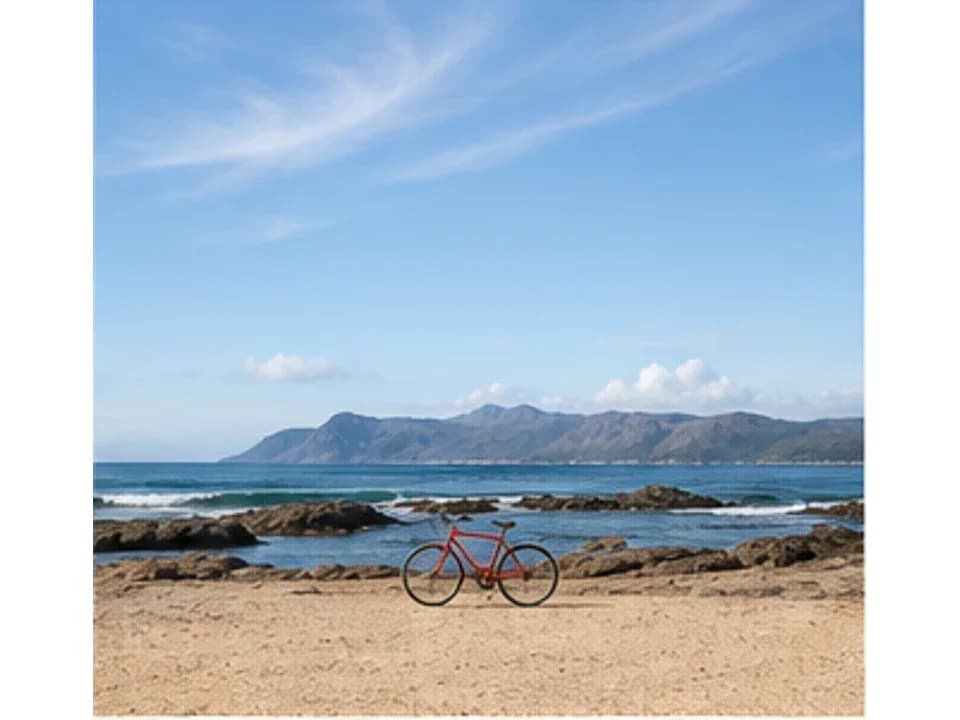
Adapt landscape campaigns into square or vertical compositions with balanced subjects, backgrounds, and space for copy.
Transform Styles for Concepts and Campaigns
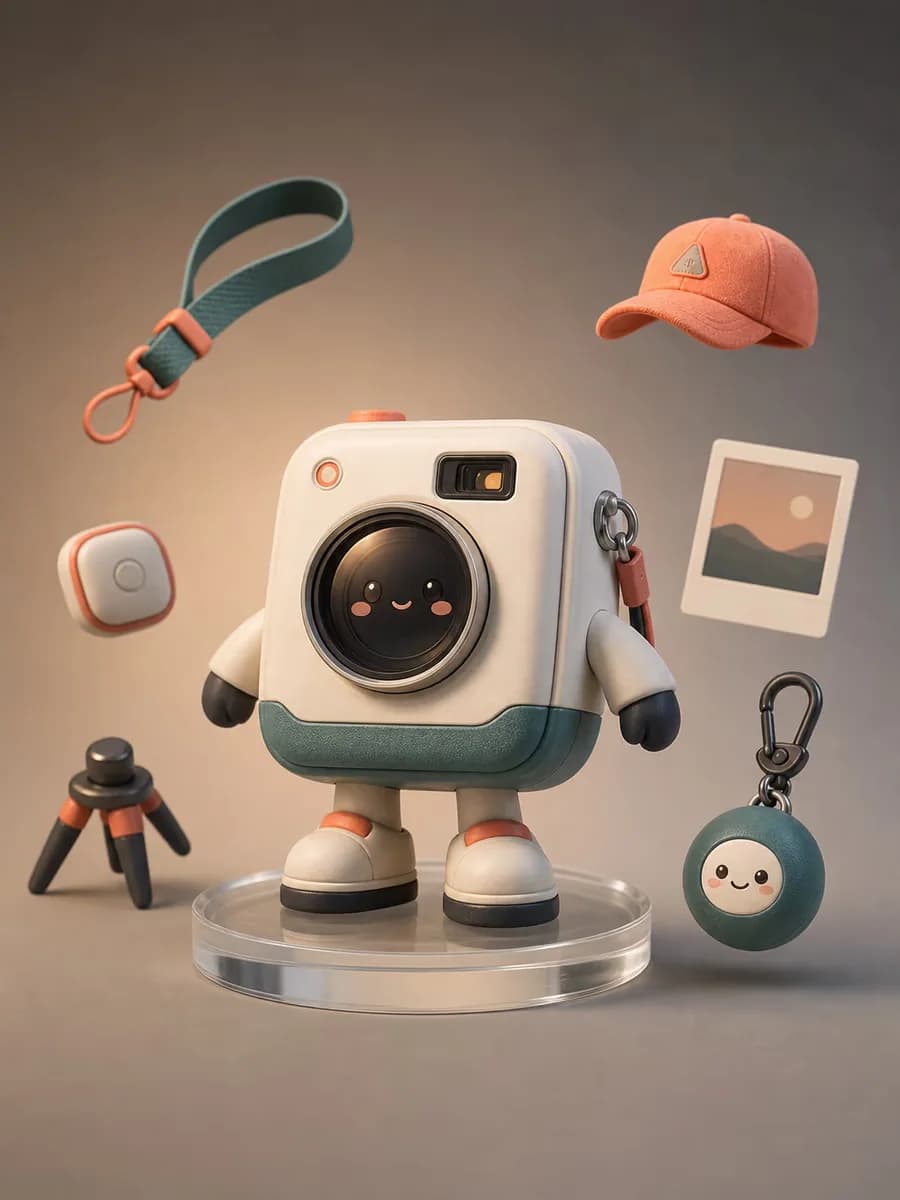
Develop sketches and photos into polished campaign concepts, screen prints, illustrations, or other distinctive visual styles.
Why Grok Imagine Image 2 Works for Visual Editing
The Grok AI Image Editor connects Grok Imagine Image 2 to a real upload-and-prompt form, while the visible selector lets current limits and fields follow the model a user actually chooses.
Instruction-Guided Changes
A prompt can identify one target by position, color, material, or neighboring object, define the requested result, and protect everything that should remain recognizable.
Input Preservation Across Variations
A base image plus purposeful references can guide faces, products, packaging, mascots, and brand visuals across variations. The result still needs comparison and does not promise perfect identity lock.
Photography, Design, and Illustration Range
The Grok AI Image Editor can explore ordinary photos, product advertising, campaign layouts, social compositions, merch concepts, and illustration without forcing every example into one visual style.
Who Uses the Grok AI Image Editor and What For?
The Grok AI Image Editor covers social, commercial, design, photo, and concept tasks with different subjects and visual media rather than a repeated portrait demo.
Social and X Creators
Develop feed visuals, covers, memes, square posts, vertical stories, and fast concept variations while protecting the focal point and title-safe area.
E-commerce and Marketing Teams
Explore product backgrounds, colorways, UGC-style scenes, ads, promotion posters, and lifestyle imagery, then verify product and brand details.
Designers and Creative Teams
Iterate on layout, headline, campaign concepts, mascot art, merch mockups, and brand visuals while keeping required marks and copy reviewable.
Photographers and Concept Artists
Adjust portrait clothing or lighting, clean ordinary photos, develop sketches, and create character or storyboard variations from existing material.
How to Use the Grok AI Image Editor Online
Start with a text prompt. When editing an existing image, specify the reference roles, target location, and details to preserve.
Describe the Image to Create or Edit
Start with the subject, scene, style, and lighting for a new image. For an edit, describe the requested change and what should stay unchanged. Choose the available output settings for your project.
Add Reference Images (Optional)
Skip uploads to generate from text alone. To edit an image or guide the result, add references. With Grok Imagine Image 2 selected, use the first image as the main edit and add up to four purposeful references. A different selected model displays its own limit.
Generate, Review, and Refine
Inspect people, products, text, edges, and composition. Correct one concrete issue at a time in the next Grok AI Image Editor request.
Why Use Our Grok AI Image Editor?
A creative workspace for fast photo, product, campaign, and social variations.
Grok Imagine Image 2 Selected by Default
Start creating immediately with Grok Imagine Image 2 ready in the editor.
Up to Five Visual References
Combine one base image with up to four references for people, products, scenes, and styles.
Social and Commercial Ratios
Create square, portrait, or landscape visuals for social, advertising, and creative projects.
Grok AI Image Editor FAQ
Can I generate an image without uploading a photo?
What is the Grok AI Image Editor?
Can Grok edit an existing photo?
Which Grok model is selected by default?
Is the Grok AI Image Editor free to try?
How do I use Grok to edit an image?
What is the difference between image editing and generation?
How many reference images can I upload?
Which formats and aspect ratios are supported?
Can Grok change or remove a background?
Can Grok edit text inside a poster or image?
Can it preserve a face, product, logo, or character?
How do I describe a local edit without a brush or mask?
Why did the output change more than requested?
Can I use a Grok-edited image commercially?
Start Editing with Grok Imagine Image 2
Upload a base image, add purposeful references, describe the target and preservation list, then review the generated version before refining it.