LogoAi Picture Editor
  • AI Photo Editor
  • AI Image Generator
  • AI Image Agent
    • Background Remover
      Remove backgrounds locally with no sign-up or usage quota, then download a transparent or color-filled PNG.
    • Image Upscaler
      Enlarge images by 2× or 4× privately with no sign-up or usage quota.
  • Pricing
LogoAi Picture Editor
AI Picture Editor/Image to Image AI/AI Image Model Editors

GPT Image 2.5 — Free to Use Online

Create detailed images and make precise photo edits in one place.

Precise Photo EditsConsistent SubjectsTransparent Backgrounds

Upload up to 16 images for image-to-image generation.

Credits vary with size, quality, prompt and reference count. The charge is shown before generation.

Public
Private

Checking access

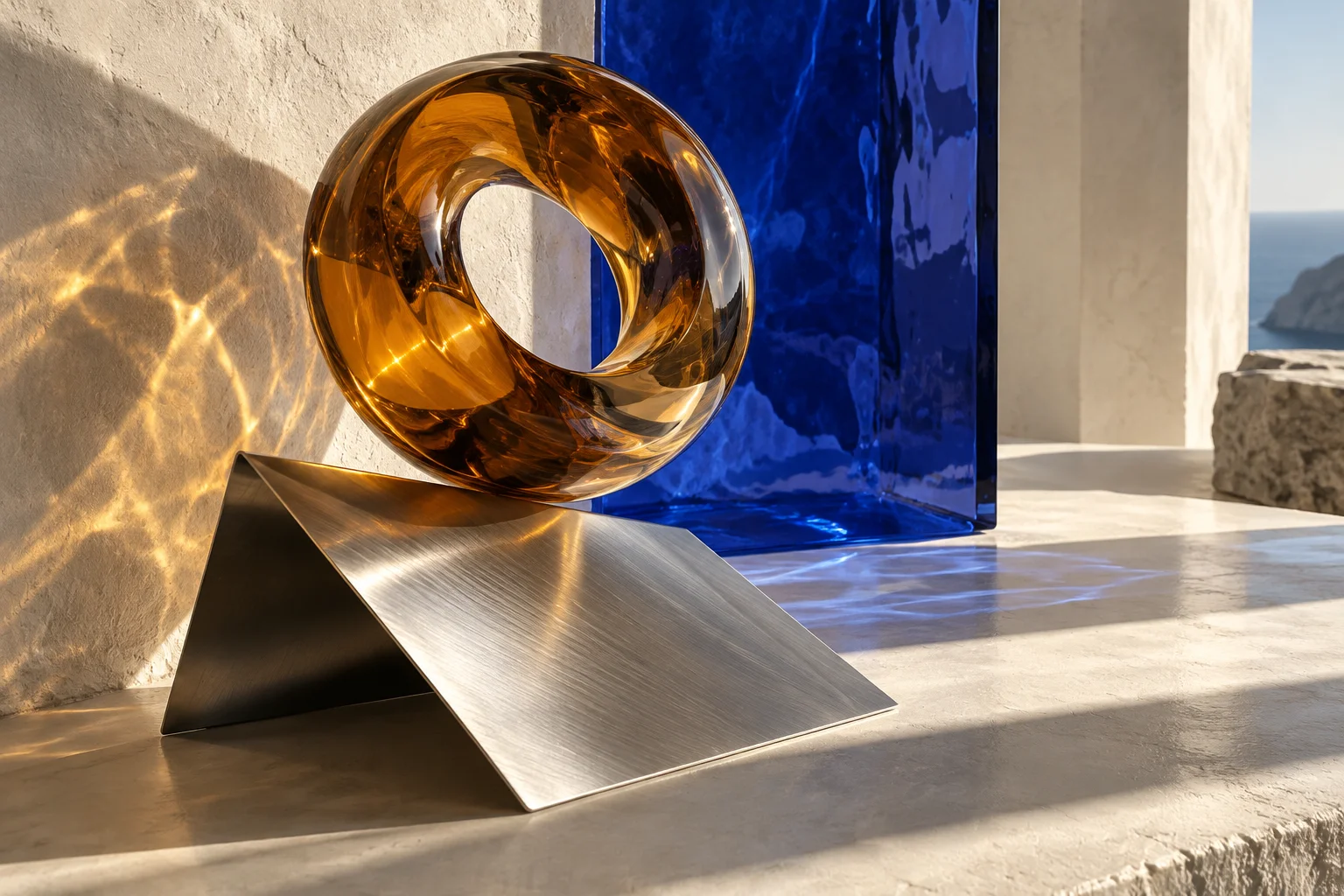
Amber glass sculpture and brushed aluminum in architectural sunlight
Preparing generatorControls will be ready in a moment.

GPT Image 2.5 Creative Possibilities

Original AI artwork across photography, painting, graphic design, and imagined worlds.
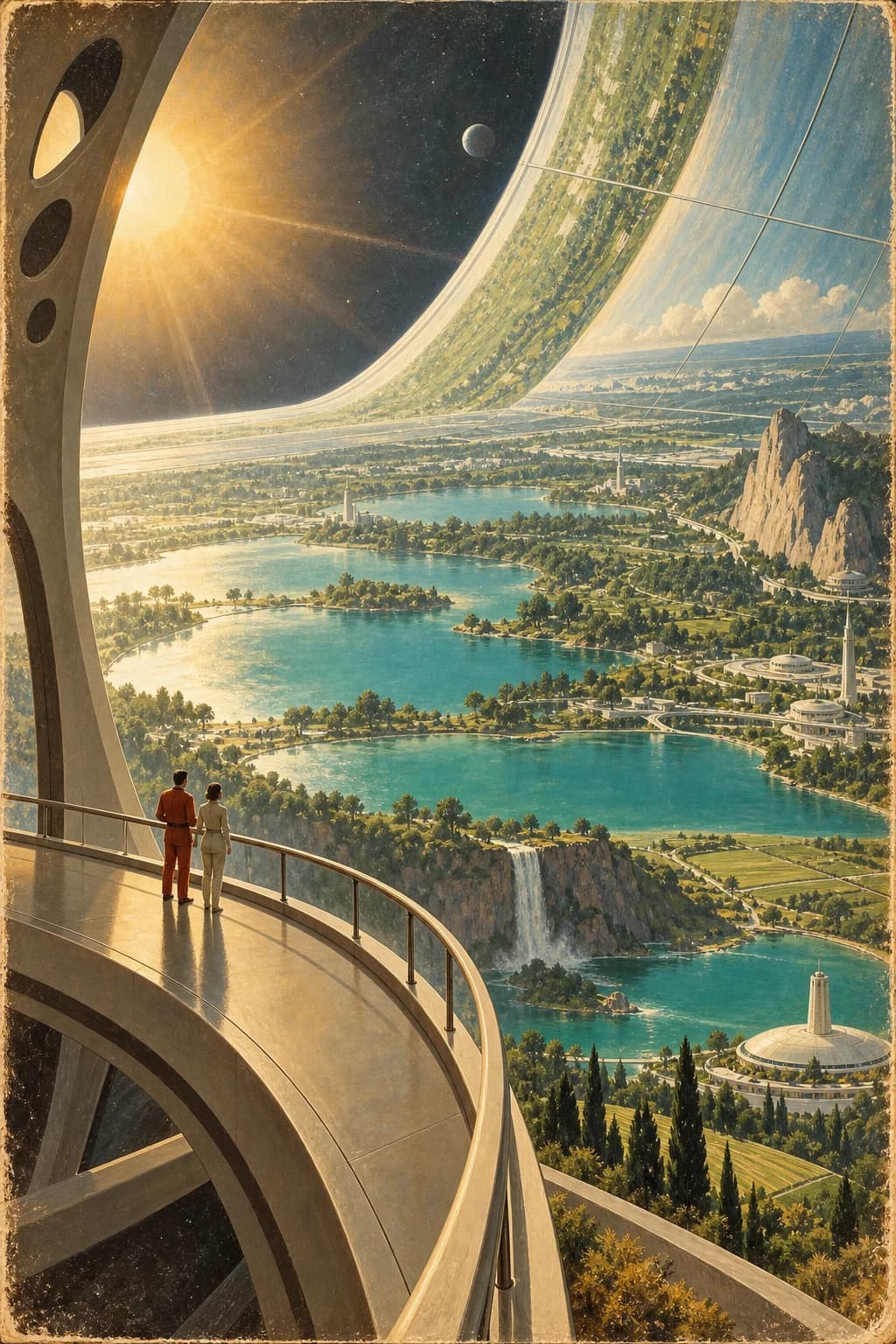
Retro-futurist orbital garden illustration
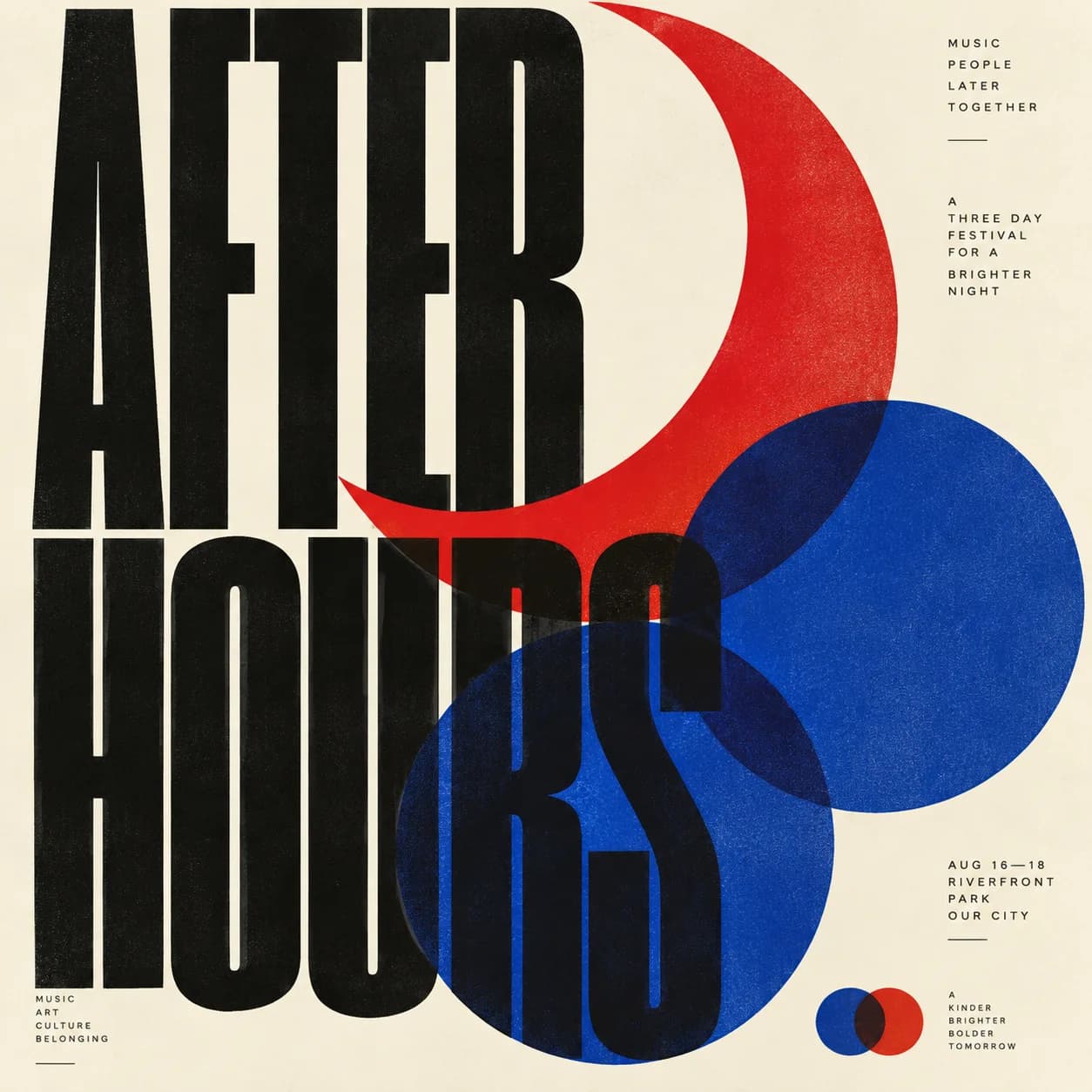
After Hours Swiss graphic poster
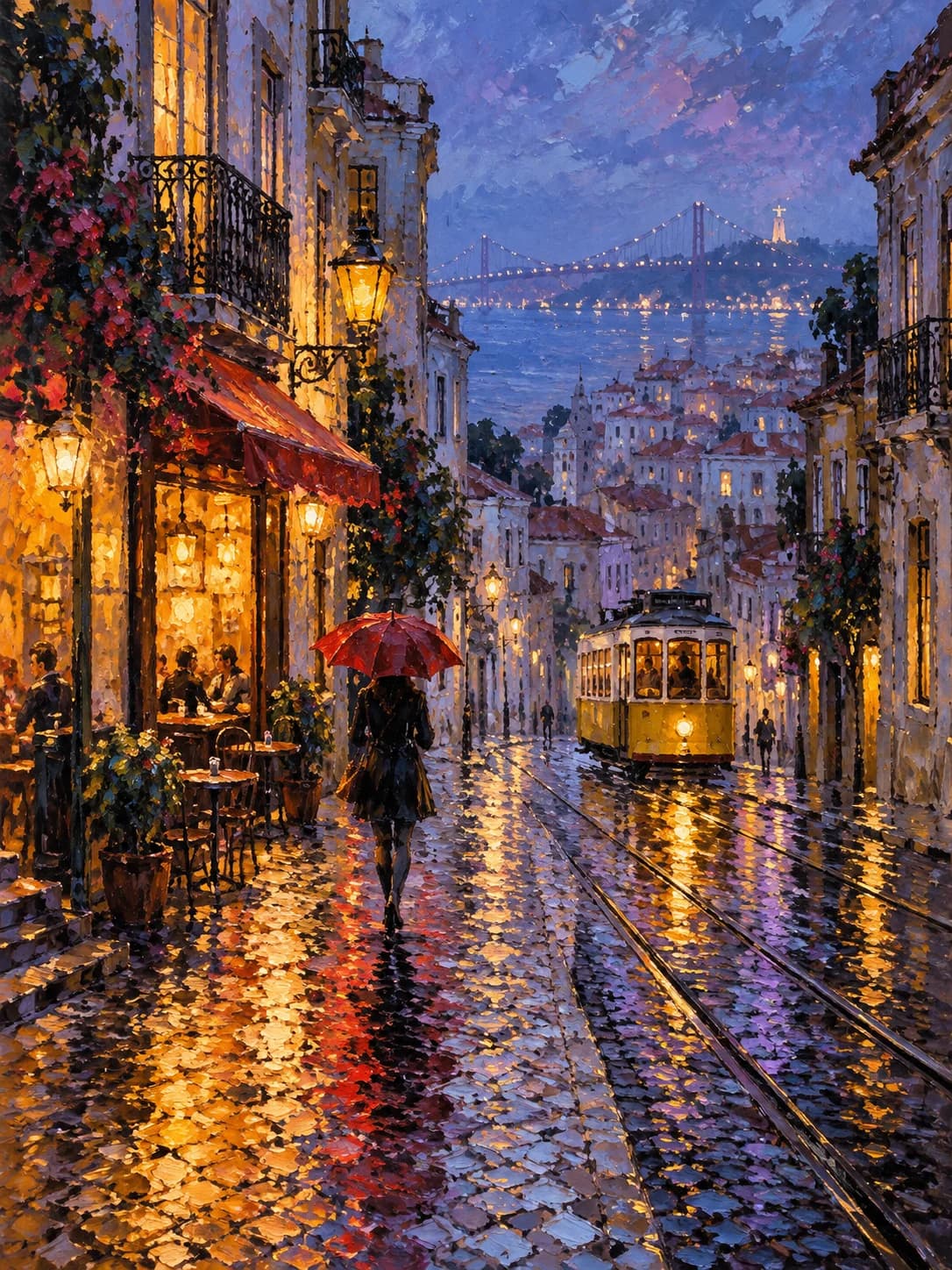
Impressionist rainy Lisbon street painting
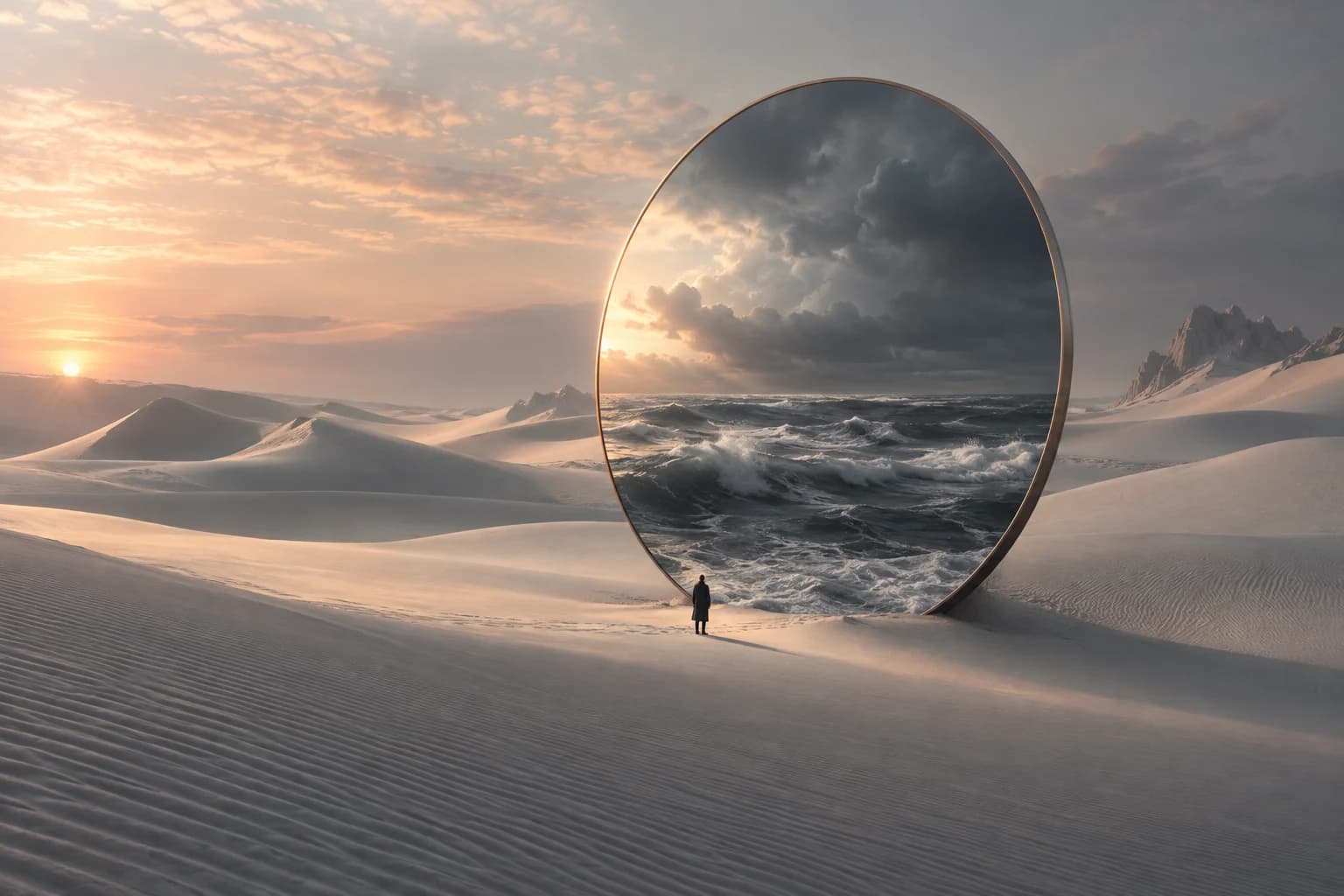
Surreal ocean mirror among desert dunes
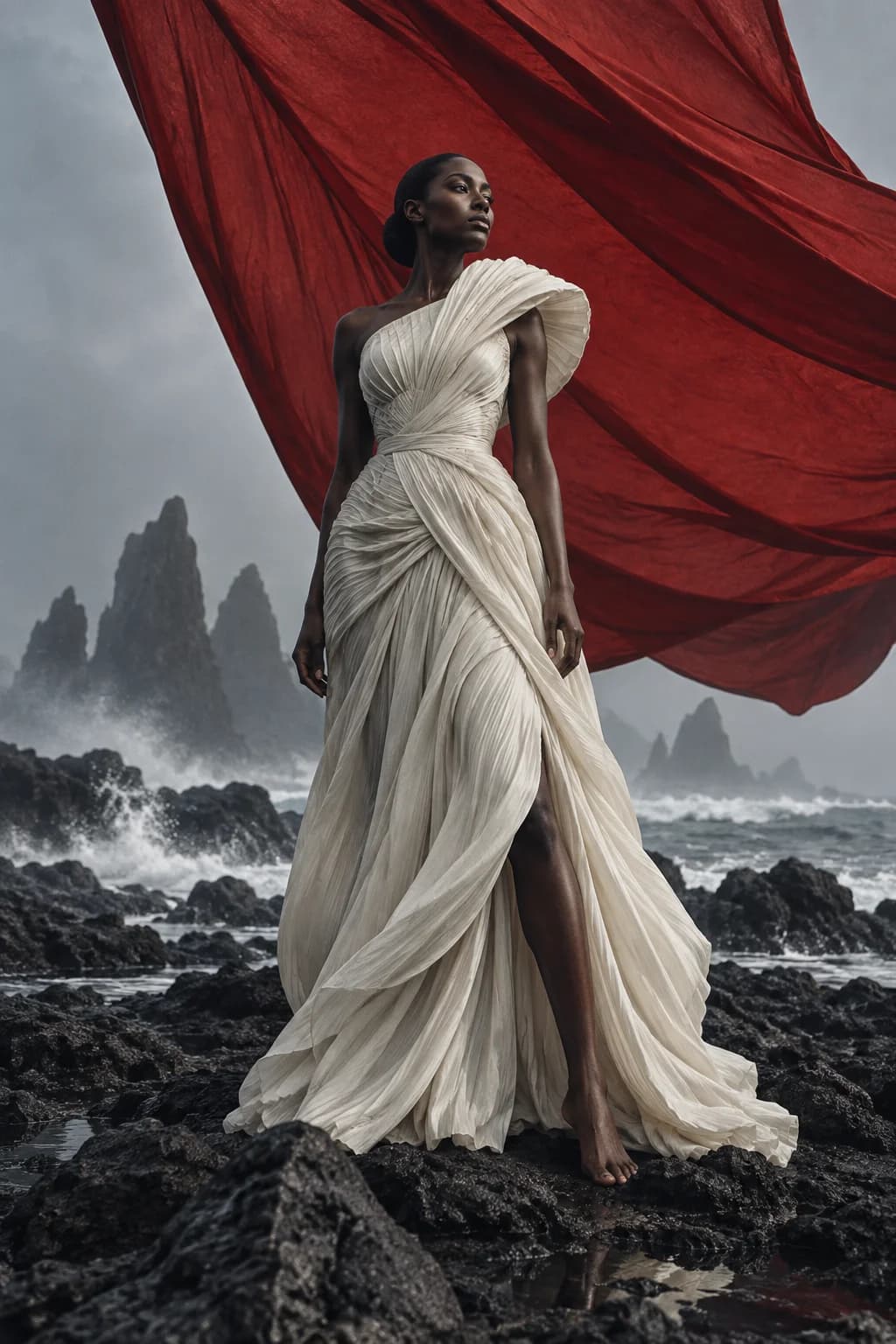
Sculptural couture and a crimson sail on a volcanic shore
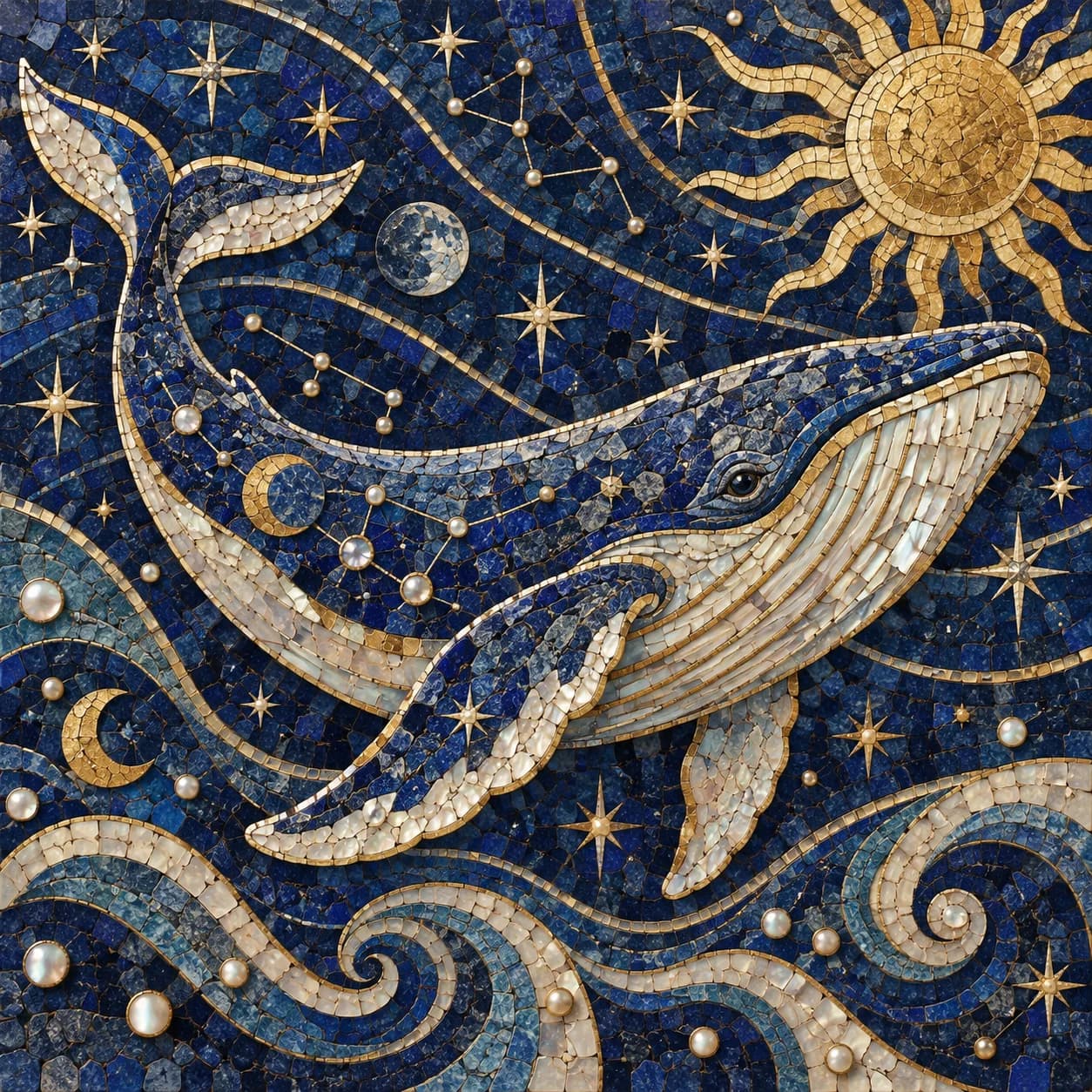
Gold and lapis celestial whale mosaic
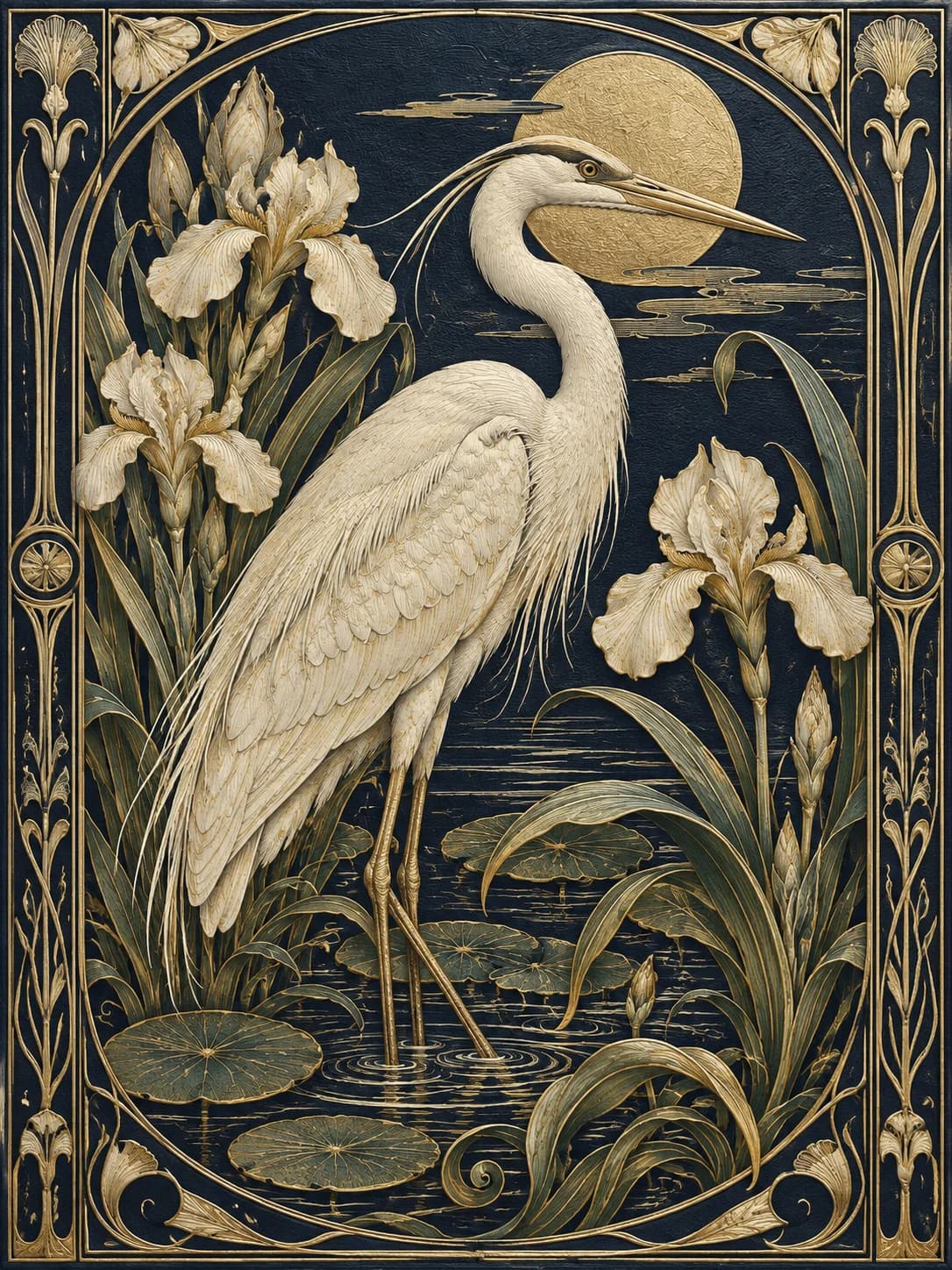
Art nouveau heron and iris botanical engraving
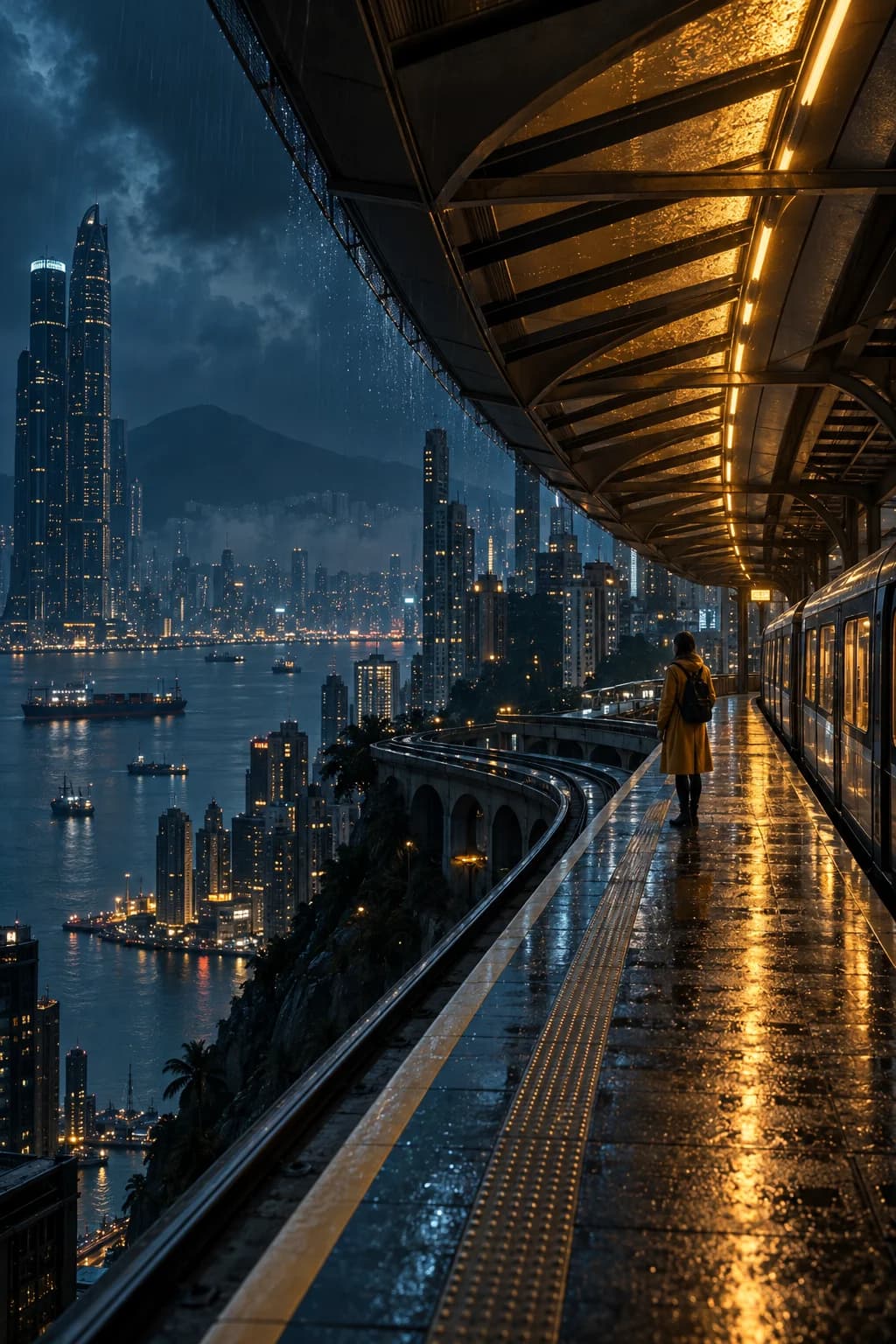
Cinematic rain-soaked futuristic train platform

What Can You Create with GPT Image 2.5?

Discover workflows inspired by the capabilities OpenAI describes for GPT Image 2.5. These original AI-generated illustrations show creative directions, not measured results from the model.

A new setting. A recognizable product.

Build studio, lifestyle, and seasonal concepts around a product reference. GPT Image 2.5 improves subject preservation and focused editing, helping you guide changes while retaining the packaging, silhouette, and colors that define the product. Inspect small labels and logos in every result.

  • Change the scene, props, or lighting.
  • Name the product details that should stay consistent.
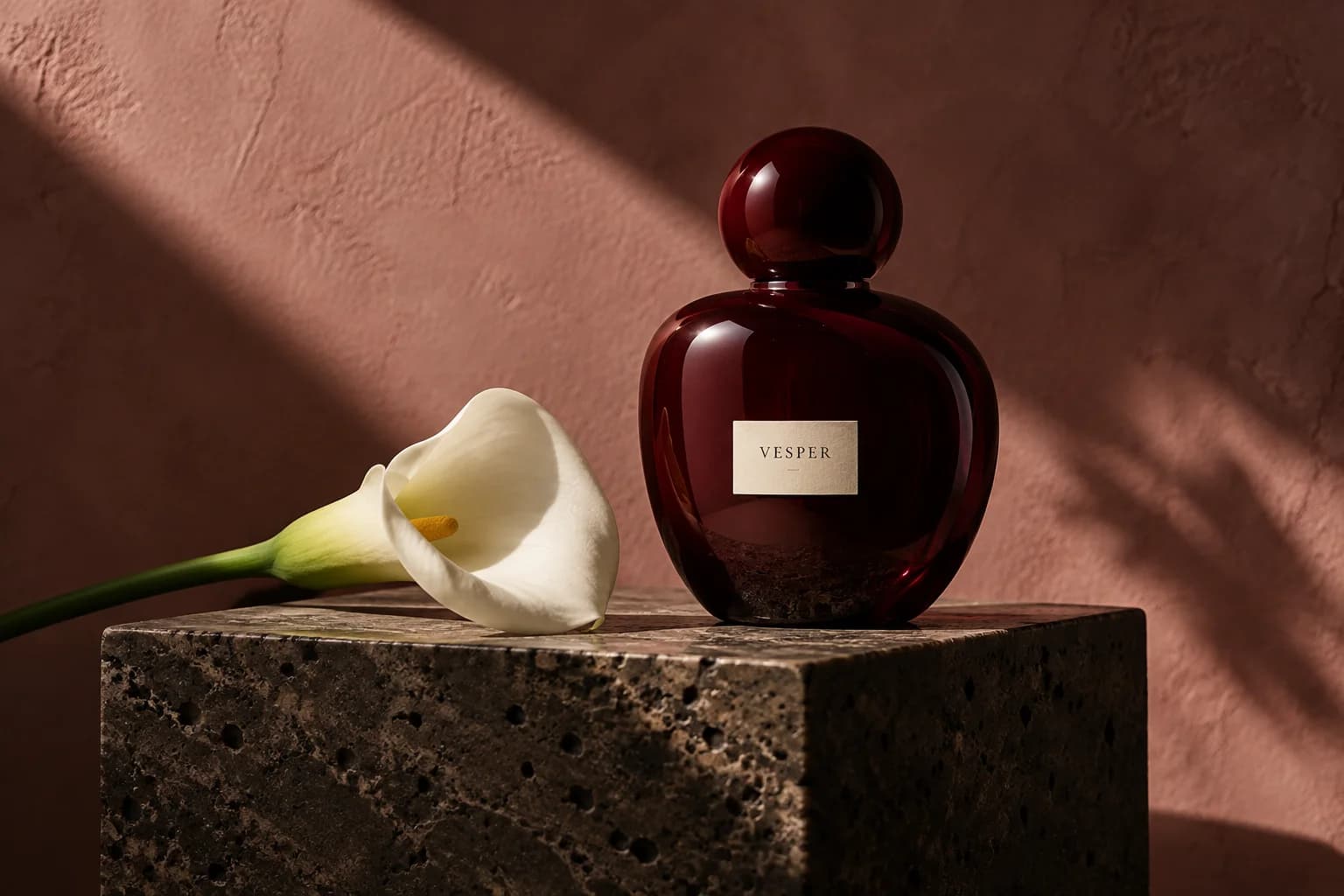
A new setting. A recognizable product.

Change the look, keep the person familiar

Explore wardrobe, background, and portrait ideas with GPT Image 2.5. Describe the new look while naming the facial features, expression, pose, and framing you want to preserve. More natural light and richer textures help portraits feel grounded.
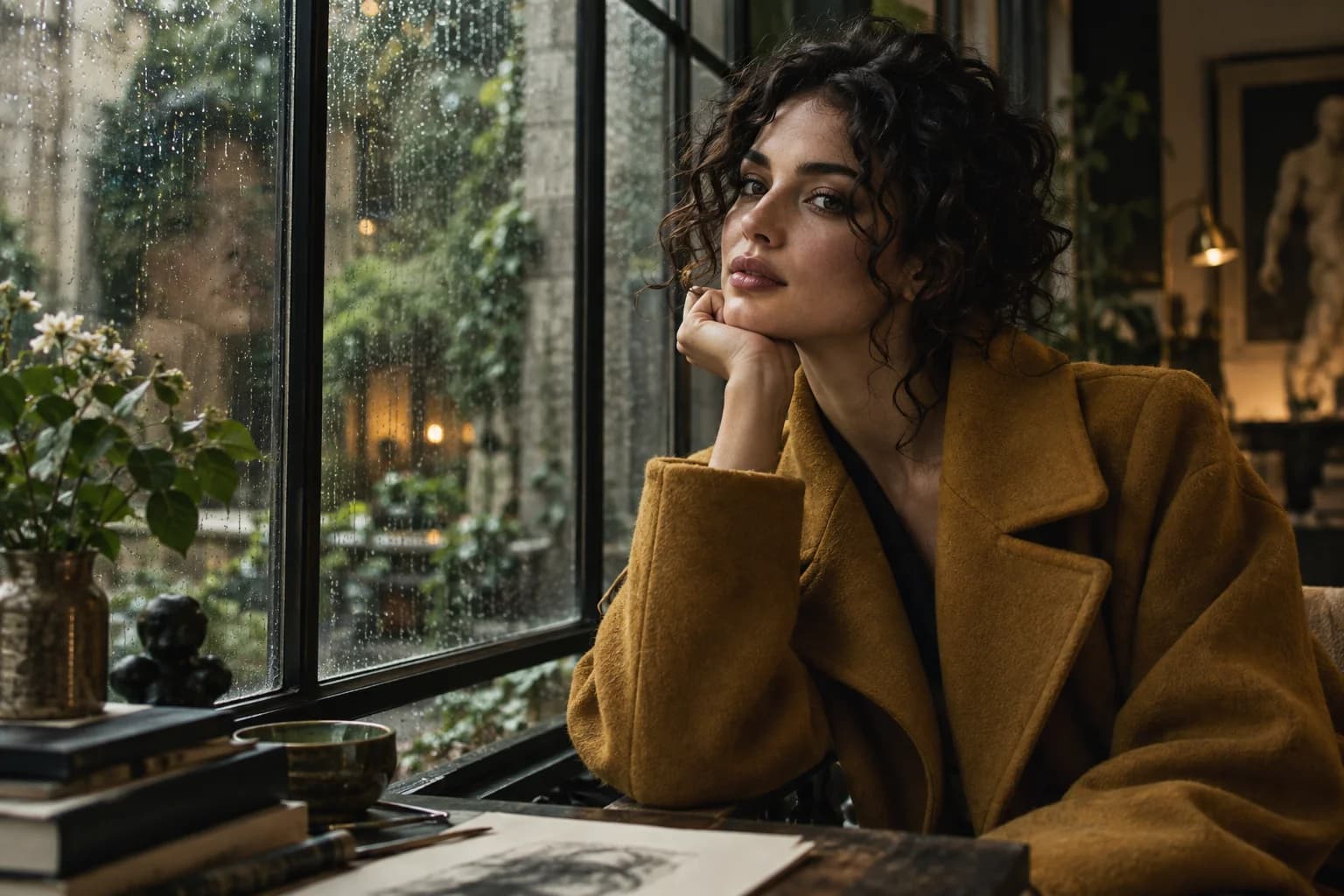
Change the look, keep the person familiar

Give every word and shape a purpose

Turn a detailed brief into a poster, campaign concept, or information graphic. GPT Image 2.5 improves complex instruction following, layouts, and real-world information. Put required wording in quotes, specify its placement, and check spelling and facts before publishing.
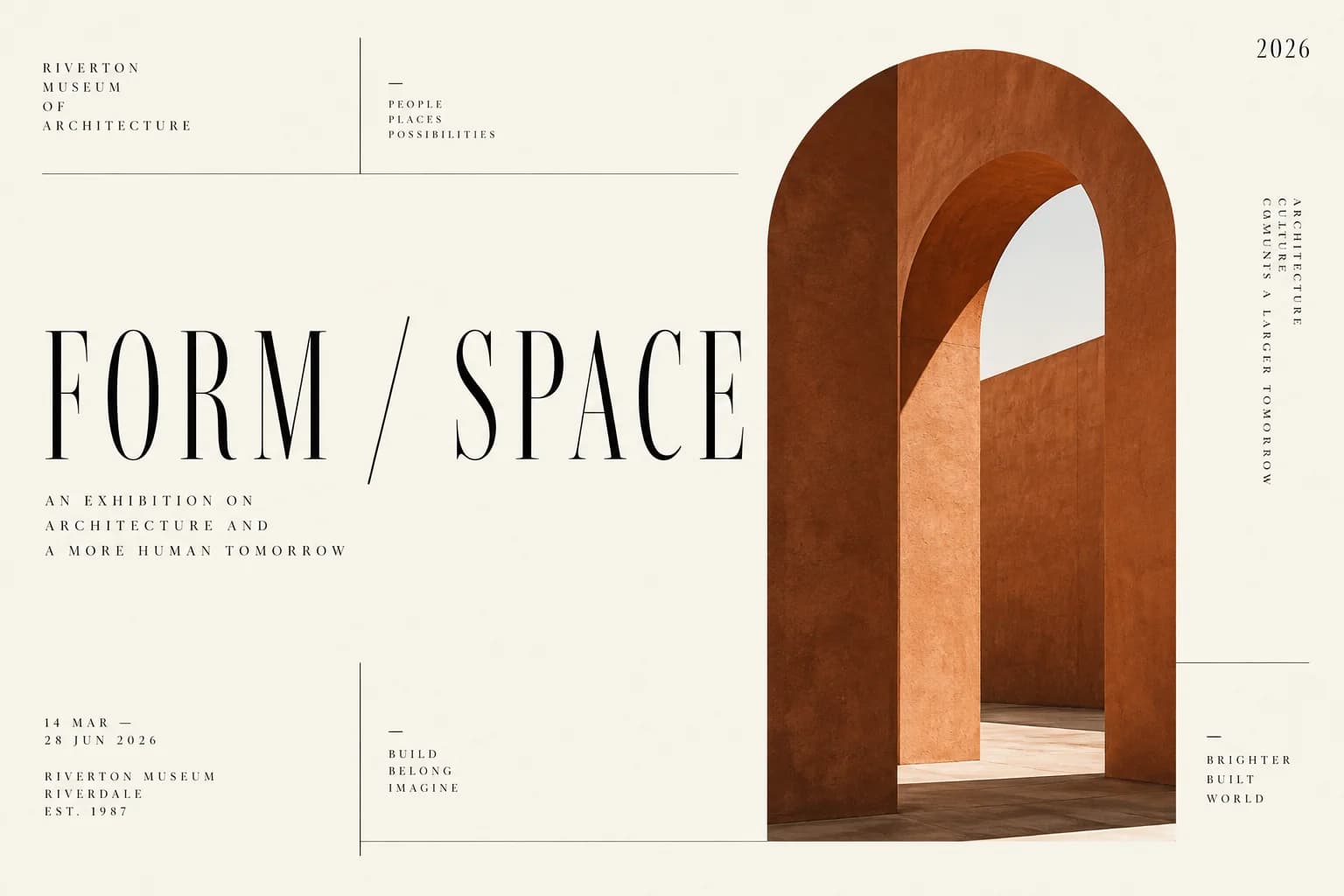
Give every word and shape a purpose

Follow a visual style all the way through

With GPT Image 2.5, explore painting, photography, or graphic design; describe the medium, palette, composition, and mood. Improved style following helps translate a specific artistic direction into a coherent image instead of a generic interpretation.
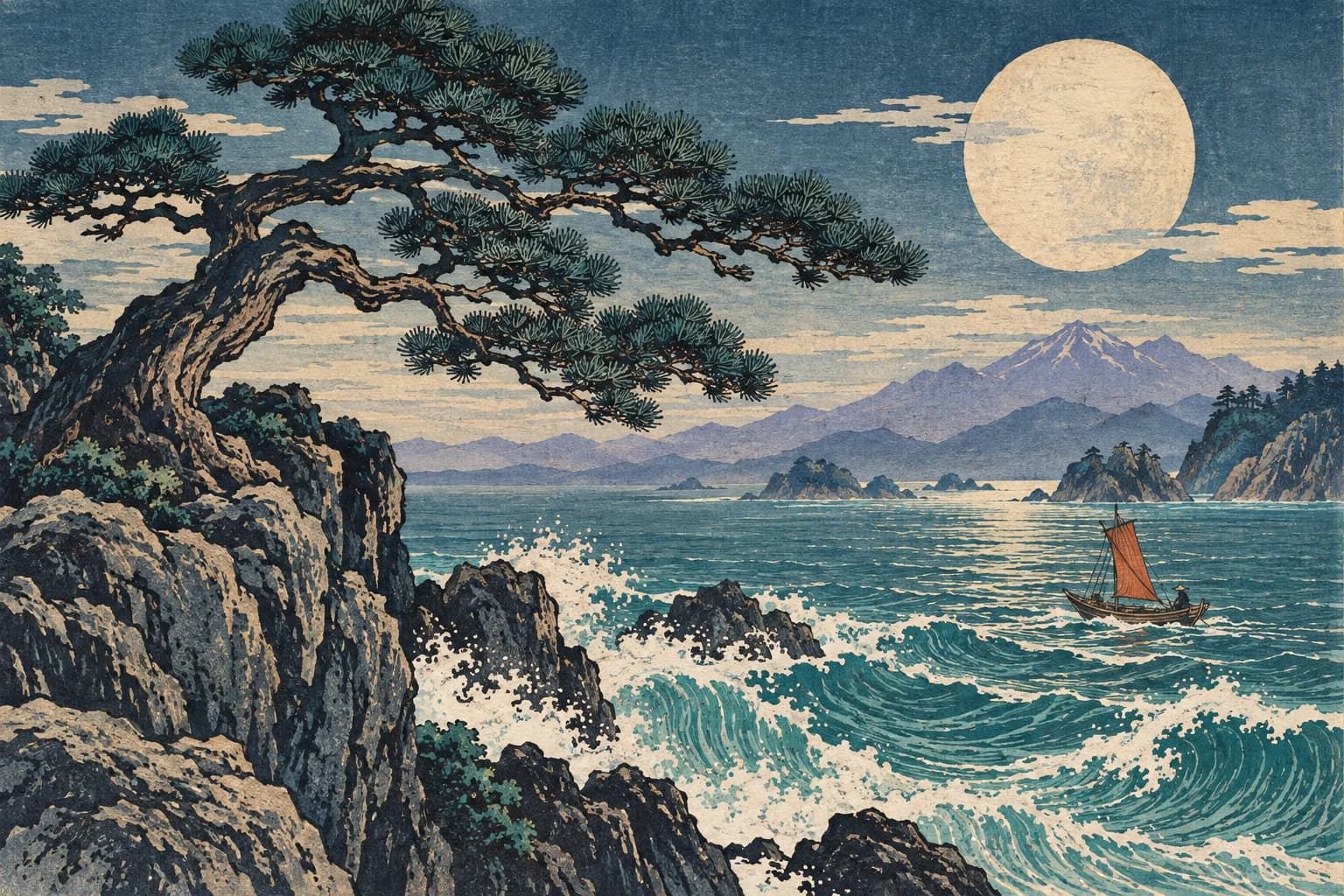
Follow a visual style all the way through

Keep refining the idea you already like

GPT Image 2.5 follows edits more consistently across multiple rounds. Start with a room concept, change one furnishing, then refine the lighting using the previous output. Restate the architecture, composition, and earlier decisions to preserve. Repeated edits can still introduce drift.

  • First: establish the composition.
  • Next: request one focused change.
  • Then: inspect the result before the next revision.
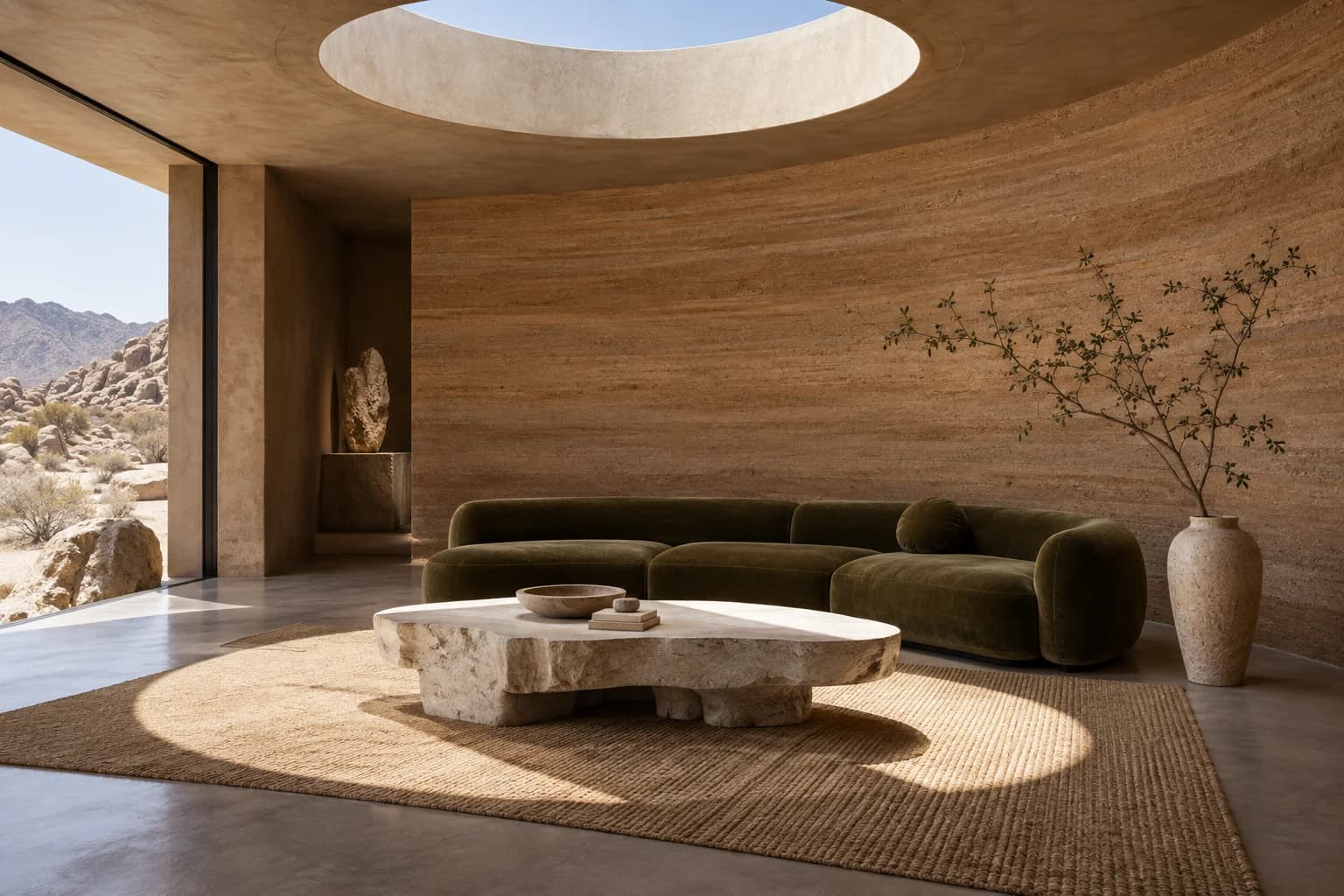
Keep refining the idea you already like

Create assets that fit into your next design

GPT Image 2.5 supports transparent backgrounds for stickers, product elements, and reusable creative assets. Request transparency explicitly and use an alpha-capable format such as PNG or WebP. Check delicate edges and shadows before placing the asset on another background.
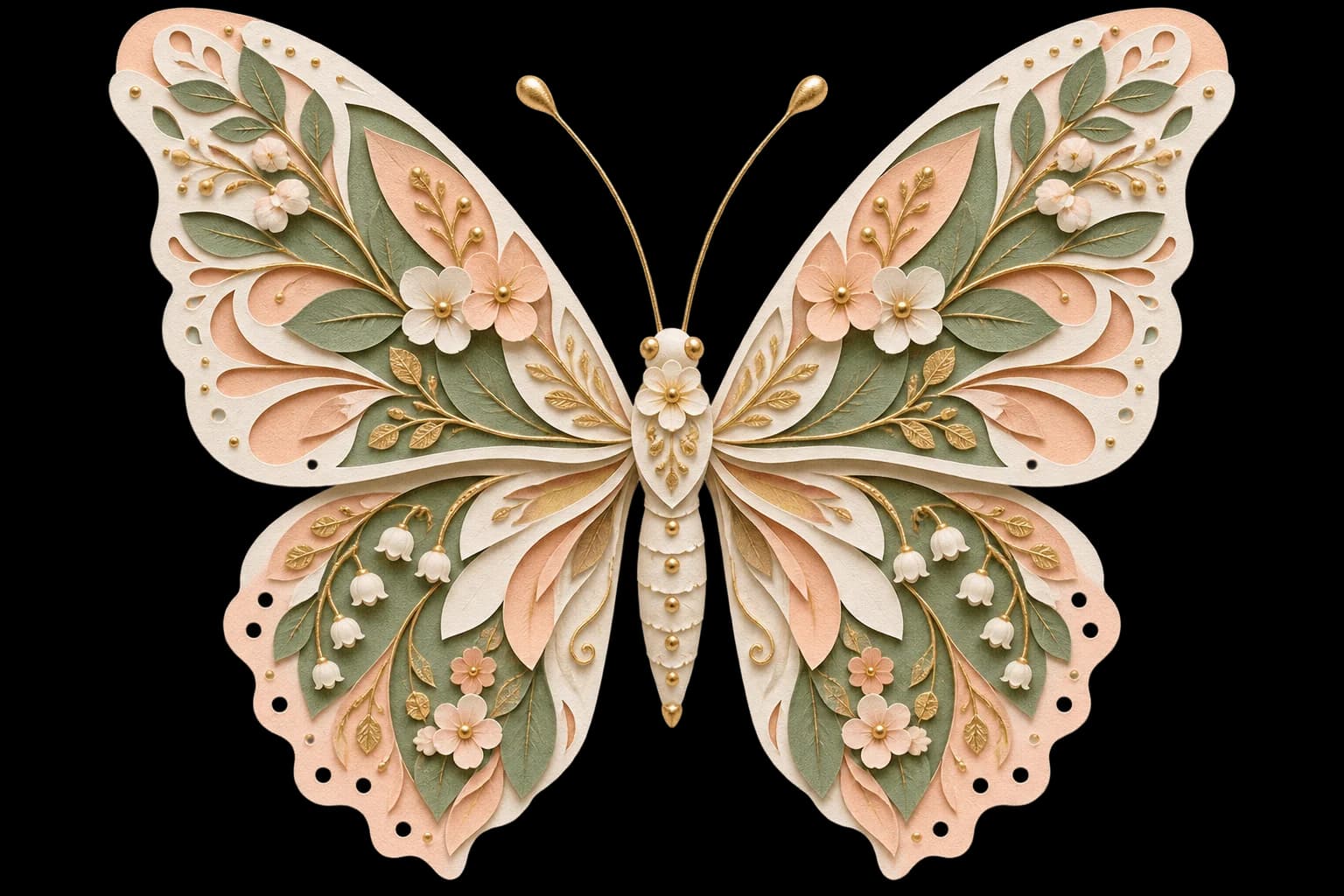
Create assets that fit into your next design

GPT Image 2.5 Flare vs. Sunburst

OpenAI released GPT Image 2.5 on September 8, 2026. Both versions generate and edit images; choose the balance that fits the task.

GPT Image 2.5 Flare

Optimized for speed and high-quality everyday work. A starting point for social content, creative variations, and rapid image concepts. OpenAI reports up to 50% lower generation latency versus Images 2.0; actual time depends on the request.

GPT Image 2.5 Sunburst

Optimized for quality and precise editing. Consider it for intricate product imagery, detailed compositions, and creative work that benefits from closer control. Allow more time for demanding requests.

Choose quality for the job

GPT Image 2.5 offers auto, low, medium, high, xhigh, and max quality, flexible sizes, and transparent backgrounds. Larger outputs above 2560 × 1440 total pixels are experimental. Use the editor controls to choose the available settings.

GPT Image 2.5 for Work and Everyday Creativity

Bring an existing image or describe what you want to make.

Products & storefronts

Use GPT Image 2.5 for product scenes and storefront visuals, with clear instructions to preserve packaging.

Ads & social content

Create ads, social graphics, and campaign variations with GPT Image 2.5.

Portraits & personal photos

Explore outfits and settings with GPT Image 2.5 while retaining familiar facial features.

Illustration & design

Develop posters, illustrations, and transparent design assets with GPT Image 2.5.

How to Use GPT Image 2.5 Online

Start with GPT Image 2.5 Flare and guide each change with a clear creative brief.

1

Start with a photo or an idea

Choose GPT Image 2.5 and upload a reference for editing, or describe a new image. Check the active model and its available controls in the form.

2

Say what changes and what stays

Identify the subject, requested change, style, and composition. For edits, name the faces, geometry, text, and other details that should remain recognizable.

3

Review, then refine

Check the credit cost before submitting. Inspect text, faces, product details, and edges, then use the result as a reference for one focused follow-up edit.

Creating with GPT Image 2.5

Clear model information and practical expectations for every creative workflow.

Visible model selection

GPT Image 2.5 Flare is selected to start. You can choose Sunburst or another available model before generating.

Credits before you generate

GPT Image 2.5 settings determine the displayed credit requirement. Review the amount before generating.

Original creative illustrations

Page artwork was generated for this guide. It is inspiration rather than a verified Flare or Sunburst performance comparison.

GPT Image 2.5 questions, answered

What is GPT Image 2.5?+
GPT Image 2.5 is OpenAI’s image model family released on September 8, 2026. Its improvements include sharper detail, more natural lighting and textures, better reference-subject preservation, precise editing, multi-turn consistency, complex visual instructions, and style following. The API offers Flare and Sunburst.
Can I use GPT Image 2.5 in this editor now?+
Yes. GPT Image 2.5 Flare is selected by default on this page. You can also choose Sunburst from the model selector. Review the available controls and credit cost before generating.
Which GPT Image 2.5 version should I choose?+
Flare prioritizes speed for everyday image generation and editing. Sunburst prioritizes demanding quality and editing precision. Both accept text and image inputs. Compare them using the same prompt and references in the editor; faster does not automatically mean cheaper.
Can GPT Image 2.5 preserve a person or product?+
Yes. GPT Image 2.5 supports image editing and improves preservation of reference subjects. Name the exact change and details to retain. It still generates new pixels, so unchanged areas are not guaranteed to remain pixel-identical.
How do I make multiple edits with GPT Image 2.5?+
In GPT Image 2.5, use the previous output as the next reference, request one change at a time, and repeat important preservation instructions. Review each result. OpenAI describes improved consistency across edits, but this is not a guarantee that details never drift.
Does GPT Image 2.5 support 4K and transparency?+
Official guidance includes 3840 × 2160 and 2160 × 3840 output, with outputs above 3,686,400 pixels marked experimental. Transparent backgrounds are supported with PNG or WebP. These are model capabilities; the live form shows the sizes and formats available for its currently selected model.
Is GPT Image 2.5 twice as fast?+
OpenAI reports generation latency reduced by up to 50% compared with Images 2.0. This is a qualified model comparison, not a guaranteed time for every request or a measurement of this website. Prompt complexity, output size, quality, and service load affect the actual wait.
Does GPT Image 2.5 include Sketch and prompt sharing?+
Sketch, image comments, templates, and sharing prompts are ChatGPT product features announced alongside Images 2.5. API model access does not automatically add those interfaces to this site.
How much does GPT Image 2.5 cost here?+
Use the credit amount shown for the selected model and settings before submission. Official API token prices are not this website’s retail prices, and this page does not promise free or unlimited GPT Image 2.5 generations.
Is this the official GPT Image 2.5 website?+
No. This is an independent image editing website. OpenAI says Images 2.5 is rolling out across ChatGPT, ChatGPT Work, and Codex tiers, with Flare and Sunburst available through the API. Availability on those products is separate from integration here.
What safeguards does GPT Image 2.5 use?+
For GPT Image 2.5, OpenAI describes prompt and image safety checks, C2PA metadata, and invisible watermarking for its image tools. Those provenance mechanisms are different from a visible watermark. Do not assume that every downstream transformation preserves metadata.
Does GPT Image 2.5 generate video?+
No. It generates and edits images. The sequences in the launch announcement demonstrate successive image edits, not native video generation.

Find the right workflow for your next image

Explore related editors and the official model documentation.

ChatGPT Image Editor

Explore the existing GPT image editing workflow.

Open tool →

AI Object Replacer

Focus on replacing one object in a photo.

Open tool →

AI Image Text Editor

Work on headlines, signs, and text inside images.

Open tool →

Official GPT Image 2.5 announcement

Read OpenAI’s capability and availability statements.

Open tool →

Official image prompting guide

Check model choices, quality settings, sizes, and editing guidance.

Open tool →

Start Creating with GPT Image 2.5

Create with GPT Image 2.5 Flare, or bring a reference photo to explore a new direction.

Open the Image Editor

Explore GPT Image 2.5 image generation and editing

GPT Image 2.5 combines text-to-image creation with reference-led editing. Flare focuses on speed, while Sunburst targets demanding quality and precision. Explore products, portraits, posters, illustrations, iterative revisions, and transparent assets using clear instructions. This guide reflects OpenAI’s September 8, 2026 announcement and developer documentation. Start with GPT Image 2.5 Flare in the editor, with Sunburst also available in the model selector.

LogoAi Picture Editor

AI image editing tools for cleaner, publish-ready visuals.

Email
Tools
  • Image to Image AI
  • AI Object Remover
  • AI Object Replacer
  • AI Image Extender
  • AI Product Photo Editor
  • AI Product Ad Generator
  • AI Fashion Model Generator
  • AI Ghost Mannequin Generator
  • AI Background Changer
  • Photo Colorizer
  • Old Photo Restoration
  • AI Image Text Editor
  • Remove Glasses AI
  • Family Picture Editor
  • AI Action Figure Generator
  • AI Furniture Remover
  • Photo Remove Filter
  • AI Flat Lay Clothing Generator
  • AI Photo Relighting
  • All Tools
Models
  • ChatGPT Image Editor
  • Qwen Image Edit
  • Grok AI Image Editor
  • Nano Banana Photo Editor
  • Nano Banana 2 Lite
Company
  • About
  • Contact
  • Changelog
Legal
  • Cookie Policy
  • Privacy Policy
  • Acceptable Use Policy
  • Terms of Service
© 2026 Ai Picture Editor All Rights Reserved.[email protected]We are not affiliated with the model providers. All trademarks belong to their respective owners.