
AI Fashion Model Generator for Realistic On-Model Photos
Turn flat lays, hanger shots, mannequin photos, or supplier images into realistic on-model fashion photos for stores and campaigns.
Describe the adult model, pose, camera, scene, and garment details to preserve.
The selected resolution controls the configured credit cost.
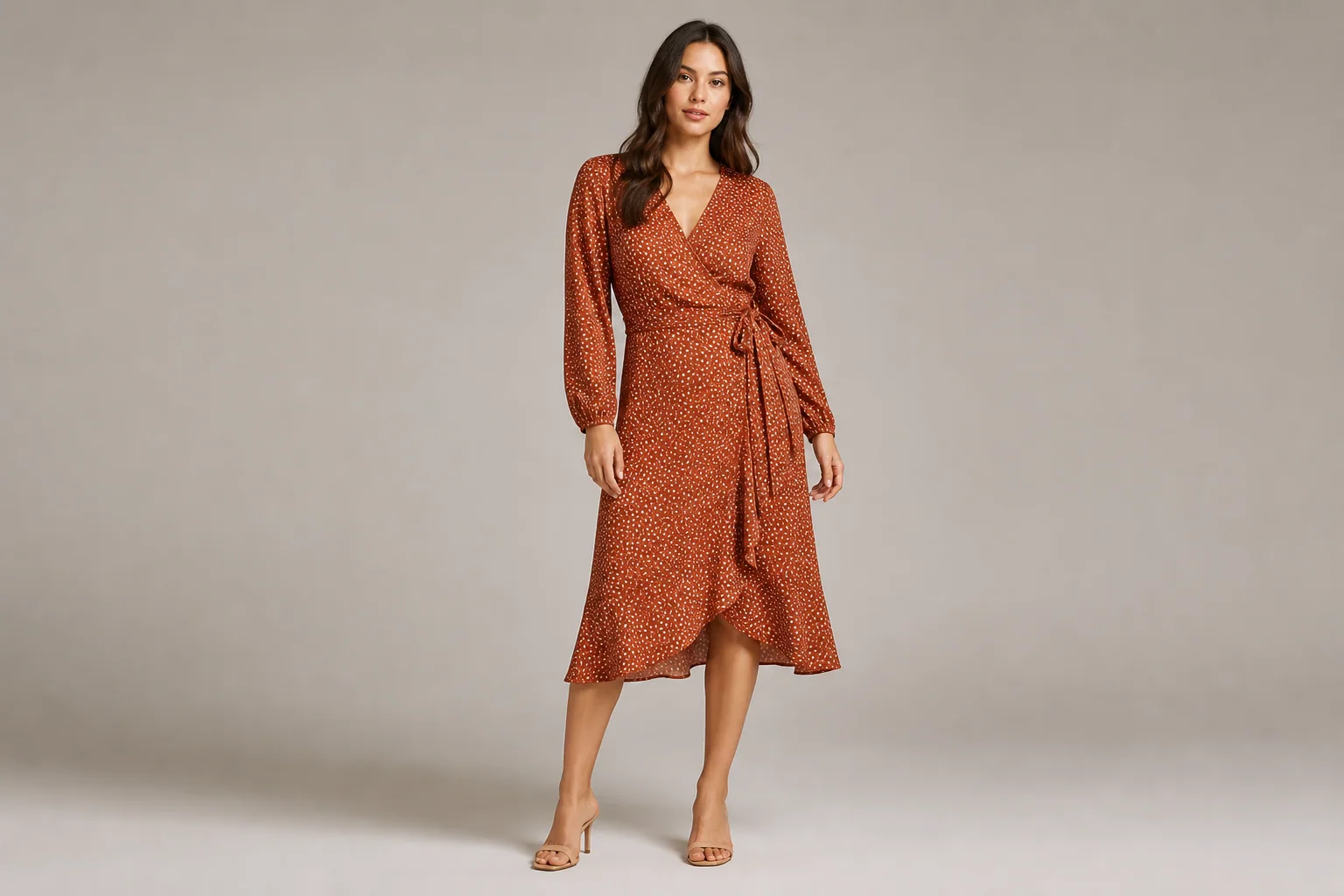
AI Fashion Model Generator Features for Ecommerce
Create product-page, catalog, and campaign-ready on-model fashion images.
Turn Flat Lays into On-Model Fashion Photos
Turn a flat lay, hanger shot, mannequin photo, or supplier image into a realistic photo of an adult model wearing the garment.
- Start with a full garment view and visible edges.
- Choose a catalog or lifestyle pose and review the result before use.
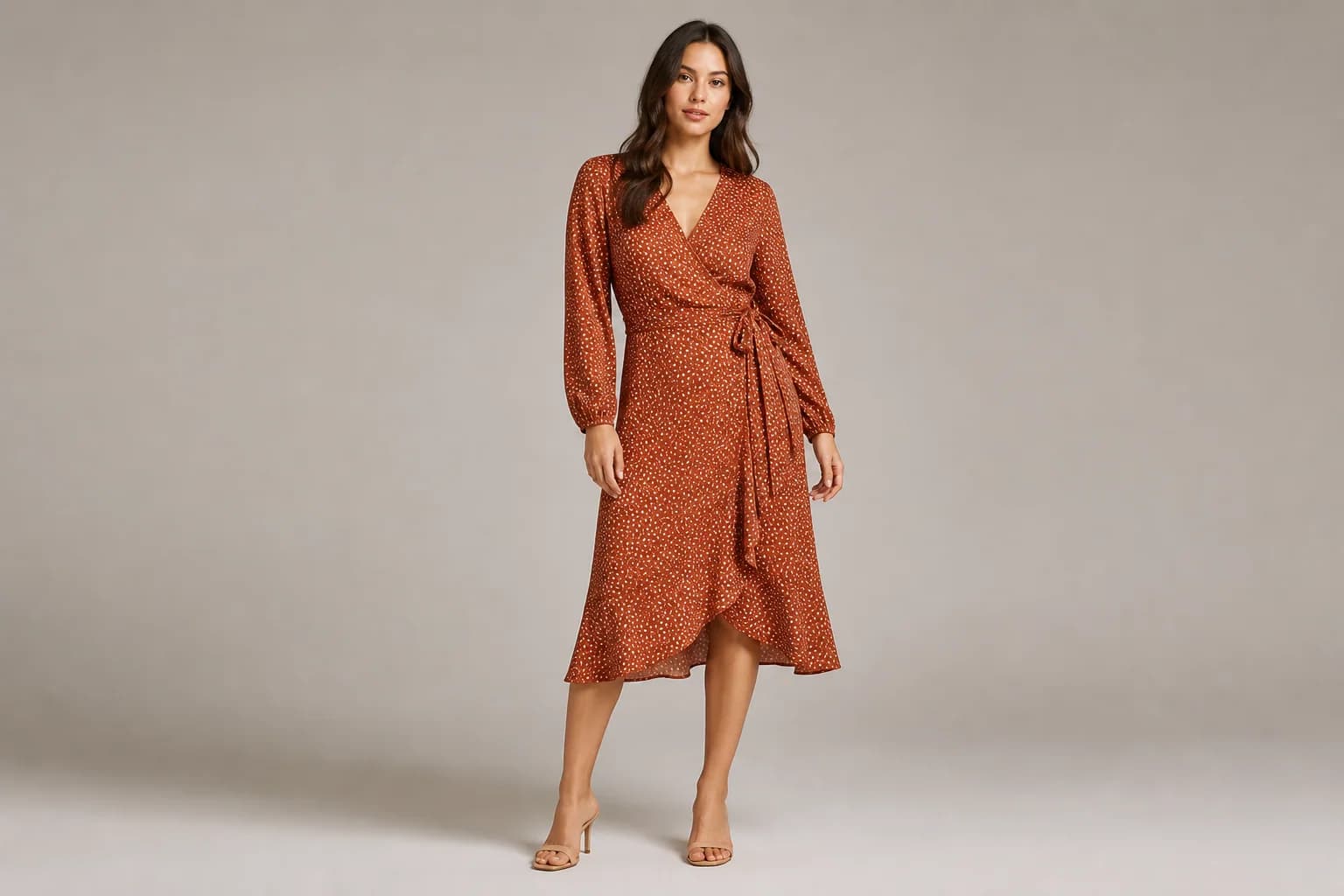
Keep Color, Print, Logo, and Construction Recognizable
Preserve the SKU’s silhouette, color, print, logo, seams, closures, and fabric texture.
- Add a sharp close-up when small print, embroidery, or hardware matters.
- Check lettering and repeating patterns at full size after generation.
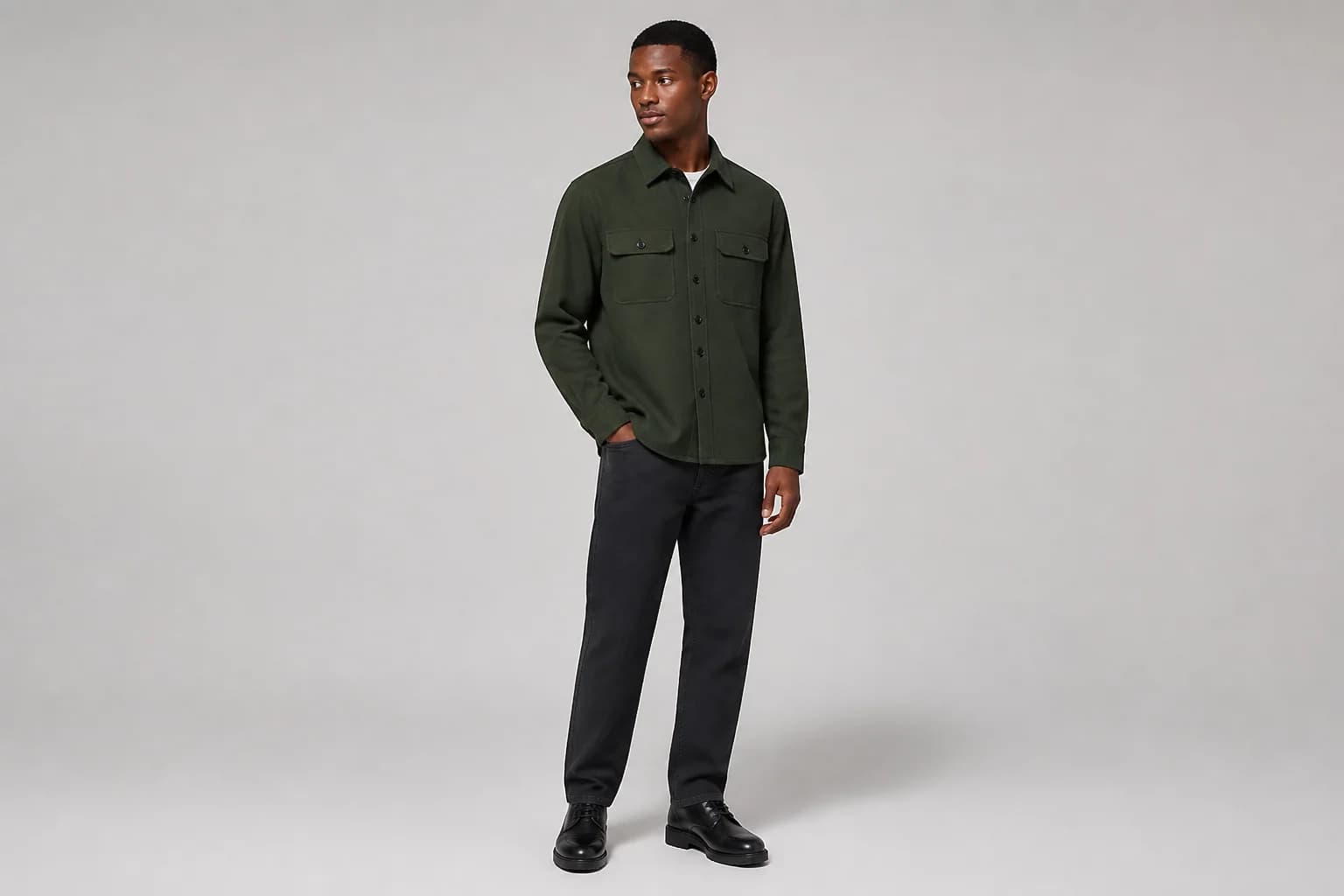
Create Fashion Models for Different Audiences
Describe an adult model’s age range, body type, skin tone, hair, pose, and styling to suit your audience.
- Create inclusive on-model product imagery for different customer groups.
- Check body proportions, hands, drape, and garment contact.
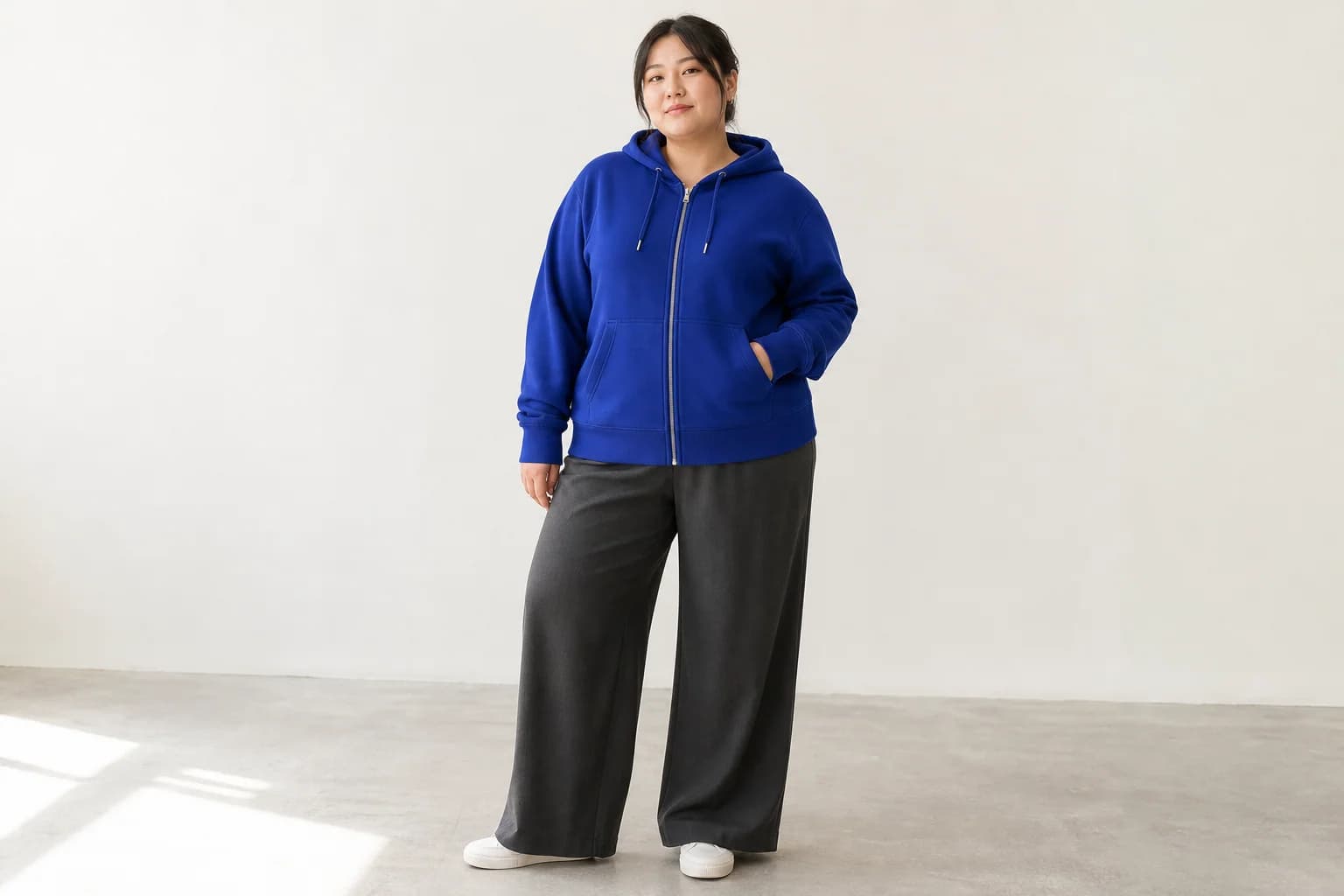
Guide the Look with an Optional Model Reference
Add an authorized model reference to guide face, hair, proportions, or styling; exact identity is not guaranteed.
- Upload the garment first and identify each reference in the prompt.
- Use only adult model photos you own or have permission to edit.
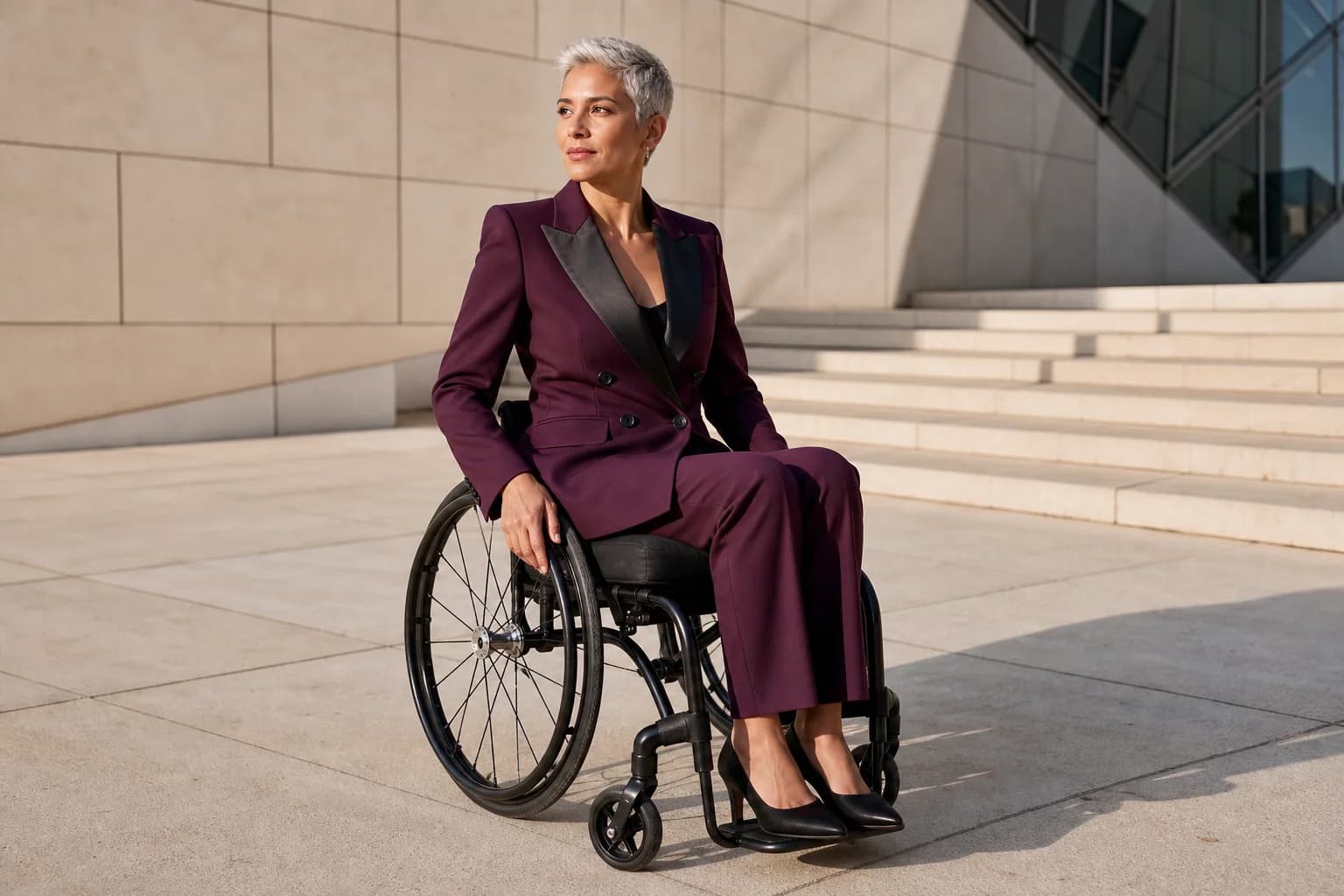
Create Catalog and Lifestyle Fashion Photography
Create clean catalog shots or studio, street, resort, editorial, and seasonal campaign images.
- Keep primary product images simple and factual.
- Describe the camera, light, setting, and negative space for the final channel.
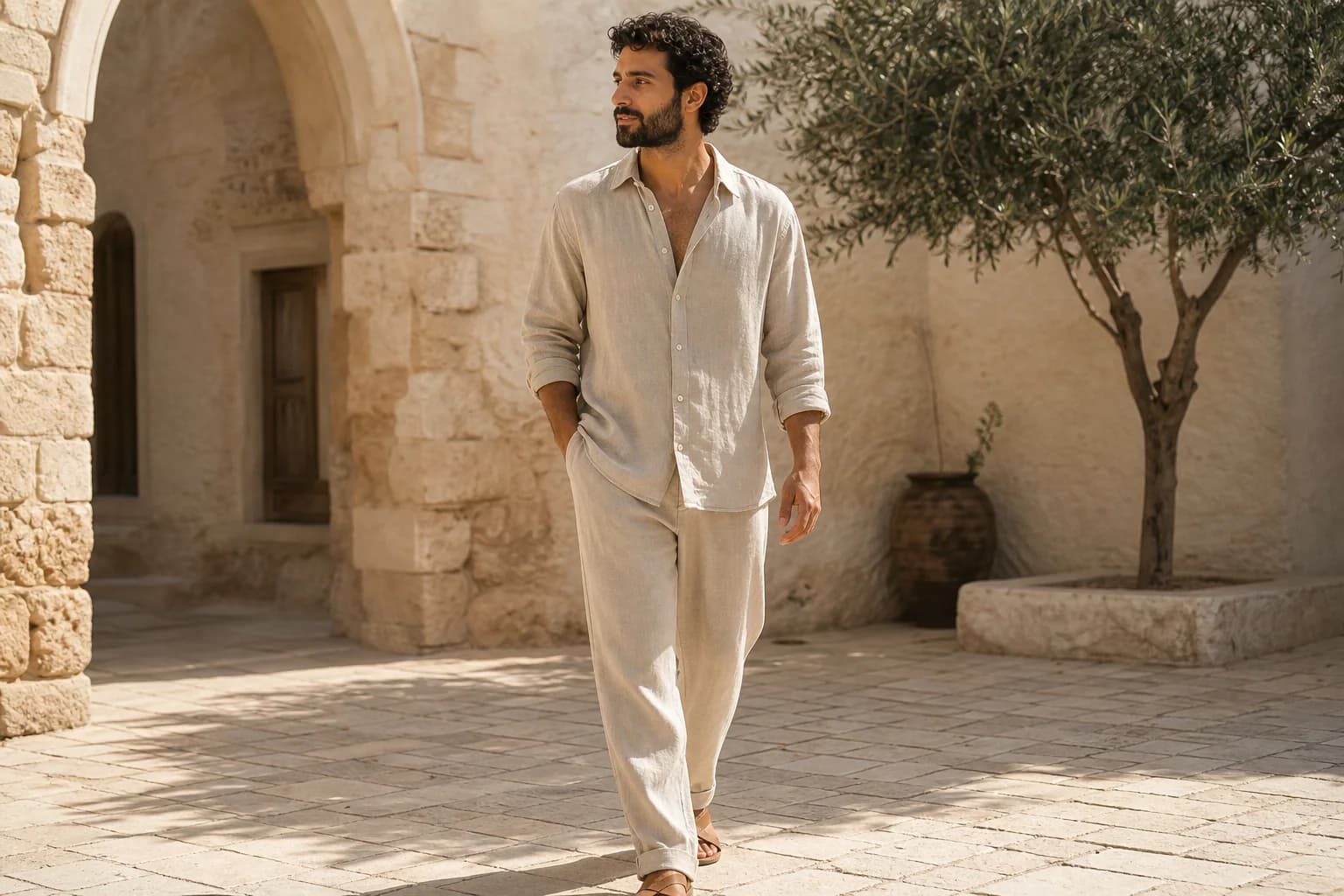
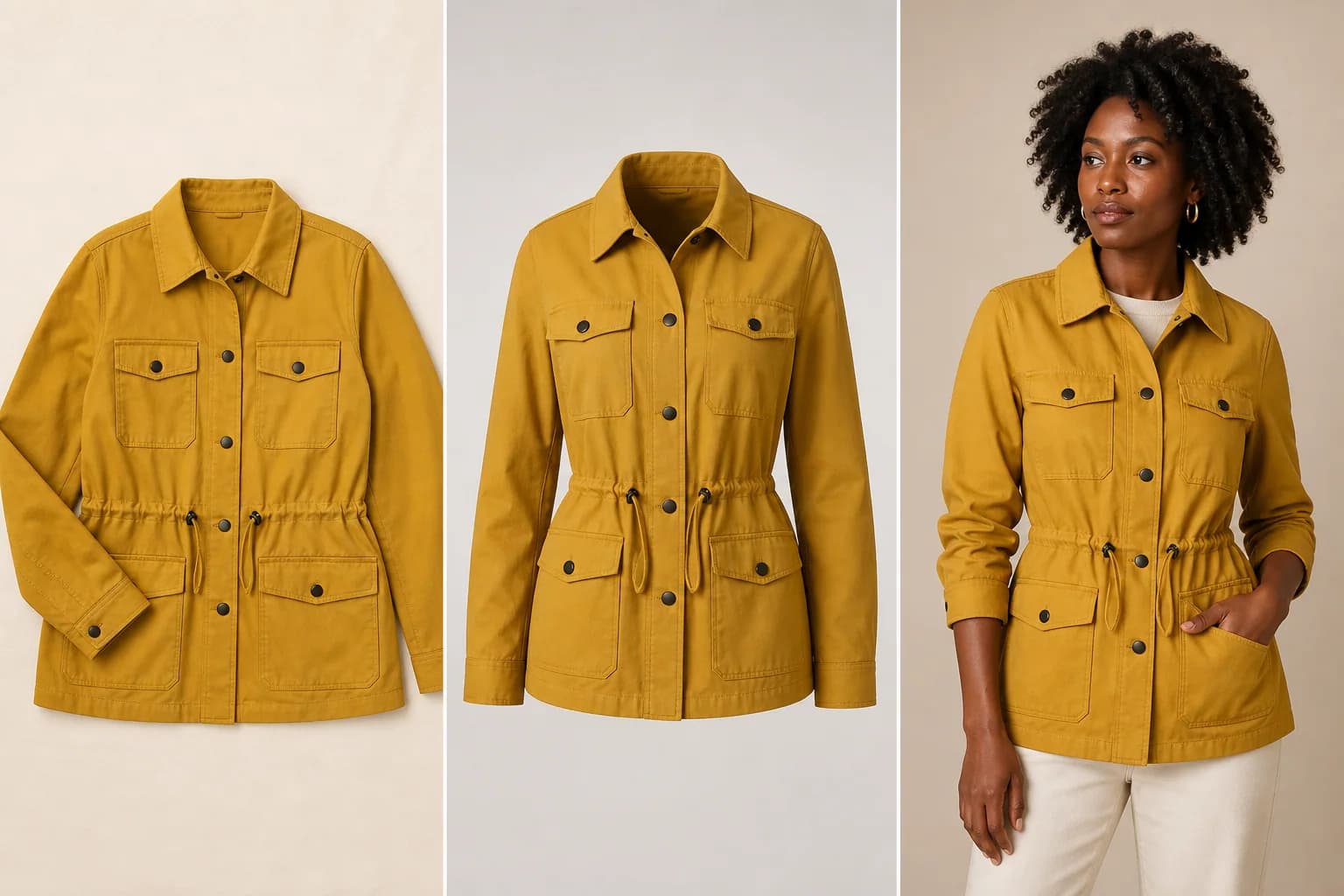
Connect On-Model, Flat Lay, and Ghost-Mannequin Views
Pair on-model images with flat lays, ghost-mannequin views, and focused editing tools.
- Show scale and drape with an on-model image.
- Show construction with flat lay and ghost-mannequin views.
Who Uses an AI Fashion Model Generator?
The AI Fashion Model Generator serves apparel teams that have product images but still need credible on-model photos for selling, merchandising, and creative exploration.
Shopify and DTC Fashion Brands
Expand a PDP gallery with on-model views that communicate scale, drape, styling, and customer context.
Marketplace and Resale Sellers
Turn supplier, hanger, flat lay, and mannequin photos into secondary on-model listing concepts after checking product truth and marketplace rules.
Designers and Small Studios
Explore a fashion catalog, lookbook, line-sheet, sample presentation, or campaign direction without restaging every concept first.
Agencies and Social Teams
Create varied model, studio, street, resort, editorial, and seasonal directions for client review and approved campaign assets.
How to Use the AI Fashion Model Generator
The AI Fashion Model Generator works best when one clear garment, optional same-SKU views, and a specific on-model brief all describe the same intended result.
1. Upload the Garment First
Choose a sharp flat lay, hanger, mannequin, ghost-mannequin, or supplier image with the complete garment visible. Add up to two same-SKU detail views or one authorized adult model reference if needed.
2. Describe the Model and Scene
Name the adult model, pose, camera angle, background, light, catalog or lifestyle goal, and every color, print, logo, seam, closure, and material detail to preserve.
3. Generate and Audit the Garment
Open the result at full size and compare silhouette, fit, pattern, wording, hardware, hands, anatomy, and inferred hidden areas with the source before downloading or publishing.
Why Choose This AI Fashion Model Generator?
Create on-model fashion images with reference support and garment-preservation guidance.
Usable Above the Fold
Upload references, write a brief, generate, refine, and download in one workflow.
Garment-Preservation Guidance
Protect key SKU details with front, back, and close-up references.
Connected Review and Editing
Finish the result with focused flat lay, text, color, lighting, and canvas tools.
Create an On-Model Image with the AI Fashion Model Generator
Upload one garment, add optional same-SKU or model references, and direct the AI Fashion Model Generator toward a catalog or lifestyle result you can inspect before use.