
Change Photo Angle with AI
Find a fresh perspective in a photo you already have. Change Photo Angle helps you explore front, side, overhead, and low-angle views from one reference. Upload your image, choose a direction, and describe the shot you want.
Upload image
or drag and drop
Choose a starting point
Choose a viewpoint, then add any framing details that matter to your image.
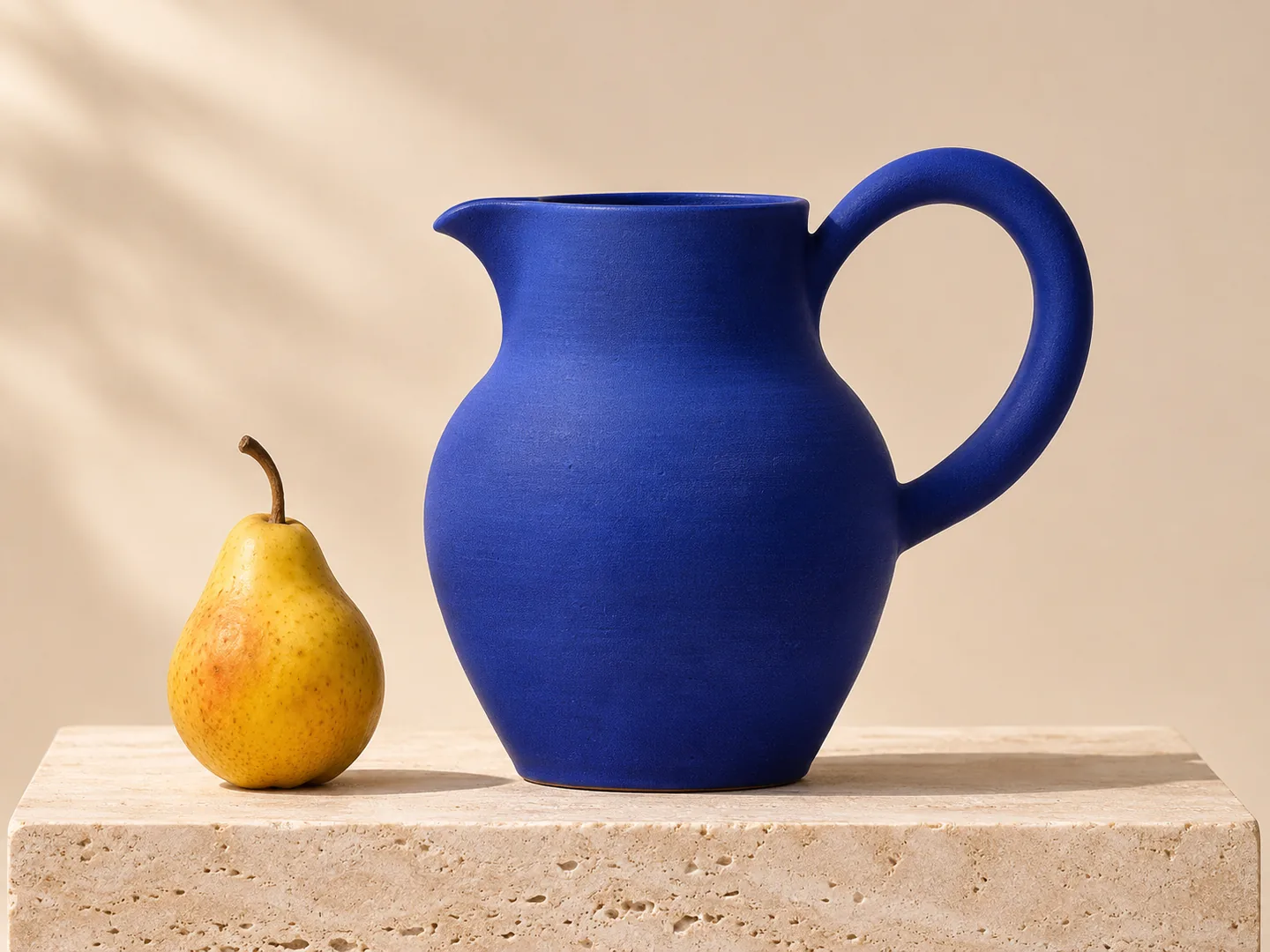
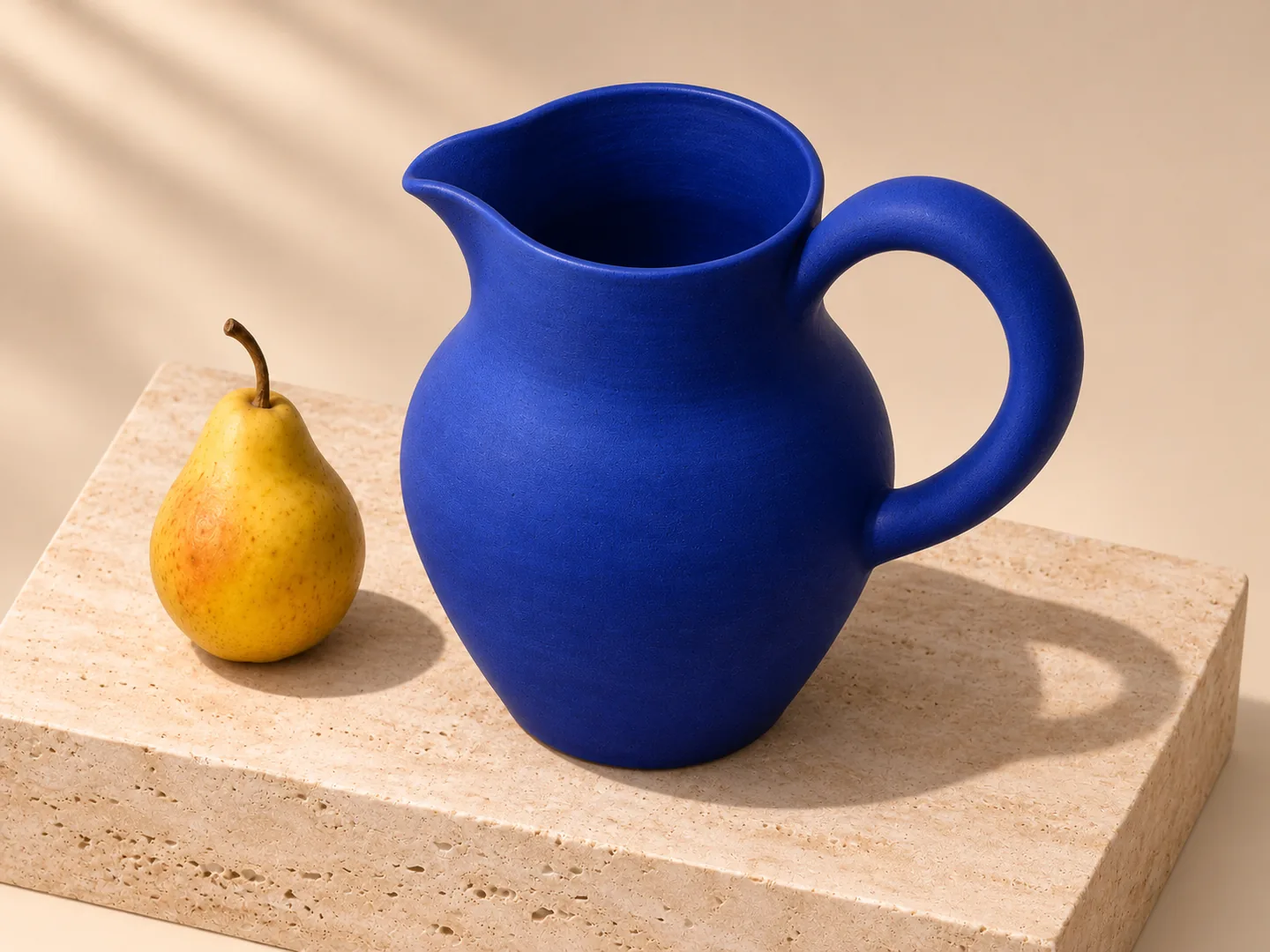
Explore a new viewpoint with Change Photo Angle
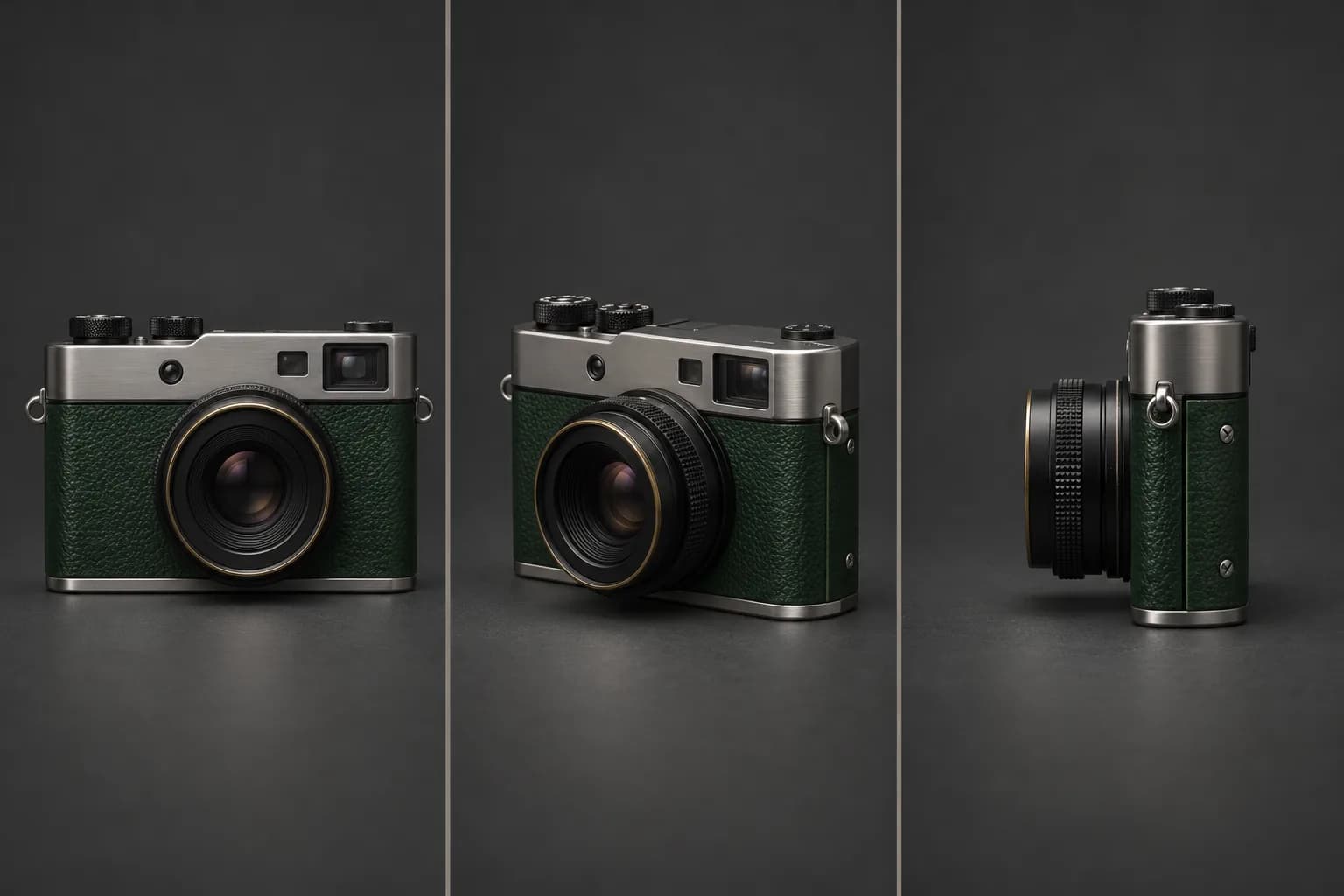
Find a stronger view of your subject
A different viewpoint can reveal a silhouette, bring a foreground detail forward, or give a familiar image more depth. Use Change Photo Angle to explore a front, side, or three-quarter composition from one reference. Your uploaded subject guides the new image while a short description sets the camera direction. Change Photo Angle gives you another composition to consider for a post, presentation, or creative project. Compare the result with your original and choose the view that tells your story.
Try it on your image
Give everyday scenes a fresh perspective
An overhead view can organize a tabletop into clear shapes and colors. A lower camera position can emphasize height and presence. With Change Photo Angle, describe the viewpoint that suits your subject and explore how it changes the composition. Try a food arrangement from above or a sculptural object from below. Change Photo Angle helps you develop a photographic idea using the scene you already have, with room to refine the framing after reviewing the result.
Try it on your image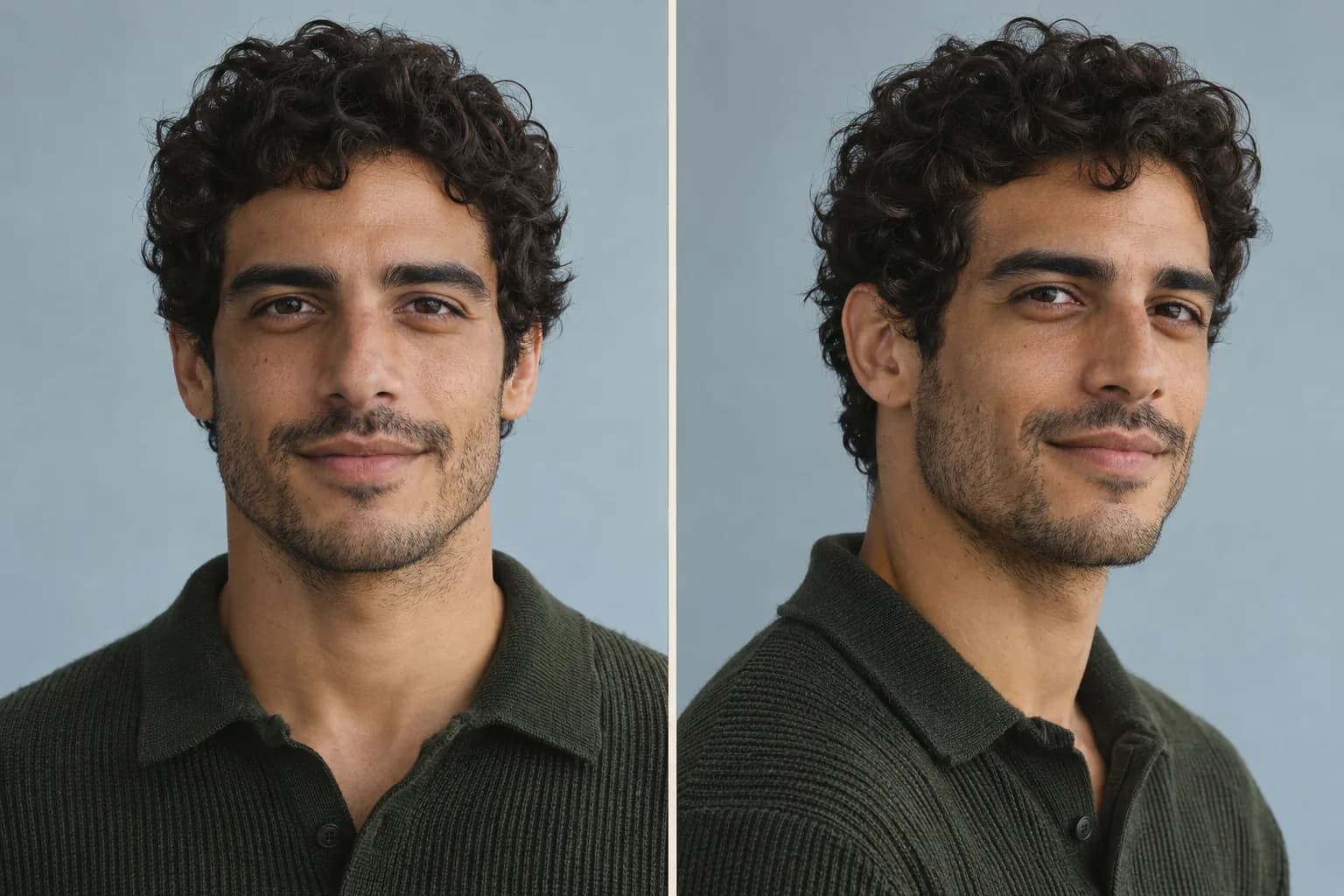
Explore a new angle for a portrait
A front-facing portrait and a three-quarter view communicate different moods. Change Photo Angle uses your reference to guide recognizable facial features while you describe a new camera position. Explore a side profile for an editorial concept or a more direct view for a personal project. Ask to retain the hairstyle, clothing, and lighting that define the original. Review facial likeness and newly visible details in Change Photo Angle before choosing an image for your profile or portfolio.
Try it on your image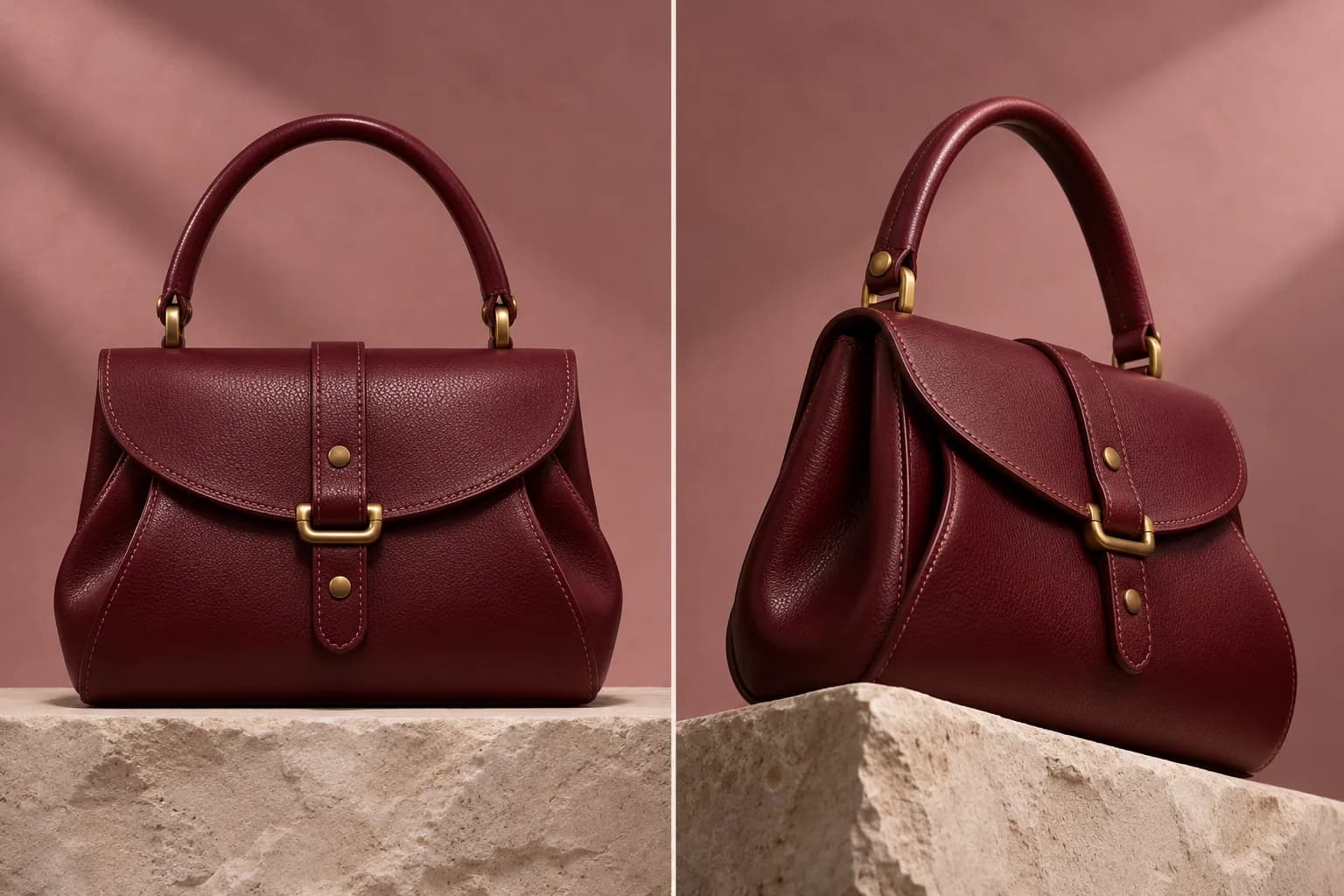
Show a product from a more useful viewpoint
Help an audience notice an item’s shape, material, or finish. Change Photo Angle can create another product-photo composition for campaign concepts, social posts, and presentation layouts. Try a three-quarter view of a ceramic object or a lower angle that emphasizes a bag’s structure. Describe the details you want to retain, then check edges, logos, labels, and proportions against your reference. Use Change Photo Angle to explore the visual direction before selecting an image for publication.
Try it on your image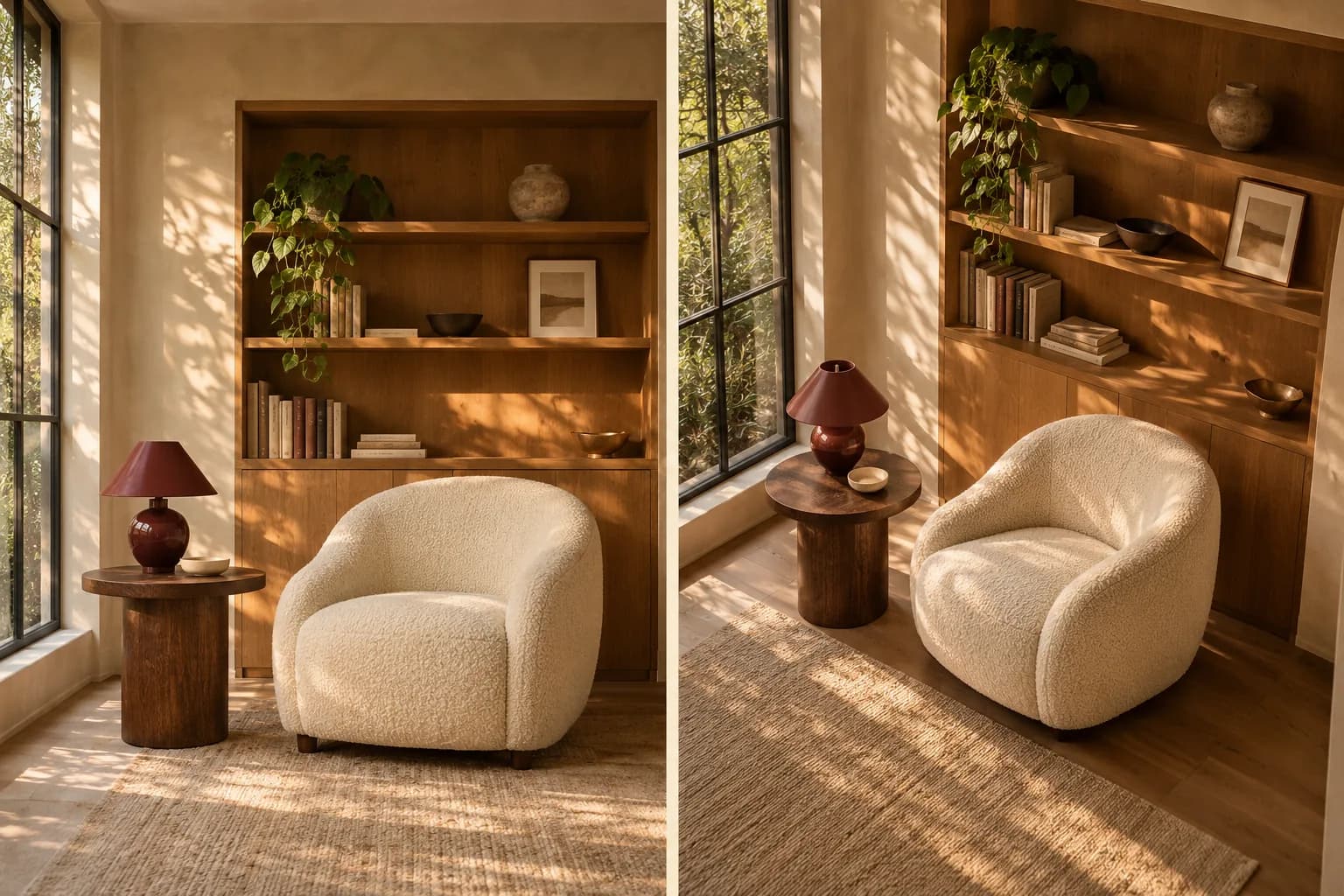
Refine the viewpoint with a simple request
A shifted viewpoint can draw attention to a reading corner, a piece of furniture, or the relationship between objects. Use Change Photo Angle to explore a room composition while asking to retain its palette, materials, and light. A clear reference gives the image perspective changer more visible context to work with. Change Photo Angle creates a visual interpretation of the requested view. Review furniture shapes, architectural lines, and newly imagined areas when developing a moodboard or design presentation.
Try it on your imageHow to use Change Photo Angle
Upload your photo
Start Change Photo Angle with a clear JPG, PNG, or WebP showing your subject.
Choose a viewpoint
Pick a Change Photo Angle preset and add a short description of your desired composition.
Generate and review
Compare the new view, refine your description, and download your chosen image.
Put Change Photo Angle to work
Social content
Give a familiar post a fresh composition with Change Photo Angle.
Campaign concepts
Explore a product viewpoint for an ad layout with Change Photo Angle.
Personal profiles
Explore a fresh portrait composition for your profile or portfolio.
Creative presentations
Build portrait concepts, interior moodboards, and visual references for a project.
Why choose Change Photo Angle?
Start with one image
Use a photo you already have as your Change Photo Angle reference.
Direct the result naturally
Choose a preset and describe your view in everyday language.
Review the cost first
See the generation credit cost in the tool before submitting.
Questions about Change Photo Angle
How does Change Photo Angle work?
Change Photo Angle uses your uploaded image and description to generate a new camera viewpoint. AI interprets the visible subject and scene, then imagines areas revealed by the requested perspective. Start with one clear subject for an easier result to assess.
Which viewpoints can I create?
Change Photo Angle includes front, three-quarter, side, overhead, and low-angle starting points. You can edit the description to request a different framing. Each generation produces a new interpretation, and the result depends on the source image and your instructions.
Can Change Photo Angle keep faces and product details?
Your reference guides facial likeness, shapes, materials, and colors. Details can change as AI generates a new view. Check faces, hands, lettering, logos, and edges against the original. Newly visible surfaces are generated from context and may differ from the actual subject.
What images can I upload?
Change Photo Angle accepts JPG, PNG, and WebP images. Use a clear, well-lit photo with your subject visible and enough surrounding context. File-size limits, supported output options, and other requirements follow the selected model and appear in the tool.
Can I try Change Photo Angle for free?
Available trial credits are shown in the tool. Change Photo Angle displays the credit cost before generation, and costs depend on the selected model and settings. You can purchase a subscription or credit pack to continue creating after your available credits are used.
How do downloads and image sizes work?
Sign in to download your Change Photo Angle result. Accounts without a purchase receive a watermarked preview up to 640 pixels on the longest edge. A purchase unlocks original-resolution downloads. The generated image resolution follows the model and output settings selected in the tool.
Can I refine the generated viewpoint?
Edit the description in Change Photo Angle and generate again. Try adjusting one element, such as the camera height or framing, so the results are easier to compare. Every generation uses the credit cost shown before you submit.
Can I use Change Photo Angle images commercially?
Use images you own or have permission to edit. Review the selected model’s usage terms and any rights associated with people, products, trademarks, or artwork before publishing your result in commercial projects.
Find your next viewpoint with Change Photo Angle
Bring one image to Change Photo Angle and explore the composition you have in mind.
Upload Photo & Change Angle