AI Photoshoot Generator for Studio-Style Photos
Give an everyday photo a new photographic direction. Use AI Photoshoot Generator for studio portraits, product scenes, and creative still life. Upload one reference, describe the setting and light, and make your next shot.
Upload image
or drag and drop
Choose a starting point
Choose a starting idea, then describe the setting, light, and mood you want.
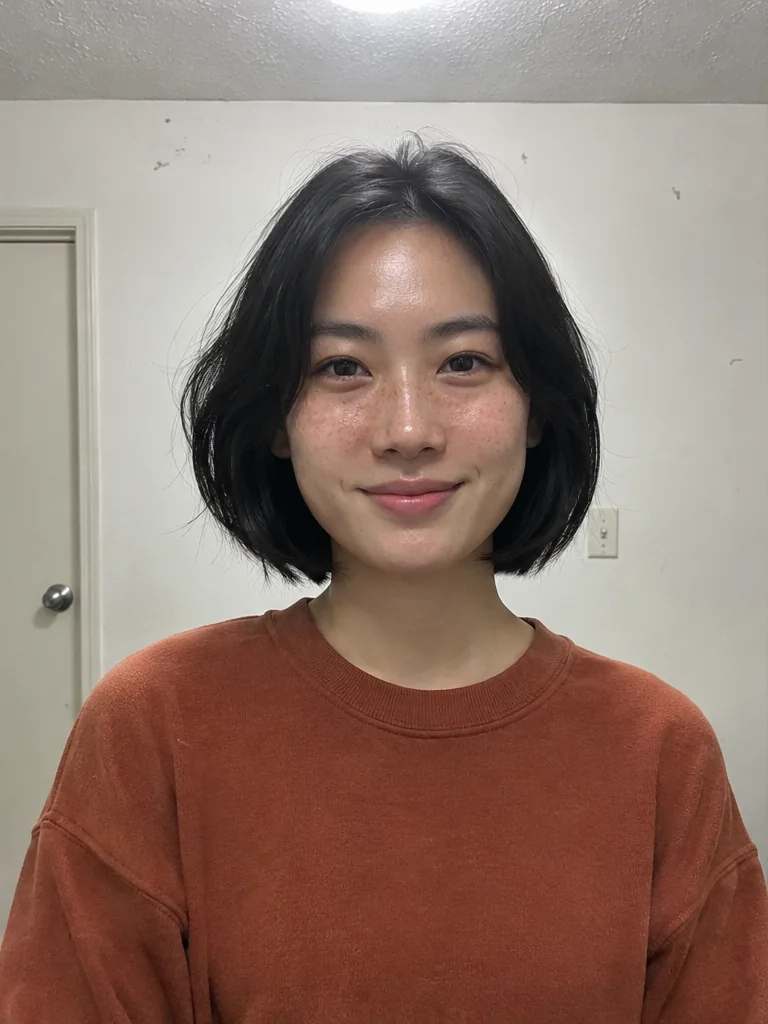
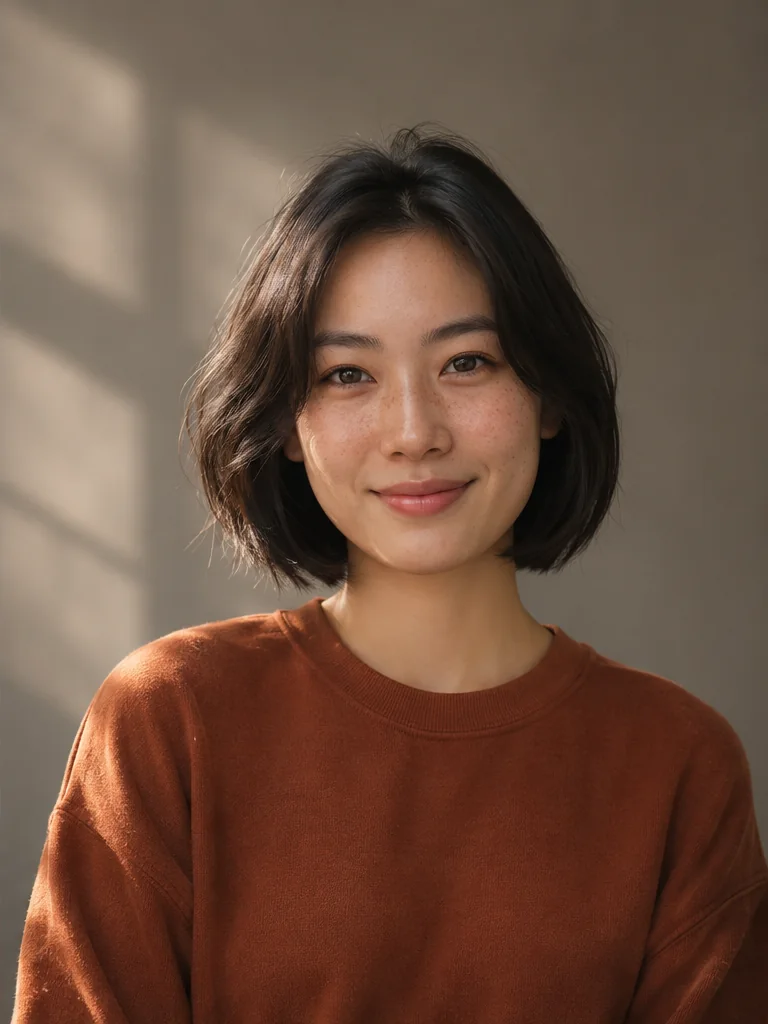
Explore your style with AI Photoshoot Generator
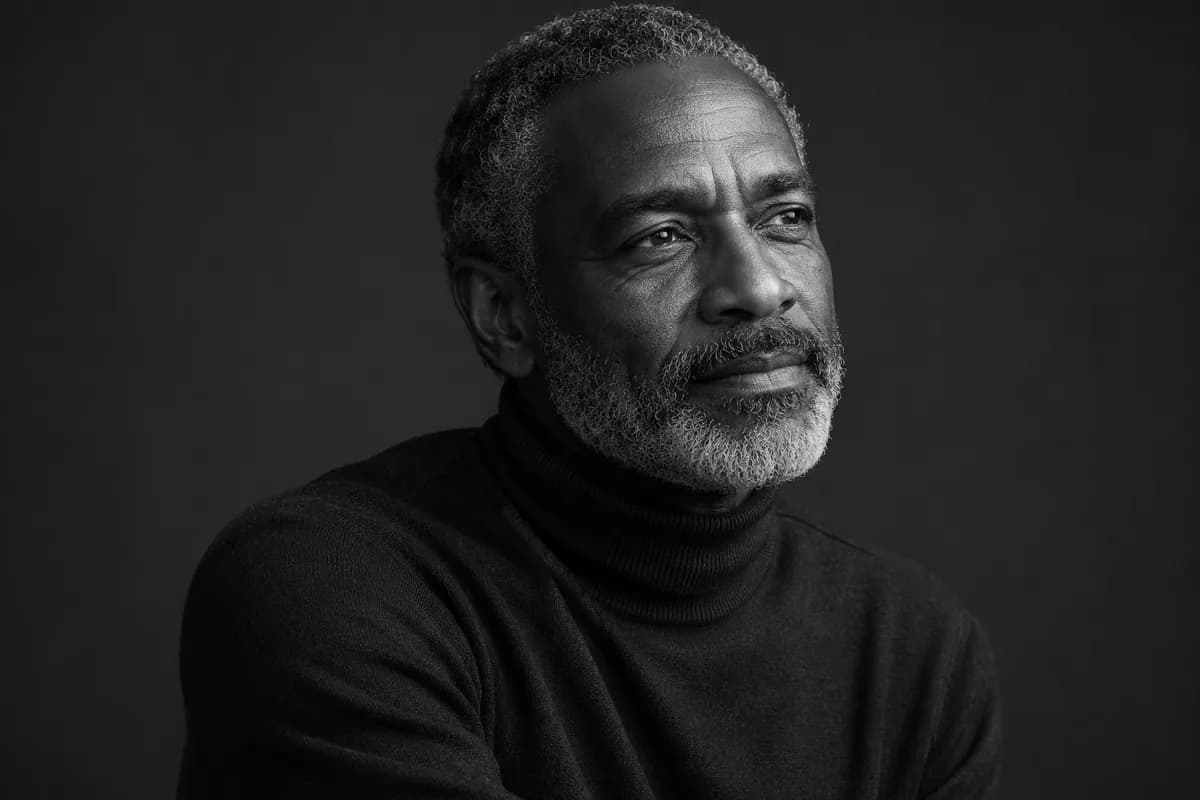
Put the person in the spotlight
A strong portrait starts with light and expression. AI Photoshoot Generator helps you explore a considered studio look from a casual reference photo. Ask for soft side lighting, a quiet backdrop, or expressive black and white. Give a profile, personal website, or creative portfolio a distinct visual direction while using your uploaded face as the reference. Review the likeness before choosing your final shot.
Try it on your image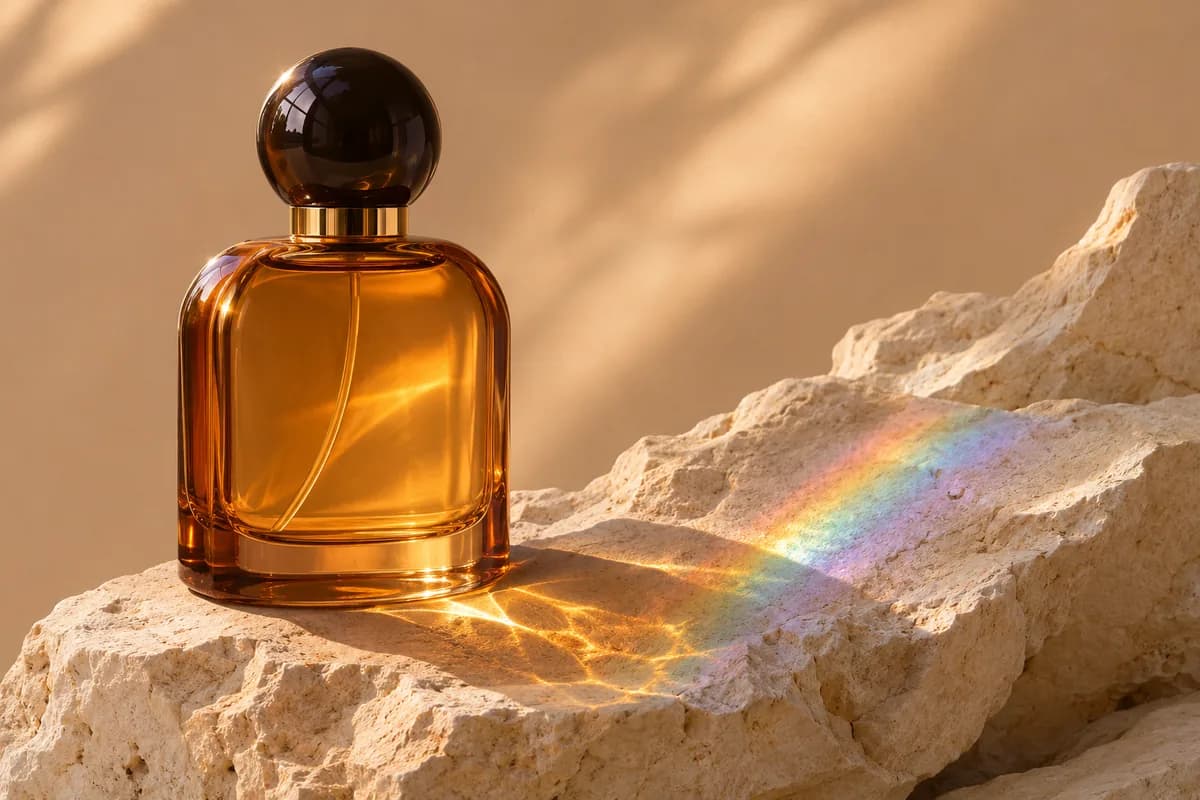
Set a scene around your product
Show more than an item against a plain wall. With AI Photoshoot Generator, place a fragrance on textured stone, set skincare beside soft linen, or give a handmade object an editorial backdrop. Describe the surface, surroundings, and lighting to explore a product photoshoot that fits your idea. Realistic shadows and material cues help the scene feel grounded. Check packaging, labels, and small details against the original before publishing.
Try it on your image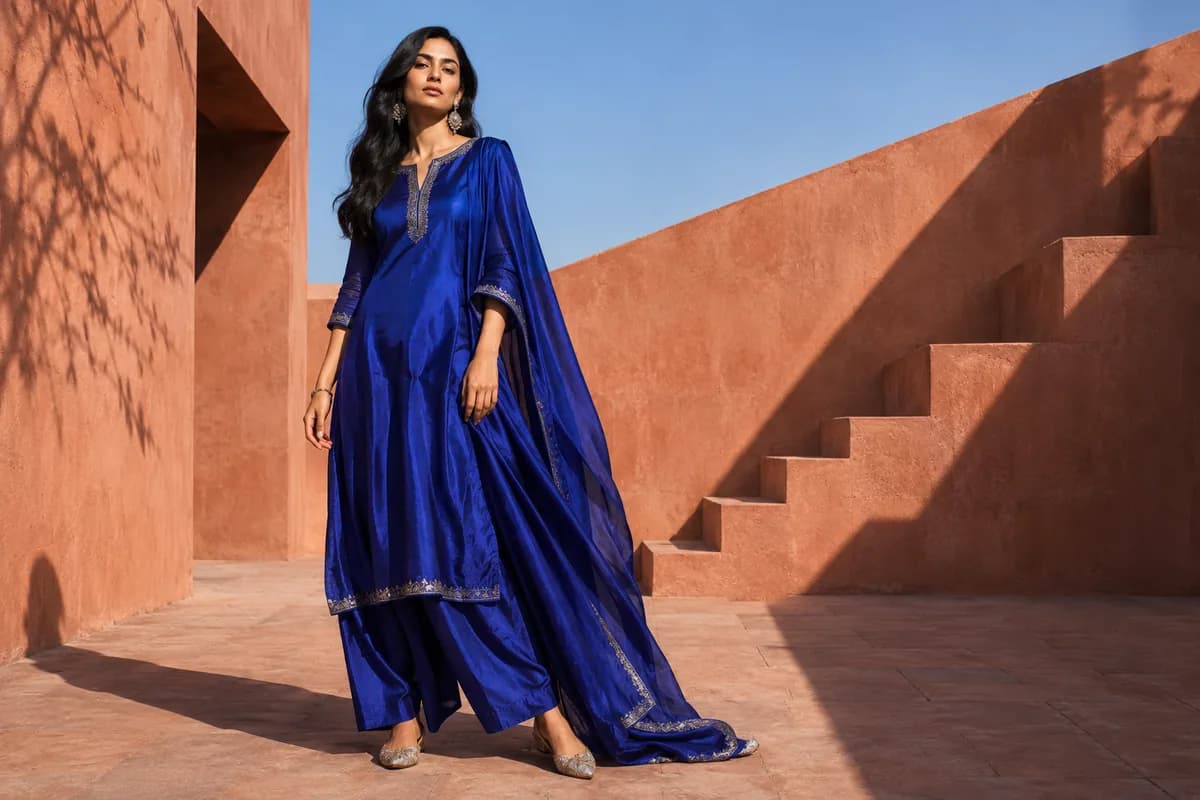
Explore a fashion editorial direction
Build a mood for clothing content, a personal brand, or a campaign concept. AI Photoshoot Generator lets you describe a setting, wardrobe direction, and photographic mood around your reference. Try architectural outdoor compositions, a minimal studio, or a softer lifestyle scene. For an AI photoshoot for a clothing brand, inspect fabric, fit, accessories, and garment details carefully. Choose a model that supports the references and output your task needs.
Try it on your image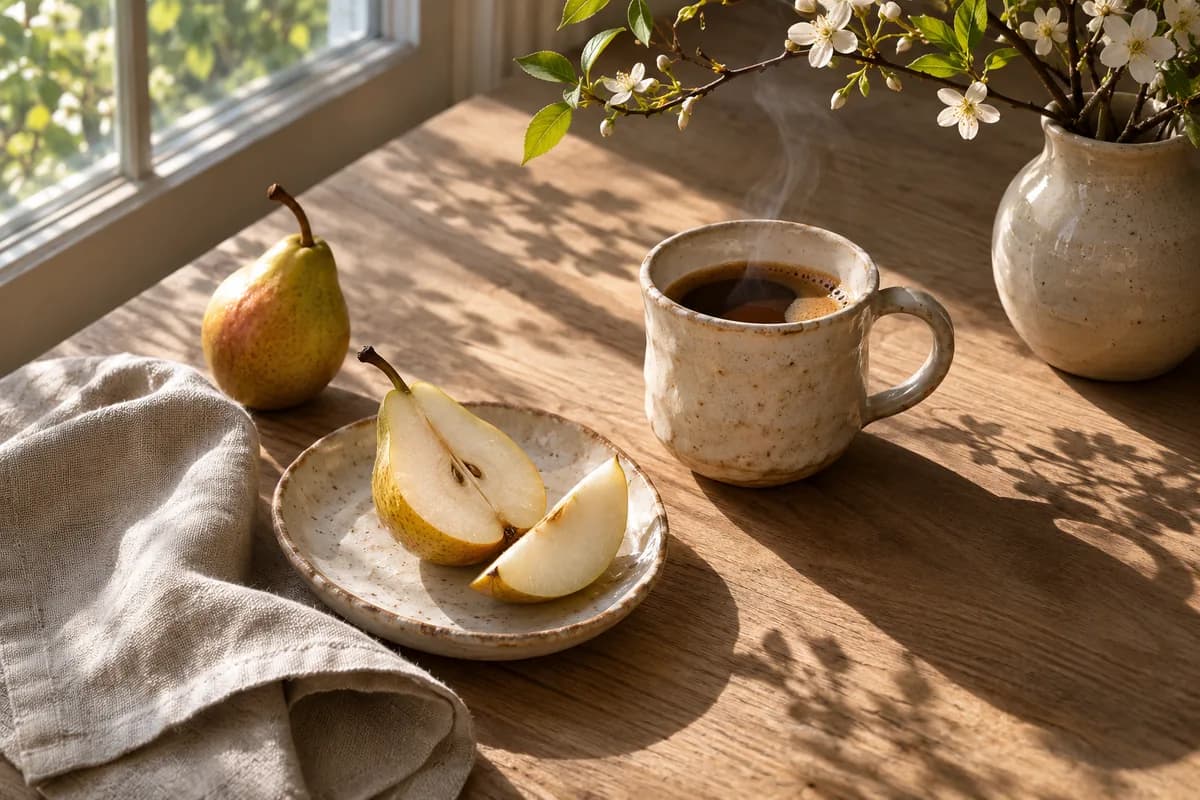
Make light part of the story
Soft morning light can make a tabletop feel calm. A harder directional beam can bring out texture and shape. In AI Photoshoot Generator, describe the light alongside the subject to change the mood of a still life, food scene, or lifestyle image. Keep your brief focused on a few visible choices, then refine the result. Give everyday objects an intentional photographic treatment for menus, posts, and creative projects.
Try it on your image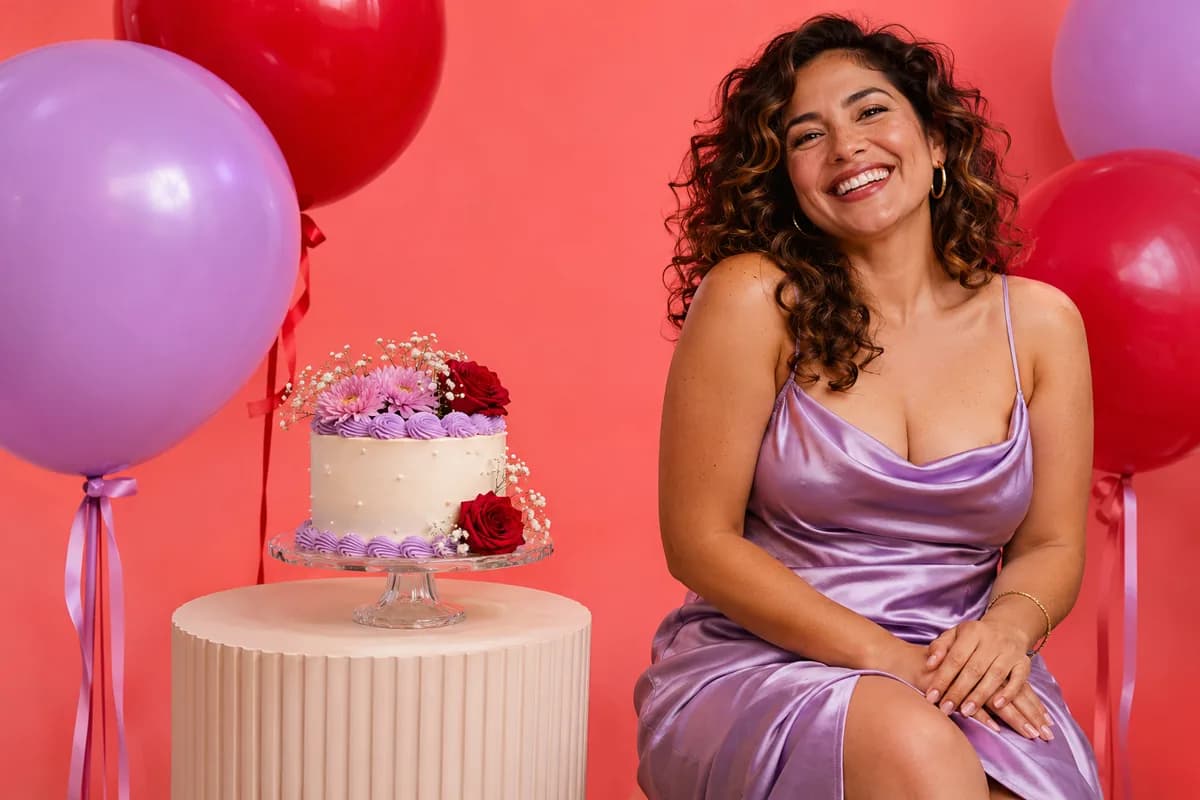
Create a look for the occasion
Plan an image around a birthday, celebration, or seasonal post. Use AI Photoshoot Generator to explore a colorful backdrop, a dressed-up portrait, or playful props around your reference. Describe the atmosphere in a short brief and choose the result that feels right for the occasion. A specific theme gives invitations and social content a clear direction, and you can adjust individual details with another generation.
Try it on your imageHow to use AI Photoshoot Generator
Upload one clear reference
Add a well-lit photo of your person, product, or object to AI Photoshoot Generator.
Describe the shoot
Give AI Photoshoot Generator a starting idea, then edit the setting, light, and mood.
Generate and review
Check the details, refine your brief, and download your chosen image.
Where will you use AI Photoshoot Generator?
Personal brands
Use AI Photoshoot Generator for portraits on websites and social profiles.
Product promotions
Create launch visuals and promotional scenes with AI Photoshoot Generator.
Clothing content
Editorial concepts for a collection.
Celebrations
Birthday portraits and themed invitations.
Why choose AI Photoshoot Generator?
One-photo start
Start AI Photoshoot Generator with a reference you already have.
Your own brief
Direct AI Photoshoot Generator in everyday language.
See the cost first
Review the credit cost before you generate.
Questions before your first shoot
What can AI Photoshoot Generator create?
AI Photoshoot Generator creates studio-style portraits, product scenes, fashion concepts, and themed photos from a reference image and a short description.
What photo should I upload to AI Photoshoot Generator?
Use a clear, well-lit reference with the subject visible. Avoid heavy blur, strong filters, and obstructed faces. Accepted formats and upload limits follow your selected model.
Do I need to train a model?
Start AI Photoshoot Generator with one reference photo. Describe your shoot and generate directly. No personal model training or collection of selfies is required.
Will AI Photoshoot Generator preserve my face and product details?
The reference guides the result, but details can change. Check faces, hands, logos, labels, and garment details. Exact consistency across images is not guaranteed.
How do credits and downloads work?
AI Photoshoot Generator shows the credit cost before you submit. Generation cost and output sizes follow your selected model. Trial credits depend on your account and region. Sign in to download. Accounts without a credit purchase receive watermarked PNGs up to 640 pixels on the longest edge. Purchasing credits unlocks original-size downloads.
Can I change a result I do not like?
Edit your description in AI Photoshoot Generator and generate again. Change one element, such as the lighting or setting, to make the next result easier to compare.
Create your next shoot with AI Photoshoot Generator
Bring one photo and a photographic idea. Start with a portrait, product, or creative scene.
Create a photoshoot