
Image to Image AI Generator
Upload a source image, describe the change, and create a controlled variation with image to image AI.
Quick edits
State the change first, then list what must stay recognizable.
The selected resolution controls the configured credit cost.
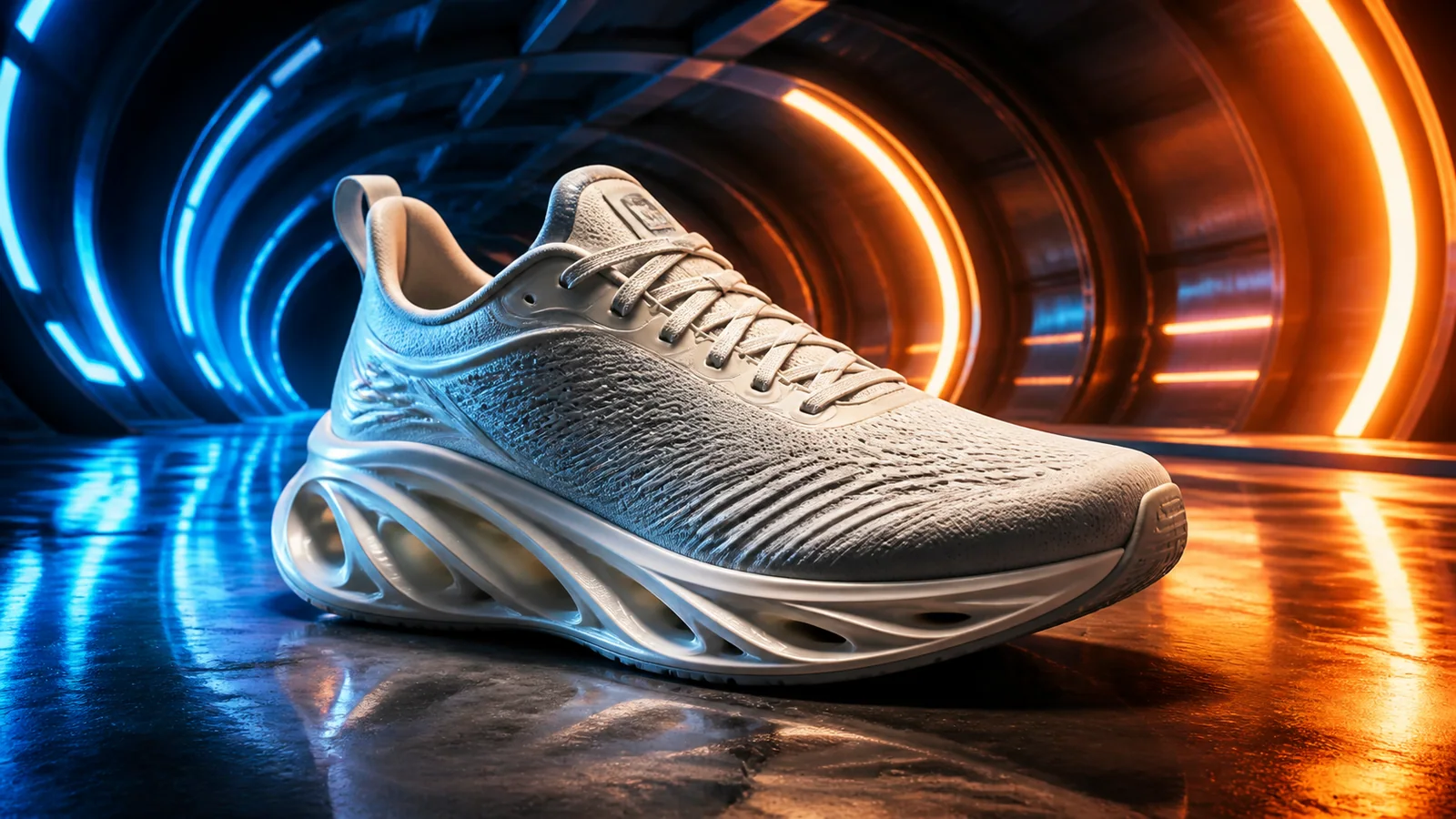
Explore More Image Transformations
Browse varied edit results across products, portraits, scenes, restoration, and stylized transformations.
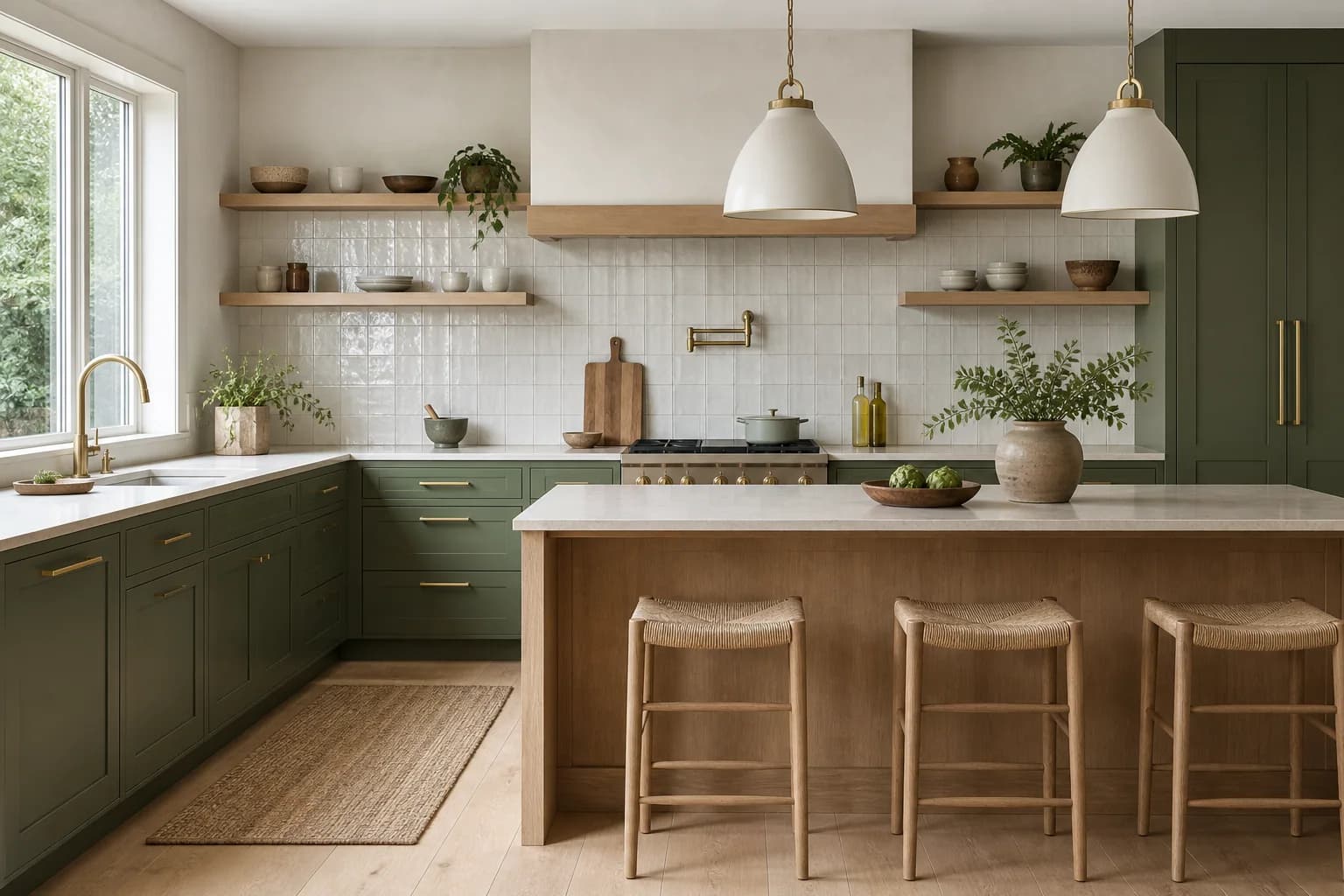
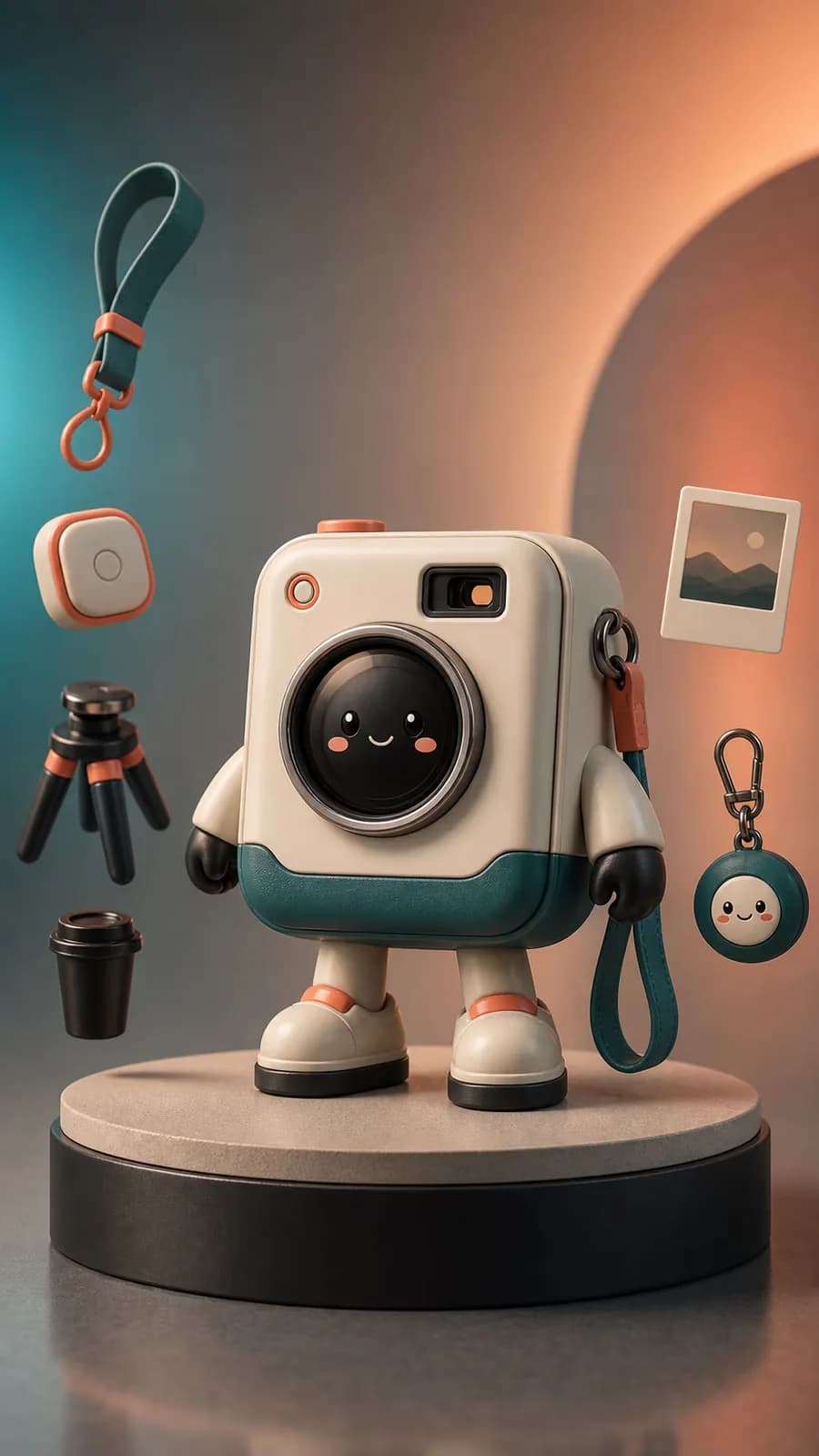
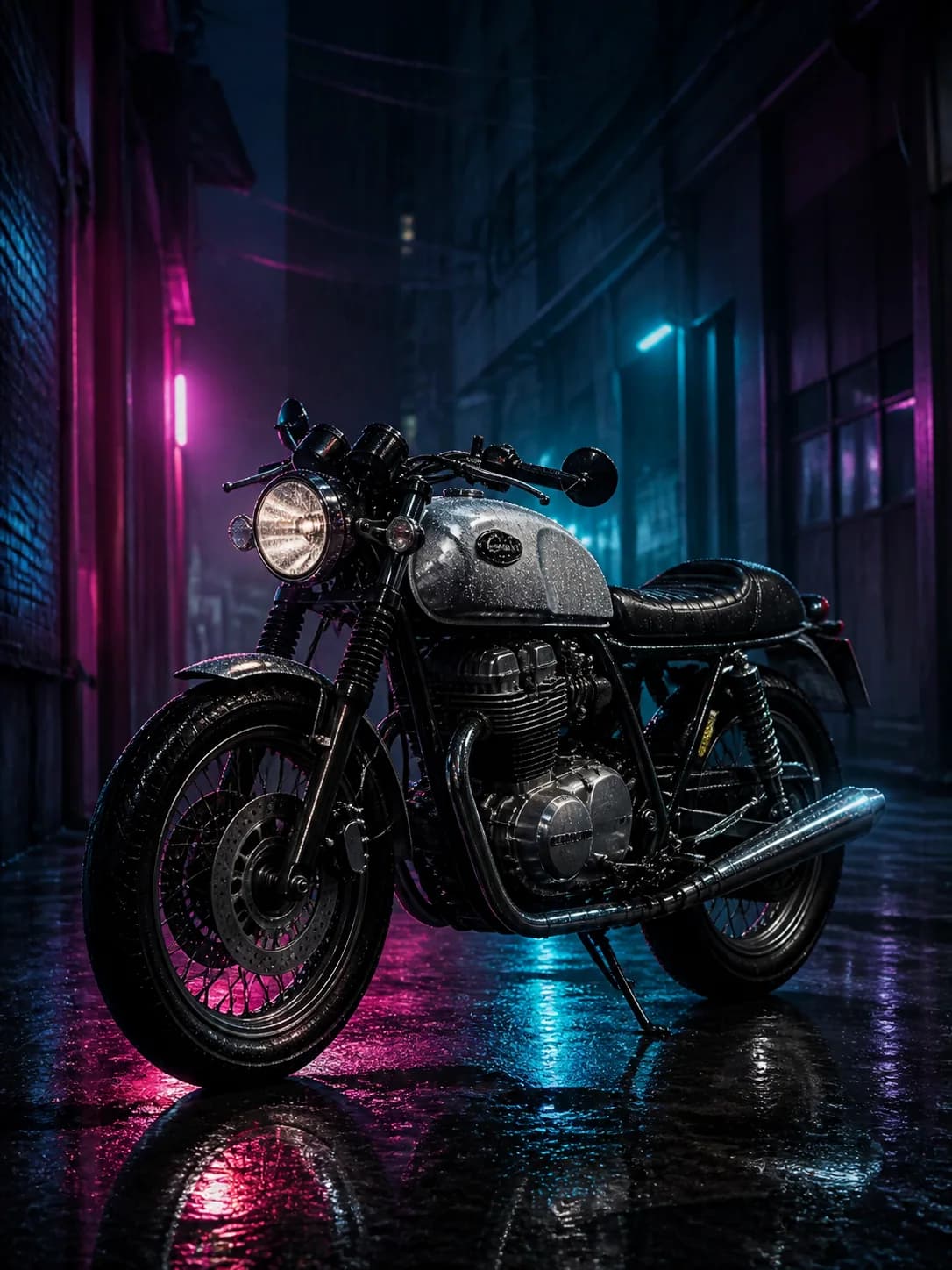
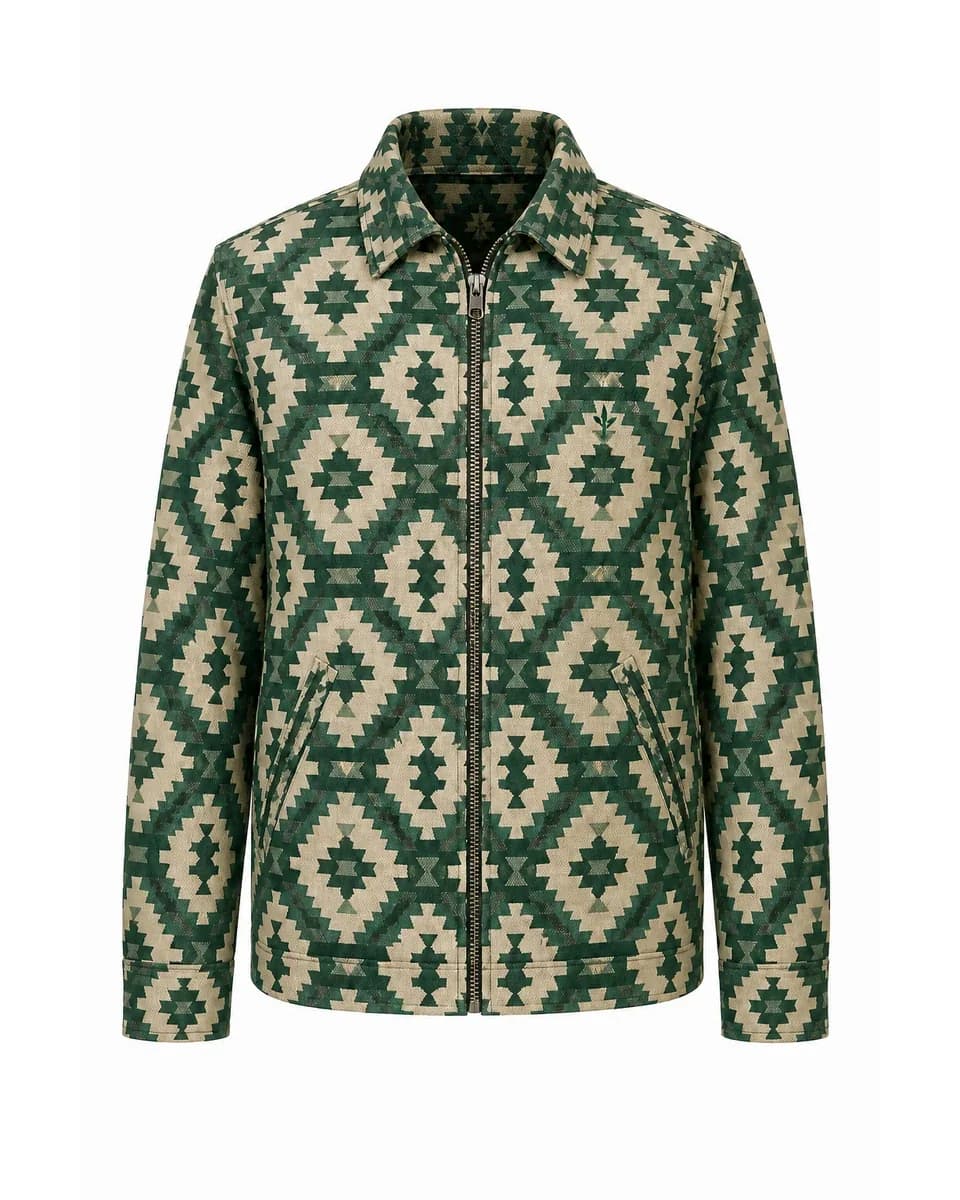
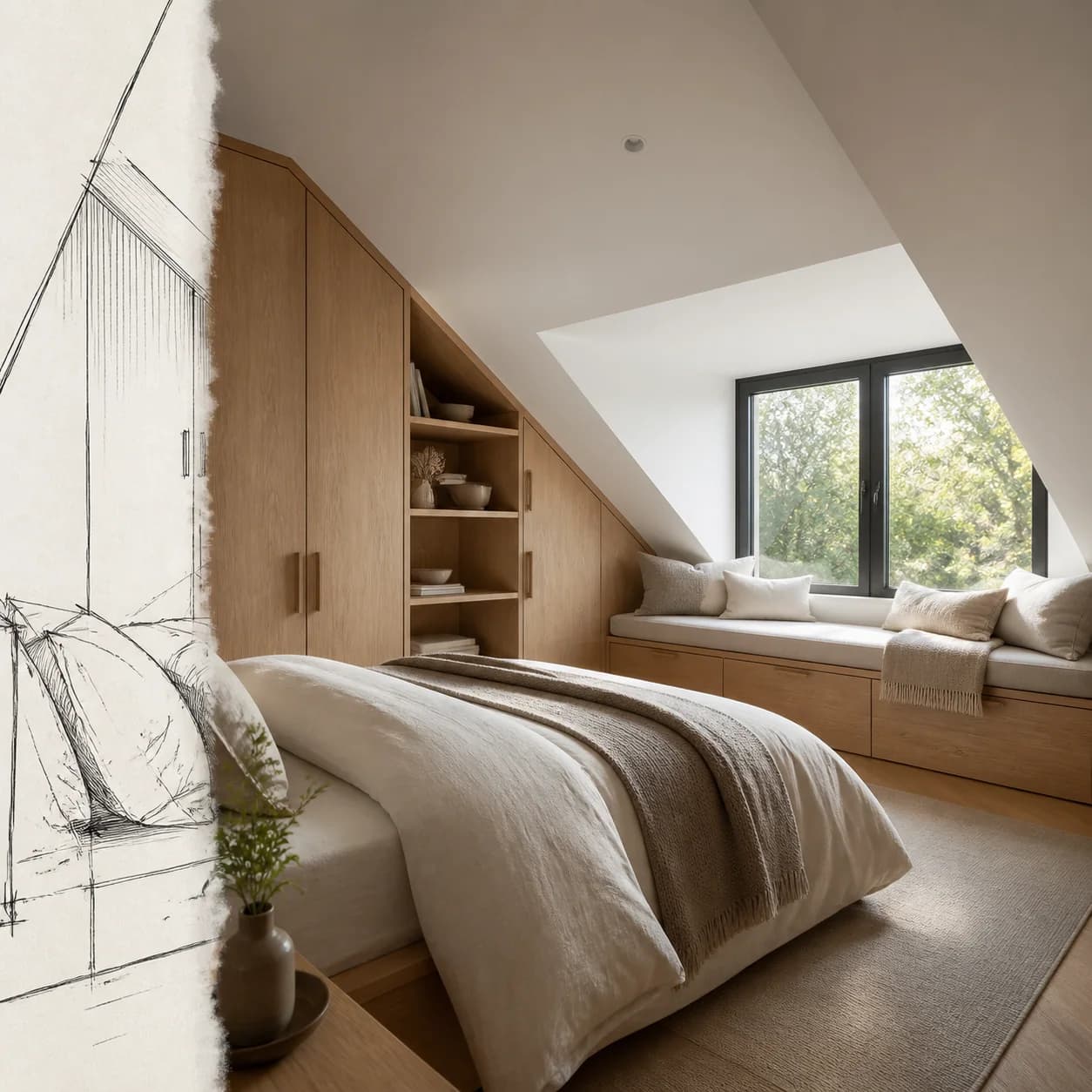
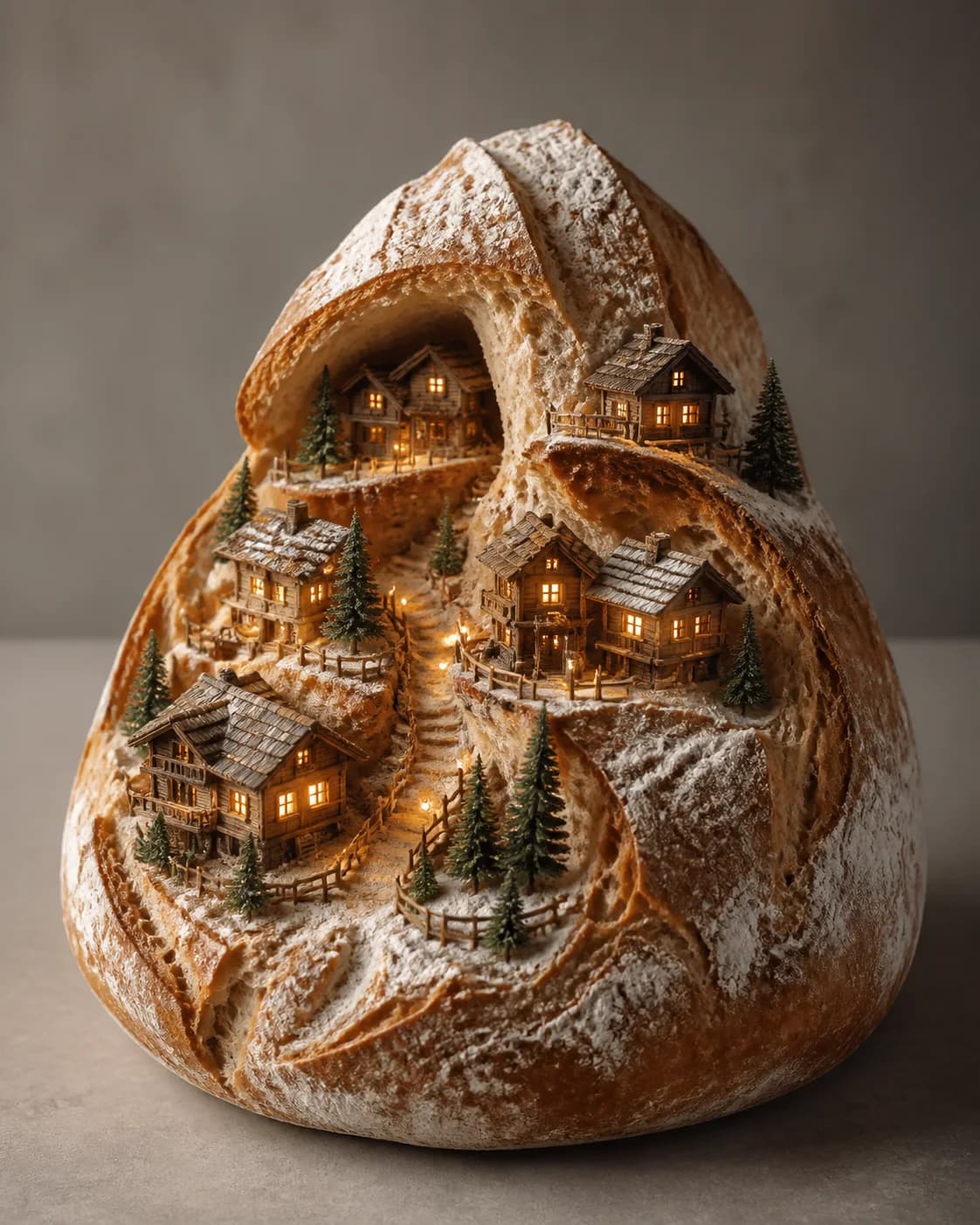
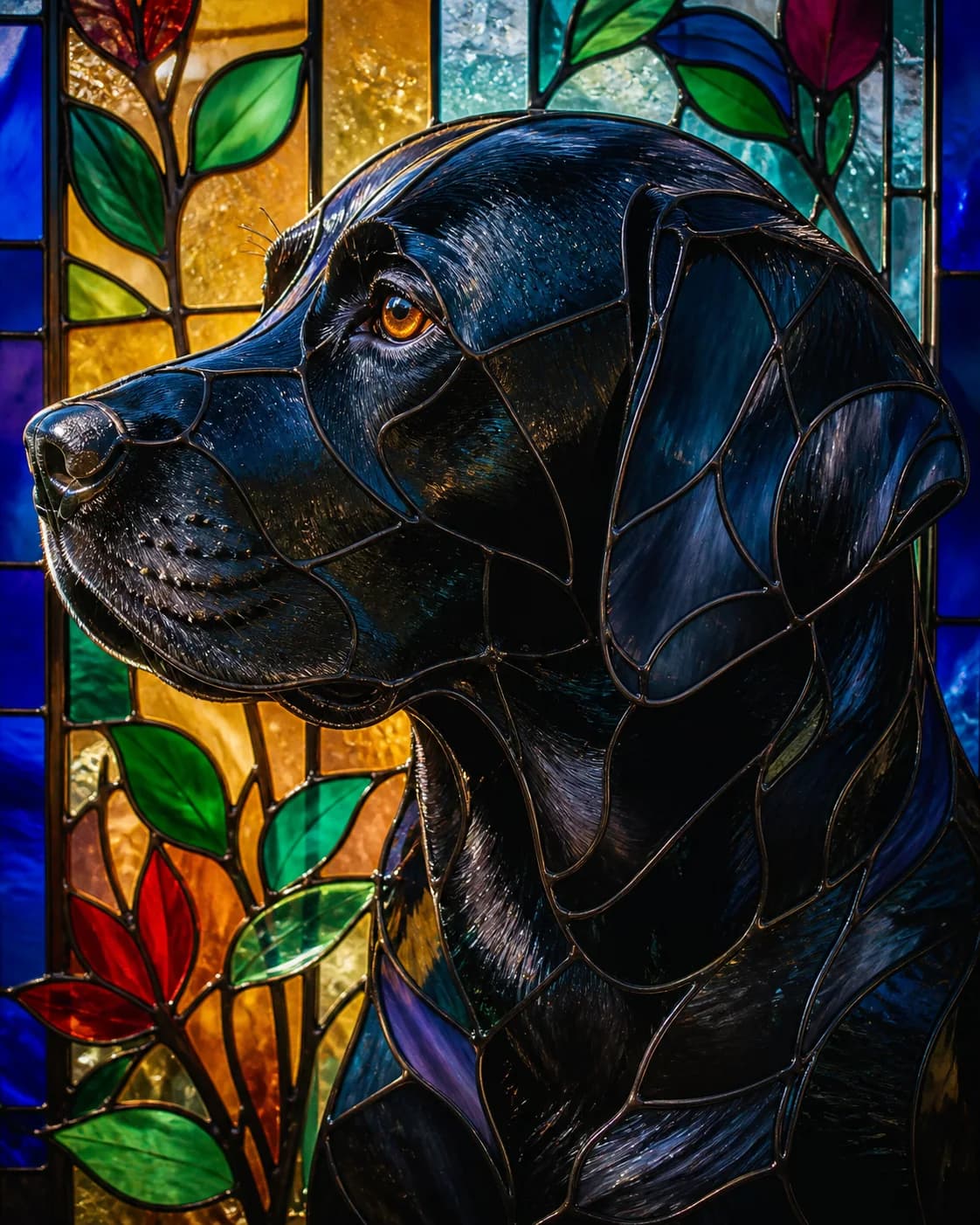

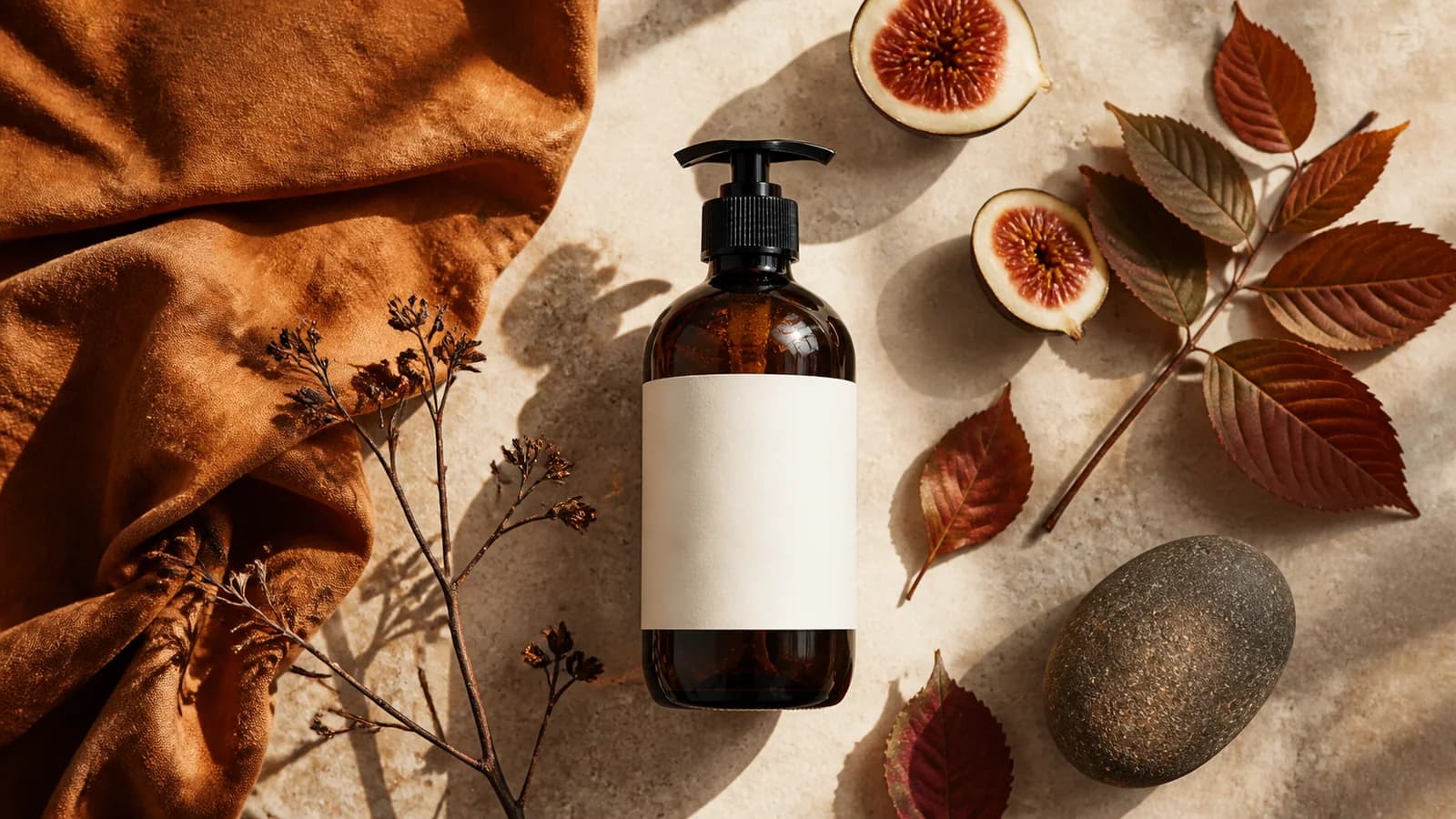
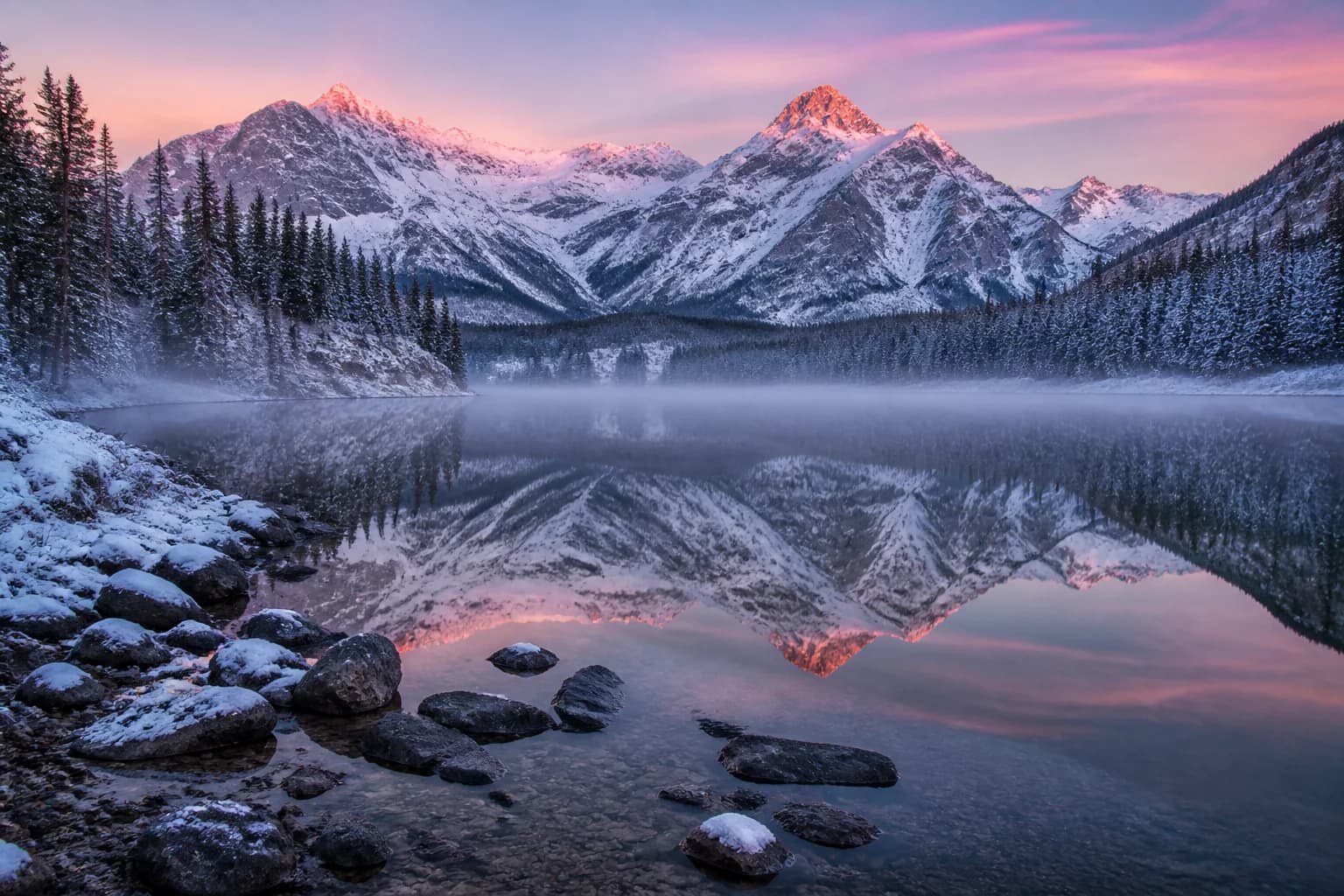
Before-and-After Editing Examples
Every example uses the same draggable comparison so changes are easy to review.
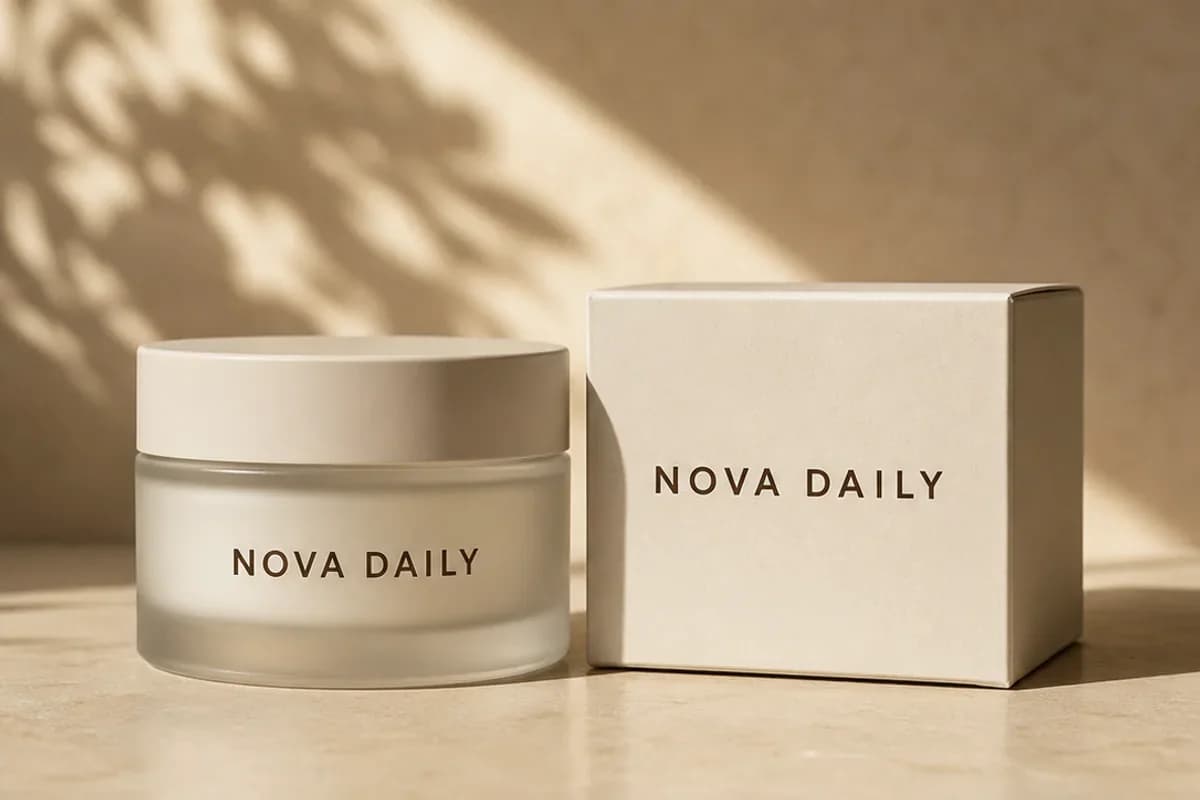
Transform a Background Around the Same Subject
Change an environment while keeping the subject, scale, angle, and product details recognizable.
- Useful for ecommerce, campaigns, seasonal concepts, and location exploration.
- Inspect edges, labels, transparent materials, reflections, and product proportions.
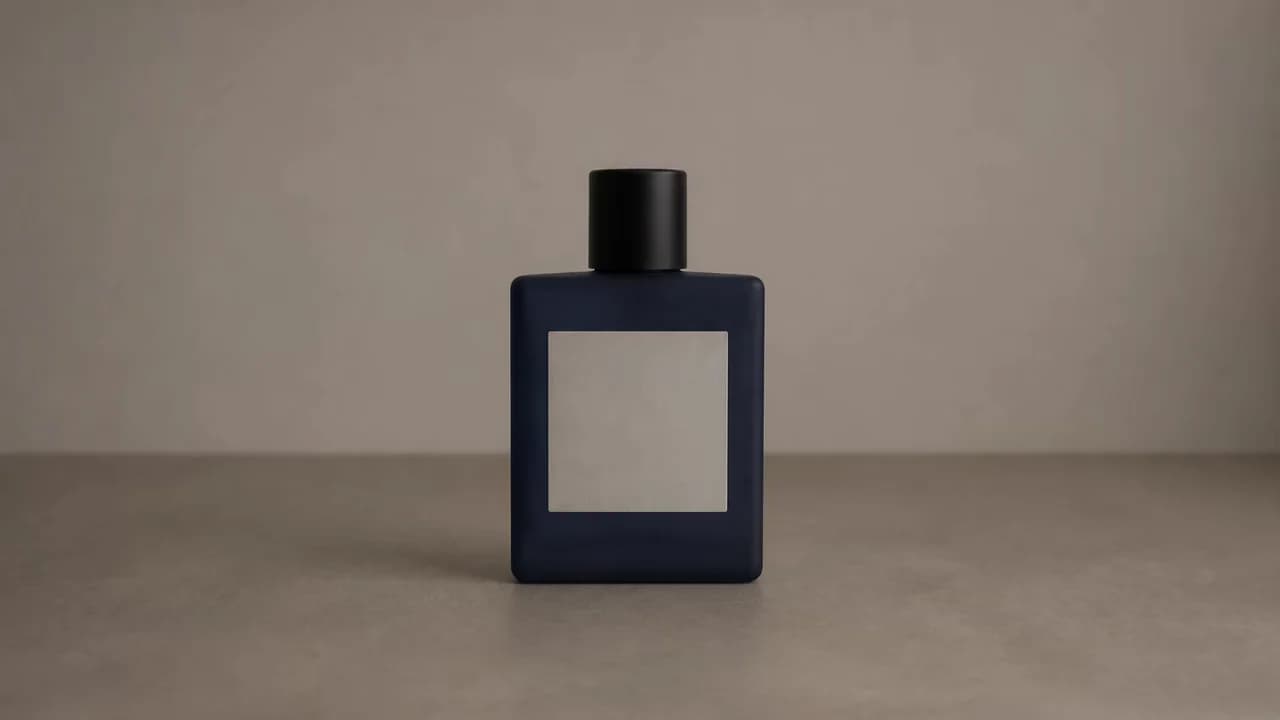
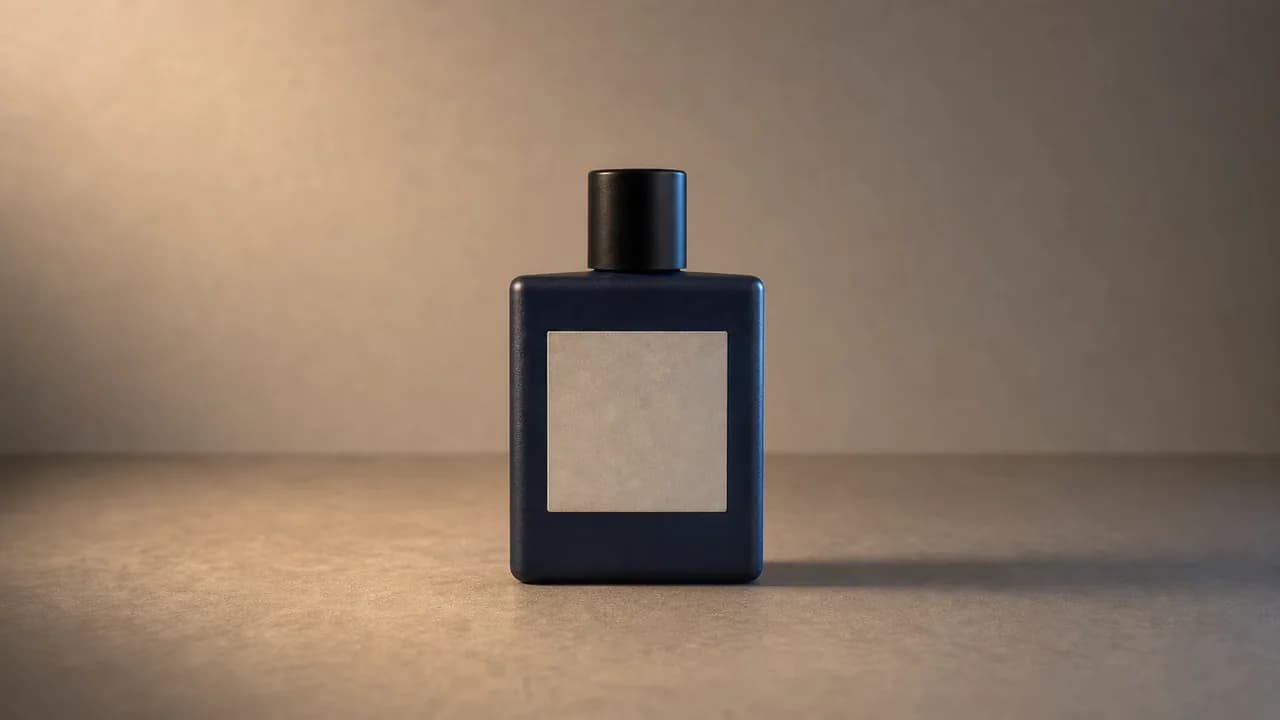
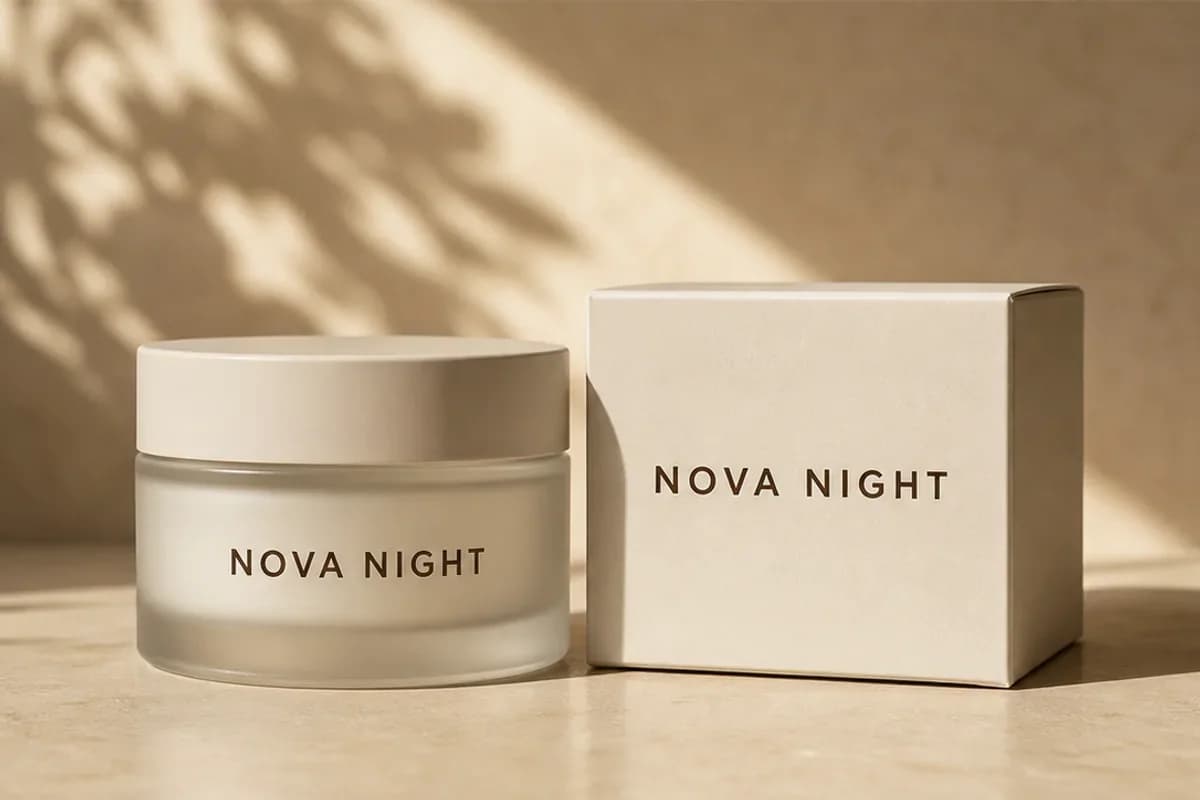
Generate a New Product Scene from One Photo
Place a product in a new commercial scene while protecting its silhouette, colors, and perspective.
- Useful for mockups, ad directions, marketplaces, and creative review.
- Final listings still require accurate product, color, text, claim, and compliance checks.
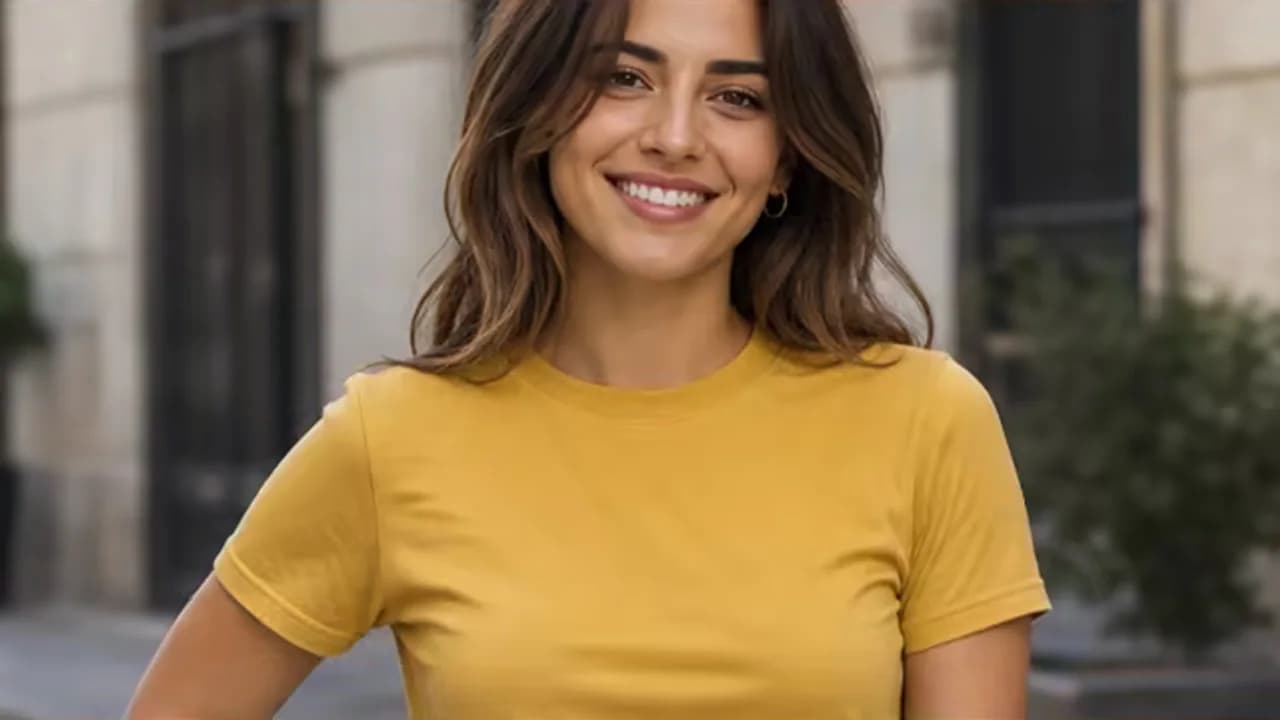
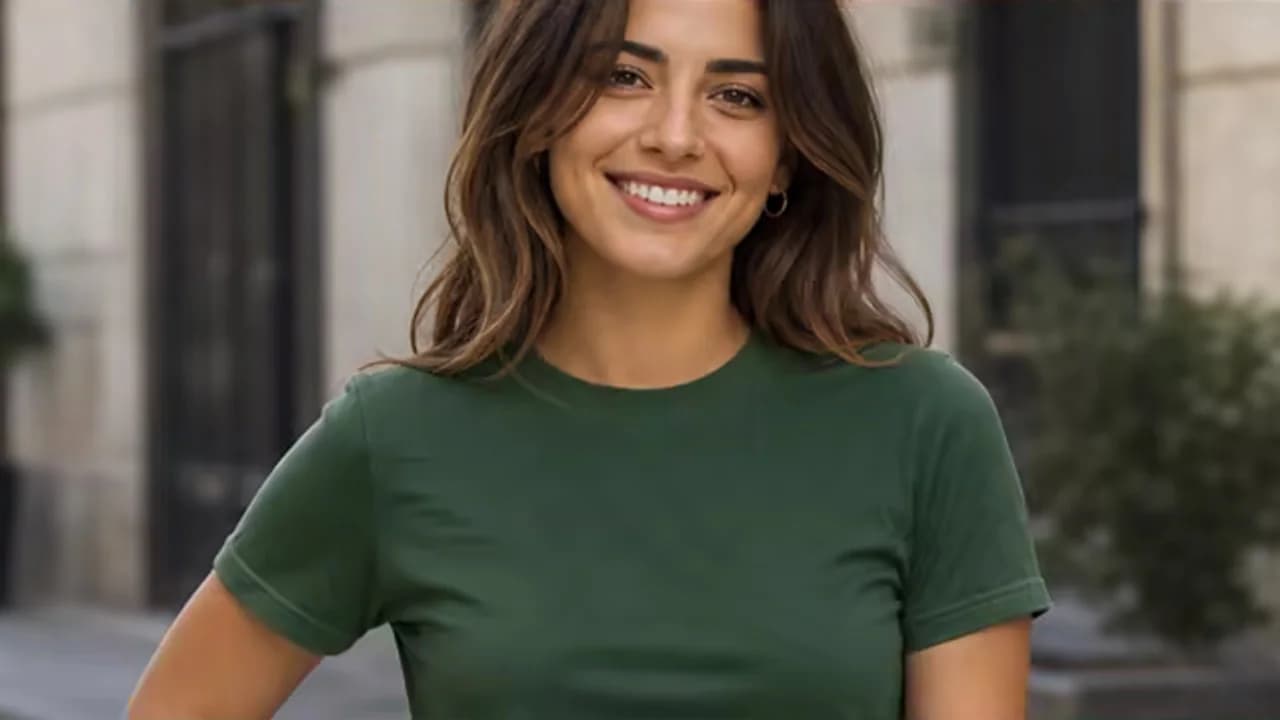
Change Clothing Without Rebuilding the Portrait
Change one garment while preserving identity, pose, crop, background, and lighting.
- Useful for wardrobe concepts, profile-photo directions, and campaign previsualization.
- Review identity, anatomy, fabric construction, accessories, and cultural context.
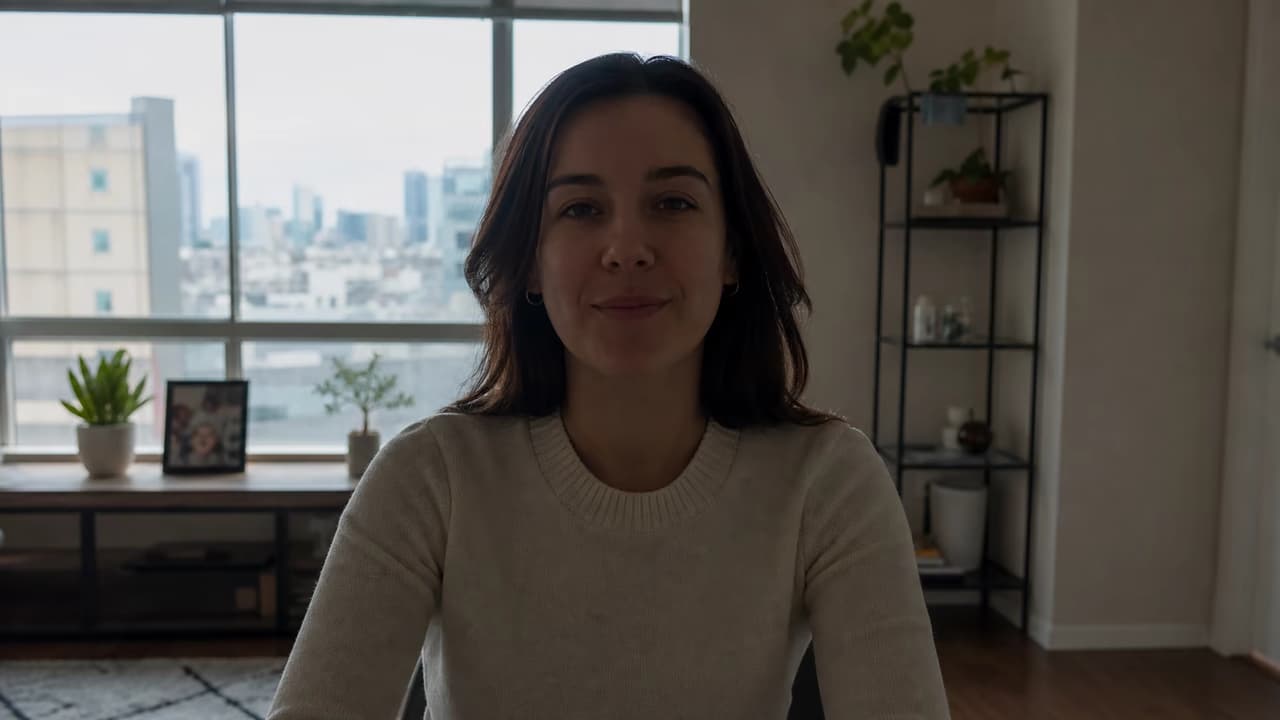
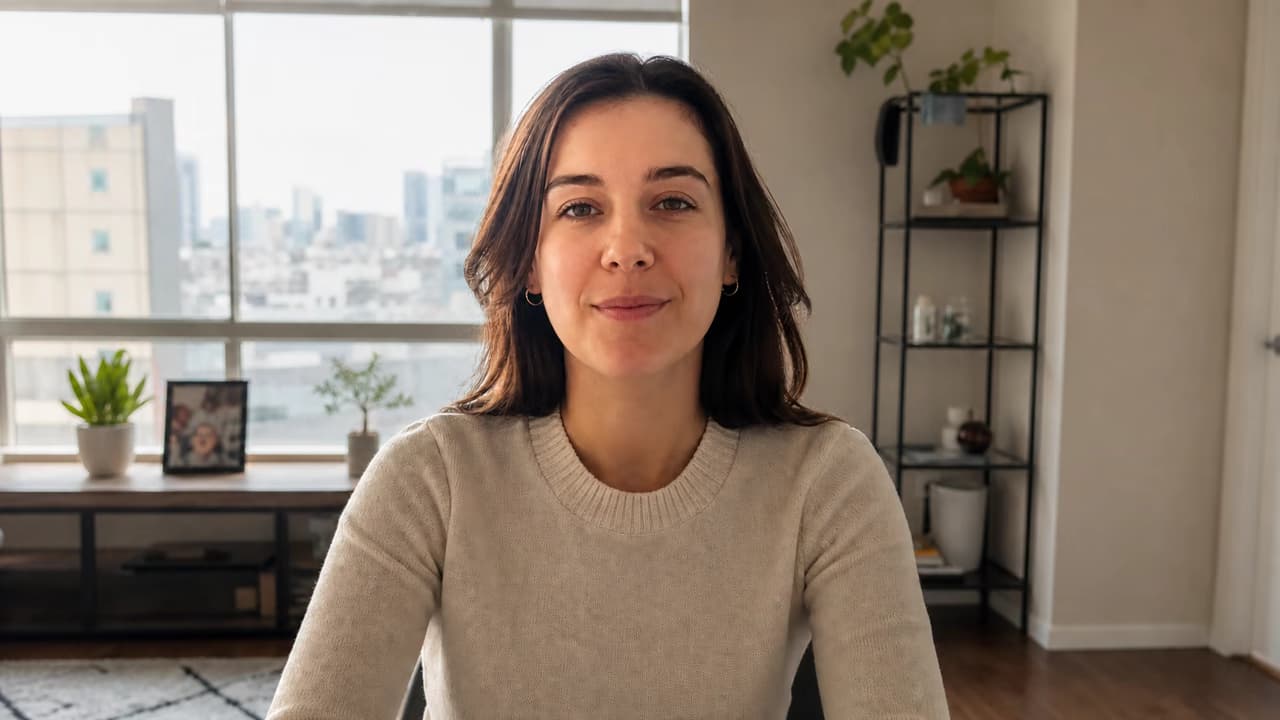
Relight a Photo While Preserving Its Geometry
Explore a new time of day or mood while keeping identity, geometry, and framing stable.
- Useful for portraits, interiors, products, moodboards, and campaign variants.
- Check skin tone, shadow direction, reflective surfaces, windows, and mixed light.
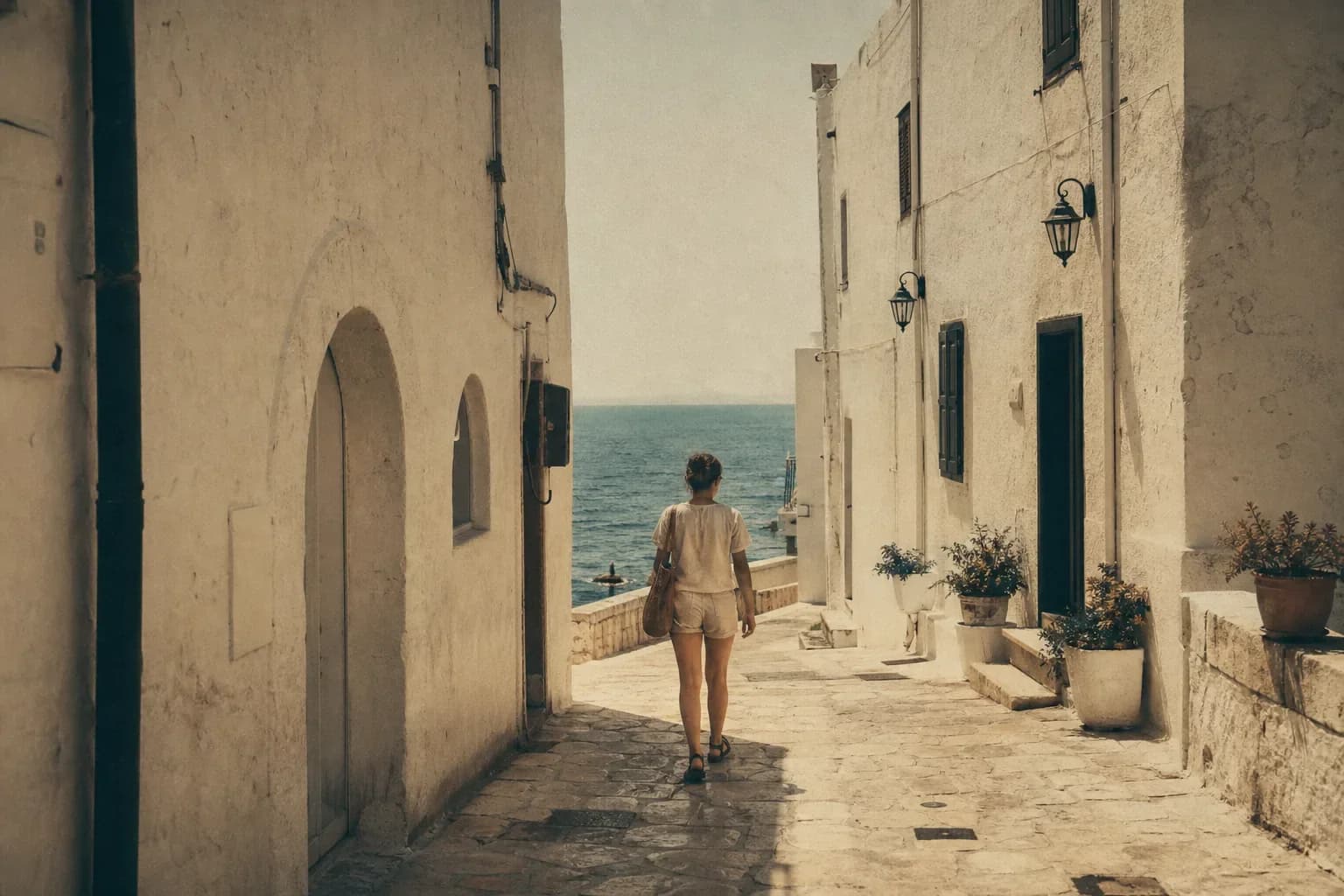
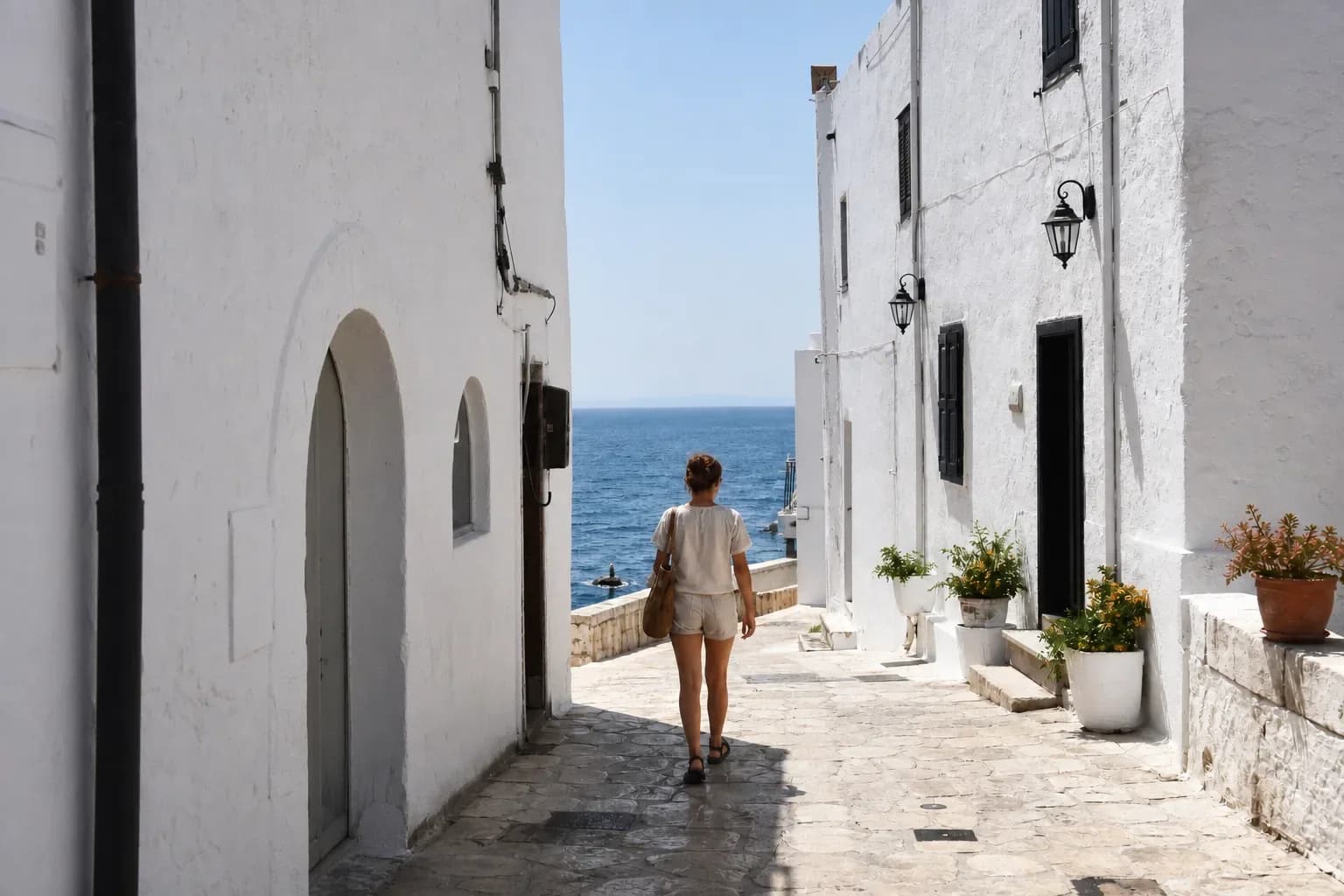
Create a Plausible Restoration, Not Fake Recovery
Repair scratches, fading, and blur with a restrained reconstruction that respects the source.
- Useful for scratches, dust, fading, mild blur, and color reconstruction.
- Preserve face, age, expression, clothing, period details, crop, and historical context.
Remove One Object and Protect Everything Else
Remove one distracting object while reconstructing nearby texture, light, and perspective.
- Useful for cleanup, prop changes, product staging, and composition fixes.
- Inspect repeated textures, straight edges, reflections, shadows, and nearby objects.
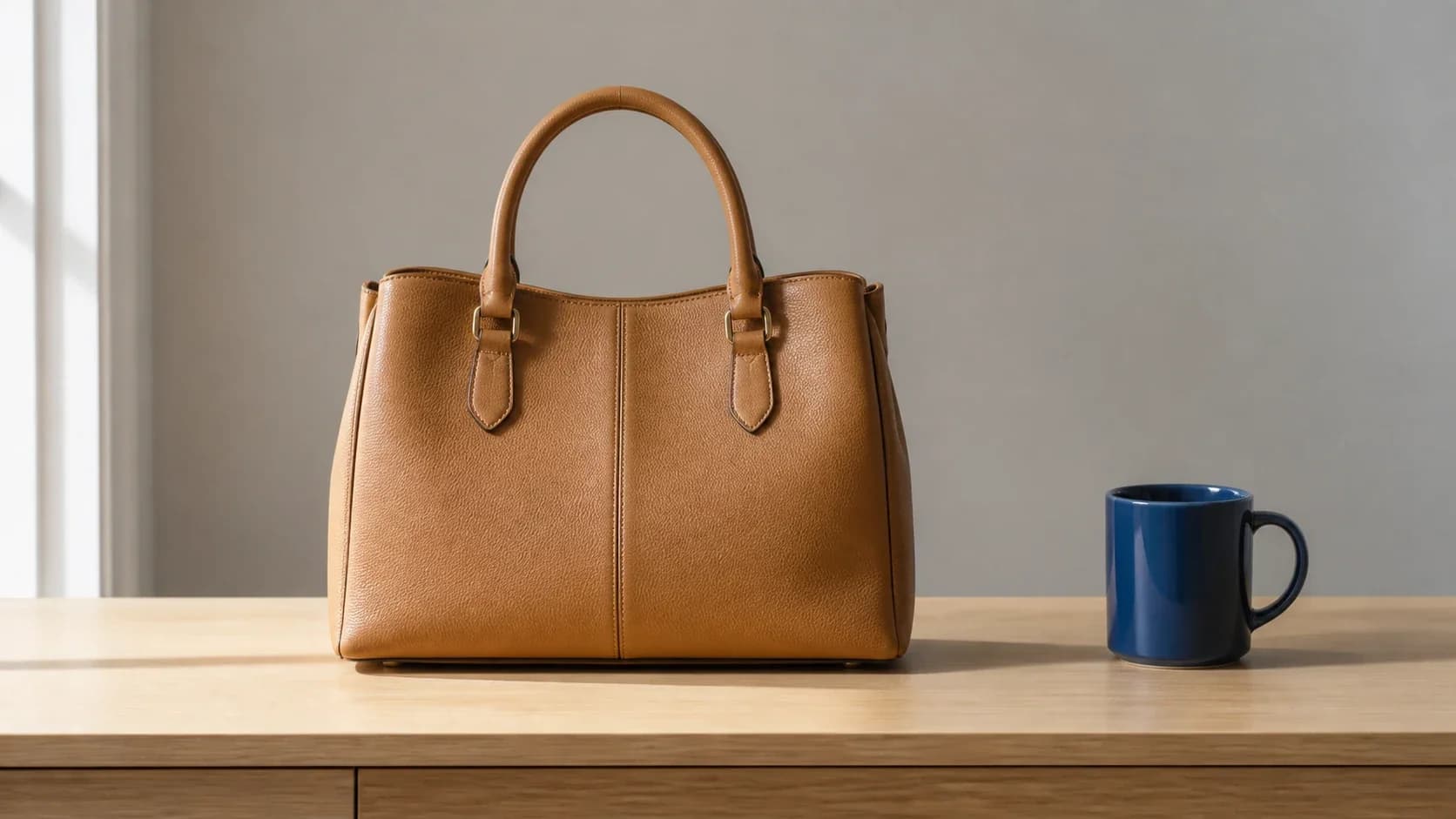
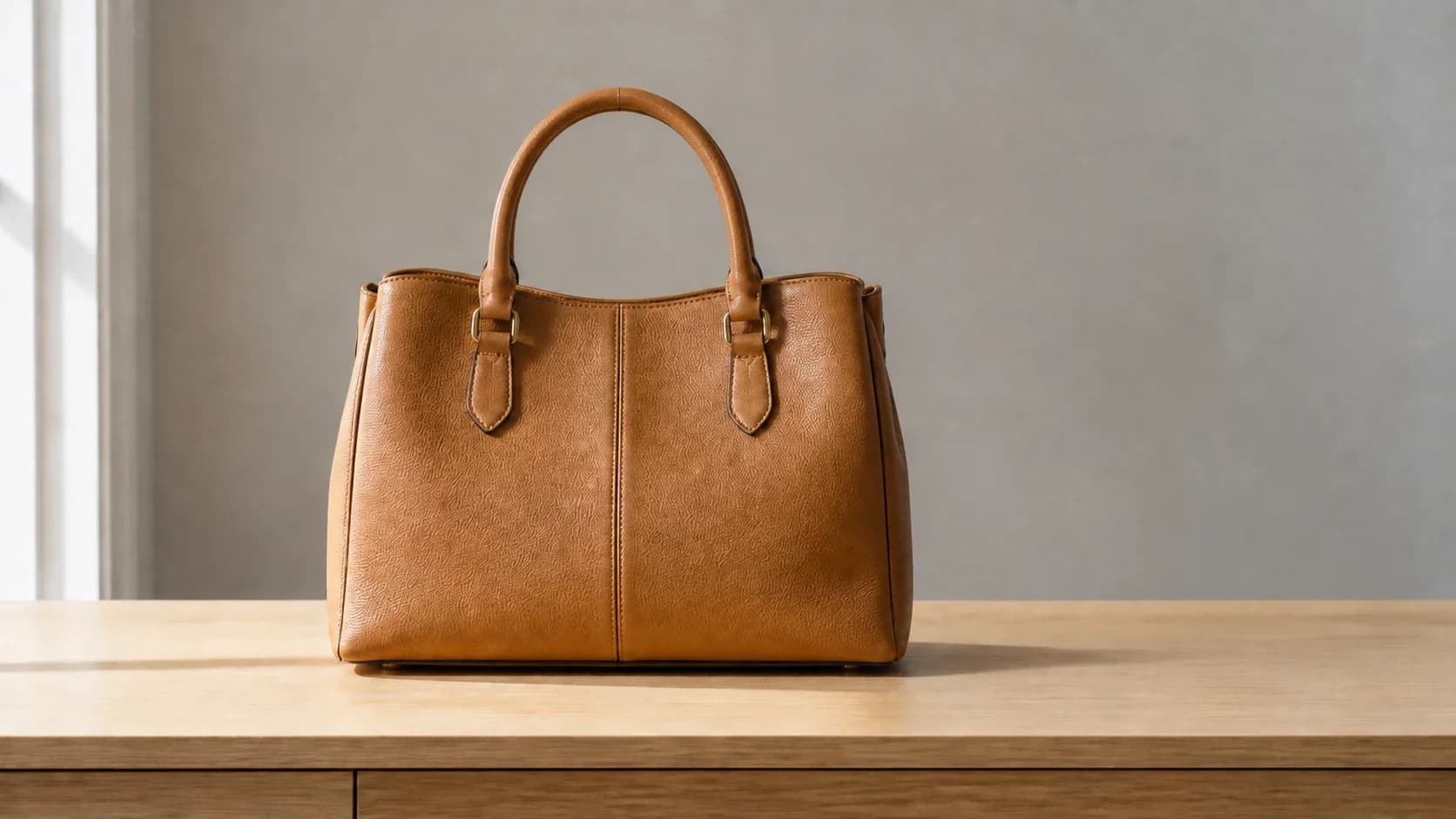
What Is Image to Image AI?
This technology creates a new visual from an uploaded source or reference plus a prompt. It is a generative transformation, so preservation is directed and reviewed rather than guaranteed pixel for pixel.
Start from a Visual Reference
Upload a portrait, product, sketch, room, object, or scene. The generator uses visible structure and content as guidance for a new output.
Say What Must Stay
Name the identity, product shape, pose, crop, camera angle, composition, colors, lighting, or text layout that should remain recognizable.
Create and Review a Variation
Inspect both the requested change and surrounding details. Generative output can drift, so refine the instruction or use a focused editor when precision matters.
How the Generator Works
The reference-guided workflow separates the source, the requested transformation, and the visual details that must remain recognizable.
Upload a Clear Source
Choose an image with a visible subject and enough detail for the task. The upload field shows the current file, account, and model constraints rather than promising one universal reference limit.
Write Change and Keep Instructions
Describe the action and target first. Then list the identity, pose, product details, composition, camera angle, colors, lighting, or text layout that should remain recognizable.
Generate and Compare
Choose a model and available format, generate a variation, and compare it with the source. Refine one instruction or continue into a focused editor when the first result drifts.
Who Is This Generator For?
This workflow is useful when the source already contains valuable structure, identity, products, composition, or style that should guide a new result.
Ecommerce and Marketing Teams
Create product-scene, background, season, lighting, and campaign variations while keeping important product details under review.
Photographers and Creators
Explore wardrobe, atmosphere, scene, color, and lighting directions from an existing portrait or lifestyle photograph.
Design and Concept Teams
Turn sketches into visual directions, combine references, test materials, and create controlled style or composition variations.
Game and Story Artists
Use a character, prop, environment, or rough layout as a reference while exploring a new scene or rendering direction.
Social Media Creators
Adapt one source into new seasonal, profile, cover, and campaign directions without relying on the same background swap repeatedly.
Small Businesses and Individuals
Explore room, outfit, product, photo-restoration, and personal creative variations with plain-language instructions.
A More Controlled Editing Workflow
Compare reference-capable models, write clearer edits, and review every change in a consistent workflow.
Multiple Reference-Capable Models
Compare ten currently configured image-to-image models without treating every model as if it accepted the same number of references or settings.
Change and Keep Guidance
Prompts show how to separate a requested transformation from protected identity, product, composition, lighting, and context details.
Before-and-After Review
A consistent before-and-after slider makes both the requested edit and surrounding changes easier to inspect.
Transform a Source with Clear Instructions
Open the image to image AI generator, upload a source, describe what should change and what must stay, then compare the new variation with the original.