
Focused distraction removal
AI Photo Cleanup Tools
Choose the cleanup workflow that matches the problem. Remove a background, restore an old photo, reduce a baked-in filter, or remove an unwanted object, room furniture, background person, overhead wire, camera date, or glare while preserving the rest of the image.

Captions and unwanted wording
AI Image Text Remover
Remove all visible wording or one named phrase while reconstructing the surrounding wall, poster, photo, or product scene.
Open tool
Full background removal
Free AI Background Remover
Remove the complete background from a person, pet, product, or logo in the browser, then download a transparent PNG or add a solid color.
Open tool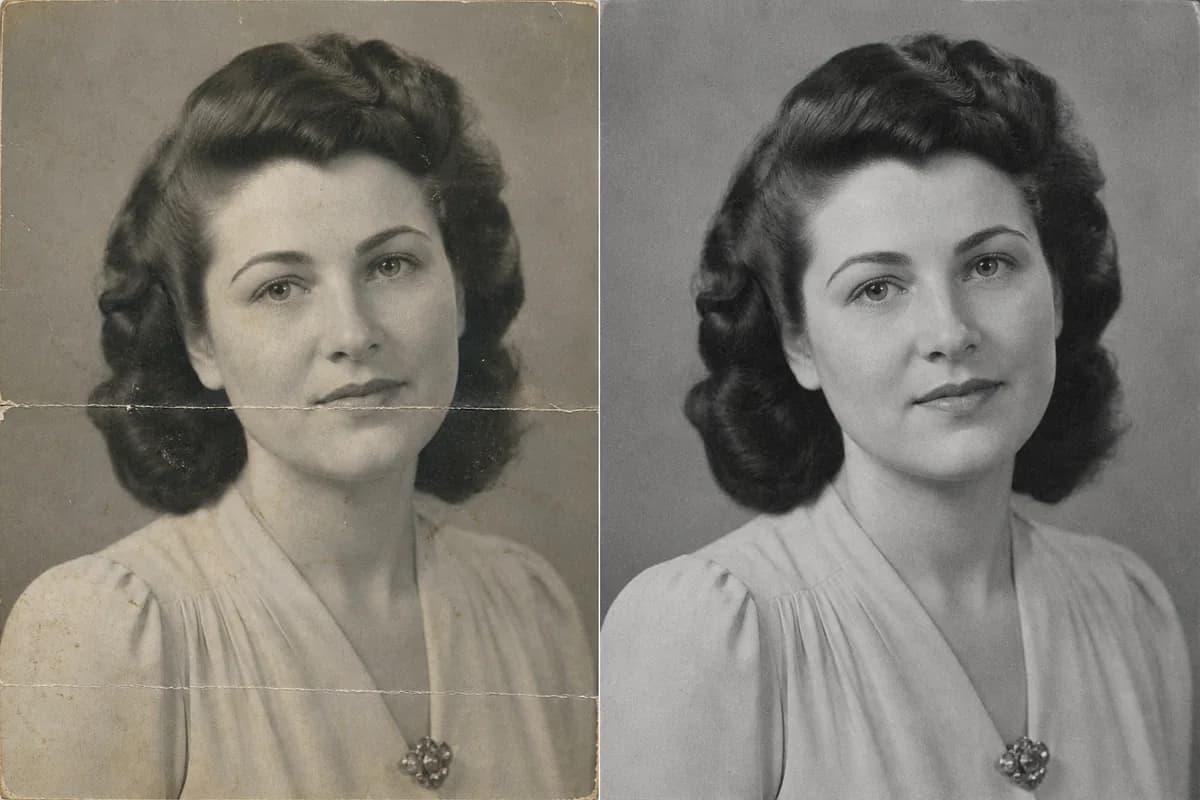
Vintage photo repair
Old Photo Restoration
Repair scratches, dust, creases, fading, blur, and damaged edges while asking AI to preserve faces, period detail, framing, and original black-and-white character.
Open tool
Photo filters and color casts
Photo Remove Filter
Reduce a yellow, blue, or green cast, beauty smoothing, vintage fade, oversaturation, or excessive contrast while preserving the person, product, scene, and crop.
Open tool
Ordinary objects
Remove an Unwanted Object from a Photo
Describe one ordinary object by type, color, position, and nearby landmarks, then reconstruct the smallest covered area while preserving people, products, text, architecture, light, and framing.
Open tool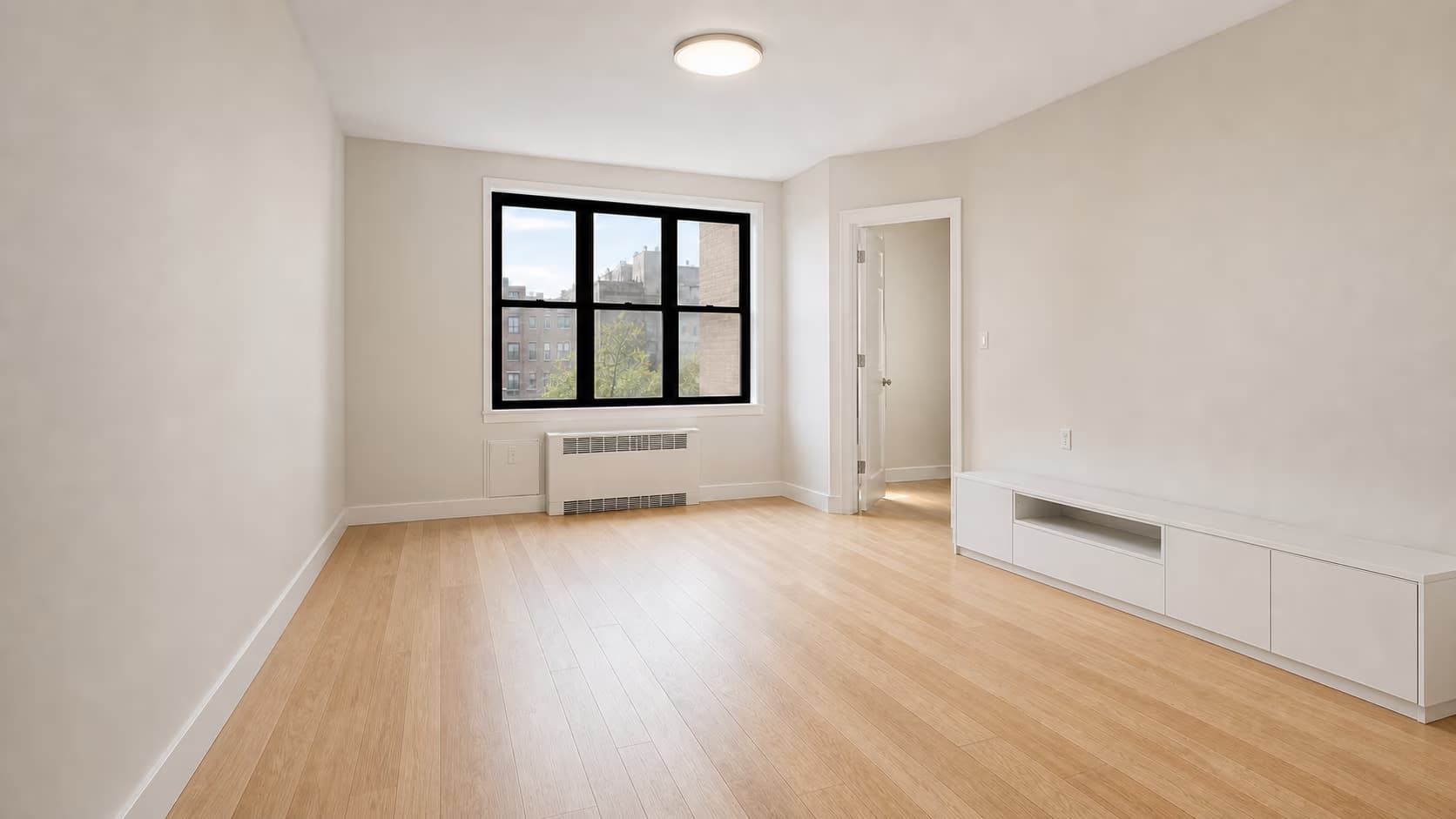
Room furniture
Remove Furniture from a Room Photo
Clear all movable furniture or named pieces while protecting walls, floors, windows, built-in cabinets, appliances, fixtures, room geometry, and source framing.
Open tool
Glare and reflections
Remove Glare from a Photo
Reduce reflections on glasses and windows, flash hotspots, and glossy product glare while preserving eyes, text, color, and texture.
Open tool
Background person
Remove a Photobomber from a Photo
Remove one unintended background person while preserving the intended subject, other people, framing, lighting, and scene.
Open tool
Date and timestamp
Remove a Date Stamp from a Photo
Clean an orange camera date or digital timestamp that is visibly baked into an old, scanned, or digital photo.
Open tool
Power lines and wires
Remove Power Lines from a Photo
Clean overhead power lines, telephone wires, and utility cables while protecting skies, foliage, rooflines, text, people, and scene geometry.
Open toolWhich AI photo cleanup tools should I use?
Use Background Remover when the whole backdrop should become transparent or a solid color. Use Old Photo Restoration for scratches, creases, tears, fading, or blur across a vintage scan, and choose Photo Colorizer when adding color is the main goal. Use Photo Remove Filter for a baked-in color cast, beauty effect, or preset. Use AI Object Remover for an ordinary item, AI Furniture Remover for movable room furniture, Remove a Photobomber for an unintended person, Remove Power Lines for utility cables, Remove a Date Stamp for a visible camera date, and AI Glare Remover for reflections.