
Virtual Hair Color Try On:
See Your Next Color on You
Upload your photo, choose a shade or describe your own, and preview a new hair color before you dye.
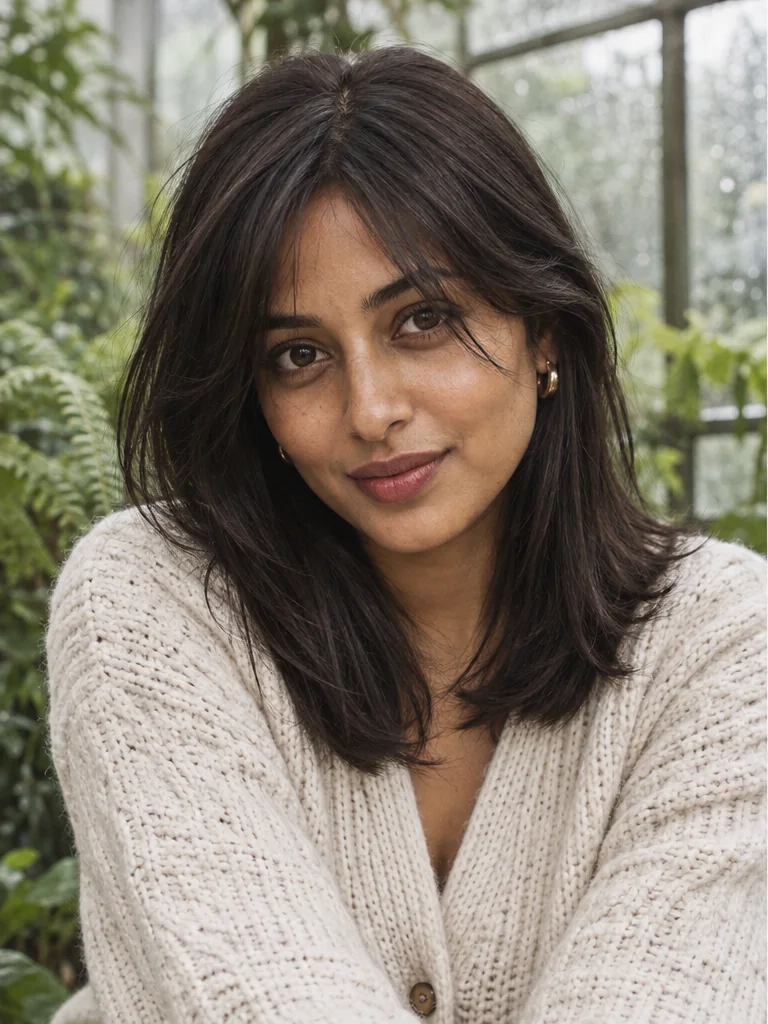
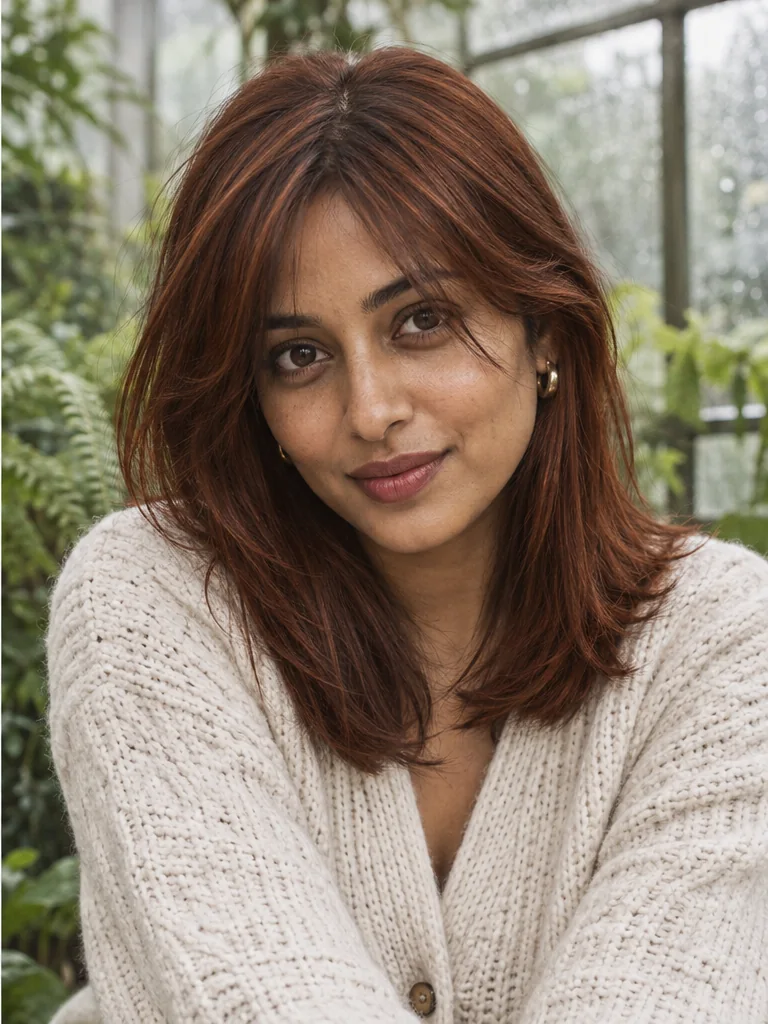
One photo. Different possibilities.
A new shade.
Still your story.
Explore virtual hair color try on through natural tones, dimensional highlights, silver, and something a little unexpected.
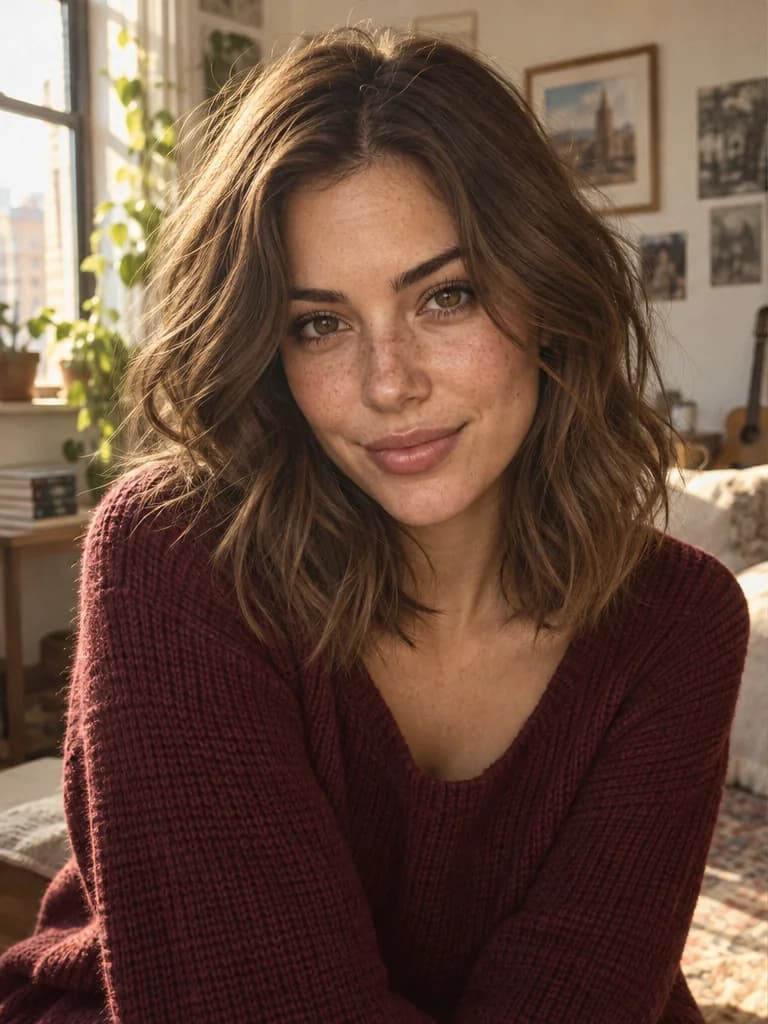
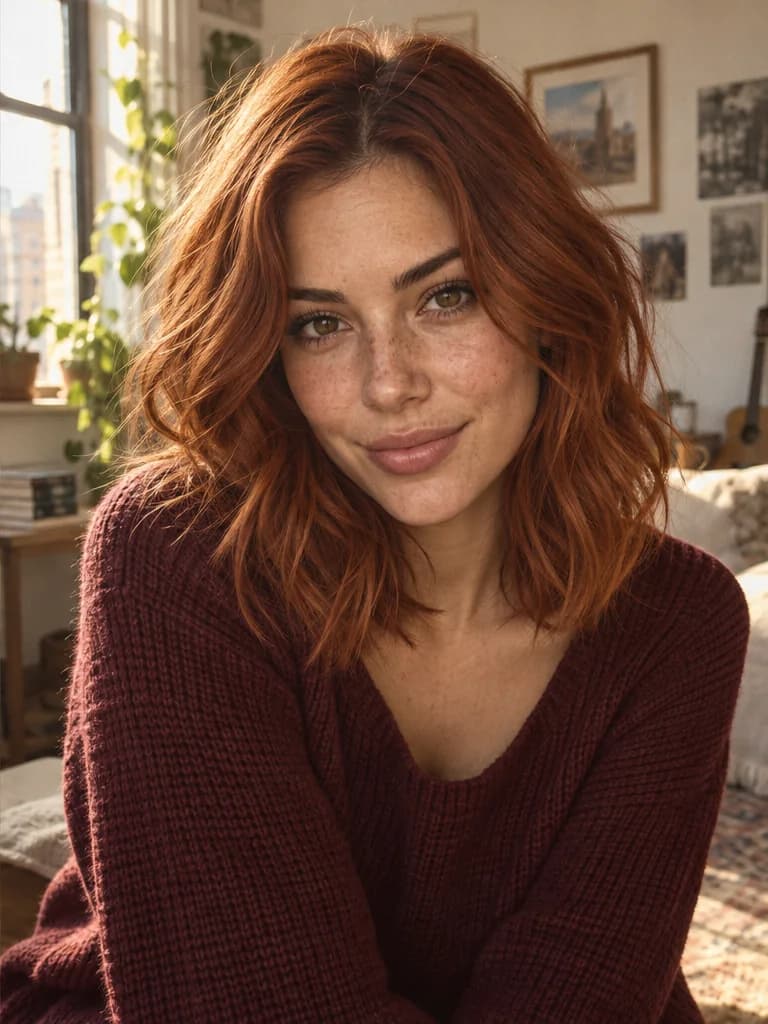
Your photo. A new possibility.
See the color on your own photo
Wondering what you would look like with copper hair? Virtual hair color try on puts the idea on a familiar face. Start from your own portrait and ask for a focused color change while keeping the haircut, expression, and setting familiar. Compare with your original to decide whether the new shade feels like you.
A personal preview before a real change.
Try it on your photo

Find your kind of natural
Explore warm and cool color directions
Chocolate brown, ash brown, honey blonde, or a lighter platinum direction: small changes in tone can give a portrait a different mood. Use this AI hair color changer to explore shades beside your complexion and everyday clothes. Keep the same source photo for each generation so you can judge the color rather than a change in angle or lighting.
Compare your options. Choose for yourself.
Try it on your photo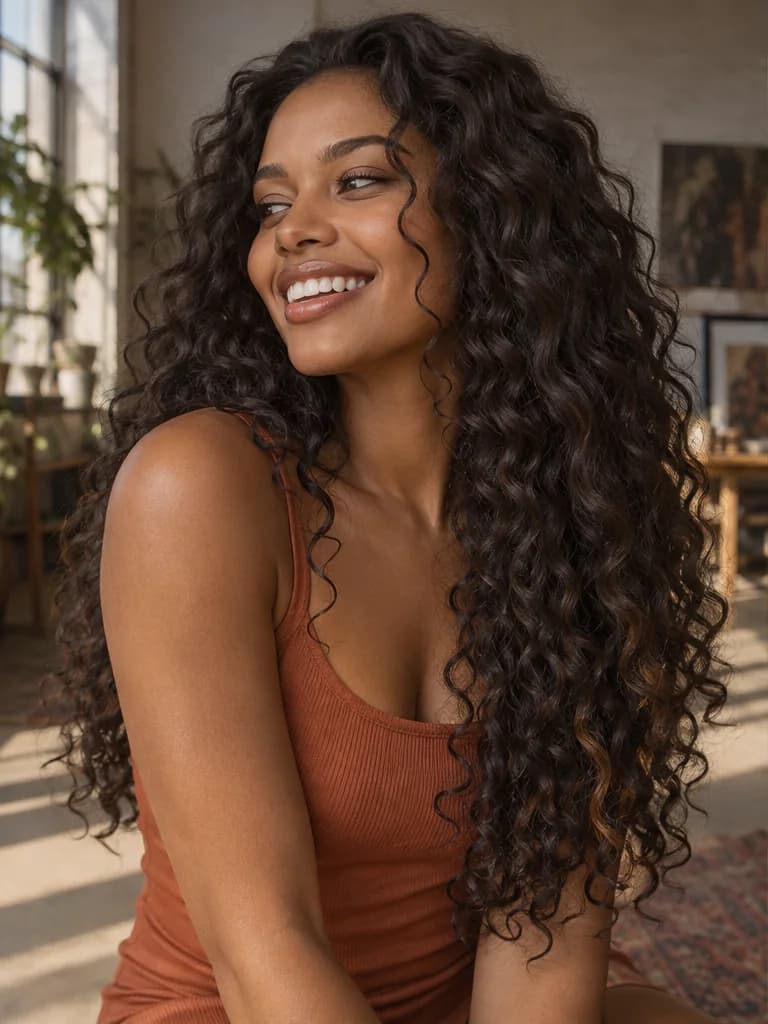
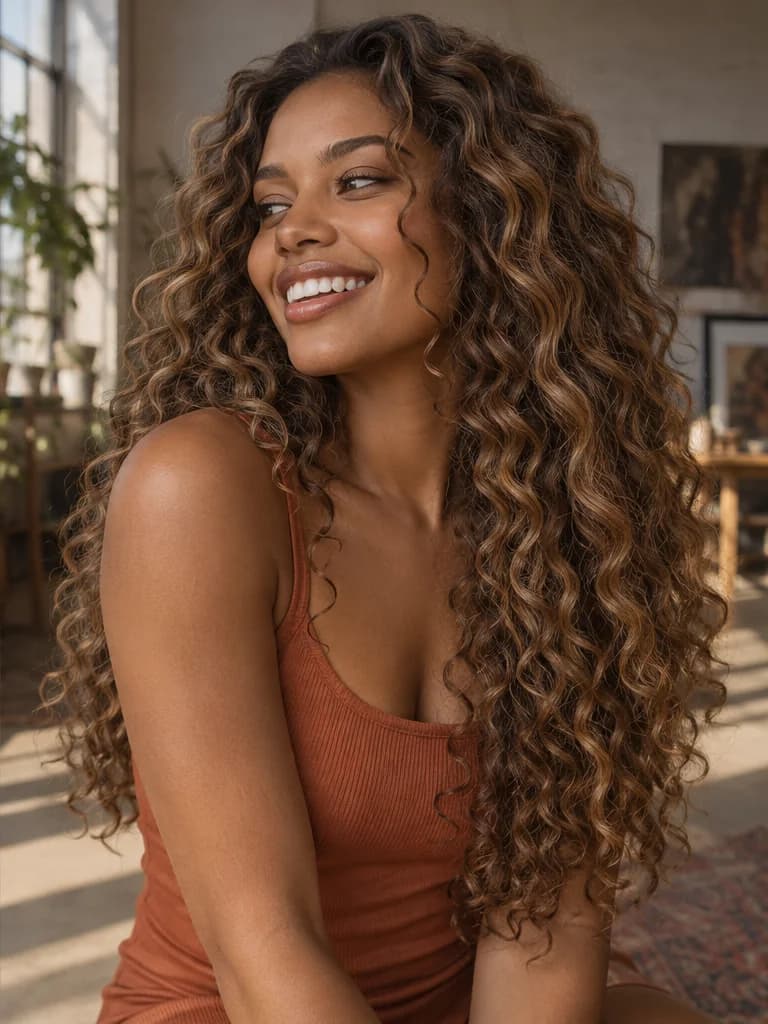
A little light goes a long way
Try highlights without changing everything
A full-head color is only one possibility. Explore virtual hair color try on with highlights, caramel balayage, or lighter face-framing pieces by describing where you want the brightness. See how a softer lift could work with waves or curls, then bring the preview to a stylist to discuss placement. Fine strands and intricate patterns may need another generation.
Describe the color and where it should go.
Try it on your photo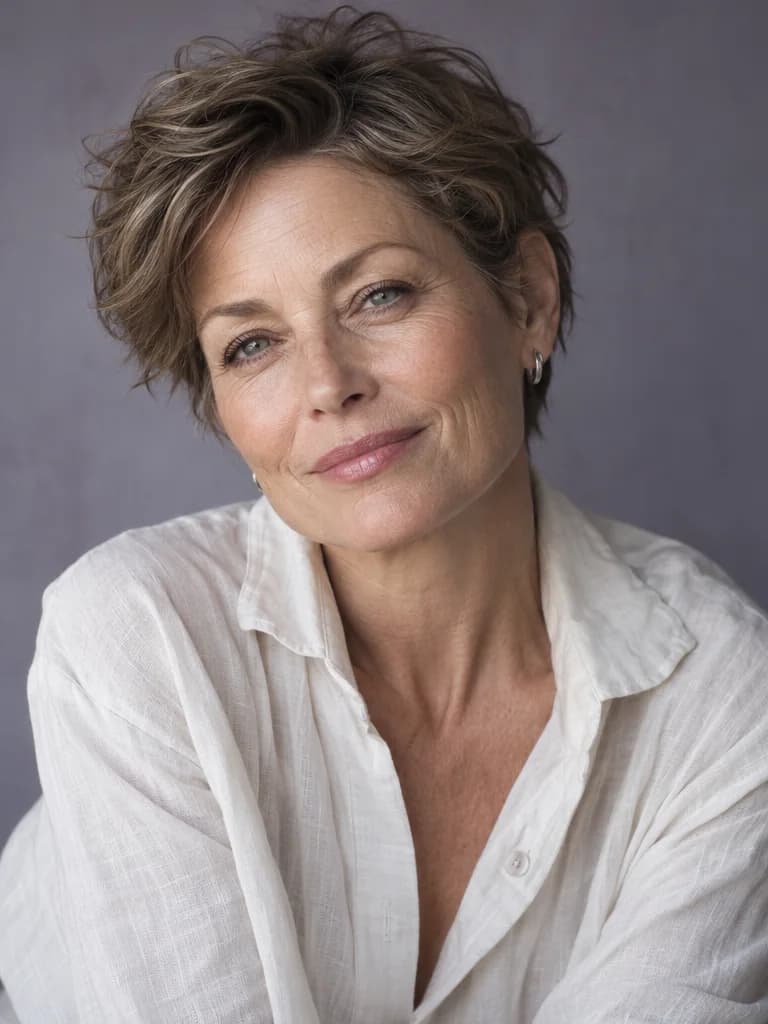
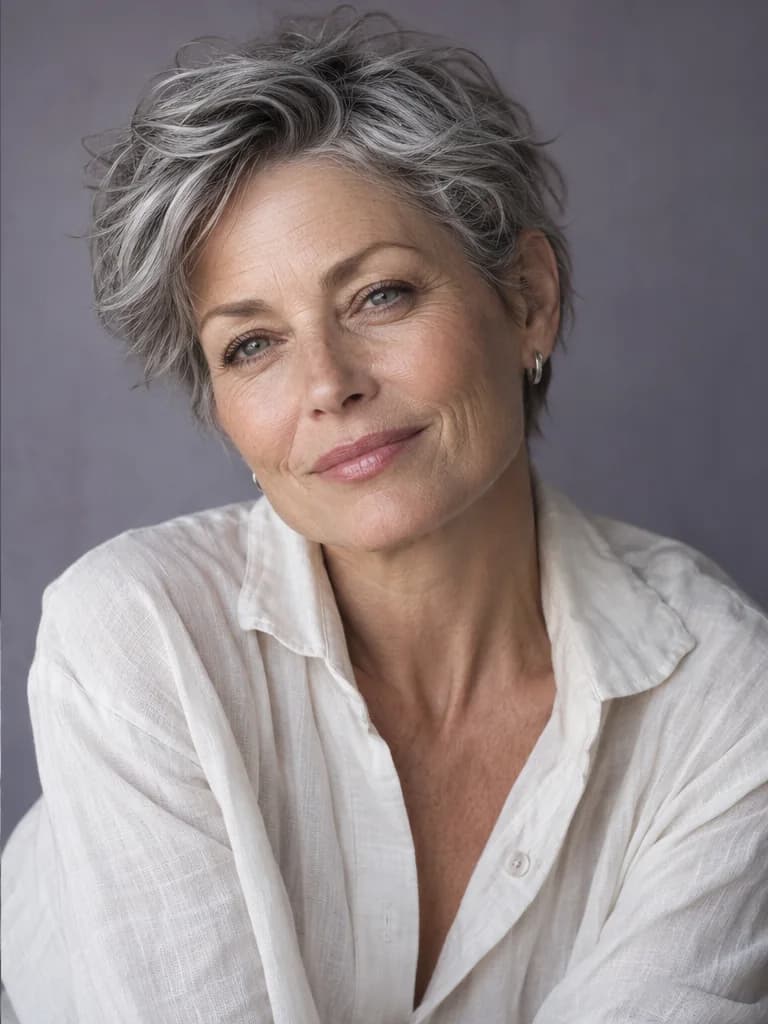
Make room for silver
Picture a silver or gray hair direction
Curious about smoky gray, bright silver, or a salt-and-pepper look? A gray hair try on gives you a visual starting point before a bigger conversation about color and upkeep. Test a lighter shade against your own features, without changing your current hair in real life. The preview cannot forecast natural graying, dye coverage, or how your hair will lift.
Explore the look before planning the process.
Try it on your photo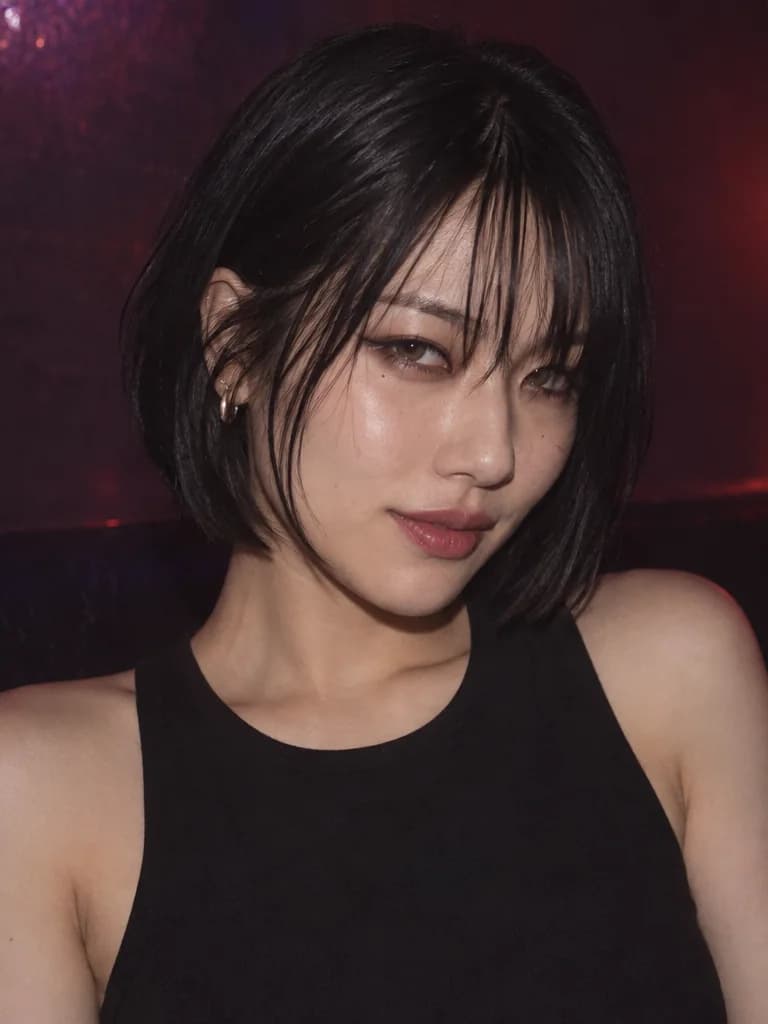
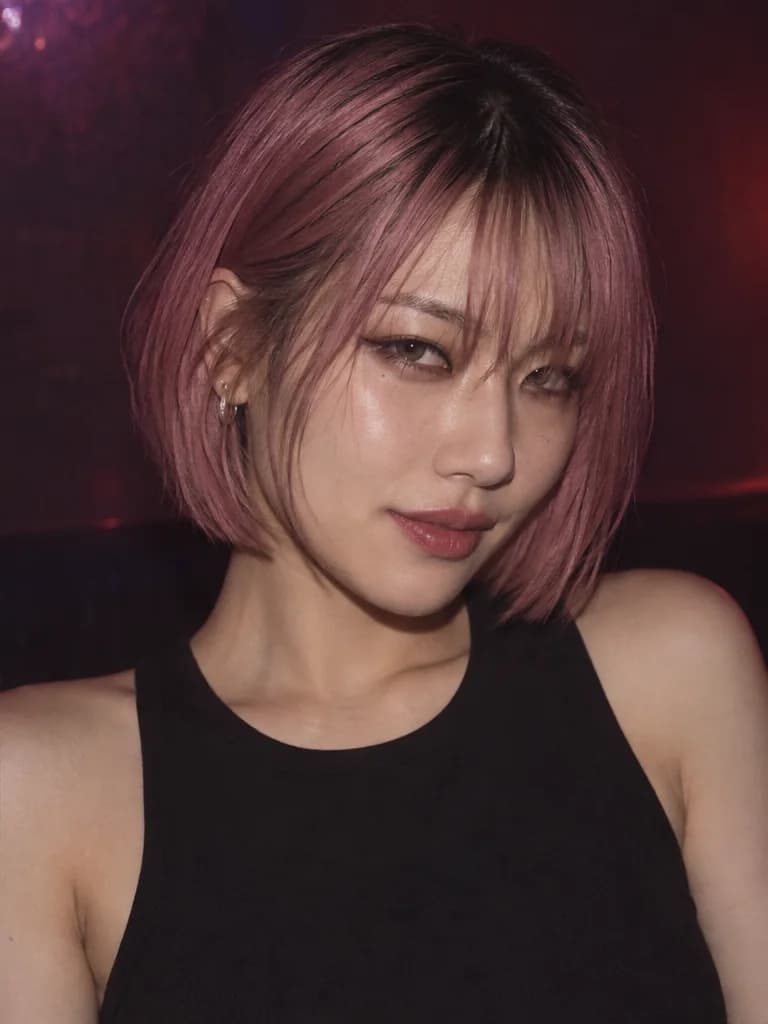
Follow the feeling
Give a bolder color a little room
Some ideas deserve more than a saved inspiration photo. Use virtual hair color try on to explore rose pink, burgundy, violet, or your own color description on a selfie. Try a softer pastel or deeper shade in a separate generation, keeping the original as your base. It is a low-commitment way to explore a dramatic look before deciding what comes next.
From a quiet change to a statement shade.
Try it on your photoHow to use virtual hair color try on
- 01
Upload one clear photo
Choose even light and keep your full hair outline visible. A simple portrait makes the change easier to judge.
- 02
Choose your color direction
Pick a shade, or add a short description for a softer tone, darker roots, or highlights.
- 03
Generate, compare, save
Review the preview against your original. Try another shade from the same photo, then save your favorite after signing in.
For the moments before a change
Your first color appointment
Narrow down a few directions before booking. A personal preview makes a big change easier to picture.
A clearer salon conversation
Bring a saved image to explain the warmth, depth, or placement you mean, then discuss feasibility with your stylist.
An event or portrait idea
Explore a color mood for a party, photoshoot, or creative profile picture before planning the rest of your look.
Why try your next shade here?
A direct browser workflow
Open the tool on desktop or mobile. Upload, choose, and generate without installing an app.
Room for your own idea
Start with eight named shades, then describe the tone or highlights you want beyond the presets.
Clear conditions up front
Guest limits and download options stay visible, with an honest distinction between a preview and real dye results.
Virtual hair color try on FAQ
How can I test a hair color on my own photo?
Upload one clear portrait, pick a shade or describe your own, and generate a preview. Virtual hair color try on uses your photo as the base. Compare the result with the original before trying another color.
Is virtual hair color try on free, and do I need an account?
Eligible visitors can generate within the available guest allowance before registering. Free attempts depend on remaining guest credits and capacity. Downloads require sign-in; additional generations and original-resolution downloads depend on your credits and paid access.
Can I preview highlights, balayage, and gray hair?
Yes. Choose a starting shade and describe caramel highlights, balayage, silver gray, or salt-and-pepper color in the optional detail field. These are generated interpretations, so precise placement and fine strands may need refinement.
Will it keep my face and haircut the same?
The edit instructions ask to preserve your face, expression, haircut, texture, and background while changing hair pigment. Generative edits can still alter details. Check your face and hairline against the source and regenerate if they drift.
Does it work for dark hair, curls, short hair, and men?
You can submit these portraits when the hair is clearly visible. Strong shadows, very fine edges, accessories, and complex curls can make results less consistent. A light-color preview on dark hair does not show whether real bleaching is feasible.
What photo formats and sizes can I upload?
Use one JPG, PNG, or WebP up to 10 MB. Choose a sharp portrait in even light, with the full hair outline visible. Avoid hats, heavy beauty filters, and group photos. A front-facing or gentle three-quarter angle is a useful starting point.
Can the simulator tell me which shade suits me or predict my dye result?
Virtual hair color try on helps you compare ideas; it does not automatically rank shades or match a dye formula. Screens, lighting, starting color, and hair condition affect appearances. Take your favorite preview to a stylist to discuss realistic results.
How do downloads and photo privacy work?
Sign in for a 640px watermarked preview; paid access unlocks original-resolution downloads and private mode. Results are public by default. Photos are processed through the service and its providers under the Privacy Policy; uploads are not sold.
Read our Privacy Policy for photo processing details.
Let curiosity pick the first shade
See your next hair color on you.
Start virtual hair color try on with one photo. Explore a color you have been thinking about, then decide what feels right.
Try My Hair Color