
Focused portrait workflows
AI Portrait Editing Tools
Choose a focused image-to-image workflow for face, gaze, smile, clothing, or person-level changes while keeping the rest of the portrait recognizable.
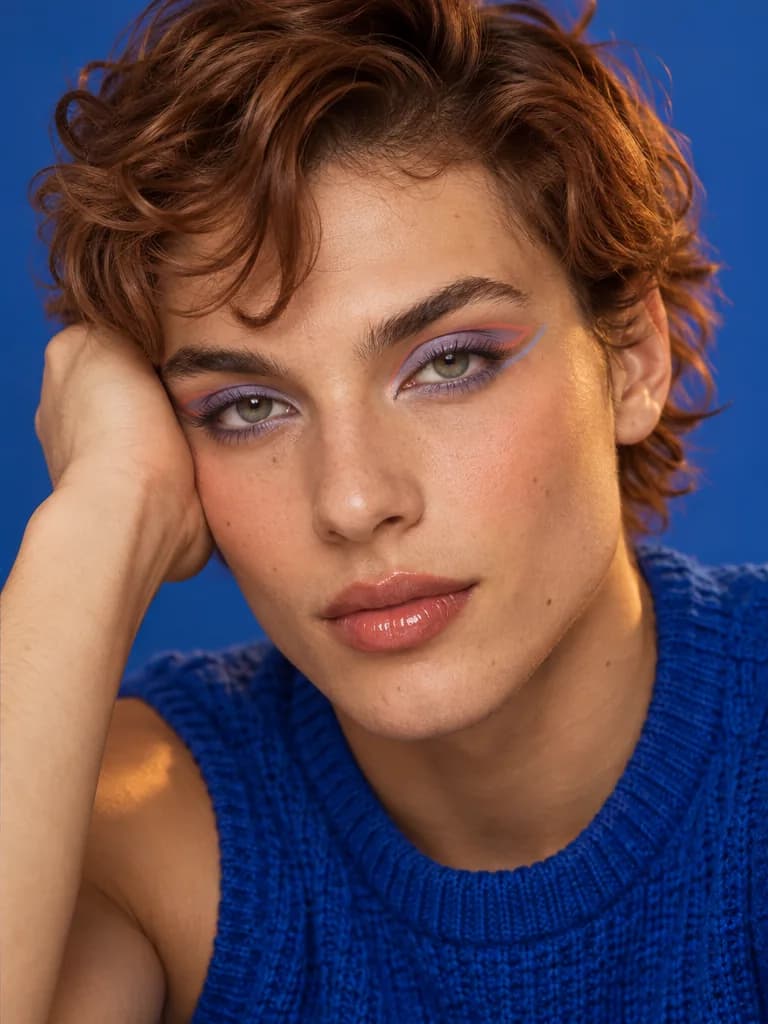
Virtual makeup try on
AI Makeup Generator
Try natural makeup, a statement lip, smoky eyes, bridal soft glam, or an editorial mood on your own portrait.
Open tool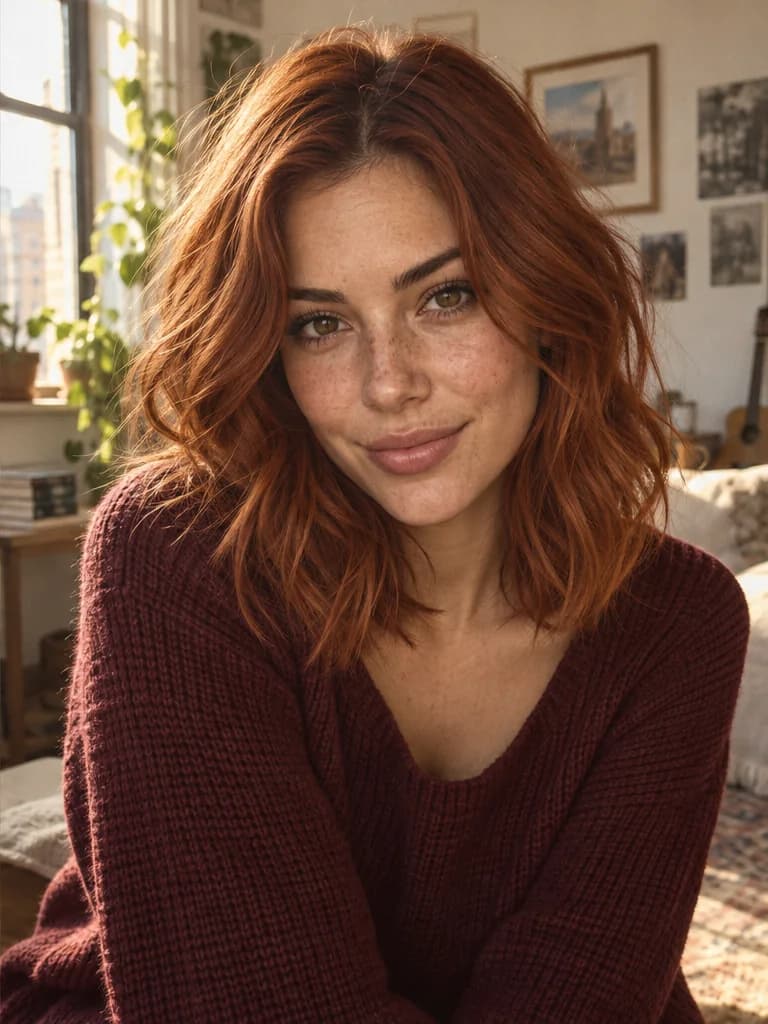
Hair color preview
Virtual Hair Color Try On
Preview natural shades, highlights, silver gray, or bolder hair colors on your own photo before deciding on a new look.
Open tool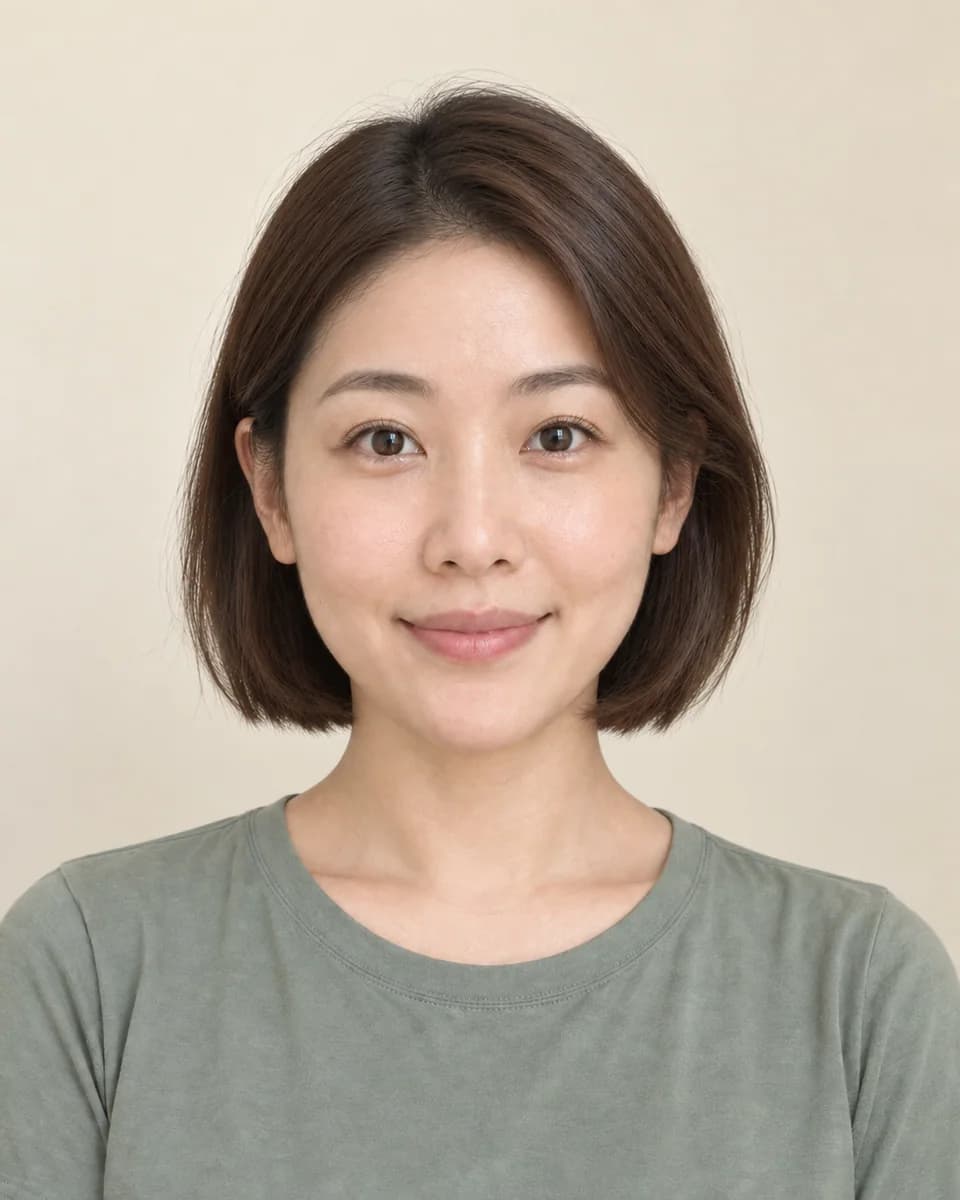
Virtual hairstyle try on
AI Hairstyle Changer
Preview bobs, pixies, bangs, curls, fades, longer layers, and hair colors on one selfie before choosing a real haircut or color direction.
Open tool
Eyewear removal
Remove Glasses AI
Remove eyeglasses or sunglasses while creating natural-looking eyes and preserving identity, expression, lighting, clothing, and background.
Open tool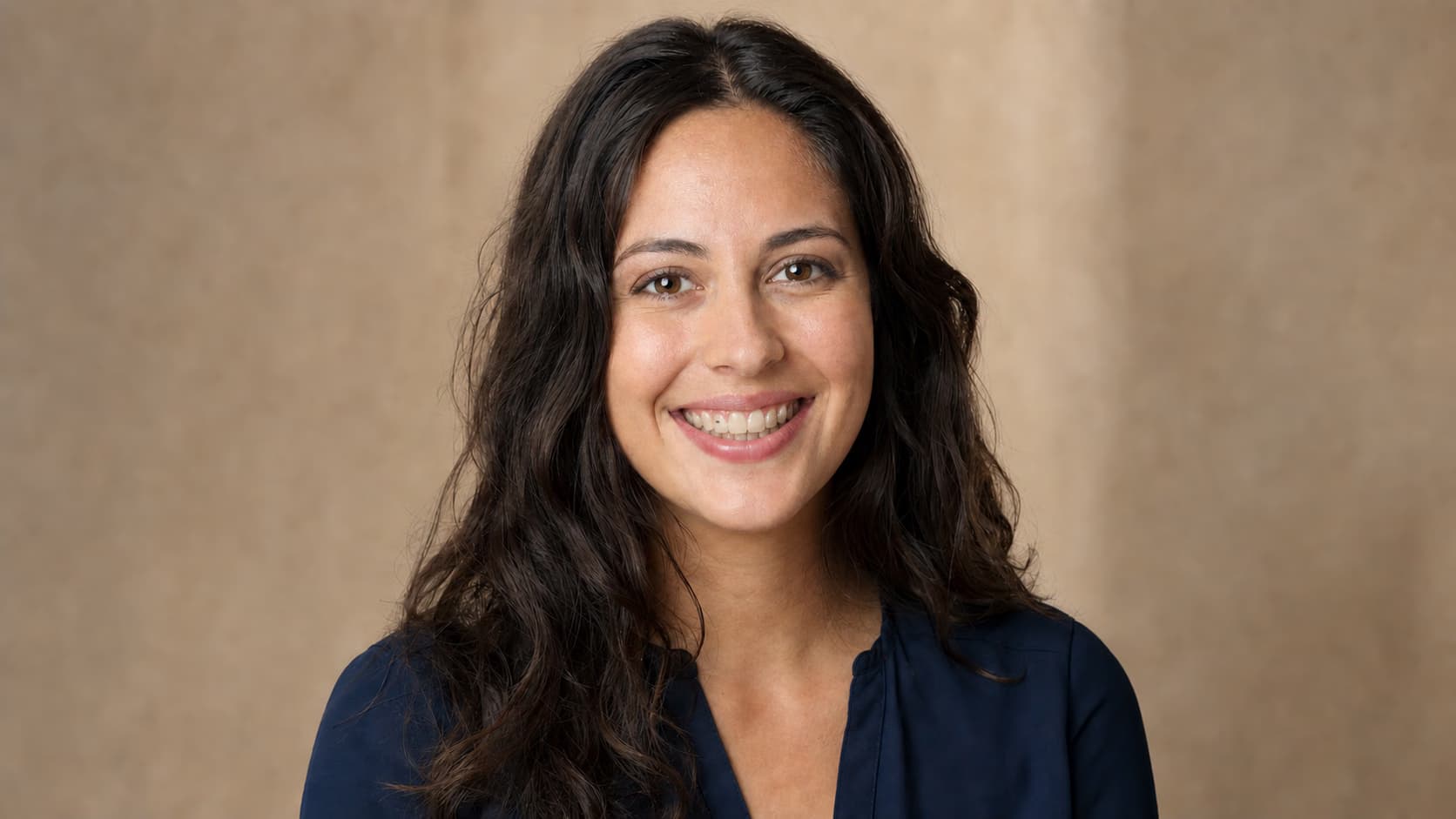
Smile repair
Remove Braces from a Photo
Remove visible brackets, wires, and bands while keeping the person’s current tooth alignment, natural color, lips, expression, and identity.
Open tool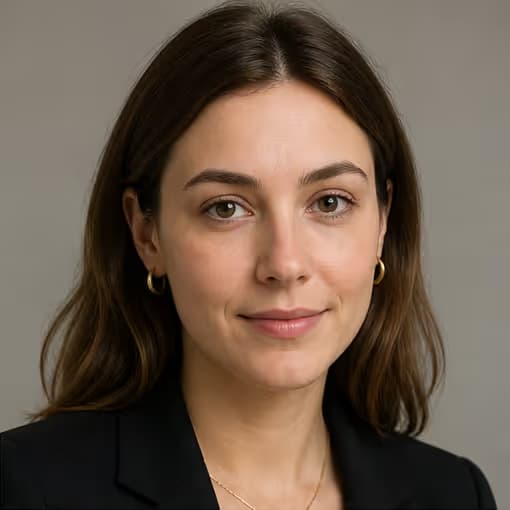
Under-eye retouching
Remove Eye Bags from a Photo
Reduce under-eye puffiness and harsh shadows without smoothing the whole face, changing eye shape, or erasing natural skin texture and age.
Open tool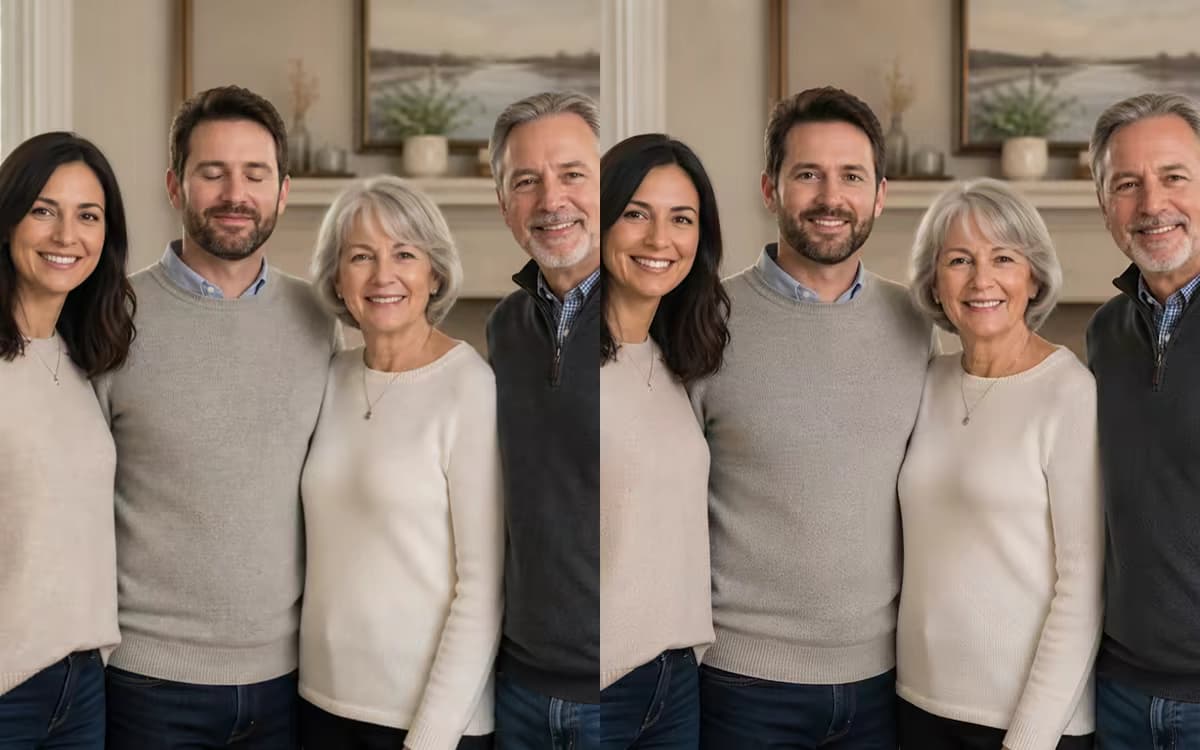
Blink correction
Fix Closed Eyes in a Photo
Repair an accidental camera blink or half-closed eyes while keeping the original face, expression, lighting, and background as close as possible.
Open tool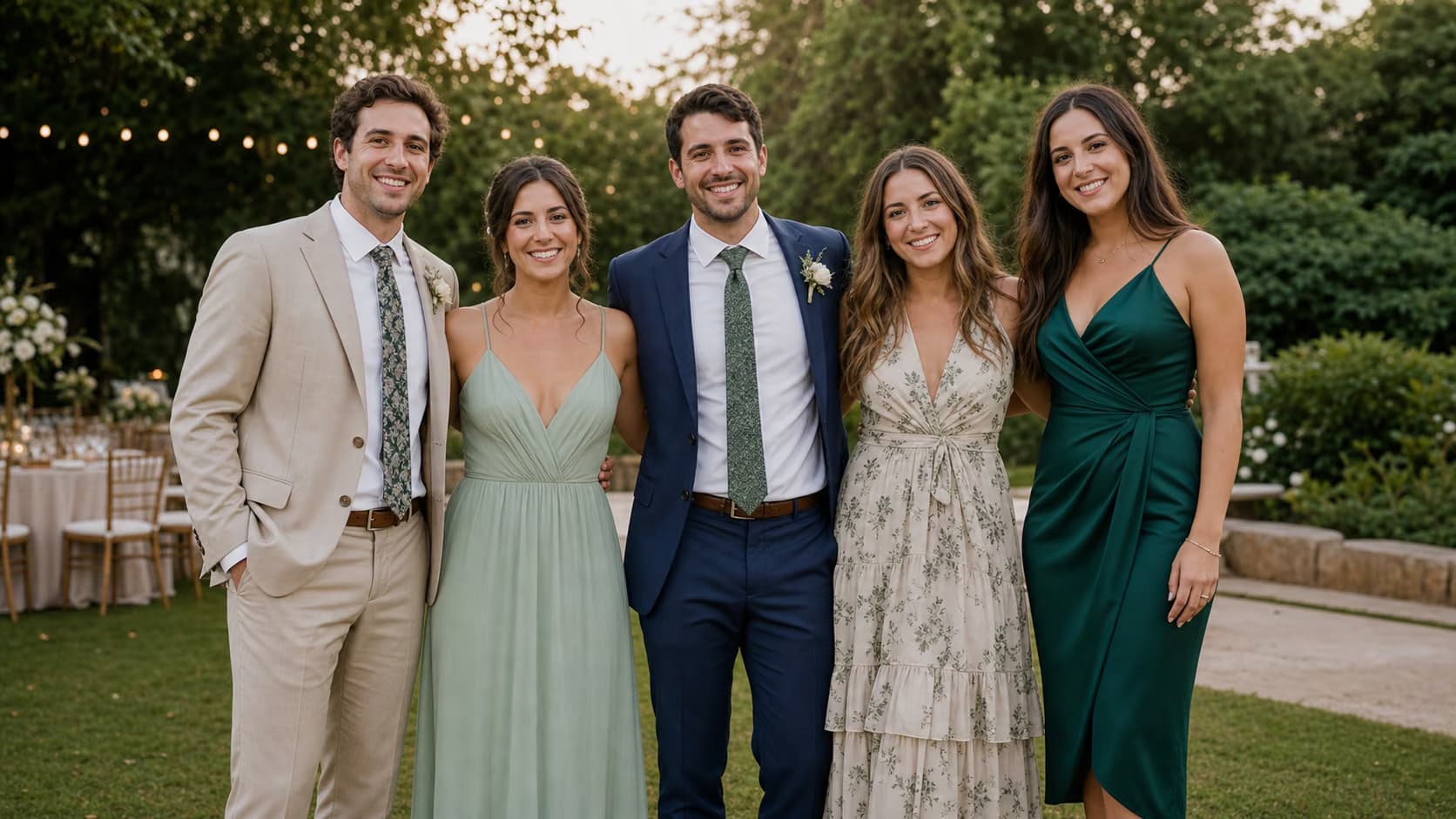
Person compositing
Add Person to Photo
Insert one referenced person into an existing group, wedding, travel, team, or event photo while protecting the original people and scene.
Open tool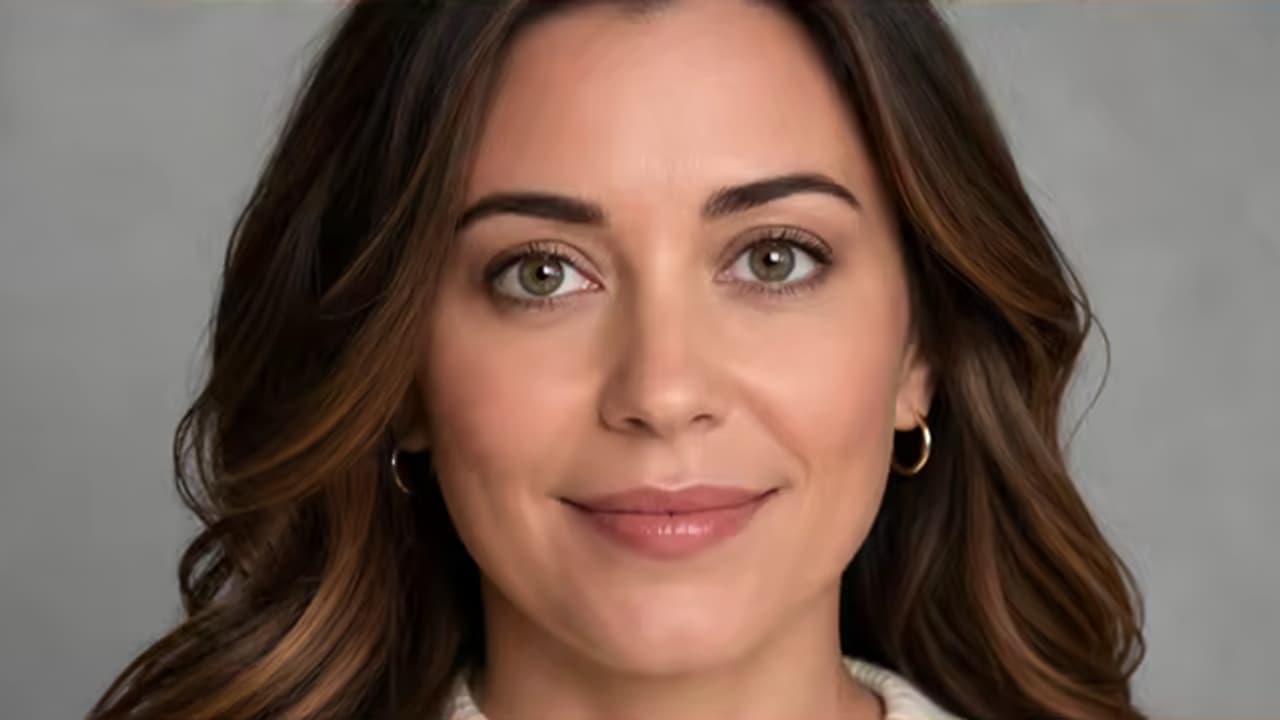
Gaze correction
Make Eyes Look at the Camera
Correct a slight off-camera gaze in a still photo while preserving eye color, iris detail, eyelids, identity, and expression.
Open tool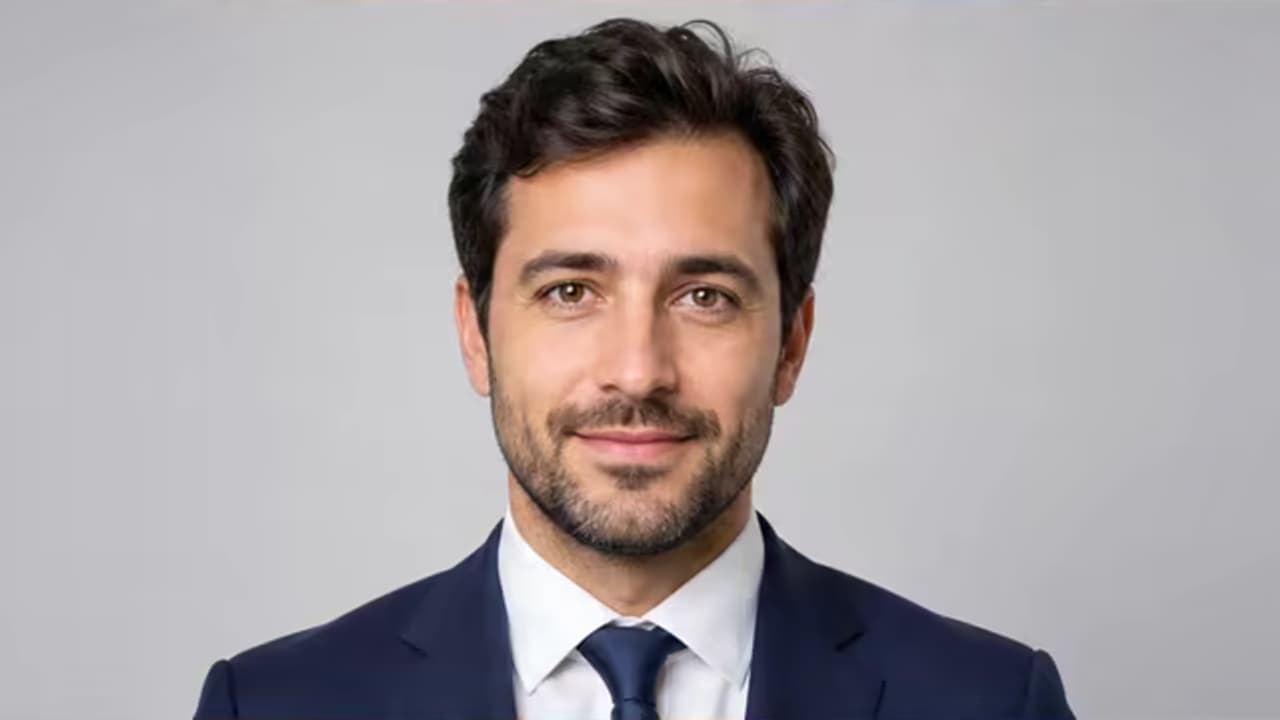
Professional outfit
Add a Suit to a Photo
Replace casual clothing with a business suit, blazer, or tuxedo while keeping identity, pose, proportions, and background.
Open toolWhich portrait tool should I use?
Use Fix Closed Eyes in a Photo for an accidental blink, Remove Eye Bags when the eyes are open but under-eye shadows are the issue, and Make Eyes Look at the Camera for a slight off-camera gaze. Remove Glasses and Remove Braces handle narrower face details. Add a Suit changes visible clothing, while Add Person to Photo inserts one referenced person into an existing scene. For younger-self concepts or broader family compositions, continue to the Creative Photo Editing category.