
Source-photo creative transformations
AI Creative Photo Editing Tools
Turn an existing portrait, family photo, pet, product, room, or character reference into a new creative presentation while keeping the source recognizable. Replace one object, create a new background, build a collectible figure, add instant-film styling, revisit a younger self, or compose a family portrait.
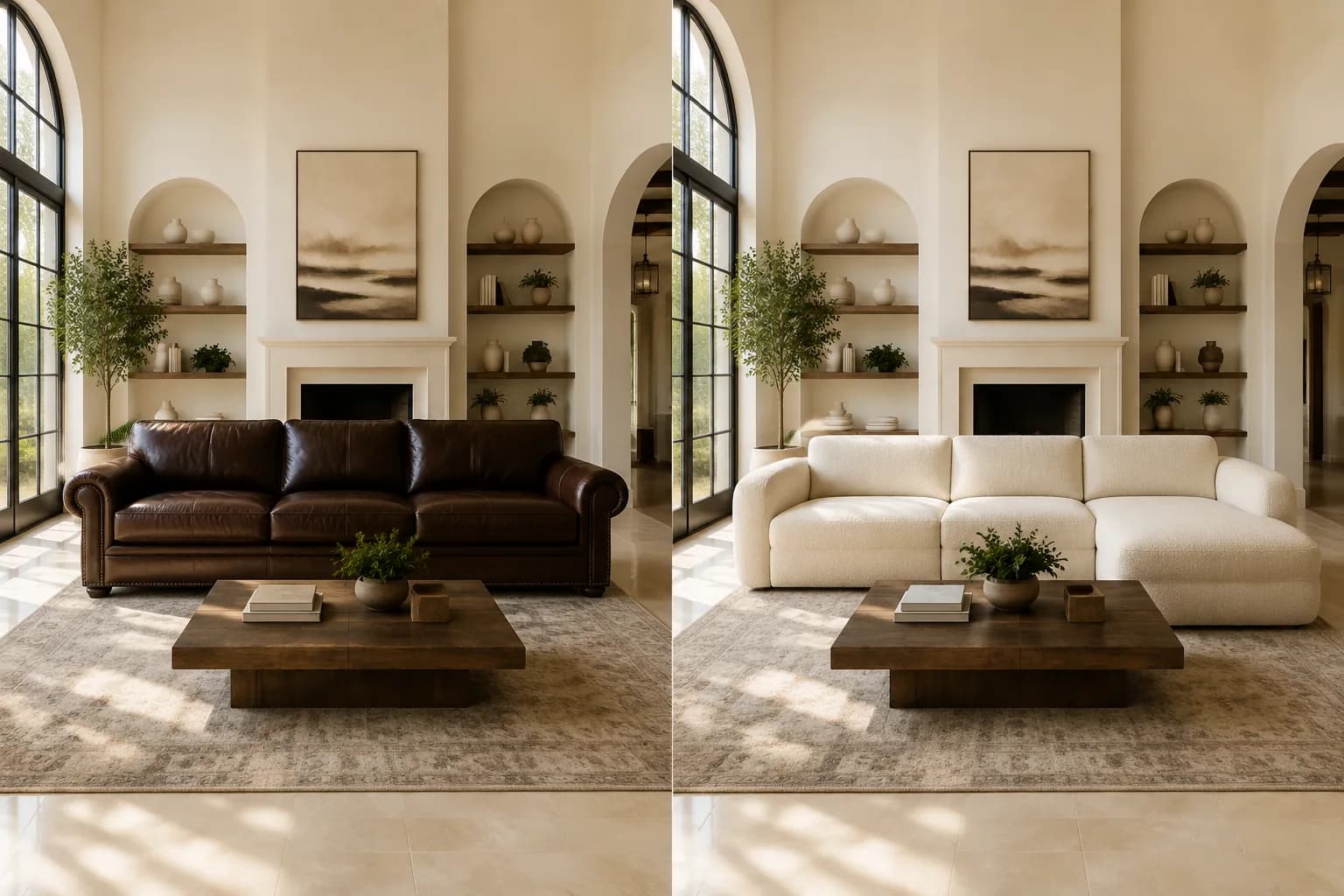
Object replacement
AI Object Replacer
Replace furniture, products, vehicles, plants, décor, and everyday objects while keeping the surrounding scene, perspective, light, and composition.
Open tool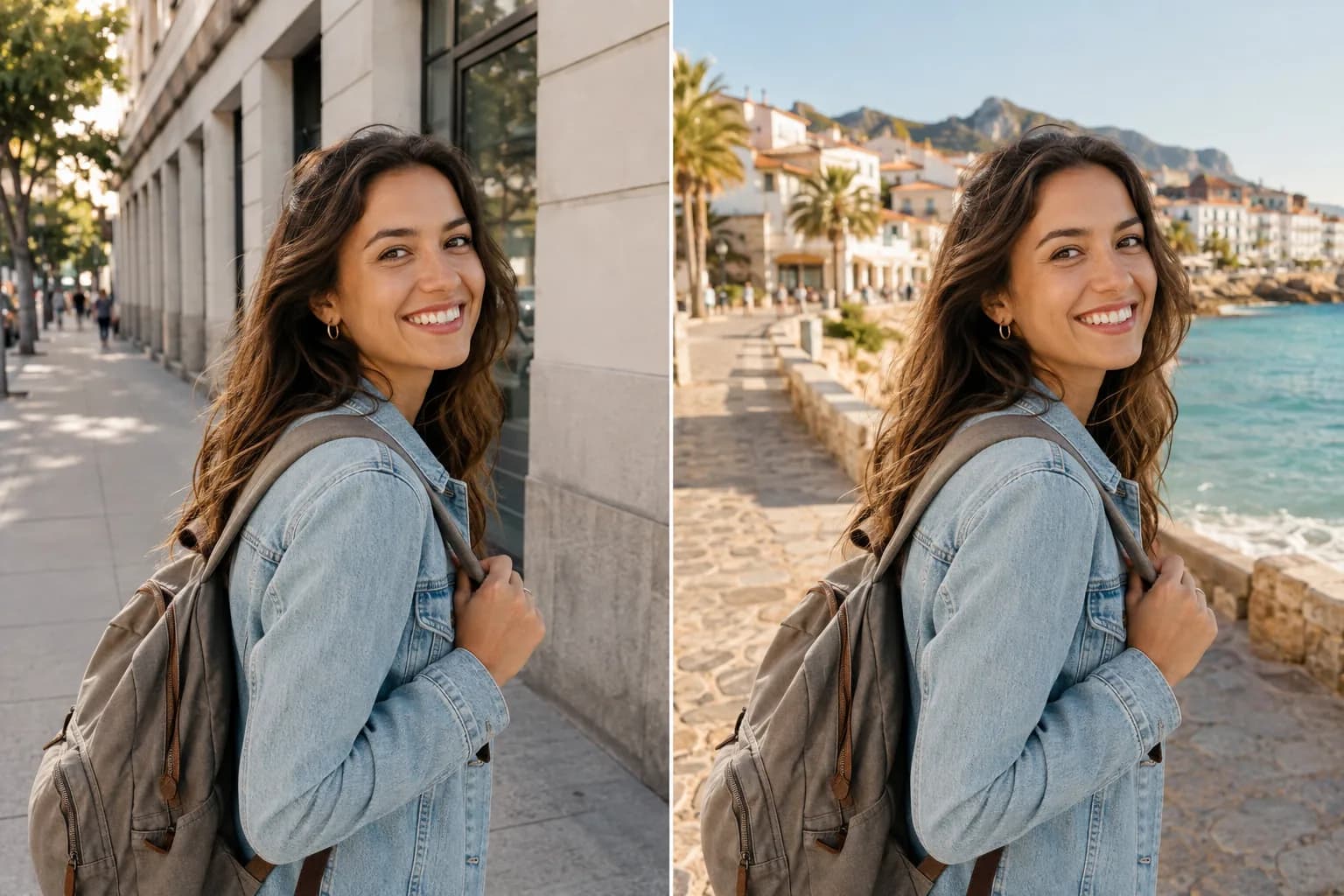
Background replacement
AI Background Changer
Place a person, family, pet, or portrait in a studio, office, beach, city, garden, home, or any new scene described in text.
Open tool
Collectible figure edit
AI Action Figure Generator
Transform a portrait, pet, product, or character reference into a collectible figure with packaging, accessories, a display base, and product-style lighting.
Open tool
Instant-film styling
AI Polaroid Photo Editor
Give an uploaded photo an instant-film frame, realistic grain, soft flash, paper texture, faded color, and a nostalgic memory-photo mood.
Open tool
Multi-reference memory scene
AI Younger Self Photo Generator
Combine current and childhood references into mirror, hug, side-by-side, and memory-style scenes while keeping both ages recognizable.
Open tool
Family portrait editing
AI Family Picture Editor
Merge separate family photos, add a missing relative, restore an older picture, or create a cohesive family portrait from authorized references.
Open toolWhich creative photo editing tool should I use?
Use AI Object Replacer to swap one item inside an existing scene and AI Background Changer to rebuild the complete setting behind a subject. Use AI Action Figure Generator for toy-box presentations, AI Polaroid Photo Editor for nostalgic instant-film styling, AI Younger Self Photo Generator for current-and-childhood compositions, and Family Picture Editor for broader multi-person portrait work.