
Resolution, canvas, and light
AI Image Enhancement Tools
Improve an existing image while keeping the source as the visual anchor. Add natural color to black-and-white photos, enlarge pixel dimensions, extend the canvas for a new format, or redesign the lighting.
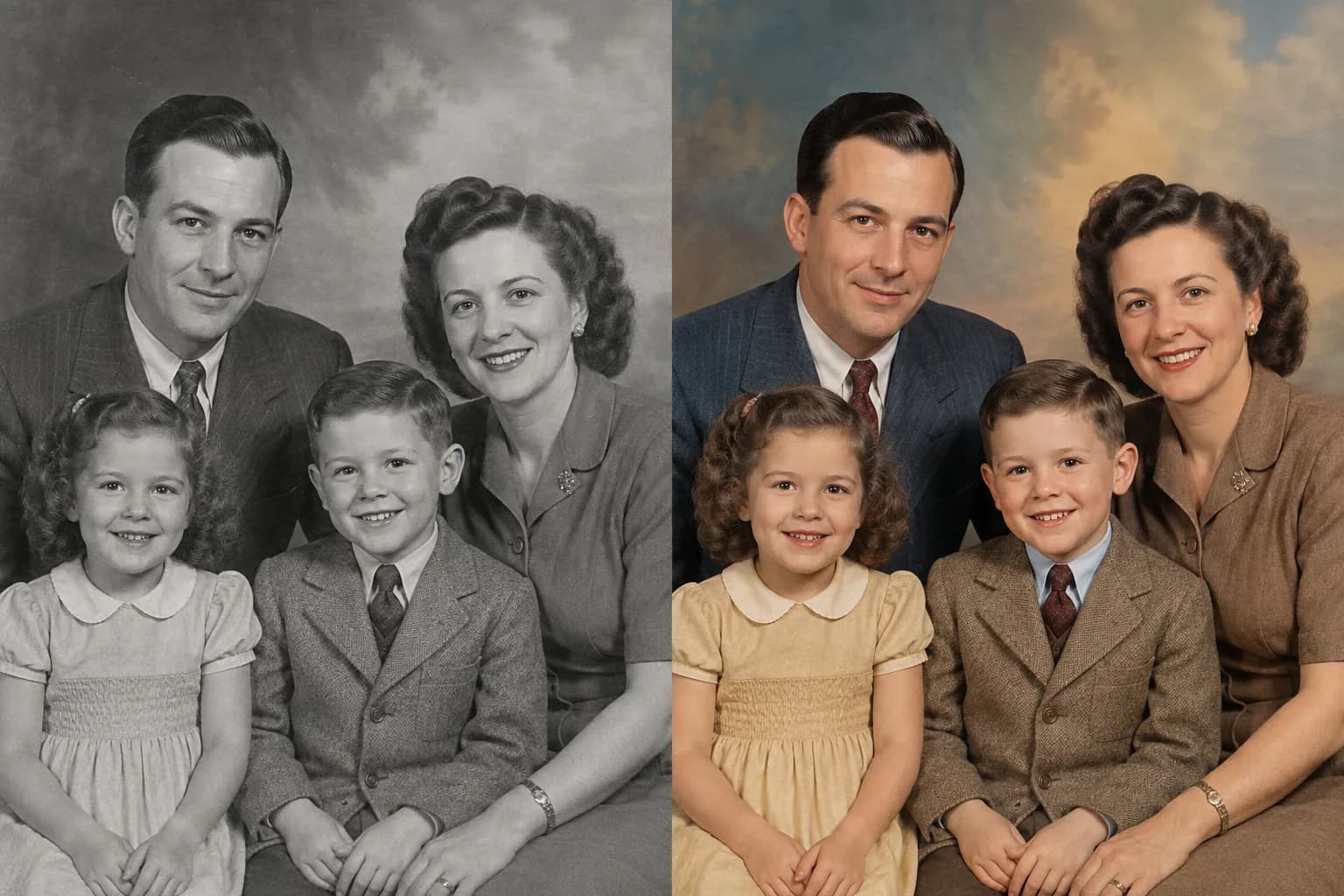
Black-and-white to color
AI Photo Colorizer
Turn black-and-white, grayscale, and sepia photos into vivid color while preserving faces, expression, composition, and photographic character.
Open tool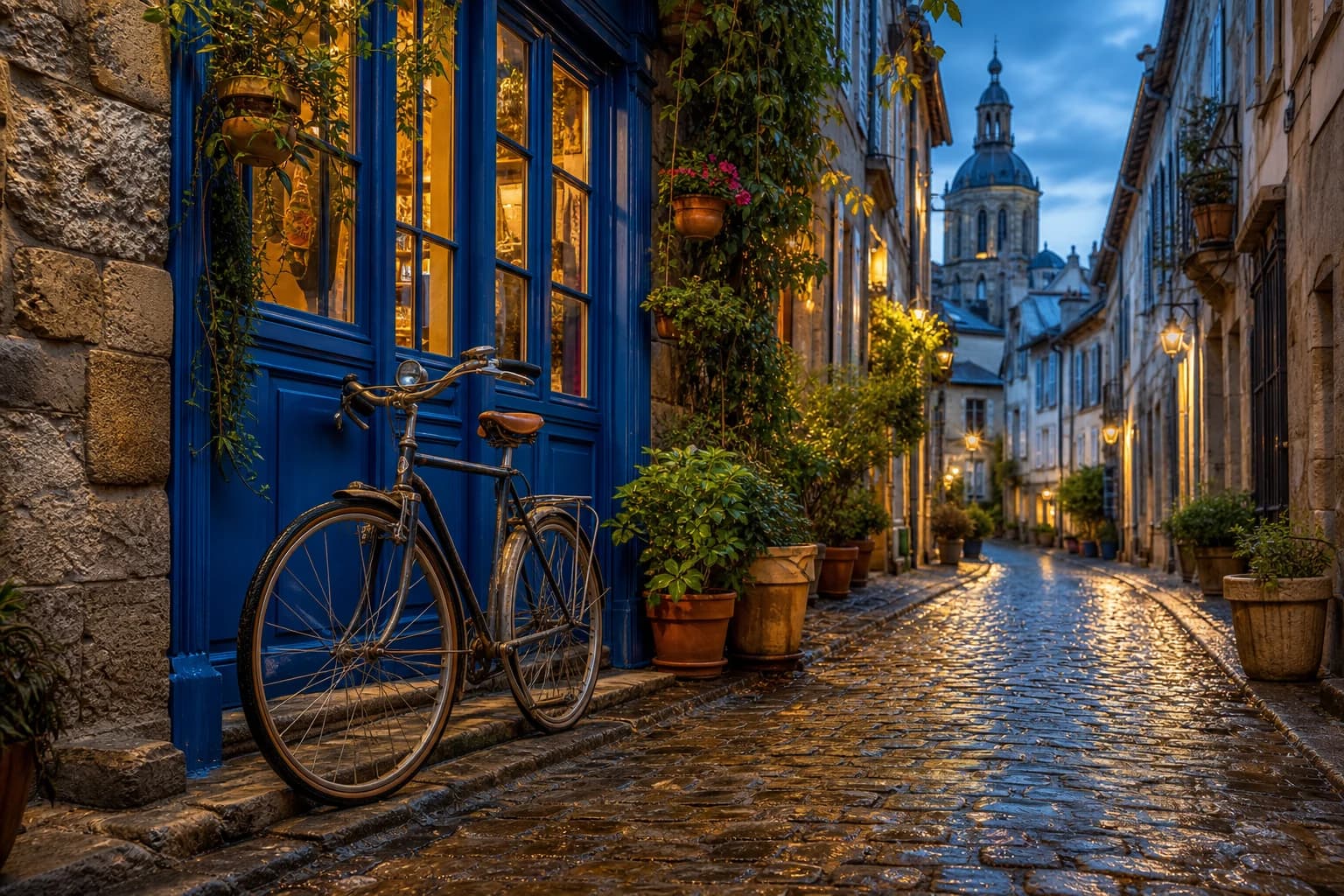
Resolution enhancement
Free AI Image Upscaler
Enlarge JPG, PNG, and WebP images by 2× or 4× with private browser processing while retaining the original composition.
Open tool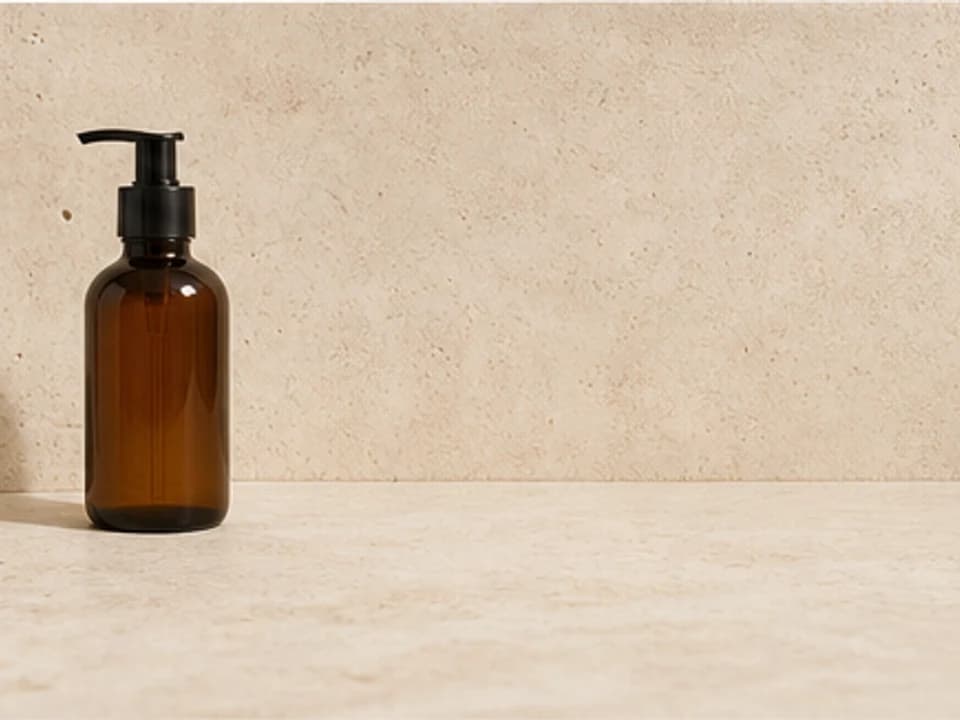
Generative canvas extension
AI Image Extender
Expand left, right, up, down, or on every side to create a wider, taller, square, banner, feed, or story composition.
Open tool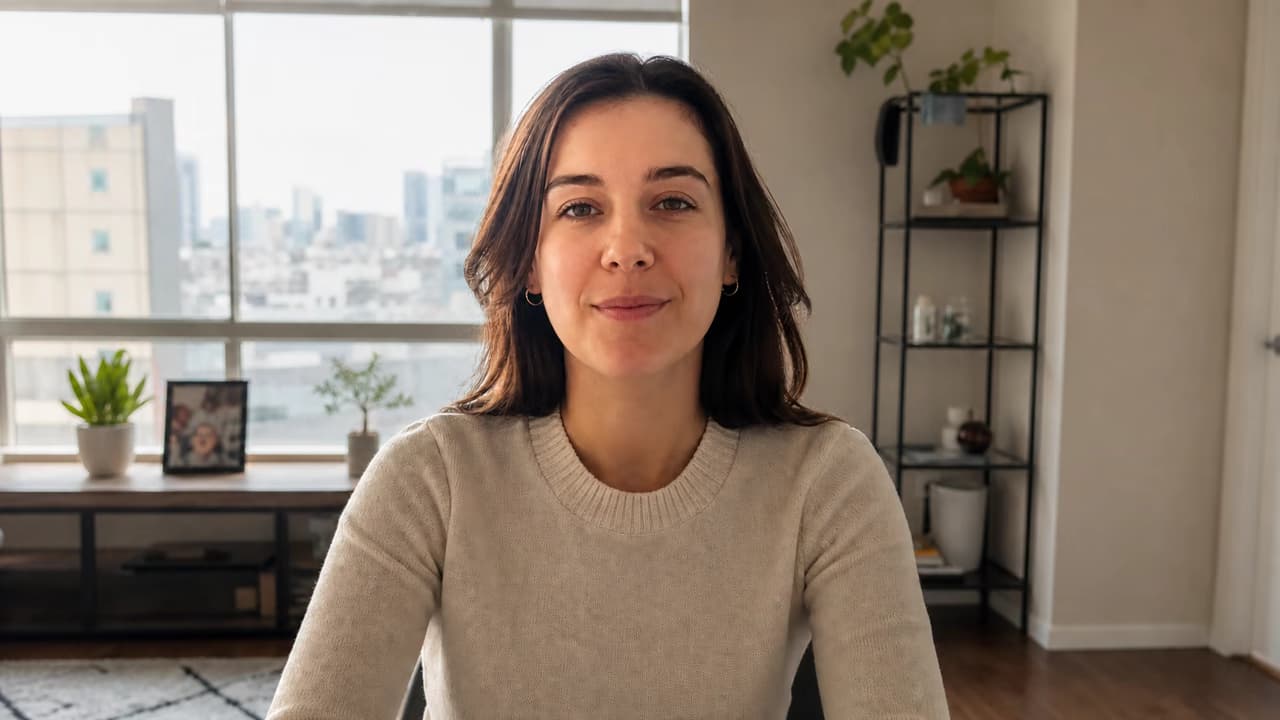
Lighting enhancement
AI Photo Relighting
Correct dark, flat, backlit, or uneven images or describe a new key-light direction, color temperature, shadow character, and mood.
Open toolWhich AI image enhancement tool should I use?
Use Photo Colorizer when a black-and-white, grayscale, or sepia image needs natural color. Use Image Upscaler when the image needs more pixel dimensions, AI Image Extender when the composition needs new space around its edges, and AI Photo Relighting when the brightness, direction, temperature, or mood of the light needs to change.