
Choose an image model workflow
AI Image Model Editors
Choose a model-specific image editor when model behavior, reference limits, output sizes, text rendering, speed, or cost matters more than a single narrow editing task.
AI image editor
Qwen Image 2.1
Edit photos with optional references or create from text, with transparent output, 1K or 2K resolution, and refined typography and portrait detail.
Open tool
Generate & edit
GPT Image 2.5
Create and edit with Flare and Sunburst. Explore precise editing, subject consistency, and a gallery of visual styles.
Open tool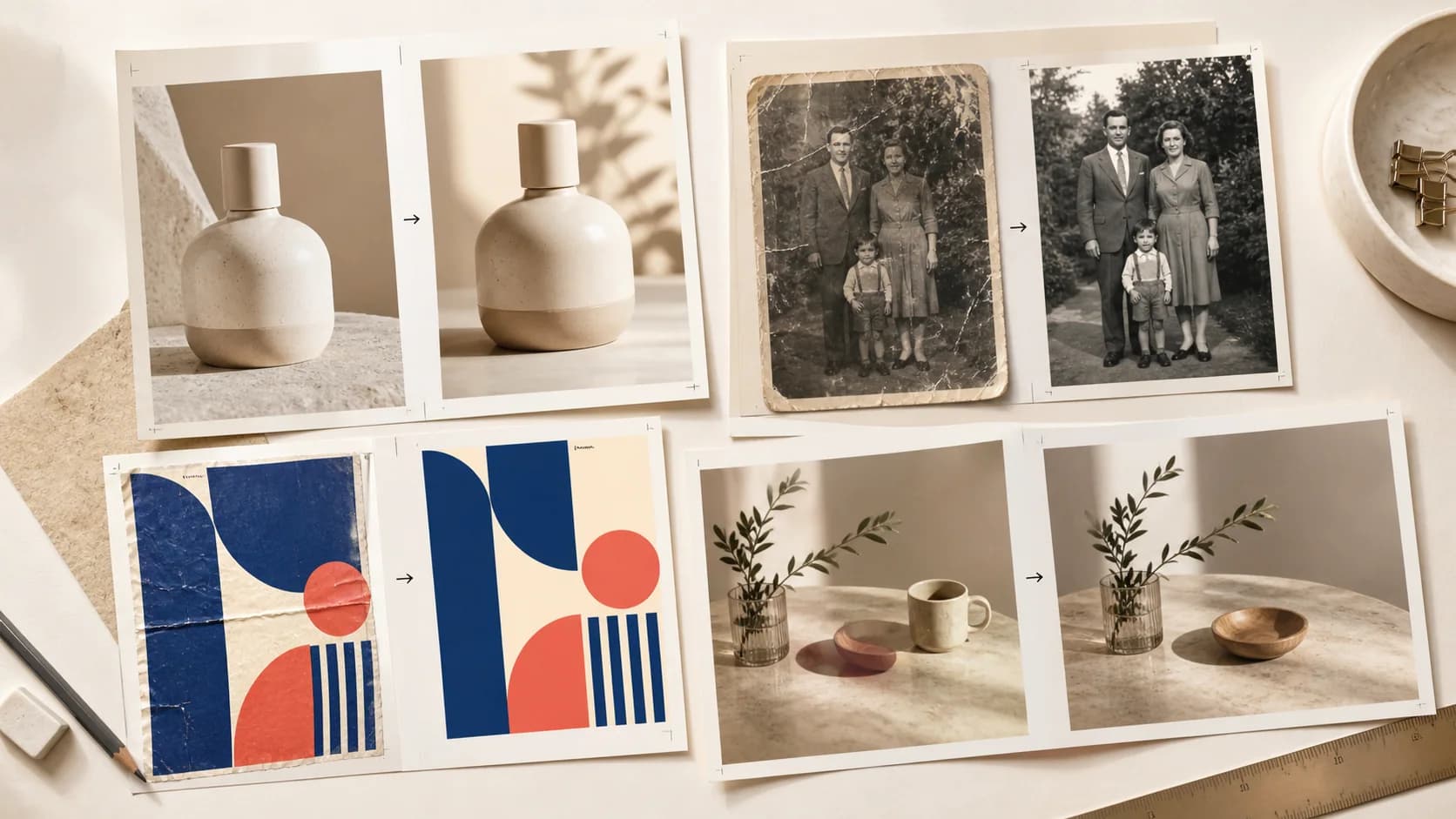
GPT Image 2
ChatGPT Image Editor
Edit photos, products, posters, text, portraits, and restoration projects with GPT Image 2, multiple references, and 1K, 2K, or 4K output.
Open tool
Qwen Image 3
Qwen Image Edit
Use Qwen Image 3 for multilingual text, layout, object, background, product, style-transfer, and infographic editing.
Open tool
Grok Imagine Image 2
Grok AI Image Editor
Create product, poster, social, apparel, photo, and concept variations with Grok Imagine Image 2 and multiple visual references.
Open tool
Nano Banana editor
Nano Banana Photo Editor
Use a prompt-based Nano Banana-style editor for background replacement, restoration, object changes, and multi-reference photo workflows.
Open tool
Fast model workflow
Nano Banana 2 Lite
Generate or edit 1K images with the speed- and cost-focused member of the Nano Banana model family.
Open toolWhich AI image model editor should I use?
Use ChatGPT Image Editor for GPT Image 2 and high-resolution, reference-aware edits; Qwen Image Edit for multilingual text and layout work; Grok AI Image Editor for fast social, product, and concept variations; or a Nano Banana editor when Google image-model speed, cost, and prompt-based photo editing are the priority.