
Change Shirt Color in Photo
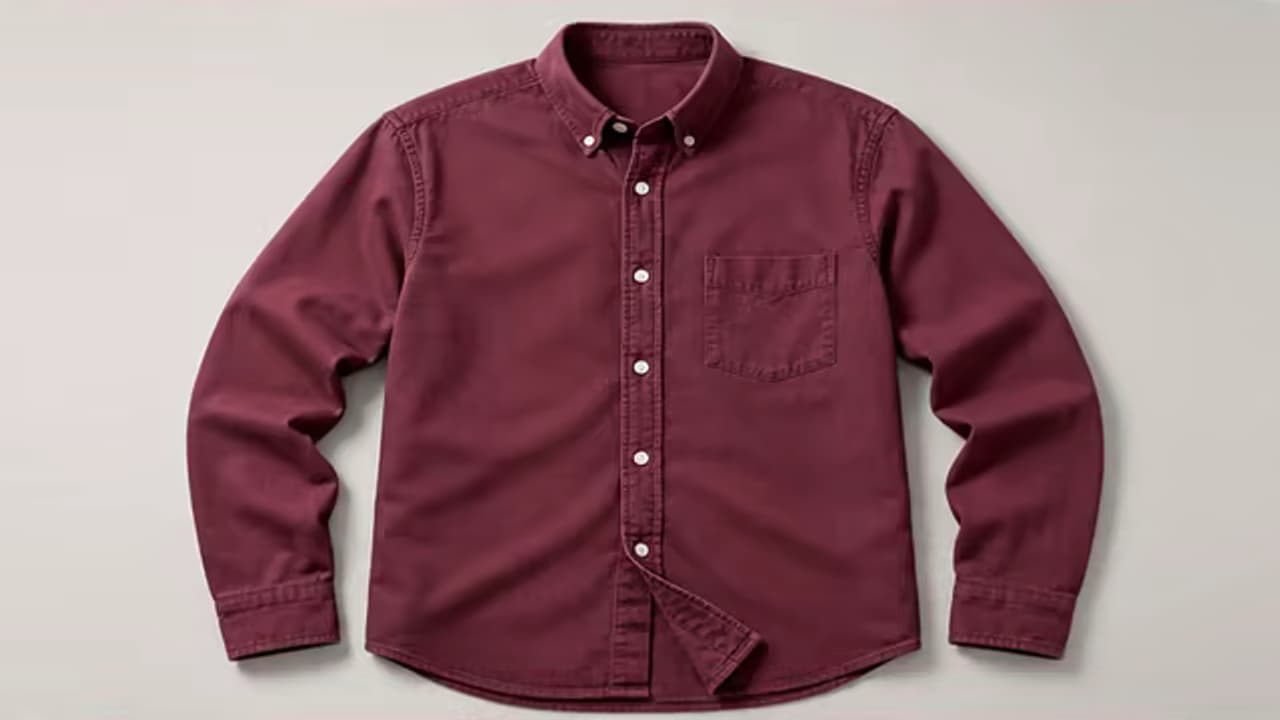
Use AI to change shirt color in photo portraits or apparel images. Name the shirt and the color you want, then generate a recolored version that keeps the garment shape, texture, folds, and lighting.
This is a prompt-based recolor, not a HEX color picker or manual mask. Exact brand-color matching and complex prints may require a reference image or another generation.
Describe the shirt and color, for example “change the blue button-down shirt to deep burgundy.”
The selected resolution controls the configured credit cost.
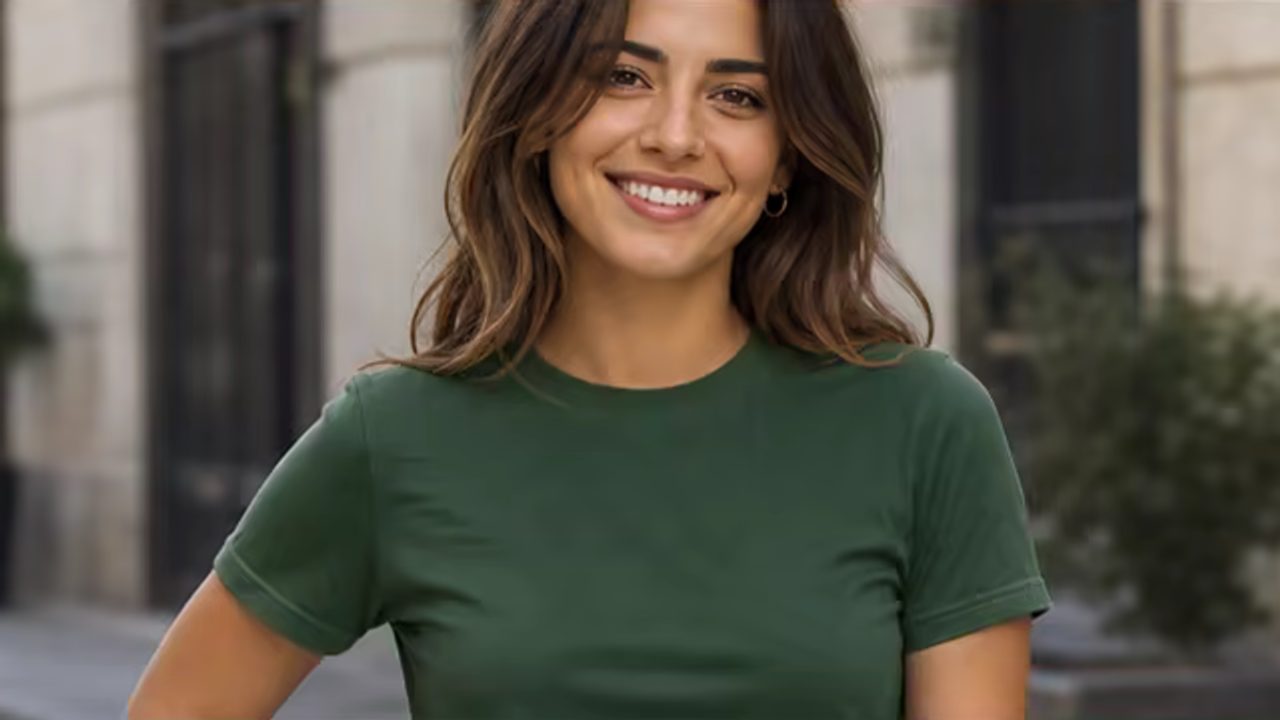
Recolor the Shirt Without Replacing the Outfit
Users usually want the same shirt in another color—not a different garment, pose, person, or scene. A focused instruction should protect those boundaries.
Changes One Color Target
Name the shirt by its current color, style, or wearer to prevent nearby clothes and objects from changing.
Keeps Fabric Structure
Seams, folds, buttons, pockets, weave, highlights, and shadows remain part of the original garment.
Protects the Person and Scene
Identity, skin tone, hair, pose, hands, other clothing, accessories, and background are explicitly preserved.
Shirt Recoloring for People and Products
Clear garment boundaries and simple materials produce more reliable results than transparent fabric, reflective sequins, or tiny printed text.
Preview a New Outfit Color
Recolor a casual or business shirt in a portrait while keeping the same person, fit, buttons, folds, and lighting.
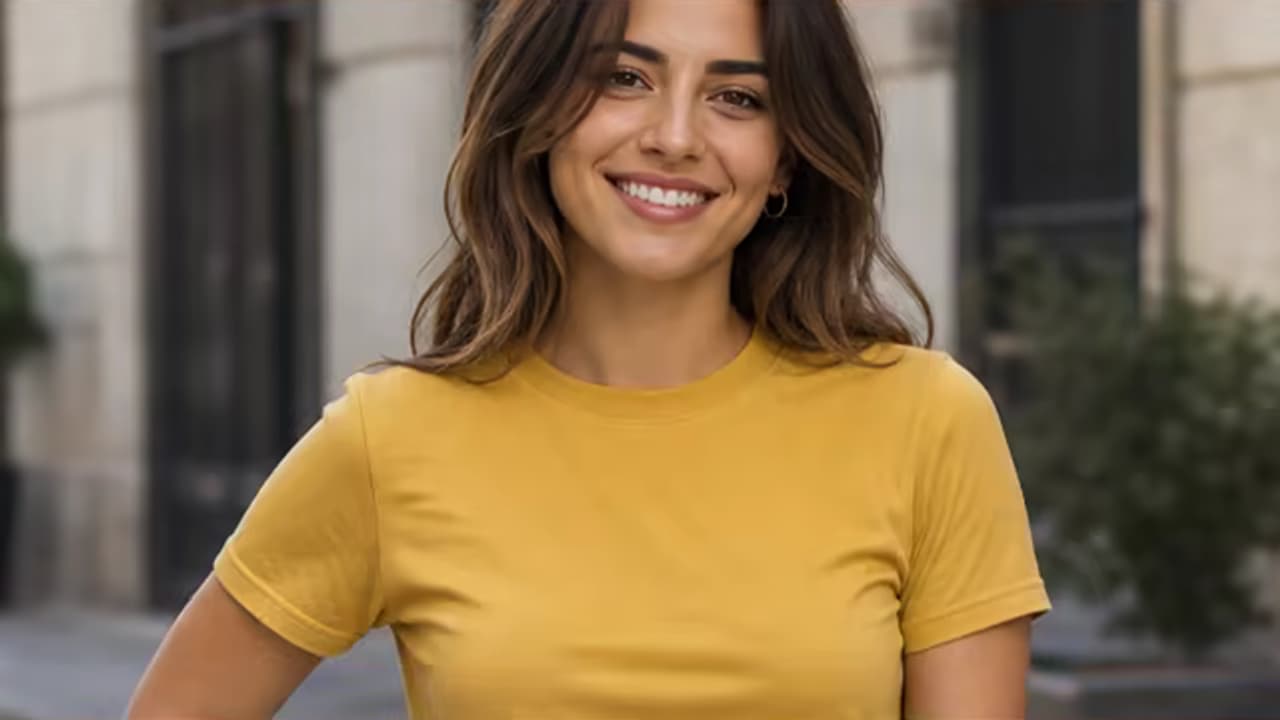
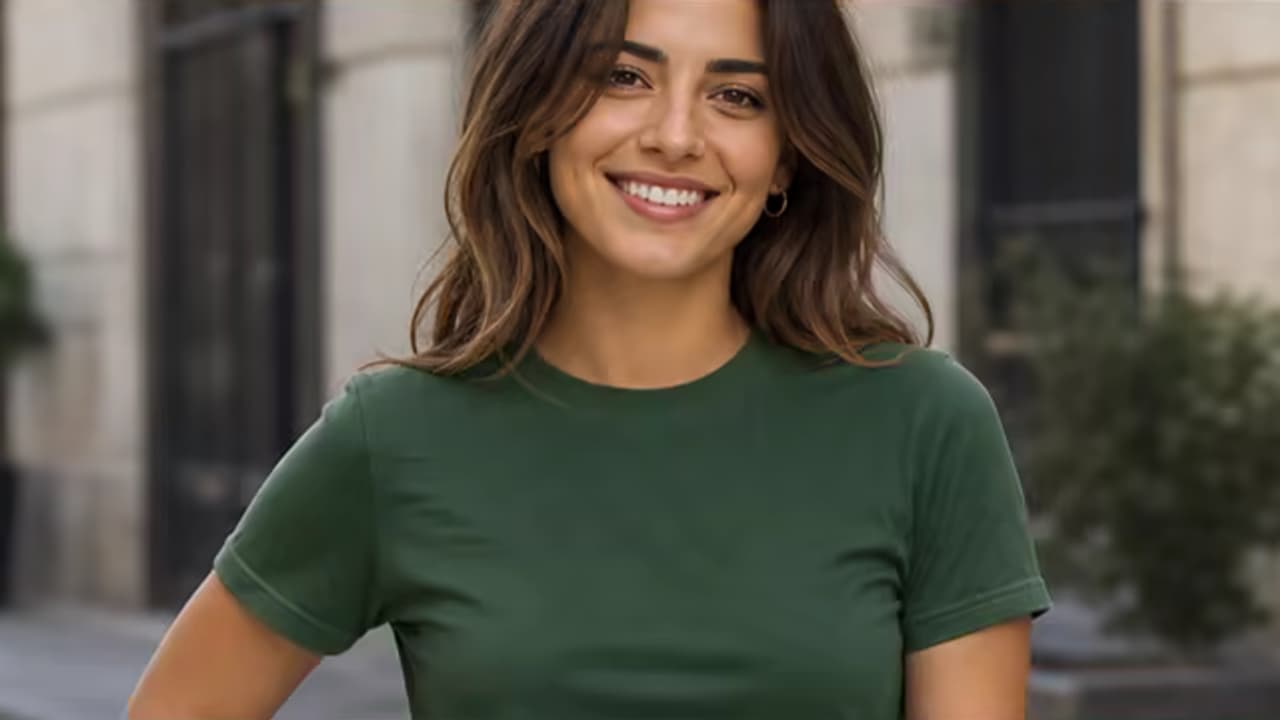
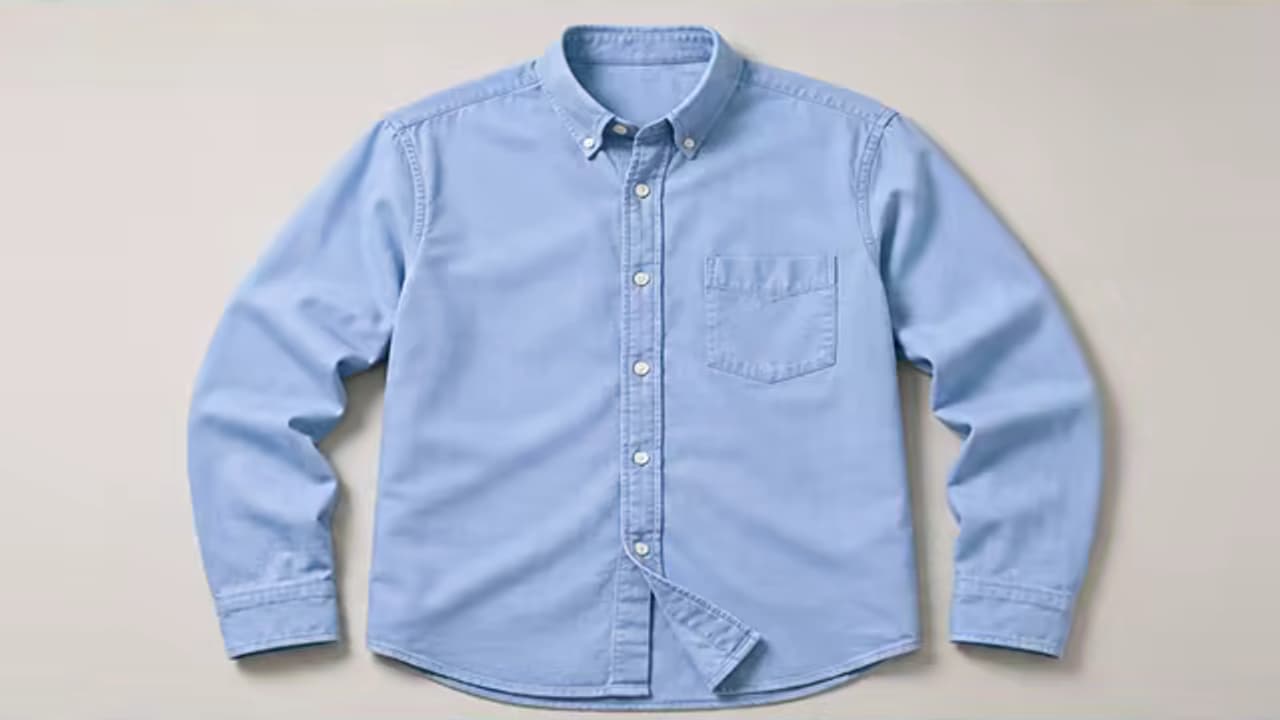
Create an Apparel Color Variant
Turn one clean clothing photo into a visual color concept while preserving the item’s shape, seams, texture, and printed details.
How to Change Shirt Color in Photo
Upload a clear shirt photo, describe the exact target and color, then inspect difficult edges and printed details.
Upload a Clear Photo
Choose an image with the shirt, sleeves, collar, and boundaries visible and with enough resolution to show texture.
Name the Shirt and Color
Specify which garment should change and use a concrete color name, tone, or reference rather than “make it different.”
Inspect Edges and Details
Check skin edges, hair, hands, buttons, logos, print, folds, shadows, and nearby objects for unwanted color spill.
Why People Recolor Shirts in Photos
The workflow supports both personal color exploration and product-visual concepts.
Personal Outfit Preview
Compare a shirt in navy, burgundy, green, cream, or another tone before buying or styling.
E-commerce Color Concepts
Create a quick visual concept for an apparel colorway while keeping construction and texture consistent.
Marketing and Social Content
Coordinate clothing with a campaign palette without changing the model, pose, or location.
Portrait Color Correction
Replace a distracting shirt color in a profile, team, event, or lifestyle photo.
Keep Recoloring Inside the Shirt
Color spill and lost texture are the main risks. Clear target descriptions and explicit preservation instructions help.
Before You Generate
- Identify the shirt by current color, style, position, or wearer.
- Use a specific color name such as deep burgundy, muted sage, or warm charcoal.
- Mention any printed logo, text, stripe, embroidery, or trim that must remain unchanged.
- Use a reference photo for an unusual color, but do not expect measured HEX-level accuracy.
Common Problems and Better Instructions
A Focused Prompt-Based Editing Workflow
The page narrows the edit to one task, offers concise prompt guidance, and asks you to review the result before using it.
Task-Specific Prompt
A short guide helps you describe the target change and the details to preserve without putting text in the input for you.
Preservation First
In your prompt, treat the uploaded image as the base canvas and name the identity, composition, lighting, and background details to preserve.
Review Before Use
Generative edits can vary. Zoom into the changed area and the surrounding details, then refine the prompt and regenerate when needed.
Built around honest editing boundaries
No fake recovery claims
AI generates plausible replacement pixels; it cannot recover hidden source detail that was never captured.
No imaginary controls
This workflow uses image upload and text prompts, not a brush, mask, color picker, or batch editor.
One clear task
The page stays within its stated use case instead of behaving like an unrelated general-purpose generator.
Shirt Color Changer FAQ
Can AI change shirt color in photo images only?
Will the shirt texture and folds stay visible?
Can I enter a HEX color value?
Can it recolor a patterned or printed shirt?
Does this replace the shirt with a different style?
Can I use it for product color variants?
Change Shirt Color in Photo Without Replacing the Outfit
Upload a clear photo, name the target garment and color, and review the fabric and edges before using the result.