
ChatGPT Image Editor Online with GPT Image 2
Create polished photo, product, poster, and portrait edits with GPT Image 2, multiple visual references, and flexible output sizes.
Upload an image, then describe what to change and what to keep. You can also skip the upload to create a new image from a prompt.
Click to select
or drag and drop
Describe the subject, scene, style, and lighting. When editing a reference, state what to change and what to preserve.
The selected resolution controls the configured credit cost.
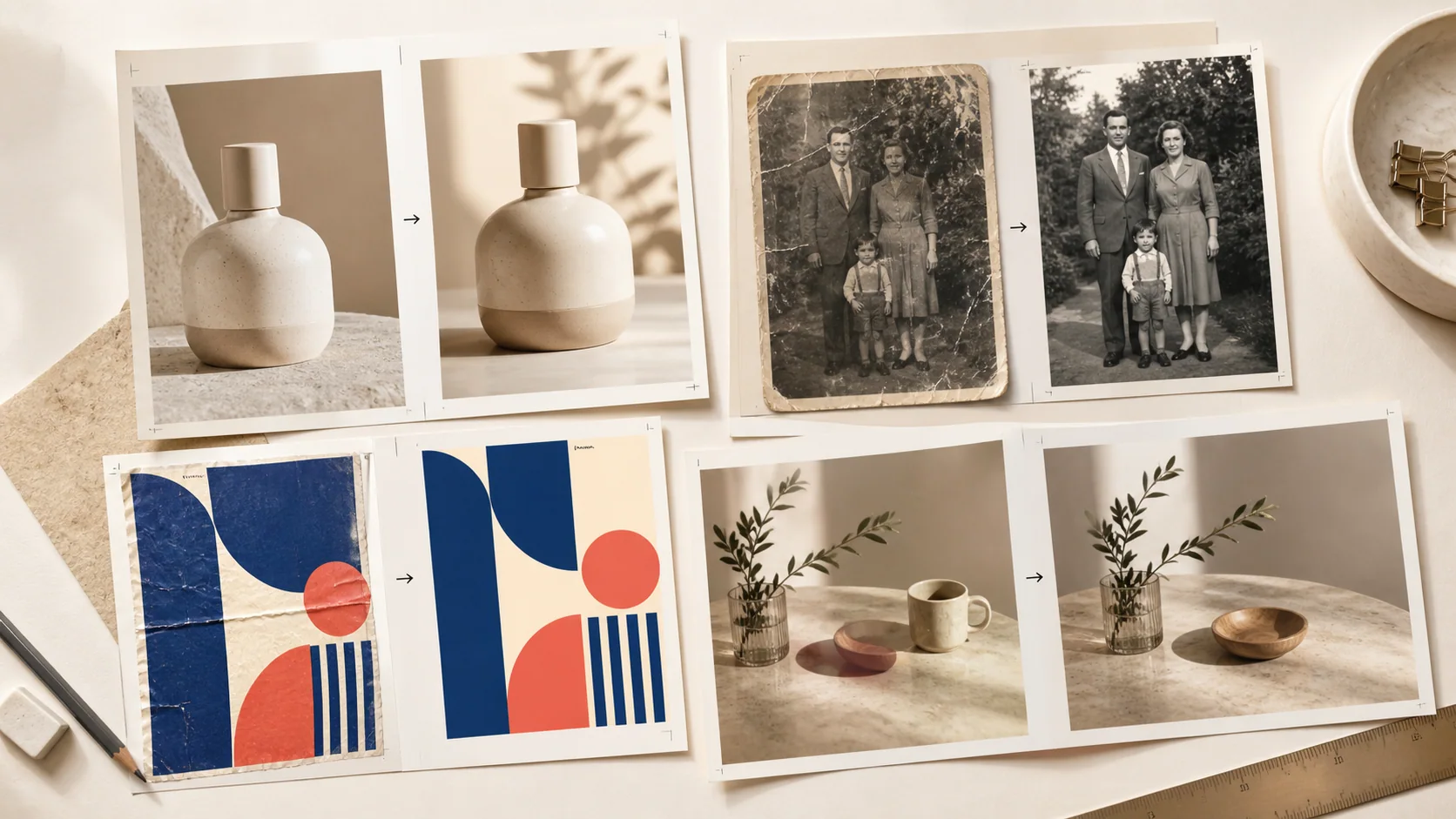
Edit Photos, Products, Text, and Designs with GPT Image 2
Explore practical edits for everyday photos, brand visuals, and creative projects.
Change a Background and Preserve the Subject
Place people or products in fresh studio, lifestyle, or seasonal scenes while keeping the original subject and composition visually consistent.
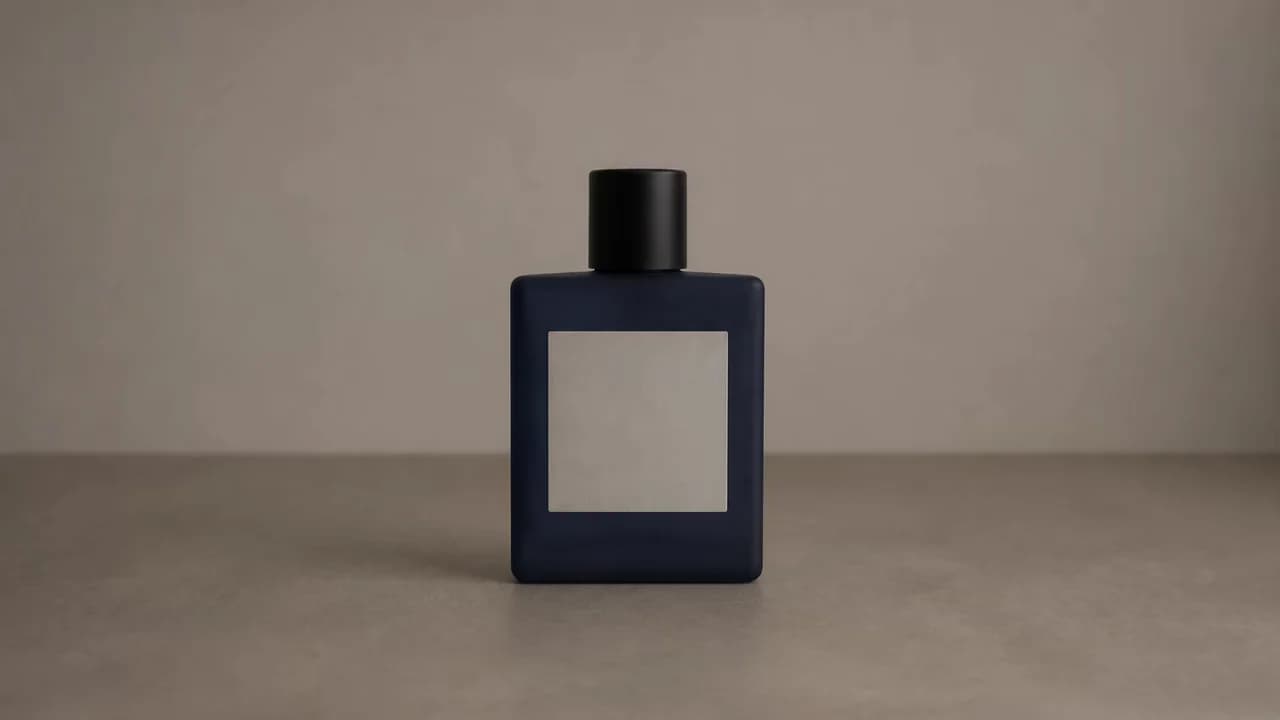
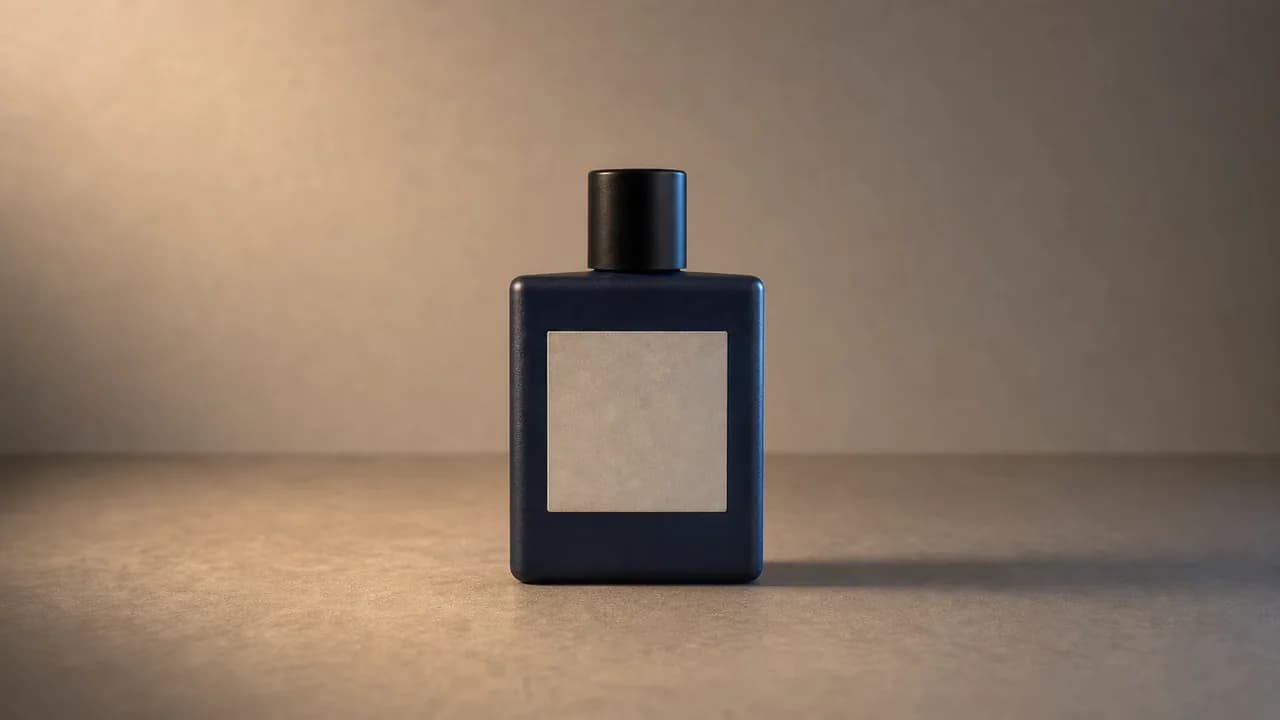
Remove or Replace One Clearly Located Object
Clean up distractions or swap a single prop while naturally rebuilding the surrounding surface, light, and shadows.
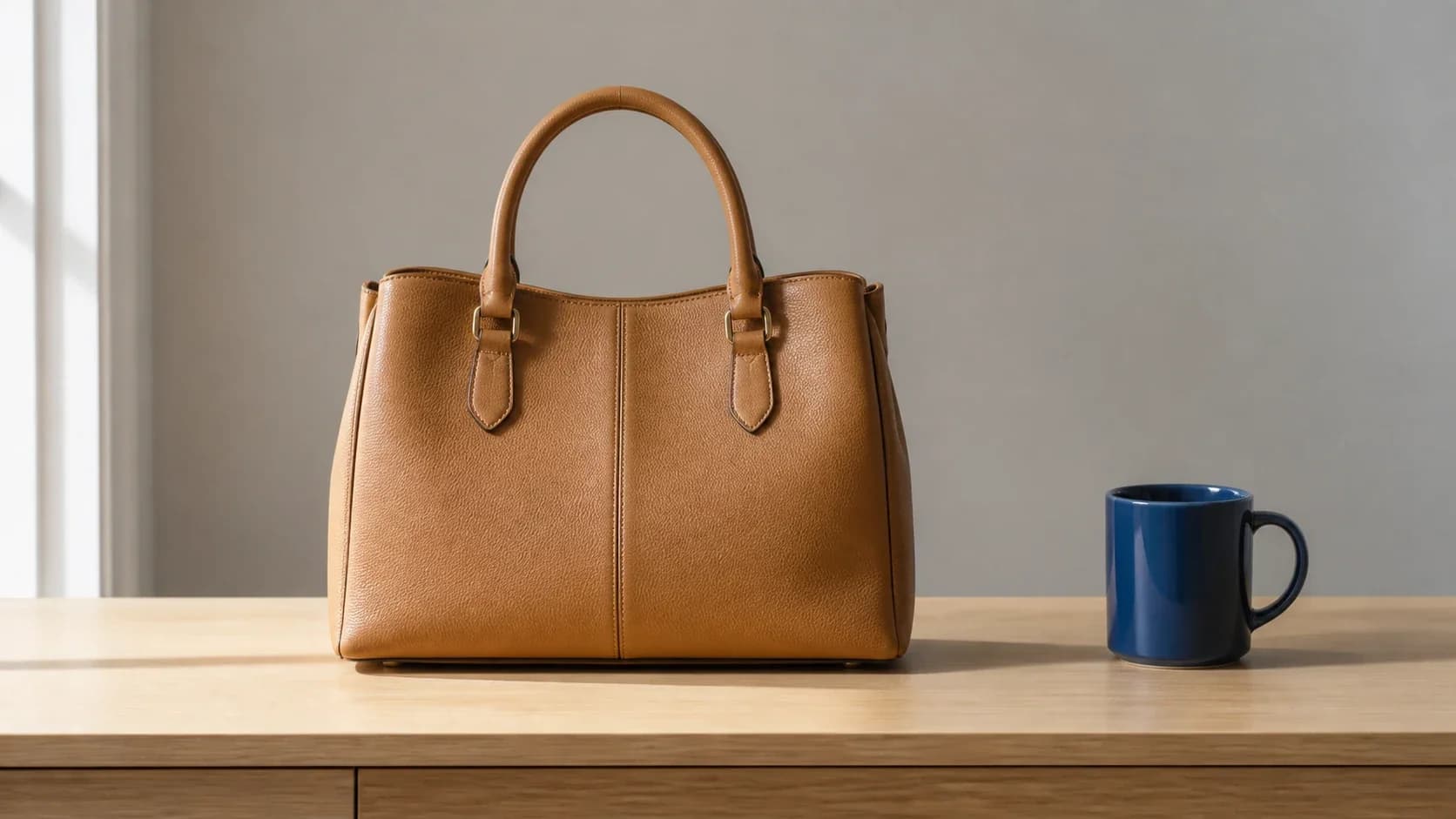
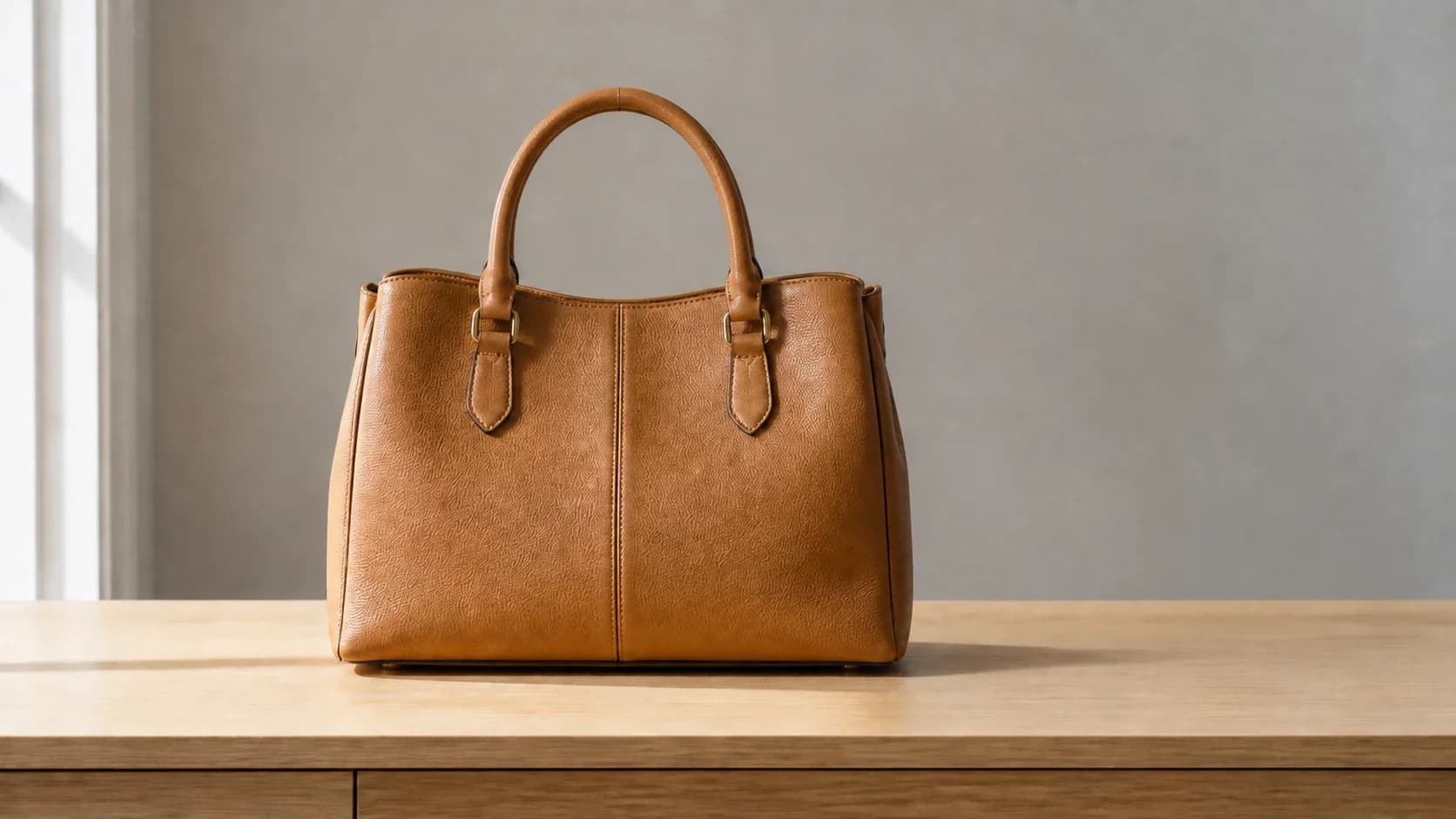
Preserve Products, Packaging, and Brand Details
Use product and scene references together to create clean packshots, lifestyle images, and campaign-ready variations with recognizable brand details.
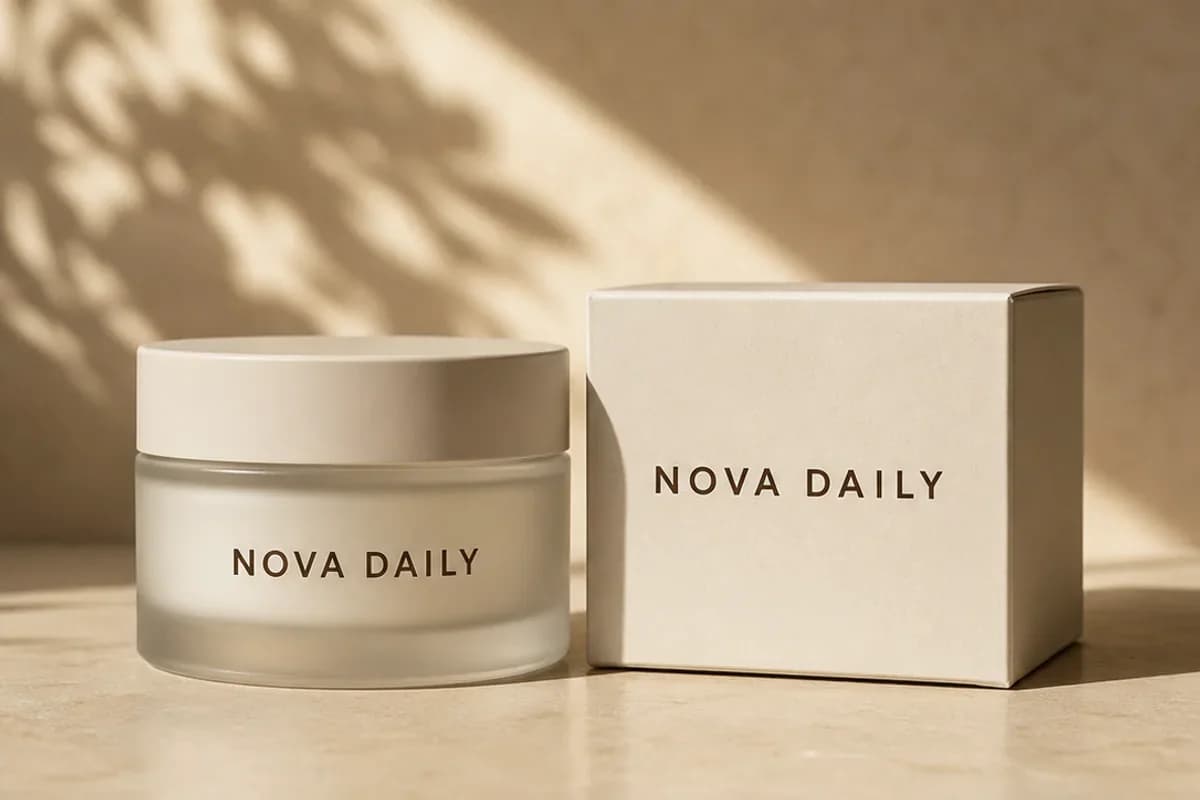
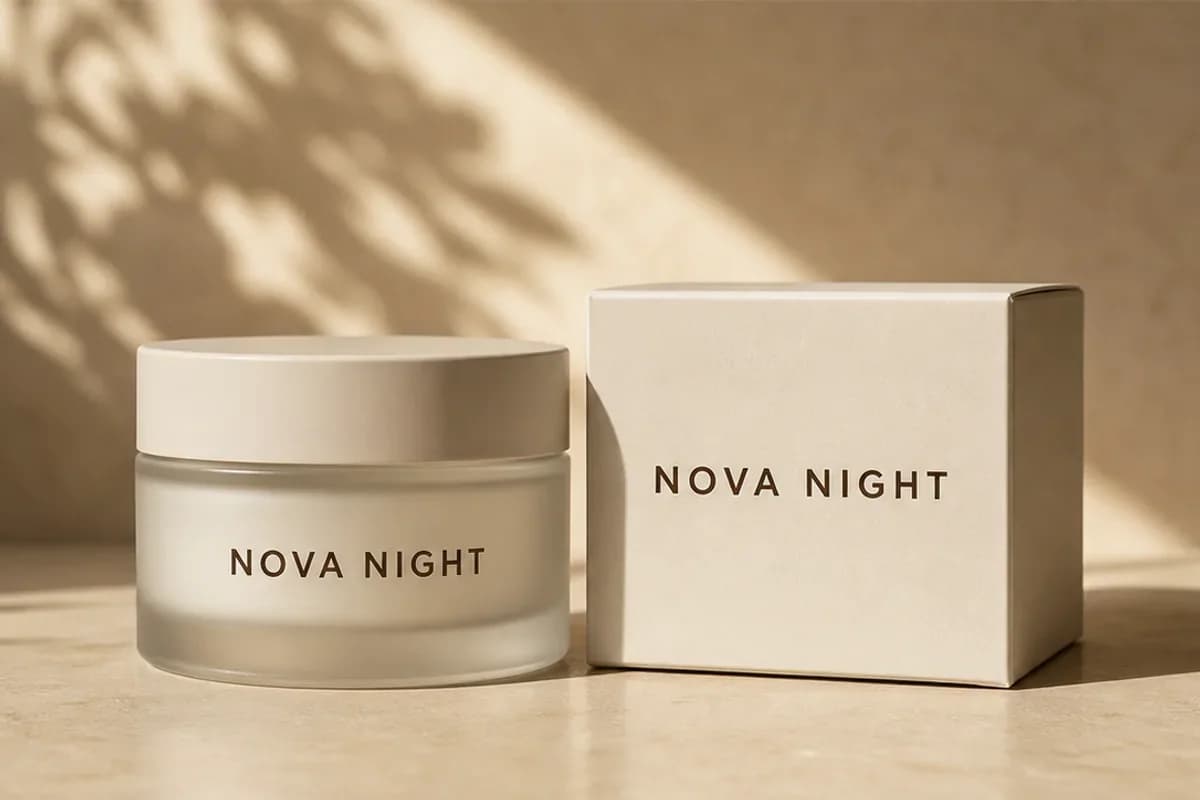
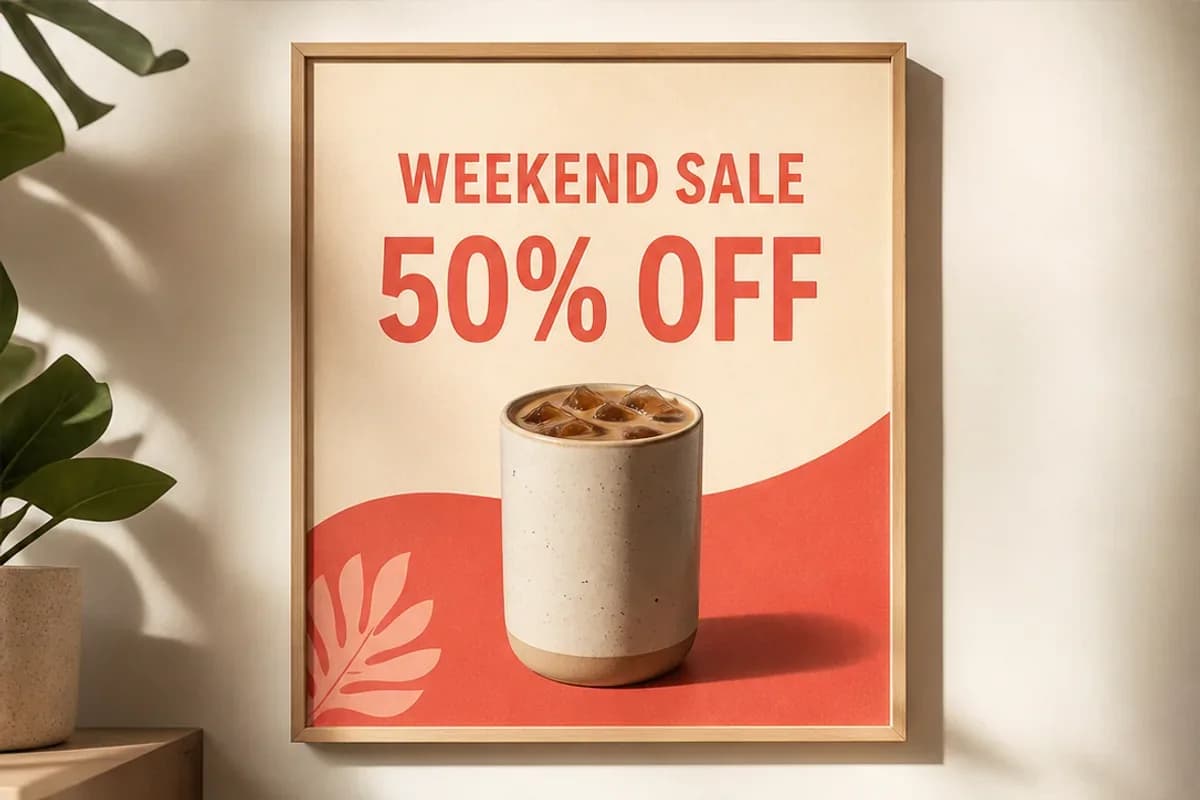
Edit Text and Localize a Poster
Replace headlines, adapt campaign copy, and explore localized poster layouts while retaining the original visual hierarchy and style.
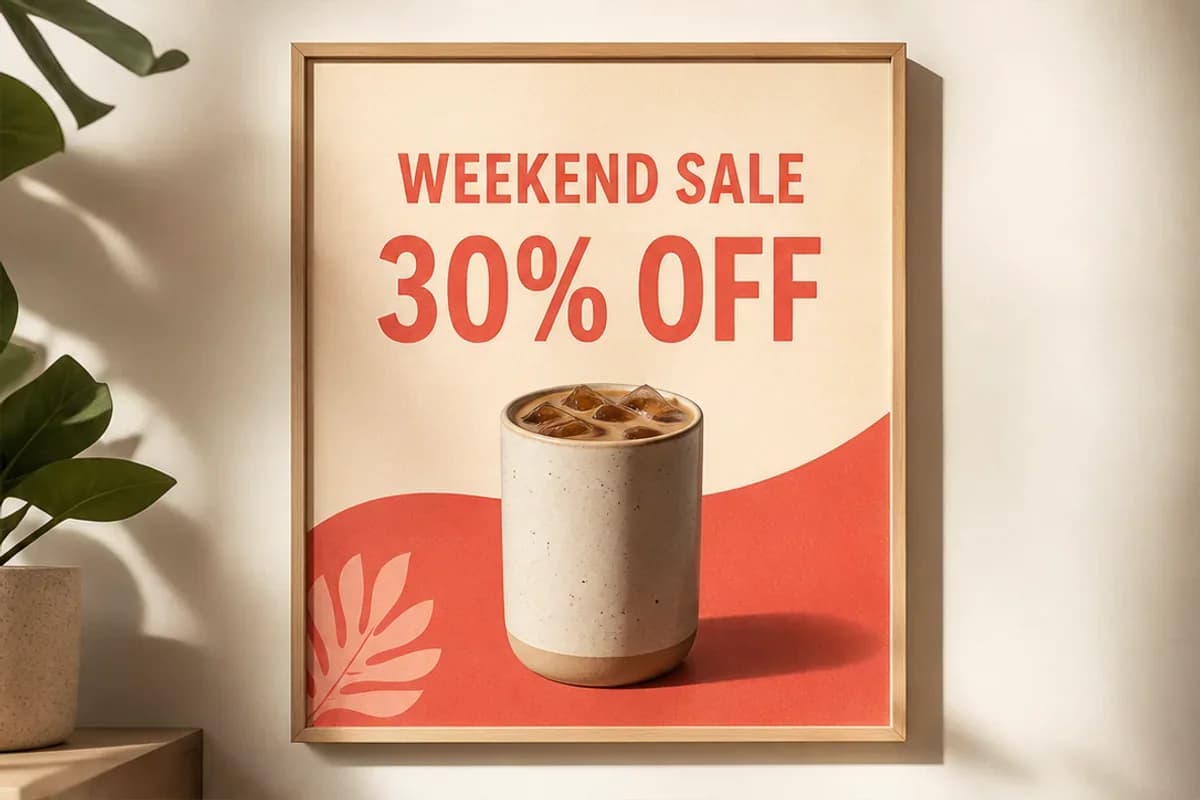
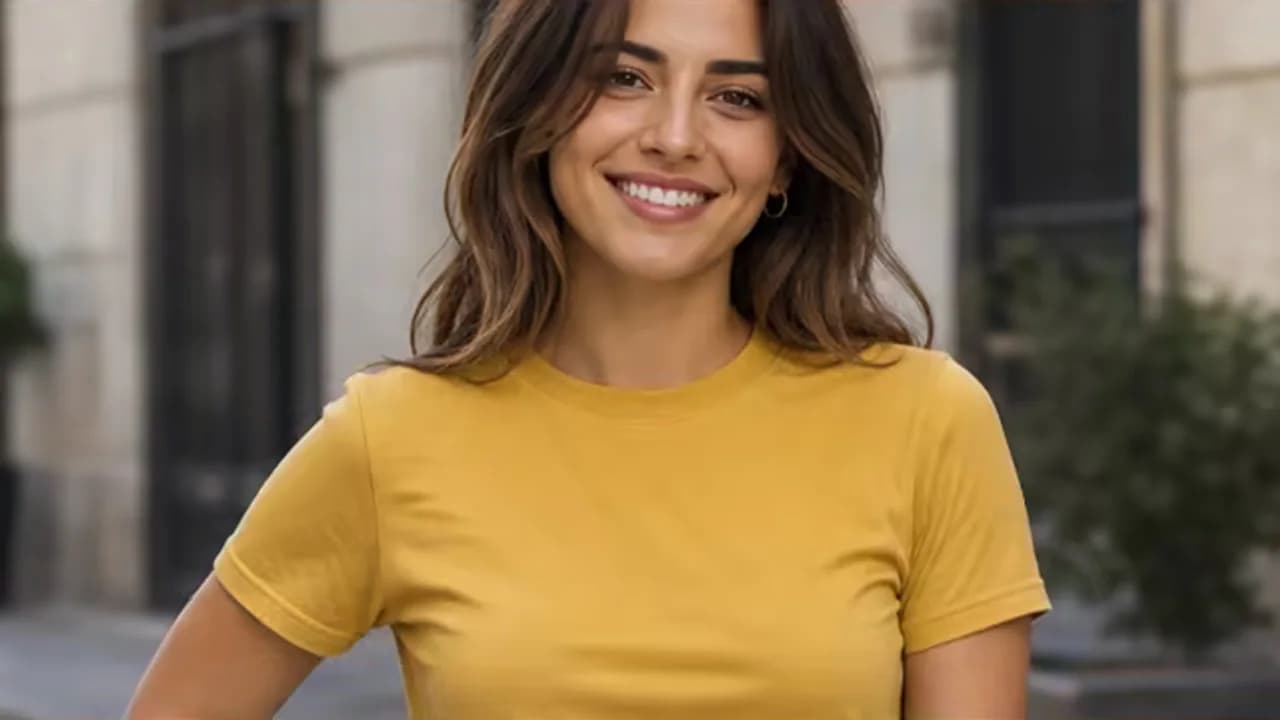
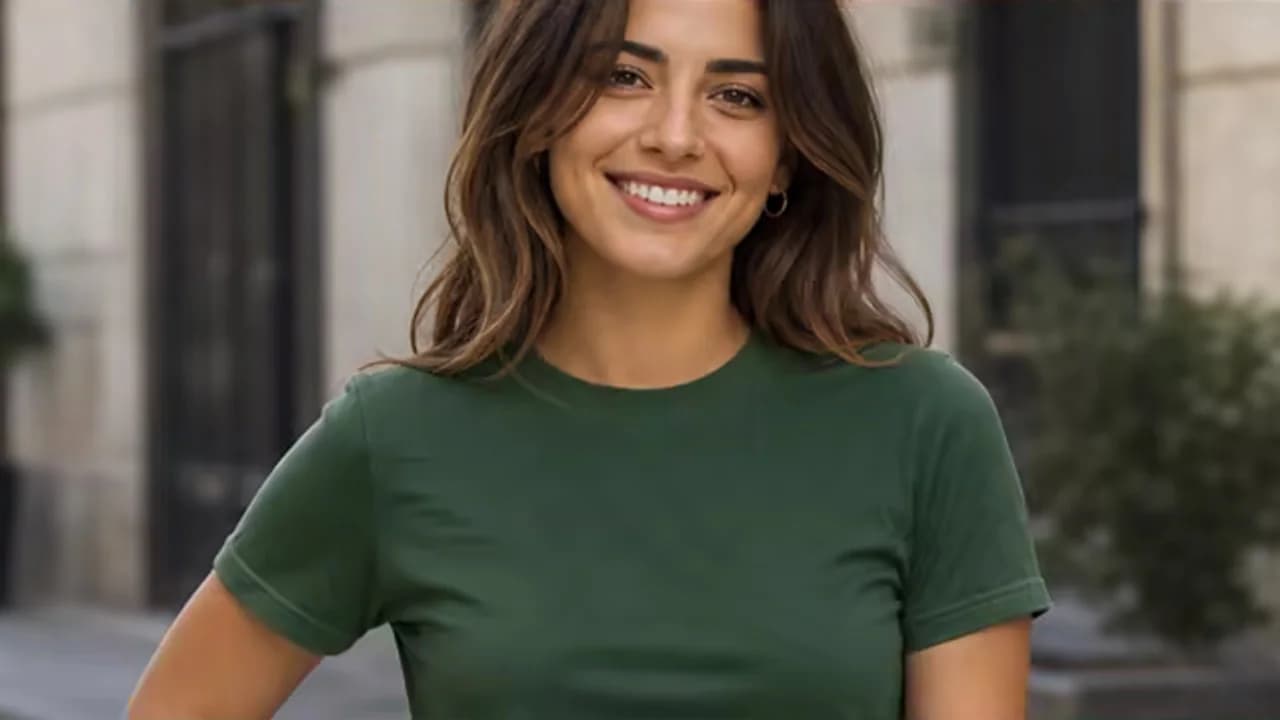
Restyle Clothing, Color, Light, or Material
Try new clothing, colors, materials, and lighting without arranging another photo shoot or rebuilding the entire scene.
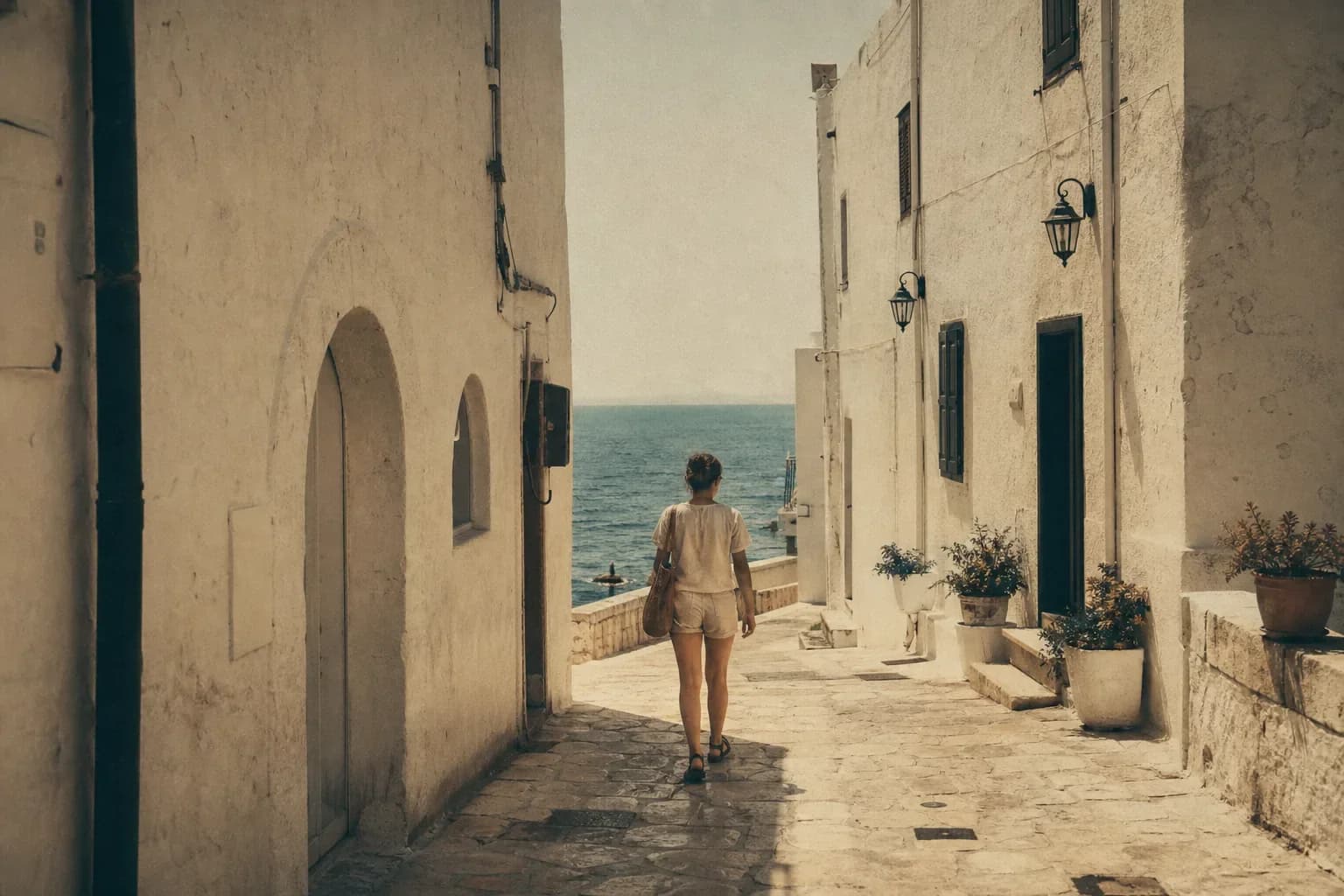
Restore and Reframe Detailed Images
Refresh faded or damaged photos, improve clarity, and adapt the framing for modern print and social formats.
Why GPT Image 2 Fits a ChatGPT Image Editor Workflow
The ChatGPT Image Editor combines a targeted GPT Image 2 starting point with the model controls already available in this app. The model selector stays visible so the current limits and fields can follow whichever image-editing model you choose.
High-Fidelity Image Inputs
Detailed source files and purposeful references give GPT Image 2 more visual evidence for faces, products, packaging, textures, and layouts. Preservation still depends on the prompt and a careful result review.
Flexible Sizes and Resolutions
The selected GPT Image 2 form exposes Auto and practical square, portrait, and landscape ratios plus 1K, 2K, and 4K. If you switch models, the form updates to that model’s fields.
Multi-Reference Workflows
The ChatGPT Image Editor accepts a base image plus references for a product, person, logo, garment, style, or composition. Label each image role instead of uploading context without instructions.
Who Uses a ChatGPT Image Editor and What For?
The ChatGPT Image Editor supports very different source materials, from regulated product packs to informal family archives. Each team should define its own review checklist before using a generated result.
E-commerce and Brand Teams
Create background, color, packaging, and lifestyle variations with reference images, then verify product geometry, labels, logos, and approved brand color before publishing.
Marketing Designers and Small Businesses
Adapt posters, menus, campaign art, event graphics, and localized copy while preserving the visual hierarchy and checking every visible word.
Creators and Social Teams
Build covers, thumbnails, portrait variations, wardrobe edits, and new aspect-ratio compositions without repeating one person across every visual idea.
Portrait, Family, and Restoration Users
Clean distractions, adjust a background or garment, and create conservative old-photo repairs while protecting recognizable identity and historical context.
How to Use the ChatGPT Image Editor Online
The ChatGPT Image Editor is most controllable when the input roles and requested change stay explicit from the first generation.
Upload the Base Image and References
With GPT Image 2 selected, place the base image first and add only useful product, person, logo, garment, scene, or style references. The form shows the selected model’s current image limit.
Describe One Clear Edit
Write the desired result, target and location, exact replacement, and elements to preserve. Choose an available ratio and, for GPT Image 2, a 1K, 2K, or 4K output.
Generate, Inspect, and Refine
Inspect faces, hands, products, logos, text, edges, and composition. If something drifted, correct one concrete issue in the next ChatGPT Image Editor prompt.
Why Use Our ChatGPT Image Editor?
A fast, flexible workspace for high-quality edits across photos, products, and designs.
GPT Image 2 Selected by Default
Start editing immediately with GPT Image 2 ready in the shared editor.
Up to 16 Visual References
Combine a base image with visual references for products, people, styles, and layouts.
Practical Output Controls
Choose practical aspect ratios and 1K, 2K, or 4K output for each project.
ChatGPT Image Editor FAQ
Can I generate an image without uploading a photo?
What is a ChatGPT Image Editor?
Can the ChatGPT Image Editor edit an existing photo?
Which model is selected by default?
Is the ChatGPT Image Editor free to try?
Do I need ChatGPT Plus or my own API key?
Can it edit only one part and keep the rest unchanged?
Why did the result change more than requested?
How do I write a good ChatGPT image editing prompt?
Can it edit or replace text inside an image?
How many reference images can I upload?
Which formats, aspect ratios, and resolutions are supported?
Can it preserve a face, logo, product, or character?
Can it restore an old or low-quality photo?
Can I use the edited output commercially?
Make Your First GPT Image 2 Edit
Upload a strong base image, describe one change and every preservation item, then inspect the new version before refining it.