AI GIF Generator with GPT Image 2.6
Describe the subject, one clear movement, and your style.
Add a photo or illustration
or drag and drop
GIF uses 1024×768. SVG uses medium quality and supports text prompts only.
Credits vary with size, quality, prompt and reference count. The charge is shown before generation.
Checking access
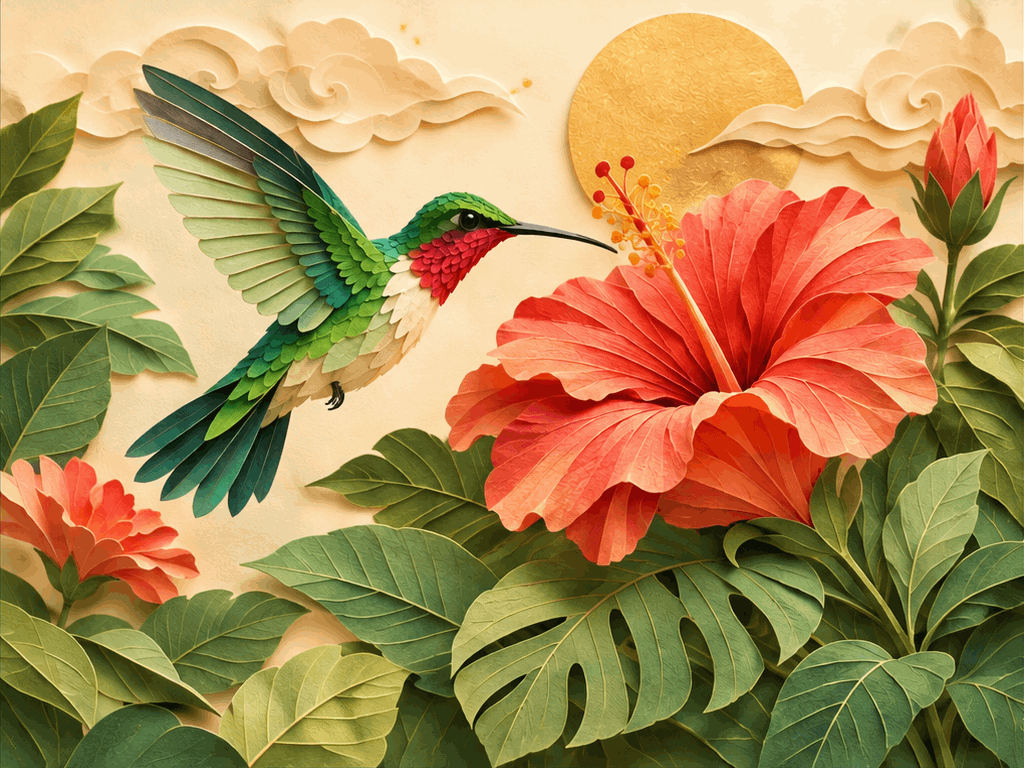
Original GIFs for the things you create
An AI GIF Generator for your community, your products, and your next creative project.
Create GIFs with GPT Image 2.6
Go from an idea or a still image to a downloadable animation with GPT Image 2.6. Its native GIF output brings image creation and motion into one workflow. Our AI GIF Generator lets you create original visuals without finding stock footage, drawing each frame, or assembling a video timeline. Start with text, or build on a photo or illustration you already have.
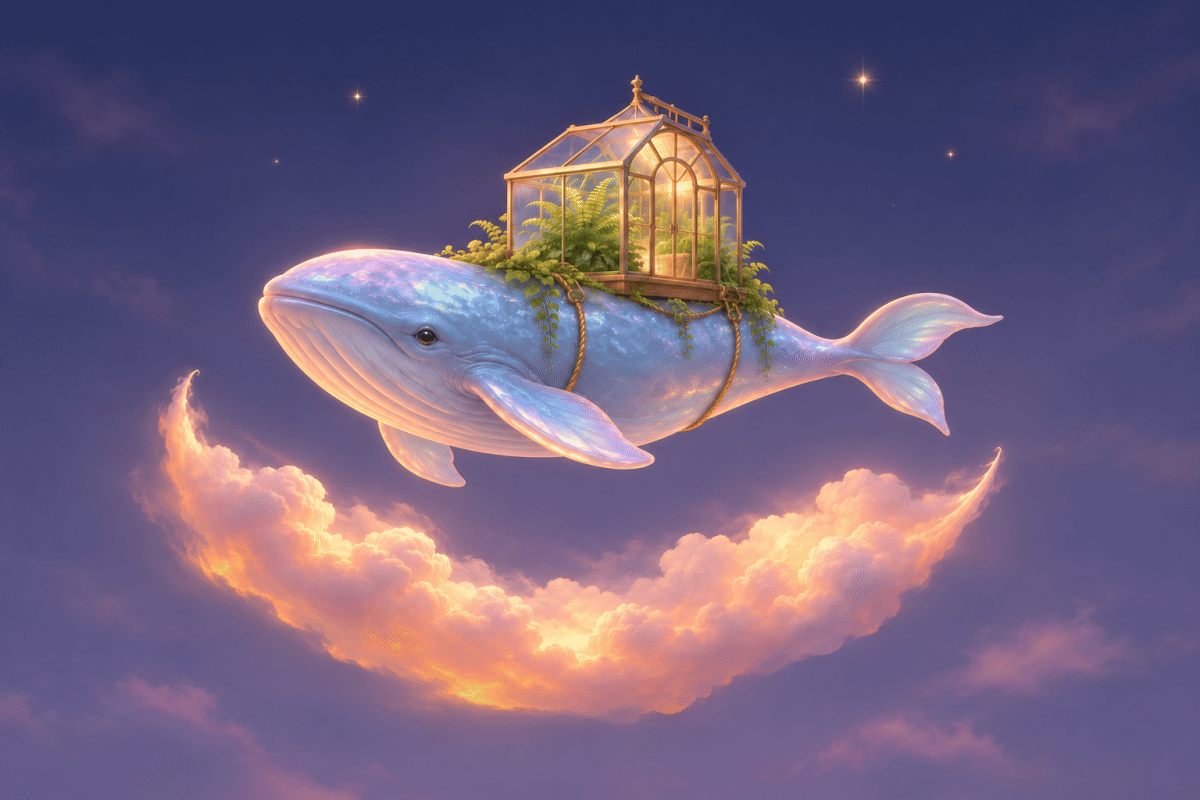
Make original reactions for your community
Give your audience a reaction that sounds like you. Create welcome messages, celebrations, and inside jokes for your community instead of searching for a GIF that almost fits. Text to GIF lets creators and community managers turn an idea into an original expression, even without a source image. Build a recurring character your audience can recognize and enjoy sharing.
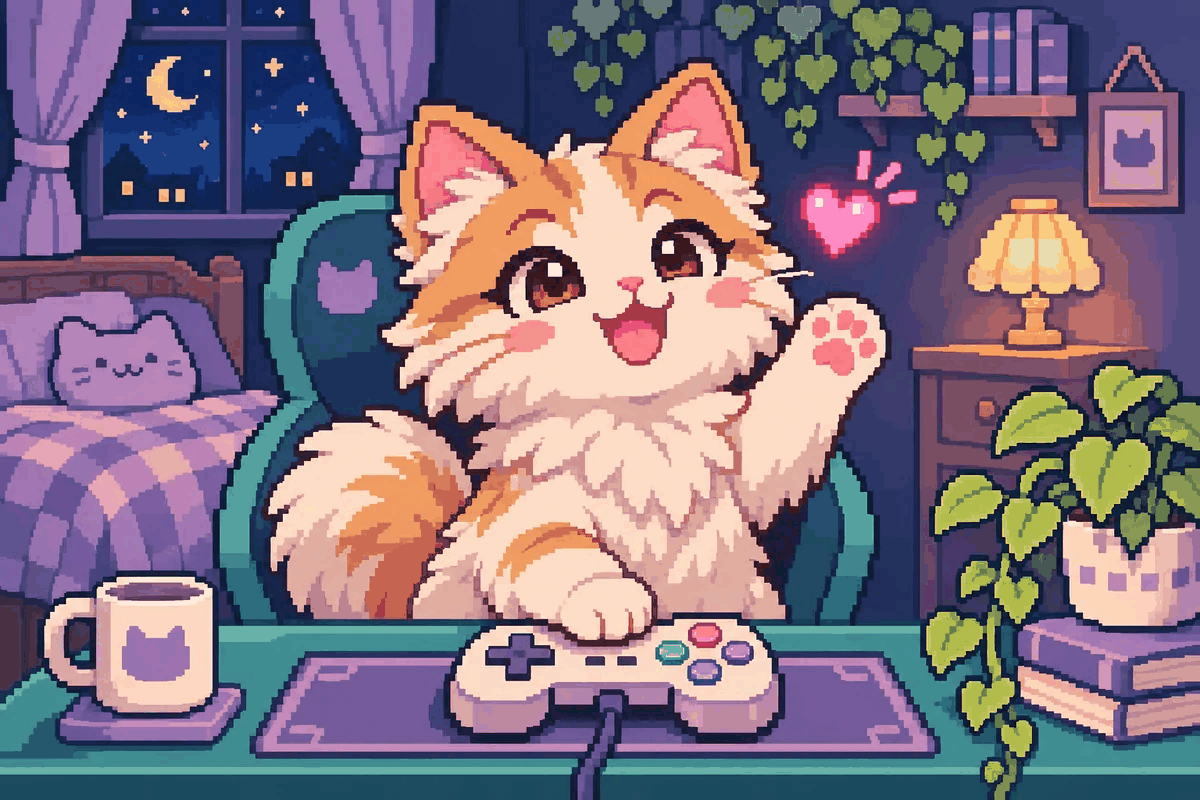
Turn product photos into marketing GIFs
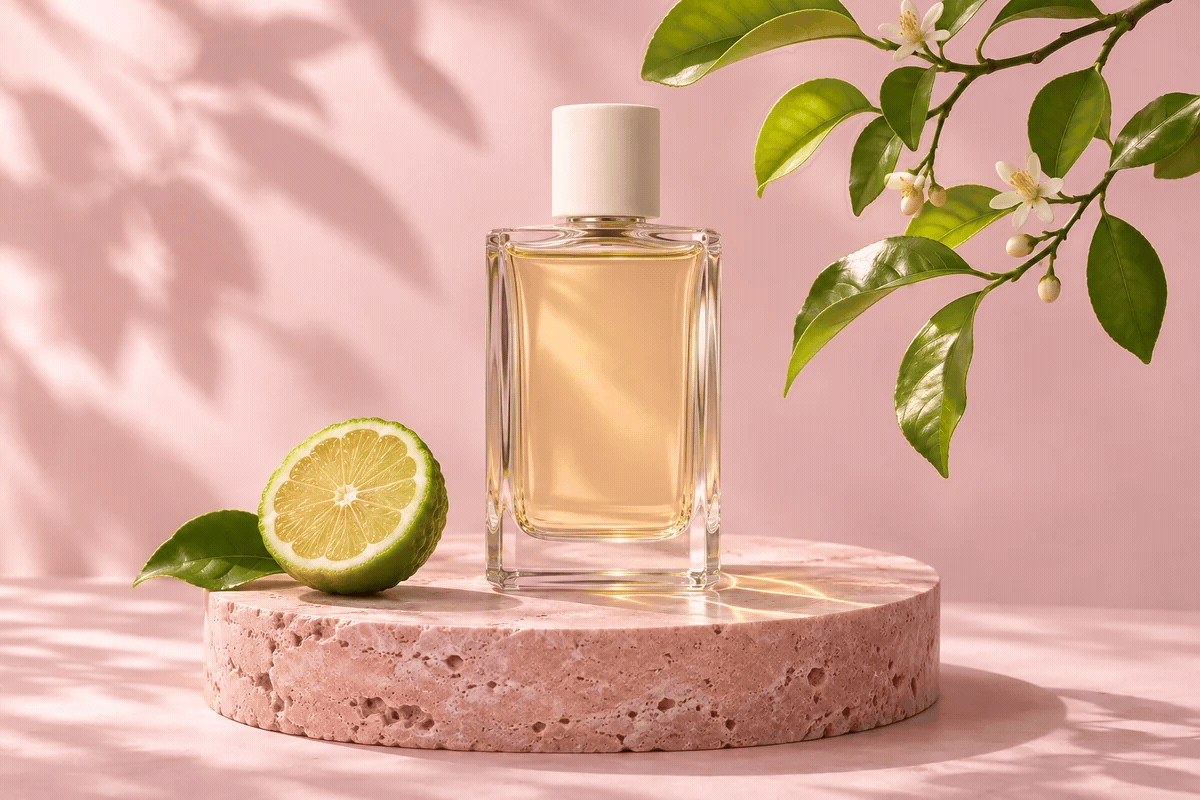
Put the product photos you already own to work in your next launch, newsletter, or website update. This AI GIF Generator turns a still reference into fresh campaign material, helping shop owners and marketing teams explore motion without another photo shoot. Use GPT Image 2.6 to animate your product image, then review its appearance and packaging before publishing.
Develop animated visuals for your brand
Give a campaign, mascot, or visual identity a consistent direction across creative variations. GPT Image 2.6 improves how character, product, and brand details carry through edits, helping designers develop a recognizable look. Choose Flare to explore ideas quickly, or Sunburst for more demanding detail and refinement. Compare each result with your reference before using it in a client or brand campaign.
Bring sketches and characters to life
See how an illustration, game character, or storyboard idea feels in motion before committing to a full production. Use your artwork as a reference in the AI GIF Generator to explore expressions and short actions. Illustrators and video creators can compare animated concepts, share a clearer creative brief, and decide which direction deserves further development.
How to generate GIFs with GPT Image 2.6
Create in three steps with the AI GIF Generator above.
Add an idea or an image
Describe what you want to animate, or upload a photo or illustration as a reference.
Choose your model and generate
Select Flare or Sunburst, keep GIF as the output, and check the credit cost before generating.
Preview, refine, download
Review the animation and subject details. Adjust your idea if needed, then download the GIF.
Find the GIF that fits your work
Different audiences. Different reasons to bring an image to life.
Creators & communities
Welcome members, celebrate milestones, and reply with original reactions that fit your audience and shared jokes.
Shops & small brands
Refresh product launches and storefront updates with animated visuals made from the product photos you already have.
Email & campaign teams
Add a short visual highlight to a newsletter, promotion, or landing page, with a clear product or campaign focus.
Designers & agencies
Explore mascot and brand animation concepts, compare creative directions, and show clients how a static identity could move.
Artists & storytellers
Test character expressions and storyboard actions before investing in longer animation, game assets, or video production.
Teachers & presenters
Bring an illustration into motion for a lesson, course, or presentation, giving learners a short visual example to follow.
Why use our AI GIF Generator?
A straightforward workspace, from your first idea to your next version.
Start right on this page
Keep your reference, model selection, and animation preview in one workspace.
See the cost first
Check the required credits before submitting a generation.
Pick up your idea again
Draft recovery helps you continue after signing in or paying.
AI GIF Generator FAQ
What is an AI GIF Generator?
Can GPT Image 2.6 generate GIFs?
Can I use my own photo or just a text prompt?
Is the AI GIF Generator free, and do I need an account?
Should I choose GPT Image 2.6 Flare or Sunburst?
How long can a GIF be, and what size can I make?
Will my product or character stay exactly the same?
What can I download, and where can I use it?
Can I make transparent GIFs or longer videos?
Can I download a GIF and use it for my business?
Make a GIF for your next project
Start with your idea, product photo, or character. Bring it to life with our AI GIF Generator and GPT Image 2.6.