
Photo Colorizer: Bring Black & White Photos to Life
Use the Photo Colorizer to add vivid, natural-looking color to black-and-white, grayscale, and sepia photos while preserving the people, expression, composition, and timeless character you love.
Choose a photo to colorize
or drag and drop
Tell the Photo Colorizer whether you want natural, warm, vivid, cinematic, or period-inspired color, and include any colors you already know.
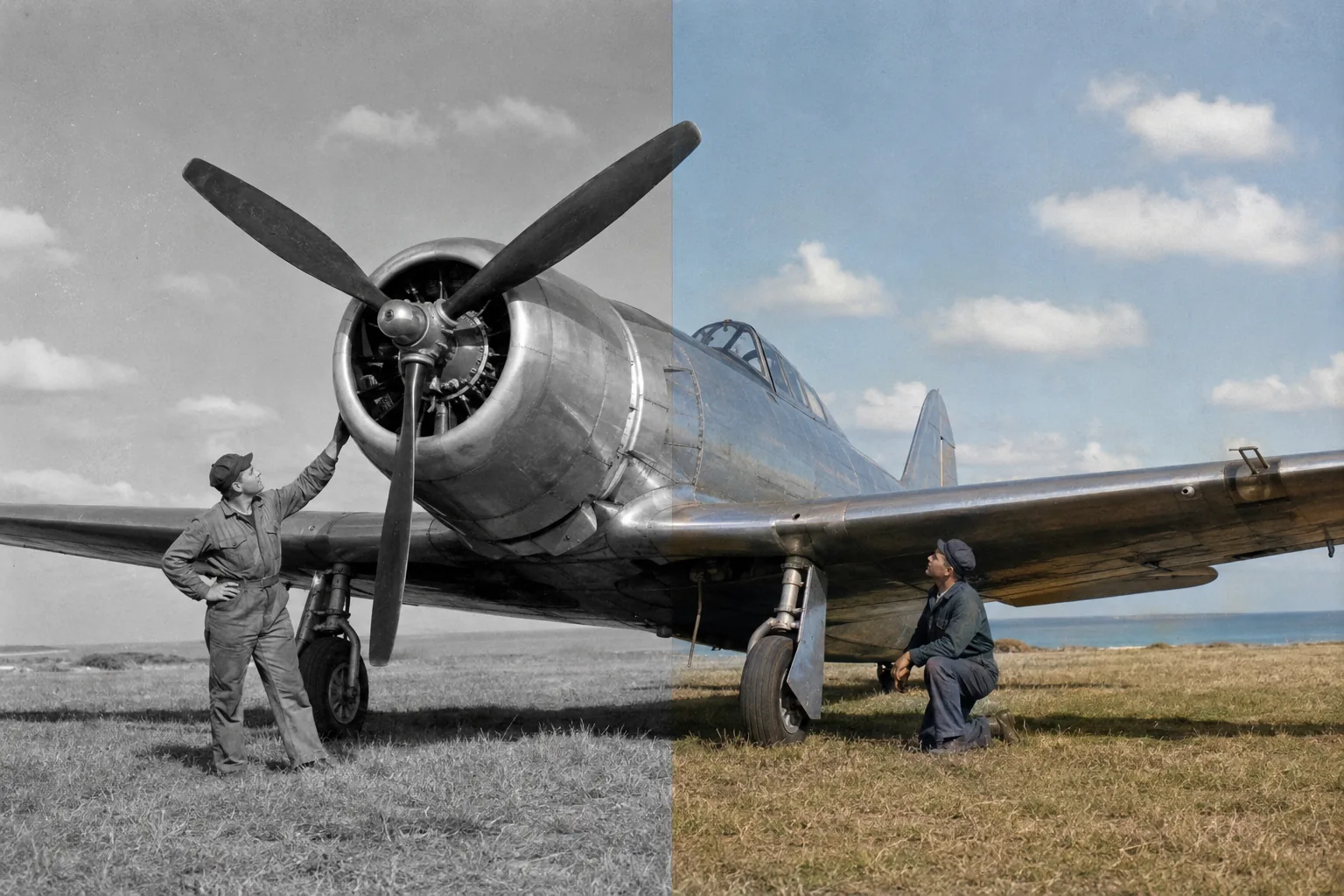
See the Photo Colorizer Bring Every Story to Life
Five rich examples show how the Photo Colorizer transforms family portraits, weddings, city history, modern monochrome photography, and classic landscapes into expressive color.
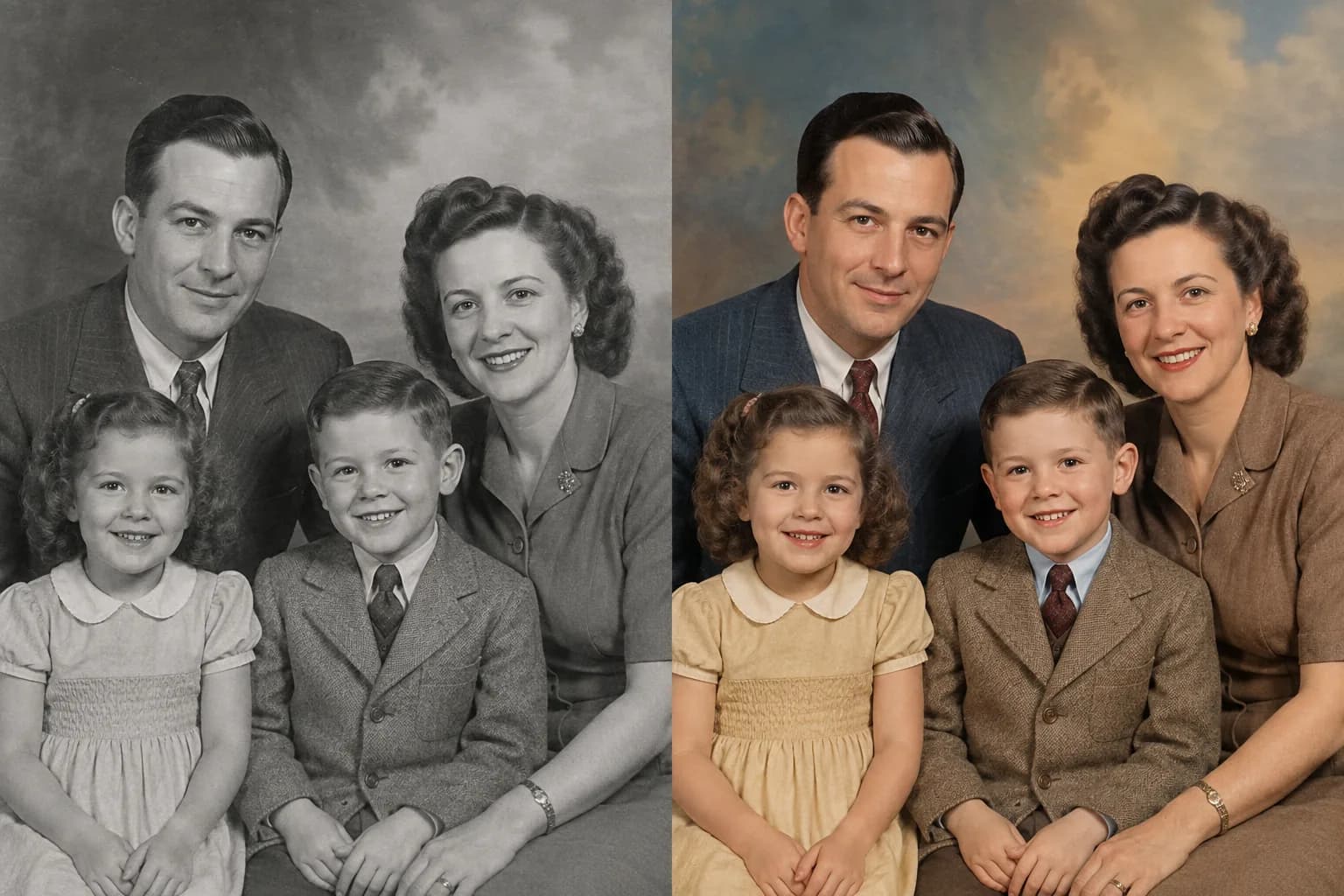
Colorize Family Photos with Warm, Natural Tones
A black-and-white family portrait becomes more immediate when familiar faces, clothing, and the studio atmosphere return in color. The Photo Colorizer creates lifelike skin tones and a balanced palette while keeping every smile, age detail, pose, and relationship at the heart of the image.
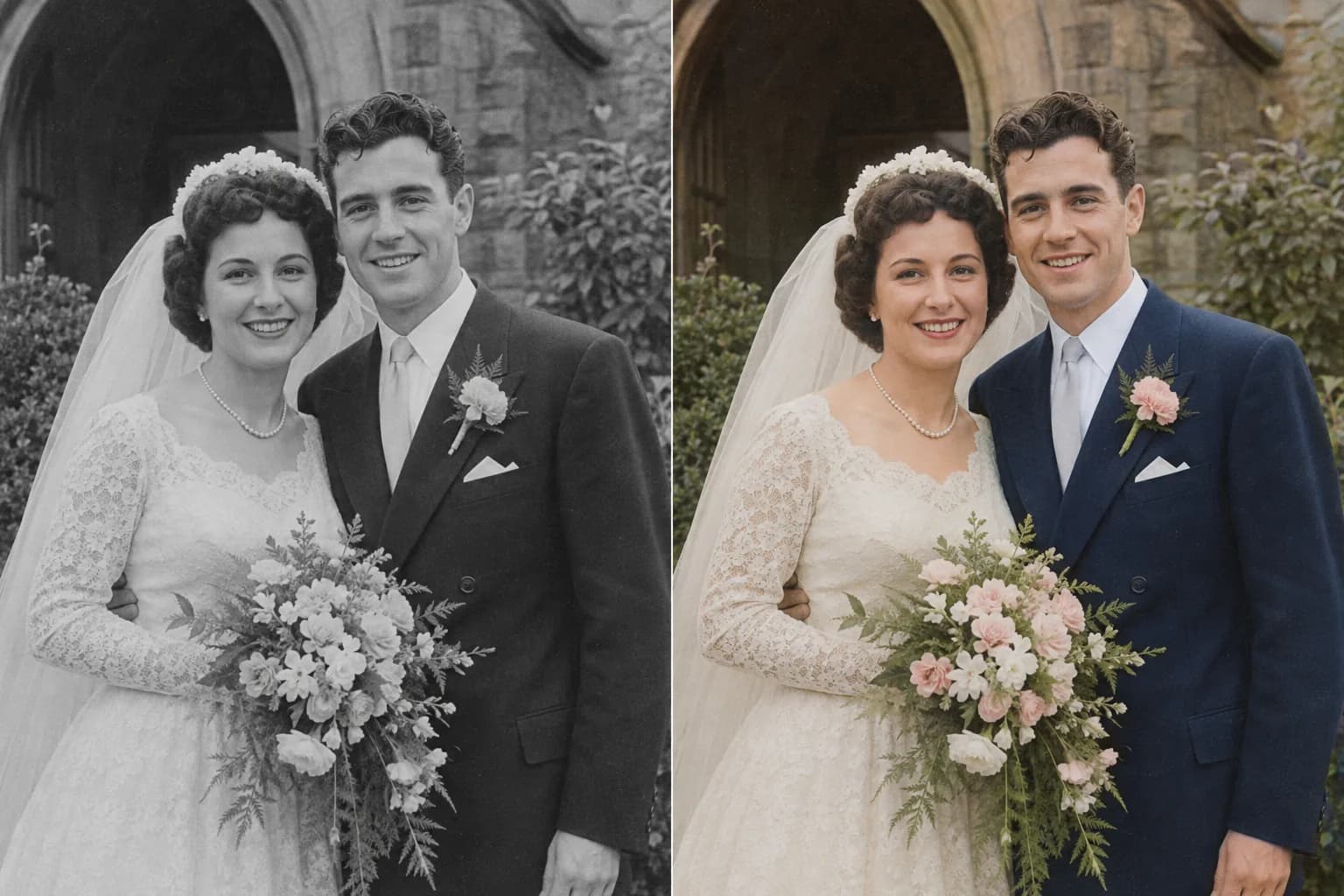
Turn Black-and-White Wedding Photos into Color
Use the Photo Colorizer to revive wedding portraits with elegant skin tones, ivory fabric, flowers, foliage, formalwear, and soft daylight. Color adds emotional detail to a treasured photograph while the original couple, expression, bouquet, lace, and composition remain beautifully recognizable.
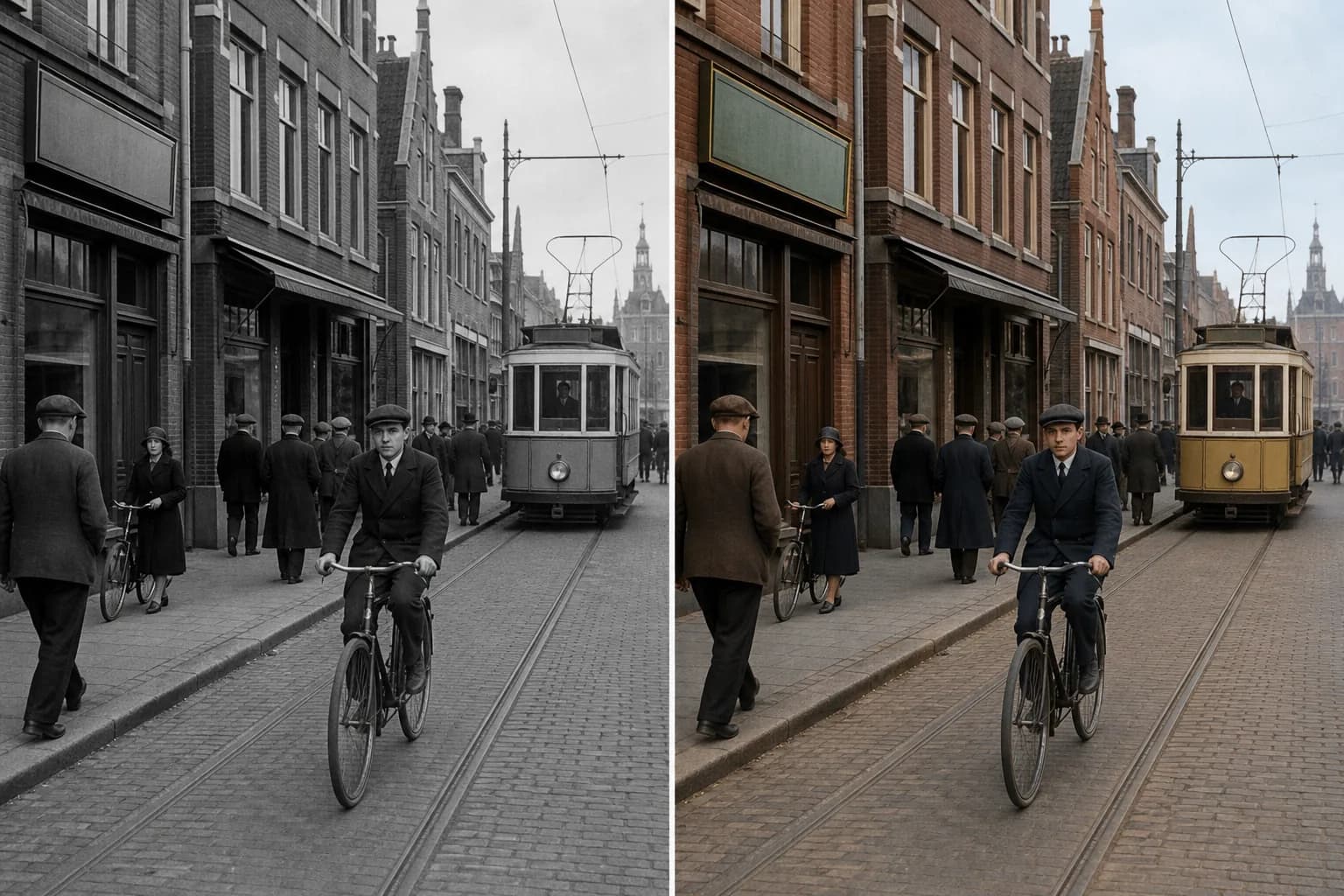
Revive Historic Streets, Buildings, and Everyday Life
History feels tangible when brick, stone, clothing, bicycles, vehicles, sky, and street details work together in color. The Photo Colorizer helps transform archival city scenes into engaging visuals for local history, exhibitions, editorial storytelling, educational projects, and community sharing.
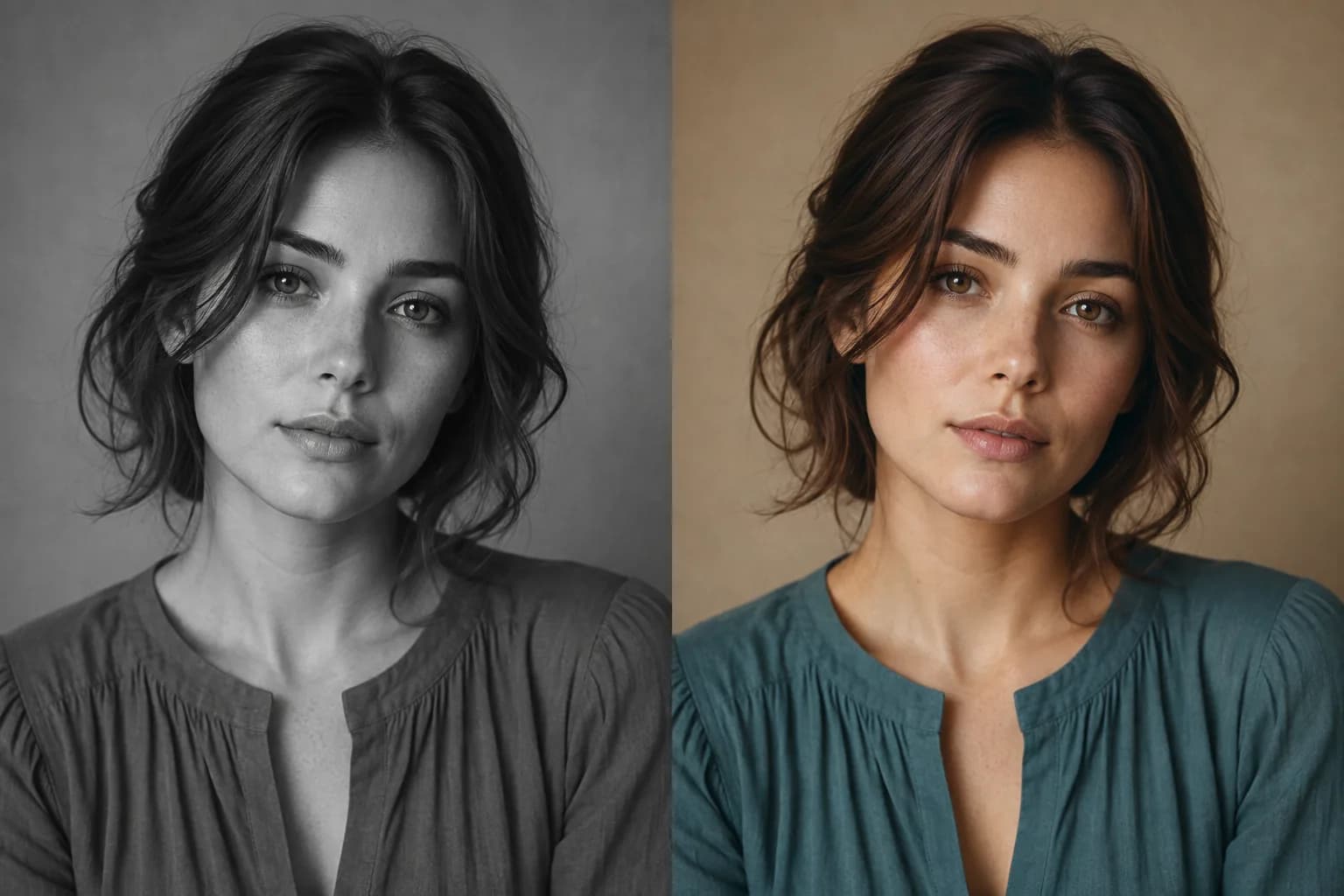
Colorize Modern Monochrome Portraits
The Photo Colorizer is not limited to visibly aged or damaged photographs. Turn a clean grayscale portrait into a contemporary color image with natural complexion, expressive hair color, coordinated clothing, and a studio backdrop that supports the person without changing the portrait itself.
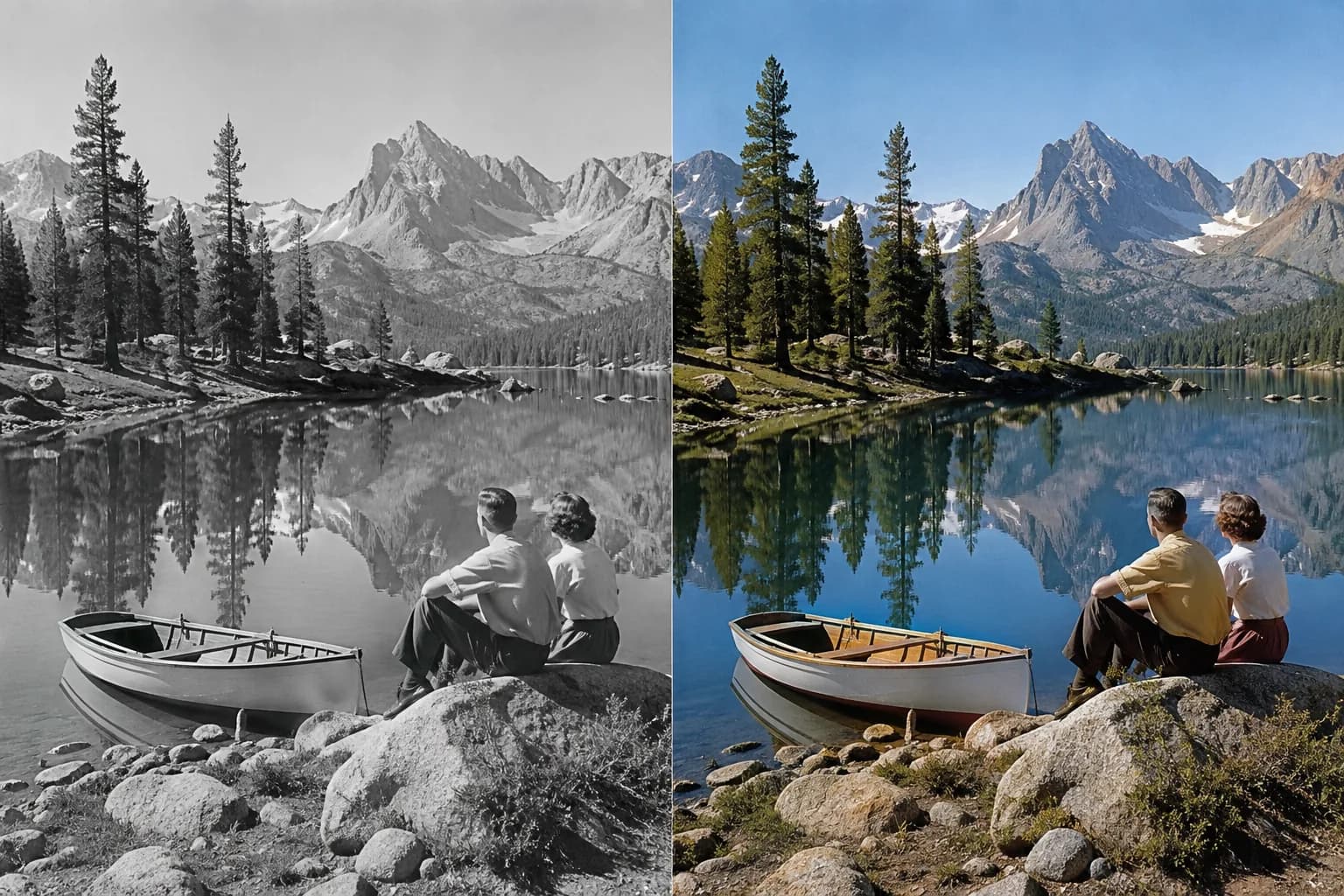
Bring Landscapes and Travel Memories into Full Color
Use the Photo Colorizer to fill lakes, mountains, forests, boats, beaches, streets, and travel clothing with a unified natural palette. Blue water, green foliage, warm earth, open sky, and small human details can turn a monochrome travel photograph into a scene that feels alive again.
How to Use the Photo Colorizer
The Photo Colorizer turns one monochrome image and one color direction into a vivid new version in three easy steps.
1. Upload a Monochrome Photo
Choose a black-and-white, grayscale, or sepia portrait, family photo, street scene, landscape, or creative image for the Photo Colorizer.
2. Choose the Color Mood
Tell the Photo Colorizer whether you want natural, warm, vivid, cinematic, or period-inspired color, then add any known clothing, eye, vehicle, building, or scenery colors.
3. Create the Color Version
Let the Photo Colorizer generate the transformed photo, then enjoy the before-and-after change and continue refining the palette to match your story.
Who Uses a Photo Colorizer?
A Photo Colorizer helps families, historians, archivists, photographers, and creators turn monochrome images into compelling color stories.
Families
Use the Photo Colorizer to revive portraits, weddings, childhood photos, reunions, and inherited albums.
History Storytellers
The Photo Colorizer makes archival streets, events, workplaces, and community photographs more immediate.
Genealogy Projects
Use the Photo Colorizer to add color to family-history pages, digital archives, timelines, and presentations.
Content Creators
Use the Photo Colorizer to create engaging before-and-after posts, documentaries, articles, and social stories.
Photo and Print Makers
Use the Photo Colorizer to prepare expressive images for albums, framed prints, exhibitions, gifts, and memorials.
Why Choose This Photo Colorizer?
This Photo Colorizer combines natural-language color direction with an identity-conscious workflow designed around the original photograph.
Context-Aware Color
The Photo Colorizer gives faces, clothing, sky, foliage, architecture, vehicles, and interior details colors that work together as one scene.
People Stay at the Center
The Photo Colorizer prioritizes the familiar faces, expressions, poses, composition, and photographic character already present.
A Palette You Can Direct
Guide the Photo Colorizer with known colors or describe a mood so the final image can feel warm, restrained, vivid, cinematic, or period inspired.
Photo Colorizer FAQ
What is a Photo Colorizer?
How do I colorize a black-and-white photo?
Can I colorize old family photos?
Can I choose specific colors?
Can it colorize landscapes and street photos?
Can I colorize a modern grayscale portrait?
Is a Photo Colorizer the same as old photo restoration?
Can I try the Photo Colorizer online?
Bring a Black-and-White Photo to Life
Upload a favorite monochrome image and let the Photo Colorizer create a vivid version filled with natural, expressive color.