
Free AI Professional Headshot Generator for Studio Portraits
Studio preview
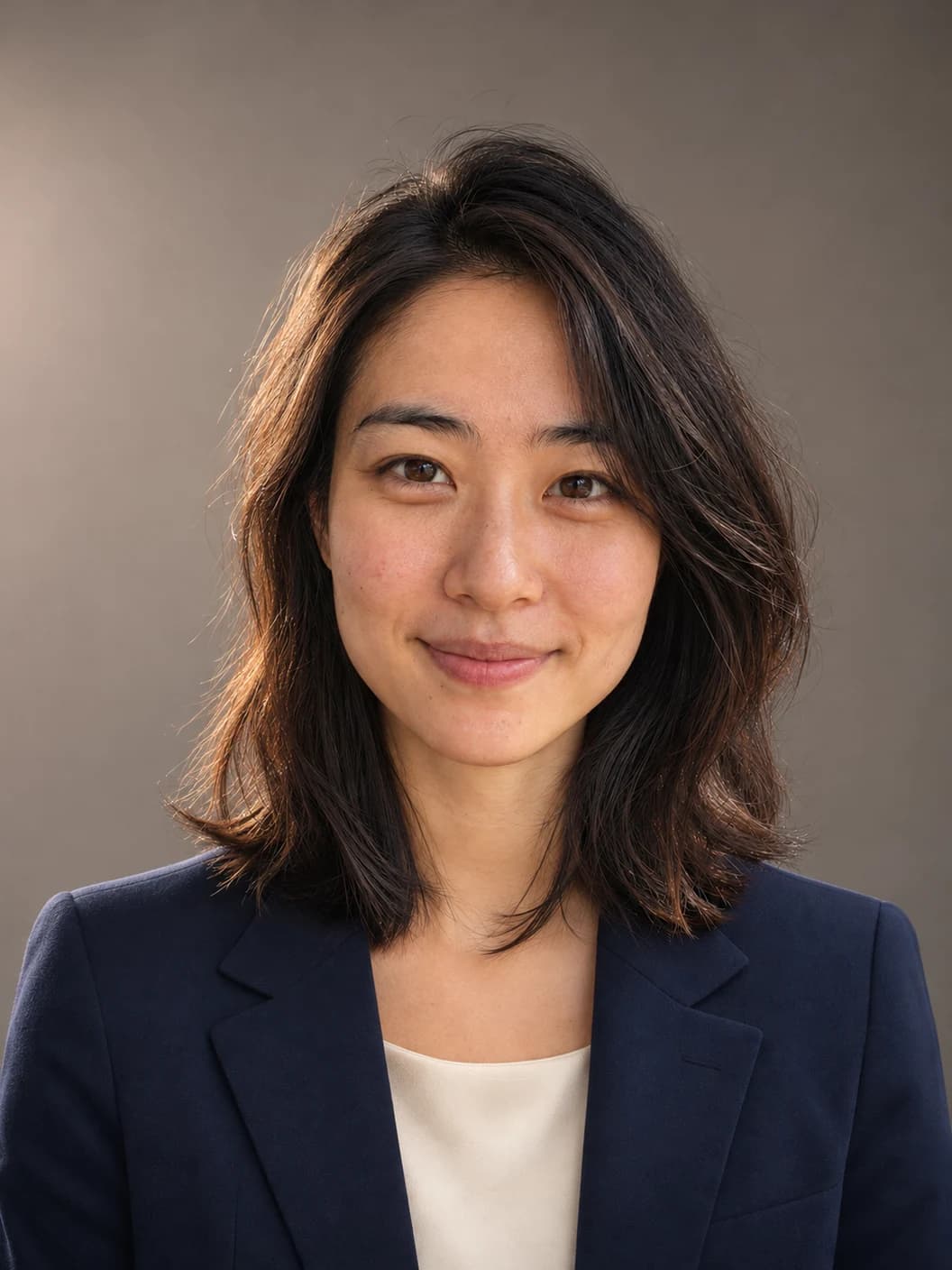
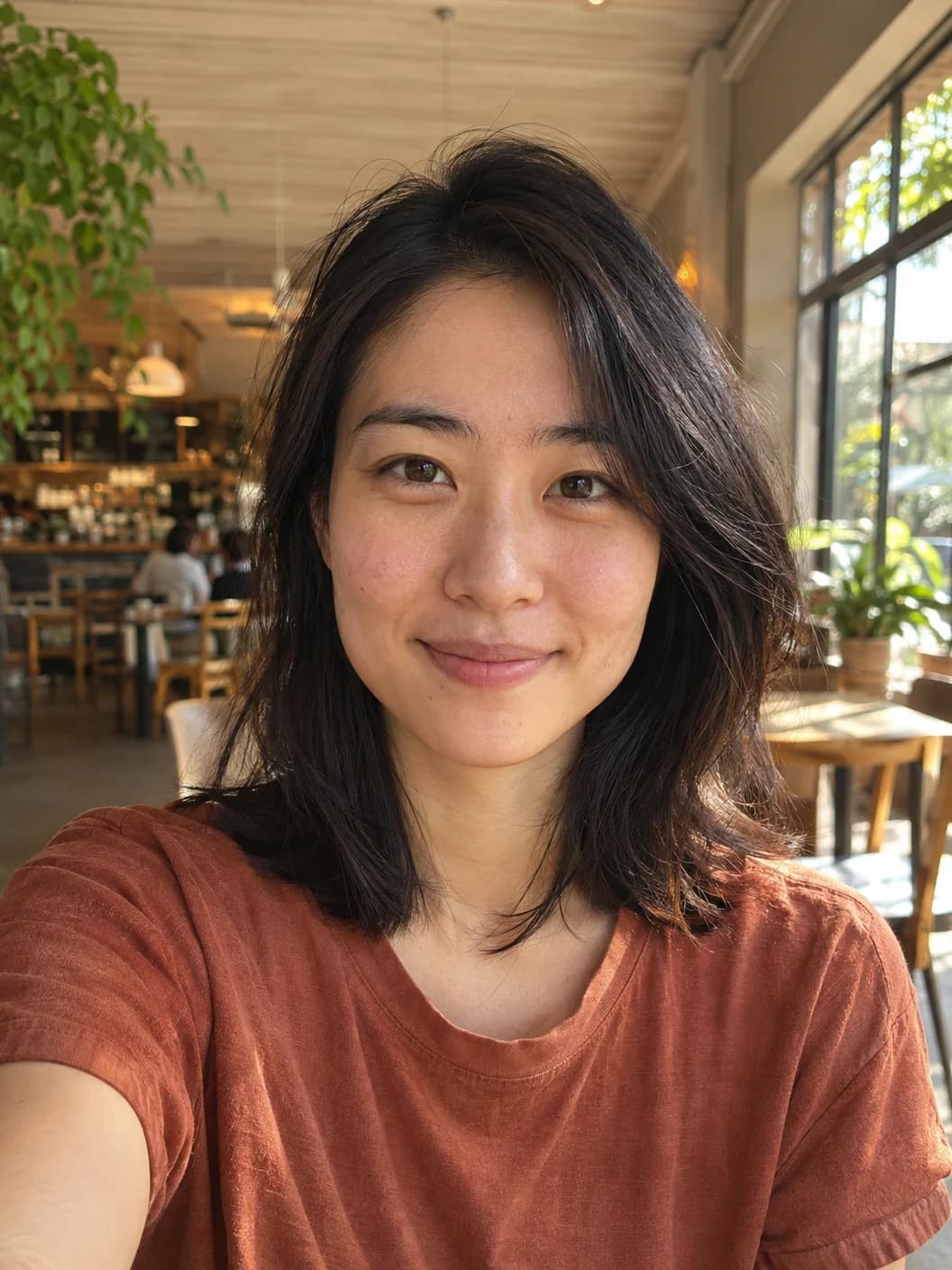
Café selfie to studio portrait. Drag the divider to compare.
A studio look without the studio visit
The AI professional headshot generator gives you control over what changes in your portrait and what stays the same. See how each setting affects the final image.
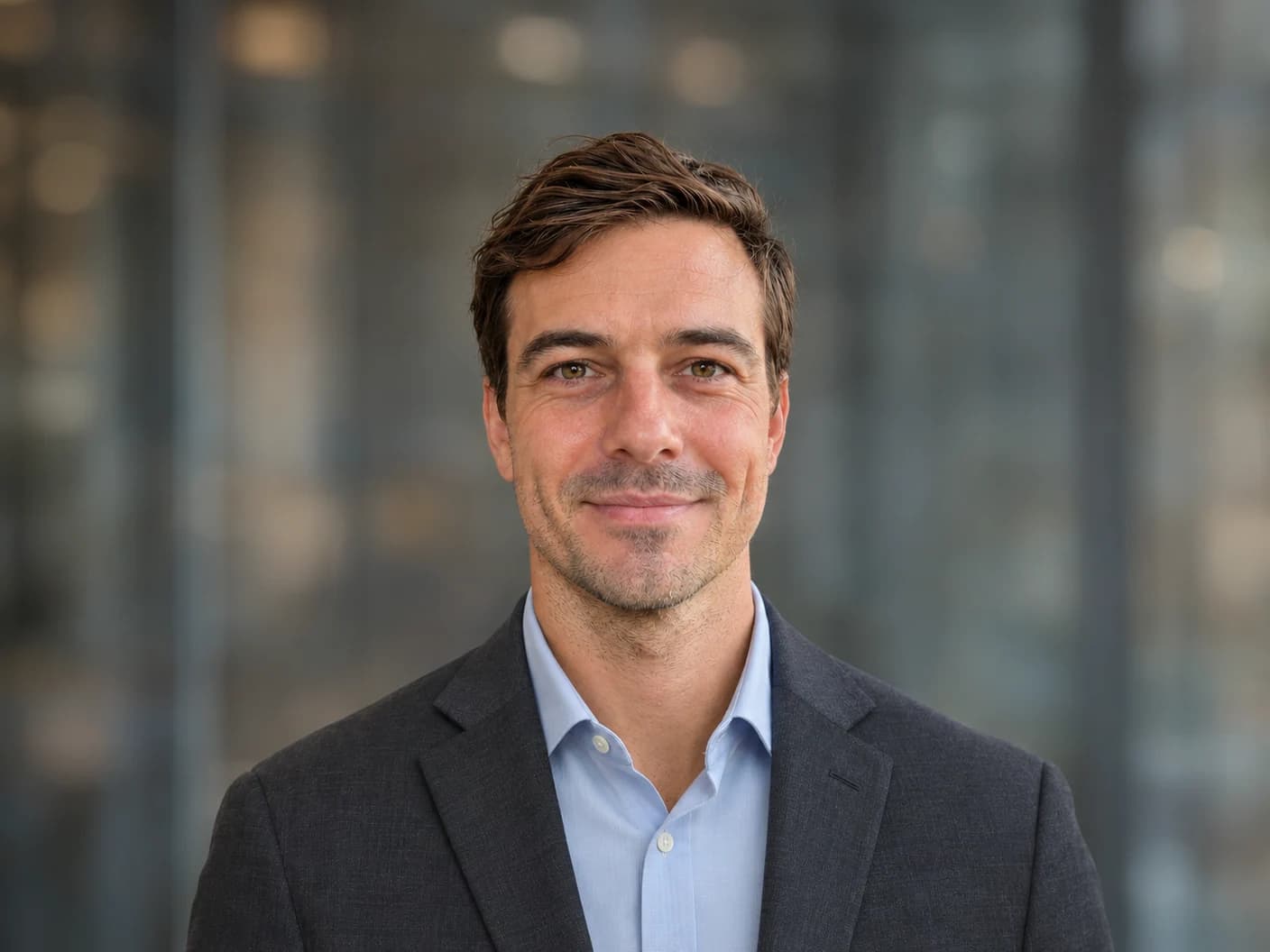
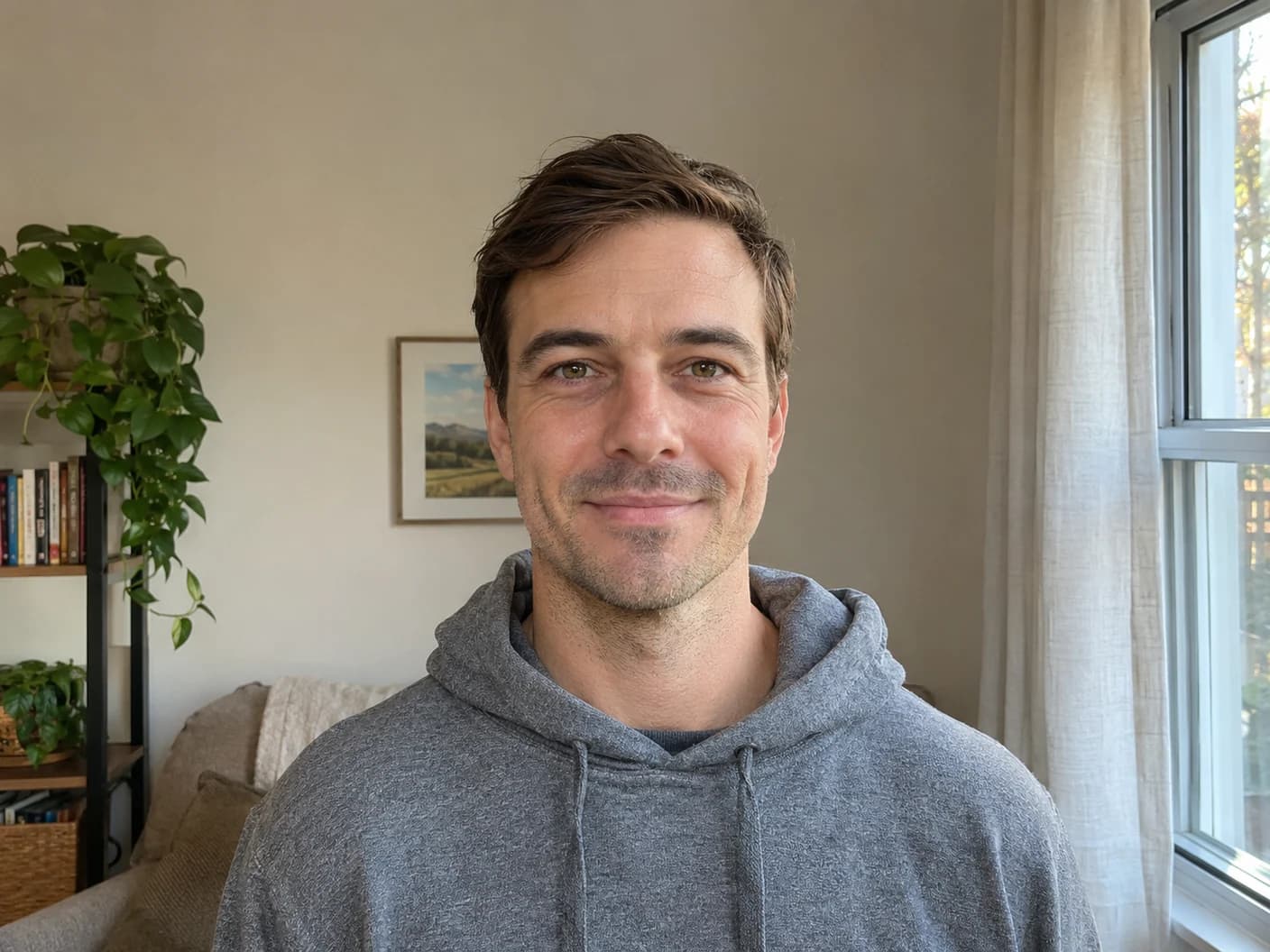
Studio Lighting & Wardrobe from Everyday Selfies
The AI professional headshot generator turns an everyday window-light photo into a portrait with soft, directional light and a well-fitted outfit. Select a corporate suit for a leadership bio or business casual for a client-facing profile. You can refine details like the jacket color without writing a full prompt.
Try studio lighting on your photo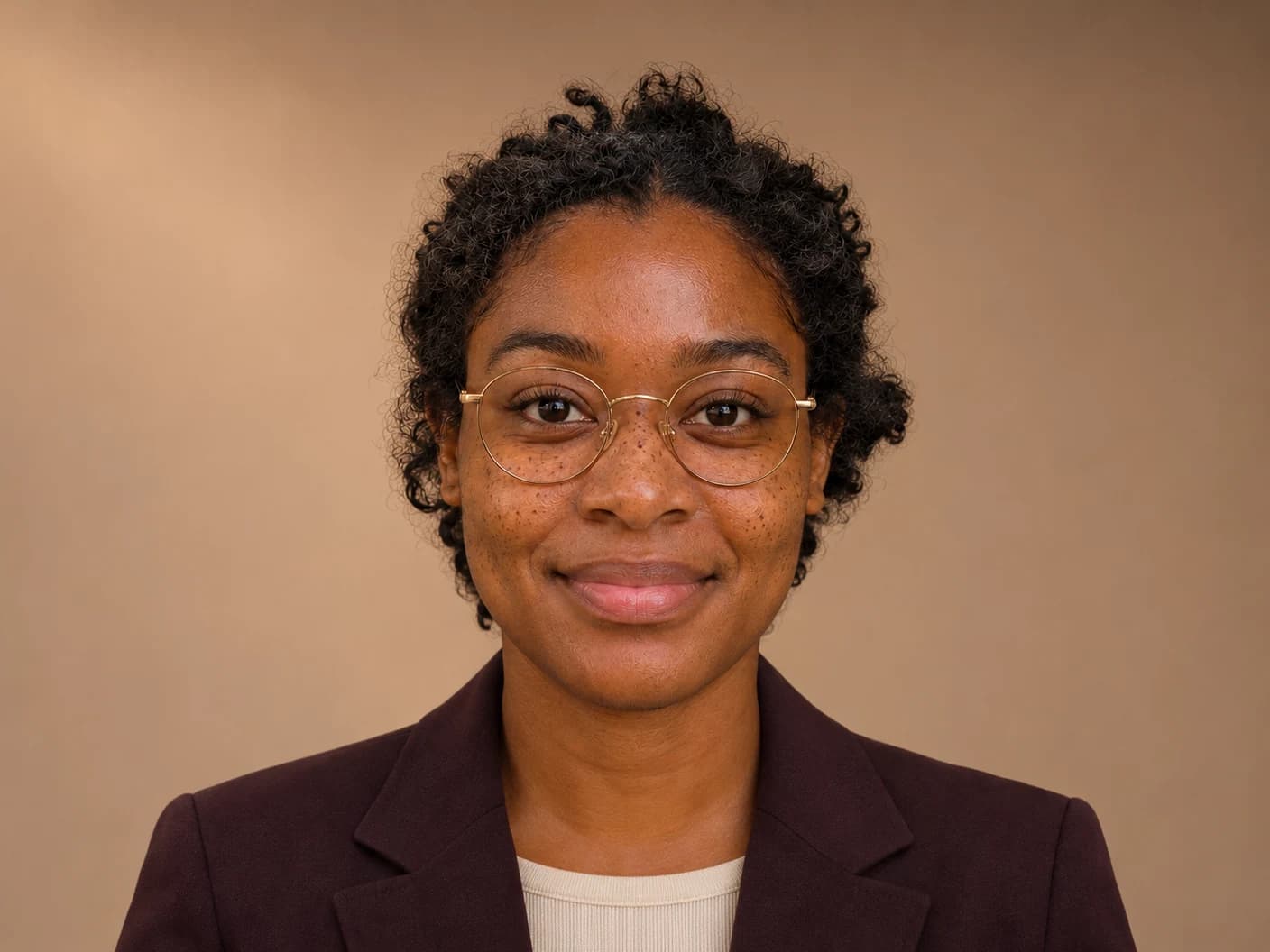
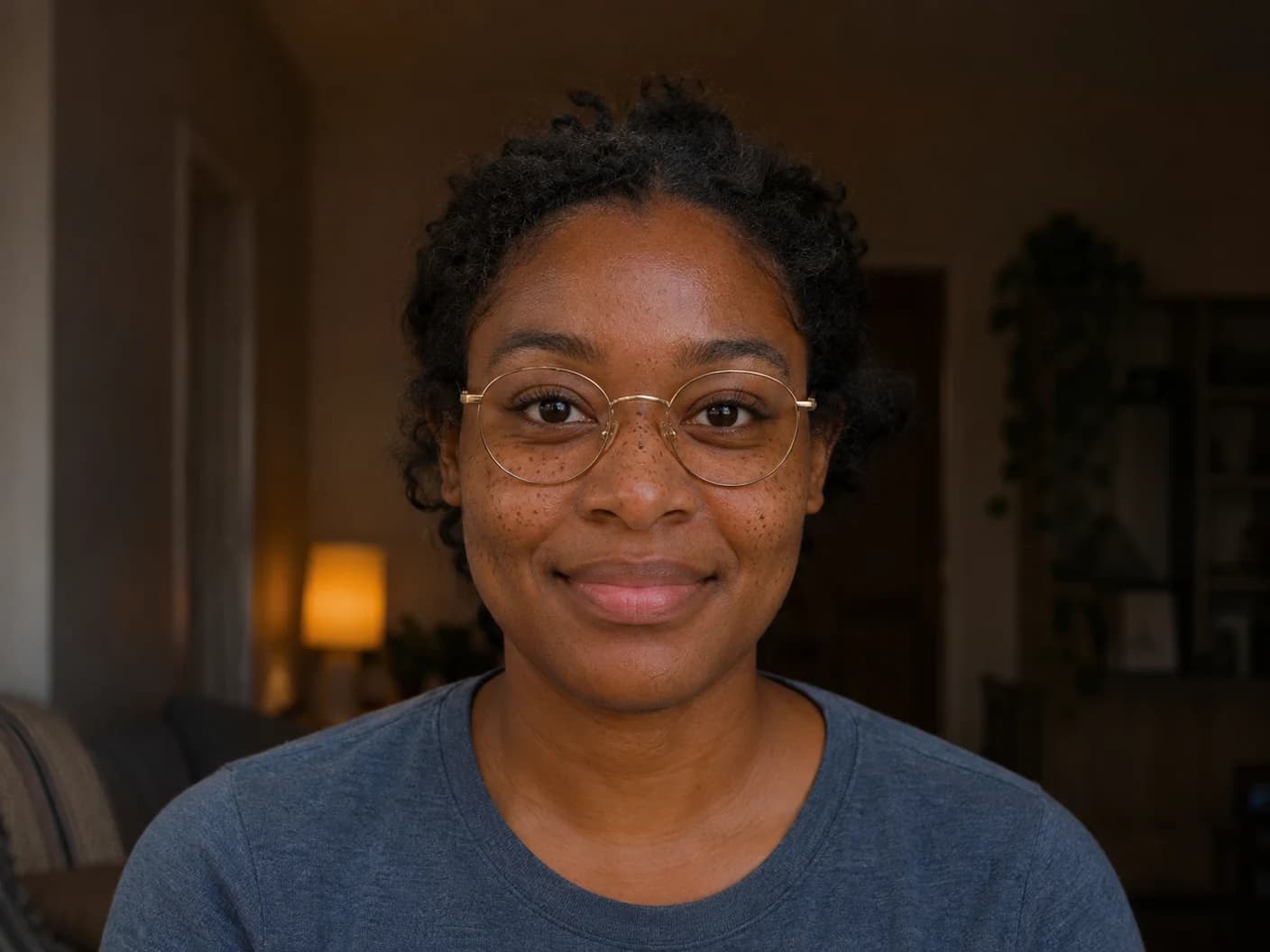
Facial Likeness & Natural Skin Texture
A polished portrait should still look like you. The identity setting guides the AI professional headshot generator to preserve your expression, glasses, freckles, and visible skin texture. Compare the result with your input and check the bridge of your glasses, the shape of your eyes, and the details that make your face recognizable.
Try the likeness controls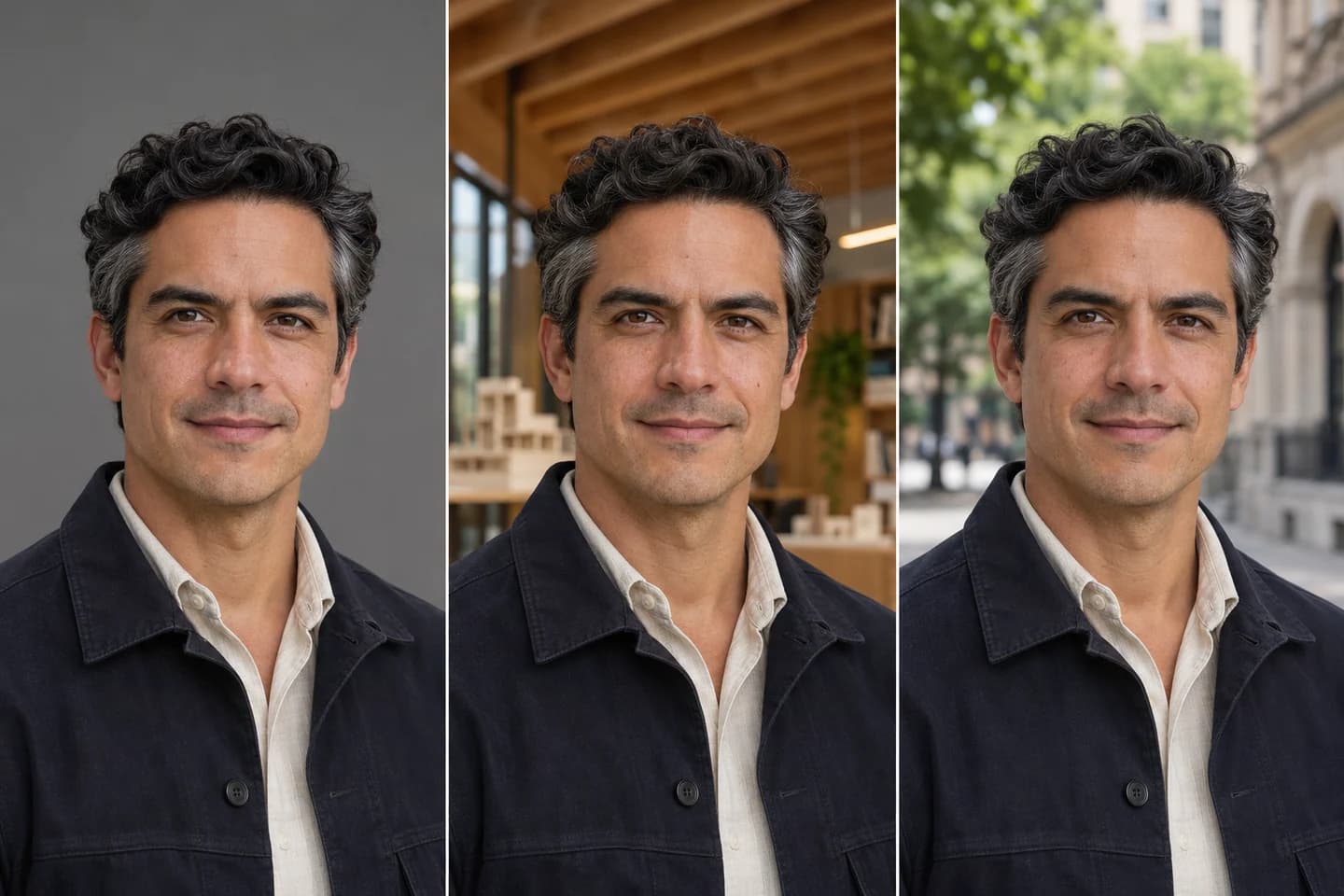
Curated Backdrops for Corporate & Creative Roles
Choose a neutral studio backdrop for your directory, a softly blurred modern office for your firm, or warm architecture for an editorial bio. Outdoor soft bokeh adds context without putting a busy scene behind your face. Pick one setting to suit the role, then keep it consistent across related profiles.
Choose a backdrop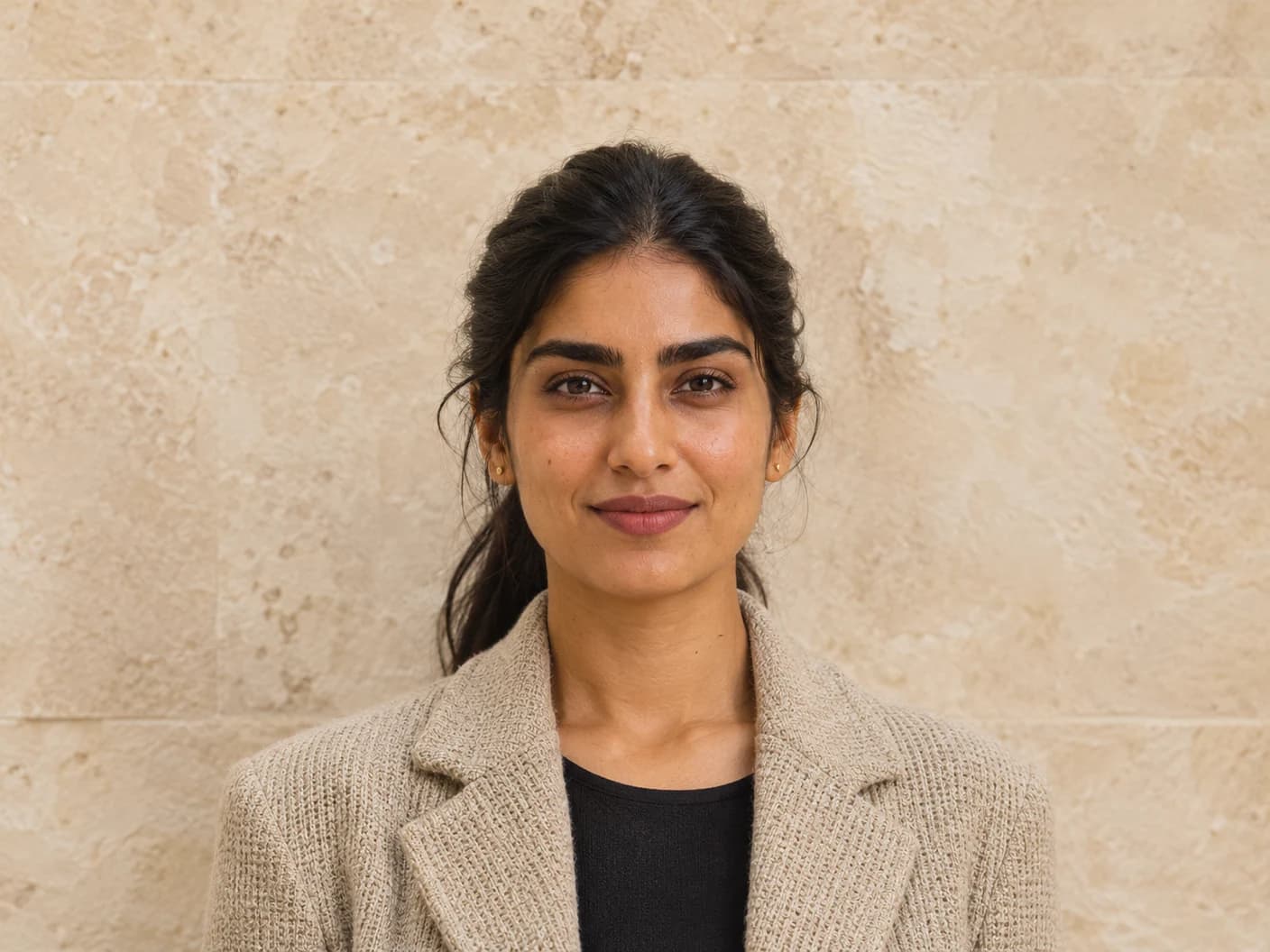
Ready-to-Use Framing for LinkedIn, Resumes & Press
The AI professional headshot generator offers a square crop for LinkedIn, a 3:4 frame for resumes and bios, and a 4:5 portrait for press or personal sites. Switch to the LinkedIn circle preview to check headroom and centering before you download. The circle is a preview; your exported photo keeps its rectangular dimensions.
Check your LinkedIn crop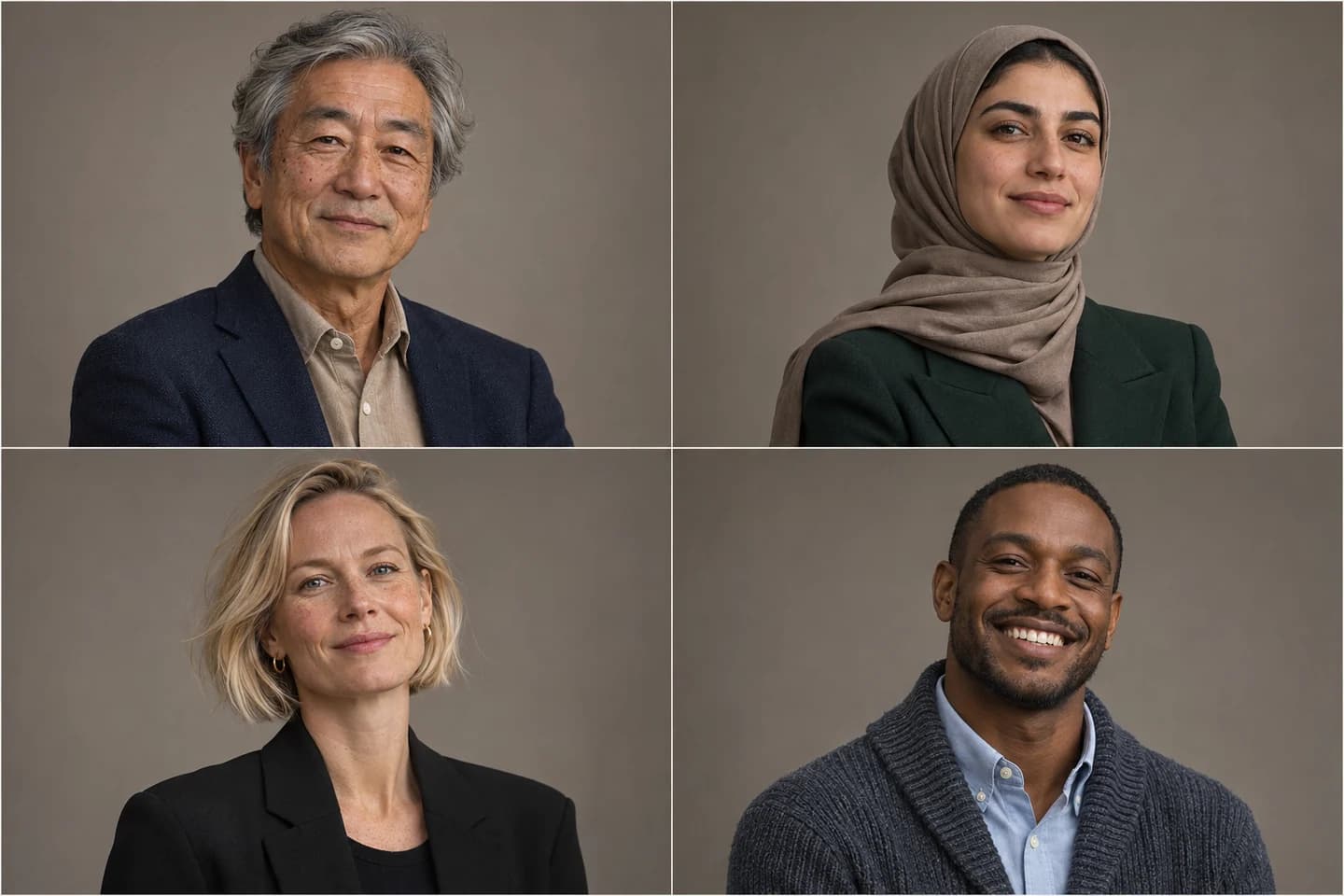
Consistent Team Headshots Without Booking a Studio
Use the AI business headshot generator one teammate at a time, even if everyone works from a different city. Share the same backdrop and framing presets for an About page that feels cohesive. Teammates can choose their own wardrobe and keep the expressions that look natural to them.
Create a team headshotFrom photo to headshot in three steps
Upload a clear front-facing photo
Start with one photo in even light. Add up to two more of the same person if you want to show the model another angle.
Choose outfit, backdrop & framing
Choose your presets in the AI professional headshot generator. Keep the natural-expression setting on, or add a short note like “navy tie.”
Preview your crop & download in HD
Compare the portrait with your original, check the circular LinkedIn crop, and choose the original-resolution download when available to you.
A portrait for the way you work
Job Search & LinkedIn Profiles
Use the free AI headshot generator for LinkedIn to preview a centered profile photo and carry the same look to your resume.
Company Teams & About Pages
Match the headroom and backdrop across staff photos for a directory, team page, or welcome announcement.
Speakers, Authors & Press Kits
Prepare a portrait with clean edges and room to crop for a conference program, author bio, or media kit.
Consultants, Real Estate & Legal Personal Brands
Pick a professional look you can use across proposals, property listings, and firm biographies.
A more direct way to make a headshot
Presets, not prompt guesswork
Set wardrobe, backdrop, and framing separately instead of relying on a generic ChatGPT prompt to infer all three.
One photo, a likeness you can check
Generate a studio portrait from one photo without waiting for a separate 30-minute model training session. Compare facial features, skin texture, expression, and eyewear before choosing your result.
Clear preview and usage terms
Explore the studio and example previews free online. Personal generation uses credits; free trial credits are available where eligible. Free and original-resolution download options are shown in the studio. Use your finished portrait for business when you have the necessary rights to your source photos and output.
Professional headshot questions
Can AI generate a professional headshot for me?
Yes. An AI headshot generator can use a clear selfie to adjust lighting, wardrobe, and backdrop while keeping the same subject. Check the result against the original before you use it publicly.
How can I create an AI headshot for free?
Open the AI professional headshot generator to explore the examples and crop preview for free. If you are eligible for trial credits, use them to generate a portrait from your photo. The studio shows credit costs and download options before you proceed.
Can ChatGPT make a professional headshot?
ChatGPT can create or edit a headshot if you have access to image generation. A dedicated editor gives you named style, backdrop, and framing controls plus a circular preview, so you do not have to describe each setting in a prompt.
What makes a good AI professional headshot generator?
Look for a recognizable face, believable skin texture, soft lighting, and framing that suits the final destination. Being able to compare your source with the result helps you catch changes to facial features or eyewear.
What photo works best, and will it preserve my likeness and glasses?
Use a sharp, front-facing photo with both eyes visible. If you want your glasses in the finished portrait, wear them in the first reference and avoid strong lens glare. Leave the preservation setting on, then inspect the result for a close match.
Are my photos private, and do I have commercial usage rights?
Uploaded photos are processed under our Privacy Policy and are not sold. Generated results are public with free access; paid customers can keep results private in the studio. You retain your rights in lawful uploads and creations; use them commercially only when you have the necessary permissions and comply with our Terms of Service.
What resolution and framing work best for LinkedIn and resumes?
Start with a crisp square image for LinkedIn and check that the circle leaves room above your hair. A vertical 3:4 crop works well beside a resume or website bio. For press and print, choose the original-resolution download when available and follow the publisher’s size requirements.
Read our Privacy Policy and Terms of Service.
Give your best photo a professional finish
Try the AI professional headshot generator with a selfie or start with one of the sample portraits.