
Remove Shadows from Photo Online Free with Natural Lighting


Illustrative example · Drag to compare
Your edited photo appears here
Choose a photo and remove its shadows to preview and download the result.
See what changes when the shadow goes
Drag the divider in each illustrative edit to see which shadows disappear and which ones stay.
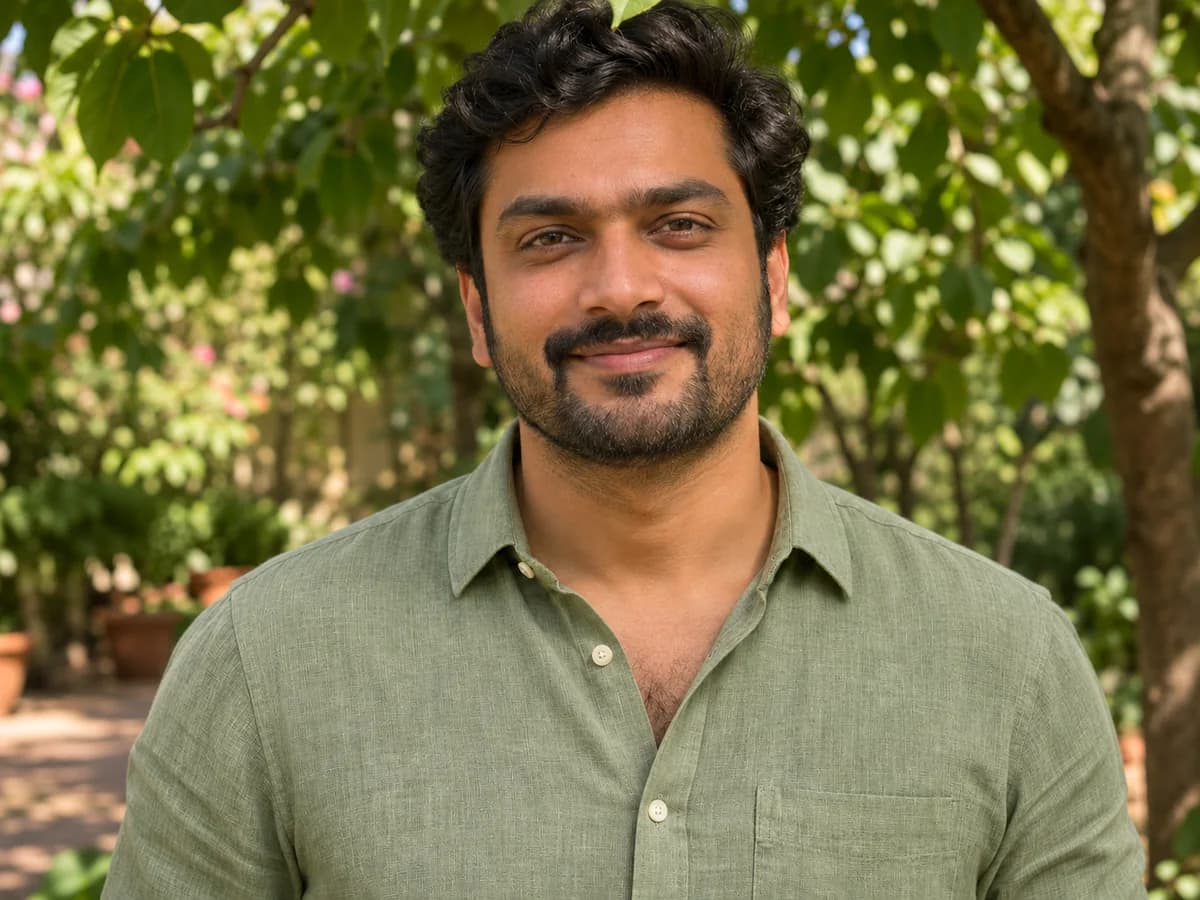
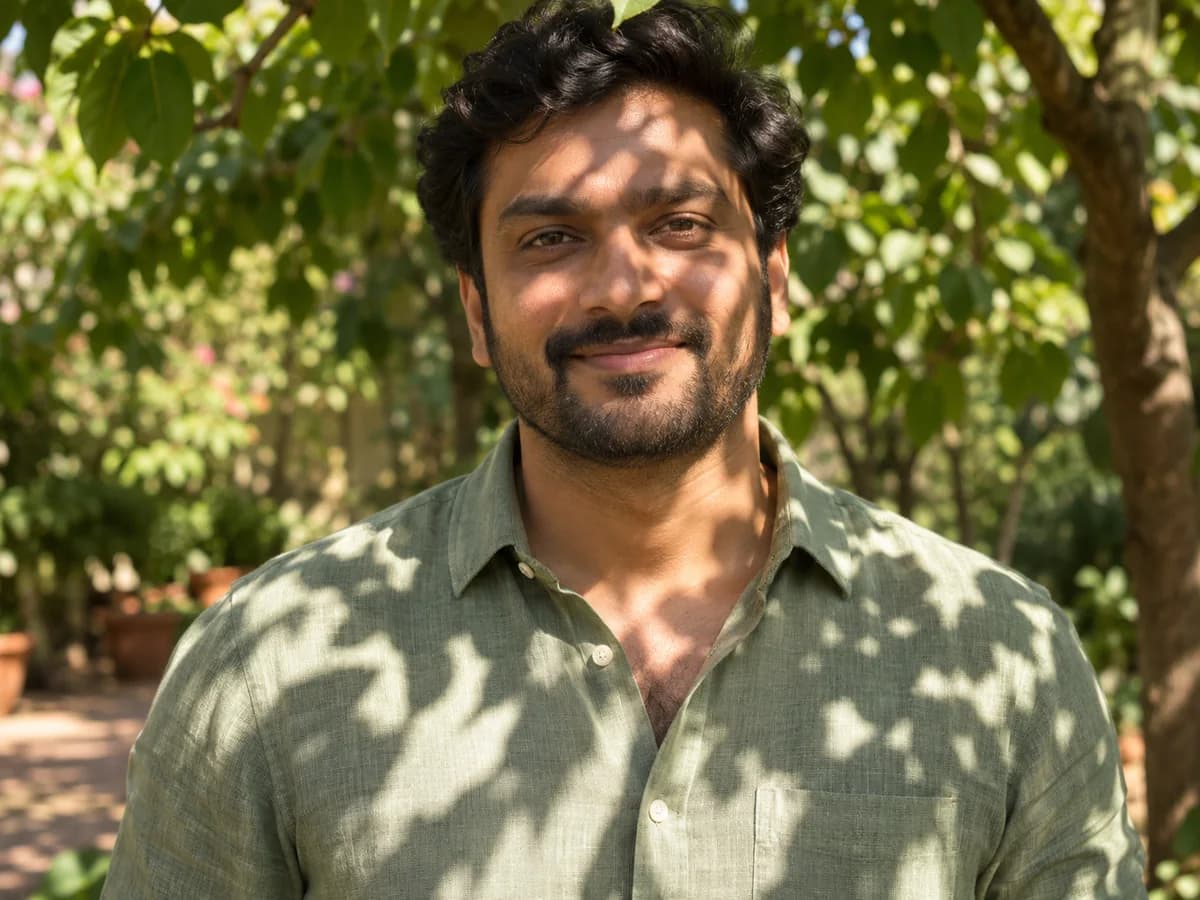
Erase Harsh Face & Hat Shadows in Portraits
A straw hat can throw a dark line across the eyes, and light through a tree can leave a face covered in patches. Turning up the exposure brightens the parts that already looked good. The AI shadow remover targets those uneven areas, so eyes are easier to see without blowing out the lit side of the face.
In Remove Shadows from Photo, choose Face & Portrait for a brim or harsh overhead lighting. A refinement like “remove shadow on face from photo; leave the background alone” tells the editor where to focus. Switch to Harsh Sunlight when leaves cast a pattern across skin and clothes. Drag the divider to check the light around the eyes and the texture of the linen.
Try it on your photo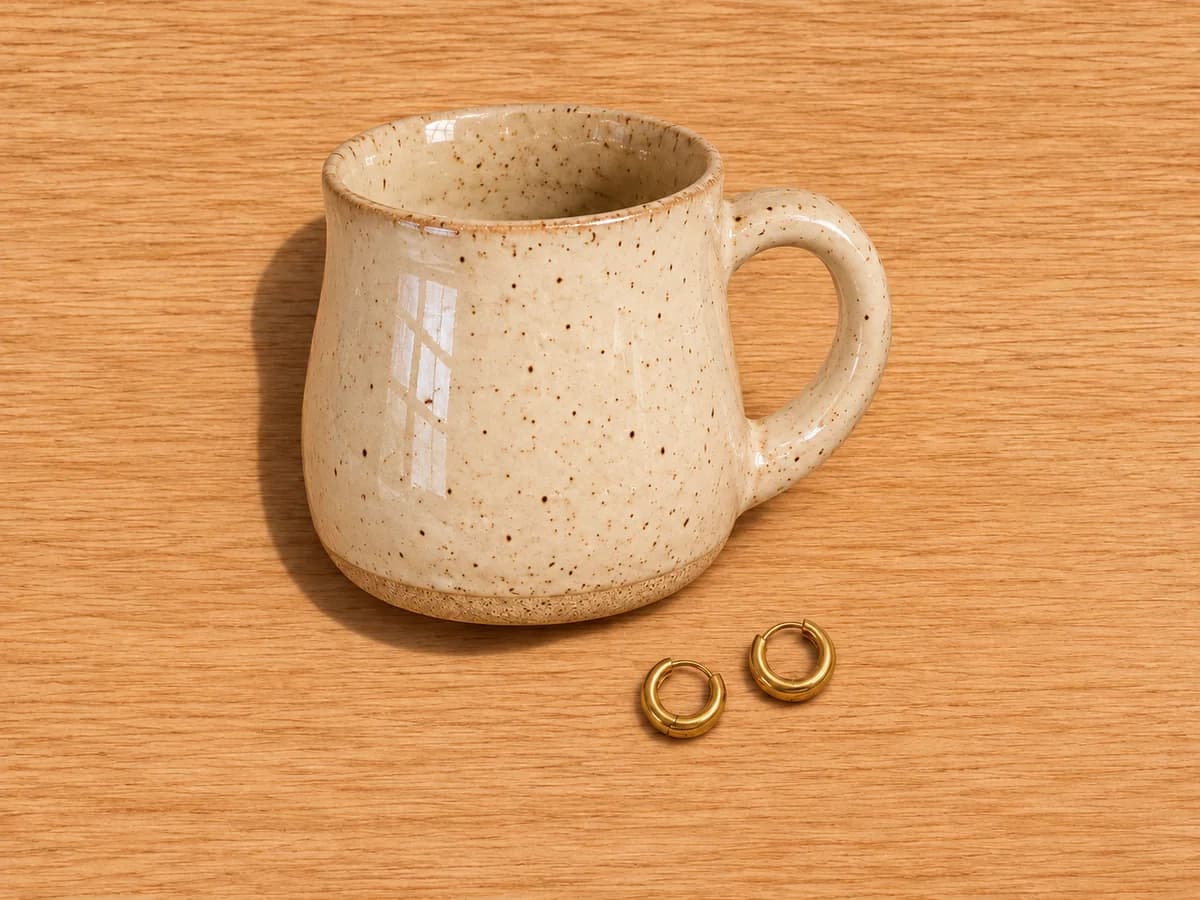
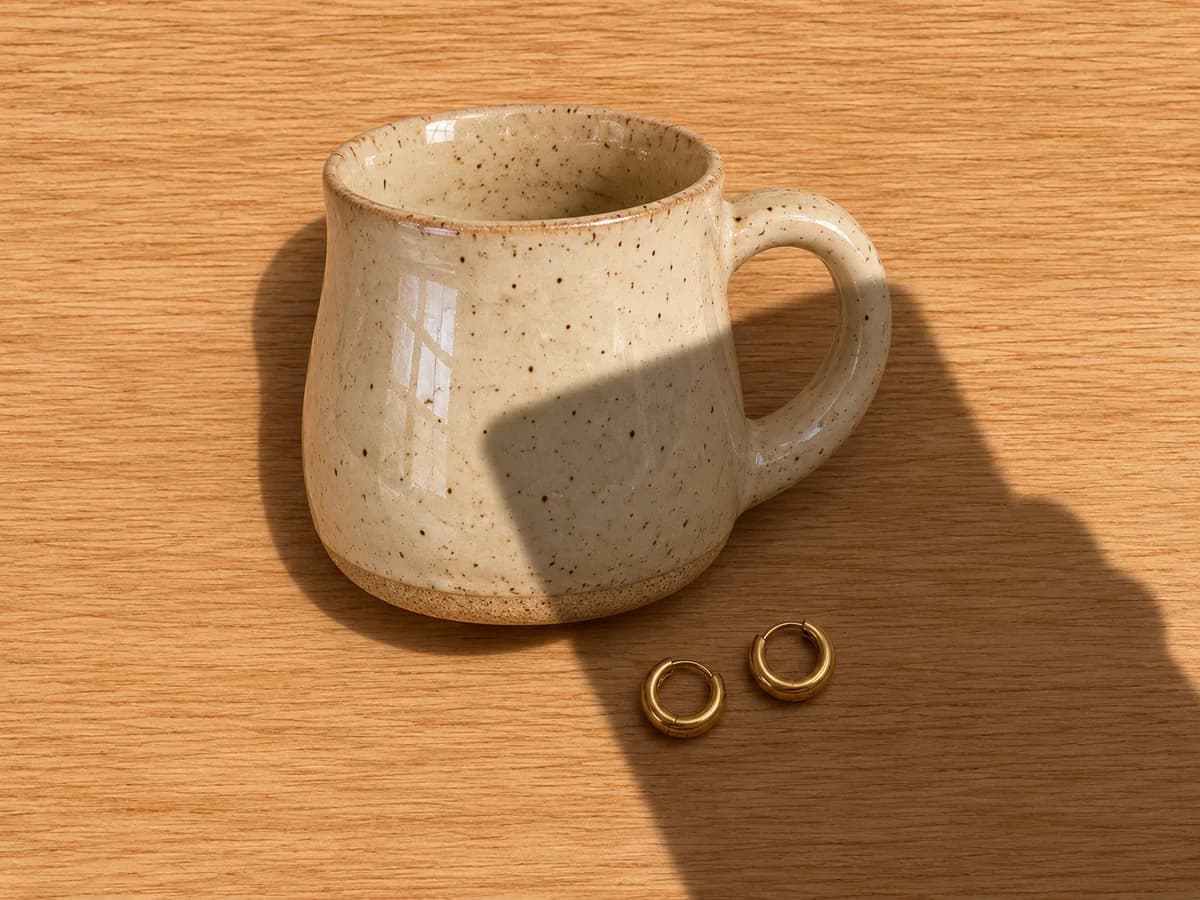
Clean Phone & Hand Shadows from Product Photos
It is easy to lean too far over a table and photograph the shadow of your own phone. To remove shadow from product photo backgrounds, choose Product & Flat Lay. It targets the shape cast by a phone, hand, or window frame without brightening the entire backdrop.
Use it to remove shadows from photo backgrounds without making a wood surface look like blank paper. In the mug example, watch the grain cross the edited area and the small reflections in the glaze stay bright. The outline beneath the mug and earrings still shows where they sit.
Try it on your photo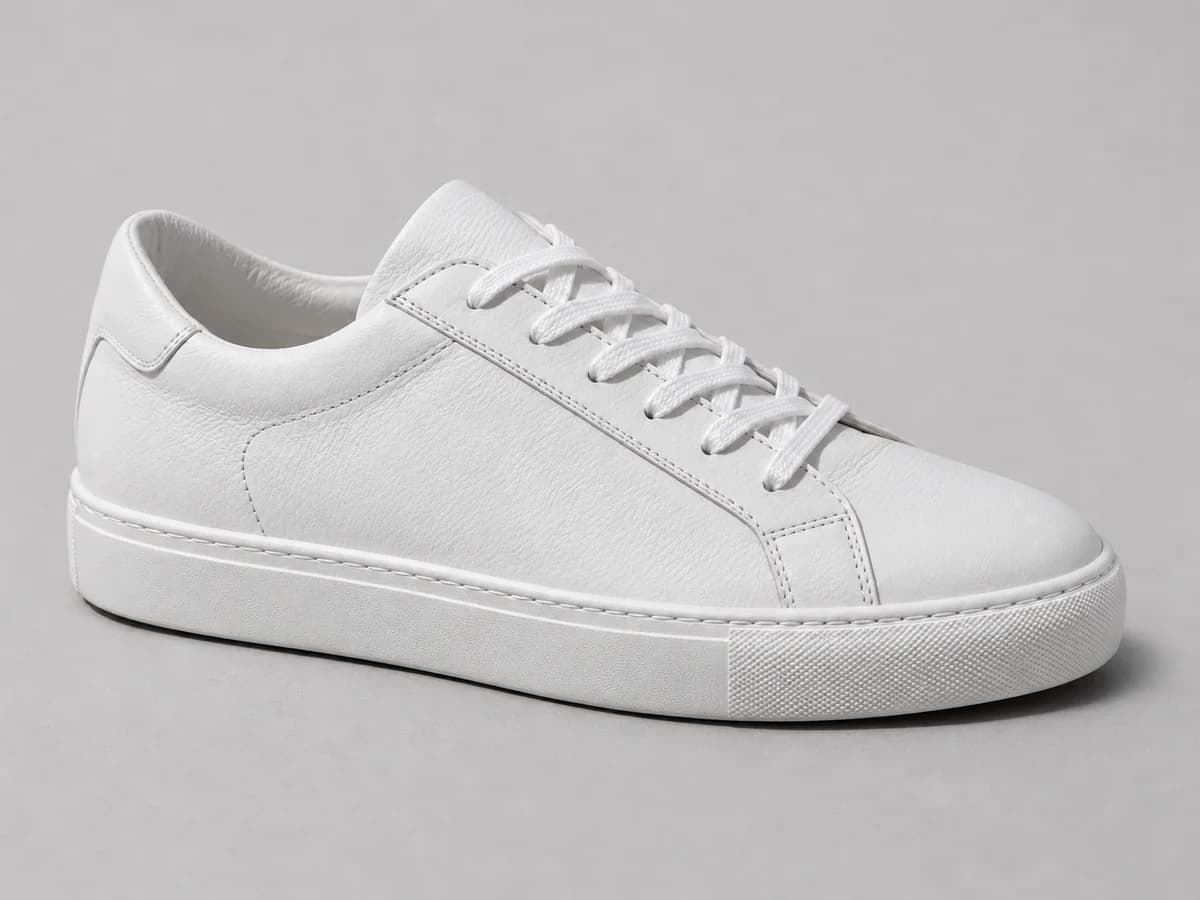
Keep Natural Contact Shadows for Realistic Depth
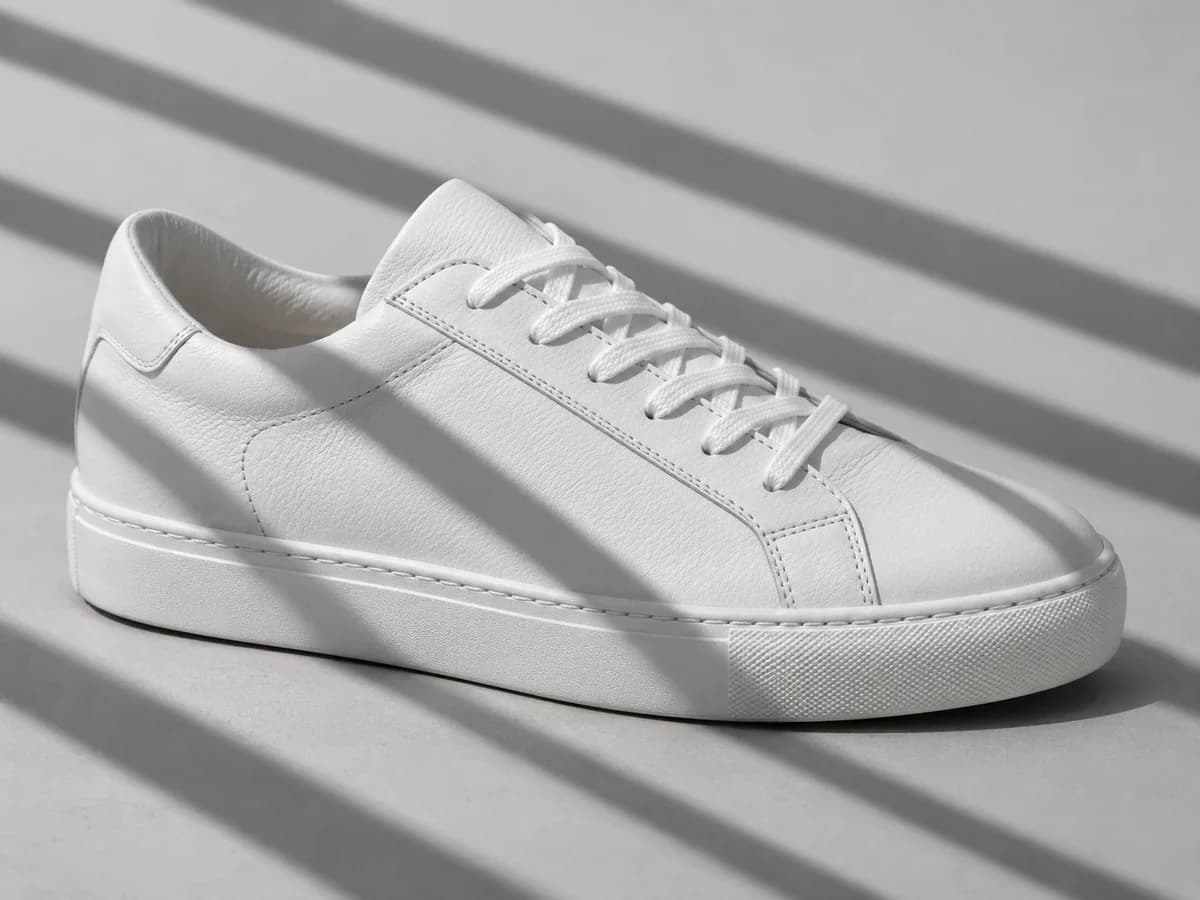
Look at the narrow line of shade just beneath the sole of a sneaker. That is a contact shadow, and it tells you the shoe is resting on the table. If you remove shadows from photo compositions indiscriminately, even a neatly edited product can look like it is floating.
Keep natural contact shadows is on by default. It asks the editor to clean up the distracting cast shadow, such as stripes from a blind, and leave the subtle shading that gives the object its shape. Turn the setting off when the subject is a mostly flat surface and you want more uniform lighting.
Try it on your photo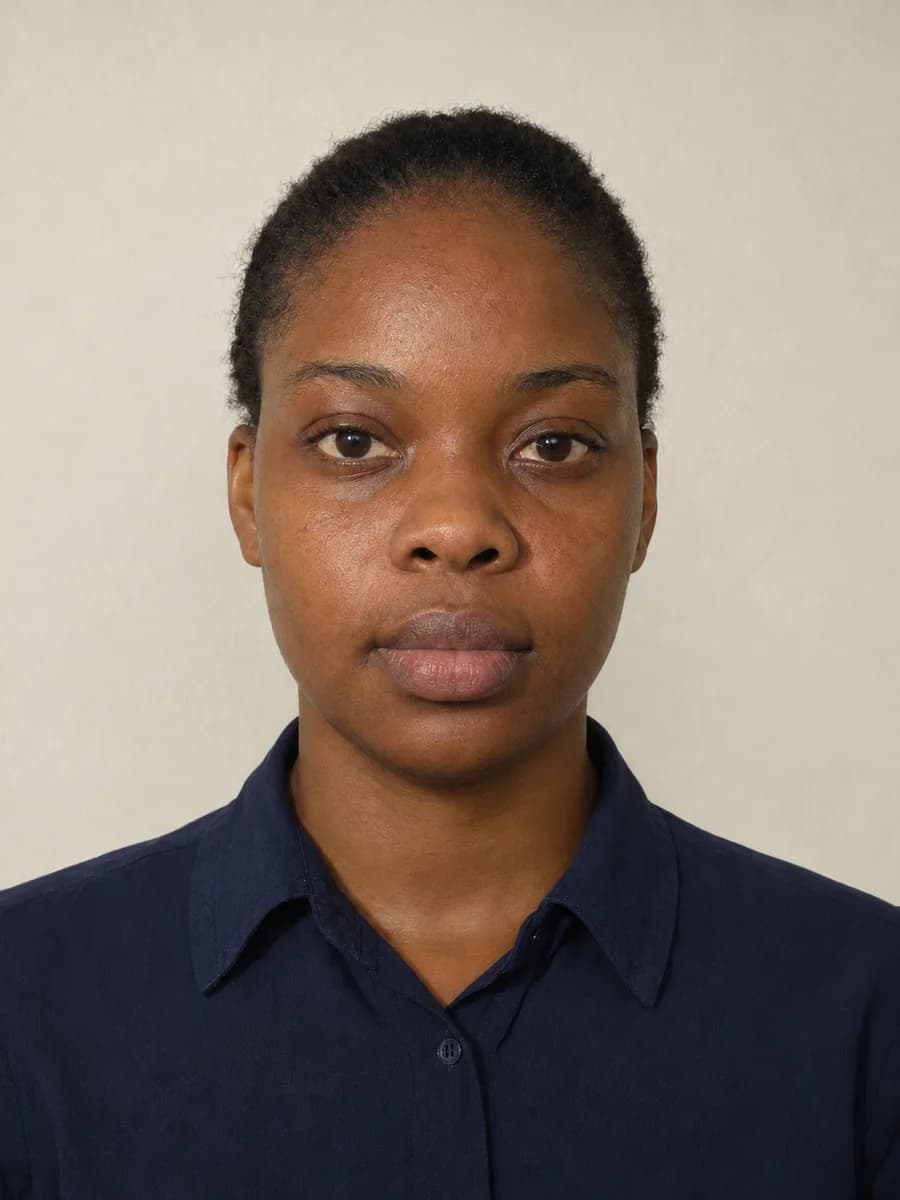
Fix Uneven Lighting for Passport & ID Photos
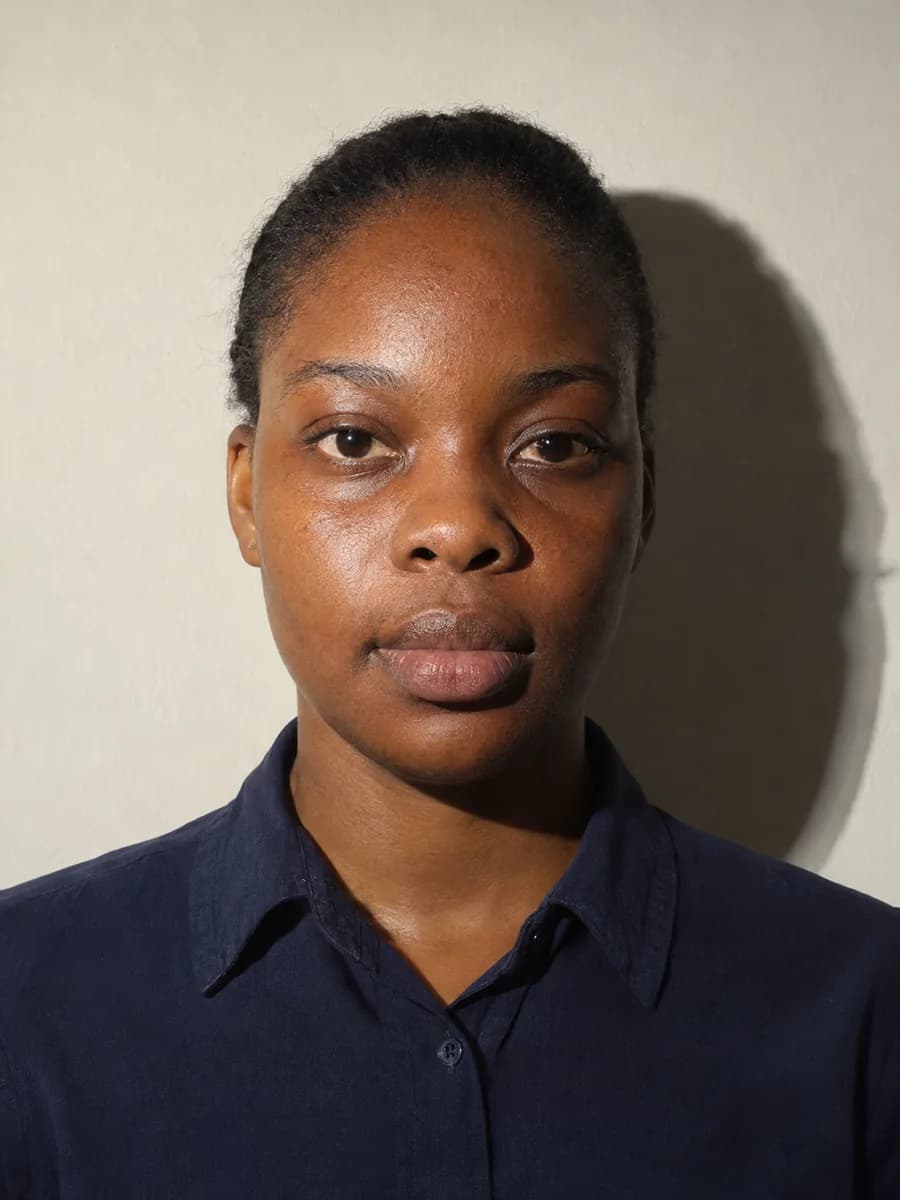
A lamp to one side can put half the face in shade and throw a dark silhouette onto a plain wall. Use Face & Portrait to balance the light in a home ID portrait. If you want to address a specific passport photo shadow, name the area, such as the wall to the right of the head.
When you remove shadows from photo backdrops, check that the face, hairline, and natural skin tone still match the original. This is a lighting edit, not a passport compliance check. Before submitting an official photo, check the issuing authority’s rules on editing and retake it if required.
Try it on your photo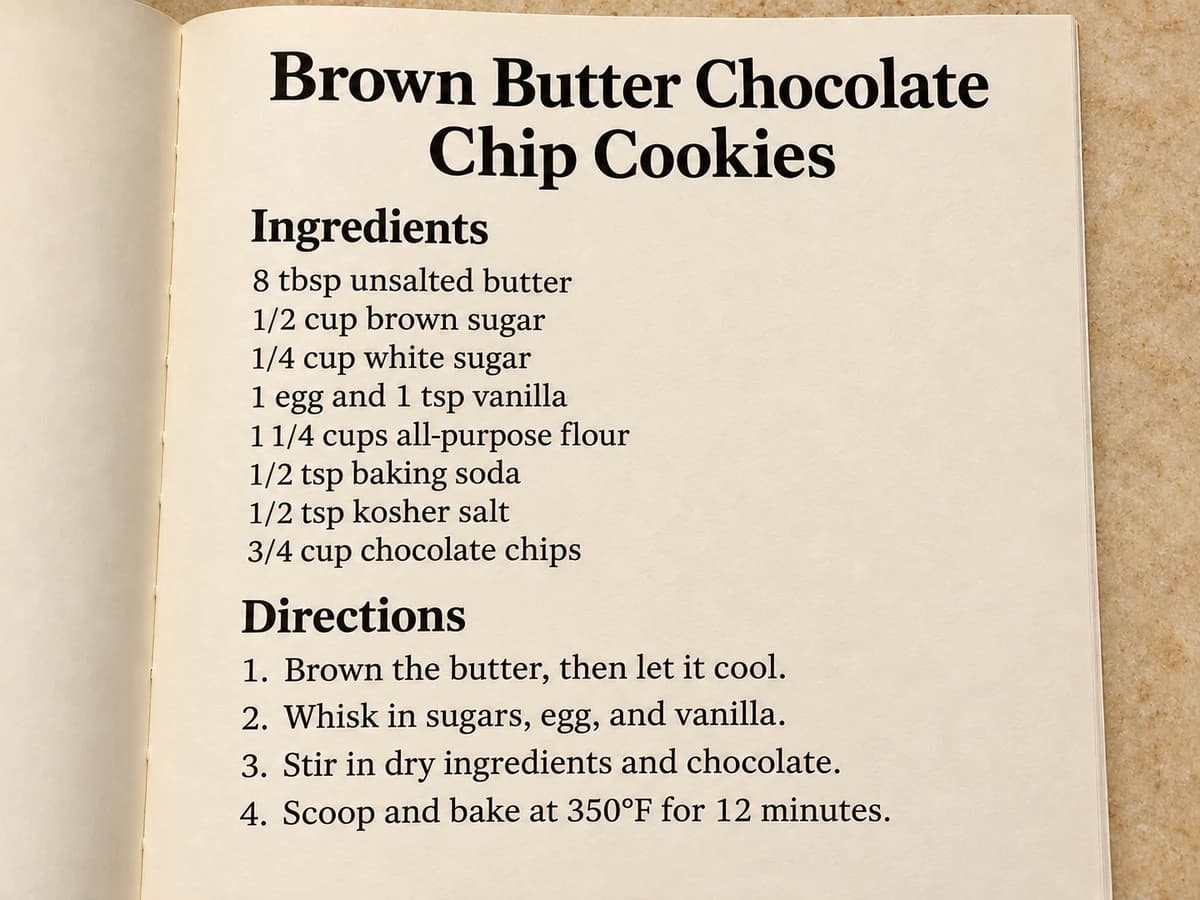
Lift Dark Shadows on Paper, Notes & Flat Lays
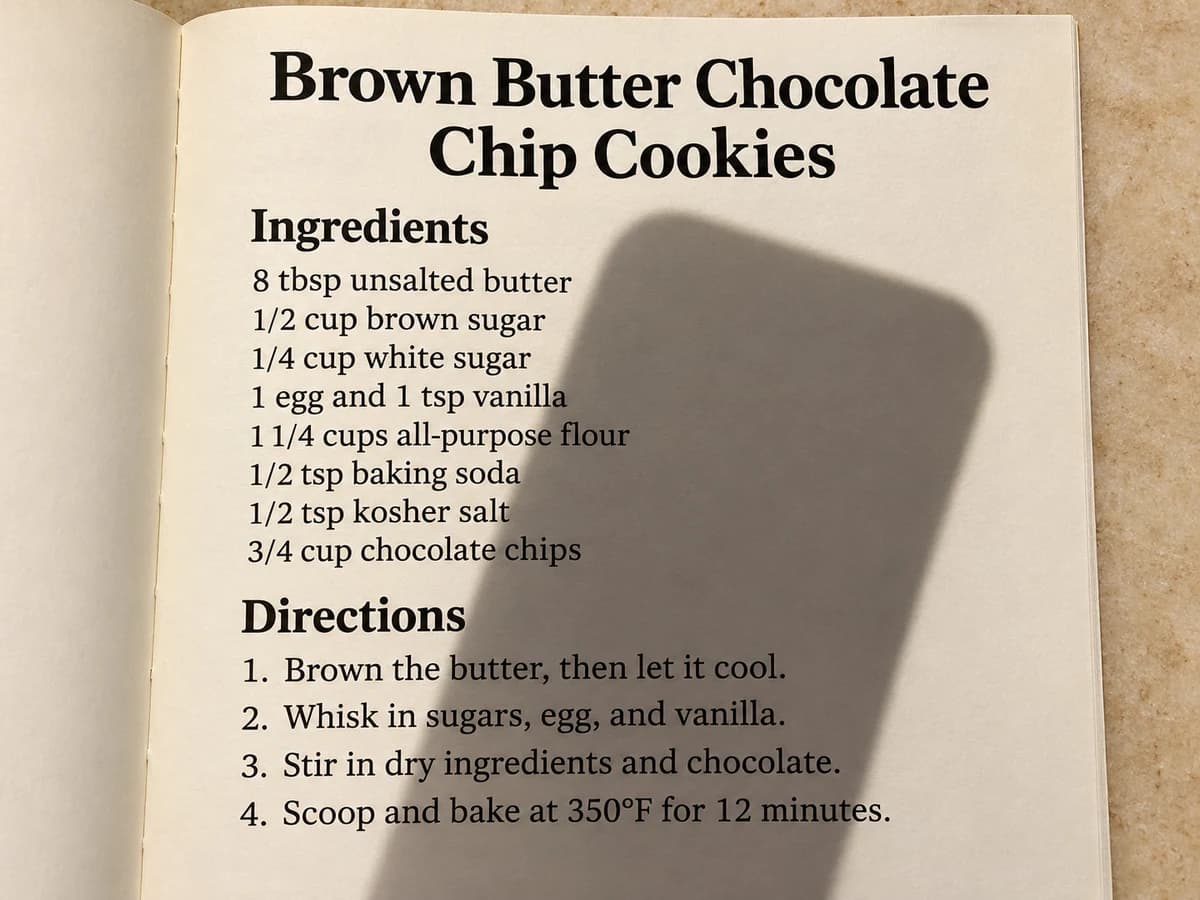
A phone-shaped shadow can make the bottom of a recipe or a paragraph of notes harder to read. Pick Paper & Notes to remove shadows from photo scans and snapshots of printed pages. For a single sheet on a desk, try turning contact-shadow protection off to make the background more even.
The aim is to lighten the paper around the ink, not rewrite the print or bleach out the page. After an edit, check small type, quantities, and punctuation against the original. When you can, start with a sharp shot that still shows the text in the shaded area.
Try it on your photoHow to remove shadows from photo uploads
- 01
Upload the shadowed photo
Drop in a JPG, PNG, or WebP up to 10 MB, or choose a sample to see how the editor works.
- 02
Pick the shadow type
Choose the closest preset to remove shadows from photo uploads. Keep contact shadows on for realism, or add a note to target a particular area.
- 03
Compare and download in HD
Drag the divider to inspect textures and lighting depth. When the edit looks right, sign in to download using the options in the result panel.
When to use the shadow remover
Outdoor & Travel Portraits
Rescue a favorite photo taken in midday sun. Clear the shade from a hat brim or a tree without losing the feel of the place.
E-Commerce & Resale Product Listings
Remove shadows from photo backgrounds to make a listing easier to read. Give buyers a clearer look at the glaze, fabric, or finish without staging the item again.
Passport & ID Photo Lighting Fixes
See what an evenly lit portrait looks like before deciding whether to retake it. Compare both sides of the face and the wall behind it.
Overhead Flat Lays & Paper Notes
Share a more readable picture of a recipe, sketch, or page of notes when the phone you shot it with blocked the light.
Why choose this AI shadow remover?
Correct the shadow, not the exposure
Instead of lifting every dark tone with your phone’s Shadows slider, use a preset to remove shadow from photo subjects while keeping the contrast around them.
Keep objects grounded
Leave the short, soft shadows beneath a sole or mug base. Those small cues keep a product looking three dimensional instead of pasted onto the background.
One editor for different subjects
Use the same browser tool to remove shadows from photo projects as different as a travel portrait, a shop listing, and a page of notes.
Frequently asked questions
How can I remove shadows from a photo?
Upload a photo, pick the preset closest to the problem, and select Remove shadows. If only one part needs work, add a short note, such as “Focus on the hat brim shadow across the eyes.” Compare the new image with the original.
Can an iPhone remove a shadow from a picture?
The Shadows control in Photos can lighten dark areas, including parts you want to keep dark. For a defined cast shadow, open Remove Shadows from Photo in your iPhone browser and choose a preset.
Is there a free tool that gets rid of shadows?
Yes. Eligible visitors can try the AI shadow remover with available guest credits. The tool shows the credit cost before you generate. Sign in to download your result or continue with account credits.
What is the difference between cast shadows and contact shadows?
A cast shadow falls where something blocks the light, like a phone casting a rectangle onto paper. A contact shadow is the narrow shade right where two surfaces meet. Erase both and a product can look flat or float above the table.
When should I remove shadows instead of using photo relighting or glare removal?
Remove a shadow when something blocks the light in one part of the image. Use AI Photo Relighting to change the direction or mood of the overall light. Use AI Glare Remover for a bright reflection on glasses, a screen, or other shiny surfaces.
Can AI fix pitch-black shadows or straighten crooked document photos?
The editor works best when some texture or lettering remains visible. If a shadow is clipped to pure black, missing detail cannot be reliably recovered. For a crooked page, use a separate document deskew or perspective correction tool.
What photo formats are supported and how are uploads handled?
Choose one JPG, PNG, or WebP up to 10 MB. The editor shows a local preview and can restore your draft on this device. When you generate, the photo is uploaded for AI processing. The edit does not overwrite your original file.
Good photo, distracting shadow?
Start with your own image or a sample. Compare the original and edited light before you save.